
 15
15presentation
Indie Magazine Startup Pitch Deck
Shape your publishing concept with an indie magazine startup pitch deck featuring pastel gradients, bold collage layouts, and editable planning slides.
Google SlidesPowerPoint
presentation · English
Build polished proposals and updates with a blue corporate photo deck featuring clean layouts, bold imagery, and easy PowerPoint or Google Slides editing.

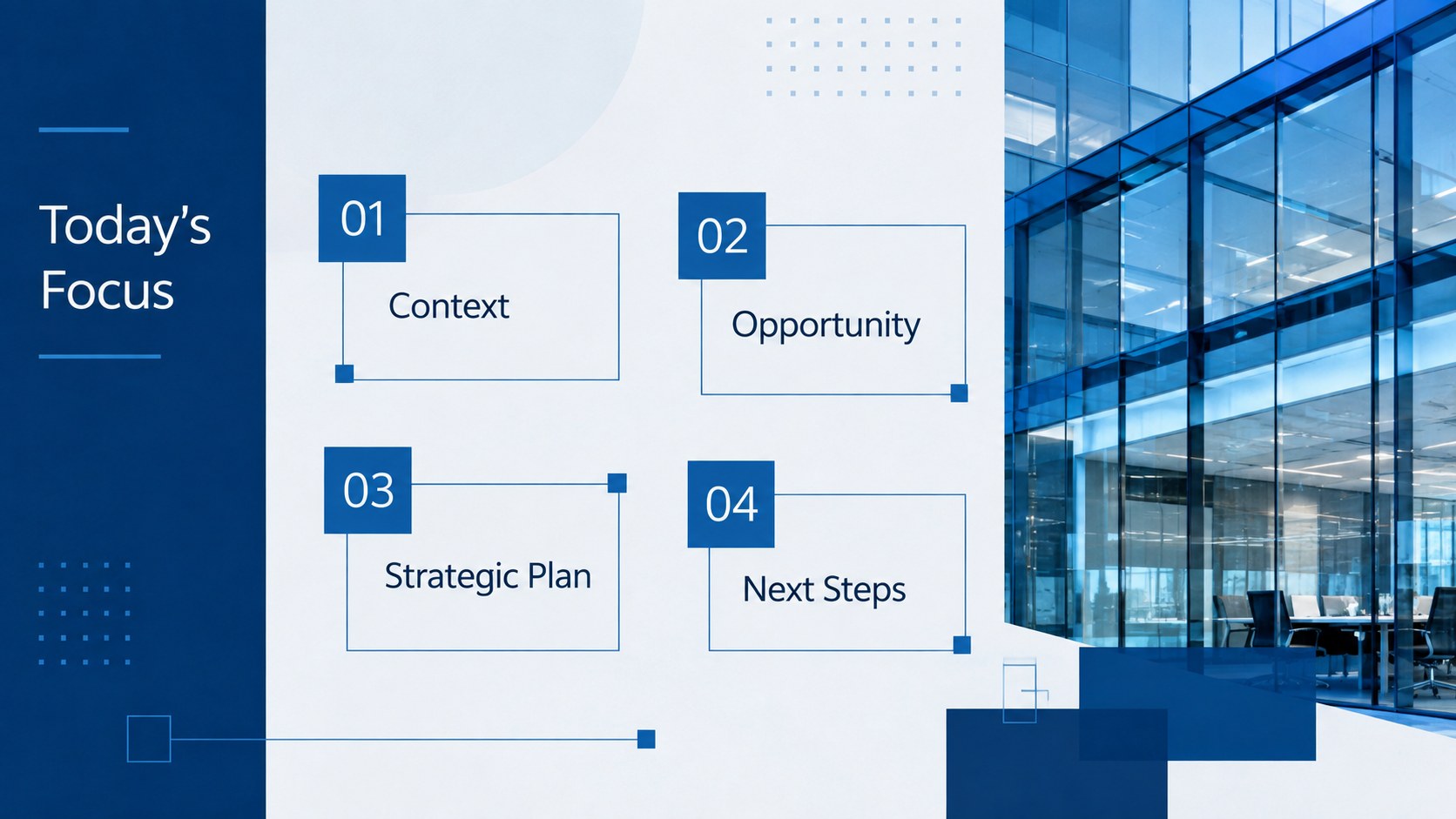

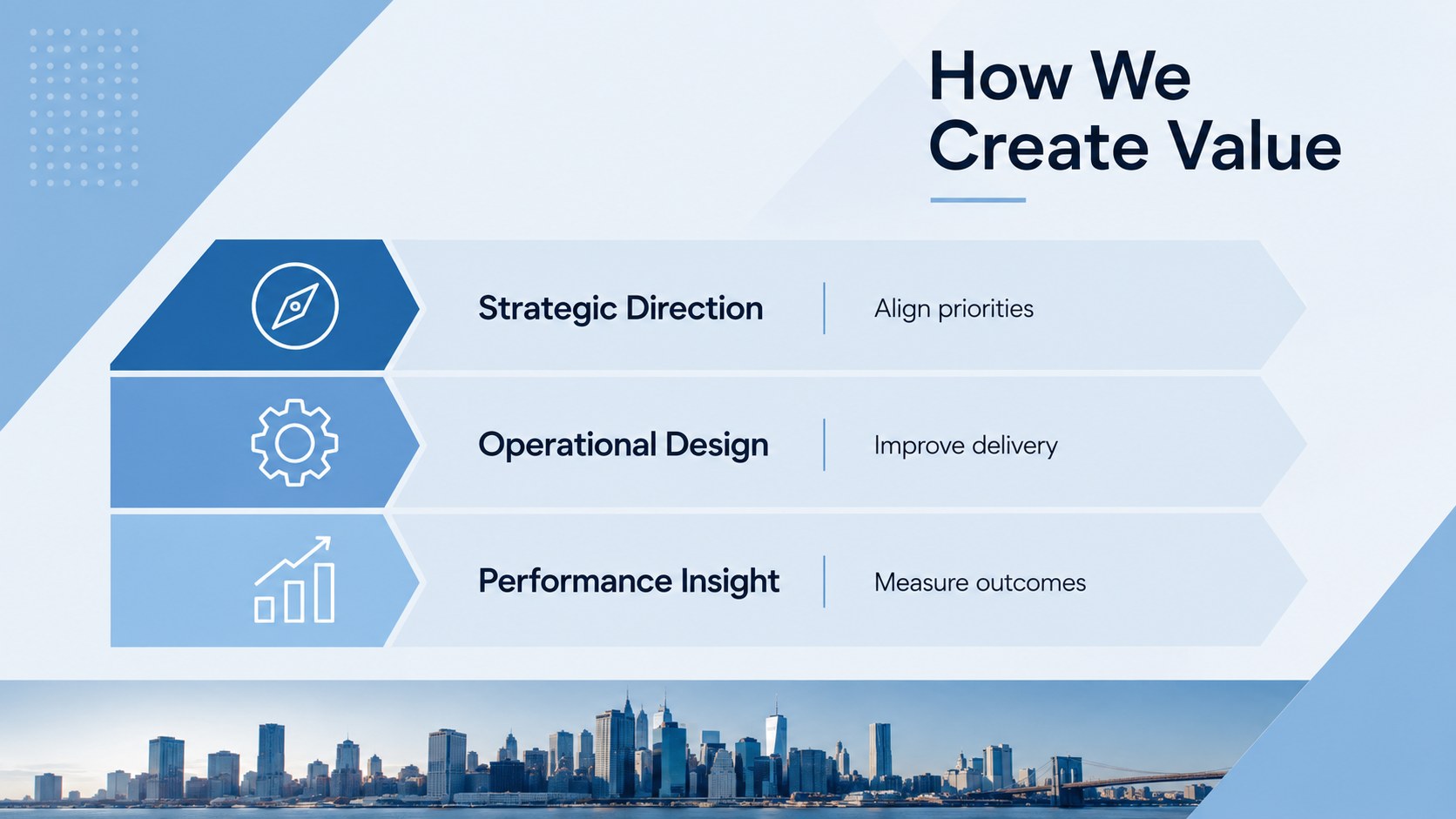

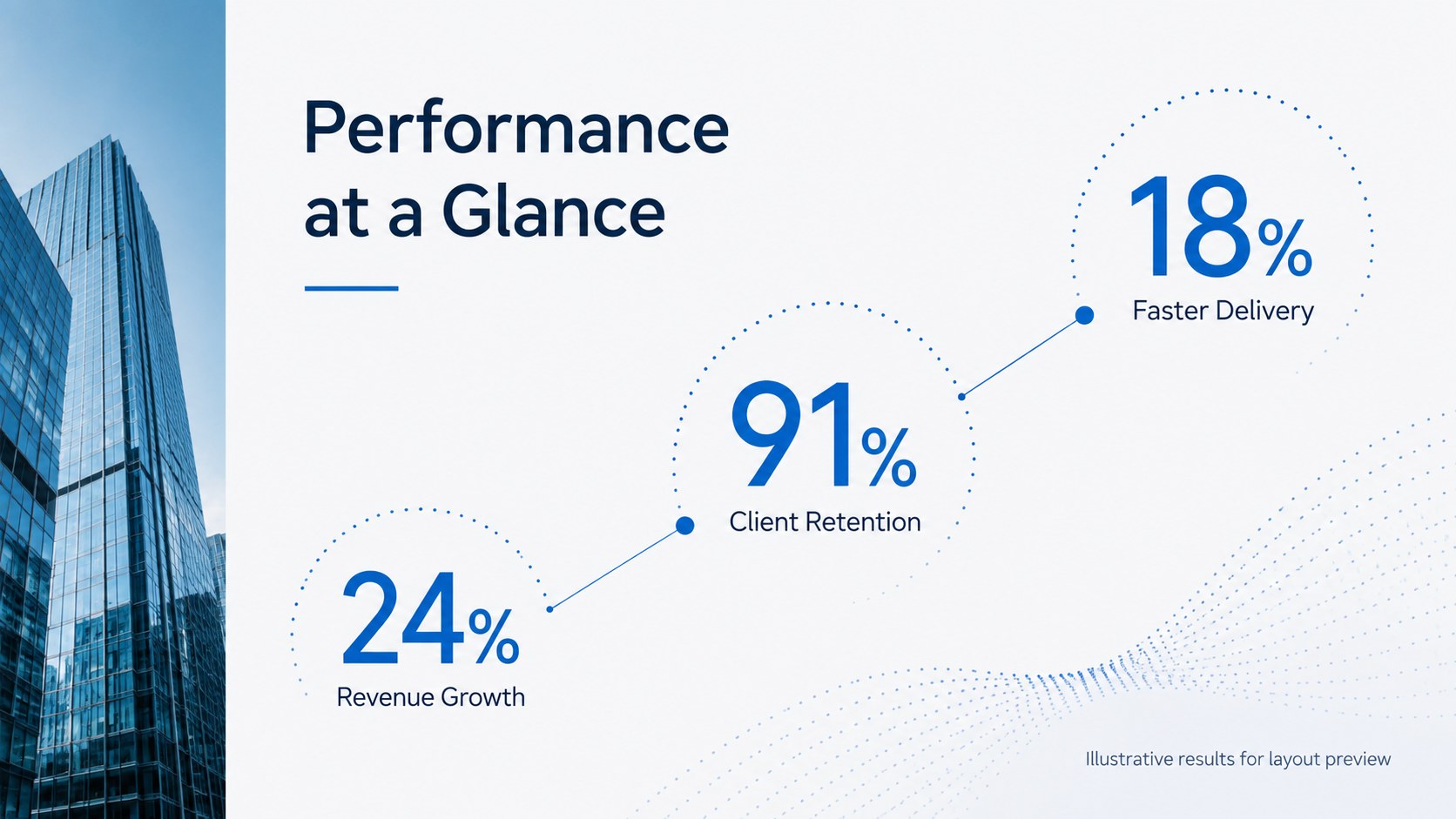
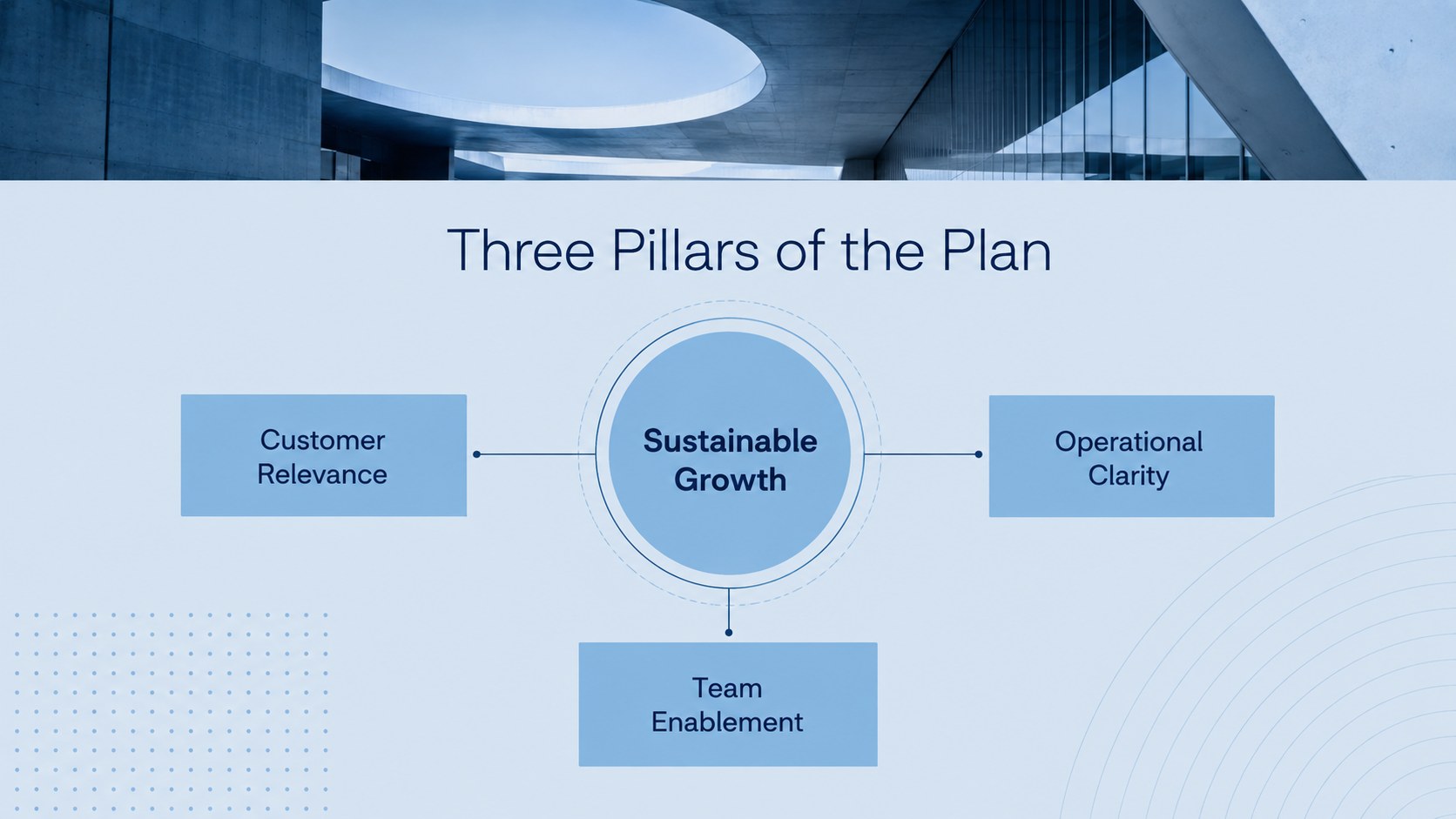

Design notes
Turn proposals, reports, and company updates into focused visual narratives with this blue corporate photo deck. Its refined blue palette, generous image areas, and clean typography create a credible look without making information feel crowded. Adapt the slides in PowerPoint or Google Slides to match your organization, project, or audience.
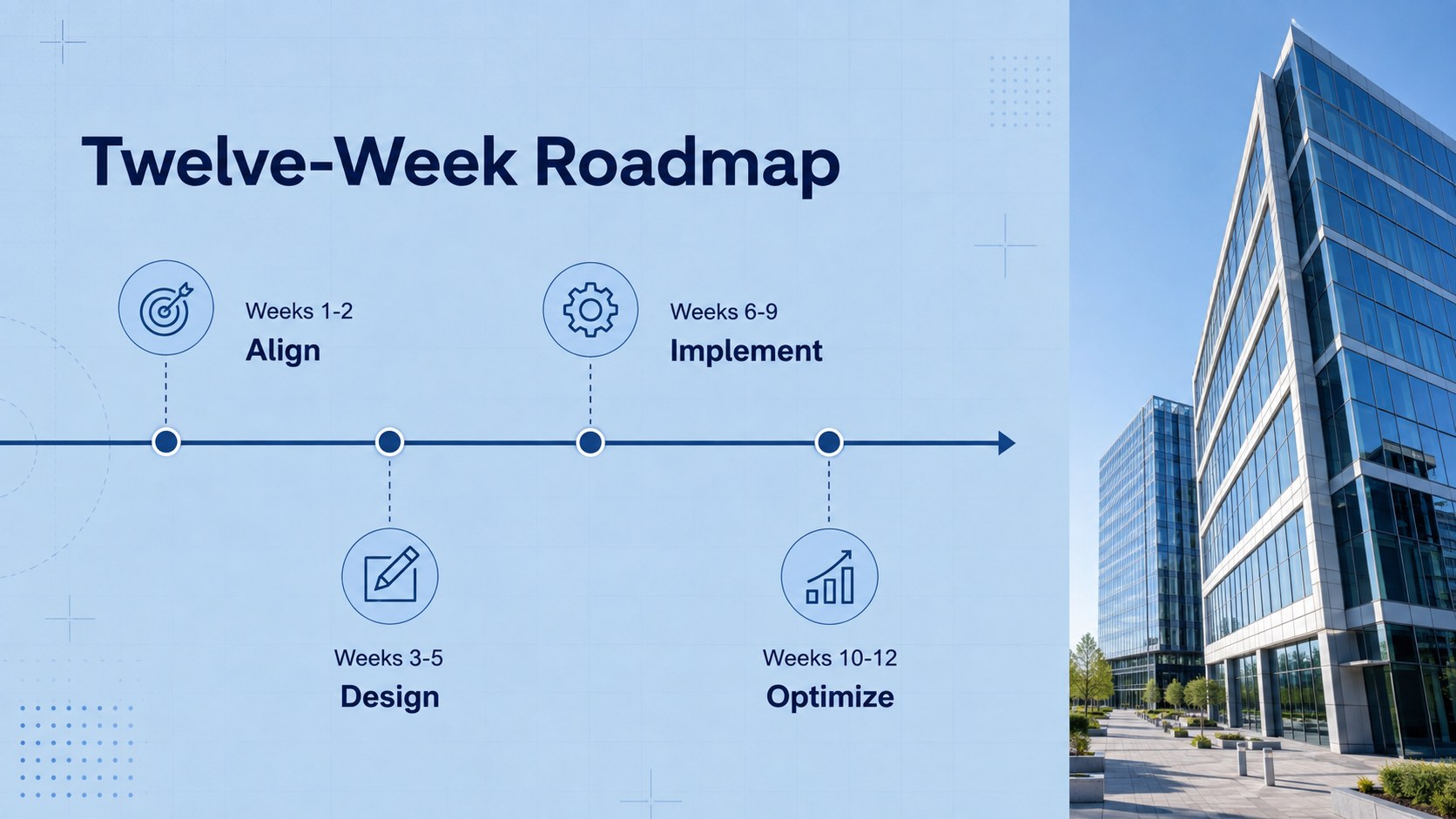
The deck includes 15 widescreen layouts for an opening statement, agenda, company profile, services, project overview, key metrics, strategy pillars, process steps, timeline, team introduction, case study, testimonial, next steps, contact details, and a closing message. Flexible text areas, photo frames, charts, and simple graphic accents make it a practical professional business presentation template for both concise briefings and detailed discussions.
Use this modern blue company slide deck for client proposals, leadership meetings, quarterly reviews, consulting presentations, or internal planning. It also works as a photo-led corporate pitch template when visual evidence, workplace imagery, or architectural photography needs to support the story. Replace the sample copy, insert your own photos, adjust colors and fonts, and reorganize sections while preserving a consistent professional style. Every layout uses a 16:9 format suited to meeting-room displays, laptops, and virtual presentations.
Perfect for: client proposal meeting; quarterly business review; company profile presentation; project status update; consulting strategy briefing; leadership planning session.
Frequently asked questions
Can I edit this deck in PowerPoint and Google Slides? Yes. All text, colors, images, and layout elements can be edited in PowerPoint or Google Slides. Minor font or spacing adjustments may be needed when moving between platforms.
Practical details
Yes. All text, colors, images, and layout elements can be edited in PowerPoint or Google Slides. Minor font or spacing adjustments may be needed when moving between platforms.
Use the theme color controls in your chosen platform to replace the default blues with your brand colors. Check chart labels, icons, and text contrast after making global color changes.
Yes. Swap each sample image for your own workplace, team, product, city, or architecture photography. Choose high-resolution landscape images and crop them within the existing frames for the cleanest result.
The layouts can be exported as a PDF for printing or distribution. Review image resolution and use a light background option when economical office printing is important.
Keep exploring
15Shape your publishing concept with an indie magazine startup pitch deck featuring pastel gradients, bold collage layouts, and editable planning slides.
 16
16Build clear project stories with the Icon Grid Teamwork Theme, a flexible blue illustrated deck for proposals, strategy updates, and team meetings.
 3
3Turn priorities into an actionable plan with an annual goals roadmap infographic, featuring editable orange and teal layouts for PowerPoint and Google Slides.
 15
15Create an Annual Achievement Report Presentation with colorful geometric layouts for milestones, results, lessons, and priorities in PowerPoint or Google Slides.
 15
15Turn results into a focused annual performance evaluation report with dark 3D slides for KPIs, achievements, feedback, and next-step goals for teams.
 15
15Guide a focused annual recap with Business Results Retrospective Slides, a muted brown-and-blue template for PowerPoint and Google Slides.
 6
6Turn complex plans into clear visual stories with Color-Coded Workflow Path Slides, an editable set for project updates, roadmaps, and team briefings.
 6
6Compare regional performance at a glance with Global Data Heatmap Slides, a clean multicolor deck designed for editable PowerPoint and Google Slides.