
 15
15presentation
Indie Magazine Startup Pitch Deck
Shape your publishing concept with an indie magazine startup pitch deck featuring pastel gradients, bold collage layouts, and editable planning slides.
Google SlidesPowerPoint
presentation · English
Build sharper workshops with Blue Consulting Training Infographics, a polished blue-and-white deck for structured lessons in PowerPoint and Google Slides.

Design notes
Blue Consulting Training Infographics helps facilitators turn detailed business concepts into clear, structured learning experiences. Designed with a minimalist blue-and-white visual system, this consulting training presentation template supports concise explanations, practical examples, and data-led discussion without distracting from the material.
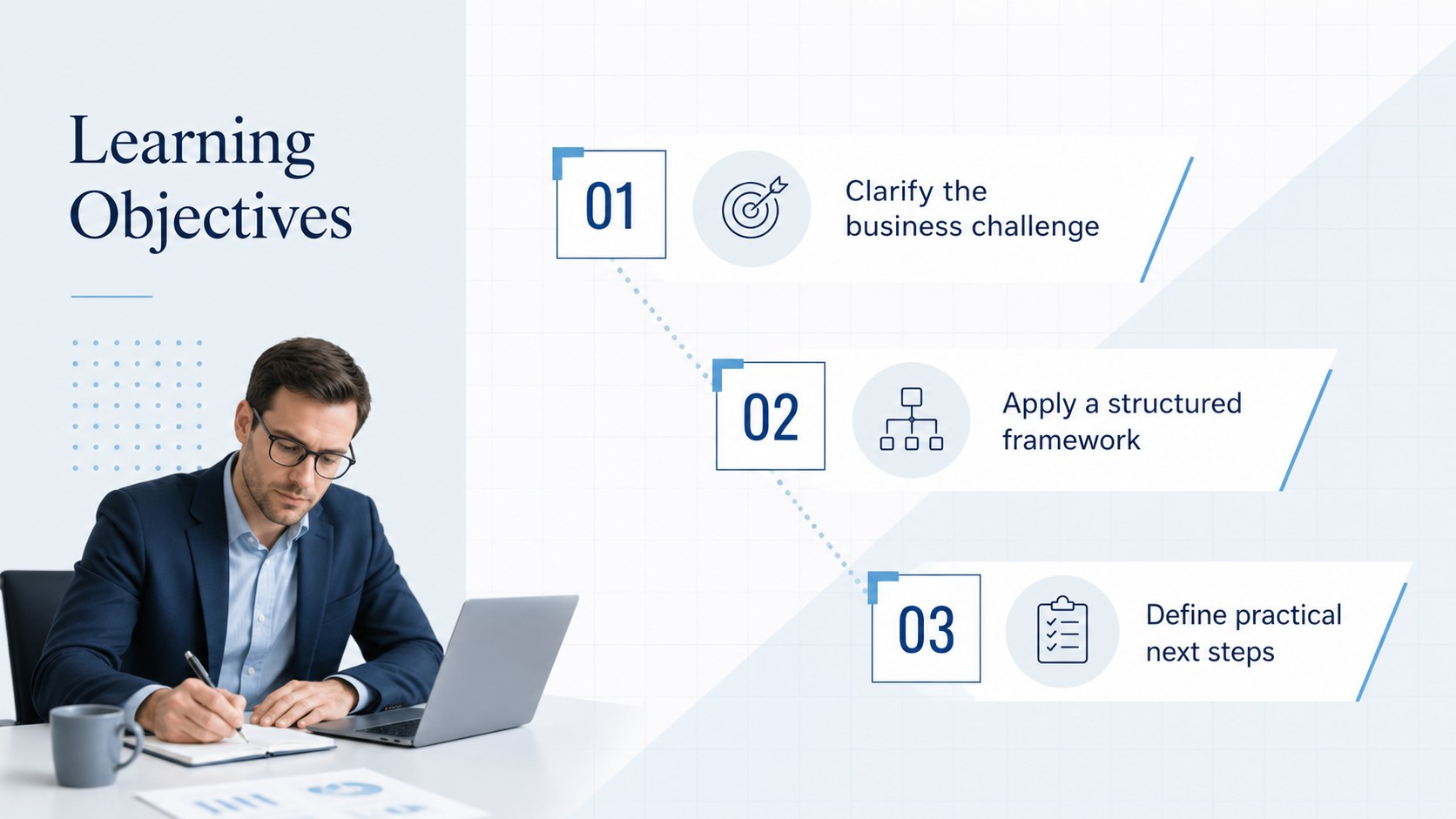
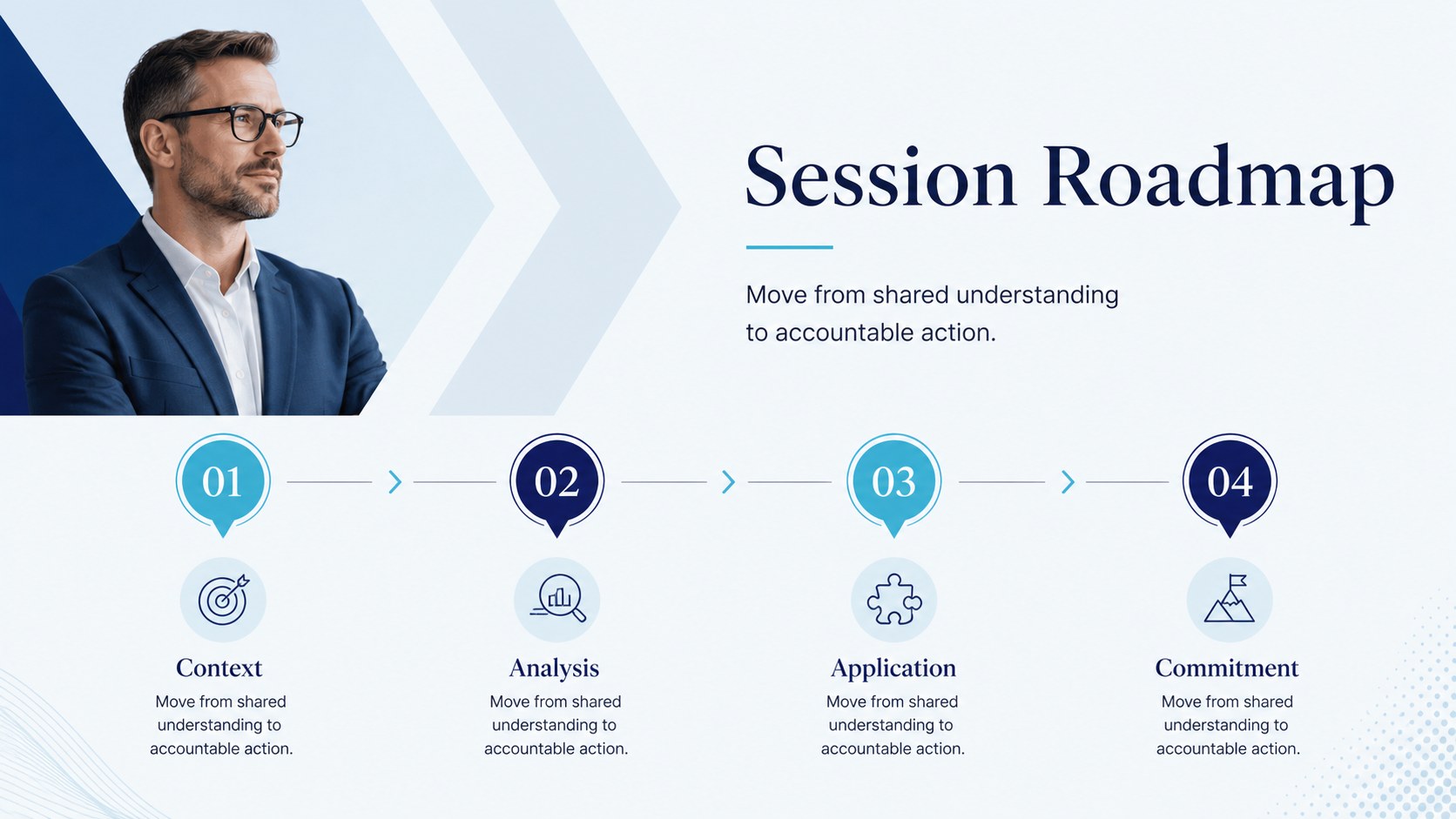
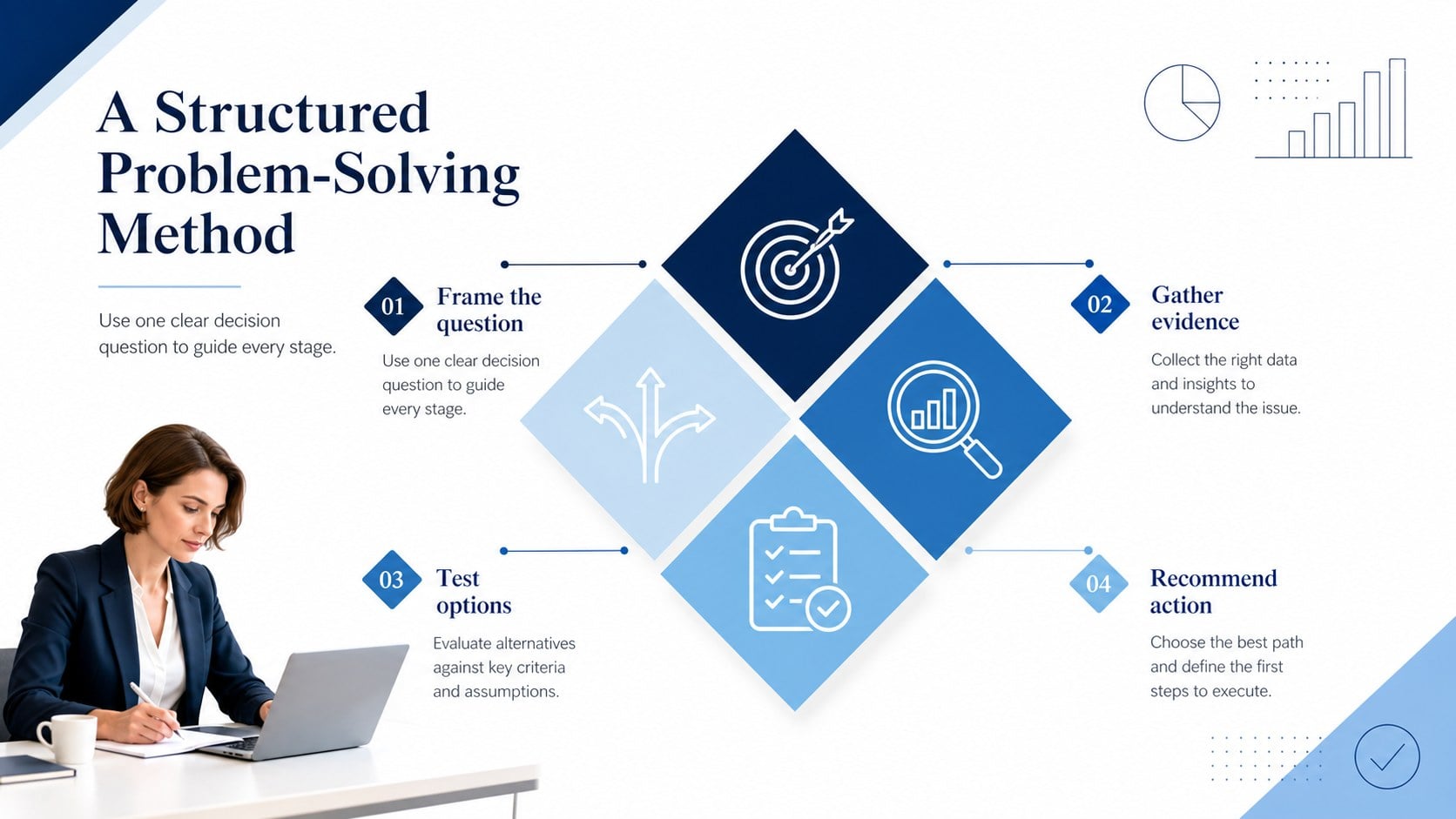
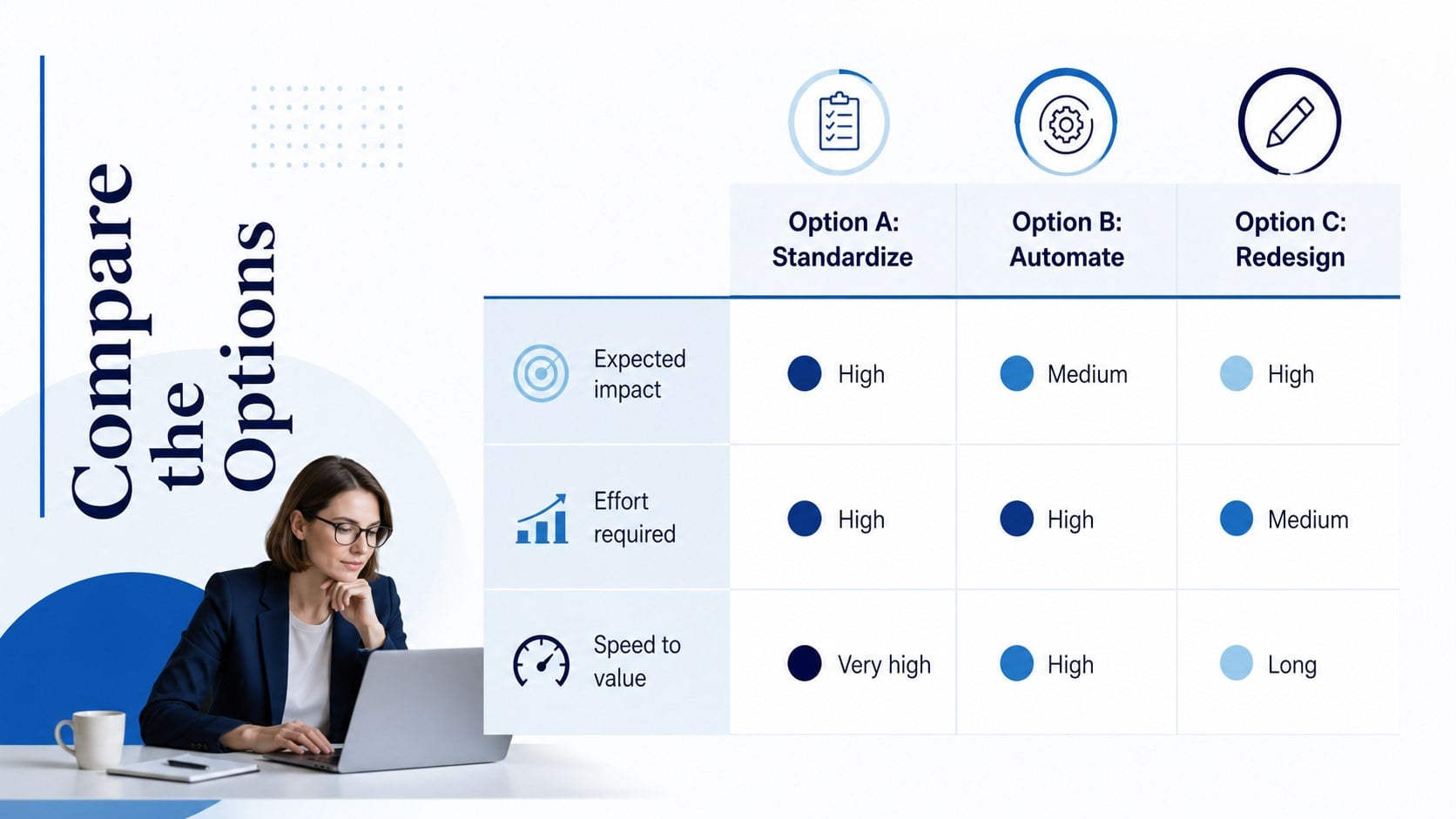
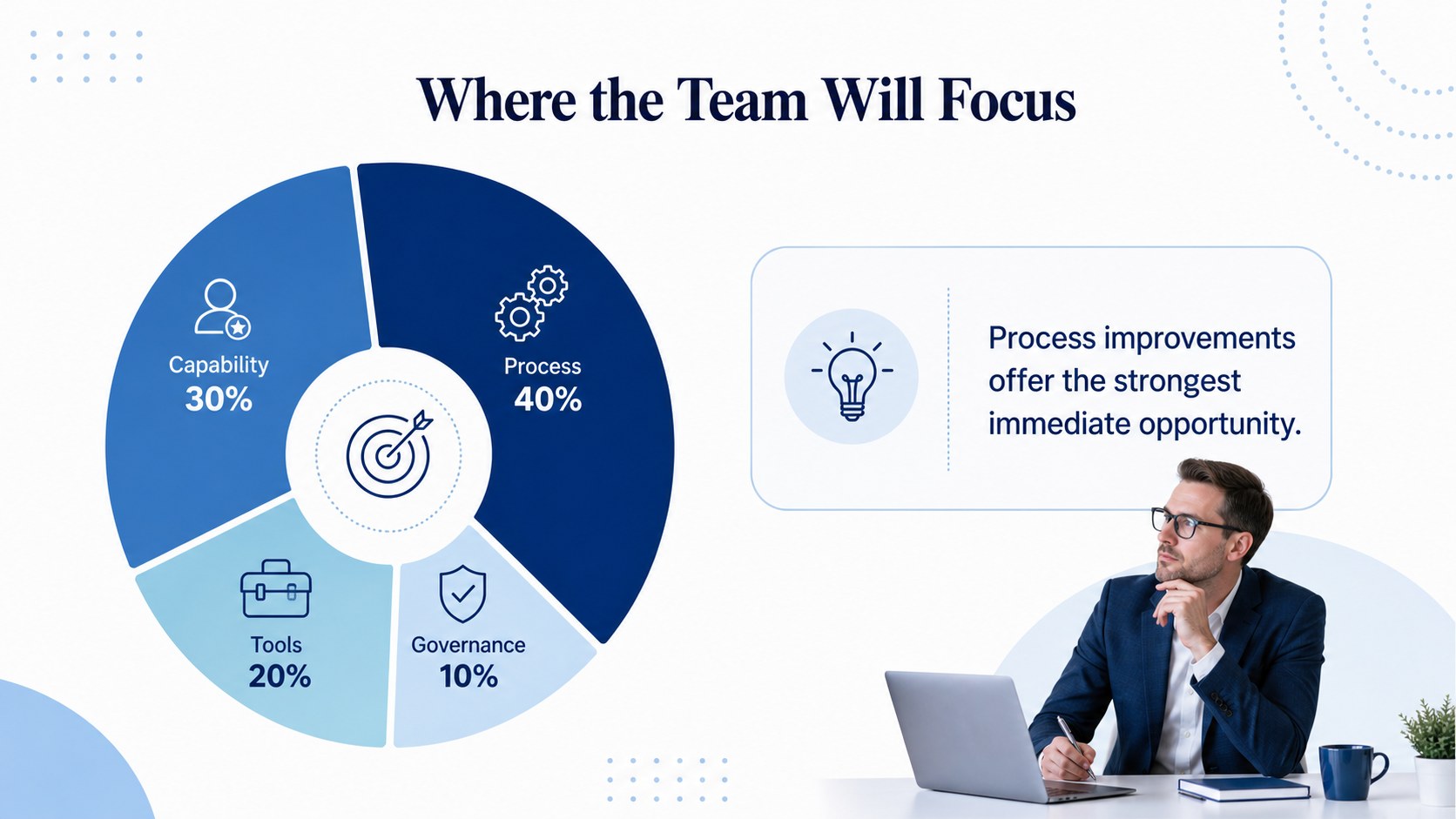
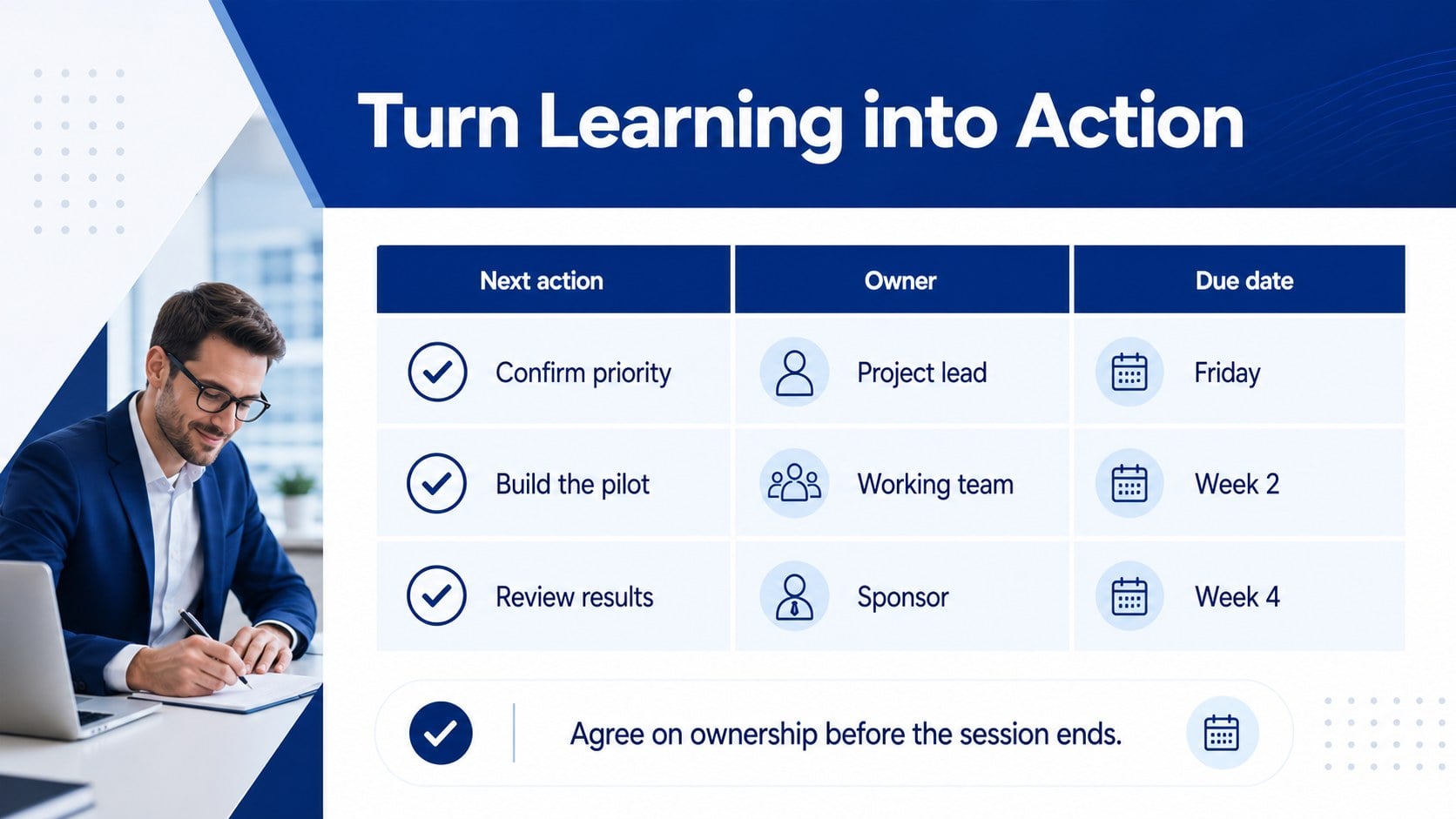
The seven-slide collection includes a workshop cover, learning objectives, session roadmap, process framework, option comparison, circular data graphic, and action plan. Editable charts, text areas, shapes, and visual hierarchies make it easy to adapt the deck to leadership development, analyst onboarding, operational training, or client education. Each 16:9 layout balances professional restraint with enough visual variety to keep participants engaged.
Use this corporate workshop slide deck when presenting strategic frameworks, comparing approaches, explaining workflows, or assigning next steps. The blue and white business slides are suitable for consultants, internal training teams, department leaders, project managers, and instructors working with professional audiences. Replace the sample wording, adjust the data, apply your preferred fonts, and add organizational colors while preserving the clean consulting aesthetic.
The template is fully editable in PowerPoint and Google Slides. Present it as a complete training sequence or select individual infographics to strengthen an existing workshop, seminar, or team meeting.
Perfect for: consultant onboarding workshop; leadership development session; client education seminar; strategy framework training; operational process briefing.
Frequently asked questions
Practical details
Yes. Text, colors, shapes, charts, and layout elements can be adjusted to match your session content and visual identity.
The template is designed for PowerPoint and Google Slides. Some fonts or transitions may render slightly differently between the two platforms, so review the final deck before presenting.
Replace the sample copy and data first, then apply your organization’s fonts, accent colors, and approved imagery. Keep the existing spacing and visual hierarchy for a clean consulting-style result.
Yes. Copy the required slide or selected editable elements into another 16:9 presentation, then adjust the styling to fit the destination deck.
Keep exploring
15Shape your publishing concept with an indie magazine startup pitch deck featuring pastel gradients, bold collage layouts, and editable planning slides.
 16
16Build clear project stories with the Icon Grid Teamwork Theme, a flexible blue illustrated deck for proposals, strategy updates, and team meetings.
 3
3Turn priorities into an actionable plan with an annual goals roadmap infographic, featuring editable orange and teal layouts for PowerPoint and Google Slides.
 15
15Create an Annual Achievement Report Presentation with colorful geometric layouts for milestones, results, lessons, and priorities in PowerPoint or Google Slides.
 15
15Turn results into a focused annual performance evaluation report with dark 3D slides for KPIs, achievements, feedback, and next-step goals for teams.
 15
15Guide a focused annual recap with Business Results Retrospective Slides, a muted brown-and-blue template for PowerPoint and Google Slides.
 6
6Turn complex plans into clear visual stories with Color-Coded Workflow Path Slides, an editable set for project updates, roadmaps, and team briefings.
 6
6Compare regional performance at a glance with Global Data Heatmap Slides, a clean multicolor deck designed for editable PowerPoint and Google Slides.