
 15
15presentation
Indie Magazine Startup Pitch Deck
Shape your publishing concept with an indie magazine startup pitch deck featuring pastel gradients, bold collage layouts, and editable planning slides.
Google SlidesPowerPoint
presentation · English
Build clearer decisions with a binary choice flowchart template for PowerPoint and Google Slides. Edit the black-and-white layout for plans, policies, and…
Design notes
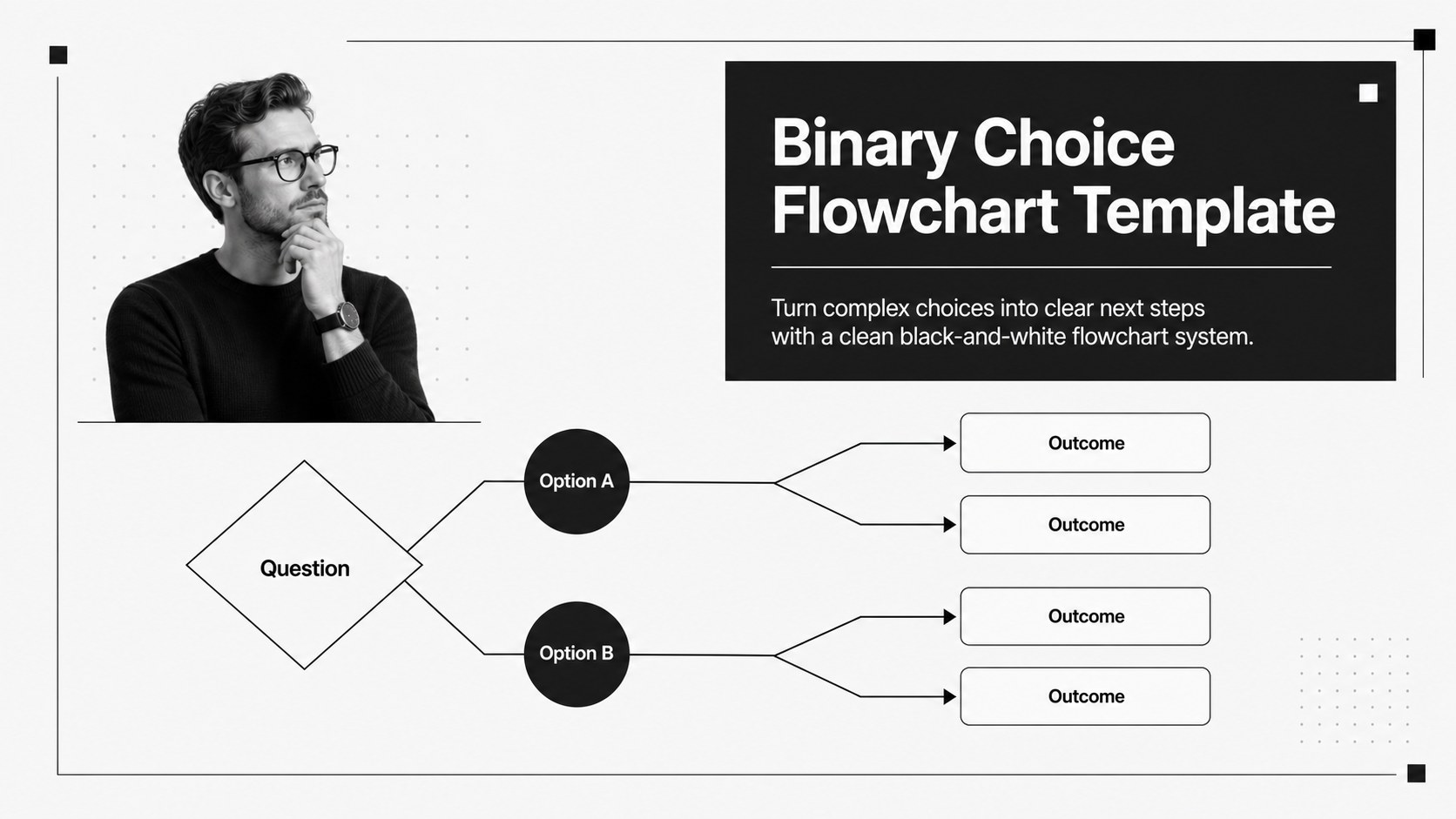
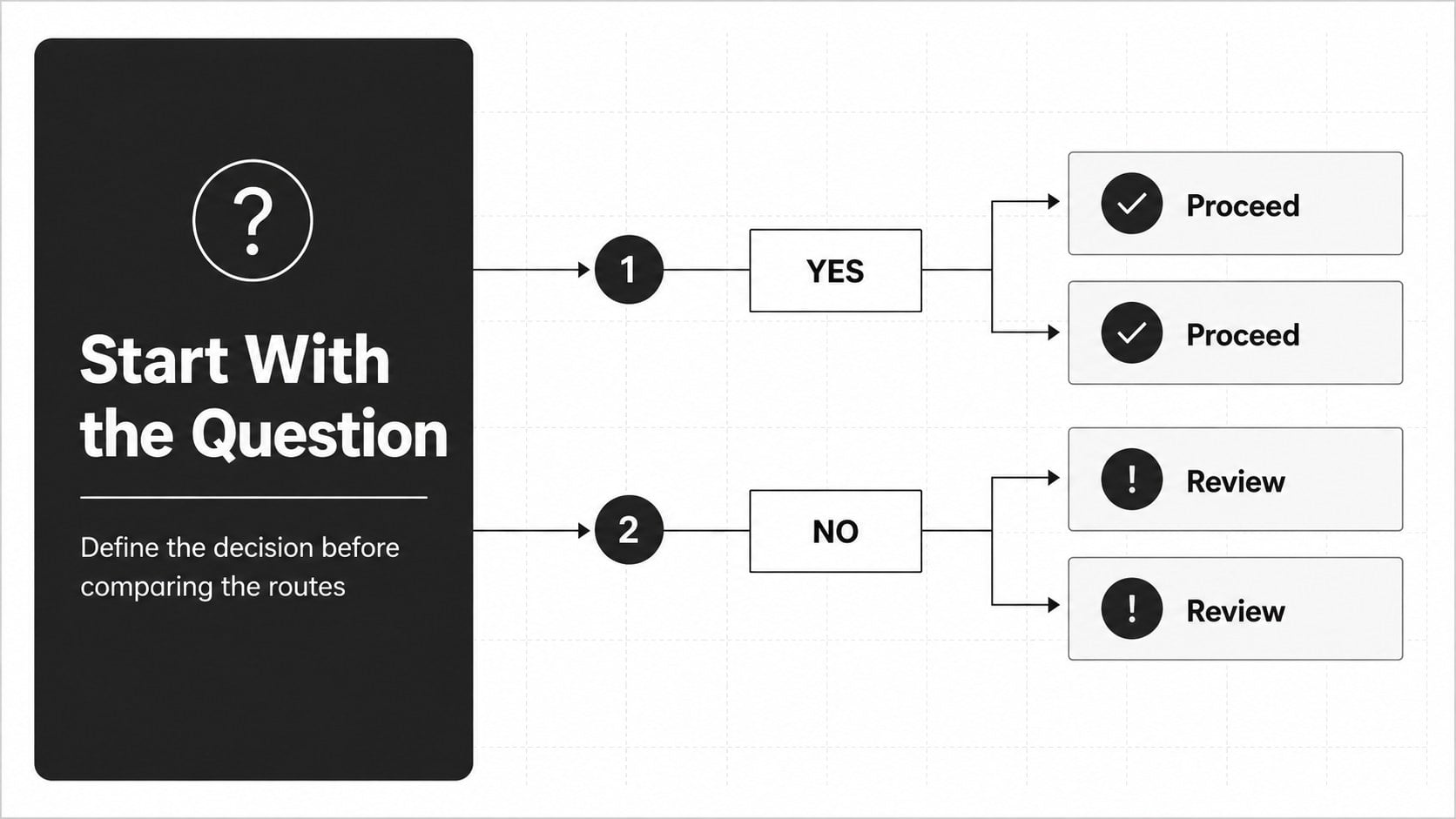
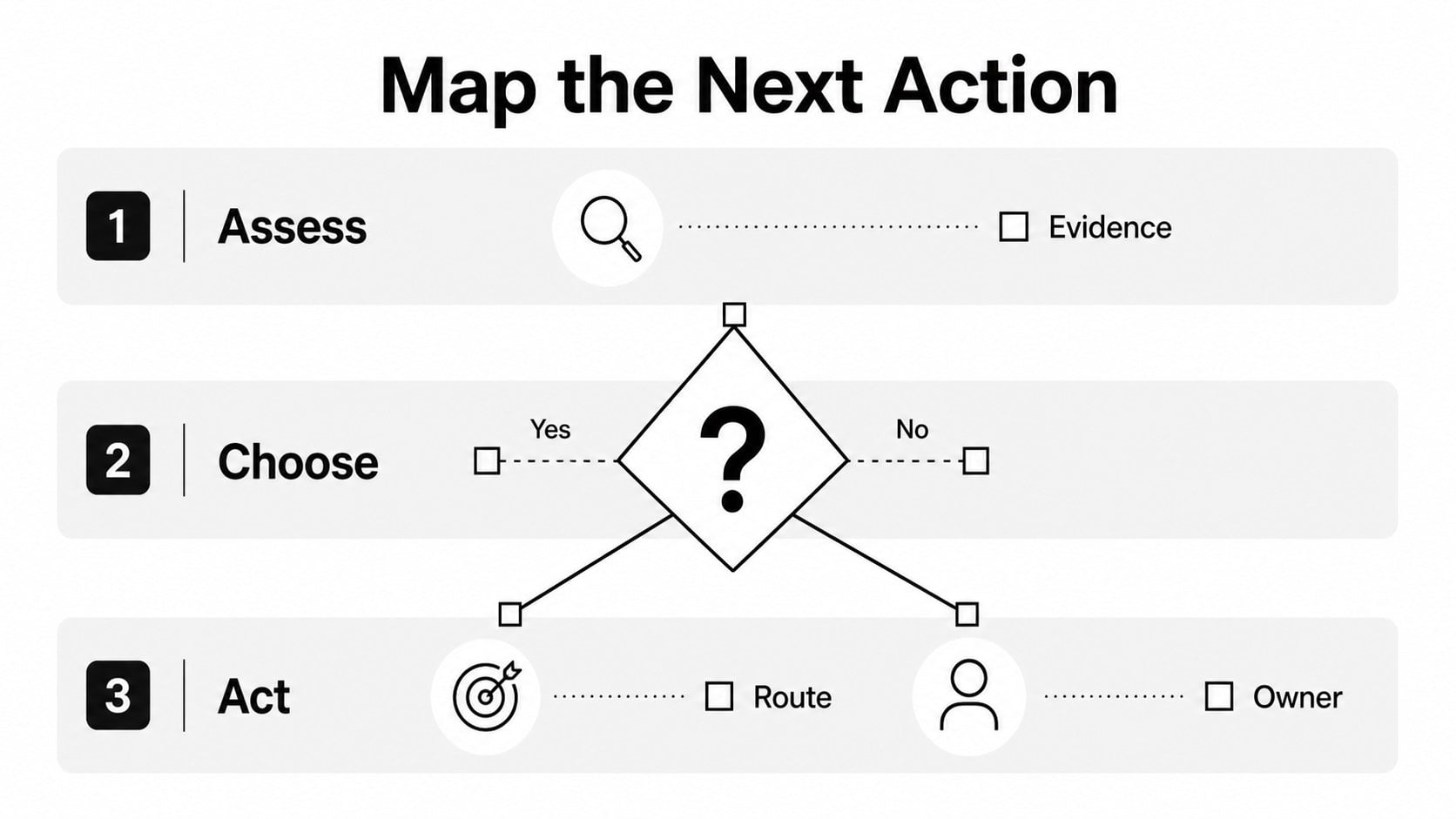
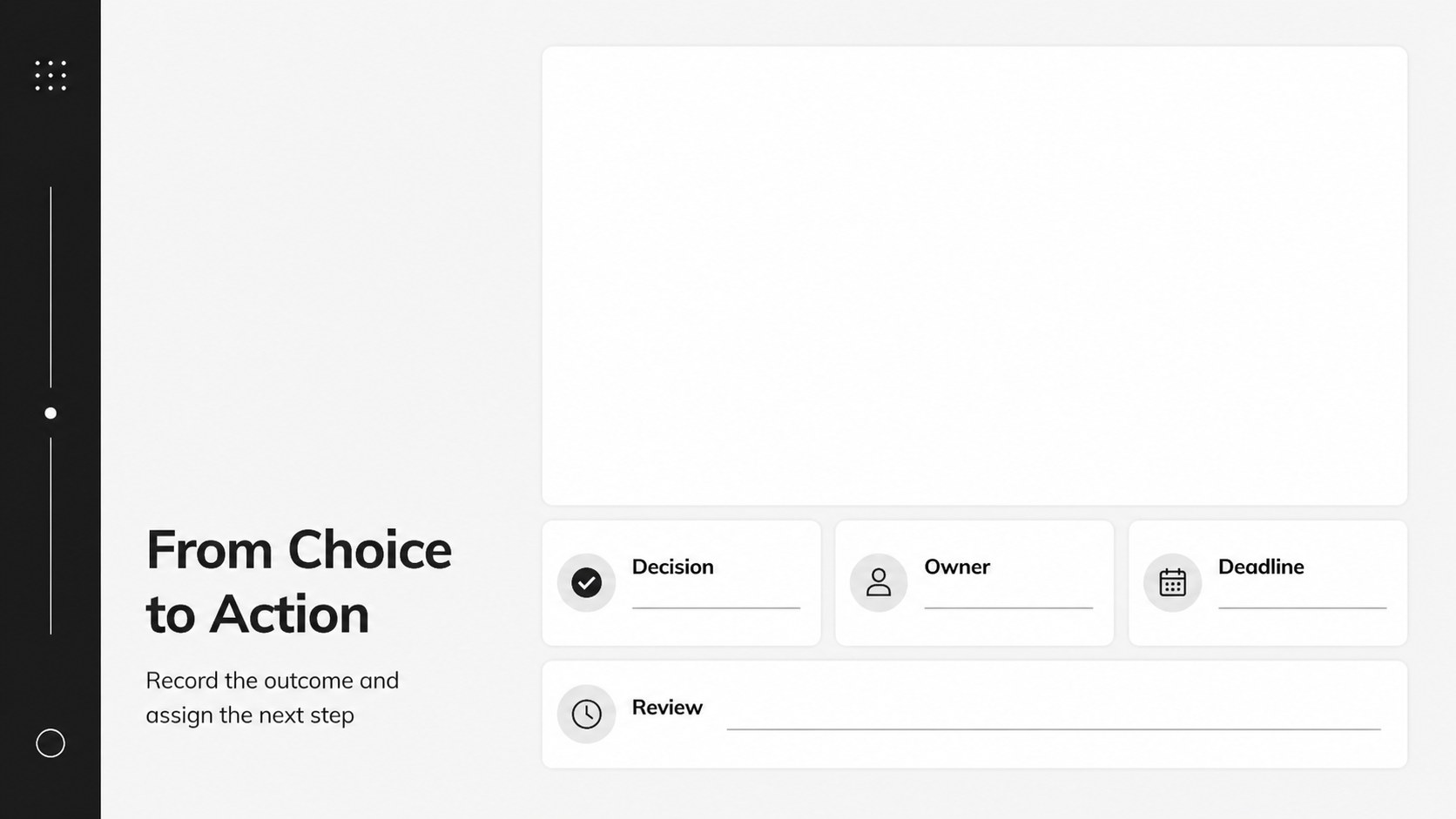
Turn complex choices into clear next steps with a binary choice flowchart template designed for focused business communication. Its crisp black-and-white visual system uses branching paths, strong contrast, and generous whitespace to help audiences follow a process without distraction. Use it to explain approvals, troubleshoot problems, compare options, or present a repeatable decision framework.
Inside the deck, you will find four editable 16:9 slide layouts built around yes-or-no logic. Rearrange labels, connectors, boxes, and section markers to create a decision tree for project planning, policy reviews, customer support, or internal operations. The layouts work well as a business process flowchart, an executive one-pager, or a workshop handout. PowerPoint and Google Slides users can adjust the typography, spacing, shapes, and wording to match an existing presentation system.
This resource is suited to consultants, project managers, operations teams, educators, and analysts who need to make complicated choices easier to explain. Present a route from question to outcome, show where an approval is required, or turn a meeting discussion into a visual action plan. The restrained palette keeps attention on the logic while leaving room for your own examples, annotations, and recommendations.
Perfect for: startup process planning; consulting recommendation workshop; operational policy review; customer support troubleshooting; project approval meeting.
Frequently asked questions
Can I edit the flowchart layouts? Yes. The shapes, connectors, text, colors, and spacing are editable in both PowerPoint and Google Slides. Duplicate or rearrange elements to build a decision path that fits your process.
Practical details
Yes. The shapes, connectors, text, colors, and spacing are editable in both PowerPoint and Google Slides. Duplicate or rearrange elements to build a decision path that fits your process.
The template is intended for PowerPoint and Google Slides. Download the format that matches your workflow, then update the wording and visual hierarchy directly in the presentation editor.
Yes. Replace the black accents with your brand color or apply a softer neutral contrast while keeping the same minimalist structure. Use consistent accent colors to distinguish outcomes or priority levels.
It works for approvals, operational procedures, troubleshooting routes, strategic choices, and workshop exercises. Each layout can be adapted from a simple two-way question into a longer process map.
Keep exploring
15Shape your publishing concept with an indie magazine startup pitch deck featuring pastel gradients, bold collage layouts, and editable planning slides.
 16
16Build clear project stories with the Icon Grid Teamwork Theme, a flexible blue illustrated deck for proposals, strategy updates, and team meetings.
 3
3Turn priorities into an actionable plan with an annual goals roadmap infographic, featuring editable orange and teal layouts for PowerPoint and Google Slides.
 15
15Create an Annual Achievement Report Presentation with colorful geometric layouts for milestones, results, lessons, and priorities in PowerPoint or Google Slides.
 15
15Turn results into a focused annual performance evaluation report with dark 3D slides for KPIs, achievements, feedback, and next-step goals for teams.
 15
15Guide a focused annual recap with Business Results Retrospective Slides, a muted brown-and-blue template for PowerPoint and Google Slides.
 6
6Turn complex plans into clear visual stories with Color-Coded Workflow Path Slides, an editable set for project updates, roadmaps, and team briefings.
 6
6Compare regional performance at a glance with Global Data Heatmap Slides, a clean multicolor deck designed for editable PowerPoint and Google Slides.