
 15
15presentation
Indie Magazine Startup Pitch Deck
Shape your publishing concept with an indie magazine startup pitch deck featuring pastel gradients, bold collage layouts, and editable planning slides.
Google SlidesPowerPoint
presentation · English
Build alignment with a beige product roadmap visual toolkit featuring editable timelines, milestones, priorities, and launch views for clear team planning.
Design notes
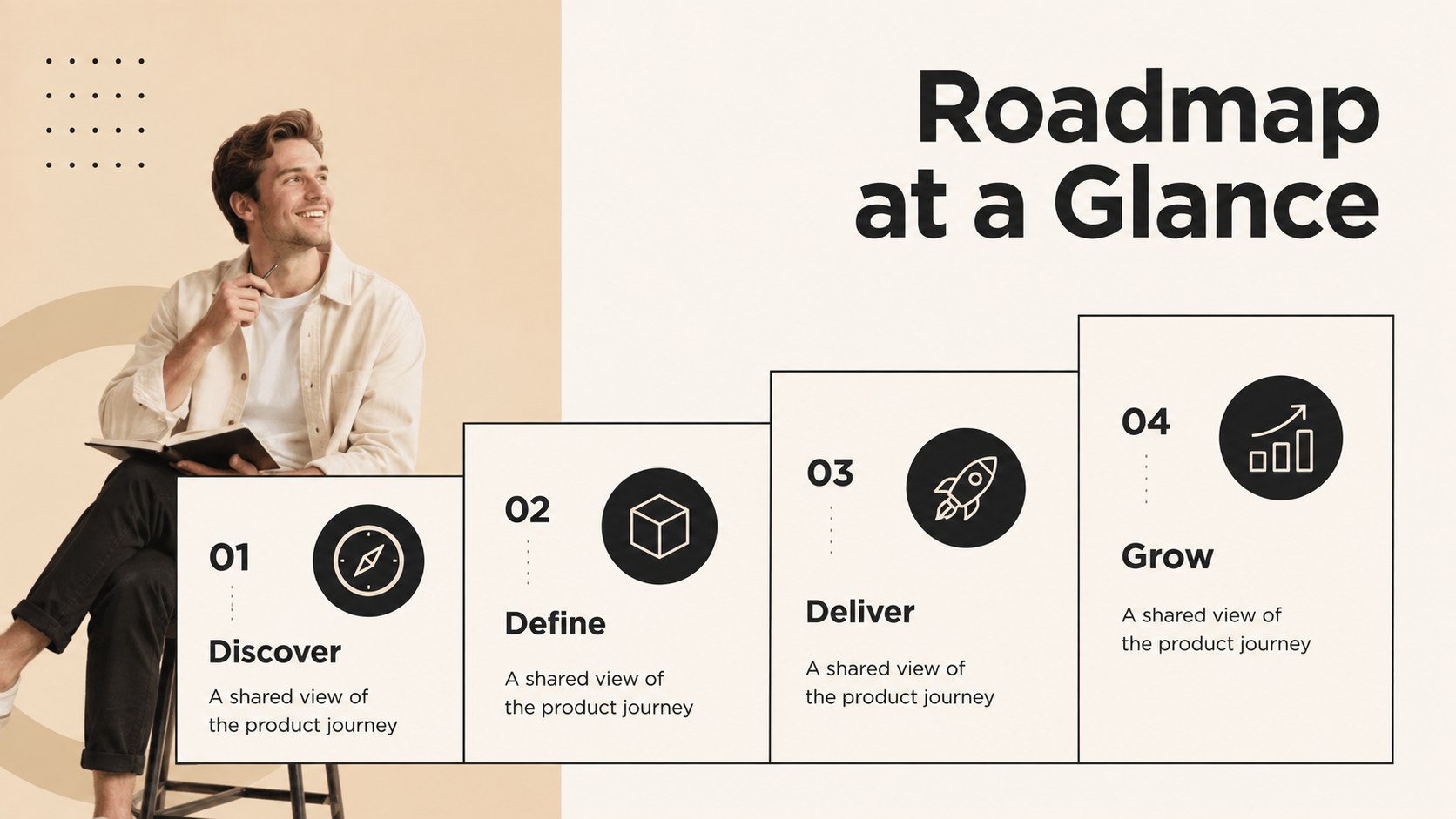
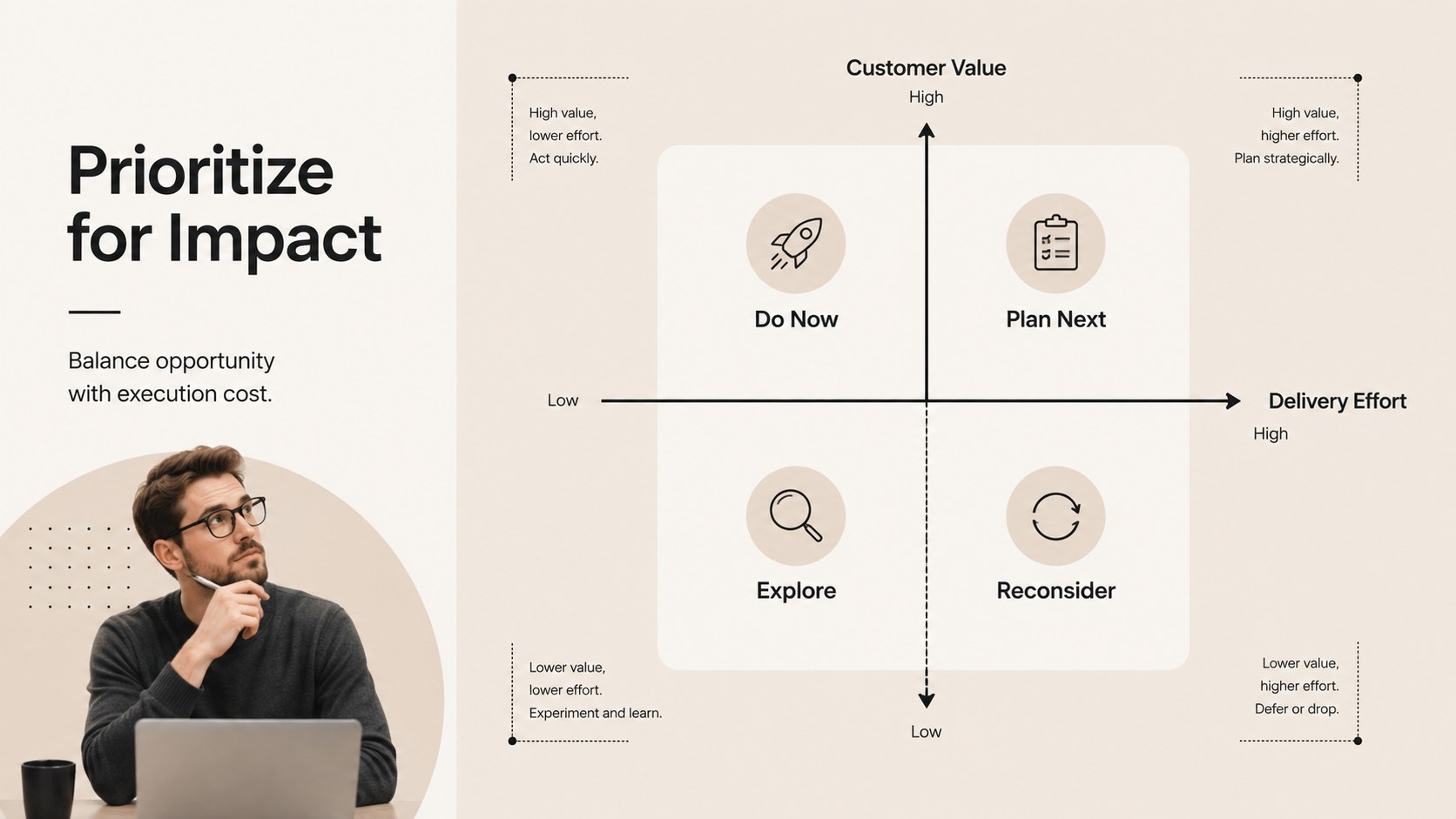
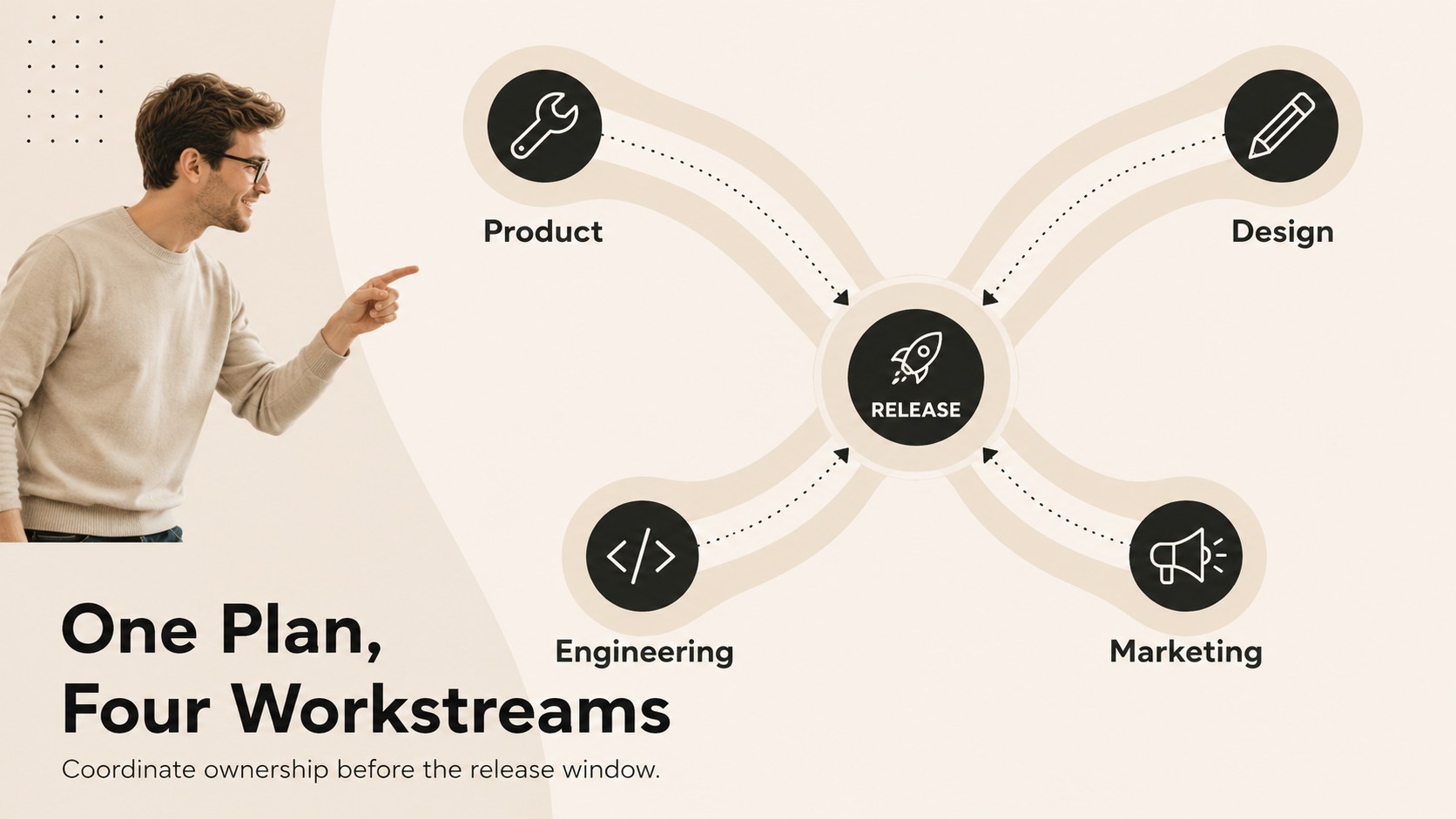
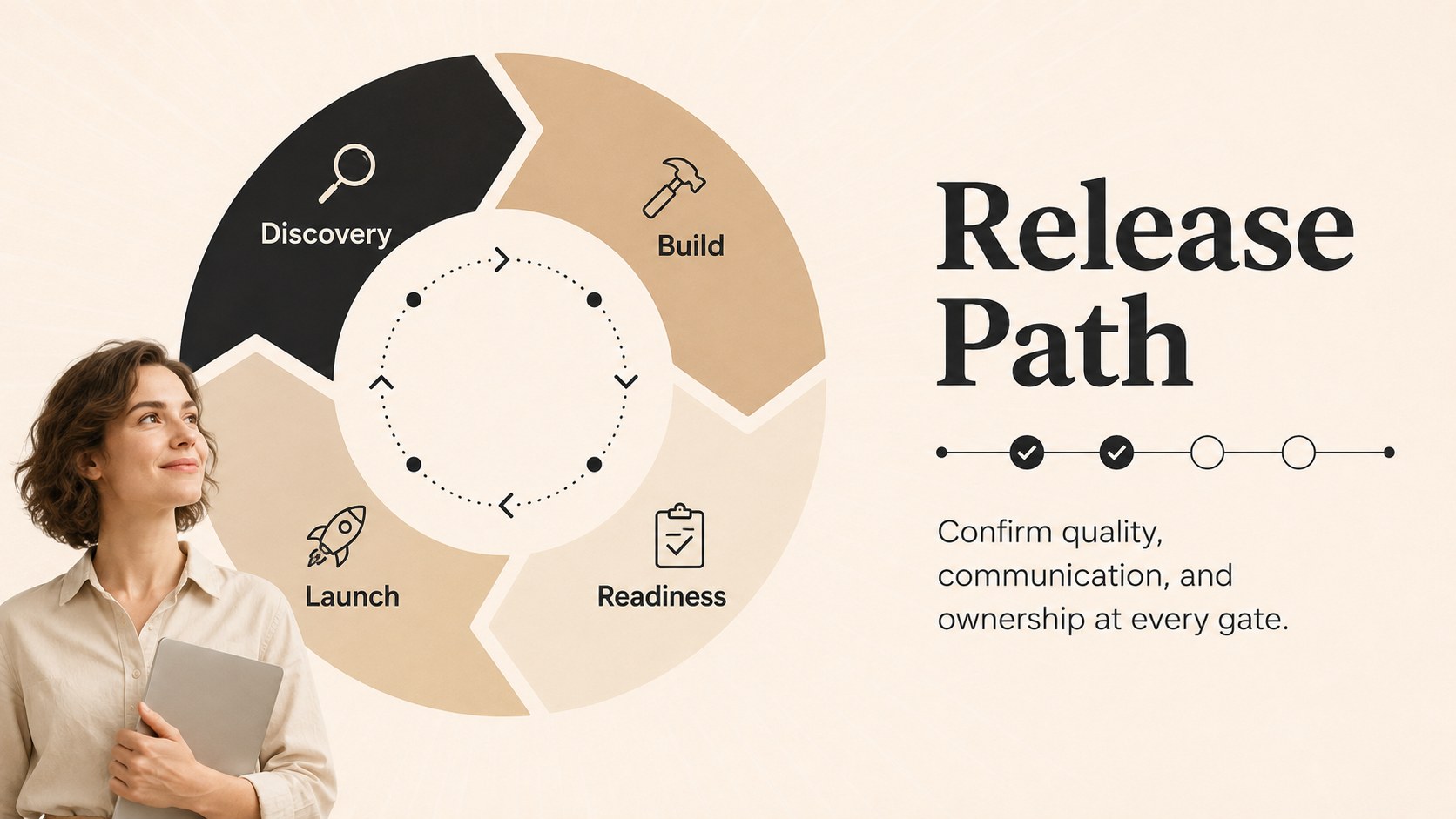
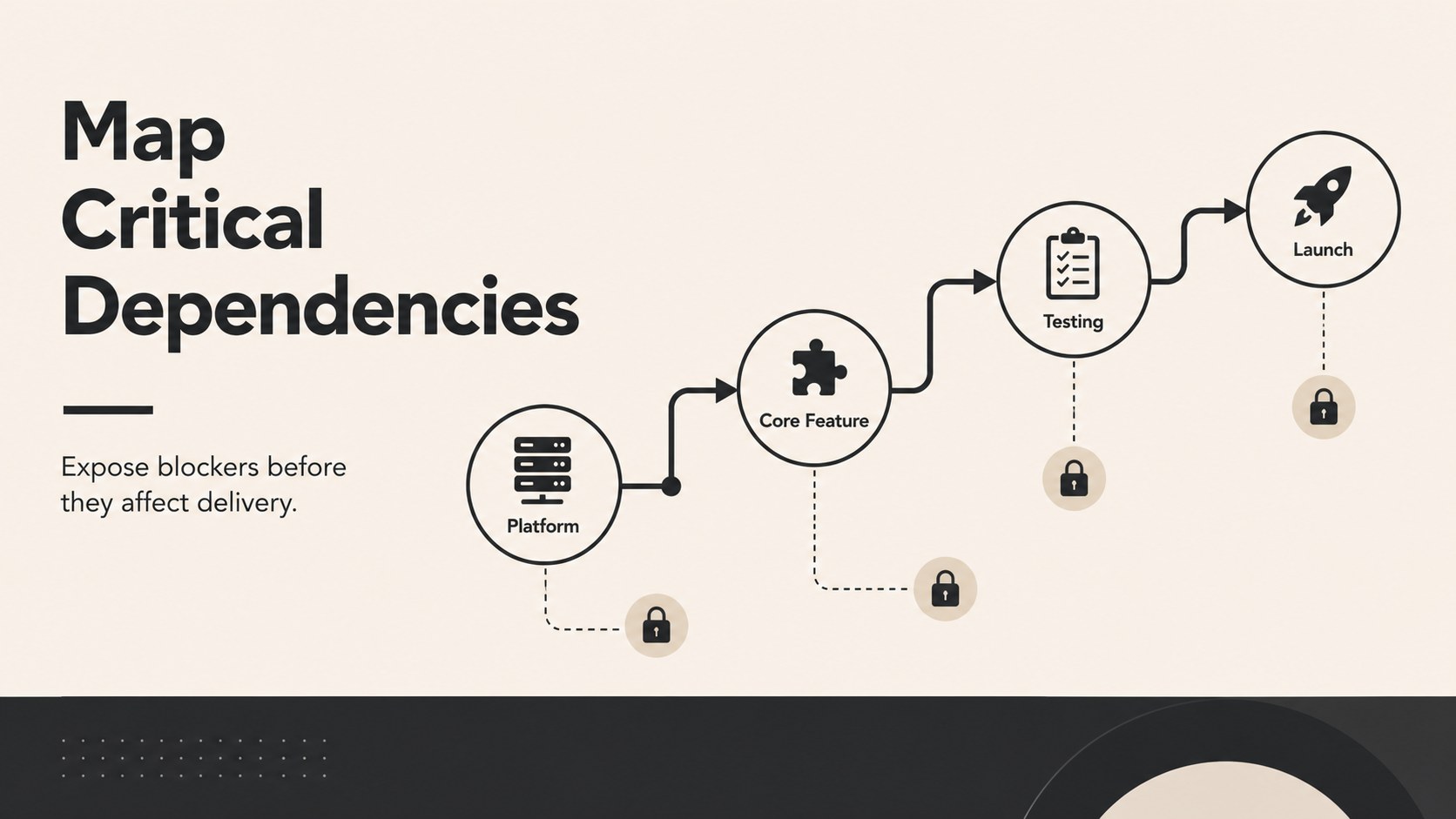
Turn complex plans into a focused story with the Beige Product Roadmap Visual Toolkit. Designed for PowerPoint and Google Slides, this flexible collection helps teams explain what is being built, why it matters, and when each initiative is expected to move forward. Its bold minimalist layouts, warm beige palette, crisp lines, and modern typography keep attention on decisions rather than decoration.
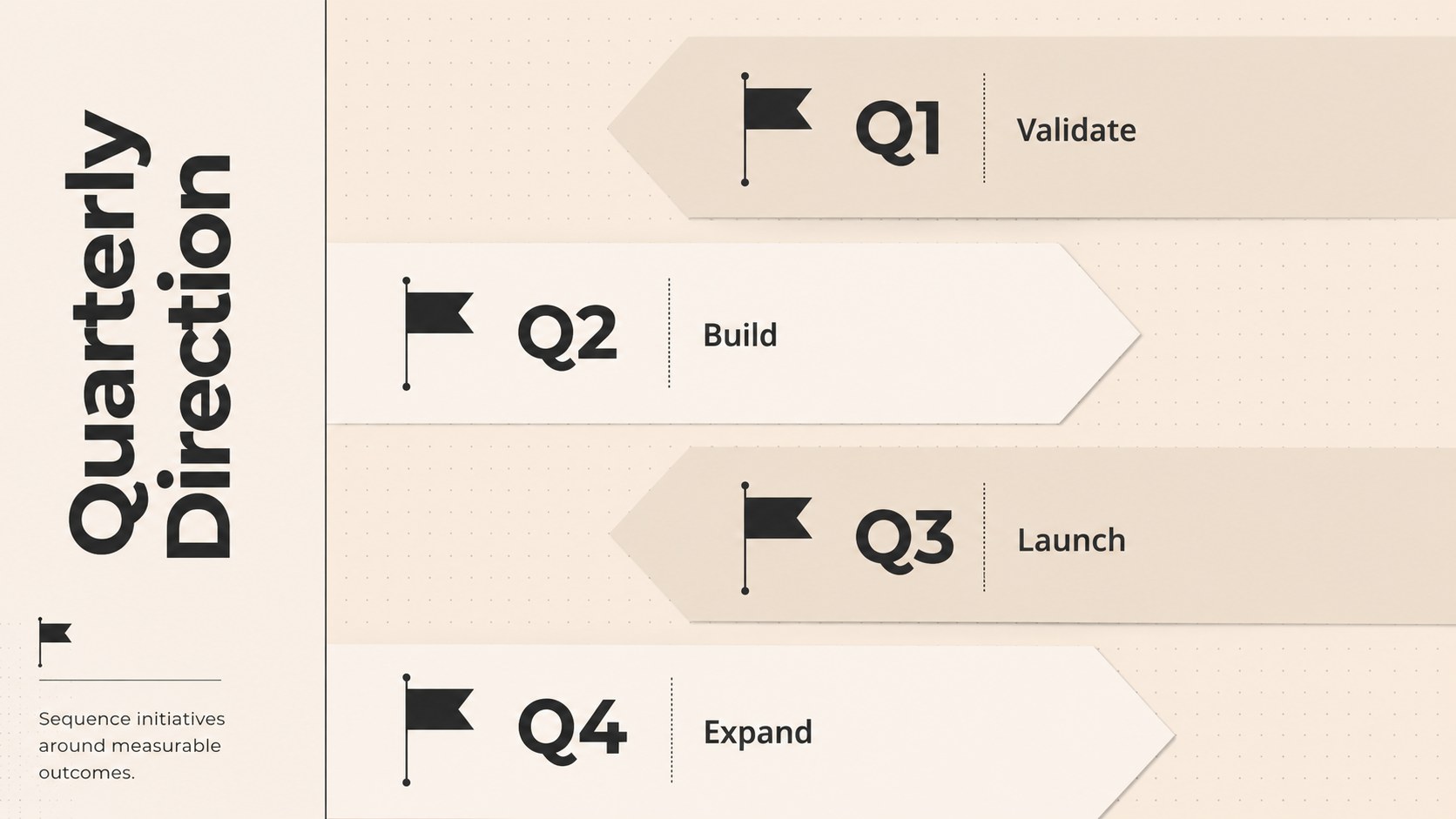
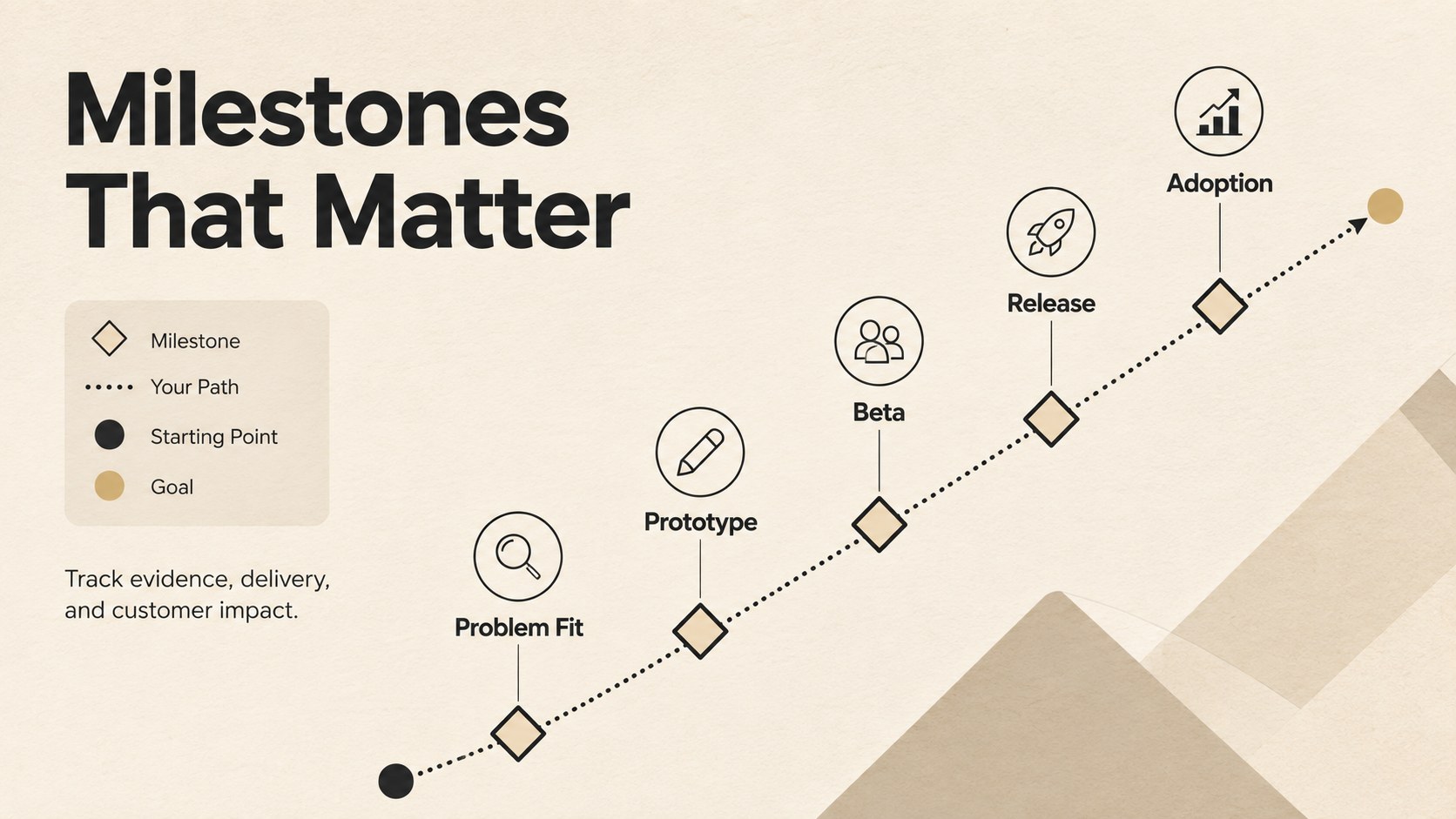
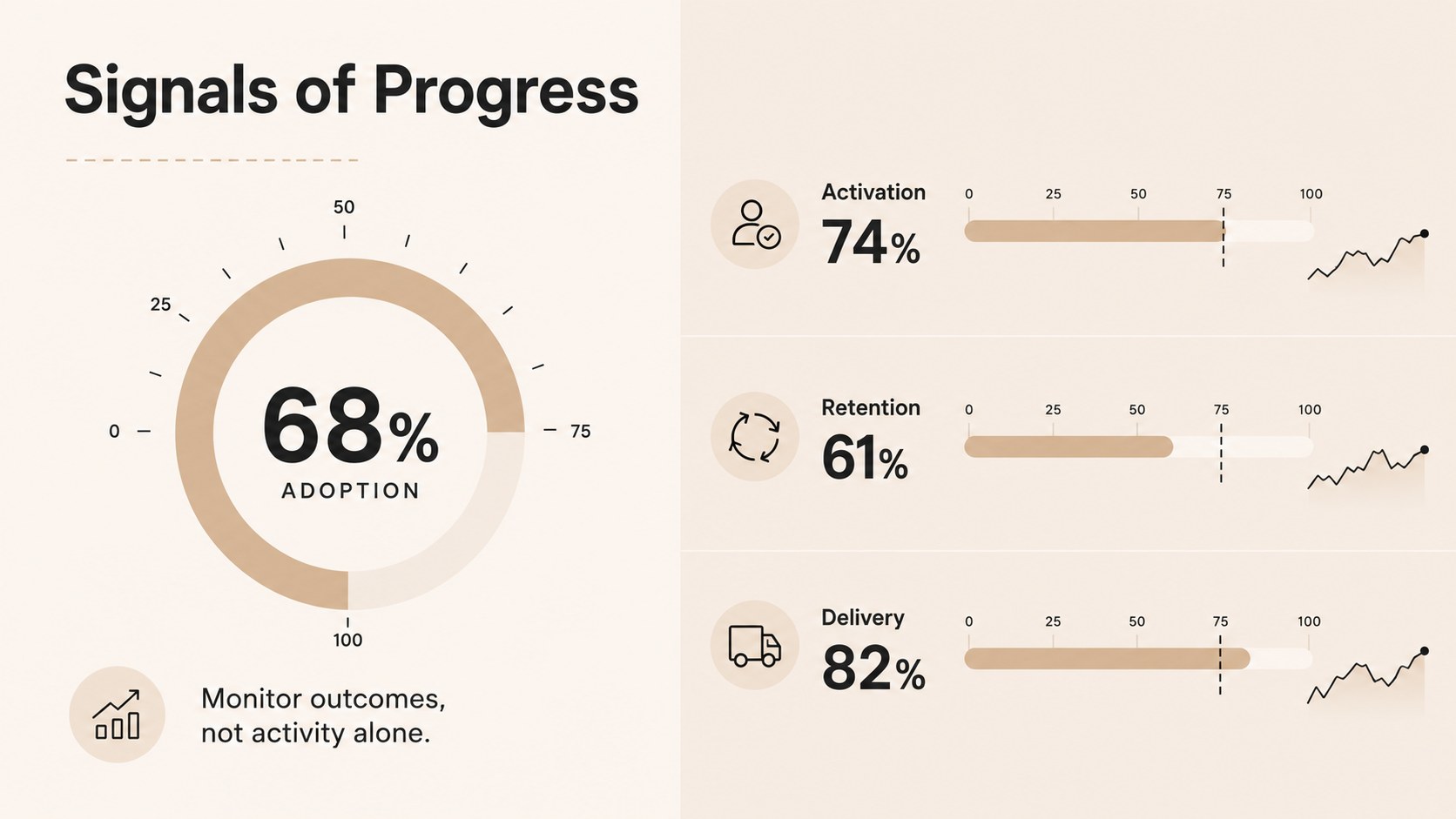
Inside, you will find editable product roadmap infographics for quarterly planning, release phases, milestone tracking, priority comparisons, dependencies, progress reporting, and strategic themes. The toolkit also includes a product milestone timeline template, status dashboards, KPI views, and structured process diagrams. Every layout can be adapted with your own dates, labels, colors, icons, and data while preserving a consistent visual system.
These quarterly product planning slides are suited to product managers, startup founders, project leads, marketers, designers, and cross-functional teams. Use them for leadership reviews, sprint planning, stakeholder updates, launch coordination, or internal strategy workshops. Whether you are mapping a new feature, presenting a release sequence, or comparing competing priorities, the Beige Product Roadmap Visual Toolkit makes the next steps easier to scan and discuss.
Perfect for: quarterly product planning; leadership roadmap review; feature release briefing; cross-functional alignment workshop; stakeholder progress update.
Frequently asked questions
Can I edit every roadmap element? Yes. Timelines, milestone labels, shapes, icons, colors, and text can be customized to match your product plan and reporting structure.
Practical details
Yes. Timelines, milestone labels, shapes, icons, colors, and text can be customized to match your product plan and reporting structure.
The toolkit is designed for Microsoft PowerPoint and Google Slides. Minor differences in fonts, transitions, or spacing may occur when moving between platforms.
Yes. Replace the beige accents, update the type styles, and add your approved logo or brand elements within your own working copy.
Yes. The layouts can represent quarterly goals, sprint outcomes, release trains, feature dependencies, or higher-level strategic themes.
Keep exploring
15Shape your publishing concept with an indie magazine startup pitch deck featuring pastel gradients, bold collage layouts, and editable planning slides.
 16
16Build clear project stories with the Icon Grid Teamwork Theme, a flexible blue illustrated deck for proposals, strategy updates, and team meetings.
 3
3Turn priorities into an actionable plan with an annual goals roadmap infographic, featuring editable orange and teal layouts for PowerPoint and Google Slides.
 15
15Create an Annual Achievement Report Presentation with colorful geometric layouts for milestones, results, lessons, and priorities in PowerPoint or Google Slides.
 15
15Turn results into a focused annual performance evaluation report with dark 3D slides for KPIs, achievements, feedback, and next-step goals for teams.
 15
15Guide a focused annual recap with Business Results Retrospective Slides, a muted brown-and-blue template for PowerPoint and Google Slides.
 6
6Turn complex plans into clear visual stories with Color-Coded Workflow Path Slides, an editable set for project updates, roadmaps, and team briefings.
 6
6Compare regional performance at a glance with Global Data Heatmap Slides, a clean multicolor deck designed for editable PowerPoint and Google Slides.