
 15
15presentation
Indie Magazine Startup Pitch Deck
Shape your publishing concept with an indie magazine startup pitch deck featuring pastel gradients, bold collage layouts, and editable planning slides.
Google SlidesPowerPoint
presentation · English
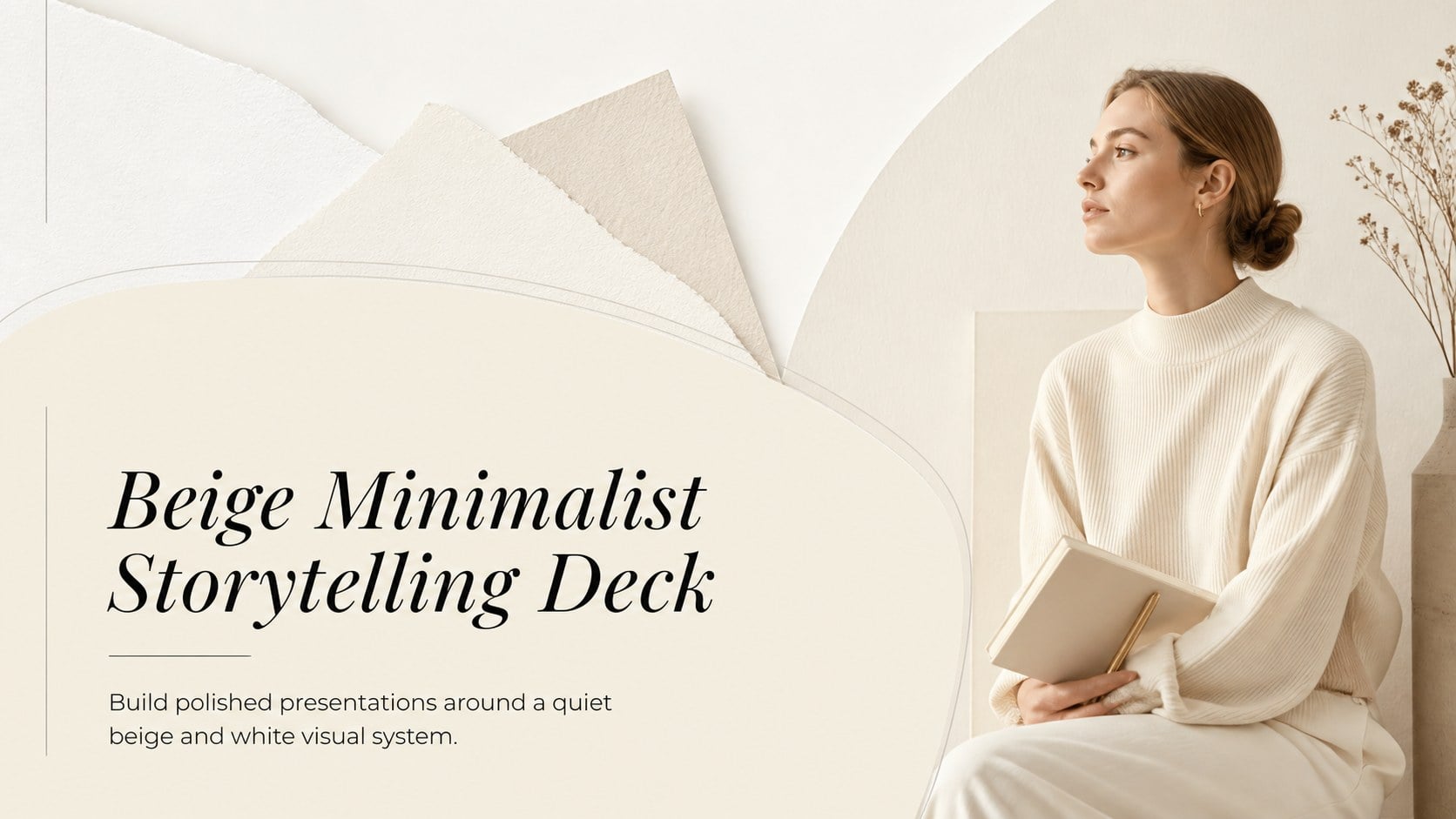
Present ideas with calm visual clarity using the Beige Minimalist Storytelling Deck, an editable layout collection for PowerPoint and Google Slides.
Design notes
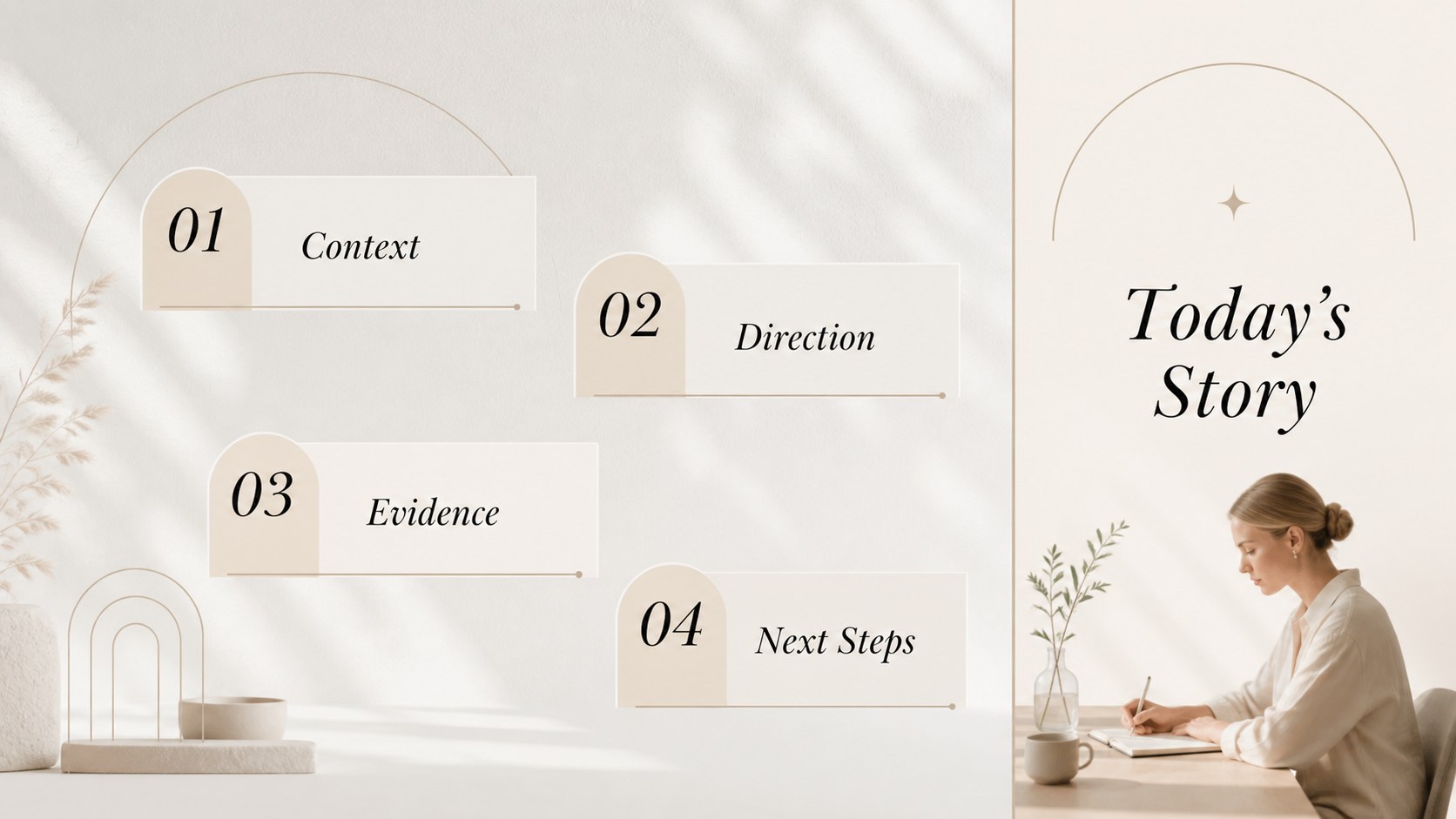
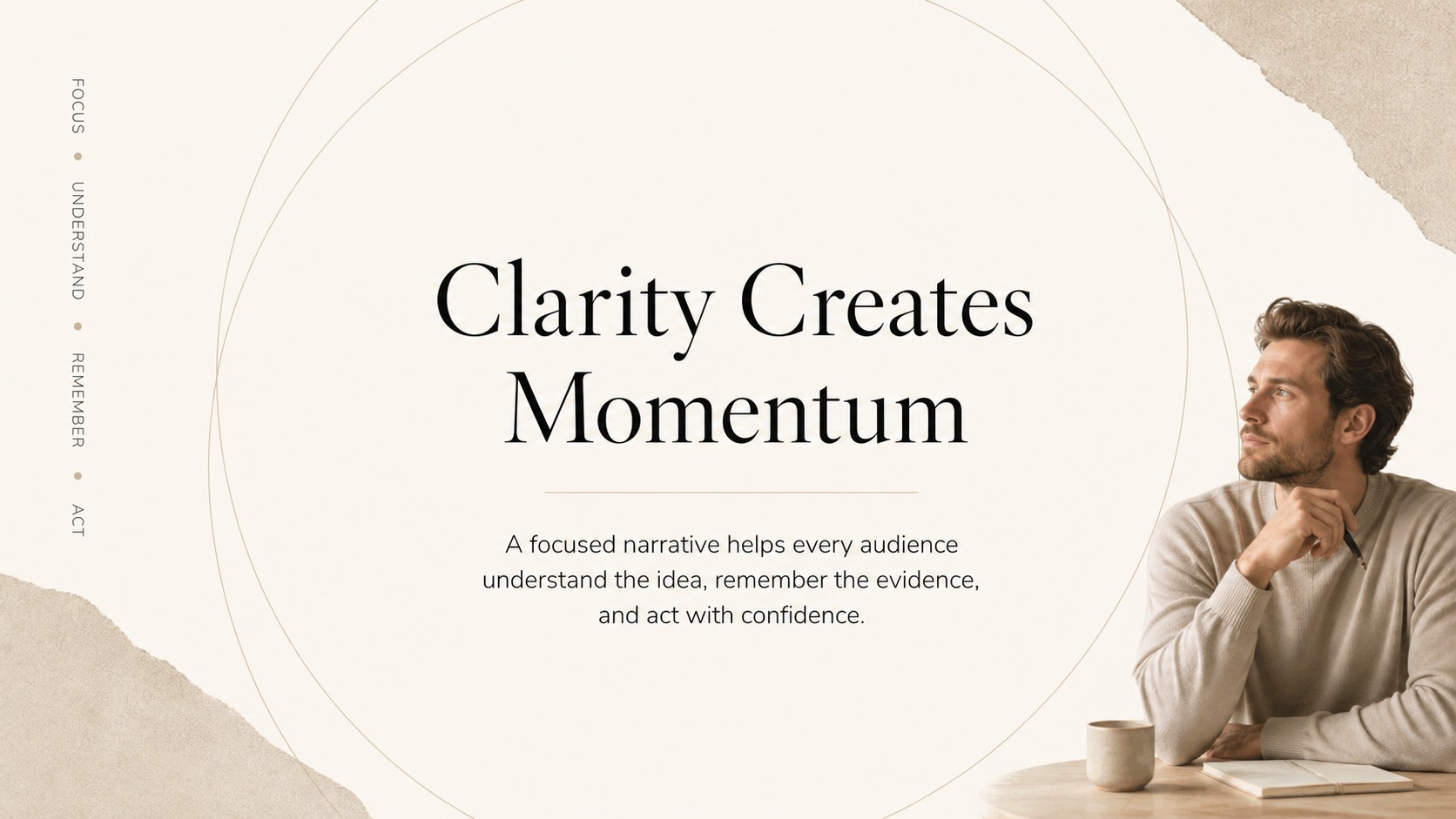
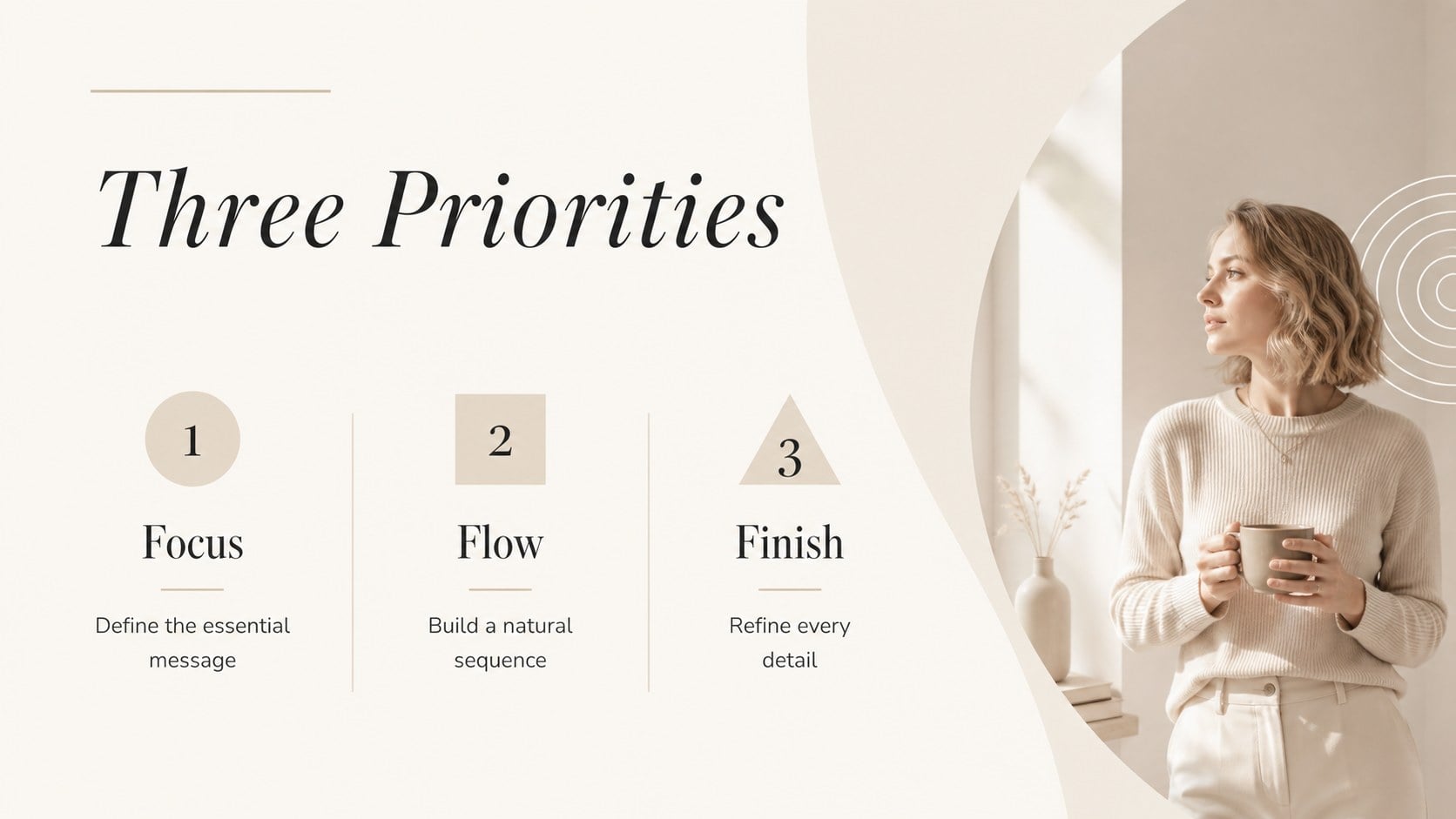
The Beige Minimalist Storytelling Deck gives your ideas a calm, polished setting without distracting from the message. Designed in a refined white and beige palette, it balances Playfair Display headlines with clean Montserrat body text. Use this versatile collection in PowerPoint or Google Slides when you need an elegant neutral presentation template that feels professional, modern, and easy to follow.
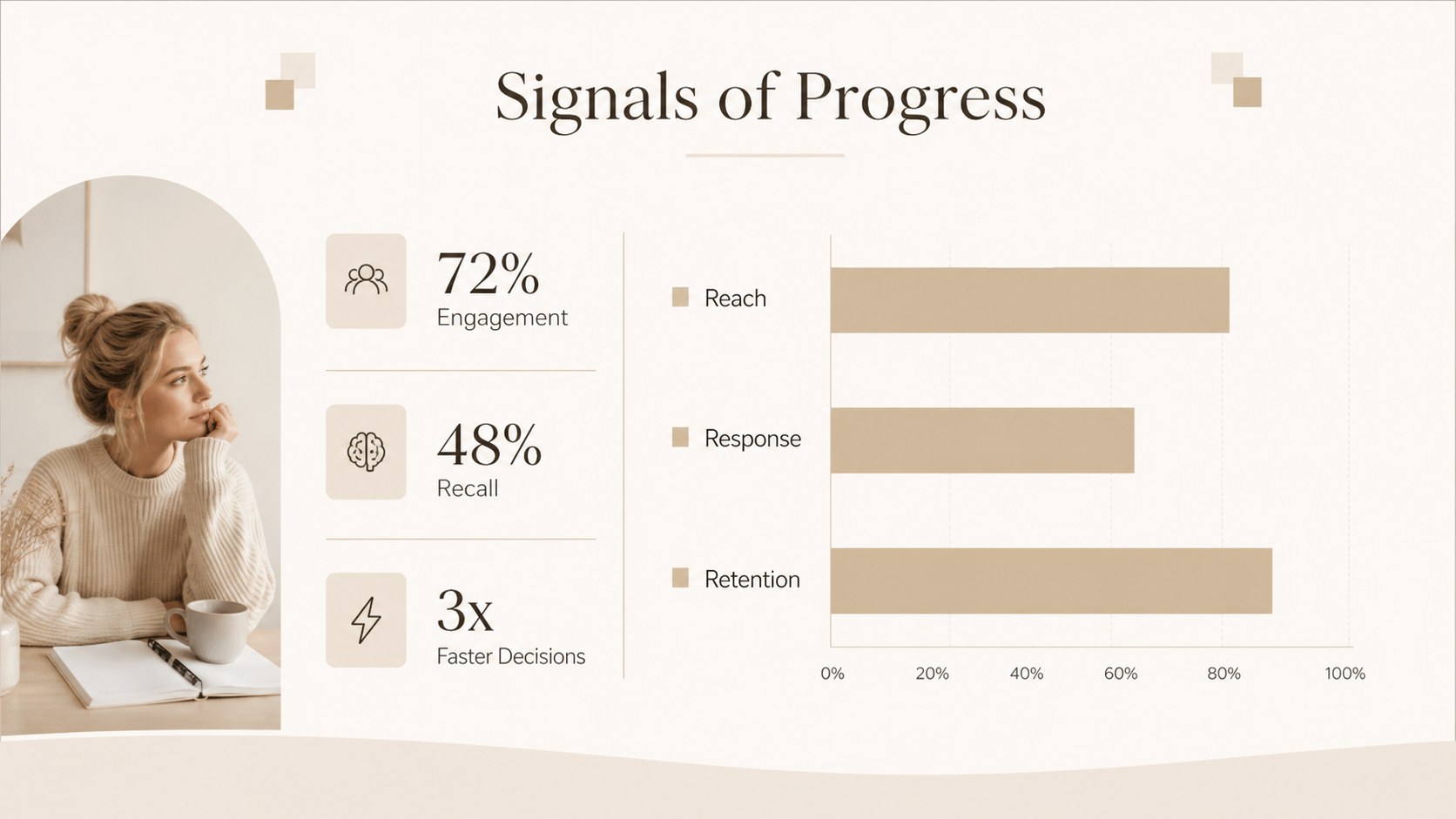
The deck includes 15 widescreen layouts for opening statements, agendas, section breaks, key messages, team introductions, timelines, comparisons, data highlights, portfolios, and closing remarks. Carefully placed lines, generous white space, image frames, charts, and understated editorial details create a cohesive visual rhythm. Every page can be adjusted with your own wording, photography, colors, and data, making it useful as a beige business presentation deck or a minimalist portfolio slides theme. Transitions and animations can also be added directly in your chosen presentation platform.
Professionals can shape the layouts into client proposals, strategy updates, executive briefings, or brand presentations. Educators can organize lectures and research summaries, while designers, photographers, and other creatives can build sophisticated portfolio narratives. The restrained design also suits formal events, personal projects, and luxury-inspired concepts that call for a clear structure with a graceful finish.
Perfect for: executive strategy briefing; creative portfolio presentation; client proposal meeting; university lecture; brand concept review; research summary.
Frequently asked questions
Which presentation platforms support this deck? The layouts are designed for Microsoft PowerPoint and Google Slides. You can edit text, images, shapes, colors, and charts in either platform.
Practical details
The layouts are designed for Microsoft PowerPoint and Google Slides. You can edit text, images, shapes, colors, and charts in either platform.
Yes. Replace the theme colors with your own brand or project palette while keeping the typography and spacing system intact.
Select an image placeholder and replace it with your own photo or artwork. Crop and reposition the image inside its frame to preserve the balanced editorial composition.
Yes. The mix of agenda, comparison, timeline, data, quote, and summary pages supports proposals, reports, lectures, and research presentations.
Keep exploring
15Shape your publishing concept with an indie magazine startup pitch deck featuring pastel gradients, bold collage layouts, and editable planning slides.
 16
16Build clear project stories with the Icon Grid Teamwork Theme, a flexible blue illustrated deck for proposals, strategy updates, and team meetings.
 3
3Turn priorities into an actionable plan with an annual goals roadmap infographic, featuring editable orange and teal layouts for PowerPoint and Google Slides.
 15
15Create an Annual Achievement Report Presentation with colorful geometric layouts for milestones, results, lessons, and priorities in PowerPoint or Google Slides.
 15
15Turn results into a focused annual performance evaluation report with dark 3D slides for KPIs, achievements, feedback, and next-step goals for teams.
 15
15Guide a focused annual recap with Business Results Retrospective Slides, a muted brown-and-blue template for PowerPoint and Google Slides.
 6
6Turn complex plans into clear visual stories with Color-Coded Workflow Path Slides, an editable set for project updates, roadmaps, and team briefings.
 6
6Compare regional performance at a glance with Global Data Heatmap Slides, a clean multicolor deck designed for editable PowerPoint and Google Slides.