
 15
15presentation
Indie Magazine Startup Pitch Deck
Shape your publishing concept with an indie magazine startup pitch deck featuring pastel gradients, bold collage layouts, and editable planning slides.
Google SlidesPowerPoint
document · English
Map pipeline priorities and team targets with this B2B sales strategy planner, a geometric green Docs template for focused planning, tracking, and growth.

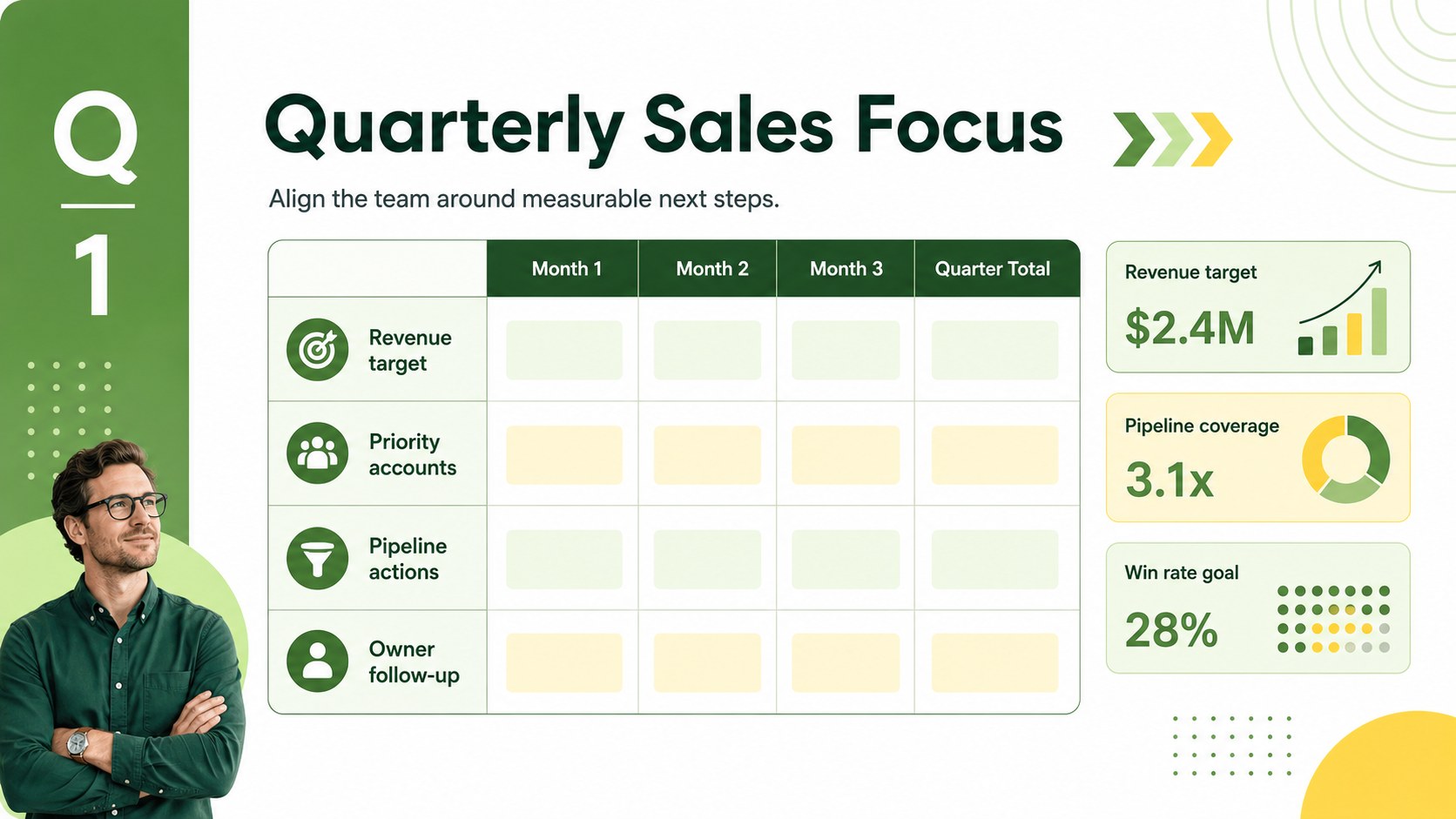
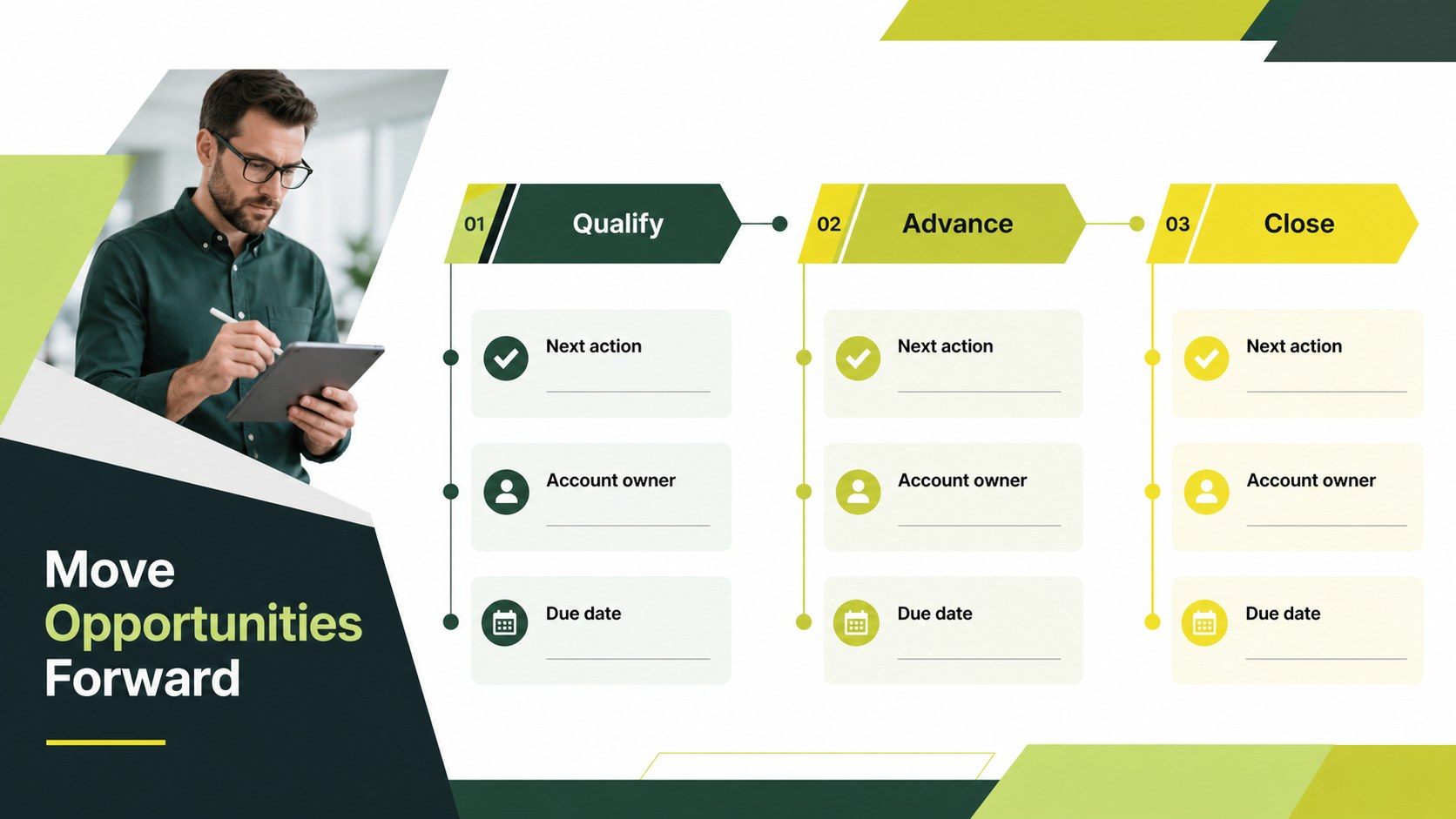
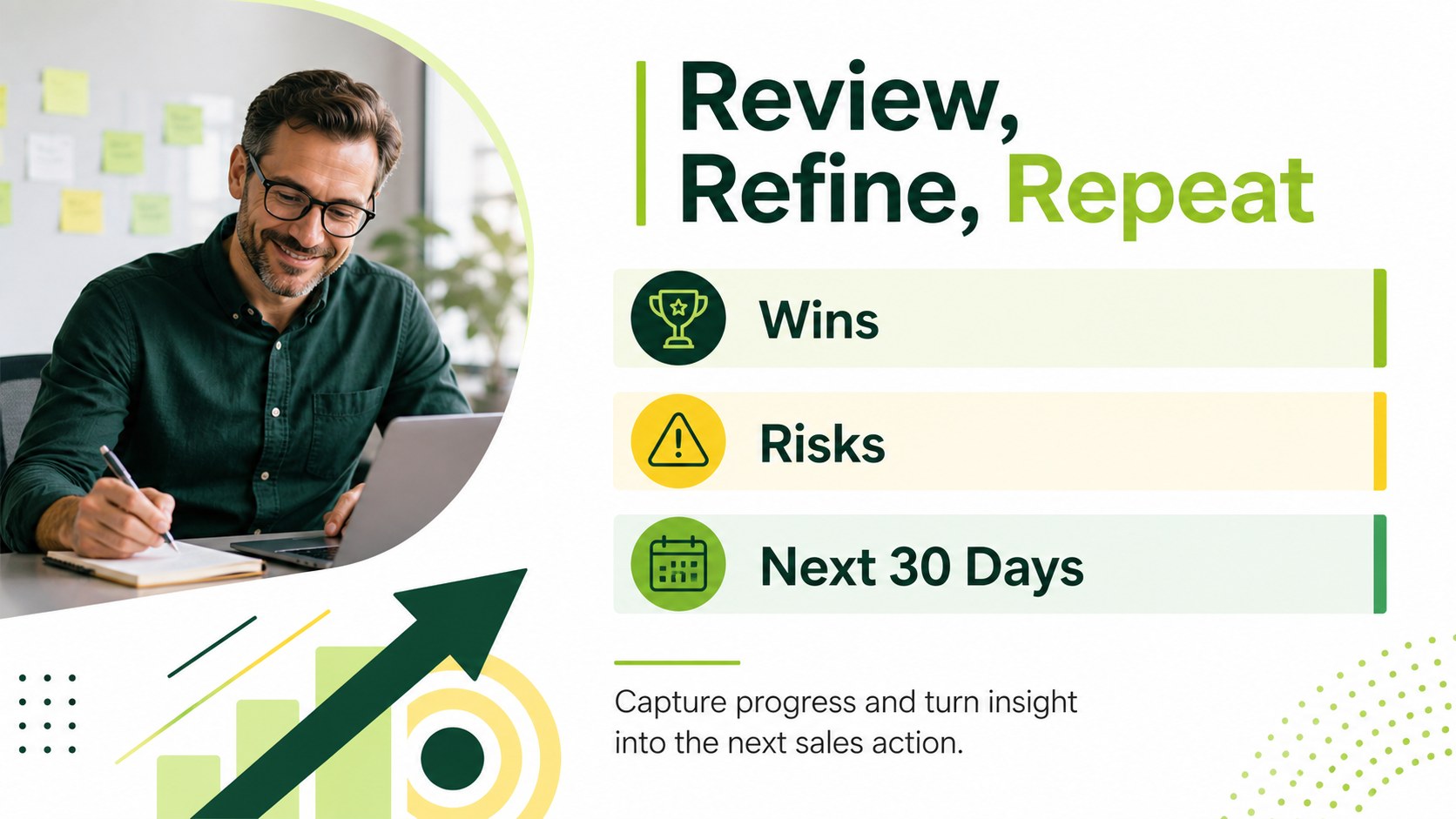
Design notes
Turn scattered sales goals into a practical planning workflow with this B2B sales strategy planner. Designed for sales managers, founders, account executives, and business development teams, the geometric green layout brings structure to target setting, pipeline planning, and weekly follow-through without making the document feel crowded.
Use it as a B2B sales strategy planning document for defining objectives, assigning ownership, identifying priority accounts, and recording the actions that move opportunities forward. The organized portrait format works well for a sales pipeline planning template, whether you are preparing a quarterly plan, coordinating a launch, or reviewing performance with colleagues. It is available as a Docs, Google Docs, or Word-compatible workflow, depending on how your team collaborates.
Inside, you will find editable sections for strategic goals, measurable targets, sales activities, progress notes, and next steps. Adjust headings, tables, fonts, colors, and supporting visuals to match your brand. The green, yellow, and white palette gives the document an energetic but professional appearance, while the geometric accents add visual separation between planning areas. Share the file for real-time collaboration, export it as a PDF, or keep updating it as priorities change.
Perfect for: quarterly sales planning; startup go-to-market preparation; sales team target setting; pipeline review meetings; account growth planning.
Frequently asked questions
Can I edit this B2B sales strategy planner Docs? Yes. Open the document Docs to replace the sample text, update tables, change fonts, and apply your brand colors. also supports real-time collaboration and comments.
Practical details
Yes. Open the document Docs to replace the sample text, update tables, change fonts, and apply your brand colors. also supports real-time collaboration and comments.
The layout is suitable for Google Docs and Word-compatible editing workflows. You may need to make small spacing or font adjustments after importing the document.
Use it for revenue targets, priority accounts, pipeline actions, ownership, deadlines, performance notes, and follow-up tasks. The sections can be expanded or renamed for different sales processes.
Yes. Replace the existing colors with your brand palette while keeping the geometric layout intact. You can also add charts, images, icons, or other visual elements to support your planning process.
Keep exploring
15Shape your publishing concept with an indie magazine startup pitch deck featuring pastel gradients, bold collage layouts, and editable planning slides.
 16
16Build clear project stories with the Icon Grid Teamwork Theme, a flexible blue illustrated deck for proposals, strategy updates, and team meetings.
 3
3Turn priorities into an actionable plan with an annual goals roadmap infographic, featuring editable orange and teal layouts for PowerPoint and Google Slides.
 15
15Create an Annual Achievement Report Presentation with colorful geometric layouts for milestones, results, lessons, and priorities in PowerPoint or Google Slides.
 15
15Turn results into a focused annual performance evaluation report with dark 3D slides for KPIs, achievements, feedback, and next-step goals for teams.
 15
15Guide a focused annual recap with Business Results Retrospective Slides, a muted brown-and-blue template for PowerPoint and Google Slides.
 6
6Turn complex plans into clear visual stories with Color-Coded Workflow Path Slides, an editable set for project updates, roadmaps, and team briefings.
 6
6Compare regional performance at a glance with Global Data Heatmap Slides, a clean multicolor deck designed for editable PowerPoint and Google Slides.