
 15
15presentation
Indie Magazine Startup Pitch Deck
Shape your publishing concept with an indie magazine startup pitch deck featuring pastel gradients, bold collage layouts, and editable planning slides.
Google SlidesPowerPoint
presentation · English
Build clearer aviation briefings with an aviation route planning deck in vivid blue and orange, ready for PowerPoint and Google Slides customization.







Design notes
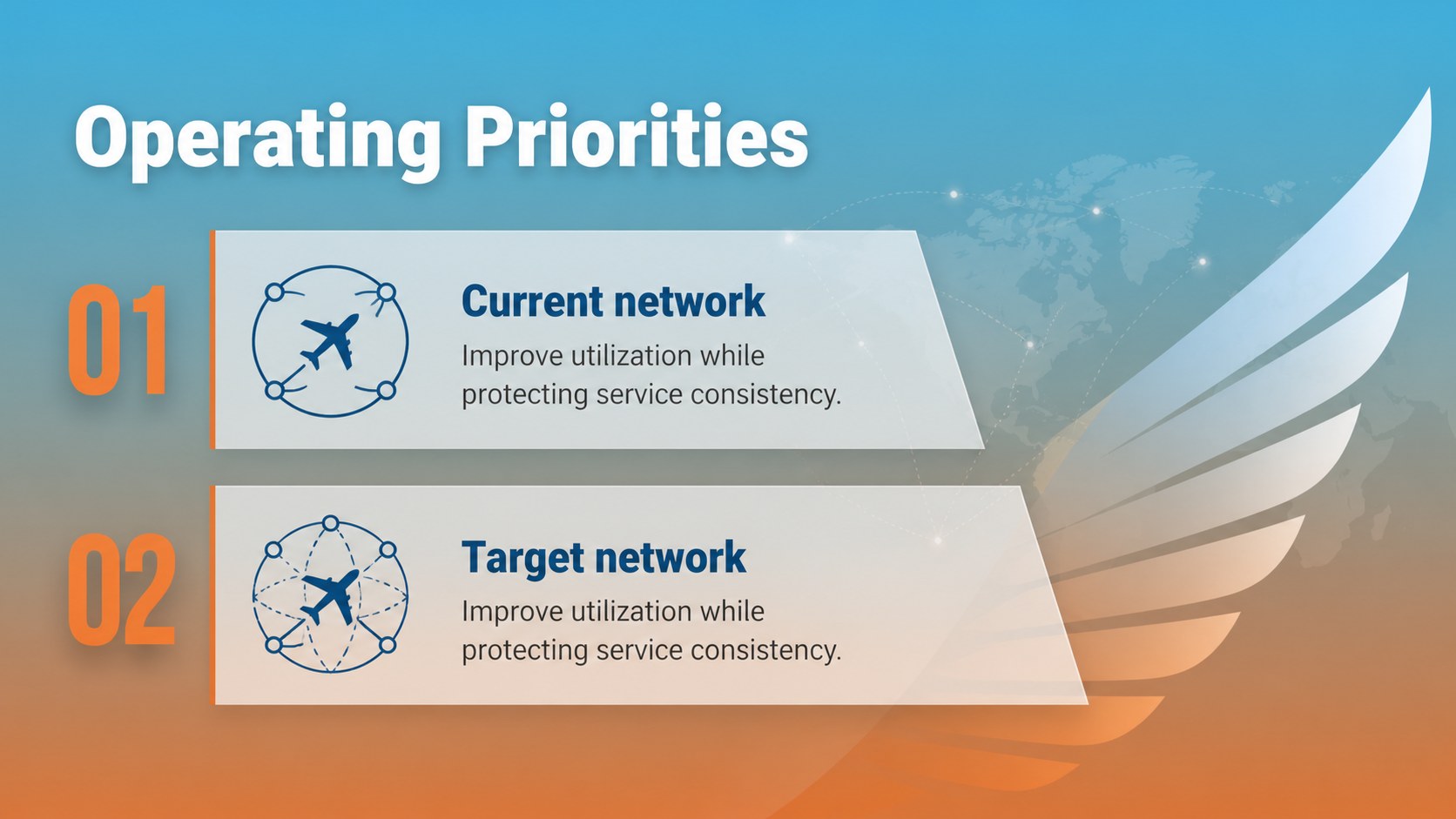
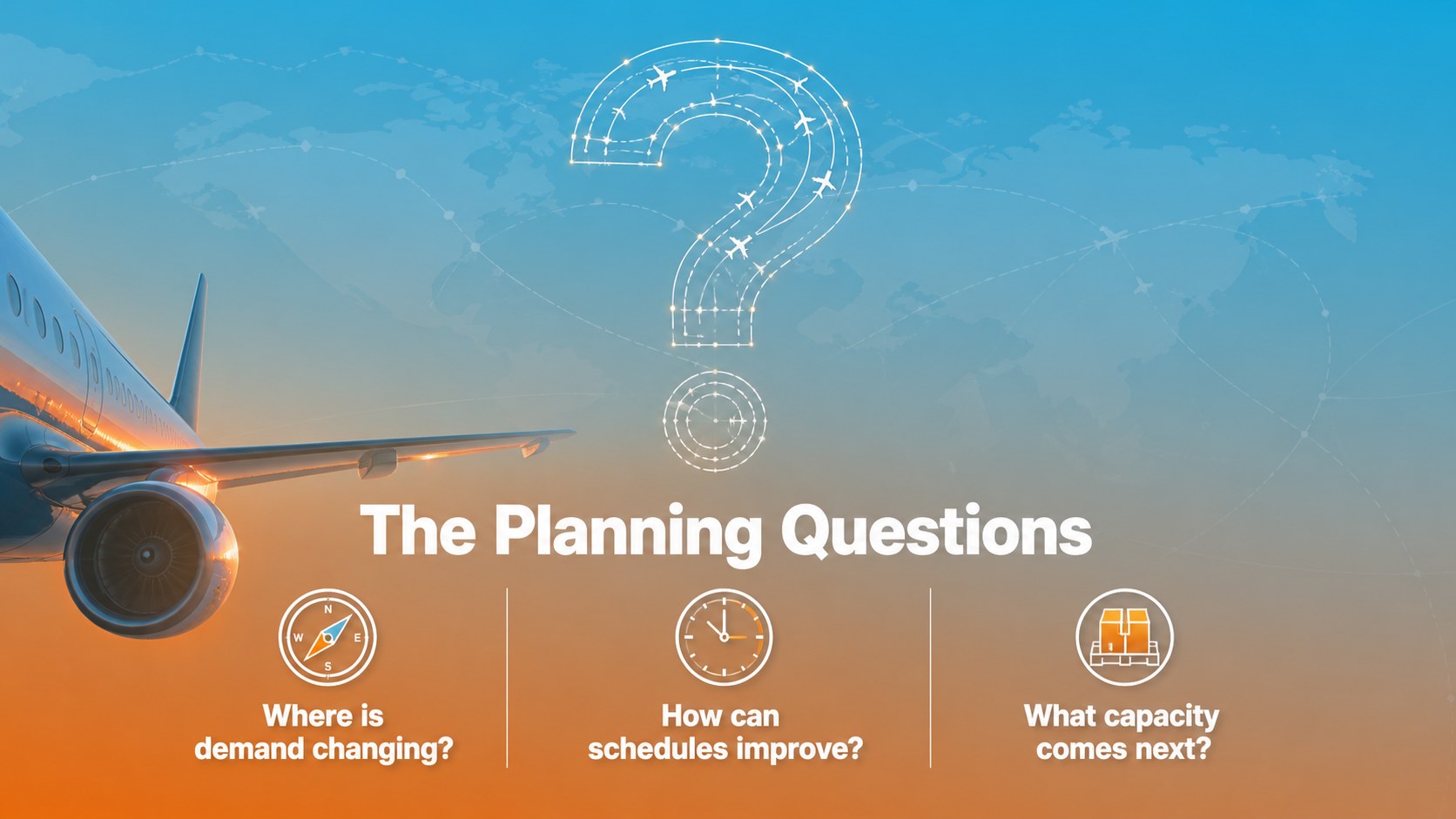
Aviation Route Planning Deck is designed for teams that need to explain movement, logistics and operational strategy with clarity. Its vivid blue and orange palette, streamlined layouts and aircraft-inspired visuals bring energy to briefings without overwhelming the information. Use the deck to present flight networks, delivery routes, industrial operations, travel plans or expansion priorities.
Inside, you’ll find 15 widescreen slides for an executive aviation briefing, including a cover, agenda, route overview, milestone timeline, process flow, comparison layout, data visualization, map-style planning page and closing summary. Editable charts, icons, lines and shapes make it easy to adapt the structure to your own content. The design uses Open Sans and a focused two-color system for consistent formatting.
This aviation route planning deck works well for airline teams, logistics companies, transportation consultants, airport operations groups and industrial organizations. It can support a route optimization presentation, quarterly progress review, supply chain update or aviation strategy meeting. Edit the slides directly in PowerPoint or Google Slides, then tailor the labels, figures and visuals to match your project.
Perfect for: airline network planning review; logistics route optimization presentation; airport operations briefing; transportation strategy meeting; industrial delivery update.
Frequently asked questions
Can I edit this deck in PowerPoint? Yes. The presentation is designed for PowerPoint and includes editable text, shapes, charts and layout elements. Replace the sample copy and data with your own project details.
Practical details
Yes. The presentation is designed for PowerPoint and includes editable text, shapes, charts and layout elements. Replace the sample copy and data with your own project details.
Yes, you can open and customize the deck in Google Slides. Text, colors, diagrams and other supported elements can be adjusted to fit your presentation.
Yes. The color system is easy to customize while the original blue-and-orange combination remains available as a visual reference. You can also update the Open Sans typography and replace the aviation illustrations.
It suits airline operations, route planning, logistics, transportation strategy and industrial progress reports. The layouts also work for executive briefings that need timelines, comparisons and data-driven summaries.
Keep exploring
15Shape your publishing concept with an indie magazine startup pitch deck featuring pastel gradients, bold collage layouts, and editable planning slides.
 16
16Build clear project stories with the Icon Grid Teamwork Theme, a flexible blue illustrated deck for proposals, strategy updates, and team meetings.
 3
3Turn priorities into an actionable plan with an annual goals roadmap infographic, featuring editable orange and teal layouts for PowerPoint and Google Slides.
 15
15Create an Annual Achievement Report Presentation with colorful geometric layouts for milestones, results, lessons, and priorities in PowerPoint or Google Slides.
 15
15Turn results into a focused annual performance evaluation report with dark 3D slides for KPIs, achievements, feedback, and next-step goals for teams.
 15
15Guide a focused annual recap with Business Results Retrospective Slides, a muted brown-and-blue template for PowerPoint and Google Slides.
 6
6Turn complex plans into clear visual stories with Color-Coded Workflow Path Slides, an editable set for project updates, roadmaps, and team briefings.
 6
6Compare regional performance at a glance with Global Data Heatmap Slides, a clean multicolor deck designed for editable PowerPoint and Google Slides.