
 15
15presentation
Indie Magazine Startup Pitch Deck
Shape your publishing concept with an indie magazine startup pitch deck featuring pastel gradients, bold collage layouts, and editable planning slides.
Google SlidesPowerPoint
presentation · English
Build an auto coverage options slides deck that simplifies policy choices, compares protection levels, and helps clients understand value with a bold…








Design notes
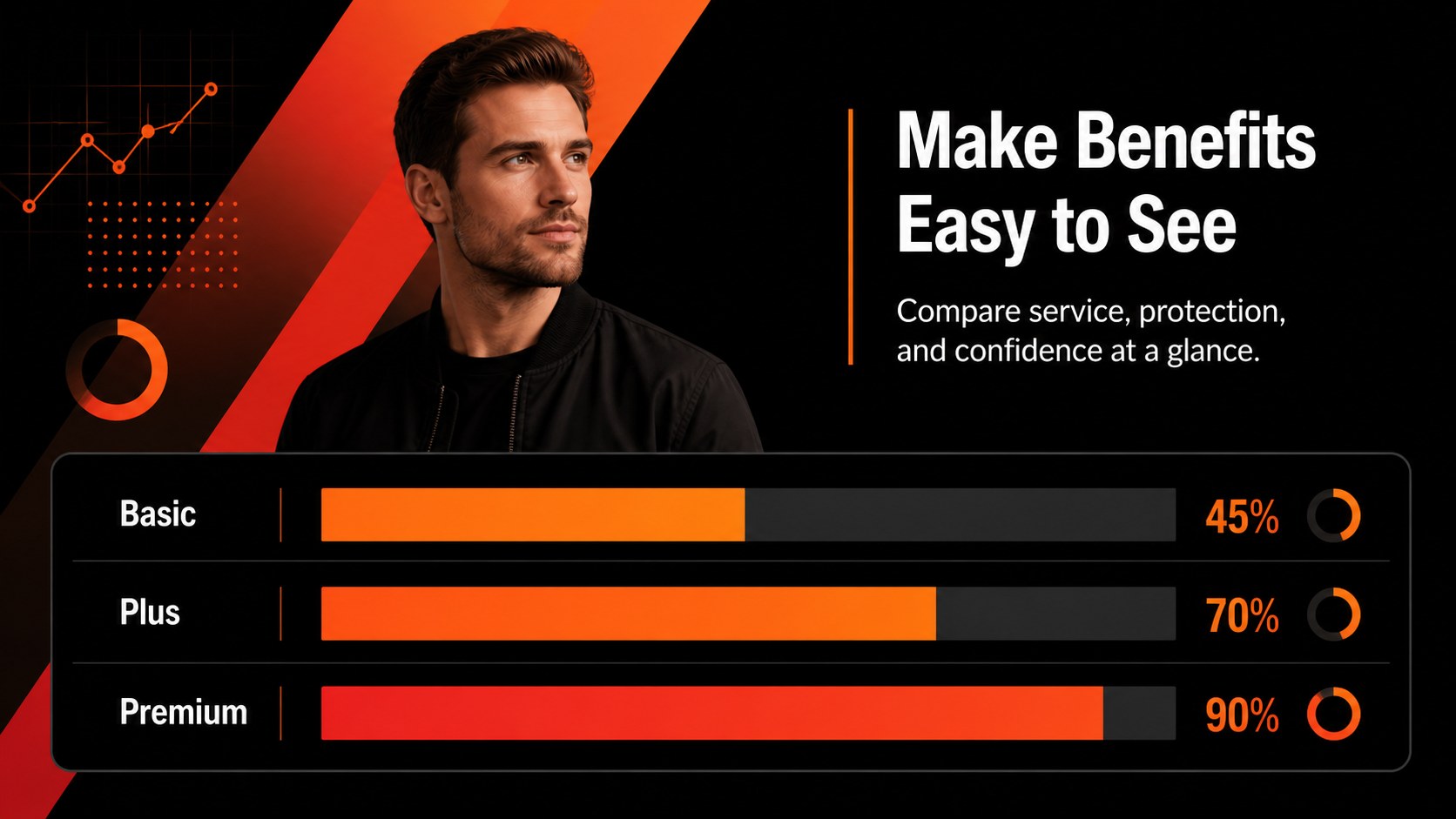
Make policy conversations easier to follow with auto coverage options slides designed for clear, confident communication. The bold red, orange, and black visual system gives insurance agencies, brokers, and automotive businesses a modern way to explain protection levels, compare benefits, and guide customers toward informed decisions.
Inside the deck, you will find 21 fully editable 16:9 slides with space for coverage summaries, comparison tables, claim scenarios, customer profiles, pricing explanations, risk overviews, and next-step recommendations. Charts, frames, lines, shapes, animations, transitions, and image placeholders help you turn technical policy language into an accessible story. The layout system also works well for auto policy comparison presentations, insurance onboarding materials, and client-facing coverage reviews.
Use the template for agent consultations, renewal meetings, internal training, dealership partnerships, or an insurance product briefing. It is available through and can be exported to PowerPoint or Google Slides. Lato and League Gothic support the clean professional look, while the red-orange palette adds energy without losing business credibility. tools also provide drag-and-drop editing, collaborative review, presenter notes, audio, video, and flexible brand customization.
Perfect for: insurance agent client consultation; auto policy renewal meeting; dealership insurance partnership pitch; automotive insurance team training; vehicle protection product briefing.
Frequently asked questions
Can I edit these auto coverage options slides? Yes. The template is designed for editing, with editable text, colors, shapes, charts, and image areas. You can update the content with your own policy details and branding.
Practical details
Yes. The template is designed for editing, with editable text, colors, shapes, charts, and image areas. You can update the content with your own policy details and branding.
Yes. Open the design, choose Share, select See all, and use the PowerPoint or Google Drive export option. Some advanced animations or elements may change during export.
Insurance agents, brokers, automotive dealerships, trainers, and customer-success teams can adapt it for client meetings or internal education. It works for both general coverage explanations and specific product briefings.
Yes. 's color palette controls let you apply brand colors across the deck. You can also replace fonts, photos, icons, charts, and wording while keeping the original layout system.
Keep exploring
15Shape your publishing concept with an indie magazine startup pitch deck featuring pastel gradients, bold collage layouts, and editable planning slides.
 16
16Build clear project stories with the Icon Grid Teamwork Theme, a flexible blue illustrated deck for proposals, strategy updates, and team meetings.
 3
3Turn priorities into an actionable plan with an annual goals roadmap infographic, featuring editable orange and teal layouts for PowerPoint and Google Slides.
 15
15Create an Annual Achievement Report Presentation with colorful geometric layouts for milestones, results, lessons, and priorities in PowerPoint or Google Slides.
 15
15Turn results into a focused annual performance evaluation report with dark 3D slides for KPIs, achievements, feedback, and next-step goals for teams.
 15
15Guide a focused annual recap with Business Results Retrospective Slides, a muted brown-and-blue template for PowerPoint and Google Slides.
 6
6Turn complex plans into clear visual stories with Color-Coded Workflow Path Slides, an editable set for project updates, roadmaps, and team briefings.
 6
6Compare regional performance at a glance with Global Data Heatmap Slides, a clean multicolor deck designed for editable PowerPoint and Google Slides.