
 15
15presentation
Indie Magazine Startup Pitch Deck
Shape your publishing concept with an indie magazine startup pitch deck featuring pastel gradients, bold collage layouts, and editable planning slides.
Google SlidesPowerPoint
presentation · English
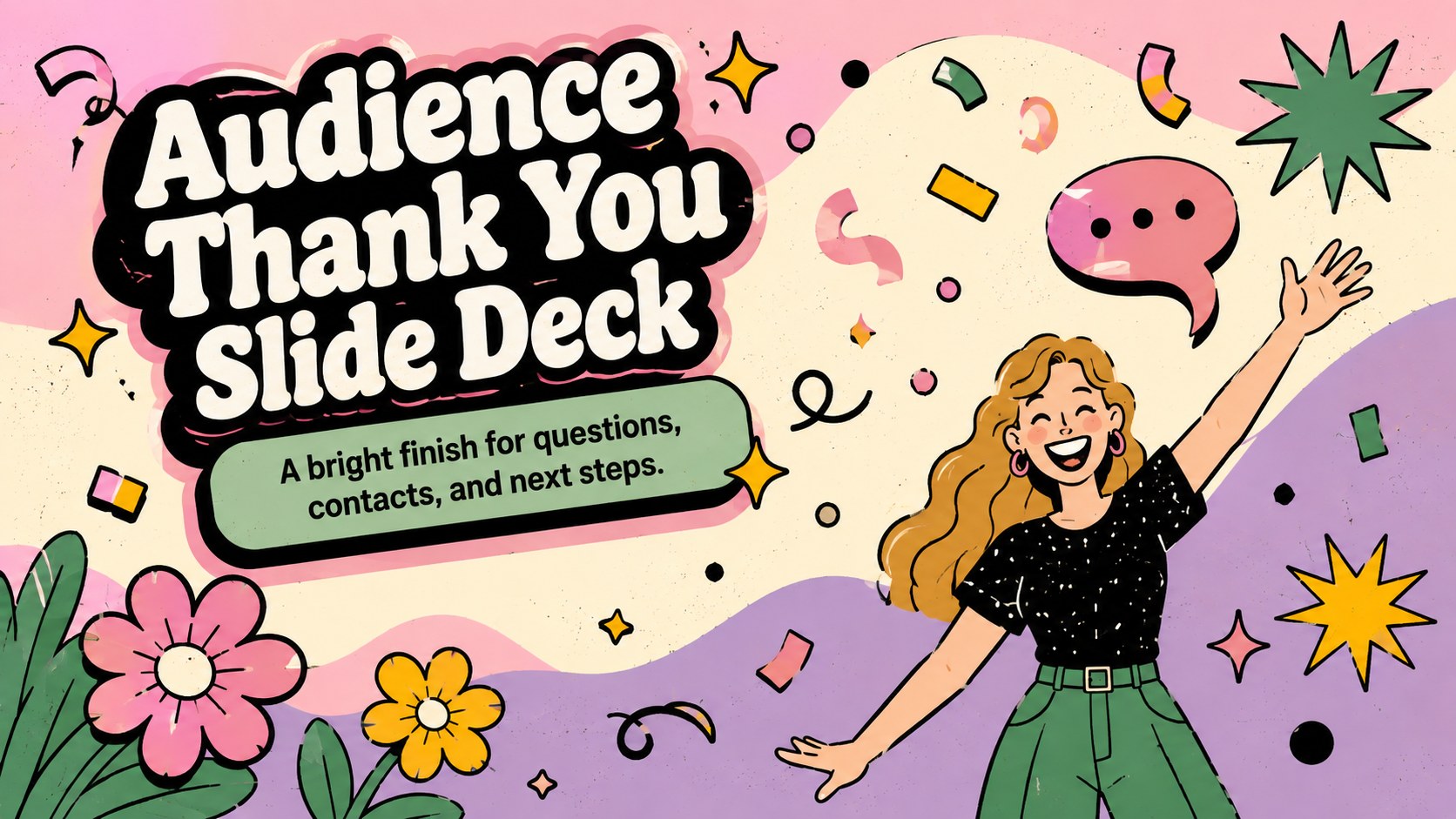
Give every talk an upbeat finish with an audience thank you slide deck for PowerPoint and Google Slides, featuring bold type and vivid illustrations.





Design notes
Turn the final moments of a talk into a confident, engaging send-off with this audience thank you slide deck. Bright colors, expressive lettering, and cheerful illustrations create an upbeat conclusion without distracting from your message. The flexible visual style works equally well for classroom reports, team updates, conference sessions, creative pitches, and online events.
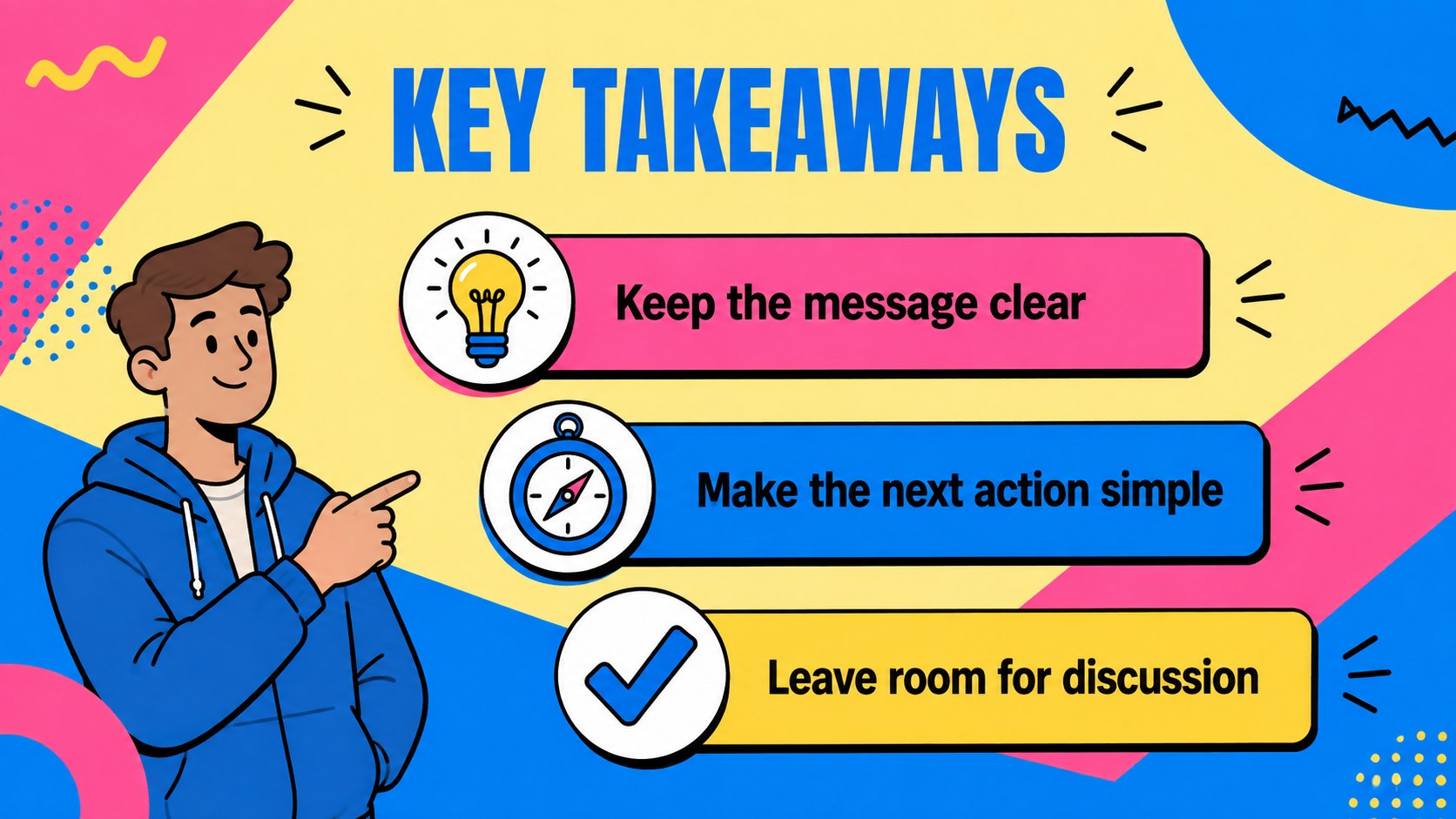
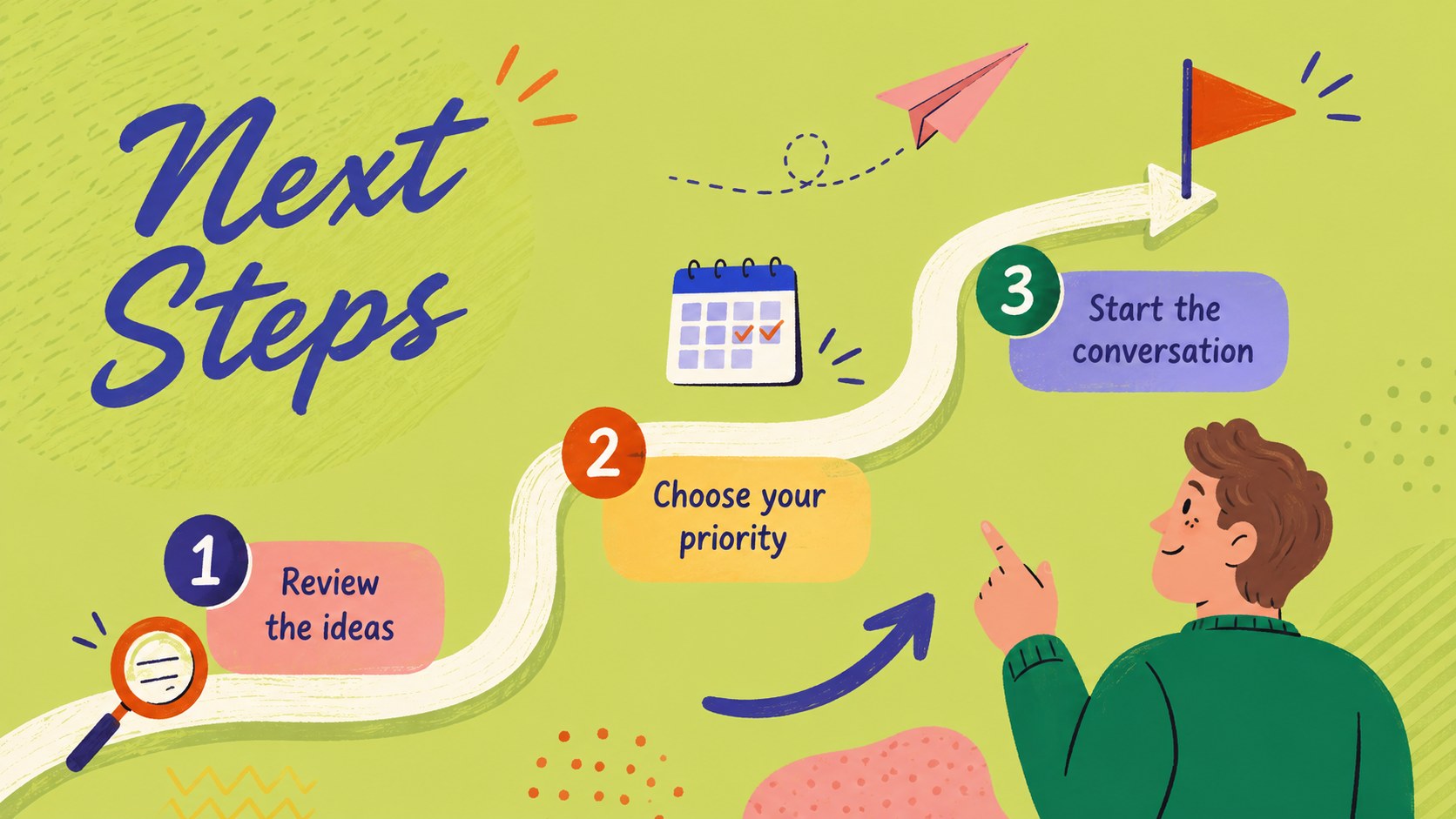
Inside, you will find eight coordinated layouts covering audience appreciation, questions, key takeaways, next steps, contact details, and a final closing message. Use the colorful presentation closing slide template as a complete ending sequence or select one layout to finish an existing deck. The end of presentation question slide gives discussion time a clear focal point, while the speaker contact information closing slide keeps important details easy to scan.
Designed for PowerPoint and Google Slides, every page uses a widescreen 16:9 format and can be adapted with your own wording, fonts, illustrations, and brand colors. Presenters, educators, students, marketers, trainers, and small teams can quickly tailor the layouts to formal or informal audiences. The multicolored palette and hand-drawn character of the artwork preserve a friendly, creative tone while providing enough structure for polished professional use.
Perfect for: classroom project conclusion; conference talk closing; business update wrap-up; creative pitch finale; training session questions; webinar contact screen.
Frequently asked questions
Can I edit the wording and illustrations? Yes. Replace the sample text, adjust the typography, recolor the decorative elements, and swap illustrations to match your topic or visual identity.
Practical details
Yes. Replace the sample text, adjust the typography, recolor the decorative elements, and swap illustrations to match your topic or visual identity.
The deck is designed for Microsoft PowerPoint and Google Slides. Both platforms support editing the text, colors, layout elements, and speaker details.
Yes. Each layout can stand alone, so you can add a single thank-you, question, contact, or next-steps page to an existing presentation.
Replace the sample email address, website, and social handle with the details you want attendees to keep. Remove any unused fields and check legibility from a distance before presenting.
Keep exploring
15Shape your publishing concept with an indie magazine startup pitch deck featuring pastel gradients, bold collage layouts, and editable planning slides.
 16
16Build clear project stories with the Icon Grid Teamwork Theme, a flexible blue illustrated deck for proposals, strategy updates, and team meetings.
 3
3Turn priorities into an actionable plan with an annual goals roadmap infographic, featuring editable orange and teal layouts for PowerPoint and Google Slides.
 15
15Create an Annual Achievement Report Presentation with colorful geometric layouts for milestones, results, lessons, and priorities in PowerPoint or Google Slides.
 15
15Turn results into a focused annual performance evaluation report with dark 3D slides for KPIs, achievements, feedback, and next-step goals for teams.
 15
15Guide a focused annual recap with Business Results Retrospective Slides, a muted brown-and-blue template for PowerPoint and Google Slides.
 6
6Turn complex plans into clear visual stories with Color-Coded Workflow Path Slides, an editable set for project updates, roadmaps, and team briefings.
 6
6Compare regional performance at a glance with Global Data Heatmap Slides, a clean multicolor deck designed for editable PowerPoint and Google Slides.