
 15
15presentation
Indie Magazine Startup Pitch Deck
Shape your publishing concept with an indie magazine startup pitch deck featuring pastel gradients, bold collage layouts, and editable planning slides.
Google SlidesPowerPoint
presentation · English
Build an audience insight mapping deck with editable orange-and-beige slides for personas, research, segmentation, and marketing strategy in PowerPoint or…



Design notes
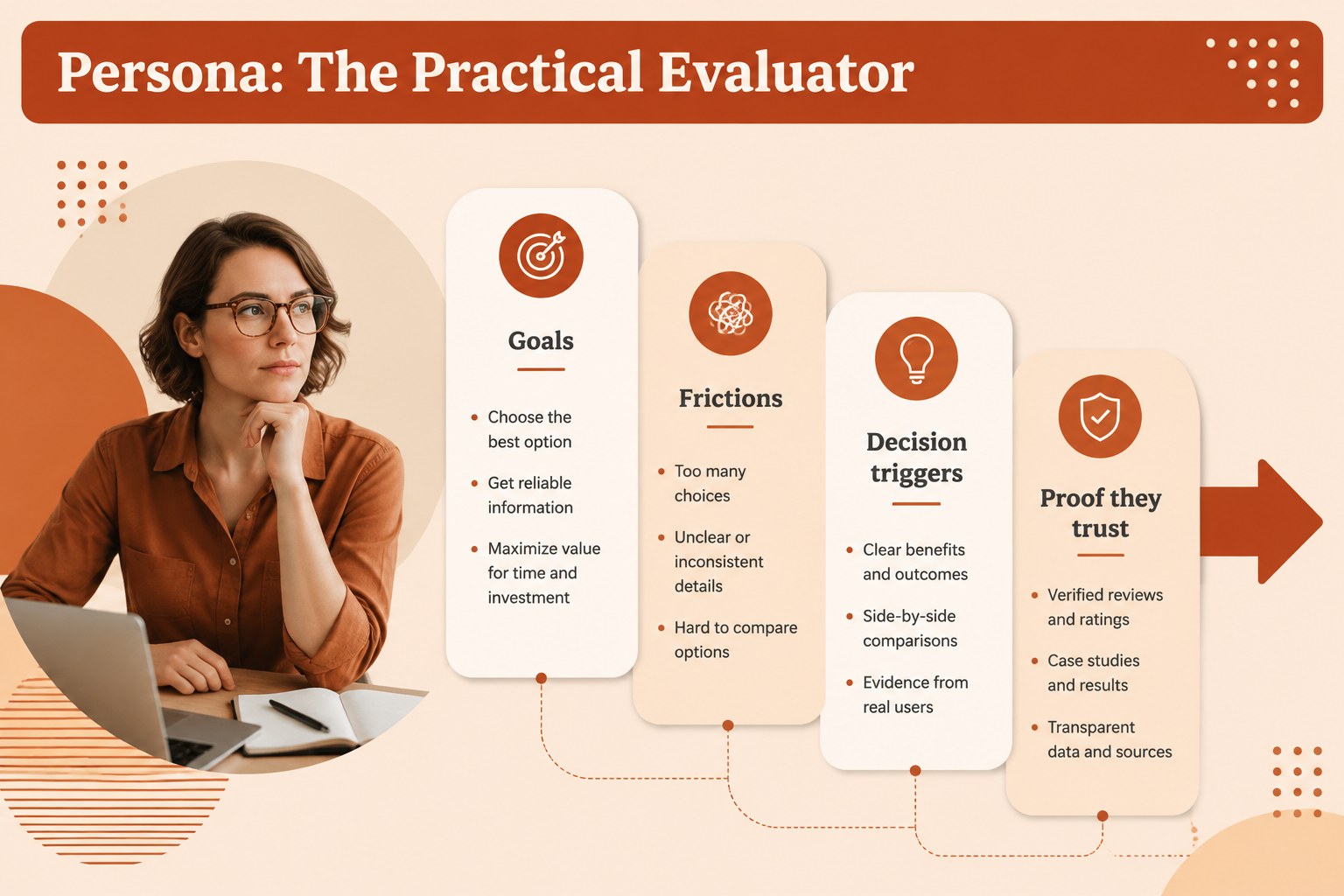
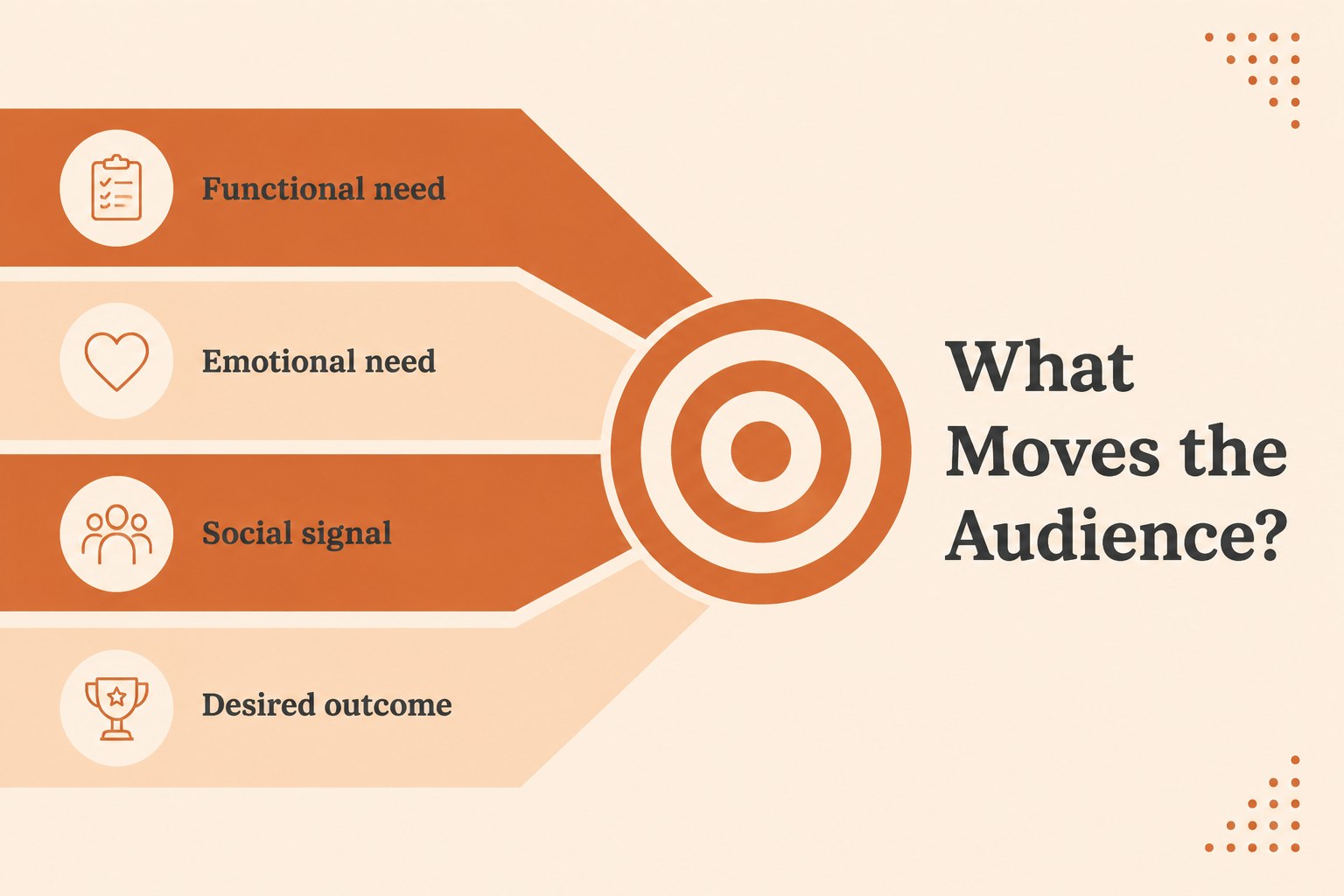
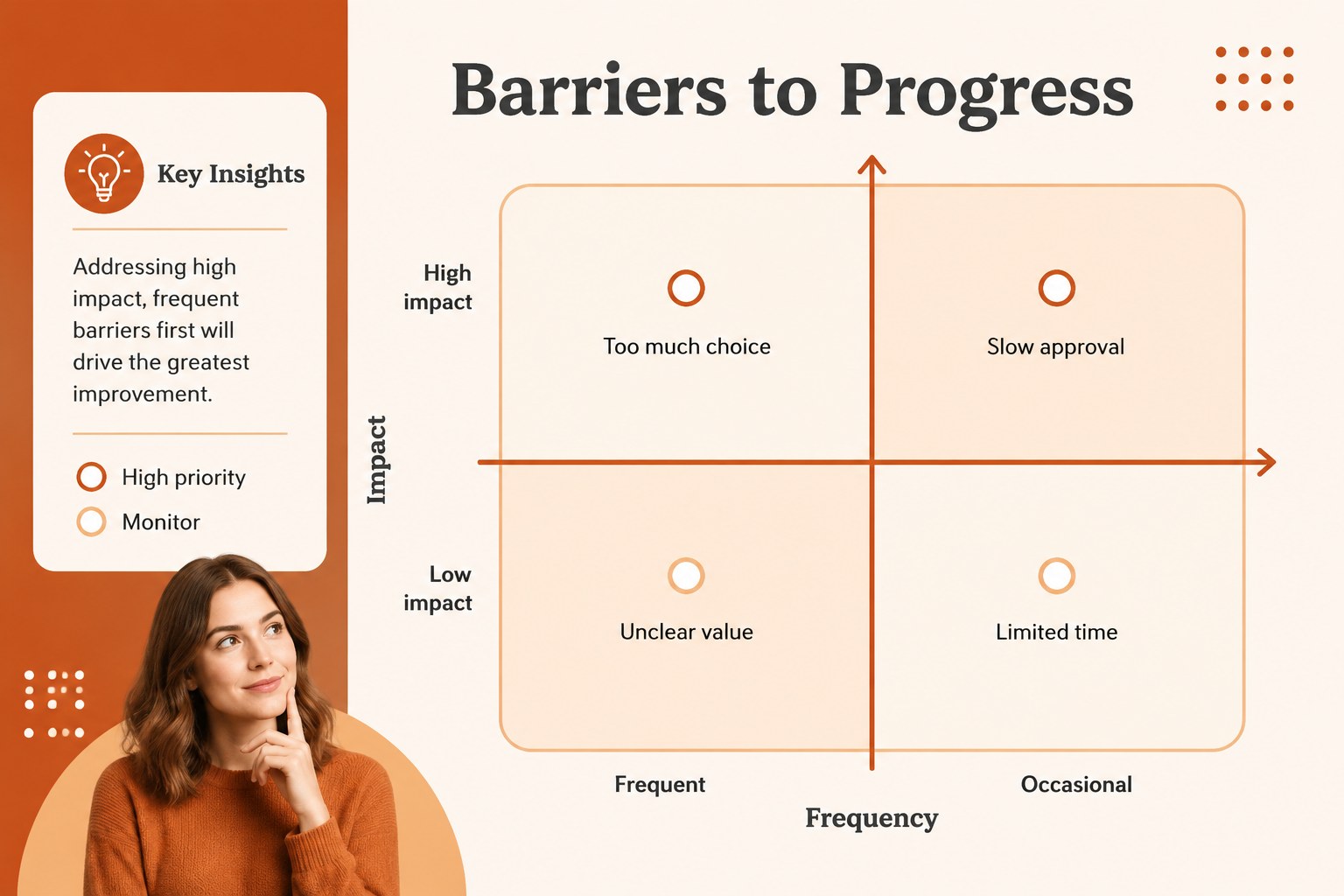
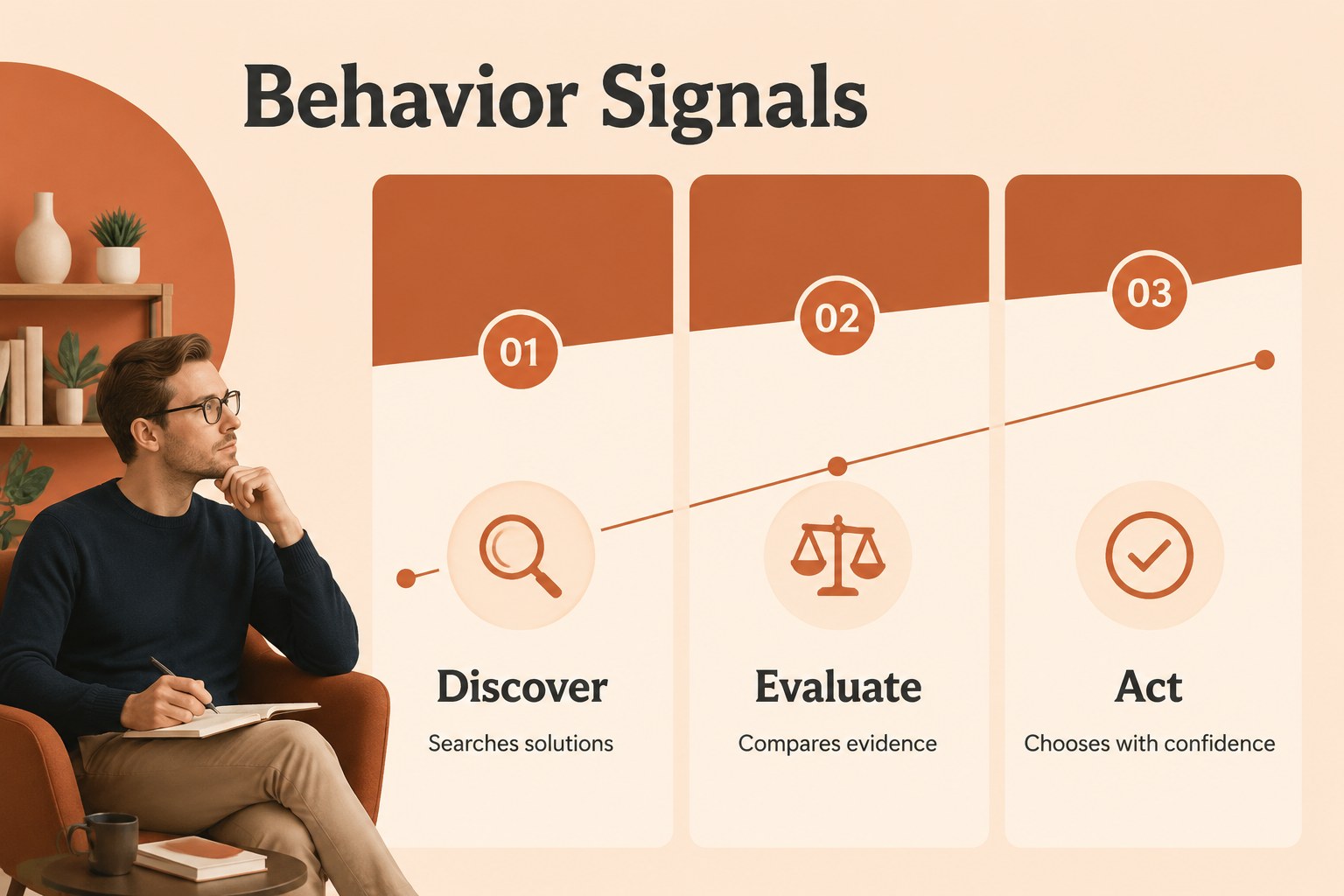
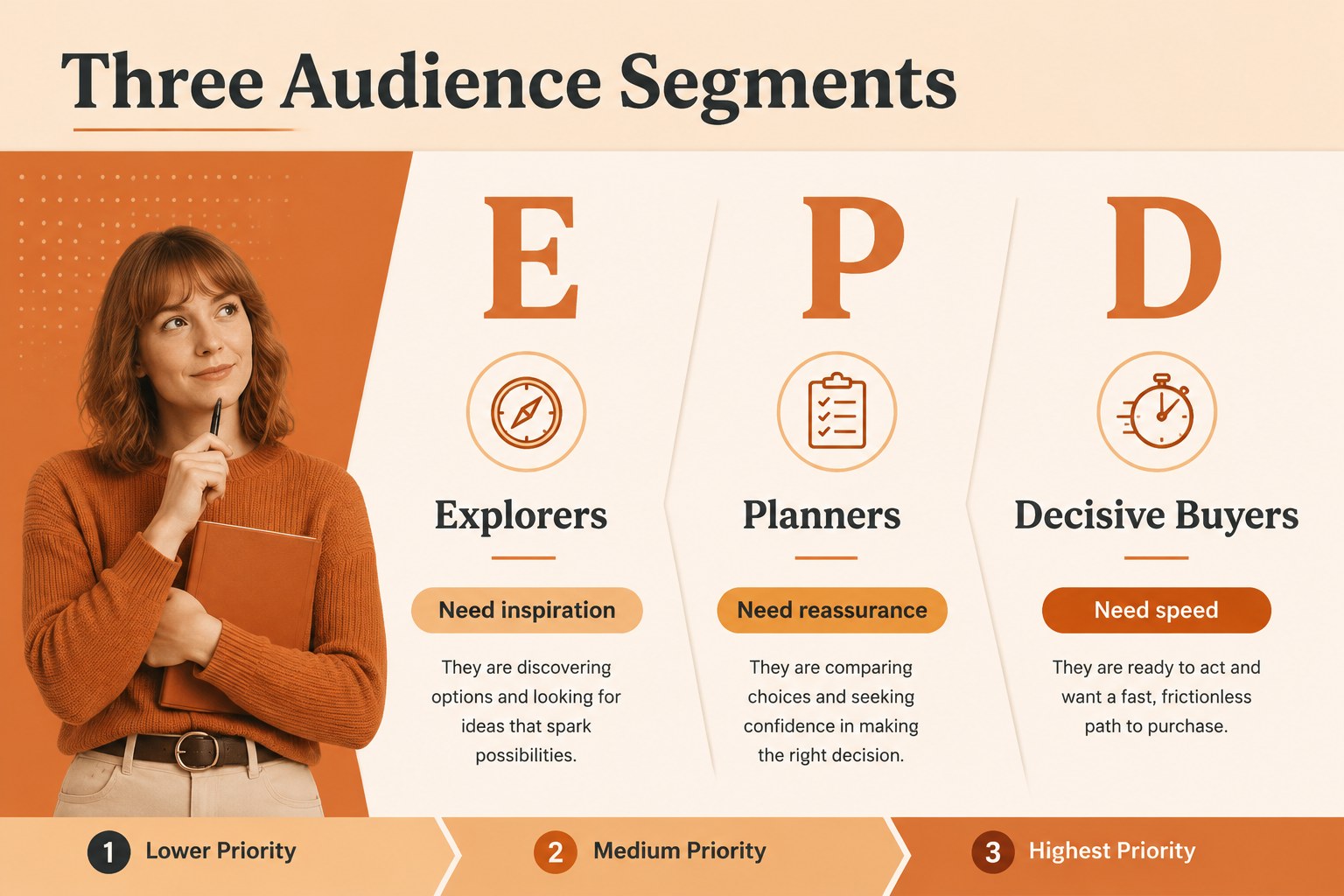
An audience insight mapping deck helps marketing teams turn scattered research into a focused view of who they serve, what those customers need, and how to respond. The warm orange-and-beige design gives strategic discussions a polished, approachable visual language while keeping information easy to scan.
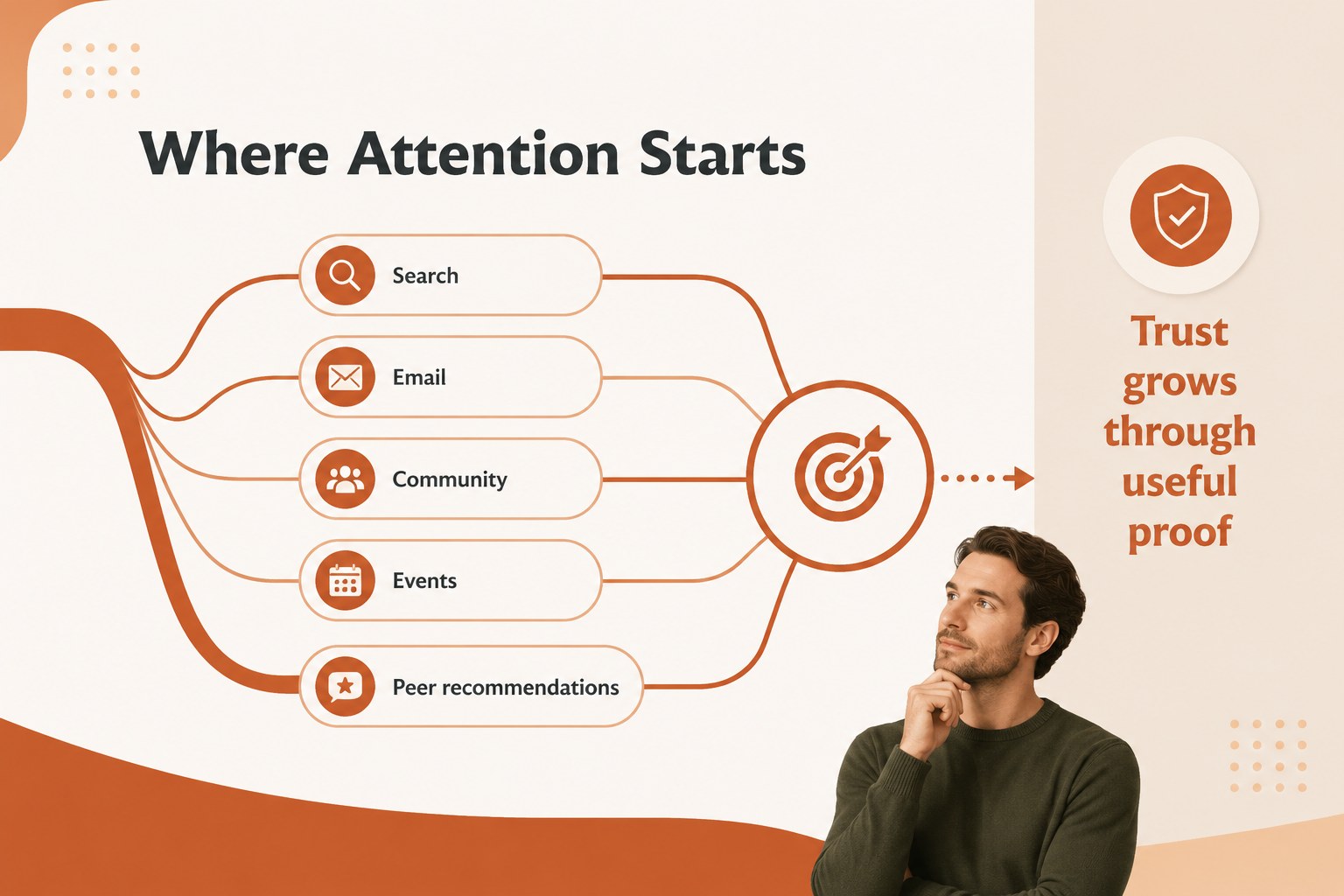
Inside, you will find layouts for audience snapshots, demographic summaries, customer motivations, pain points, behavior patterns, needs-based segments, channel preferences, and marketing priorities. Use the visual profiles as target audience profile slides, then connect those findings to a customer segmentation presentation or campaign planning session. Comparison tables, icon-led diagrams, charts, and concise text blocks make complex insights easier to explain.
This template suits brand strategists, marketing managers, research teams, consultants, agency specialists, and business educators. It works well for client workshops, internal planning meetings, campaign kickoffs, product positioning reviews, and executive updates. Every slide is editable in PowerPoint and Google Slides, so you can adjust labels, charts, typography, colors, and imagery to match your research. The 16:9 format supports modern screens and remote presentations, while the Cormorant Garamond and Orelega One pairing adds an editorial feel to a practical business deck.
Perfect for: marketing strategy workshop; client audience research presentation; campaign planning meeting; product positioning review; customer segmentation report.
Frequently asked questions
Can I edit this deck in PowerPoint? Yes. The presentation is designed for PowerPoint editing, including text, shapes, charts, colors, and images. Replace the sample audience data with your own research before presenting.
Practical details
Yes. The presentation is designed for PowerPoint editing, including text, shapes, charts, colors, and images. Replace the sample audience data with your own research before presenting.
Yes, you can open and edit the deck in Google Slides. Review imported fonts, charts, and spacing after upload so the layout matches your intended presentation.
Include audience characteristics, goals, frustrations, behaviors, preferred channels, and buying motivations. Keep each profile focused on evidence that supports a marketing or product decision.
Yes. Update the theme colors to match your brand while preserving the existing contrast and hierarchy. Use darker text and restrained accent colors so research remains easy to read.
Keep exploring
15Shape your publishing concept with an indie magazine startup pitch deck featuring pastel gradients, bold collage layouts, and editable planning slides.
 16
16Build clear project stories with the Icon Grid Teamwork Theme, a flexible blue illustrated deck for proposals, strategy updates, and team meetings.
 3
3Turn priorities into an actionable plan with an annual goals roadmap infographic, featuring editable orange and teal layouts for PowerPoint and Google Slides.
 15
15Create an Annual Achievement Report Presentation with colorful geometric layouts for milestones, results, lessons, and priorities in PowerPoint or Google Slides.
 15
15Turn results into a focused annual performance evaluation report with dark 3D slides for KPIs, achievements, feedback, and next-step goals for teams.
 15
15Guide a focused annual recap with Business Results Retrospective Slides, a muted brown-and-blue template for PowerPoint and Google Slides.
 6
6Turn complex plans into clear visual stories with Color-Coded Workflow Path Slides, an editable set for project updates, roadmaps, and team briefings.
 6
6Compare regional performance at a glance with Global Data Heatmap Slides, a clean multicolor deck designed for editable PowerPoint and Google Slides.