
 15
15presentation
Indie Magazine Startup Pitch Deck
Shape your publishing concept with an indie magazine startup pitch deck featuring pastel gradients, bold collage layouts, and editable planning slides.
Google SlidesPowerPoint
presentation · English
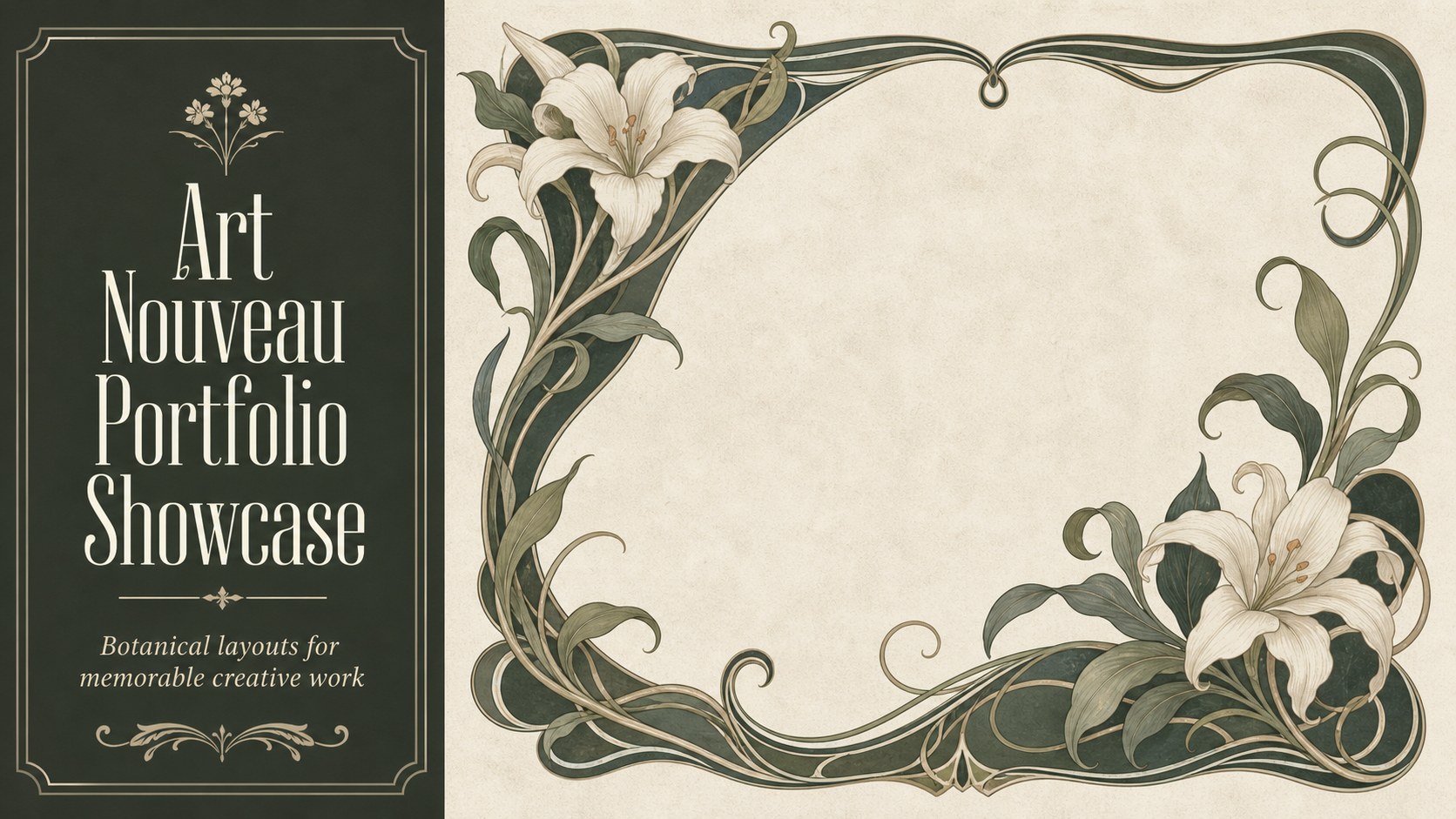
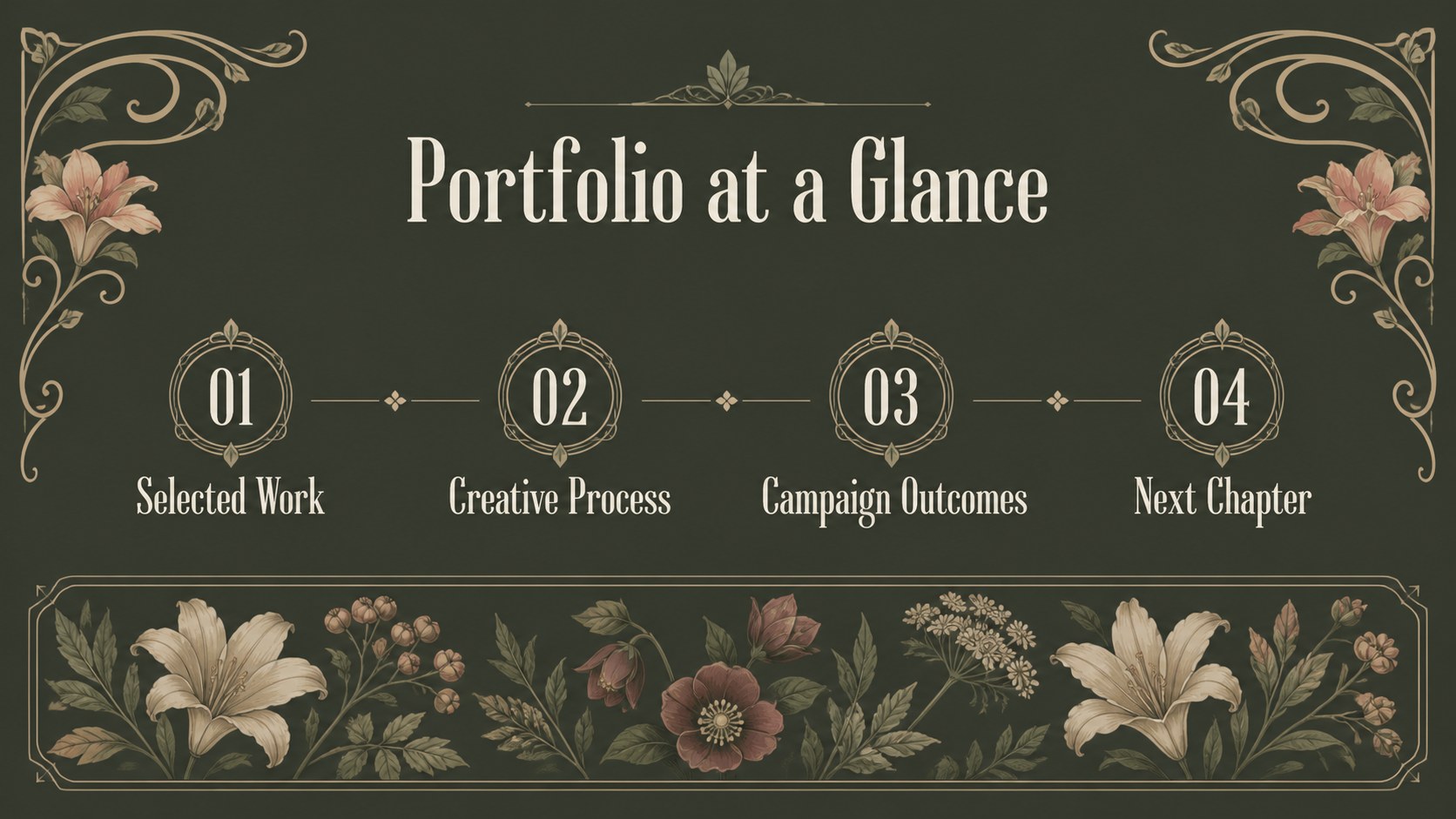
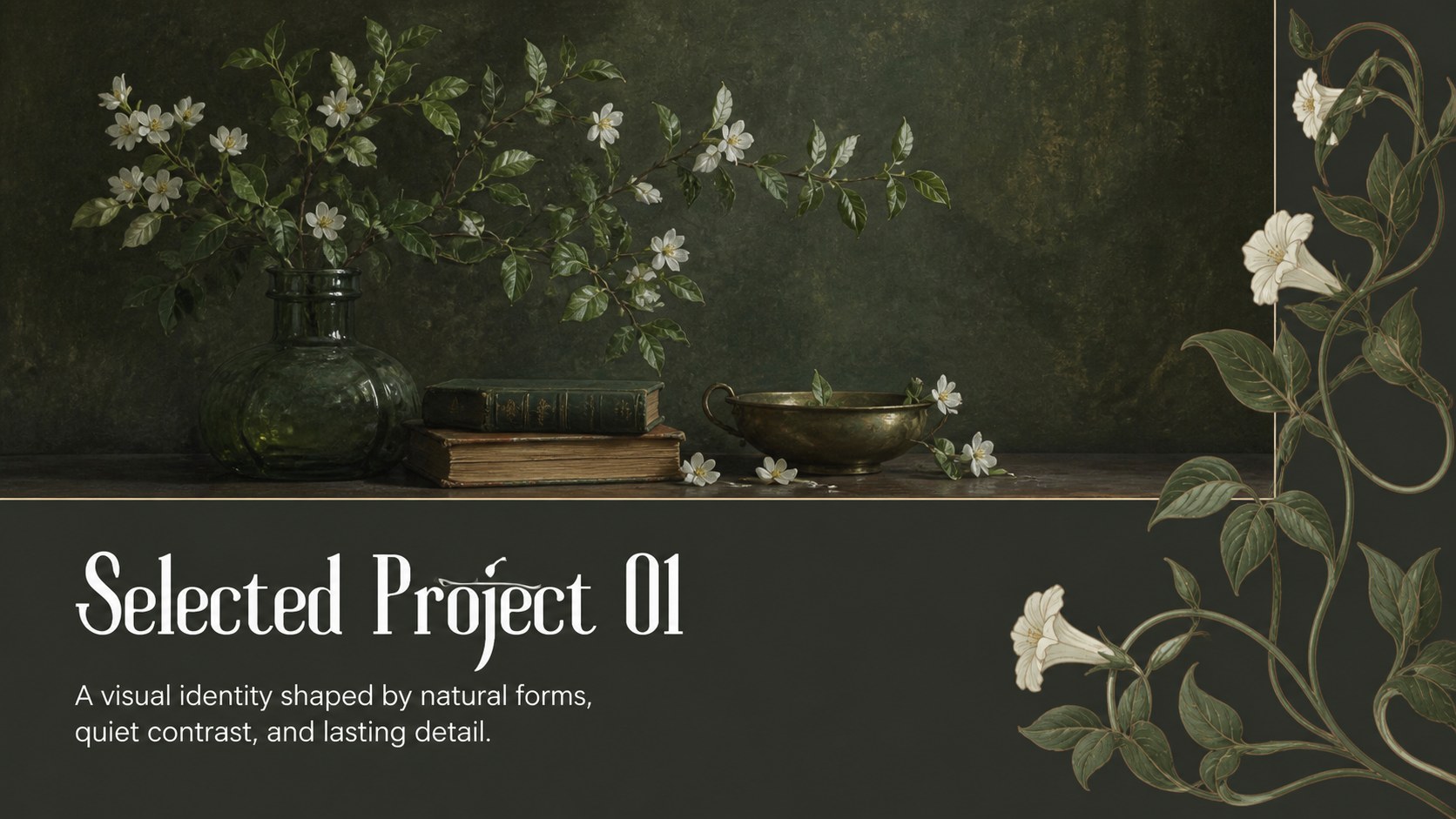
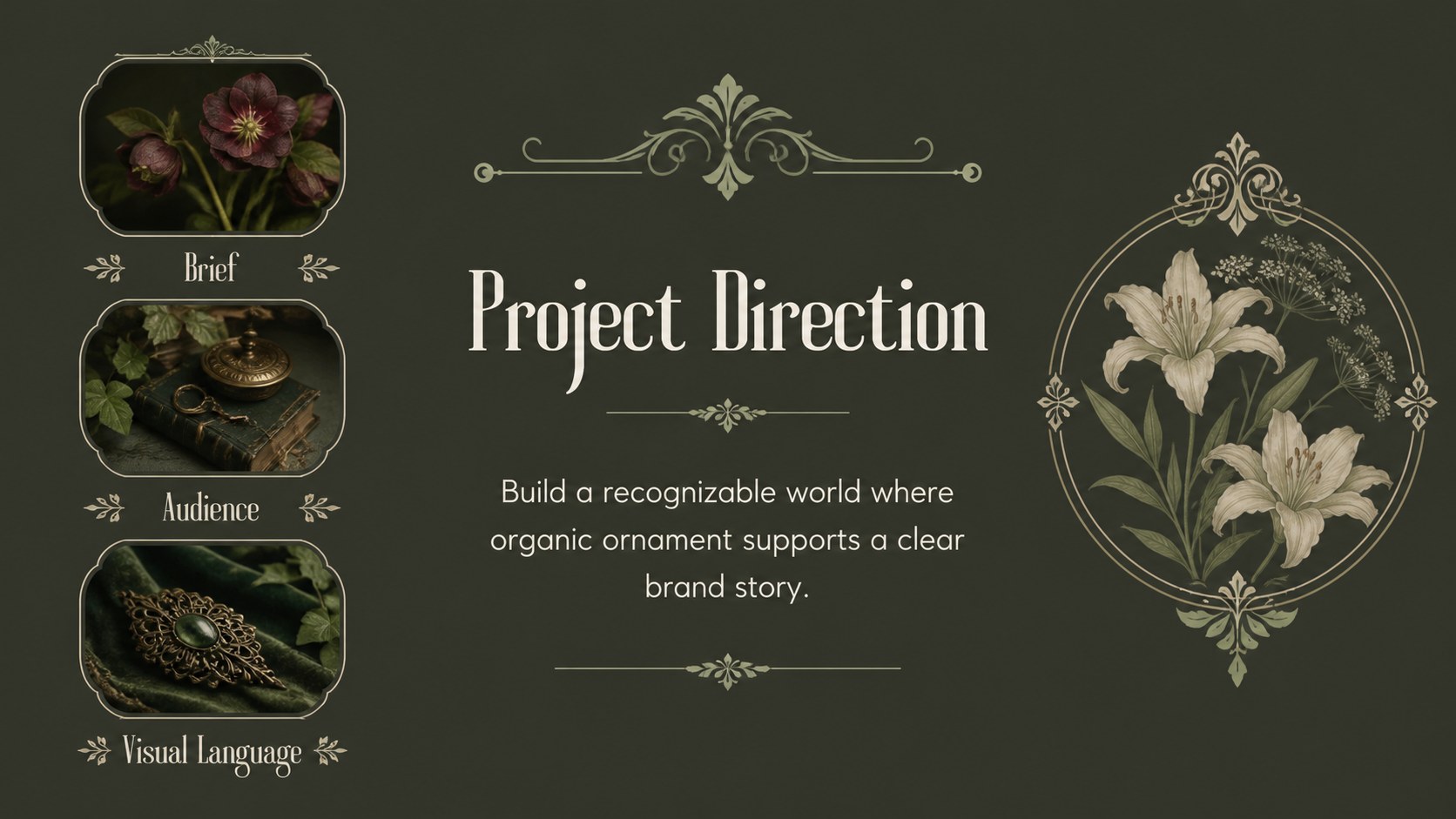
Present creative work with an art nouveau portfolio showcase featuring dark green botanicals, vintage layouts, editable slides, and flexible exports.

Design notes
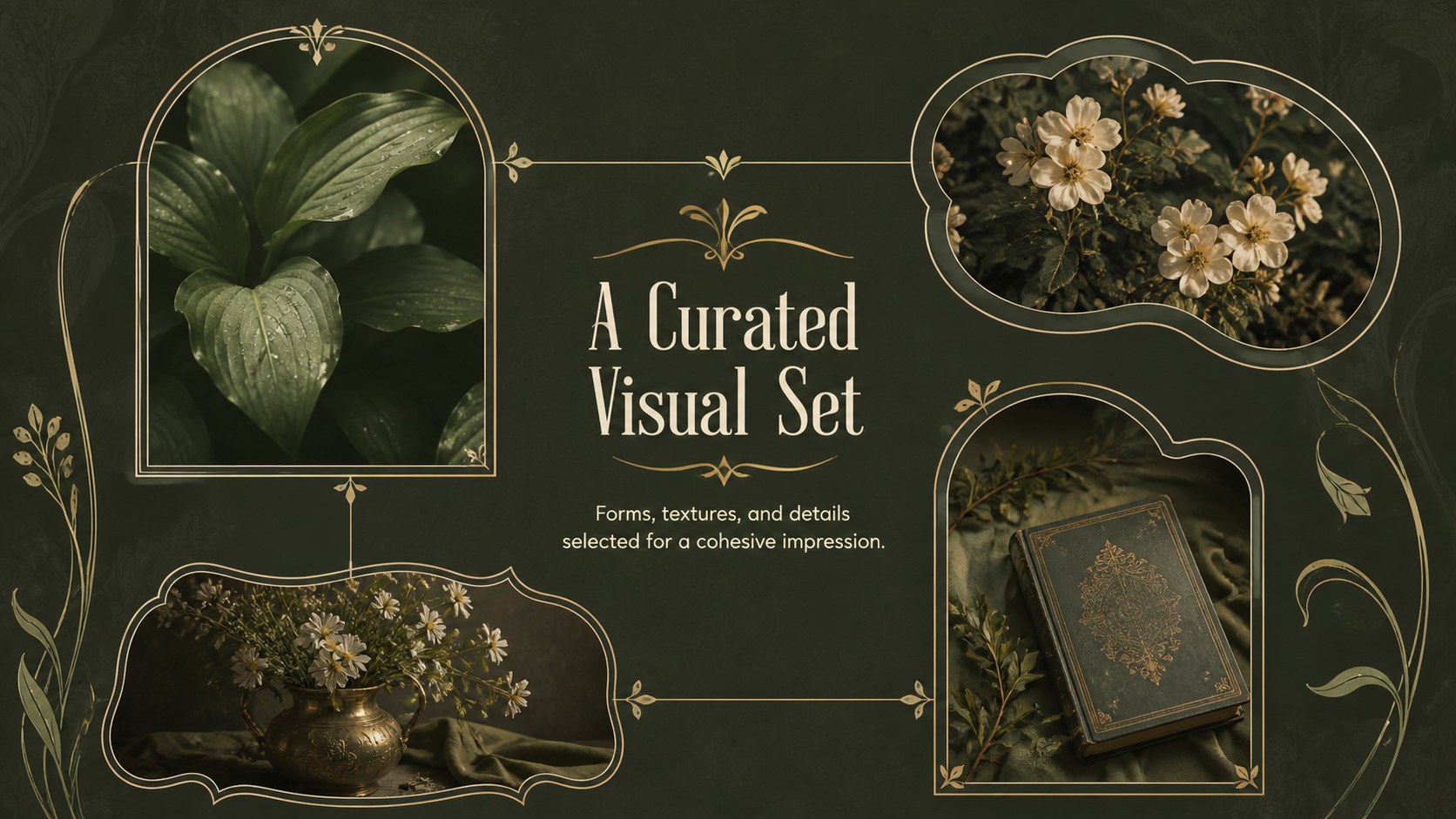
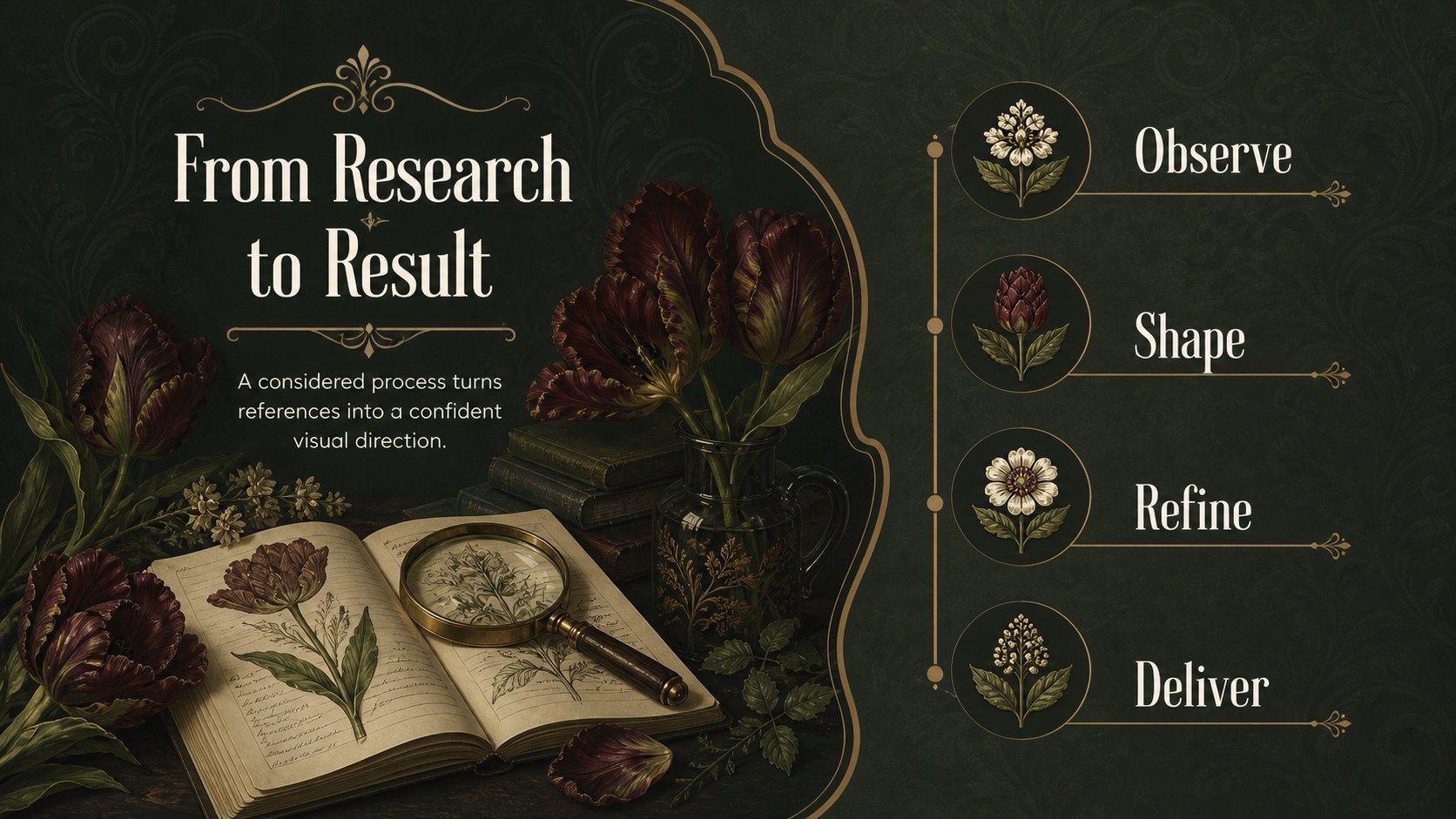
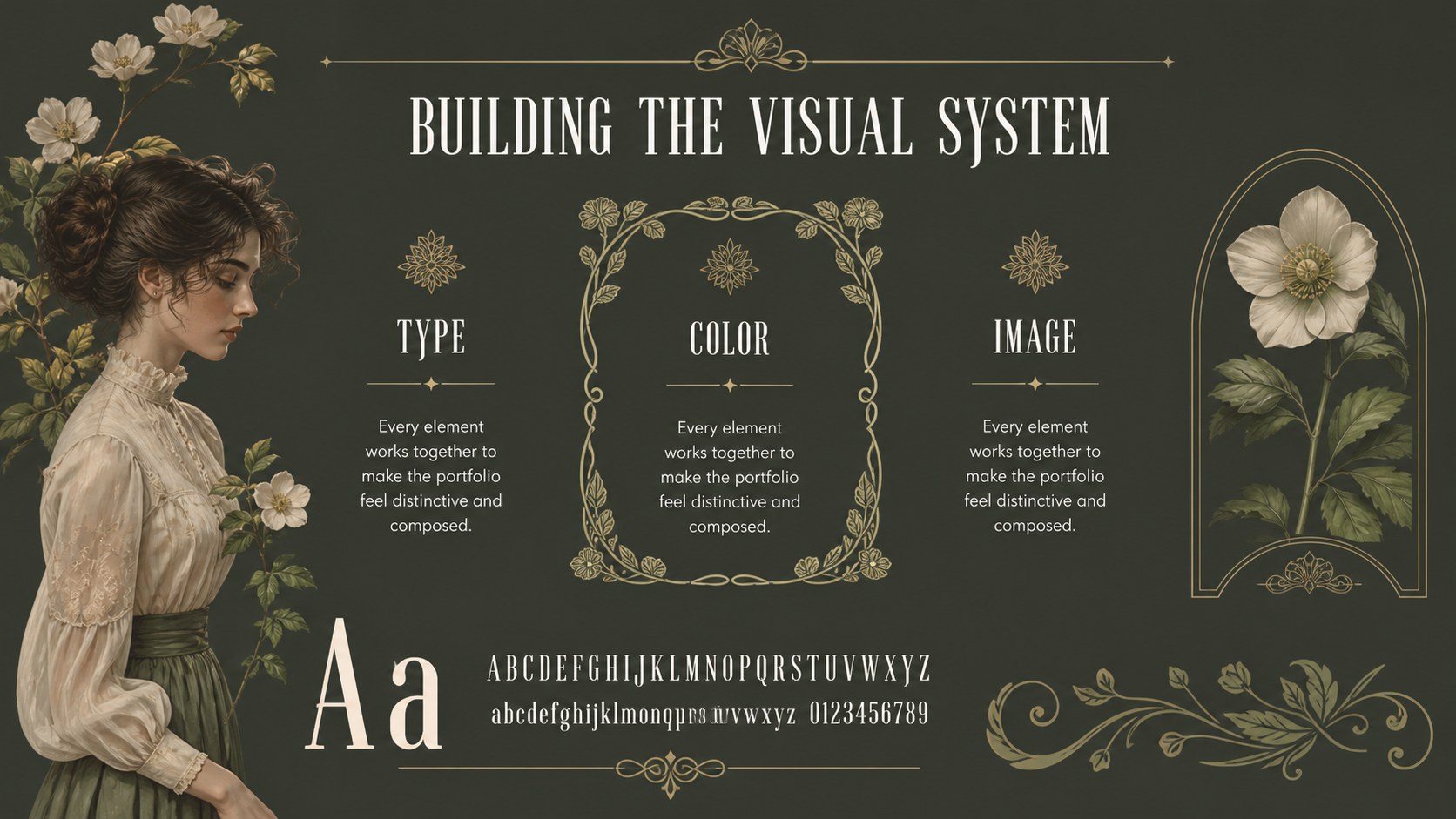
Art Nouveau Portfolio Showcase is a refined presentation theme for creative professionals who want their work to feel considered, distinctive, and memorable. Deep green backgrounds, ornamental botanical details, and vintage-inspired typography create an editorial setting for visual storytelling without overwhelming the projects being presented.
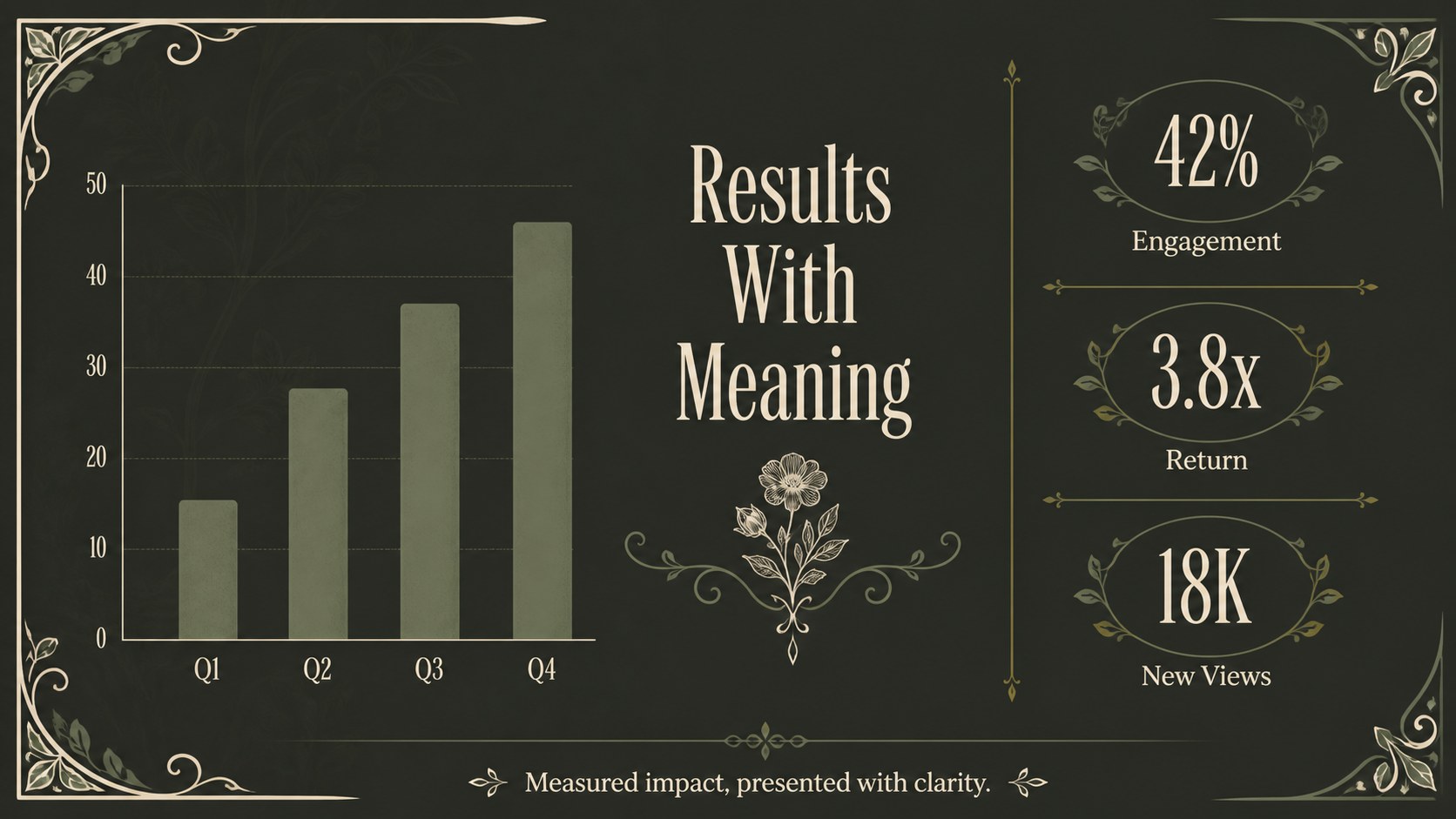
Use the deck to organize a creative portfolio, introduce a marketing campaign, explain a brand direction, or present a product concept. Its art nouveau portfolio showcase format includes 20 editable 16:9 slides with cover, section divider, project overview, image gallery, process, timeline, results, service, and closing layouts. Charts, frames, lines, and shapes help you adapt the design for both visual and data-led content.
The template is suited to designers, agencies, photographers, illustrators, boutique studios, and marketing teams preparing a vintage botanical presentation for clients or internal reviews. provides drag-and-drop editing, image and font libraries, animations, speaker notes, collaboration, and export options for PowerPoint or Google Slides. Replace the sample imagery, adjust the green palette, and tailor each project page to match your own identity while preserving the cohesive decorative system.
Perfect for: creative agency client review; designer portfolio presentation; marketing campaign proposal; boutique brand strategy pitch; photography project showcase.
Frequently asked questions
Can I edit this presentation? Yes. The template is designed for editing, so you can replace images, rewrite text, adjust colors, and rearrange layouts with drag-and-drop controls. also supports collaboration and speaker notes.
Practical details
Yes. The template is designed for editing, so you can replace images, rewrite text, adjust colors, and rearrange layouts with drag-and-drop controls. also supports collaboration and speaker notes.
Yes. Open the template, choose Share, select See all, and use the PowerPoint or Google Drive export option. Some fonts, animations, and decorative elements may render differently after export.
Yes. The layouts support project introductions, image galleries, creative process pages, campaign results, timelines, and closing calls to action. Replace the sample content to create a portfolio, agency review, or client-facing case study.
Yes. lets you update the document palette and recolor editable shapes and decorative elements. For the most cohesive result, keep one deep green anchor color and pair it with restrained light and neutral accents.
Keep exploring
15Shape your publishing concept with an indie magazine startup pitch deck featuring pastel gradients, bold collage layouts, and editable planning slides.
 16
16Build clear project stories with the Icon Grid Teamwork Theme, a flexible blue illustrated deck for proposals, strategy updates, and team meetings.
 3
3Turn priorities into an actionable plan with an annual goals roadmap infographic, featuring editable orange and teal layouts for PowerPoint and Google Slides.
 15
15Create an Annual Achievement Report Presentation with colorful geometric layouts for milestones, results, lessons, and priorities in PowerPoint or Google Slides.
 15
15Turn results into a focused annual performance evaluation report with dark 3D slides for KPIs, achievements, feedback, and next-step goals for teams.
 15
15Guide a focused annual recap with Business Results Retrospective Slides, a muted brown-and-blue template for PowerPoint and Google Slides.
 6
6Turn complex plans into clear visual stories with Color-Coded Workflow Path Slides, an editable set for project updates, roadmaps, and team briefings.
 6
6Compare regional performance at a glance with Global Data Heatmap Slides, a clean multicolor deck designed for editable PowerPoint and Google Slides.