
 15
15presentation
Indie Magazine Startup Pitch Deck
Shape your publishing concept with an indie magazine startup pitch deck featuring pastel gradients, bold collage layouts, and editable planning slides.
Google SlidesPowerPoint
presentation · English
Build an architecture portfolio presentation with clean layouts, bold yellow accents, editable charts, and flexible slides for client and business proposals.





Design notes
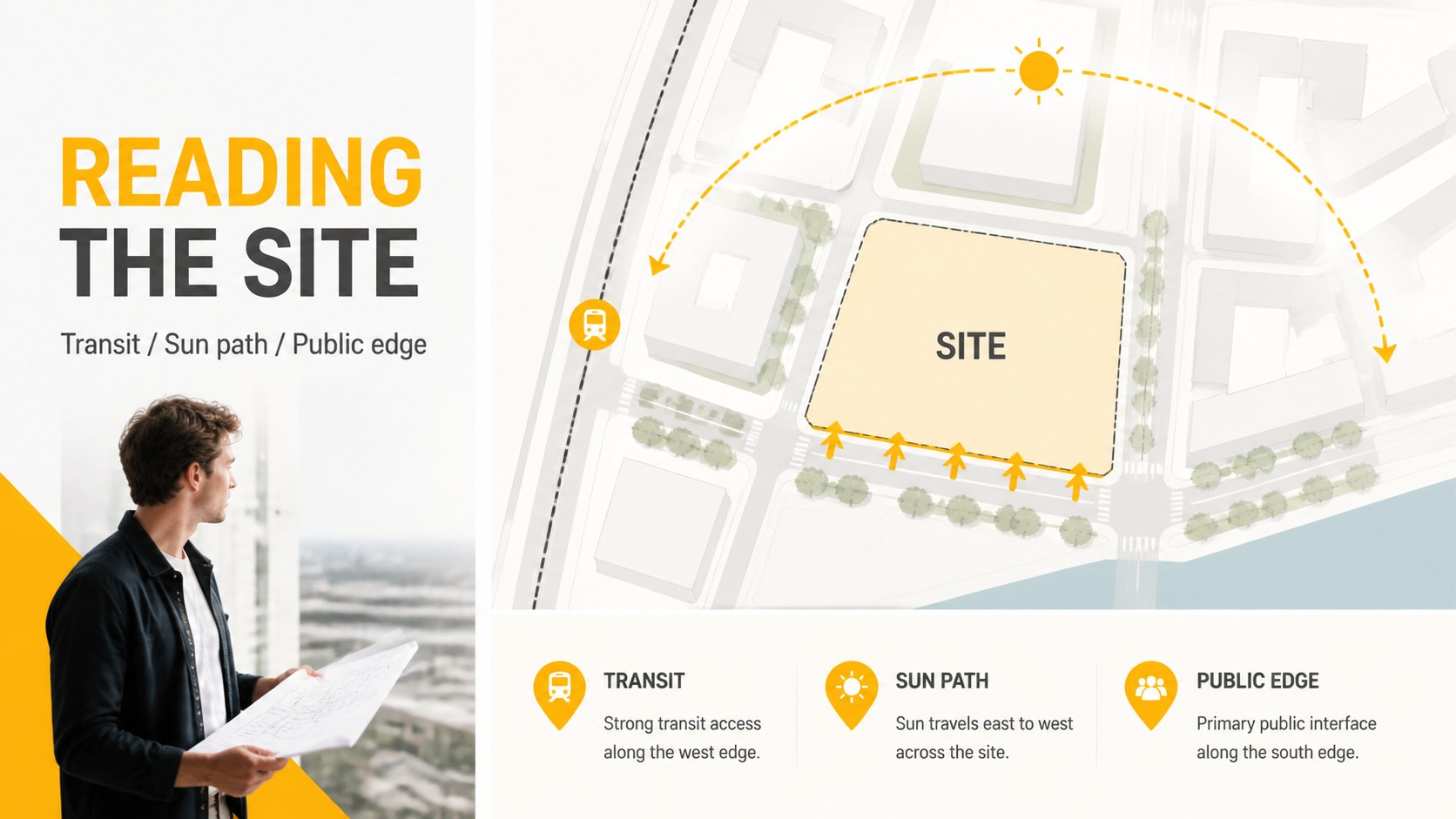
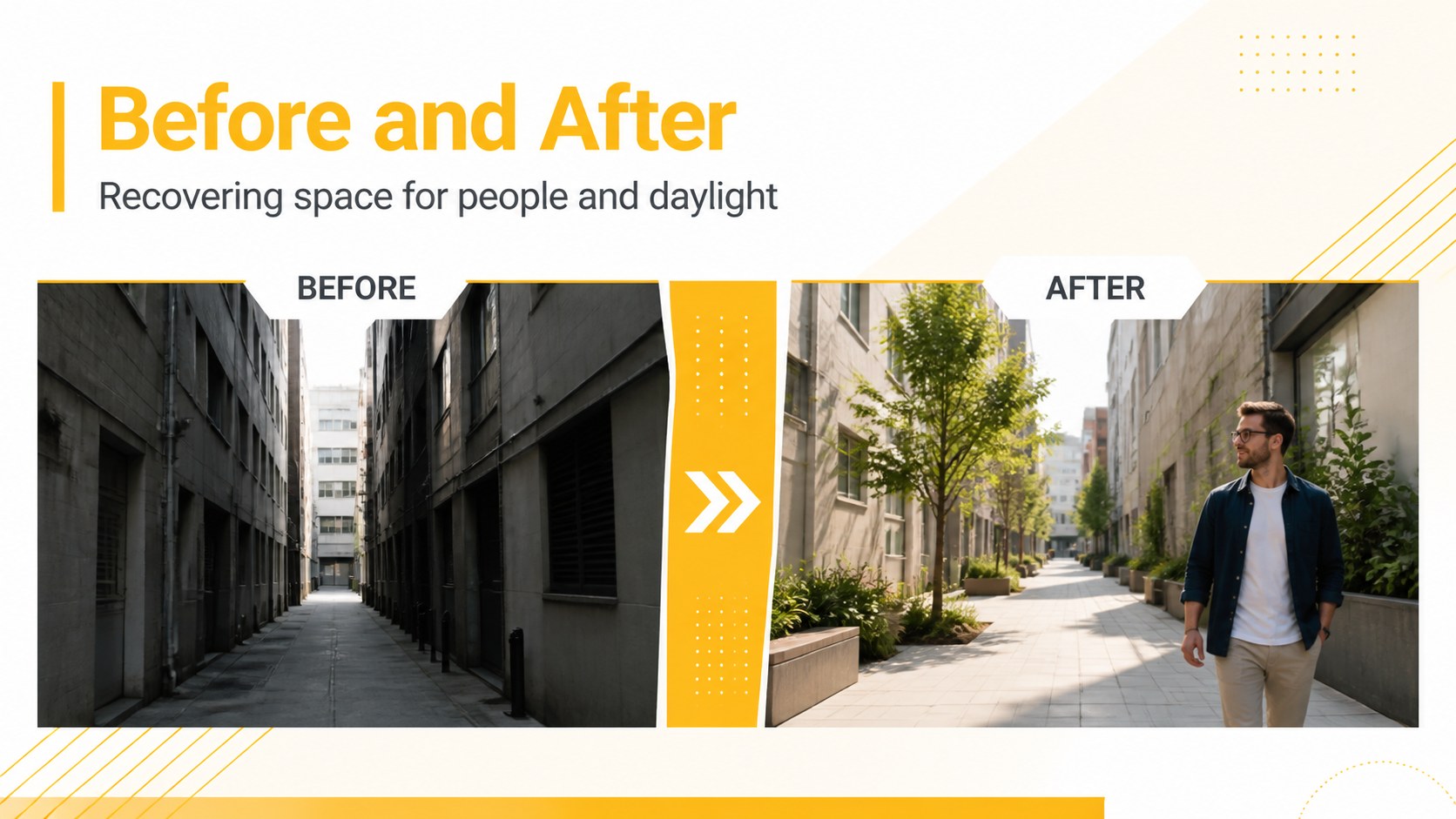
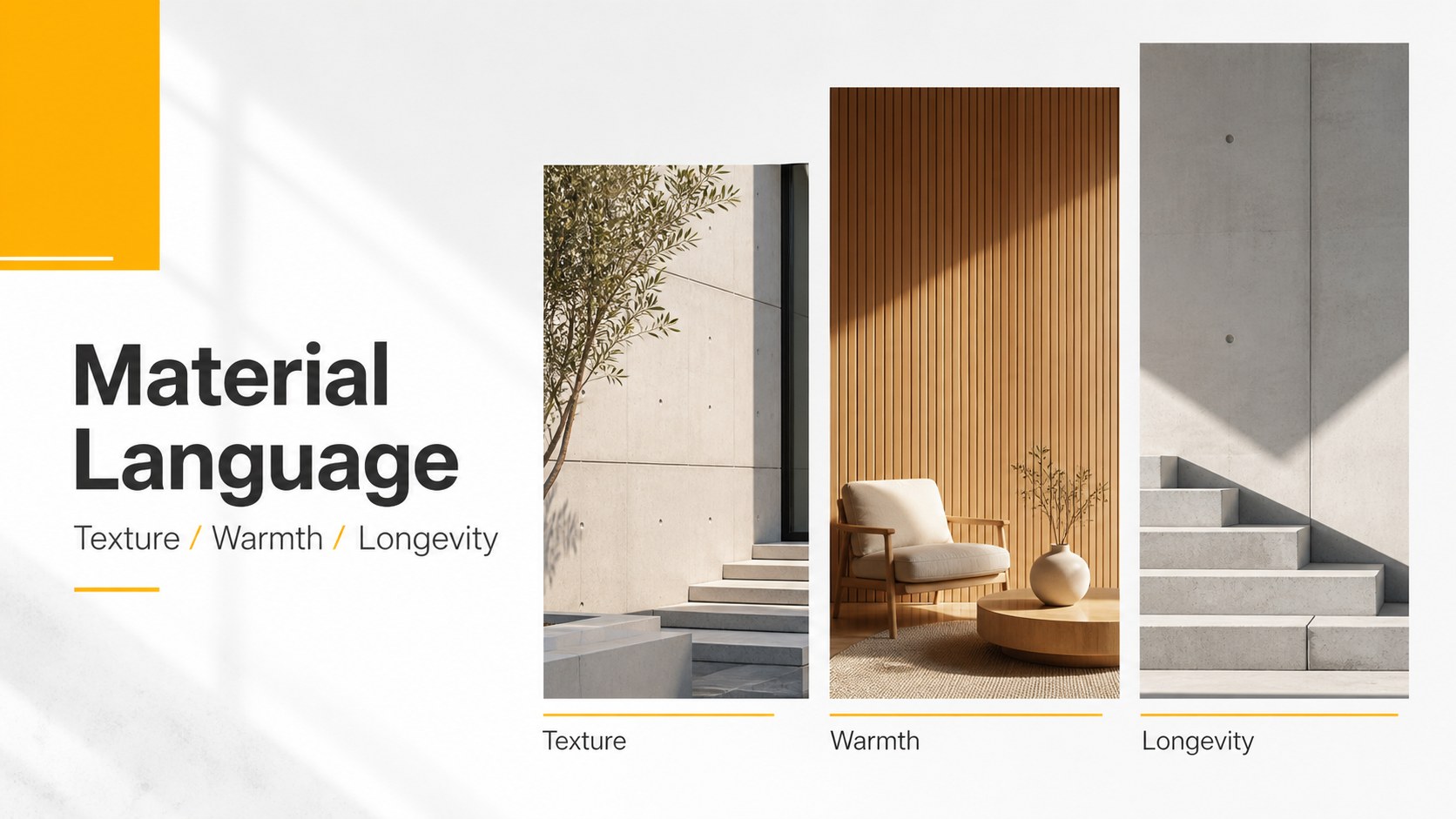
Architecture Portfolio Presentation is a refined slide system for turning design work, project proposals, and architectural concepts into a clear visual narrative. Its restrained grid, generous white space, and yellow accent color give the deck a confident contemporary feel without competing with your images or data.
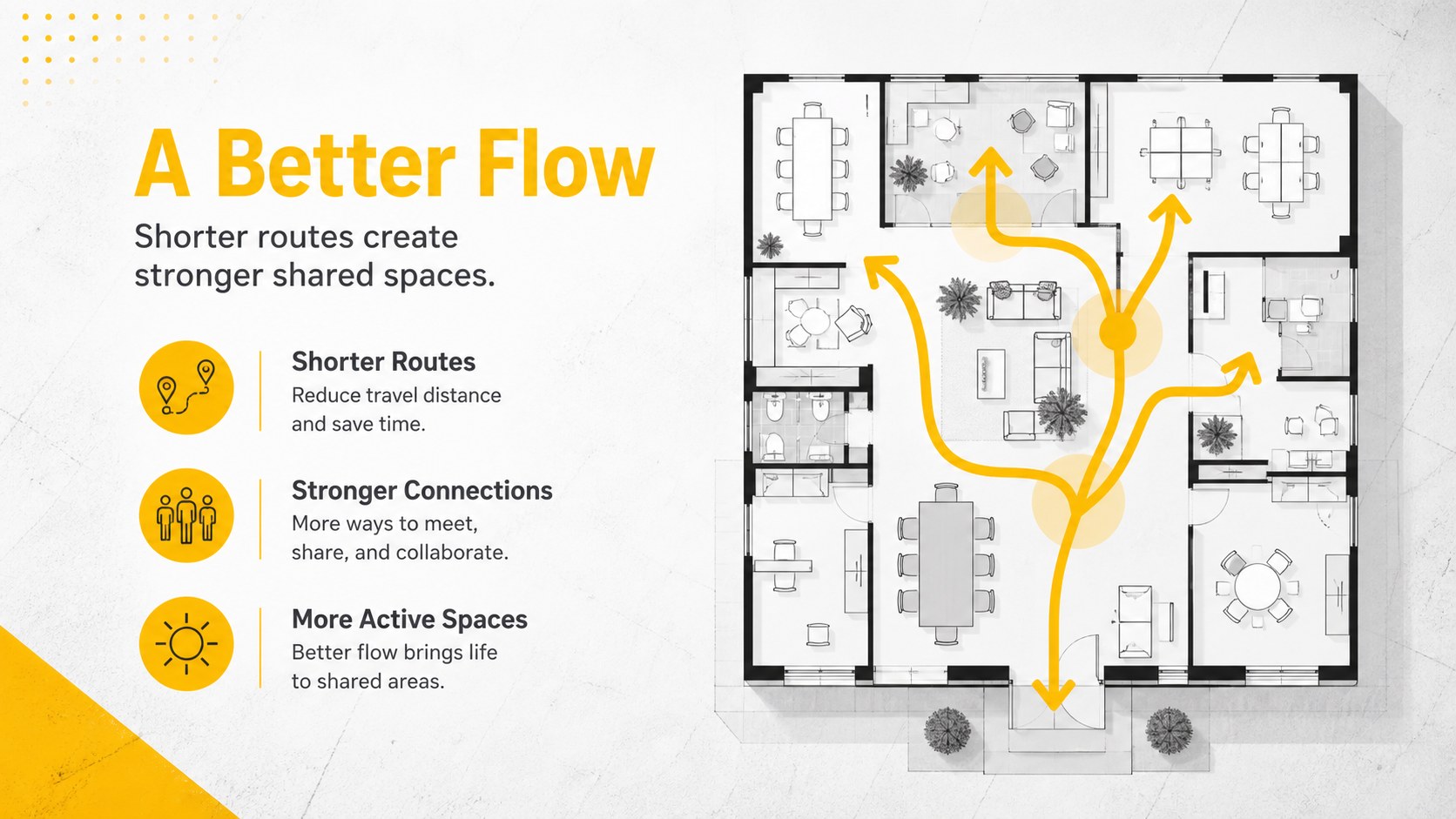
Inside, you’ll find 16:9 layouts for project overviews, design principles, site analysis, timelines, process diagrams, comparison tables, charts, maps, and closing statements. The modular structure works especially well for architecture presentation slides, studio portfolios, property proposals, and corporate reports. Use the yellow business deck styling as provided, or adjust the accent color, typography, photos, and icons to match your practice or client brand.
The template is designed for architects, interior designers, urban planners, construction teams, real estate professionals, and students presenting a finished project or early-stage concept. Every element is editable, including text, imagery, diagrams, charts, and the included icon family. Edit online in Google Slides, work locally in PowerPoint, or adapt the layouts before exporting to PDF or image formats. This editable PowerPoint architecture template helps you move from raw project material to a polished, presentation-ready story with less formatting work.
Perfect for: architecture studio portfolio review; client design proposal; real estate development briefing; urban planning project presentation; construction project update.
Frequently asked questions
Can I edit the architecture portfolio presentation in Google Slides? Yes. Upload or open the presentation in Google Slides and edit the text, layouts, images, colors, charts, and icons. The same deck can also be downloaded for editing in PowerPoint.
Practical details
Yes. Upload or open the presentation in Google Slides and edit the text, layouts, images, colors, charts, and icons. The same deck can also be downloaded for editing in PowerPoint.
Yes. Update the theme colors or edit the master slides to replace yellow with a color from your studio or client brand. Text, diagrams, icons, and background elements remain customizable.
It does. The layouts support project summaries, site context, design process, schedules, comparisons, budgets, and final recommendations, making the deck suitable for both portfolio reviews and client proposals.
Yes, is supported as an editing platform. Import the presentation and check image positioning, fonts, and chart formatting after conversion before presenting or exporting.
Keep exploring
15Shape your publishing concept with an indie magazine startup pitch deck featuring pastel gradients, bold collage layouts, and editable planning slides.
 16
16Build clear project stories with the Icon Grid Teamwork Theme, a flexible blue illustrated deck for proposals, strategy updates, and team meetings.
 3
3Turn priorities into an actionable plan with an annual goals roadmap infographic, featuring editable orange and teal layouts for PowerPoint and Google Slides.
 15
15Create an Annual Achievement Report Presentation with colorful geometric layouts for milestones, results, lessons, and priorities in PowerPoint or Google Slides.
 15
15Turn results into a focused annual performance evaluation report with dark 3D slides for KPIs, achievements, feedback, and next-step goals for teams.
 15
15Guide a focused annual recap with Business Results Retrospective Slides, a muted brown-and-blue template for PowerPoint and Google Slides.
 6
6Turn complex plans into clear visual stories with Color-Coded Workflow Path Slides, an editable set for project updates, roadmaps, and team briefings.
 6
6Compare regional performance at a glance with Global Data Heatmap Slides, a clean multicolor deck designed for editable PowerPoint and Google Slides.