
 15
15presentation
Indie Magazine Startup Pitch Deck
Shape your publishing concept with an indie magazine startup pitch deck featuring pastel gradients, bold collage layouts, and editable planning slides.
Google SlidesPowerPoint
document · English
Build polished customer bills with an Apparel Order Invoice Template for fashion retailers, editable in PowerPoint and Google Slides with ease.

Design notes
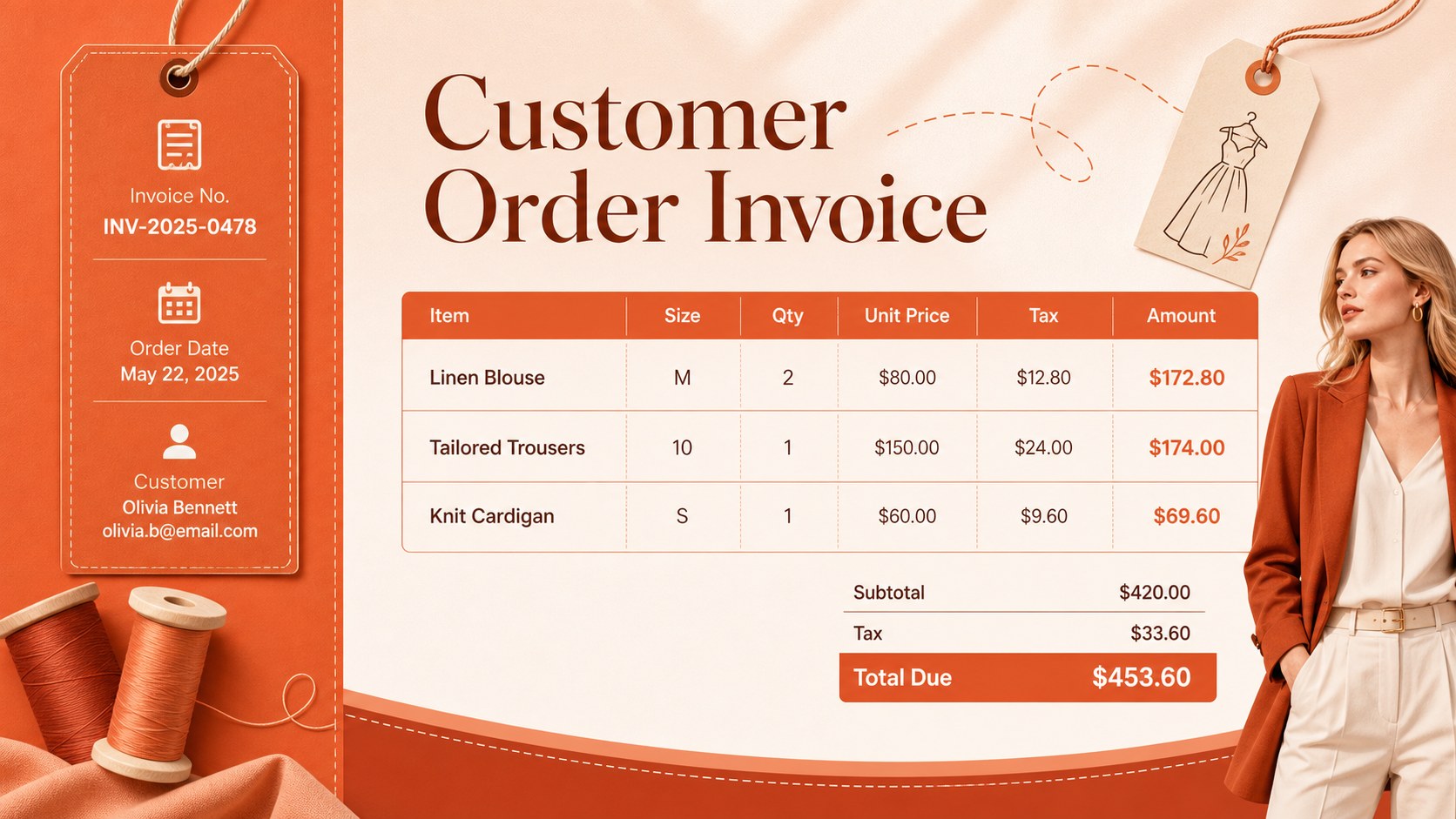
Bring clarity and a strong visual identity to every customer bill with this Apparel Order Invoice Template. Created for boutiques, clothing stores, independent designers, and online sellers, its bold orange and red palette adds energy while preserving the clean structure required for accurate invoicing. Edit the layout in PowerPoint or Google Slides to match your shop, products, and billing workflow.
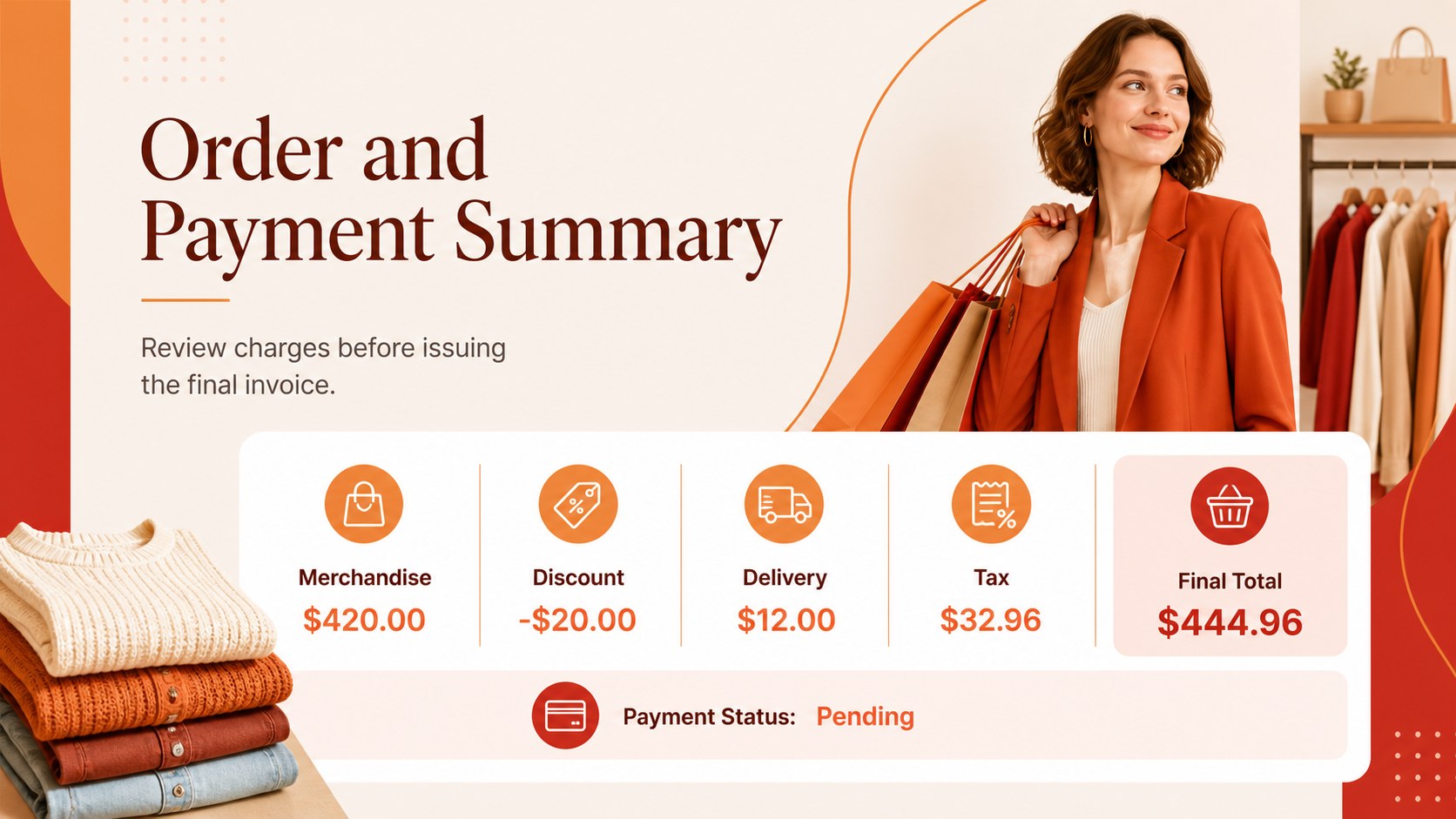
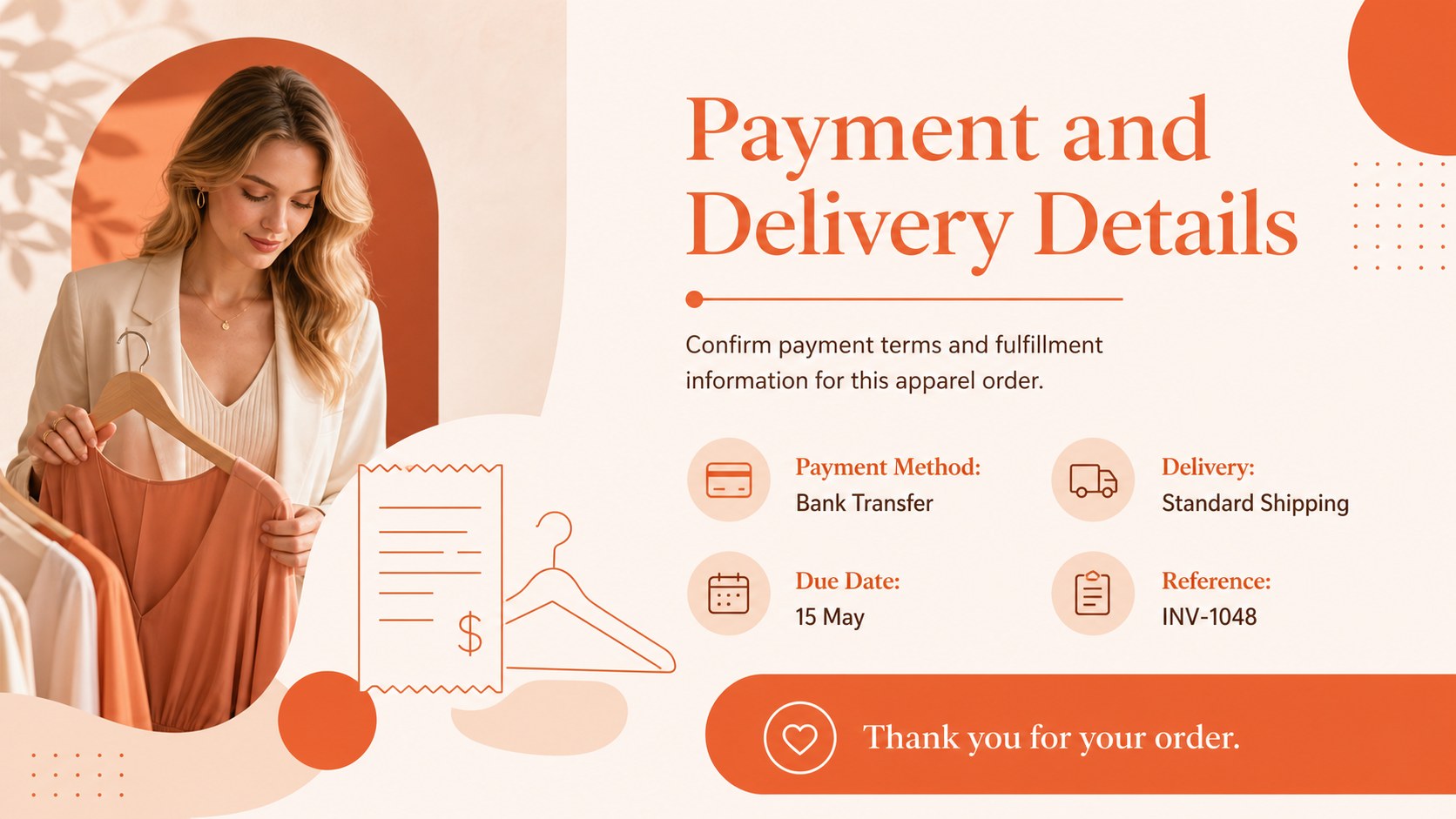
The editable fashion invoice presentation includes a branded cover, an itemized purchase table, customer and order fields, tax and discount sections, payment information, and a concise transaction summary. Replace sample text, adjust table rows, insert a store logo, and update colors or typography without rebuilding the design. The portrait-inspired invoice styling is adapted into a practical widescreen format for presenting, reviewing, or exporting transaction records.
Use this retail clothing invoice slide template for in-store purchases, online fashion orders, wholesale apparel accounts, or custom garment commissions. It also works as a boutique order billing template when teams need to confirm quantities, unit prices, delivery charges, and payment status with customers. Once customized, the slides can be presented during an order review or exported as a PDF for sharing and recordkeeping. The coordinated layouts help fashion businesses create consistent invoices while keeping essential financial information readable and professionally organized.
Perfect for: boutique customer billing; online apparel order review; wholesale clothing invoice; custom garment commission; fashion retail payment record.
Frequently asked questions
Can I edit the invoice fields and item table? Yes. All headings, customer fields, product rows, prices, tax details, and payment notes can be edited in PowerPoint or Google Slides. You can duplicate or remove table rows to suit each order.
Practical details
Yes. All headings, customer fields, product rows, prices, tax details, and payment notes can be edited in PowerPoint or Google Slides. You can duplicate or remove table rows to suit each order.
Replace the sample store information, add your logo, and apply your preferred fonts and brand colors. Keep sufficient contrast between the orange-red accents and financial data so totals remain easy to scan.
Yes. After entering and checking the transaction details, export the finished slide as a PDF for email or digital archiving. You can also present it directly during an order confirmation or account review.
The template is designed for Microsoft PowerPoint and Google Slides. Some font spacing or table dimensions may vary slightly between platforms, so review the final layout before exporting.
Keep exploring
15Shape your publishing concept with an indie magazine startup pitch deck featuring pastel gradients, bold collage layouts, and editable planning slides.
 16
16Build clear project stories with the Icon Grid Teamwork Theme, a flexible blue illustrated deck for proposals, strategy updates, and team meetings.
 3
3Turn priorities into an actionable plan with an annual goals roadmap infographic, featuring editable orange and teal layouts for PowerPoint and Google Slides.
 15
15Create an Annual Achievement Report Presentation with colorful geometric layouts for milestones, results, lessons, and priorities in PowerPoint or Google Slides.
 15
15Turn results into a focused annual performance evaluation report with dark 3D slides for KPIs, achievements, feedback, and next-step goals for teams.
 15
15Guide a focused annual recap with Business Results Retrospective Slides, a muted brown-and-blue template for PowerPoint and Google Slides.
 6
6Turn complex plans into clear visual stories with Color-Coded Workflow Path Slides, an editable set for project updates, roadmaps, and team briefings.
 6
6Compare regional performance at a glance with Global Data Heatmap Slides, a clean multicolor deck designed for editable PowerPoint and Google Slides.