
 15
15presentation
Indie Magazine Startup Pitch Deck
Shape your publishing concept with an indie magazine startup pitch deck featuring pastel gradients, bold collage layouts, and editable planning slides.
Google SlidesPowerPoint
presentation · English
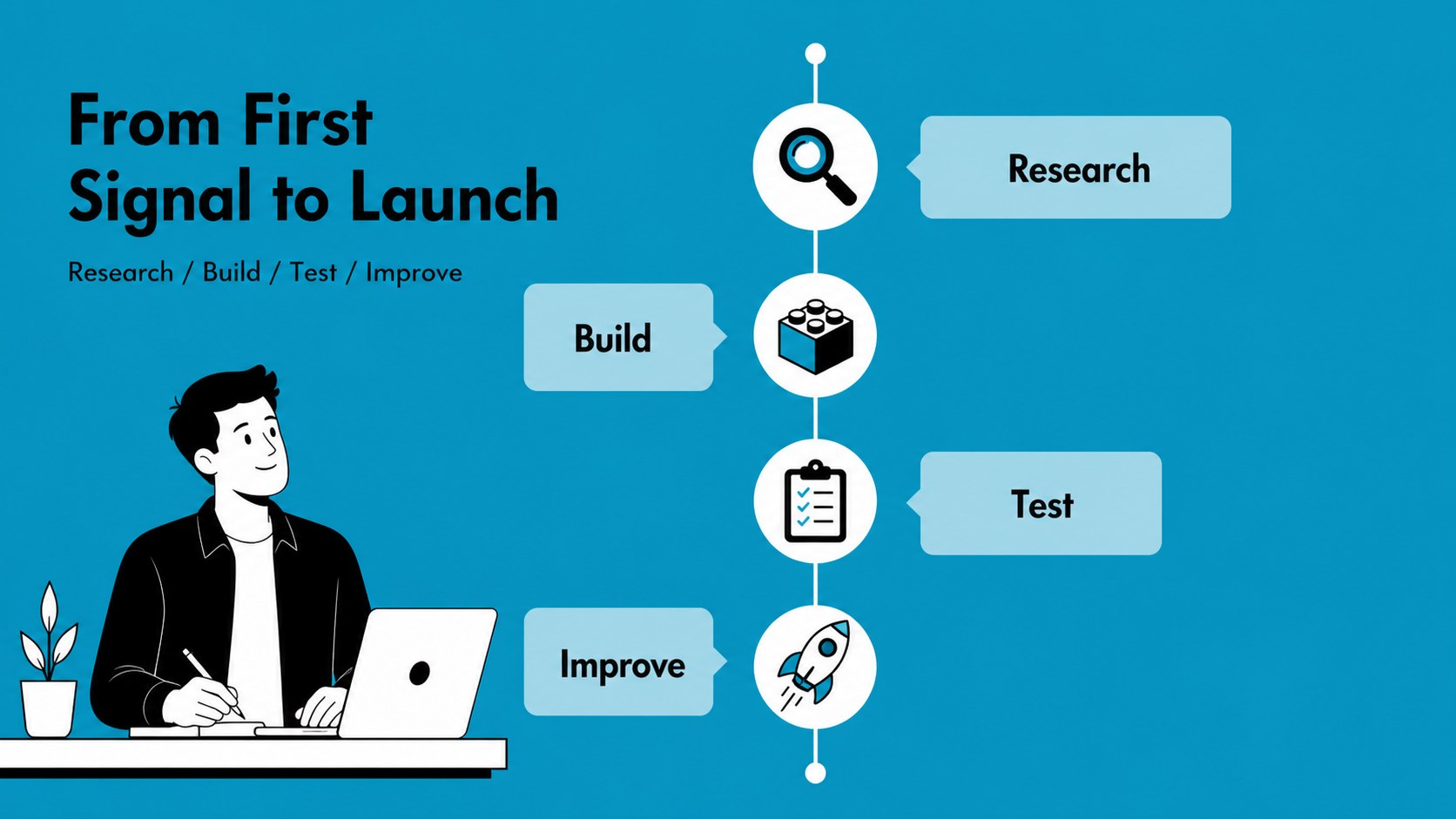
Build an animated business pitch deck with blue illustrated layouts for startup ideas, reports, and workshops. Edit freely, PowerPoint, or Slides.




Design notes
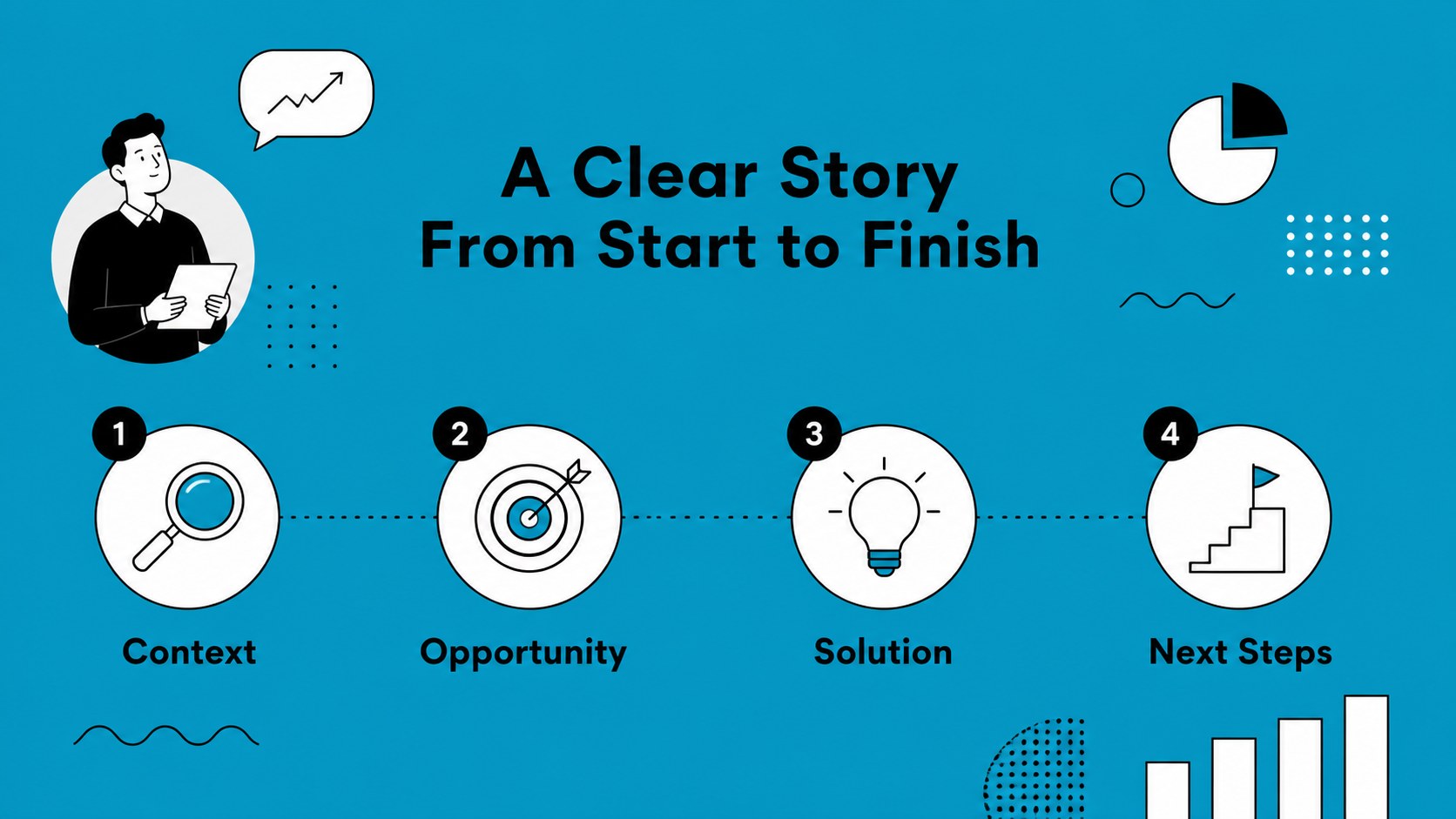
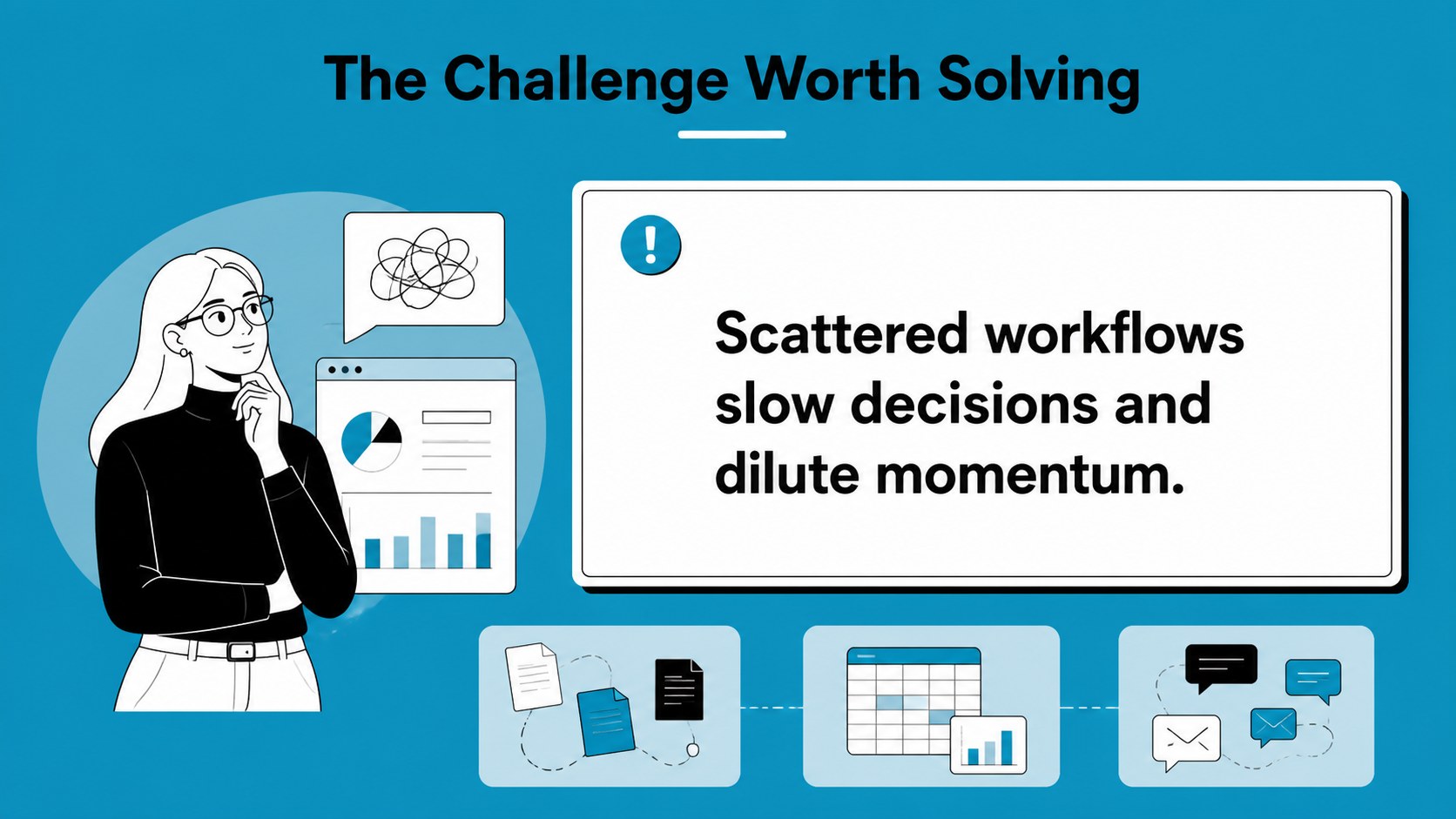
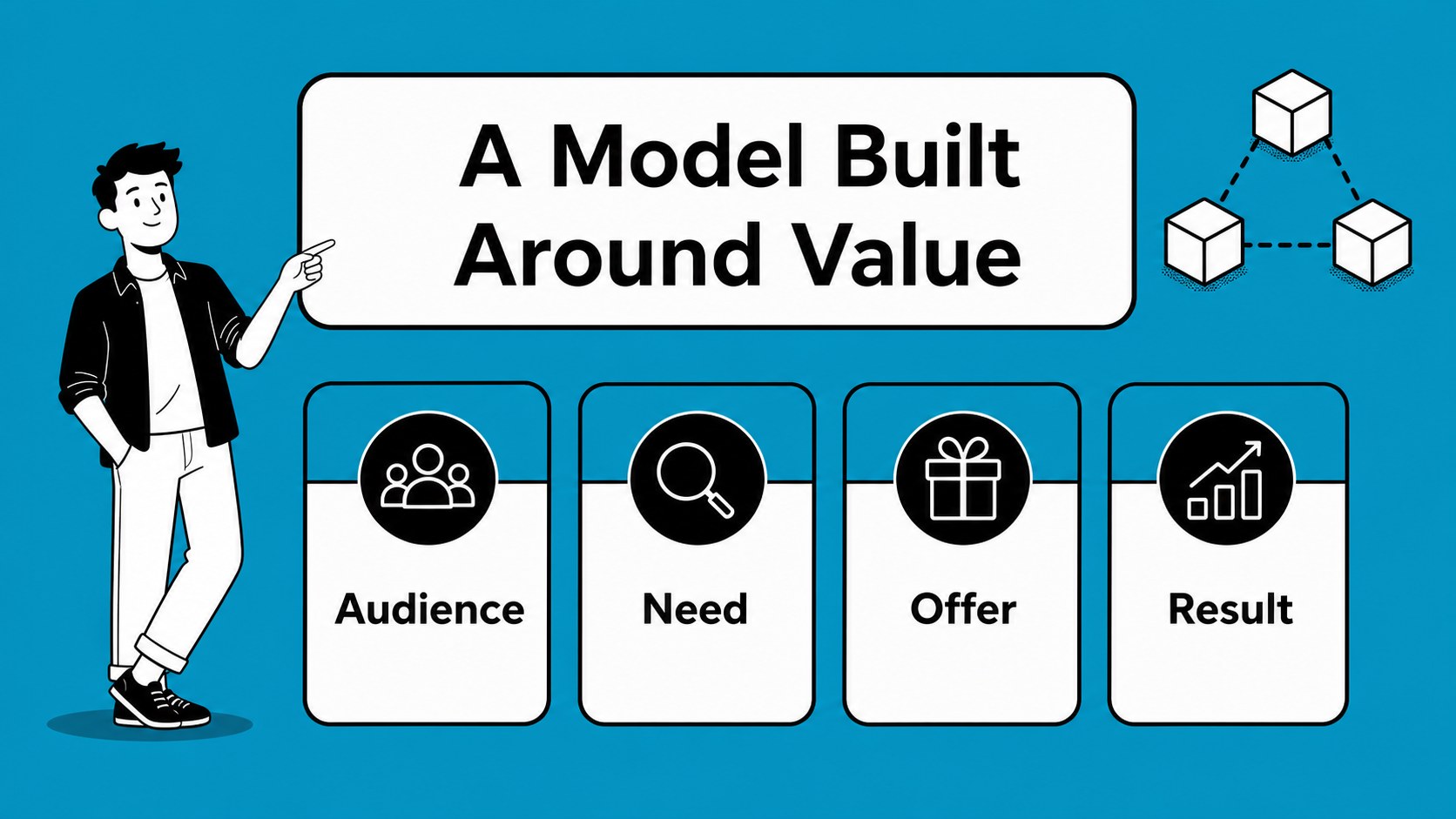
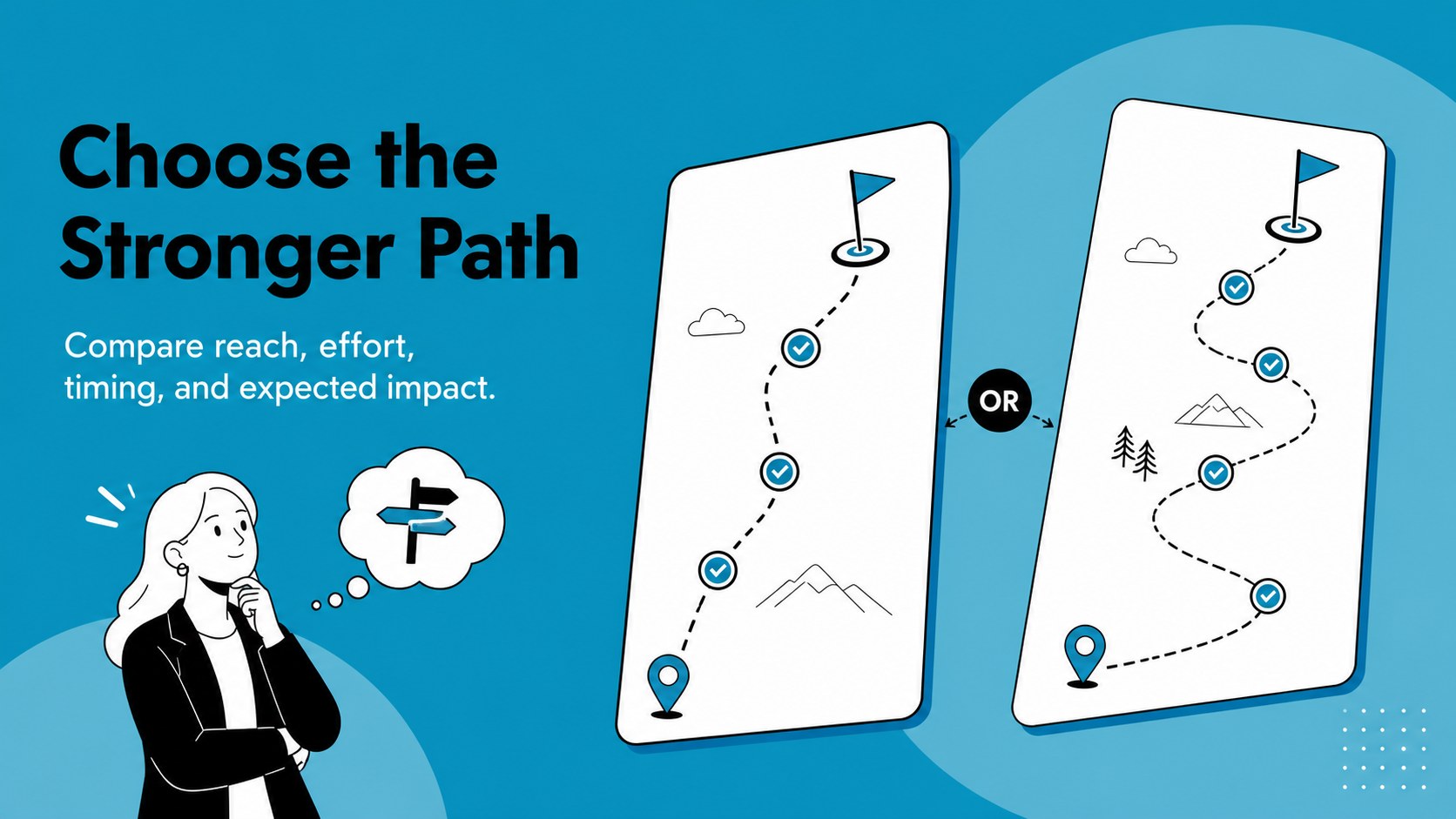
Make business communication more memorable with an animated business pitch deck designed for clear storytelling and confident delivery. Its blue illustrated style gives startup teams, consultants, and corporate presenters a polished visual system for explaining ideas without overwhelming the audience. Use it to introduce a company, frame a challenge, present a solution, or guide a decision-making conversation.
Inside, you will find 21 editable 16:9 slides for cover pages, agendas, business models, milestones, metrics, comparison layouts, team introductions, and closing messages. Charts, frames, lines, and shapes help you turn raw information into readable visuals, while animation and transitions add energy to live presentations. The layouts also work well as blue startup presentation slides for investor meetings, quarterly reviews, and internal workshops.
Edit the template in Google Slides or PowerPoint, then adapt the colors, typography, imagery, and messaging to match your brand. users can add stock images, icons, video, audio, speaker notes, and collaborative editing tools. Whether you need an editable animated corporate deck or a flexible presentation for a growing venture, this template keeps the narrative organized and the design engaging.
Perfect for: startup investor pitch; quarterly business review; new product presentation; team strategy workshop; consulting client proposal.
Frequently asked questions
Can I edit this deck? Yes. The template can be customized with drag-and-drop editing, color palettes, font controls, images, video, audio, and speaker notes. You can also collaborate with teammates directly.
Practical details
Yes. The template can be customized with drag-and-drop editing, color palettes, font controls, images, video, audio, and speaker notes. You can also collaborate with teammates directly.
Yes. The presentation is designed for Google Slides and PowerPoint, as well as. You can edit the text, layouts, illustrations, charts, and colors in the platform that best fits your workflow.
Absolutely. Replace the blue accent colors, update the typography, add your logo-free brand assets, and swap in company imagery or charts. The layouts are flexible enough for startup, consulting, and corporate presentations.
The slides include editable animation and transition features that can be adjusted or removed. Use them selectively to emphasize key points while keeping data-heavy sections easy to follow.
Keep exploring
15Shape your publishing concept with an indie magazine startup pitch deck featuring pastel gradients, bold collage layouts, and editable planning slides.
 16
16Build clear project stories with the Icon Grid Teamwork Theme, a flexible blue illustrated deck for proposals, strategy updates, and team meetings.
 3
3Turn priorities into an actionable plan with an annual goals roadmap infographic, featuring editable orange and teal layouts for PowerPoint and Google Slides.
 15
15Create an Annual Achievement Report Presentation with colorful geometric layouts for milestones, results, lessons, and priorities in PowerPoint or Google Slides.
 15
15Turn results into a focused annual performance evaluation report with dark 3D slides for KPIs, achievements, feedback, and next-step goals for teams.
 15
15Guide a focused annual recap with Business Results Retrospective Slides, a muted brown-and-blue template for PowerPoint and Google Slides.
 6
6Turn complex plans into clear visual stories with Color-Coded Workflow Path Slides, an editable set for project updates, roadmaps, and team briefings.
 6
6Compare regional performance at a glance with Global Data Heatmap Slides, a clean multicolor deck designed for editable PowerPoint and Google Slides.