
 15
15presentation
Indie Magazine Startup Pitch Deck
Shape your publishing concept with an indie magazine startup pitch deck featuring pastel gradients, bold collage layouts, and editable planning slides.
Google SlidesPowerPoint
presentation · English
Build a clear Amazon business model analysis deck with bold orange visuals, editable charts, and flexible layouts for strategy, research, and class…







Design notes
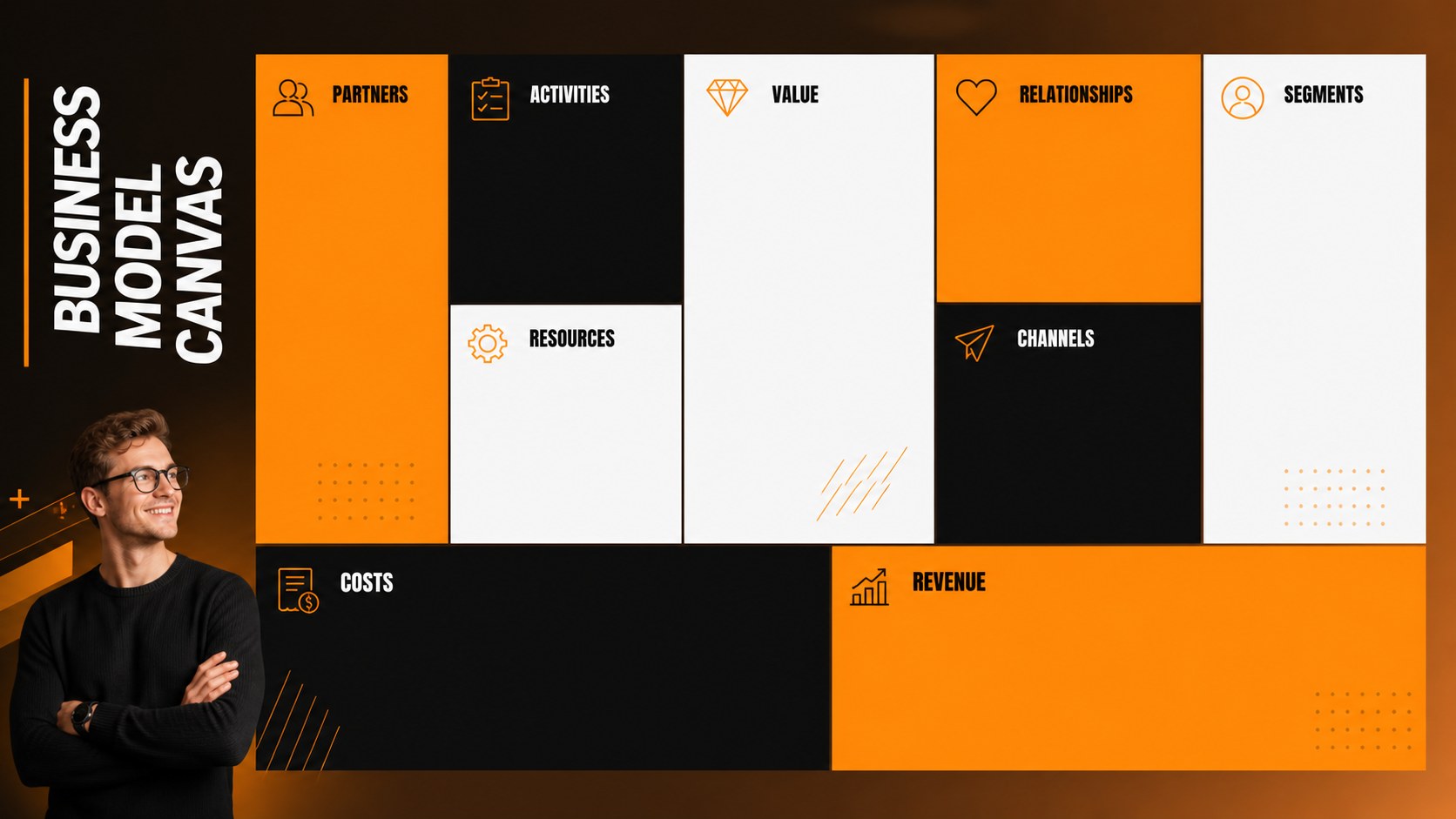
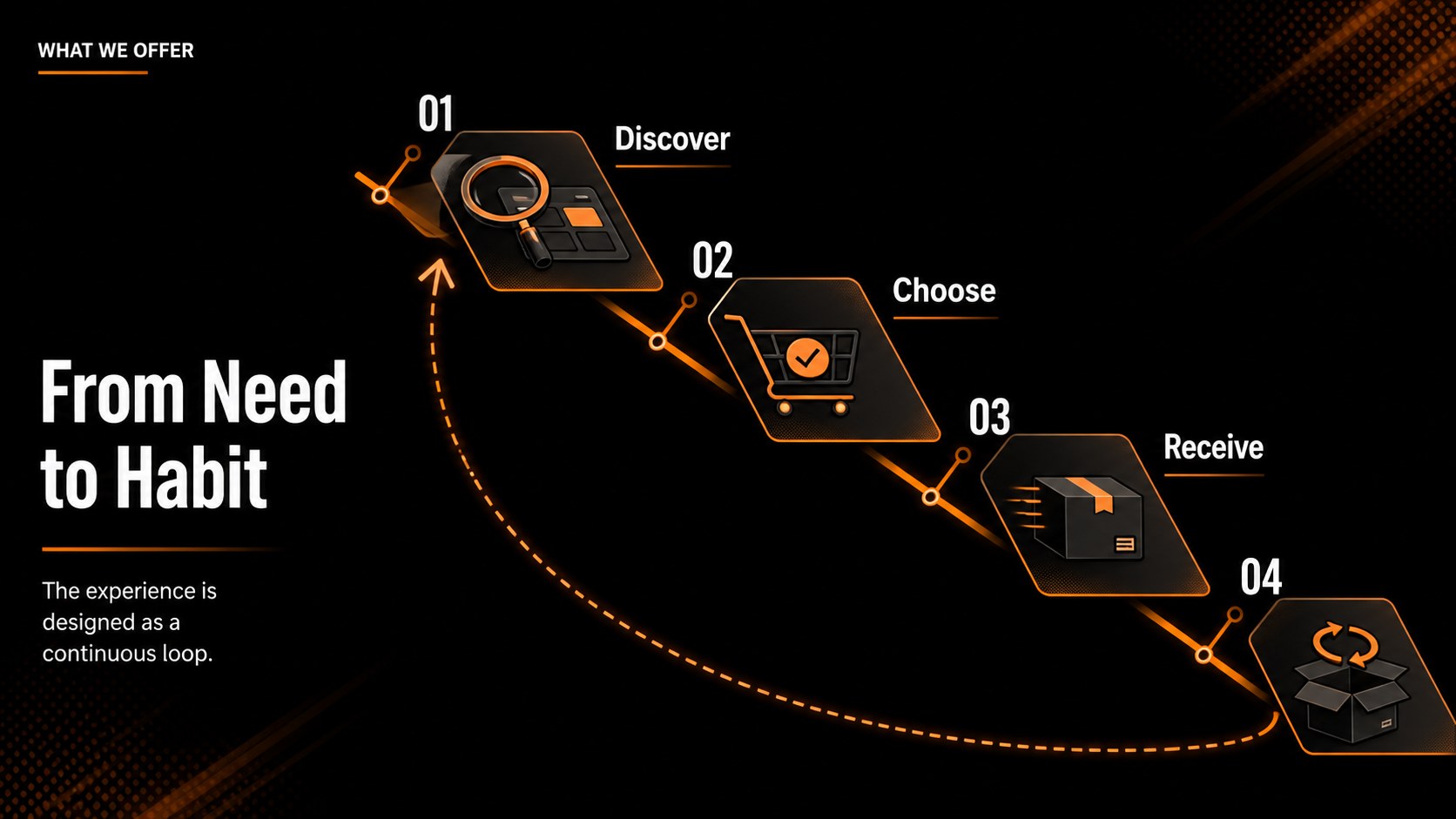
Make company research easier to follow with an Amazon business model analysis deck designed for structured storytelling. Its bold orange-and-black visual language gives market observations, operating ideas, and competitive findings a confident presentation style without overwhelming the audience.
Inside, you will find 15 editable 16:9 slides for introducing the company, mapping its business model, organizing key milestones, comparing competitors, presenting customer segments, and highlighting performance indicators. Use the layouts for a business model canvas presentation, a retail strategy review, or a classroom case study. Charts, image frames, comparison sections, timelines, and summary pages help you move from background information to clear conclusions.
This template is suitable for students, consultants, founders, analysts, and marketing teams preparing an Amazon company analysis presentation. It works well for classroom assignments, internal workshops, investor research, and strategic planning sessions. Edit the content, then export your finished deck for PowerPoint or Google Slides. The Anonymous Pro and Anton font pairing adds a modern editorial feel, while the orange and black palette keeps important findings visually prominent.
Perfect for: university business case study; retail strategy review; consulting research presentation; startup competitor briefing; ecommerce market analysis; internal planning workshop.
Frequently asked questions
Can I edit this Amazon business model analysis deck? Yes. Open the template to replace text, adjust colors, add images, and modify charts with drag-and-drop controls. You can also collaborate with teammates in the editor.
Practical details
Yes. Open the template to replace text, adjust colors, add images, and modify charts with drag-and-drop controls. You can also collaborate with teammates in the editor.
Yes. After editing, use Share and See all to choose PowerPoint or Google Drive export options. The resulting file can be presented or edited in the selected platform.
It is suitable for students, consultants, analysts, founders, and marketing teams. The layouts support coursework, competitive research, strategy reviews, and internal presentations.
You can change every headline, paragraph, chart, image, icon, and data point. The orange-and-black palette and font pairing can also be adapted while preserving the deck's visual structure.
Keep exploring
15Shape your publishing concept with an indie magazine startup pitch deck featuring pastel gradients, bold collage layouts, and editable planning slides.
 16
16Build clear project stories with the Icon Grid Teamwork Theme, a flexible blue illustrated deck for proposals, strategy updates, and team meetings.
 3
3Turn priorities into an actionable plan with an annual goals roadmap infographic, featuring editable orange and teal layouts for PowerPoint and Google Slides.
 15
15Create an Annual Achievement Report Presentation with colorful geometric layouts for milestones, results, lessons, and priorities in PowerPoint or Google Slides.
 15
15Turn results into a focused annual performance evaluation report with dark 3D slides for KPIs, achievements, feedback, and next-step goals for teams.
 15
15Guide a focused annual recap with Business Results Retrospective Slides, a muted brown-and-blue template for PowerPoint and Google Slides.
 6
6Turn complex plans into clear visual stories with Color-Coded Workflow Path Slides, an editable set for project updates, roadmaps, and team briefings.
 6
6Compare regional performance at a glance with Global Data Heatmap Slides, a clean multicolor deck designed for editable PowerPoint and Google Slides.