
 15
15presentation
Indie Magazine Startup Pitch Deck
Shape your publishing concept with an indie magazine startup pitch deck featuring pastel gradients, bold collage layouts, and editable planning slides.
Google SlidesPowerPoint
presentation · English
Present your travel-tech vision with an Airport Wayfinding App Investor Deck featuring blue illustrated slides for product flows, market data, and funding.





Design notes
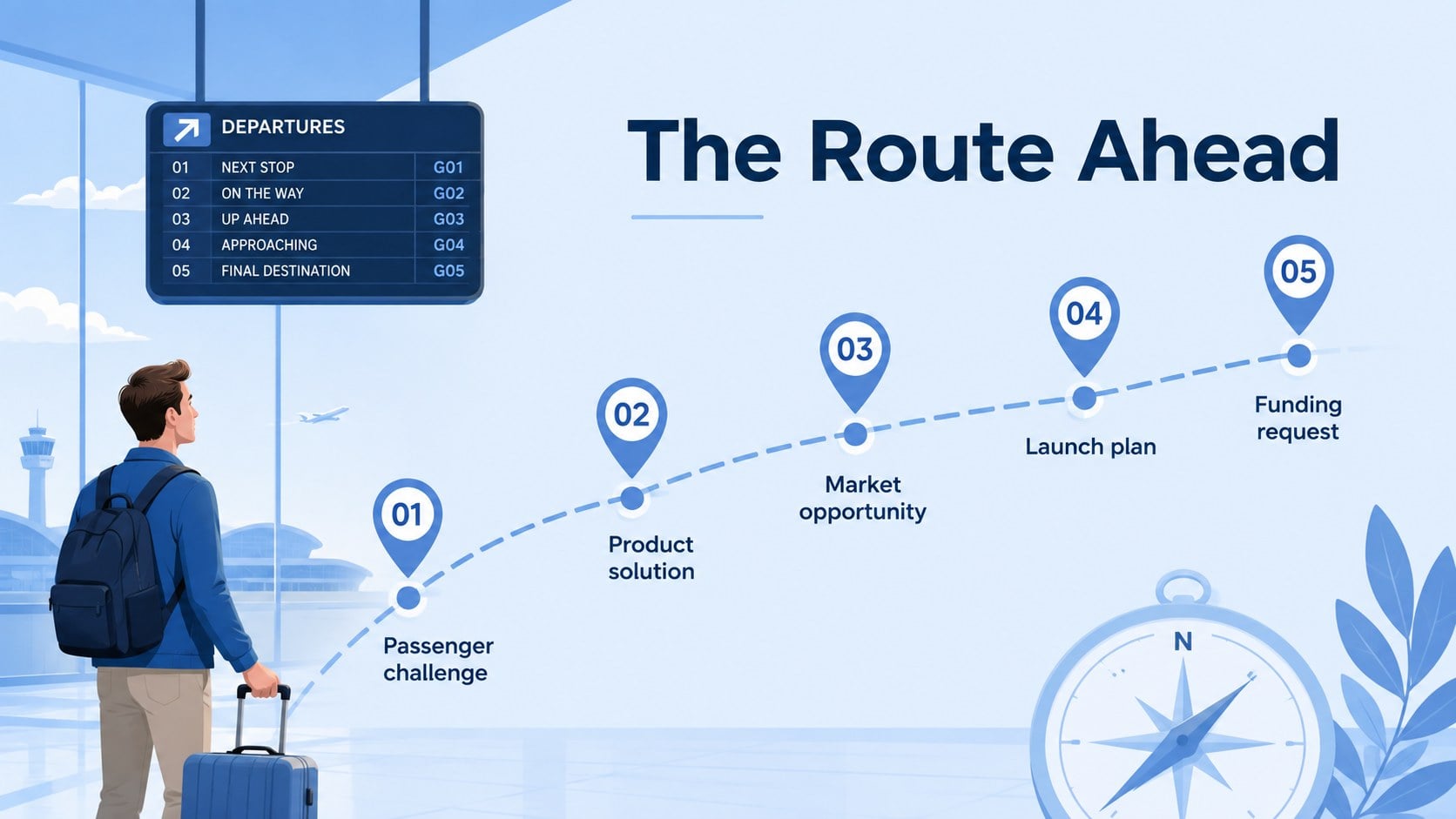
The Airport Wayfinding App Investor Deck turns a complicated passenger experience into a focused, persuasive business story. Its blue illustrated design brings clarity and energy to product presentations while keeping attention on the app, its users, and the investment opportunity. Use it as a travel tech startup pitch deck for meetings with investors, airport partners, airline stakeholders, or innovation teams.
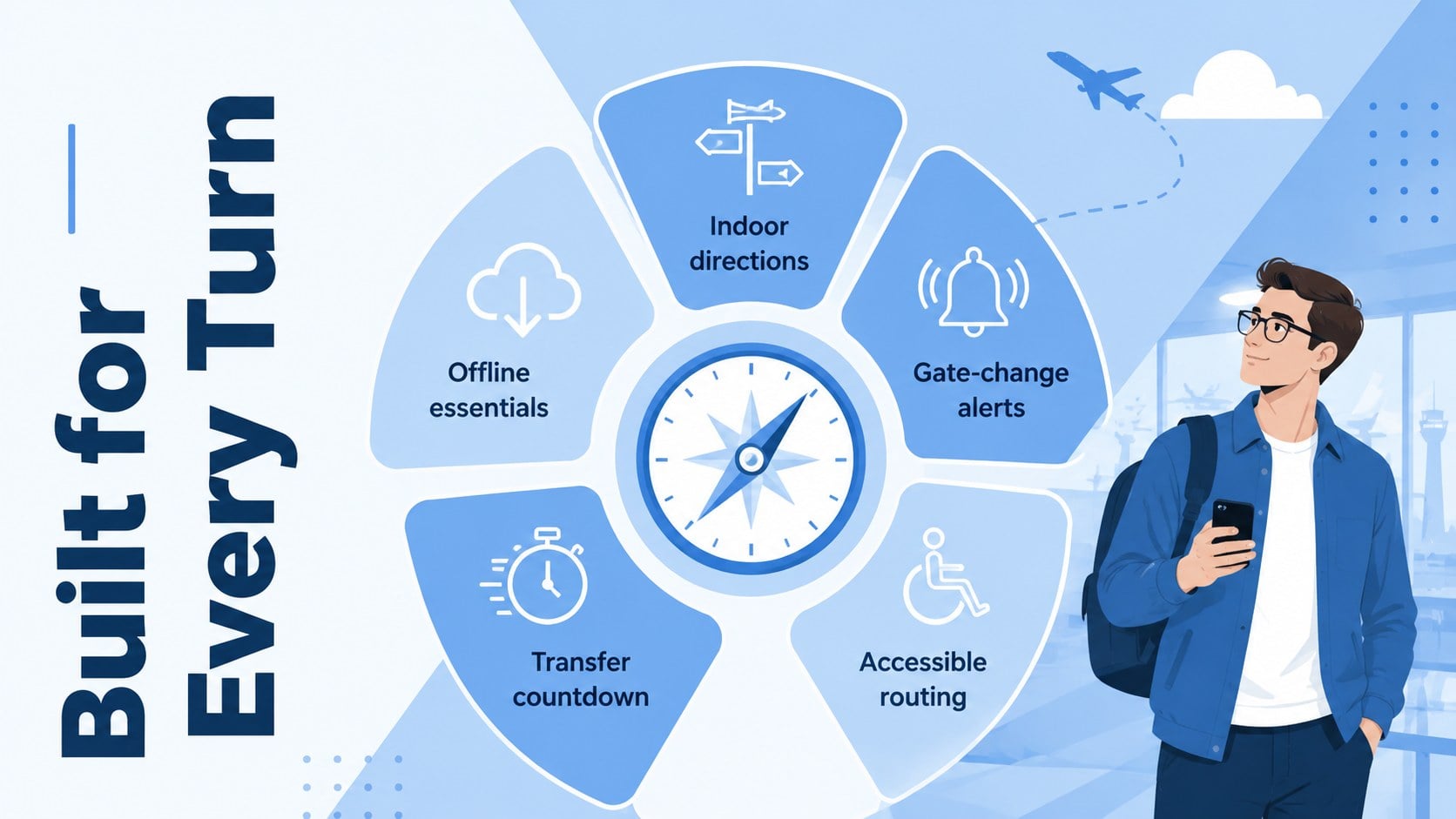
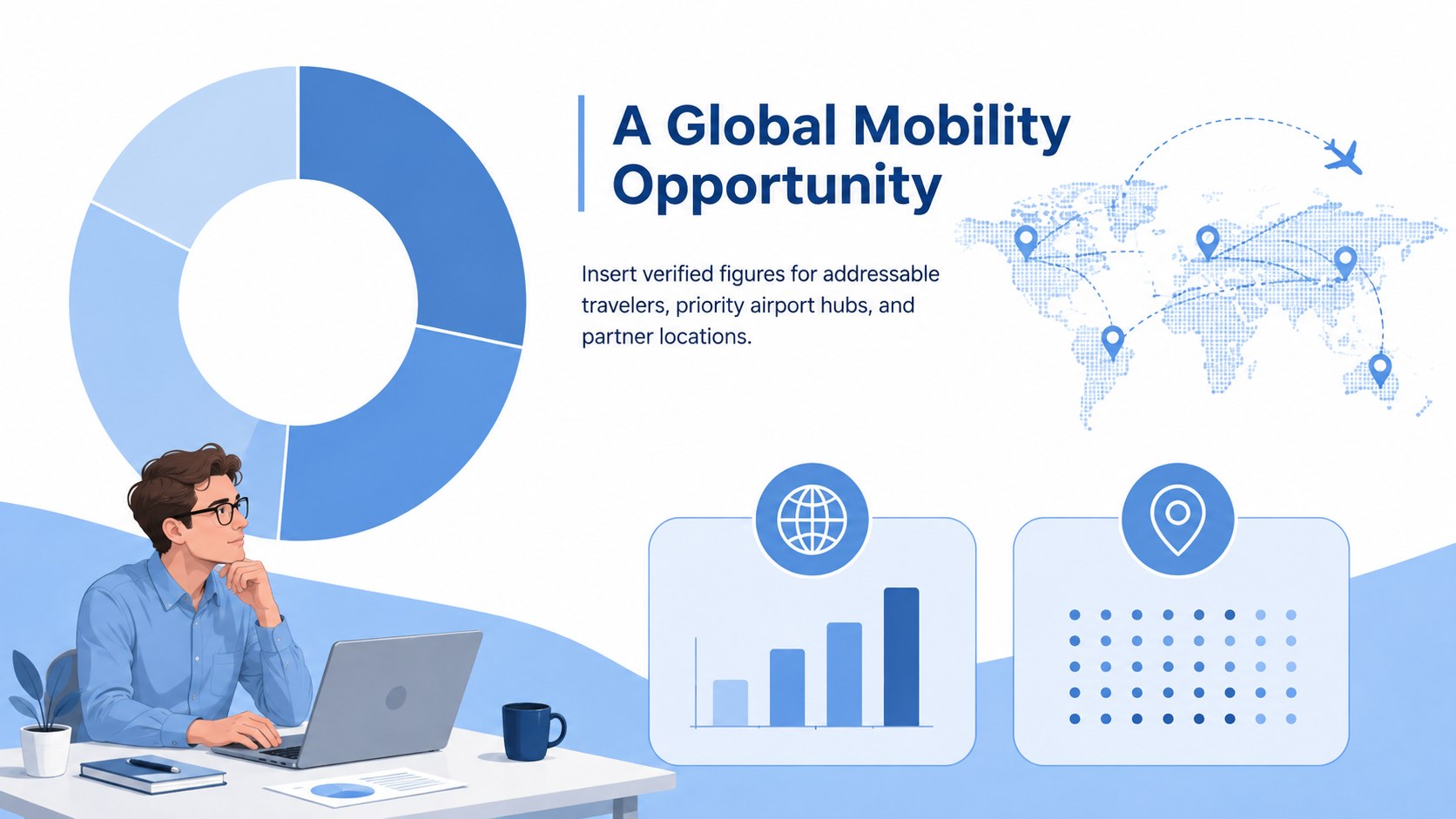
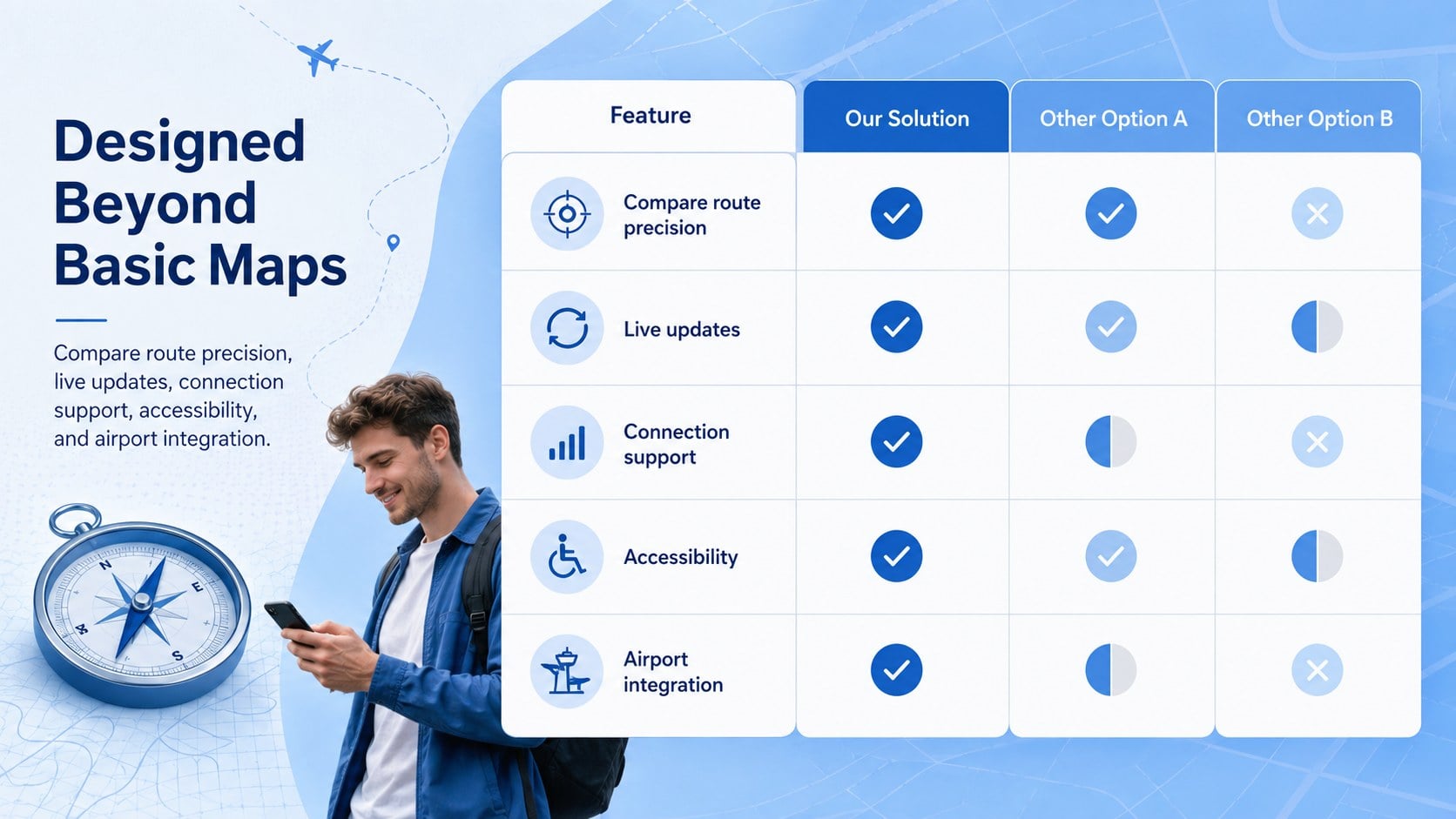
Inside, you will find 15 coordinated slides covering the passenger challenge, proposed solution, user journey, core app features, interface concepts, market opportunity, competitive position, business model, launch strategy, product roadmap, team, and funding request. Maps, mobile interface frames, diagrams, charts, and modular content areas make the deck suitable for an airport navigation software presentation or a connecting flight assistant app concept. Every layout can be adapted with your own data, screenshots, branding, and terminology.
The template is designed for startup founders, product managers, UX teams, aviation consultants, and mobility innovators developing tools for indoor navigation, transfer planning, gate updates, or airport accessibility. Edit the slides in PowerPoint or Google Slides, adjust the blue palette, replace the illustrations, and reorganize sections to match an early-stage concept, partnership proposal, pilot review, or investor presentation.
Perfect for: travel-tech investor pitch; airport innovation partnership; navigation app product demo; airline stakeholder briefing; terminal pilot proposal.
Frequently asked questions
Can I edit this deck in PowerPoint and Google Slides? Yes. All text, colors, illustrations, charts, and layout elements can be edited in PowerPoint or Google Slides. You can also duplicate, remove, or reorder slides to fit your presentation.
Practical details
Yes. All text, colors, illustrations, charts, and layout elements can be edited in PowerPoint or Google Slides. You can also duplicate, remove, or reorder slides to fit your presentation.
Yes. Replace the sample phone interfaces with screenshots, prototypes, maps, or user-flow diagrams from your product. Crop images consistently and keep labels short for a polished result.
Yes. The slide sequence covers the problem, solution, market, business model, roadmap, team, and funding request. Replace the sample figures with verified company data before presenting.
Update the blue palette, typography, icons, and illustration accents to match your product brand. Maintain strong contrast between text and backgrounds so maps, charts, and interface details remain readable.
Keep exploring
15Shape your publishing concept with an indie magazine startup pitch deck featuring pastel gradients, bold collage layouts, and editable planning slides.
 16
16Build clear project stories with the Icon Grid Teamwork Theme, a flexible blue illustrated deck for proposals, strategy updates, and team meetings.
 3
3Turn priorities into an actionable plan with an annual goals roadmap infographic, featuring editable orange and teal layouts for PowerPoint and Google Slides.
 15
15Create an Annual Achievement Report Presentation with colorful geometric layouts for milestones, results, lessons, and priorities in PowerPoint or Google Slides.
 15
15Turn results into a focused annual performance evaluation report with dark 3D slides for KPIs, achievements, feedback, and next-step goals for teams.
 15
15Guide a focused annual recap with Business Results Retrospective Slides, a muted brown-and-blue template for PowerPoint and Google Slides.
 6
6Turn complex plans into clear visual stories with Color-Coded Workflow Path Slides, an editable set for project updates, roadmaps, and team briefings.
 6
6Compare regional performance at a glance with Global Data Heatmap Slides, a clean multicolor deck designed for editable PowerPoint and Google Slides.