
 15
15presentation
Indie Magazine Startup Pitch Deck
Shape your publishing concept with an indie magazine startup pitch deck featuring pastel gradients, bold collage layouts, and editable planning slides.
Google SlidesPowerPoint
presentation · English
Build an engaging ai innovation workshop deck for university classrooms and tech teams, with editable visuals for machine learning, ethics, and real use…







Design notes
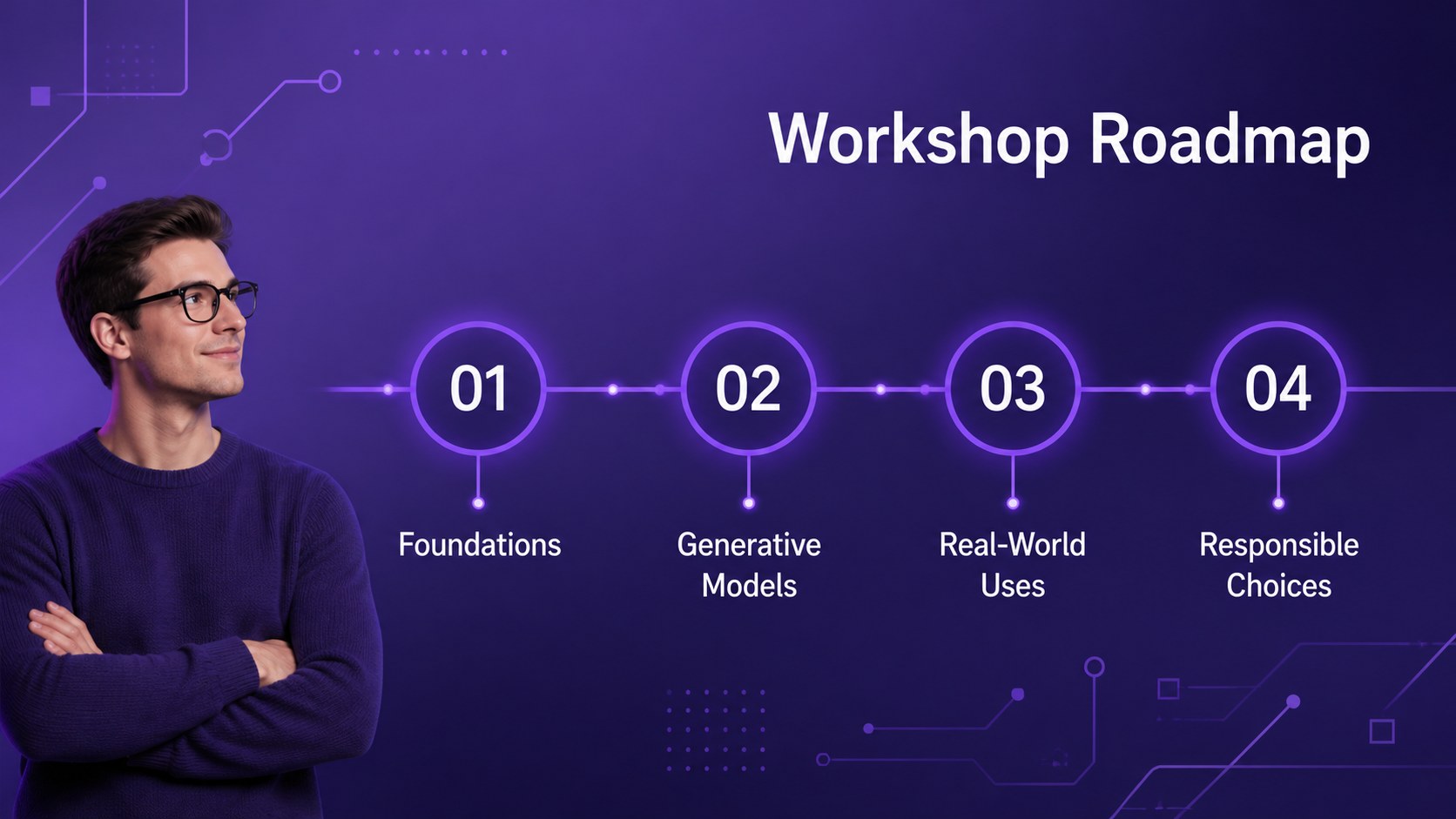
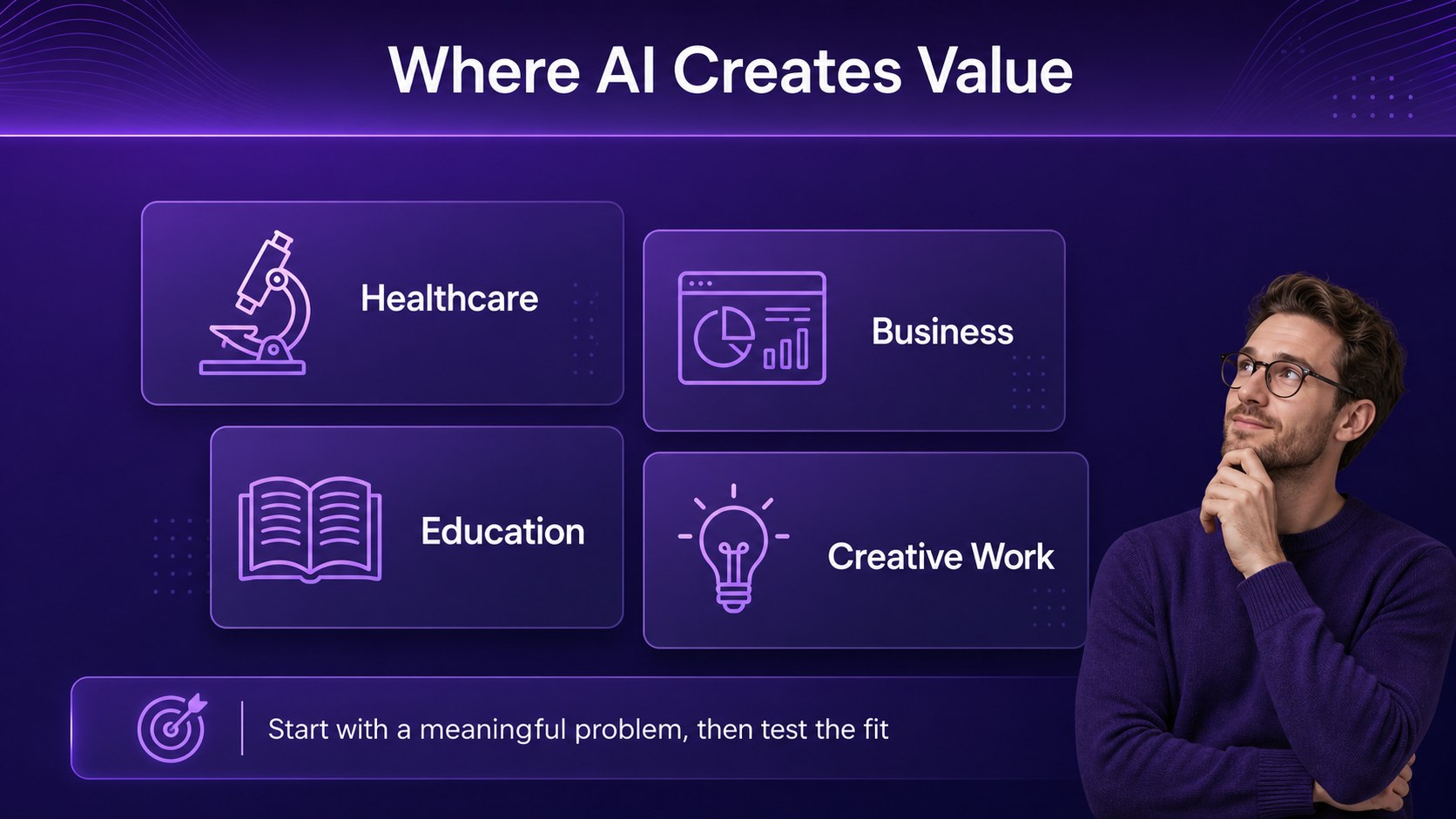
Make artificial intelligence easier to discuss, explain, and apply with an AI Innovation Workshop Deck designed for guided learning. Its sleek corporate style, geometric accents, and rich purple palette give technical subjects a confident, modern presentation format without making the material feel overwhelming.
The 15-slide layout supports a complete workshop journey, from an opening agenda and AI timeline to machine learning foundations, generative AI examples, industry applications, responsible-use questions, and a final group activity. Editable diagrams, comparison layouts, data visualizations, and prompt-led discussion slides help presenters move between theory and participation. The structure works especially well for an ai innovation workshop deck focused on practical experimentation and informed decision-making.
Use it for university seminars, internal technology training, innovation labs, or team sessions exploring how AI can improve everyday workflows. Educators can adapt the examples for different fields, while consultants and business teams can replace the sample content with sector-specific scenarios. The template is available through and can be exported for PowerPoint or Google Slides, making it suitable for both live and remote sessions. Its flexible layouts also support ai ethics workshop activities, case-study discussions, and introductory generative AI training.
Perfect for: university AI innovation seminar; corporate technology training; generative AI classroom lesson; responsible AI team workshop; innovation lab case-study session.
Frequently asked questions
Can I edit this AI workshop presentation? Yes. The template is designed for editing, including text, colors, diagrams, images, and slide order. You can adapt the sample examples to match your course, company, or workshop theme.
Practical details
Yes. The template is designed for editing, including text, colors, diagrams, images, and slide order. You can adapt the sample examples to match your course, company, or workshop theme.
Yes. Open the design and use the Share or Download menu to export a PowerPoint file or save an editable copy to Google Drive. Some fonts and animations may need a quick review after export.
It suits university instructors, corporate trainers, innovation consultants, and technology teams. The layouts support introductory teaching as well as discussion-based sessions about applications, limitations, and responsible use.
Yes. lets you replace the purple palette with your organization or classroom colors while keeping the geometric visual system. You can also change the Dm Sans typography, imagery, icons, and charts.
Keep exploring
15Shape your publishing concept with an indie magazine startup pitch deck featuring pastel gradients, bold collage layouts, and editable planning slides.
 16
16Build clear project stories with the Icon Grid Teamwork Theme, a flexible blue illustrated deck for proposals, strategy updates, and team meetings.
 3
3Turn priorities into an actionable plan with an annual goals roadmap infographic, featuring editable orange and teal layouts for PowerPoint and Google Slides.
 15
15Create an Annual Achievement Report Presentation with colorful geometric layouts for milestones, results, lessons, and priorities in PowerPoint or Google Slides.
 15
15Turn results into a focused annual performance evaluation report with dark 3D slides for KPIs, achievements, feedback, and next-step goals for teams.
 15
15Guide a focused annual recap with Business Results Retrospective Slides, a muted brown-and-blue template for PowerPoint and Google Slides.
 6
6Turn complex plans into clear visual stories with Color-Coded Workflow Path Slides, an editable set for project updates, roadmaps, and team briefings.
 6
6Compare regional performance at a glance with Global Data Heatmap Slides, a clean multicolor deck designed for editable PowerPoint and Google Slides.