
 15
15presentation
Indie Magazine Startup Pitch Deck
Shape your publishing concept with an indie magazine startup pitch deck featuring pastel gradients, bold collage layouts, and editable planning slides.
Google SlidesPowerPoint
presentation · English
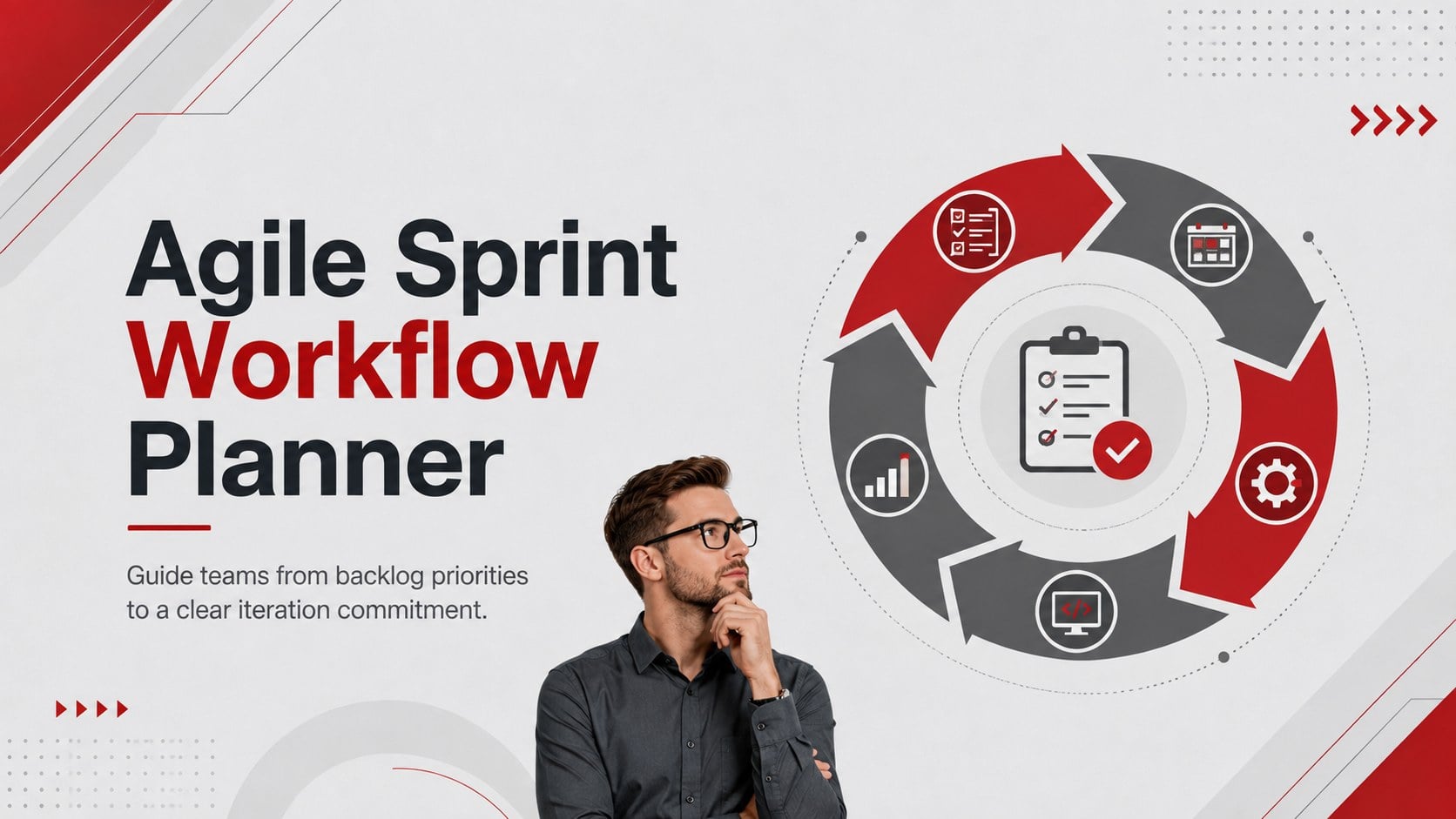
Plan focused iteration meetings with an agile sprint workflow planner featuring editable grey-and-red visuals for PowerPoint and Google Slides.
Design notes
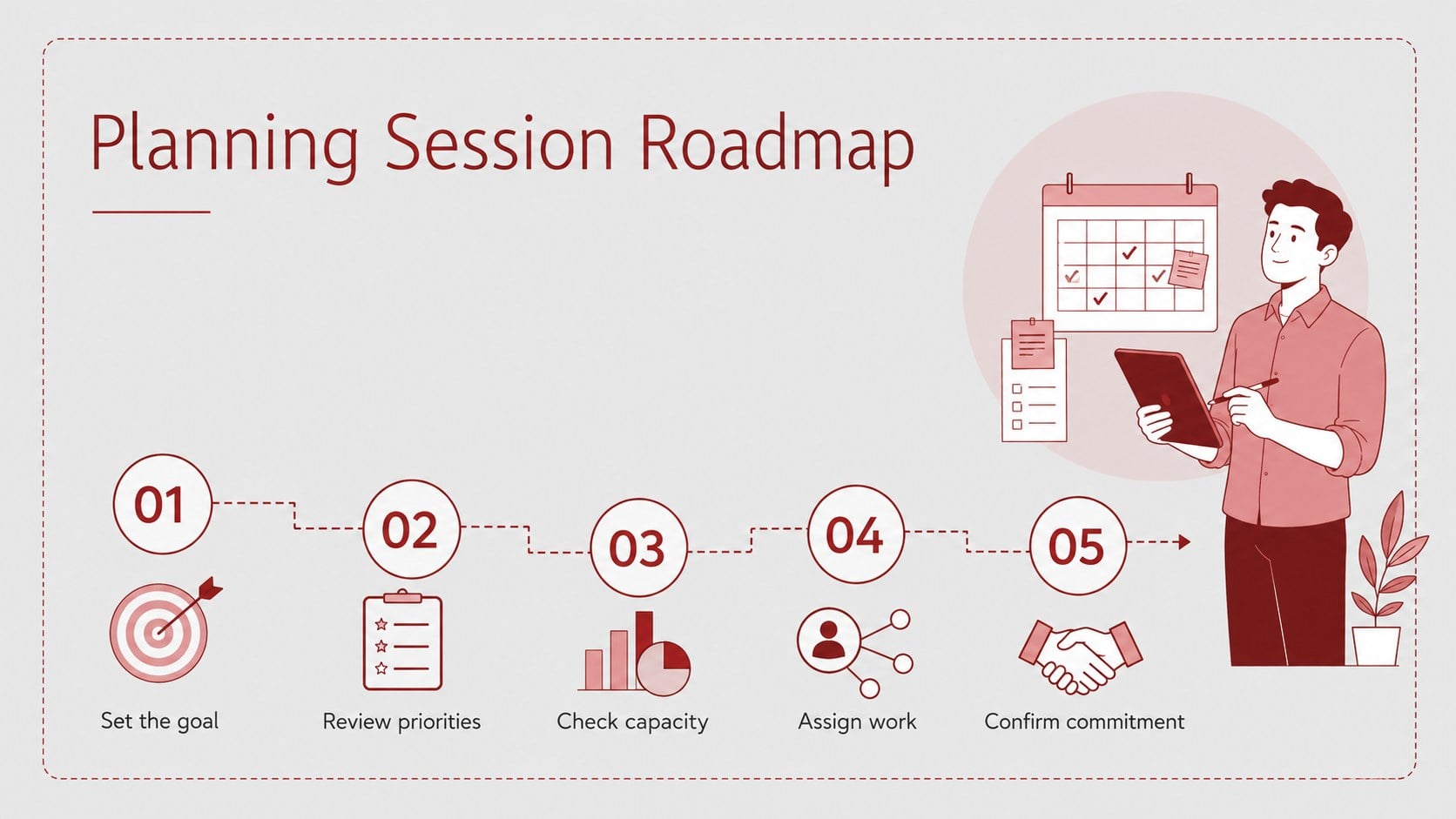
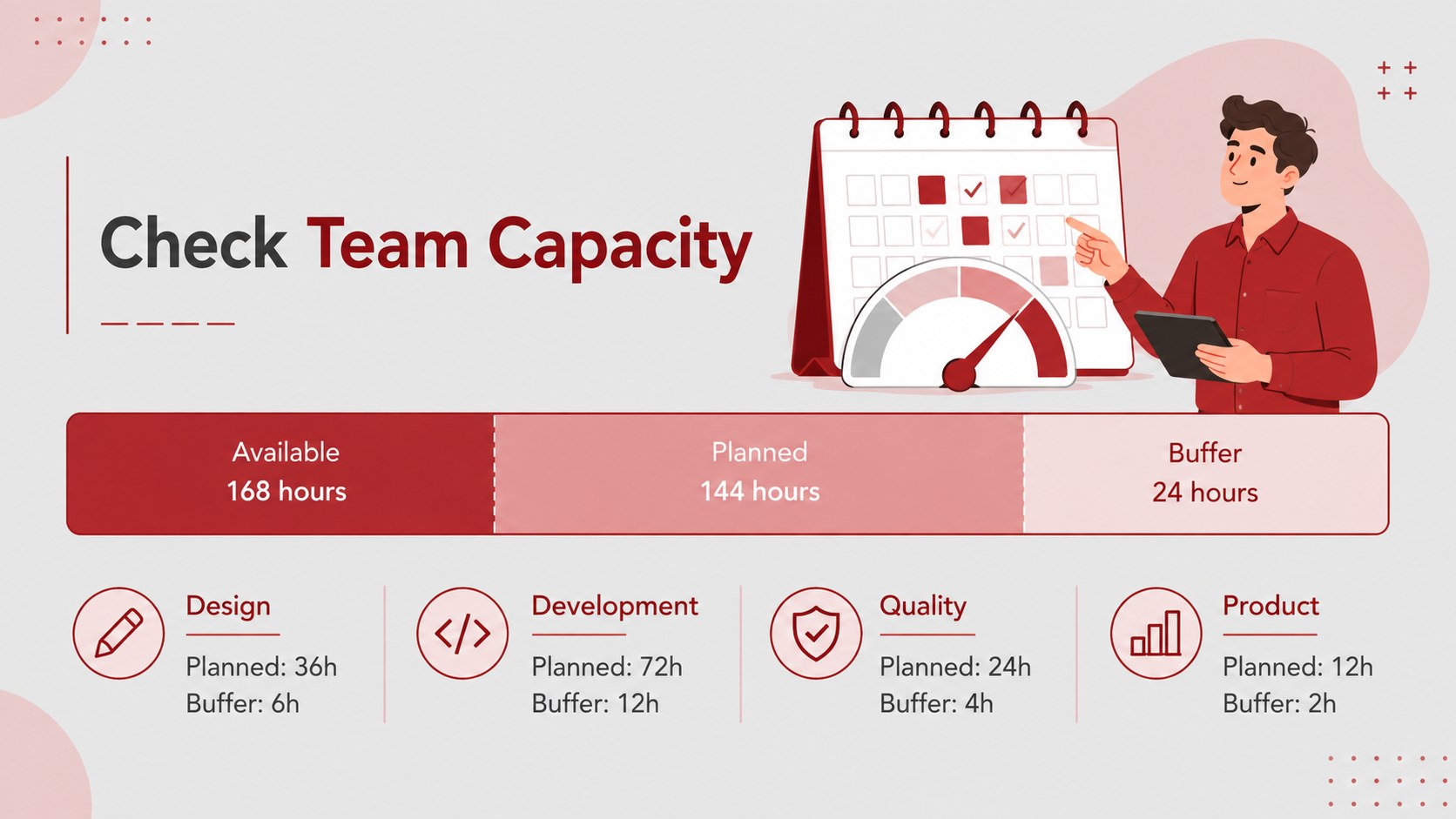
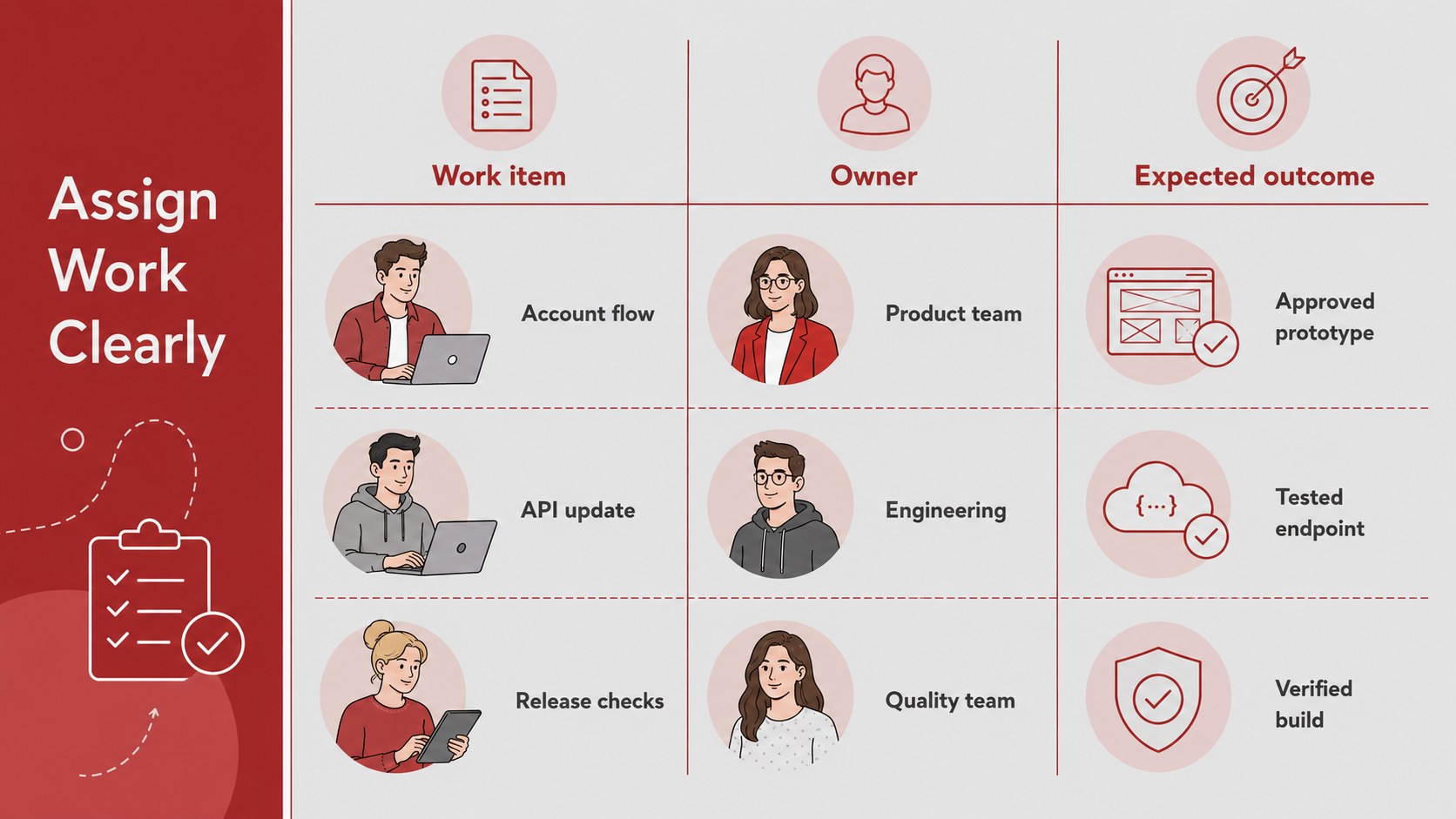
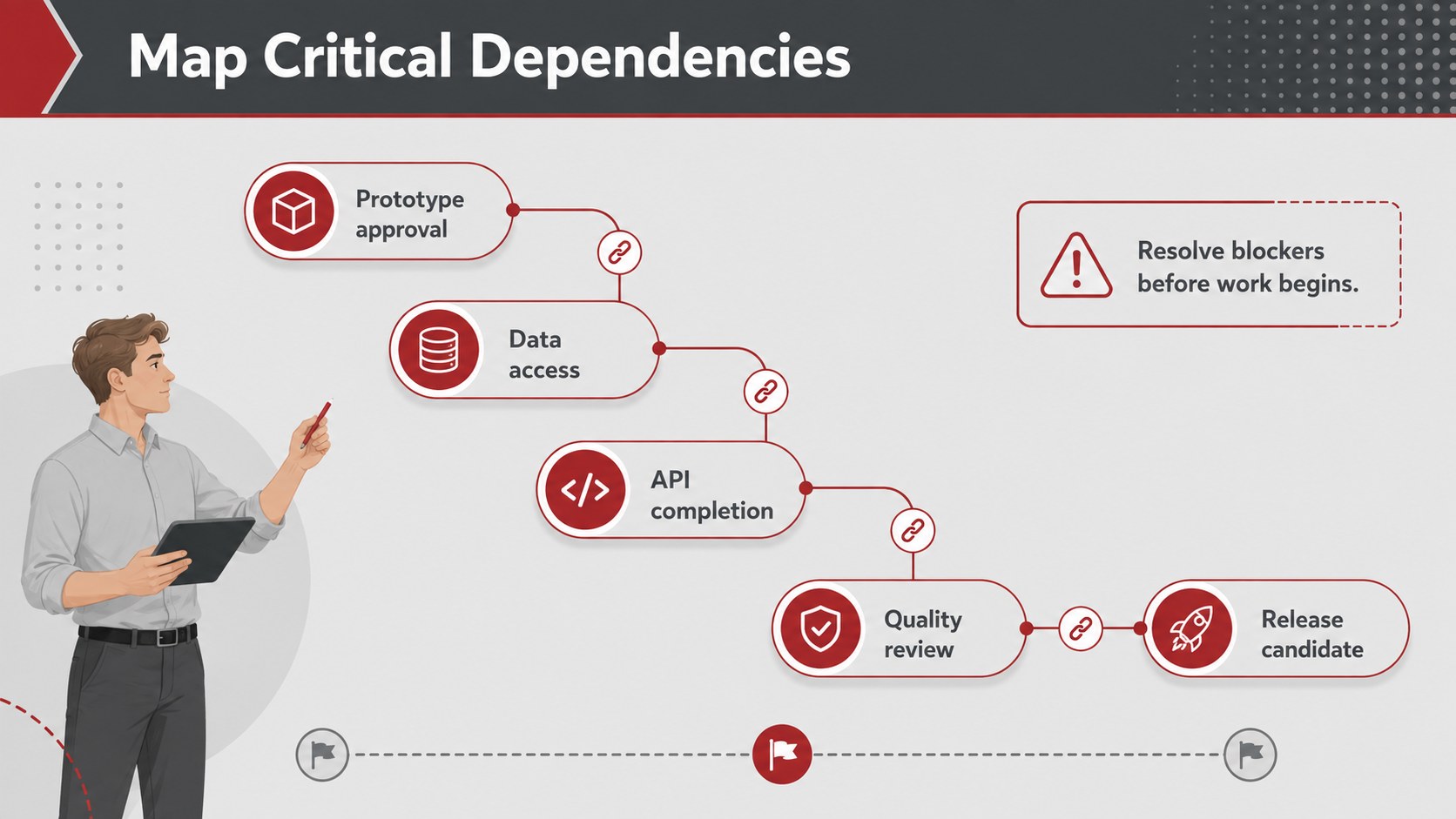
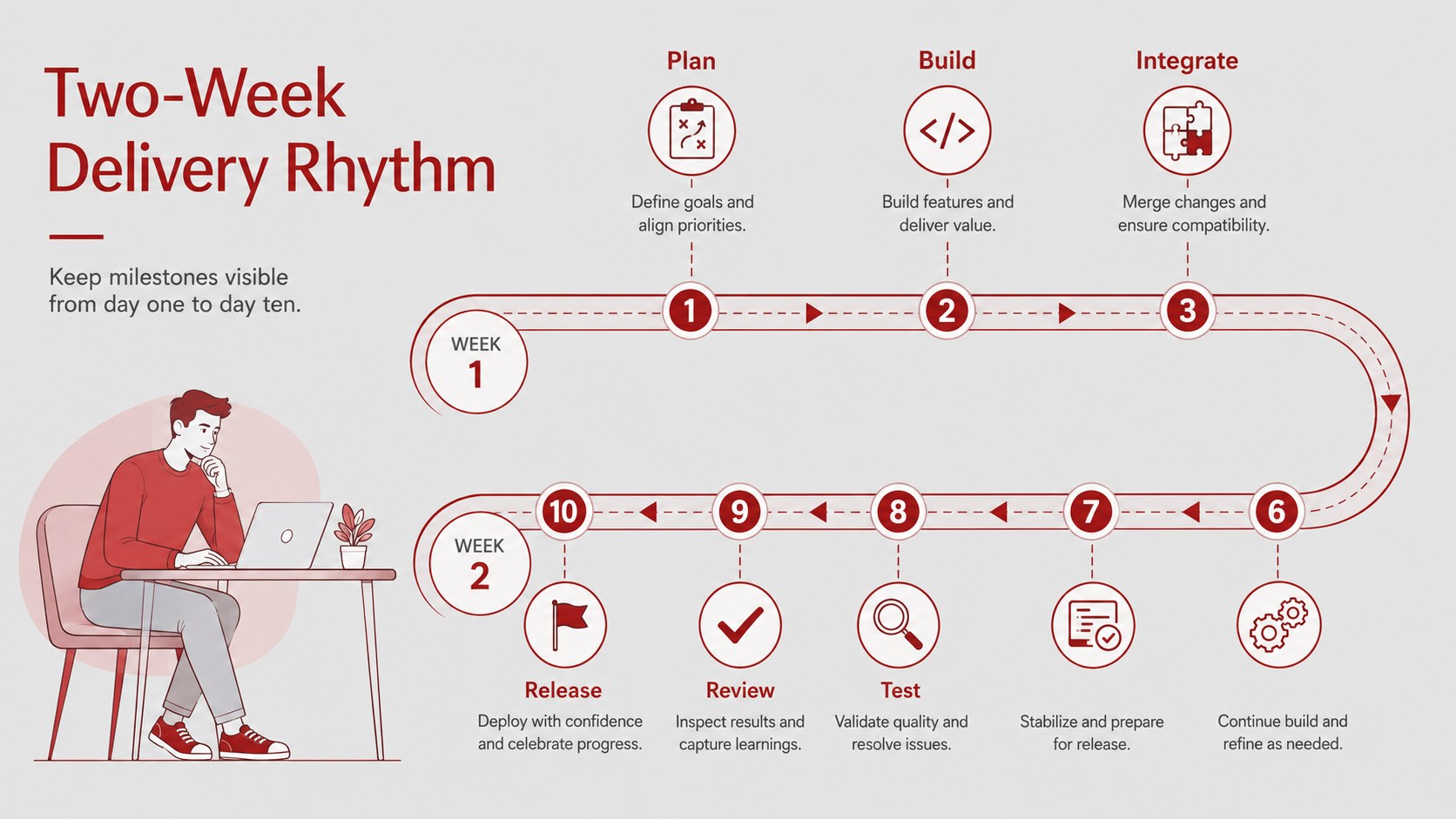
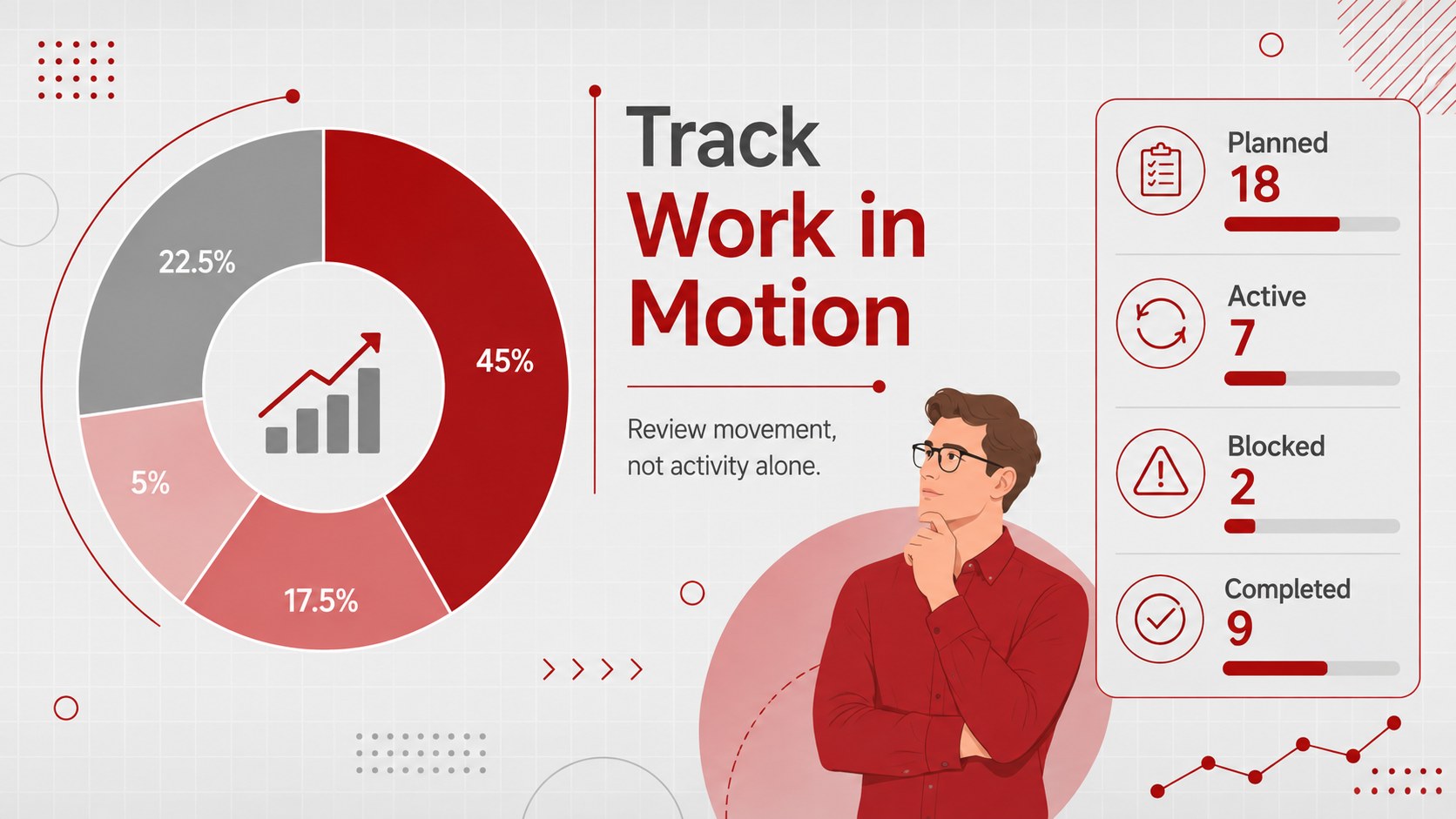
The agile sprint workflow planner helps project leads turn a busy backlog into a realistic, shared plan. Its modern animated illustrations, structured infographics, and sharp grey-and-red palette give teams a clear visual framework for discussing priorities, effort, ownership, and delivery goals without crowding the conversation.
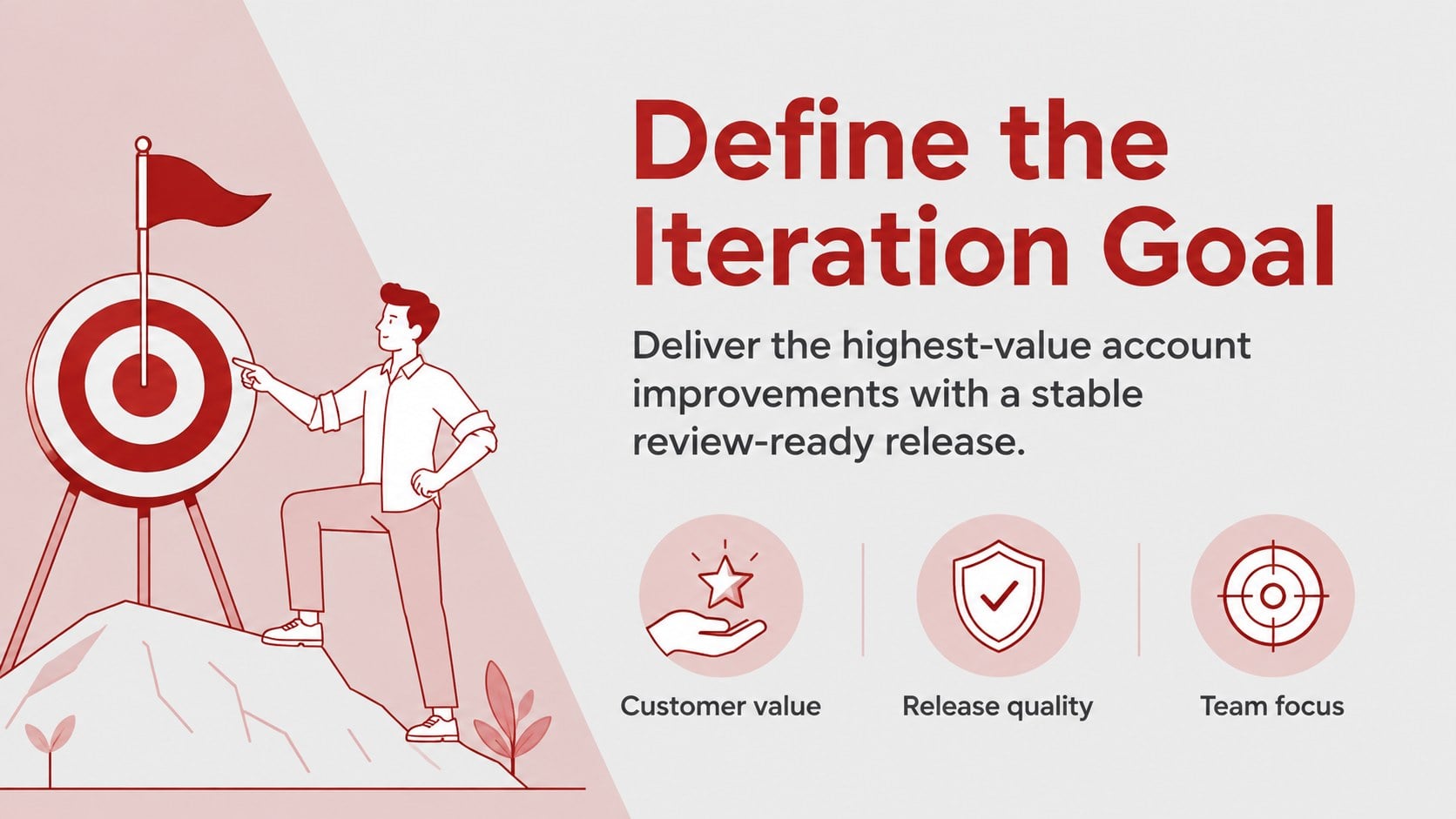
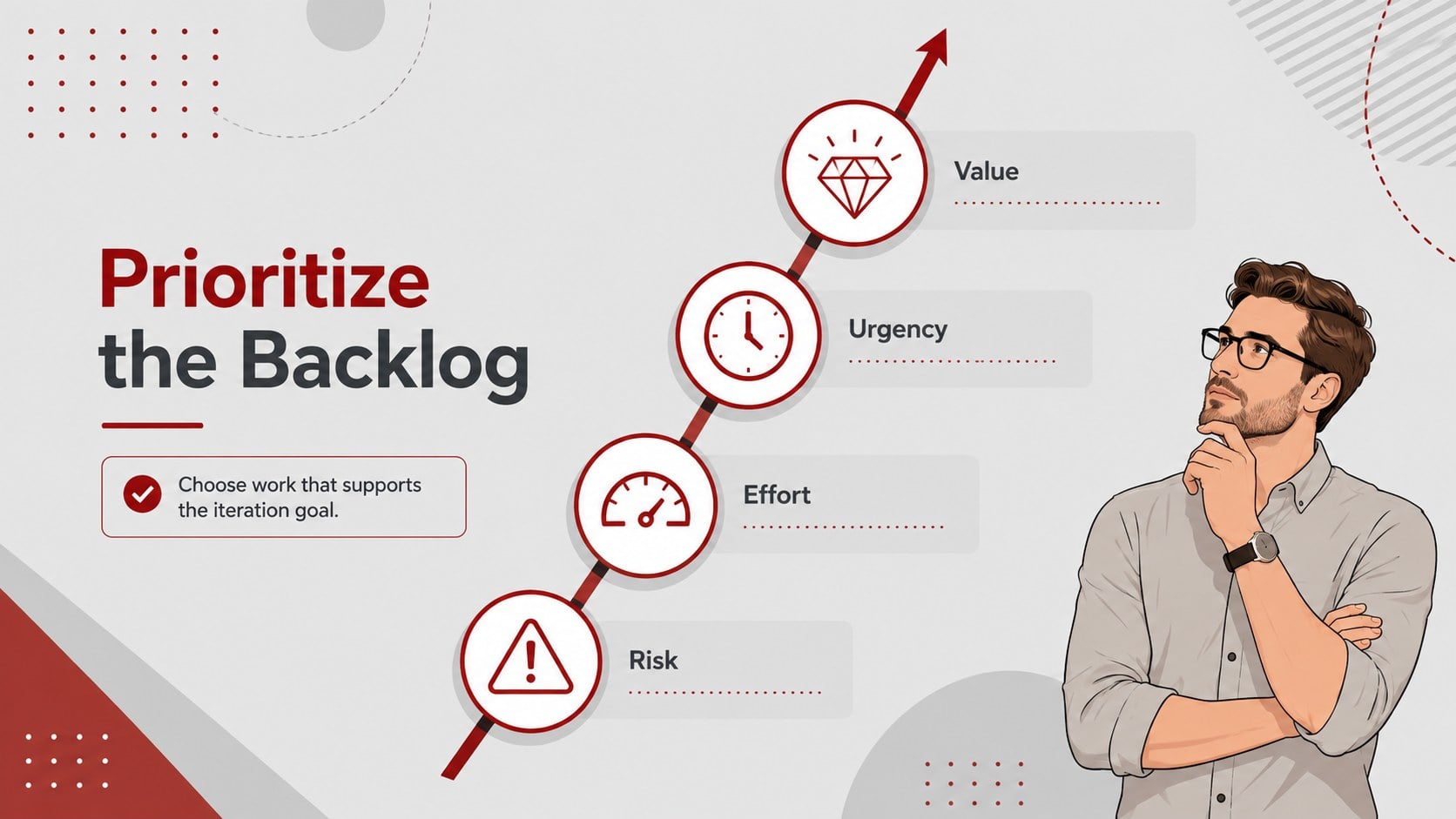
Inside, you will find layouts for defining an iteration goal, reviewing backlog items, estimating team capacity, assigning responsibilities, mapping dependencies, and tracking progress. Use the scrum sprint meeting slides to compare priorities, highlight risks, and document the work selected for the next cycle. A dedicated sprint capacity planning template makes workload discussions easier, while timeline, status, and action layouts keep decisions visible after the meeting.
Designed for Scrum masters, product owners, project managers, delivery teams, consultants, and business students, this deck works for planning sessions, stakeholder updates, workshops, and agile training. Every slide can be edited in PowerPoint or Google Slides, including text, colors, charts, icons, and illustrations. Adapt the team backlog prioritization presentation to match your workflow, add your own metrics, and reorder sections for short check-ins or detailed planning workshops. The 16:9 format is ready for meeting-room screens, remote presentations, and shared project documentation.
Perfect for: sprint planning meeting; backlog prioritization workshop; team capacity review; agile training session; stakeholder progress update.
Frequently asked questions
Can I edit this planner in PowerPoint and Google Slides? Yes. The layouts, text, colors, icons, and charts can be customized in both PowerPoint and Google Slides. Some animation behavior may vary slightly between the two platforms.
Practical details
Yes. The layouts, text, colors, icons, and charts can be customized in both PowerPoint and Google Slides. Some animation behavior may vary slightly between the two platforms.
Yes. Rename stages, reorder sections, replace sample tasks, and adjust capacity fields to reflect your team's workflow. You can also duplicate layouts for longer backlogs or multiple workstreams.
Yes. The deck includes visual structures for capacity, task assignment, dependencies, priorities, milestones, and progress. Replace the sample values with estimates and responsibilities from your current iteration.
Yes. Update the theme colors to match your organization or product branding while keeping the existing visual hierarchy. Check text contrast after changing background or accent colors.
Keep exploring
15Shape your publishing concept with an indie magazine startup pitch deck featuring pastel gradients, bold collage layouts, and editable planning slides.
 16
16Build clear project stories with the Icon Grid Teamwork Theme, a flexible blue illustrated deck for proposals, strategy updates, and team meetings.
 3
3Turn priorities into an actionable plan with an annual goals roadmap infographic, featuring editable orange and teal layouts for PowerPoint and Google Slides.
 15
15Create an Annual Achievement Report Presentation with colorful geometric layouts for milestones, results, lessons, and priorities in PowerPoint or Google Slides.
 15
15Turn results into a focused annual performance evaluation report with dark 3D slides for KPIs, achievements, feedback, and next-step goals for teams.
 15
15Guide a focused annual recap with Business Results Retrospective Slides, a muted brown-and-blue template for PowerPoint and Google Slides.
 6
6Turn complex plans into clear visual stories with Color-Coded Workflow Path Slides, an editable set for project updates, roadmaps, and team briefings.
 6
6Compare regional performance at a glance with Global Data Heatmap Slides, a clean multicolor deck designed for editable PowerPoint and Google Slides.