
 15
15presentation
Indie Magazine Startup Pitch Deck
Shape your publishing concept with an indie magazine startup pitch deck featuring pastel gradients, bold collage layouts, and editable planning slides.
Google SlidesPowerPoint
presentation · English
Use agile SDLC process visuals to explain each delivery phase, align stakeholders, and create polished decks in PowerPoint or Google Slides.
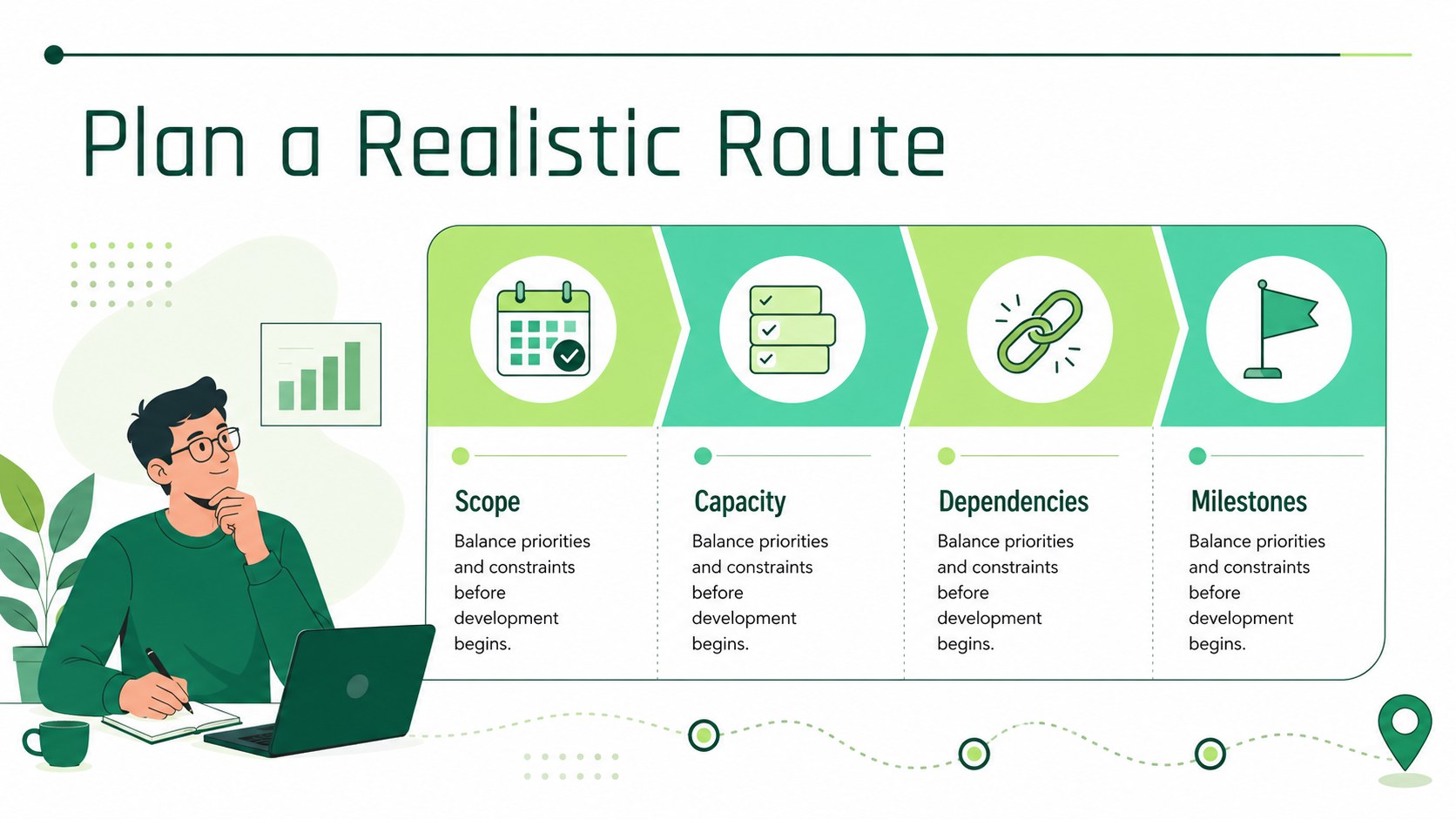
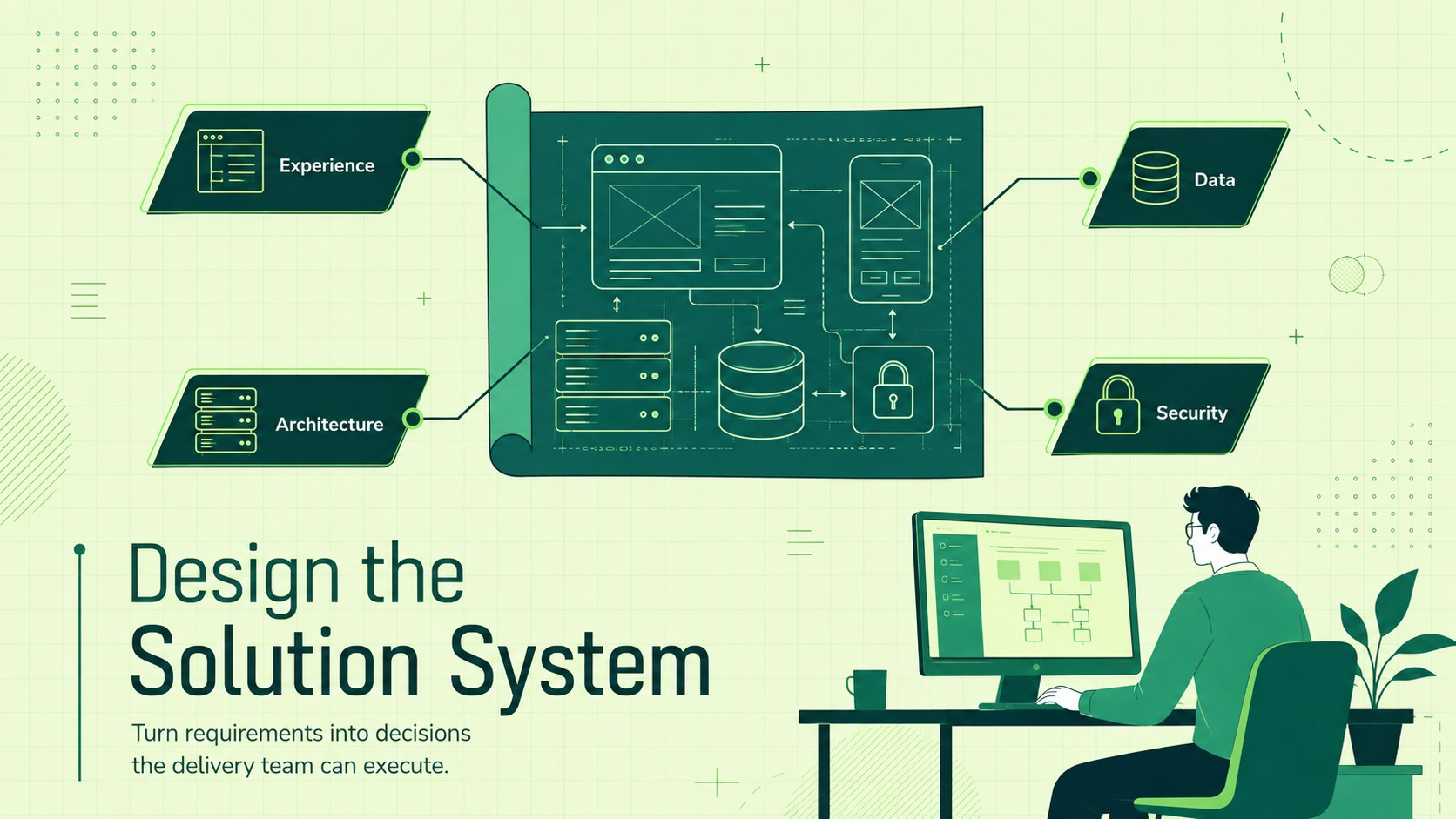
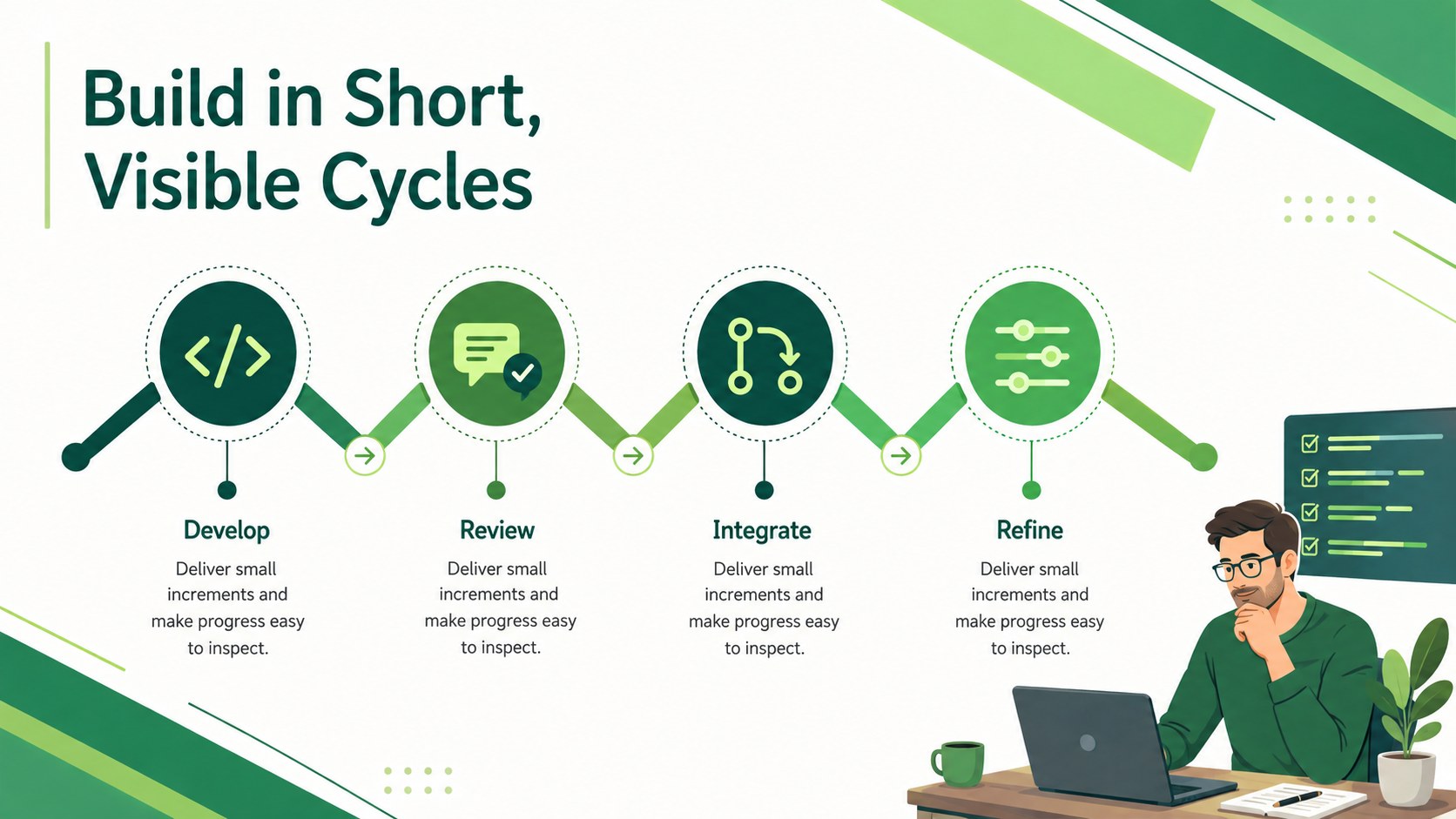
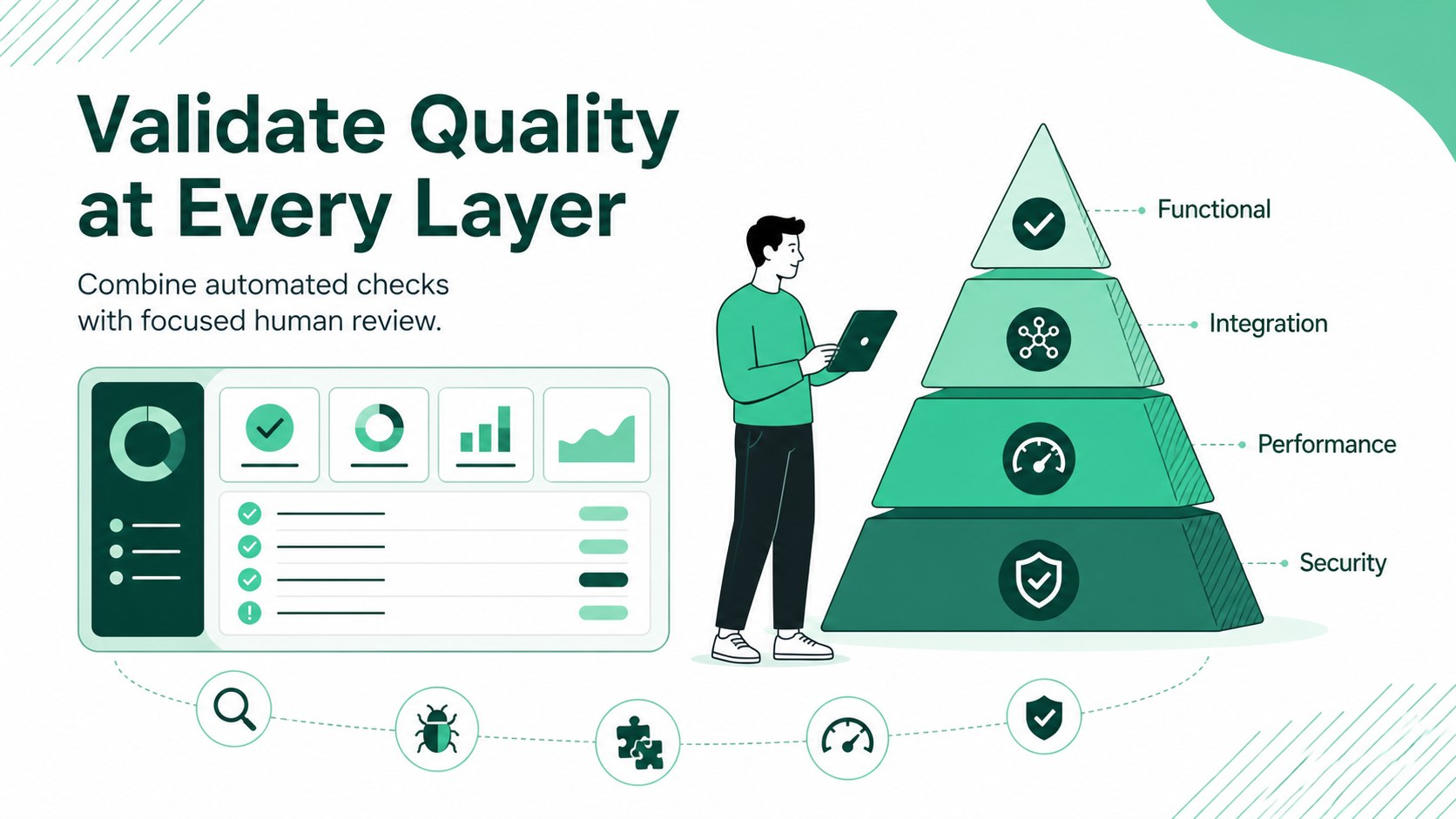
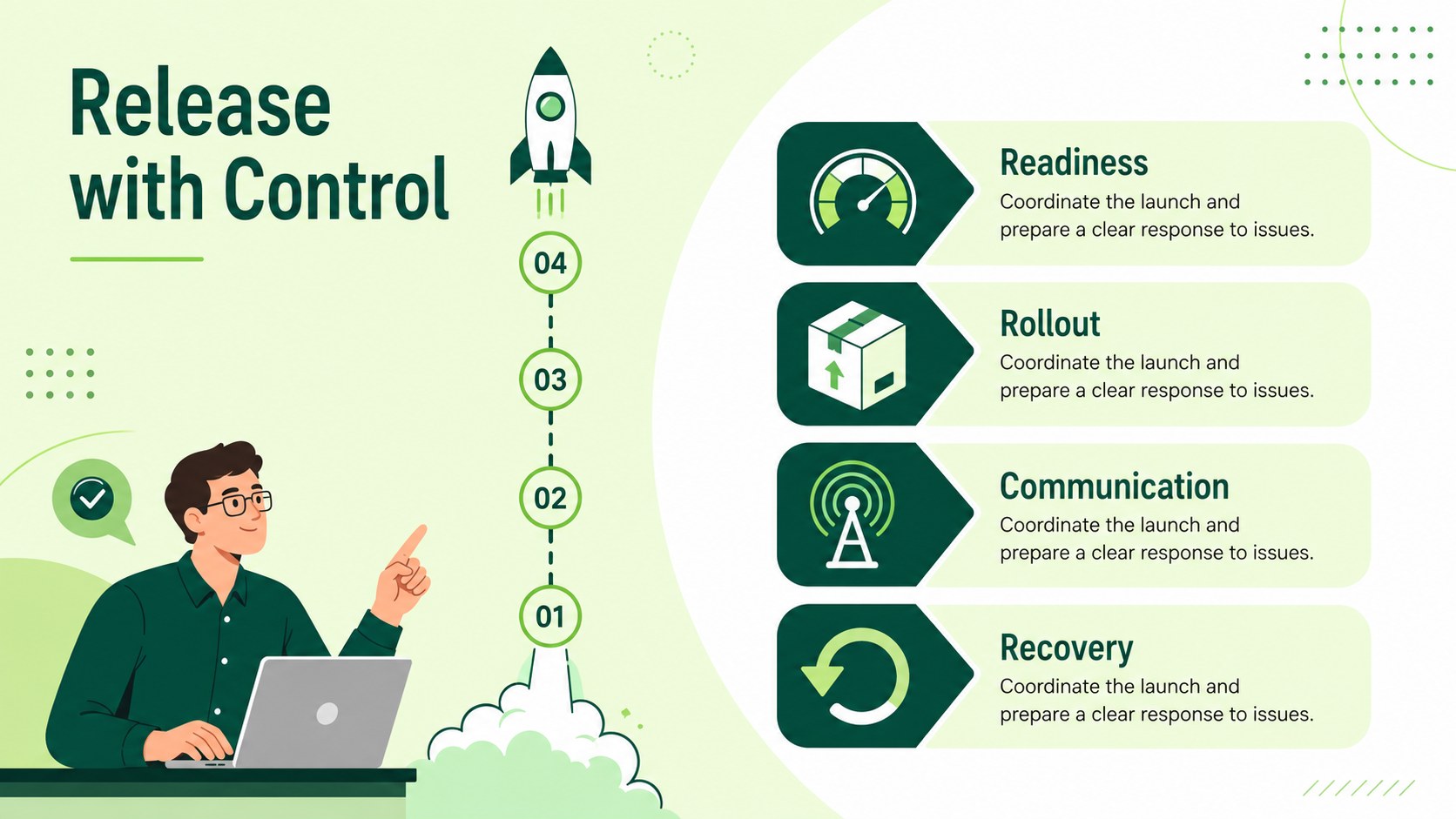
Design notes
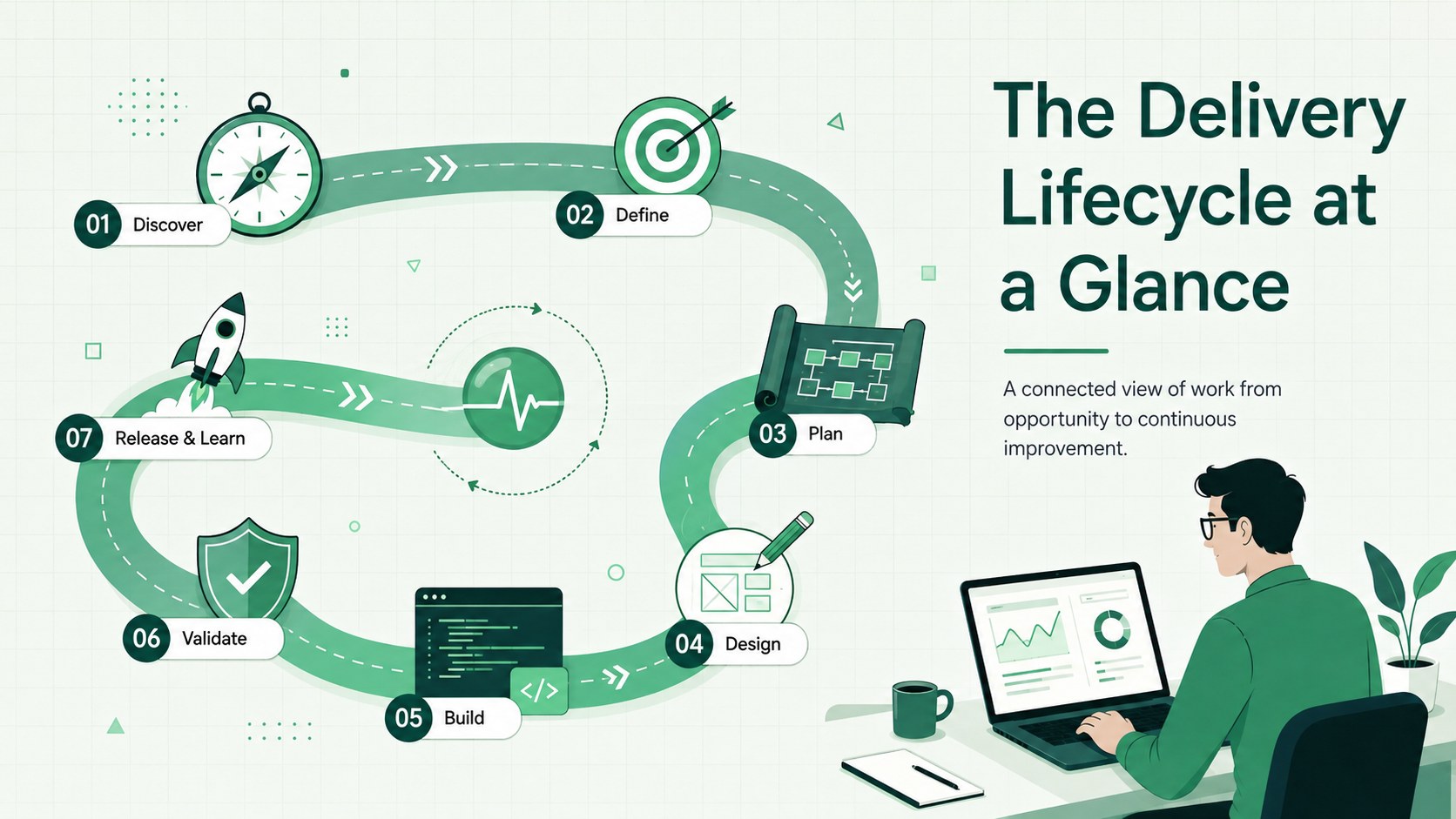
Agile SDLC process visuals help you turn a complicated delivery workflow into a presentation that is easy to scan, discuss, and remember. Built around a modern green palette and clean illustrations, this adaptable deck gives each stage of software creation a clear place in the story. Use it to connect technical work with business goals without crowding slides with dense explanations.
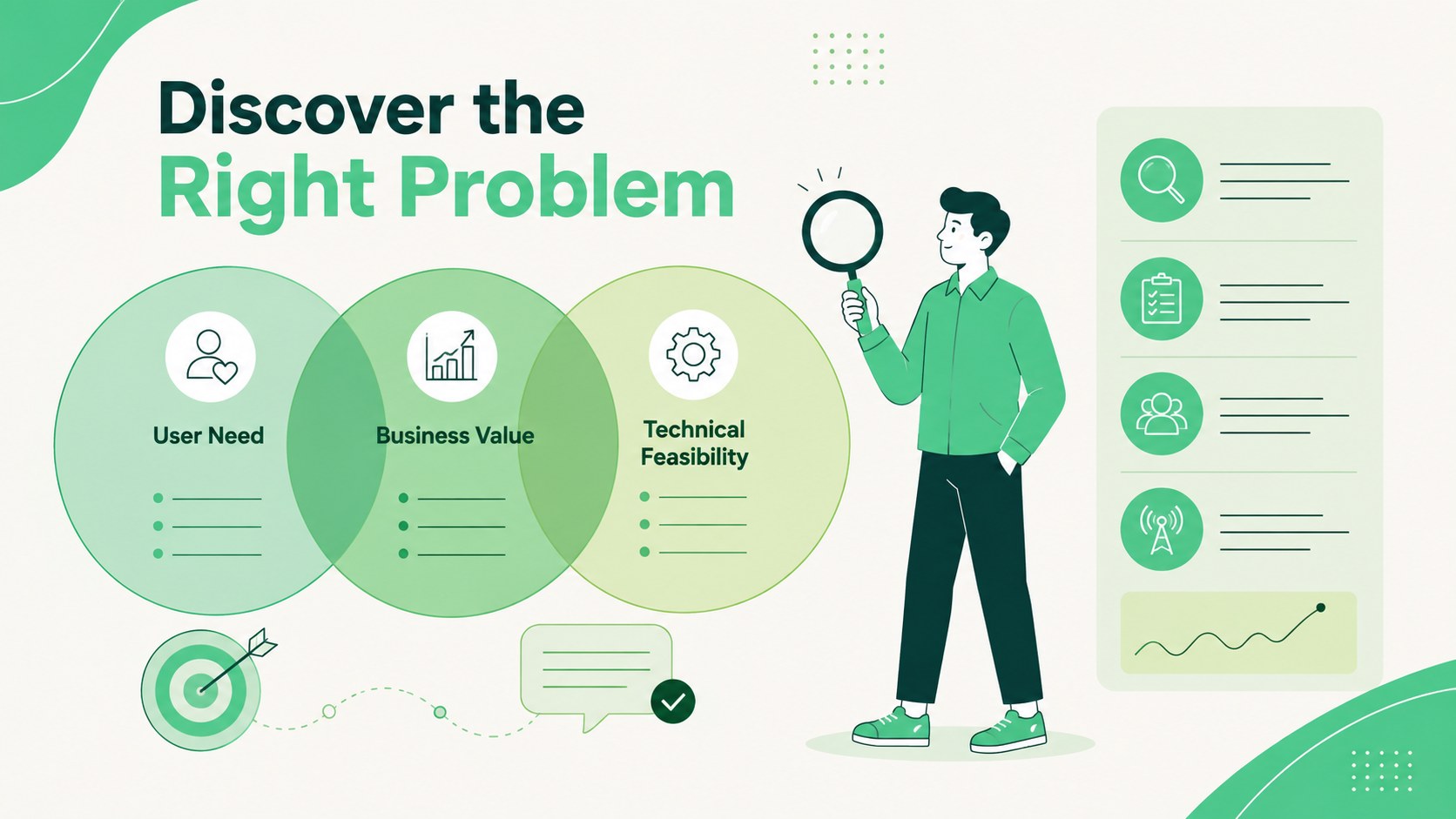
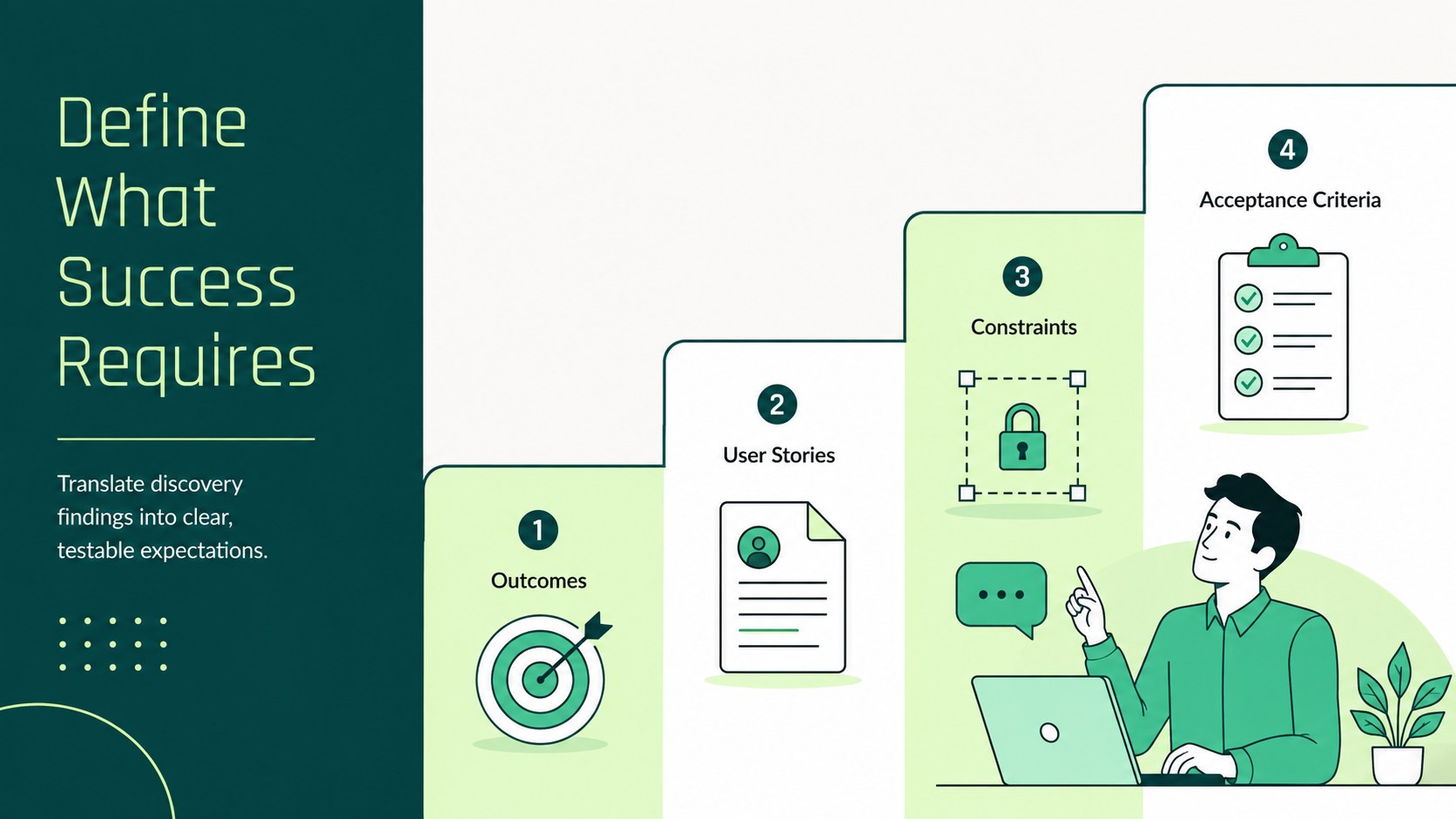
Inside, you will find 15 editable layouts covering lifecycle overviews, discovery, requirements, planning, design, development, testing, deployment, monitoring, feedback, team roles, timelines, and risk management. Circular diagrams, process paths, comparison panels, milestone graphics, and checklists make this an effective SDLC process diagram template for both sequential and iterative projects. Text, colors, icons, shapes, and data points can be adjusted in PowerPoint or Google Slides.
The deck is designed for product managers, engineering leads, software consultants, Scrum teams, instructors, and business analysts. It works equally well as an agile software development lifecycle presentation for onboarding or as software project workflow slides for a stakeholder review. Use the layouts to explain ownership, clarify dependencies, present release plans, document quality gates, or summarize continuous improvement priorities. The 16:9 format supports meeting-room displays, virtual workshops, training sessions, and exported handouts while preserving a consistent professional look.
Perfect for: engineering team onboarding; stakeholder delivery review; software lifecycle training; release planning workshop; project process documentation.
Frequently asked questions
Can I edit every stage and process label? Yes. The text, stage names, icons, shapes, connectors, and colors are editable, so you can match the deck to your own development methodology and terminology.
Practical details
Yes. The text, stage names, icons, shapes, connectors, and colors are editable, so you can match the deck to your own development methodology and terminology.
The template is designed for PowerPoint and Google Slides. Both platforms support the core layouts, text editing, color changes, and diagram customization.
Yes. You can reorder, remove, or rename phases to illustrate waterfall, hybrid, DevOps, or organization-specific delivery processes.
Replace the theme colors with your approved brand palette, then adjust icon and text colors for contrast. The layouts are structured to remain consistent after global color changes.
Keep exploring
15Shape your publishing concept with an indie magazine startup pitch deck featuring pastel gradients, bold collage layouts, and editable planning slides.
 16
16Build clear project stories with the Icon Grid Teamwork Theme, a flexible blue illustrated deck for proposals, strategy updates, and team meetings.
 3
3Turn priorities into an actionable plan with an annual goals roadmap infographic, featuring editable orange and teal layouts for PowerPoint and Google Slides.
 15
15Create an Annual Achievement Report Presentation with colorful geometric layouts for milestones, results, lessons, and priorities in PowerPoint or Google Slides.
 15
15Turn results into a focused annual performance evaluation report with dark 3D slides for KPIs, achievements, feedback, and next-step goals for teams.
 15
15Guide a focused annual recap with Business Results Retrospective Slides, a muted brown-and-blue template for PowerPoint and Google Slides.
 6
6Turn complex plans into clear visual stories with Color-Coded Workflow Path Slides, an editable set for project updates, roadmaps, and team briefings.
 6
6Compare regional performance at a glance with Global Data Heatmap Slides, a clean multicolor deck designed for editable PowerPoint and Google Slides.