
 15
15presentation
Indie Magazine Startup Pitch Deck
Shape your publishing concept with an indie magazine startup pitch deck featuring pastel gradients, bold collage layouts, and editable planning slides.
Google SlidesPowerPoint
presentation · English
Run a focused Agile Scrum Rollout Workshop with editable red illustrated slides for roles, ceremonies, sprint planning, metrics, and team alignment.
Design notes
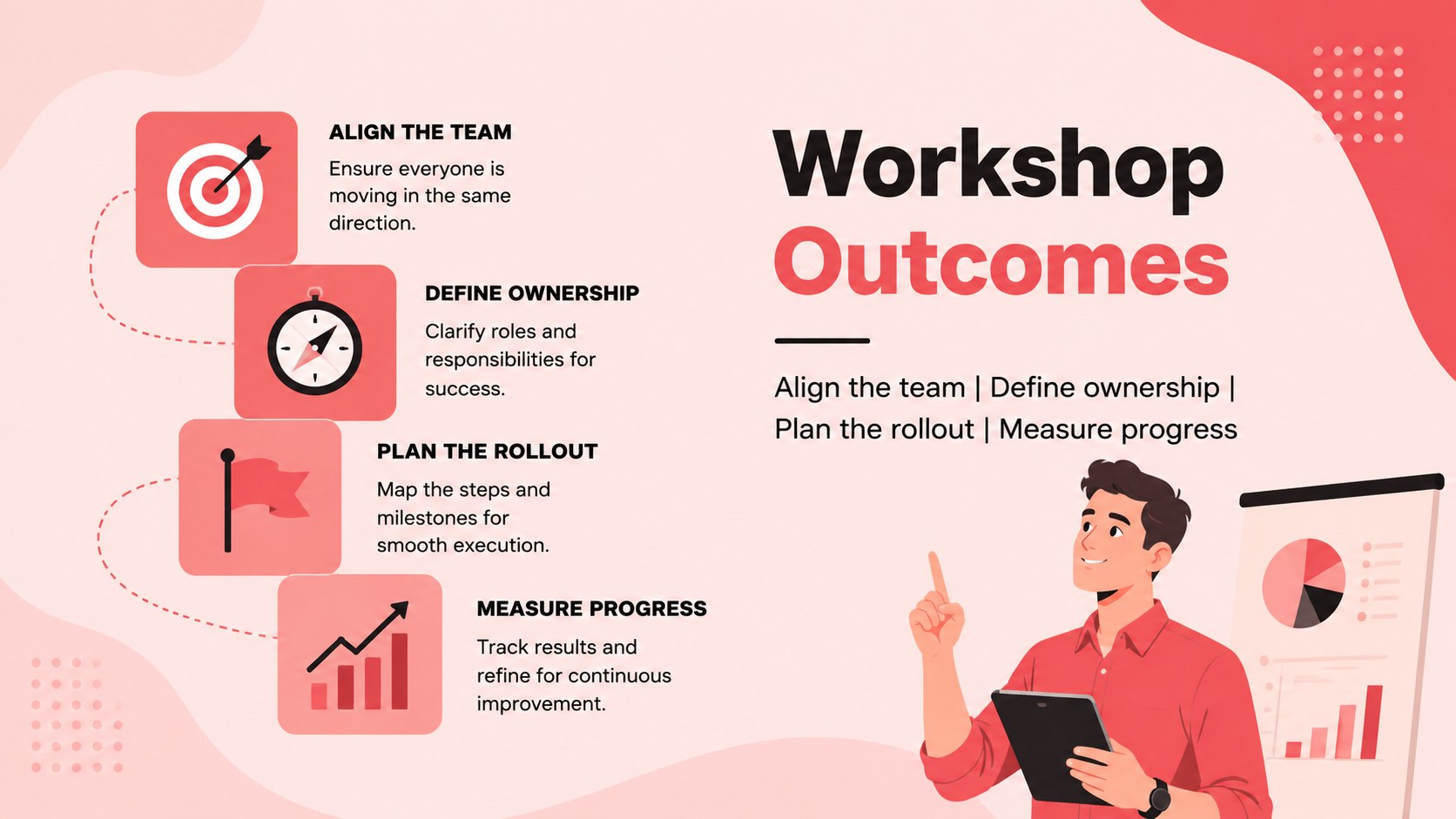
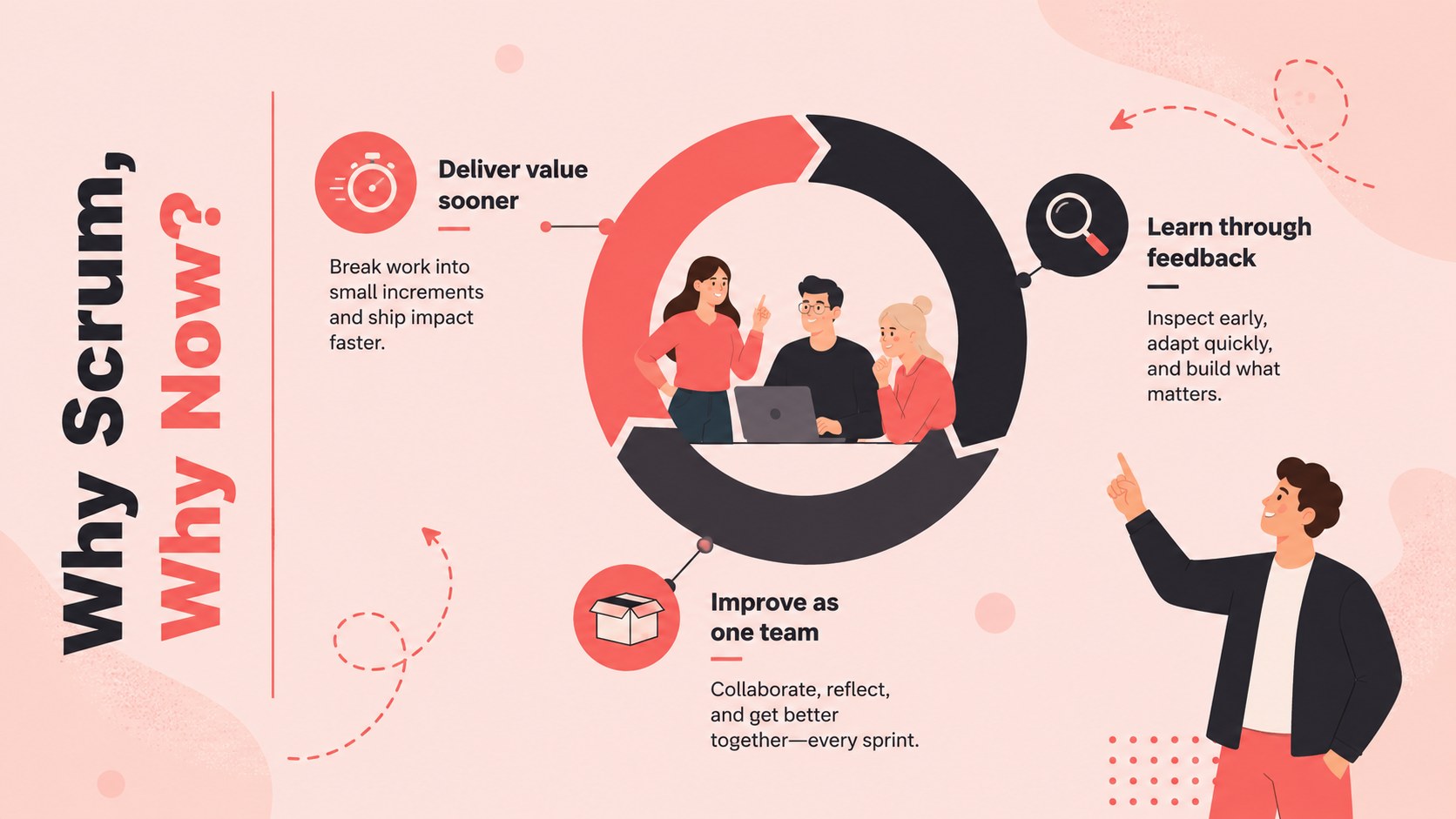
Bring structure and momentum to your Agile Scrum Rollout Workshop with a bold red, pink, and black presentation built for practical team discussion. The illustrated layouts help facilitators explain Scrum principles, establish shared expectations, and turn adoption plans into specific actions without overwhelming participants.
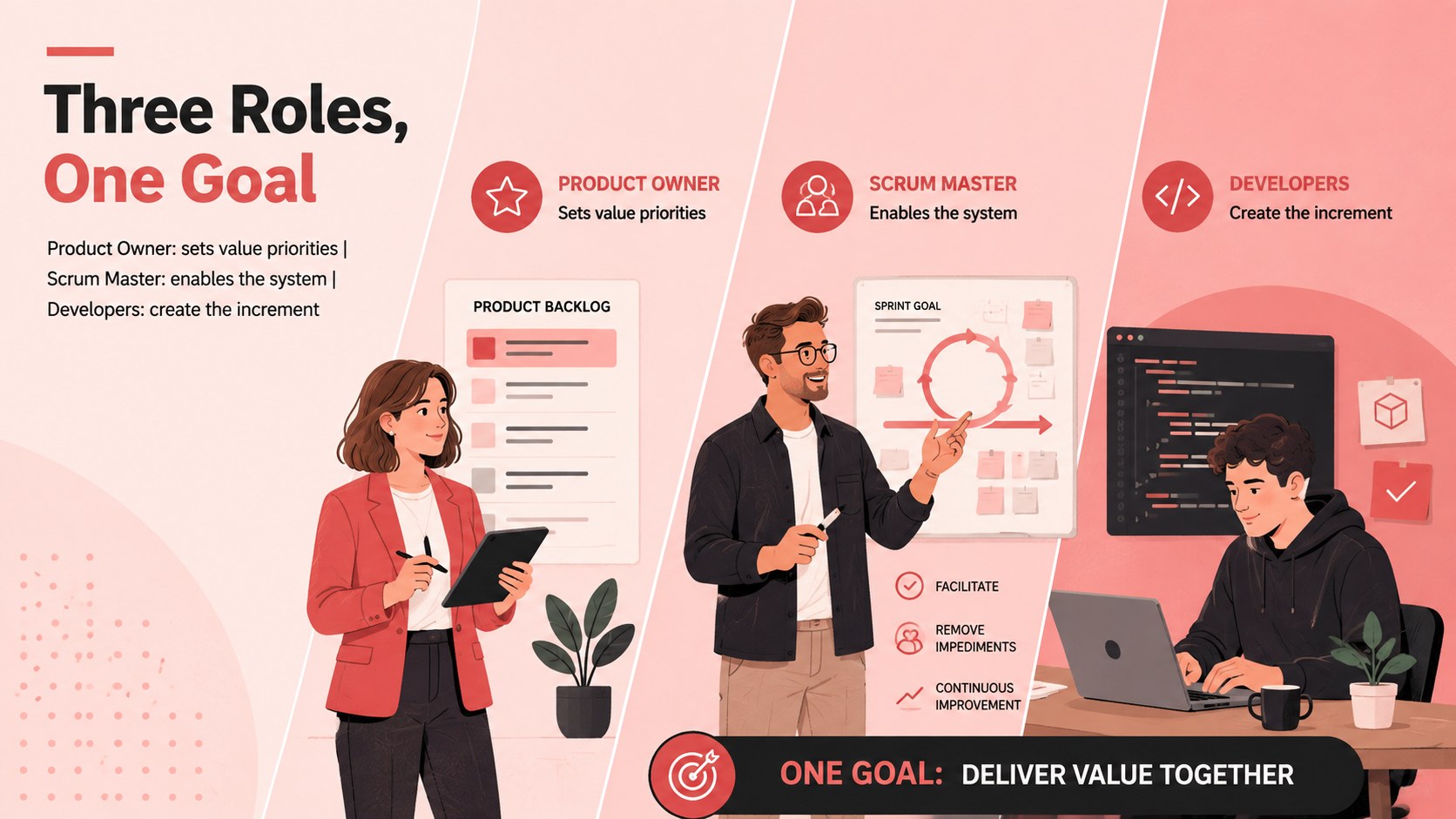
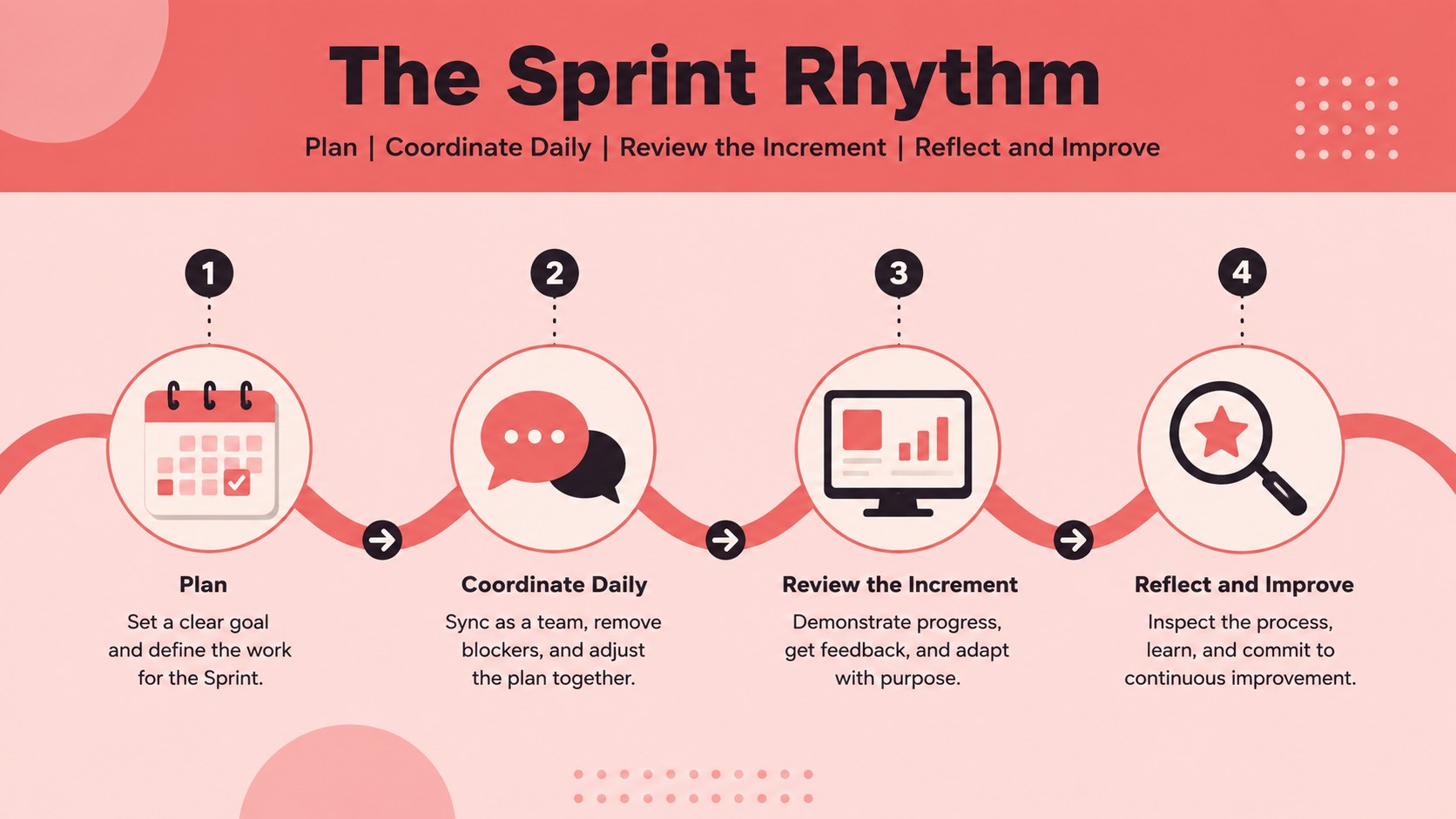
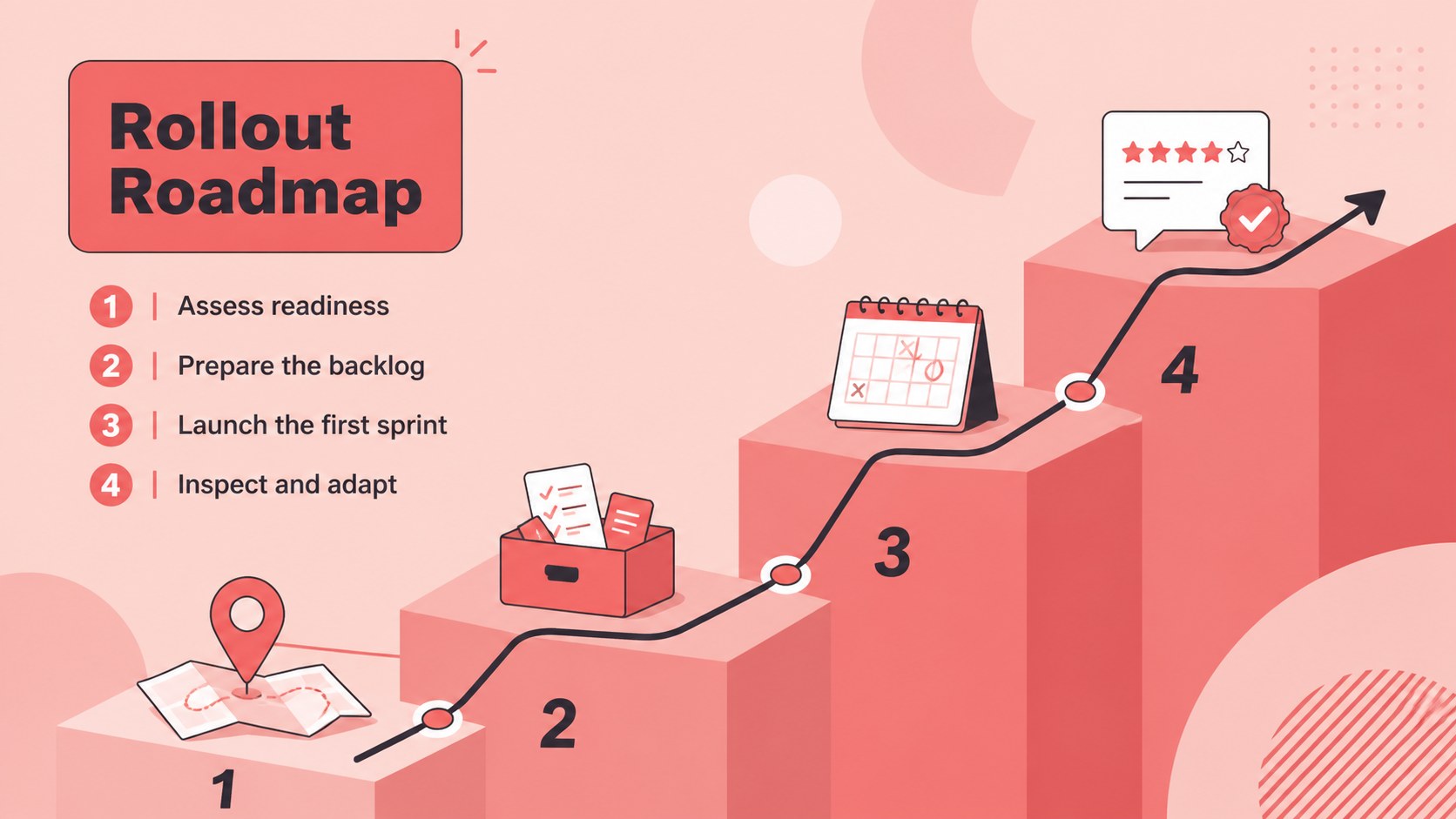
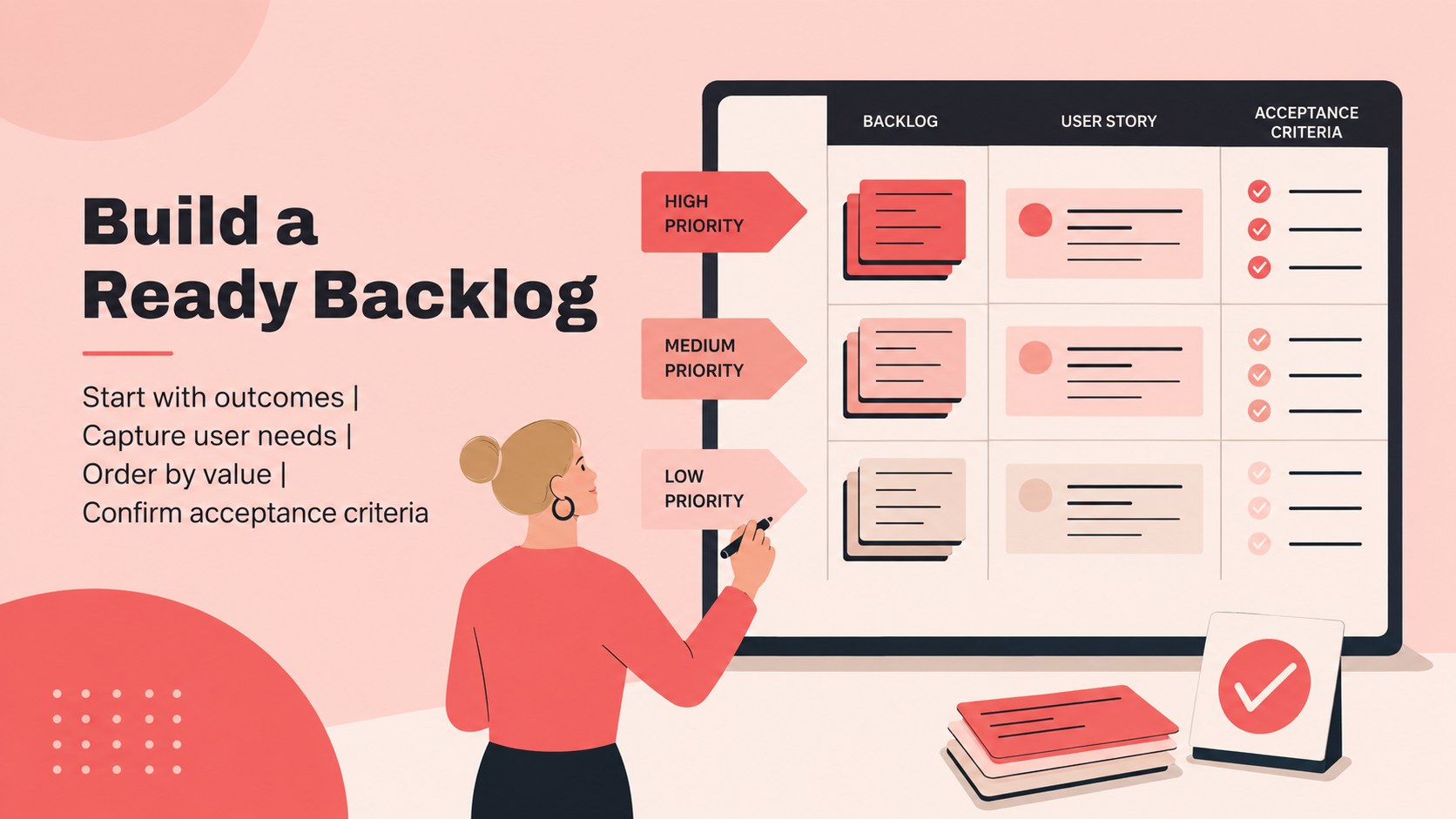
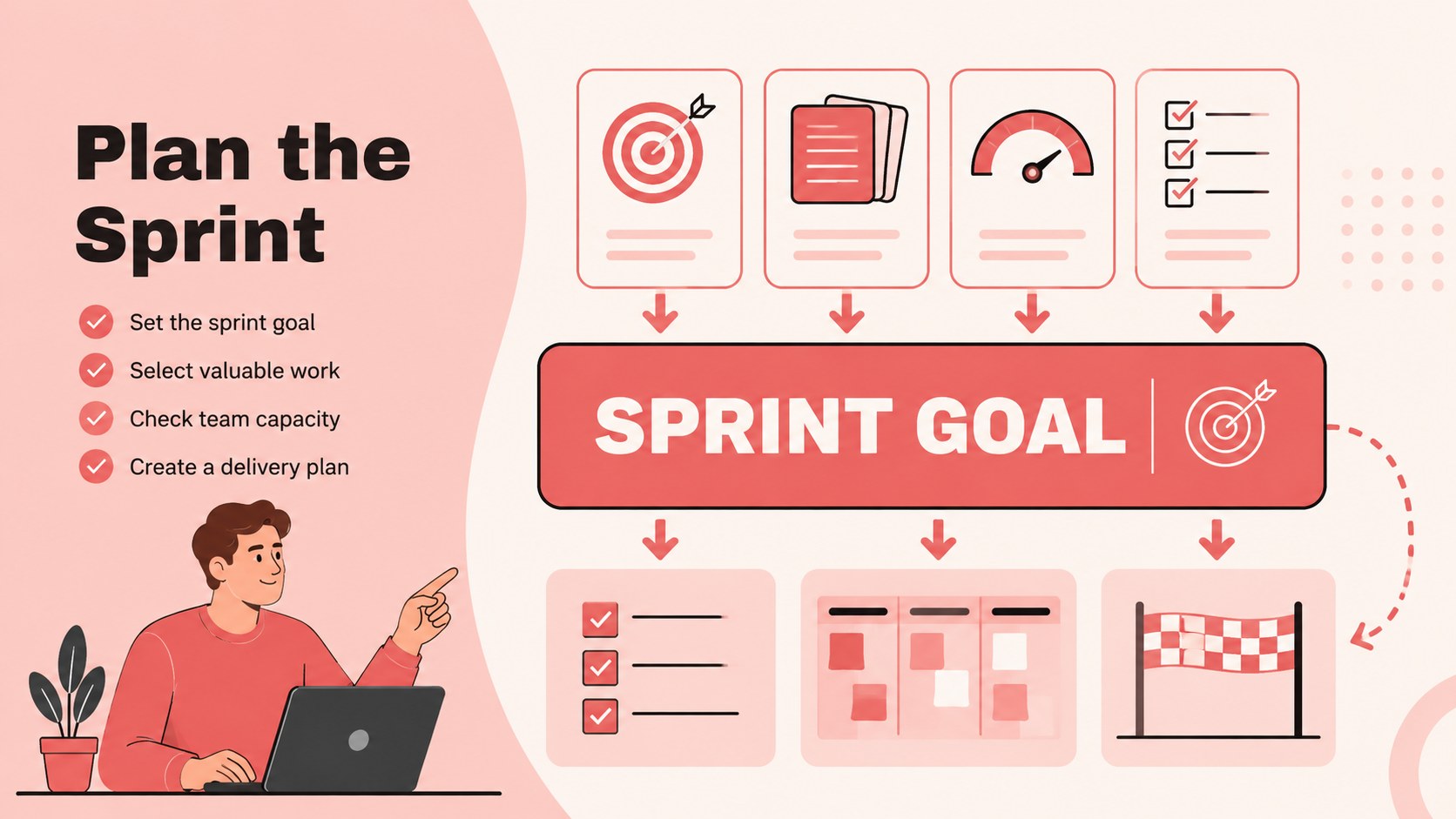
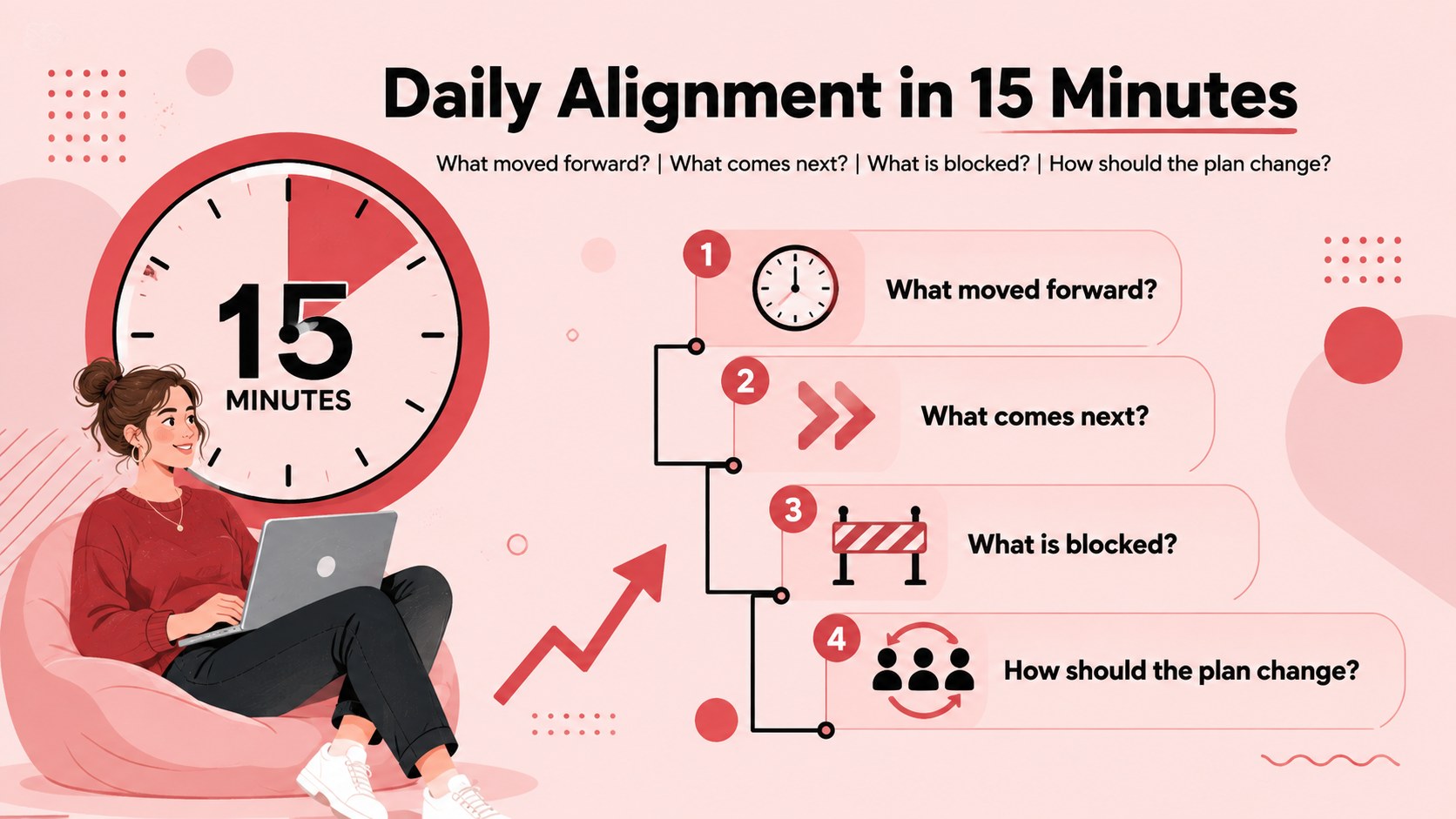
Inside, you will find flexible slides for workshop objectives, Scrum roles, core ceremonies, rollout phases, backlog preparation, sprint planning, daily check-ins, reviews, retrospectives, risks, and success metrics. Use the scrum rollout roadmap template to clarify milestones, or adapt the agile team roles and ceremonies slides when responsibilities need to be discussed in detail. Charts, timelines, process diagrams, and action lists provide useful starting points while remaining easy to customize.
This scrum adoption workshop presentation is designed for project managers, Scrum Masters, product owners, Agile coaches, department leads, and cross-functional delivery teams. It works equally well for a first implementation session, an operating-model refresh, or a stakeholder alignment meeting. Edit the deck in PowerPoint or Google Slides, replace the sample wording with your own processes, and adjust colors, illustrations, and data to match your organization. The result is a focused workshop resource that supports productive conversation from kickoff through the first sprint.
Perfect for: Scrum adoption kickoff; Agile team onboarding; Sprint planning workshop; Role alignment meeting; Process improvement session; Scrum rollout review.
Frequently asked questions
Can I edit this workshop deck in PowerPoint and Google Slides? Yes. Every slide can be edited in PowerPoint or Google Slides, including text, colors, shapes, charts, and illustrations. Some font substitutions may occur if the original typefaces are not installed.
Practical details
Yes. Every slide can be edited in PowerPoint or Google Slides, including text, colors, shapes, charts, and illustrations. Some font substitutions may occur if the original typefaces are not installed.
Yes. Replace the example roles, ceremonies, rollout phases, and metrics with your team's terminology and operating model. You can also duplicate or remove sections to fit the length of your workshop.
Yes. The sequence introduces responsibilities, events, planning activities, and improvement practices in a clear progression. Facilitators can add company-specific examples for a more relevant onboarding session.
Yes. The red, pink, and black palette can be updated to match your brand or accessibility requirements. Illustrations, icons, backgrounds, and layout elements can also be repositioned or replaced.
Keep exploring
15Shape your publishing concept with an indie magazine startup pitch deck featuring pastel gradients, bold collage layouts, and editable planning slides.
 16
16Build clear project stories with the Icon Grid Teamwork Theme, a flexible blue illustrated deck for proposals, strategy updates, and team meetings.
 3
3Turn priorities into an actionable plan with an annual goals roadmap infographic, featuring editable orange and teal layouts for PowerPoint and Google Slides.
 15
15Create an Annual Achievement Report Presentation with colorful geometric layouts for milestones, results, lessons, and priorities in PowerPoint or Google Slides.
 15
15Turn results into a focused annual performance evaluation report with dark 3D slides for KPIs, achievements, feedback, and next-step goals for teams.
 15
15Guide a focused annual recap with Business Results Retrospective Slides, a muted brown-and-blue template for PowerPoint and Google Slides.
 6
6Turn complex plans into clear visual stories with Color-Coded Workflow Path Slides, an editable set for project updates, roadmaps, and team briefings.
 6
6Compare regional performance at a glance with Global Data Heatmap Slides, a clean multicolor deck designed for editable PowerPoint and Google Slides.