
 15
15presentation
Indie Magazine Startup Pitch Deck
Shape your publishing concept with an indie magazine startup pitch deck featuring pastel gradients, bold collage layouts, and editable planning slides.
Google SlidesPowerPoint
presentation · English
Turn iteration results into a focused conversation with an Agile Demo & Feedback Deck for clear updates, stakeholder input, decisions, and next steps.
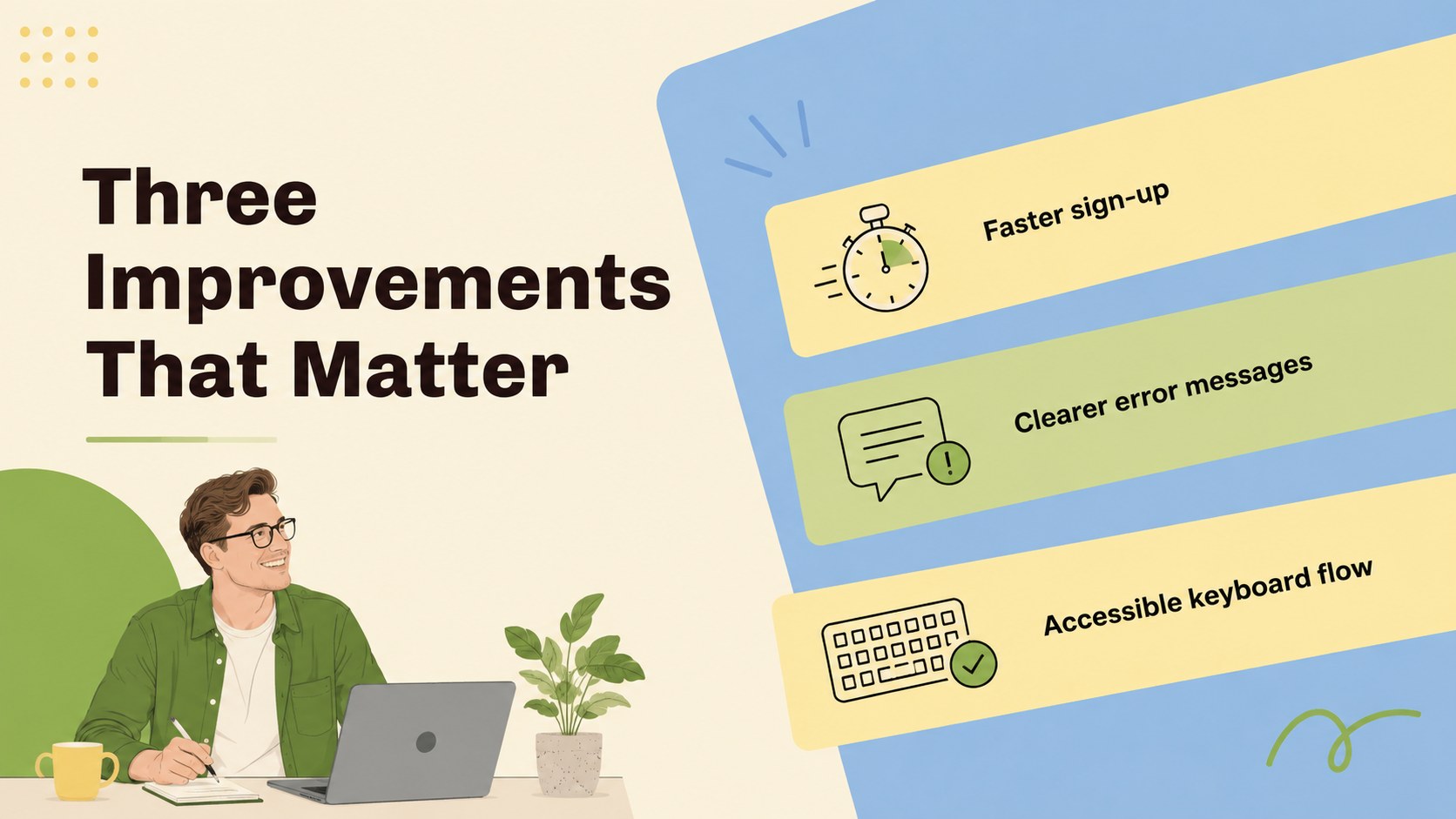
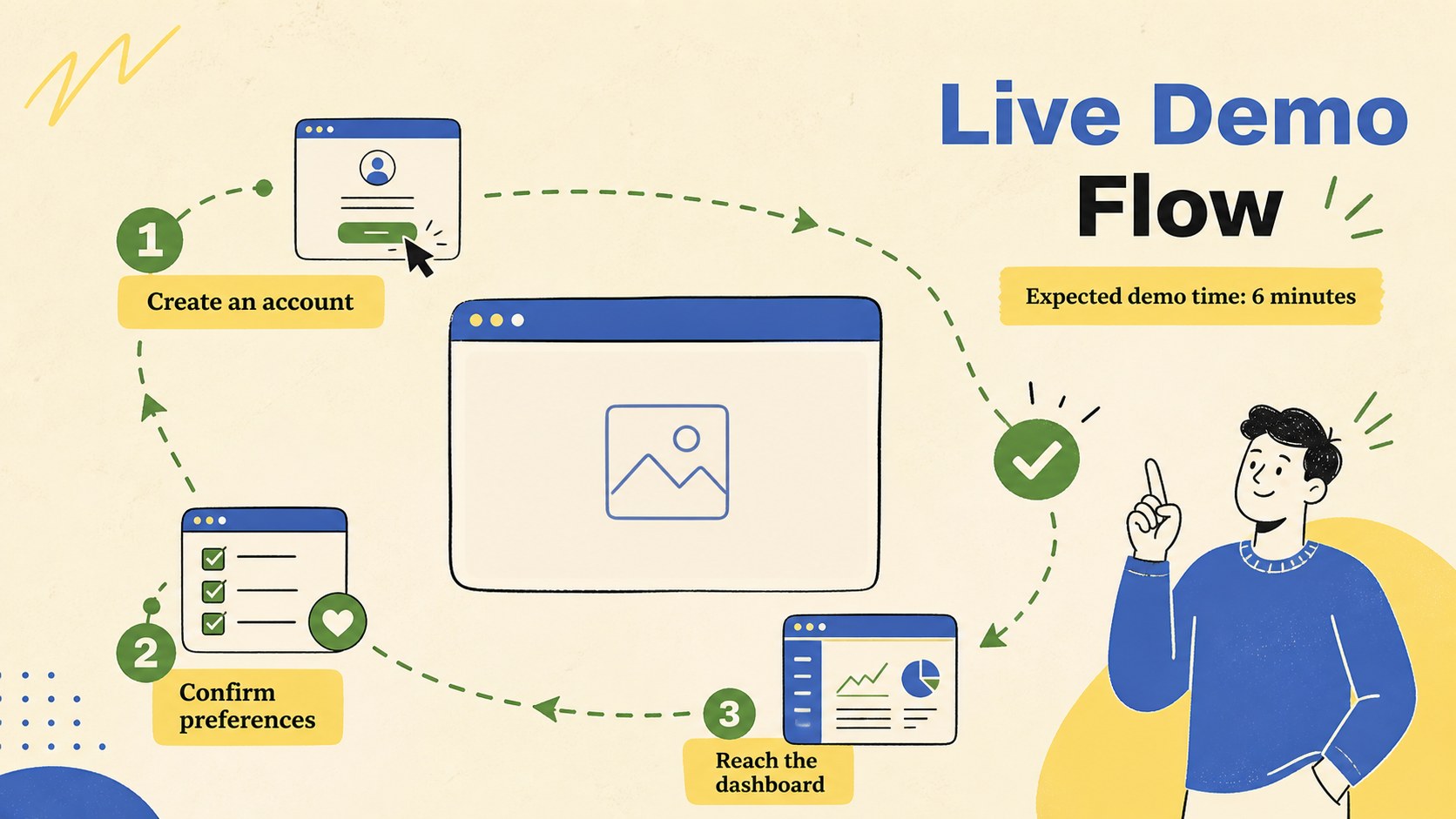
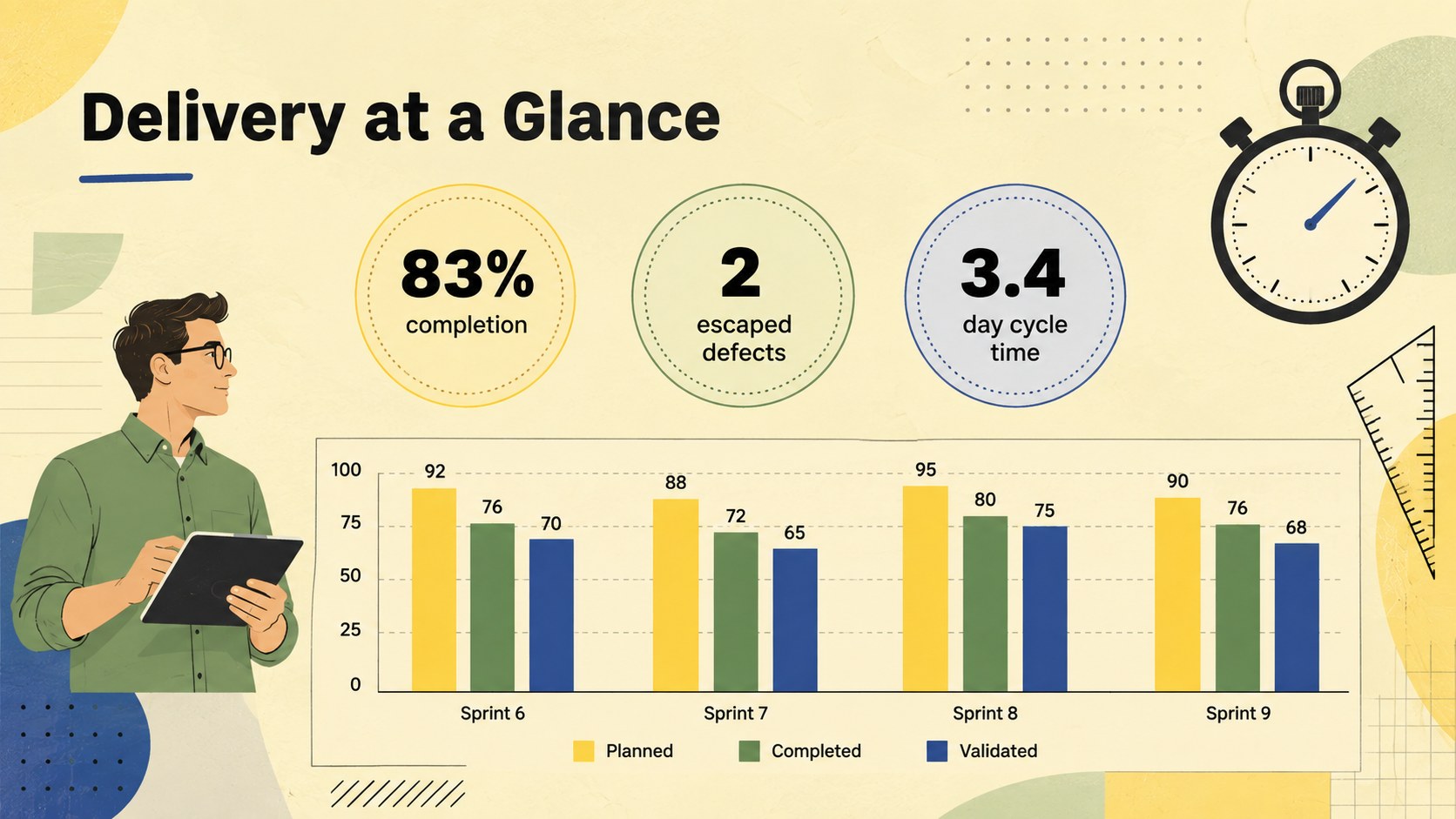
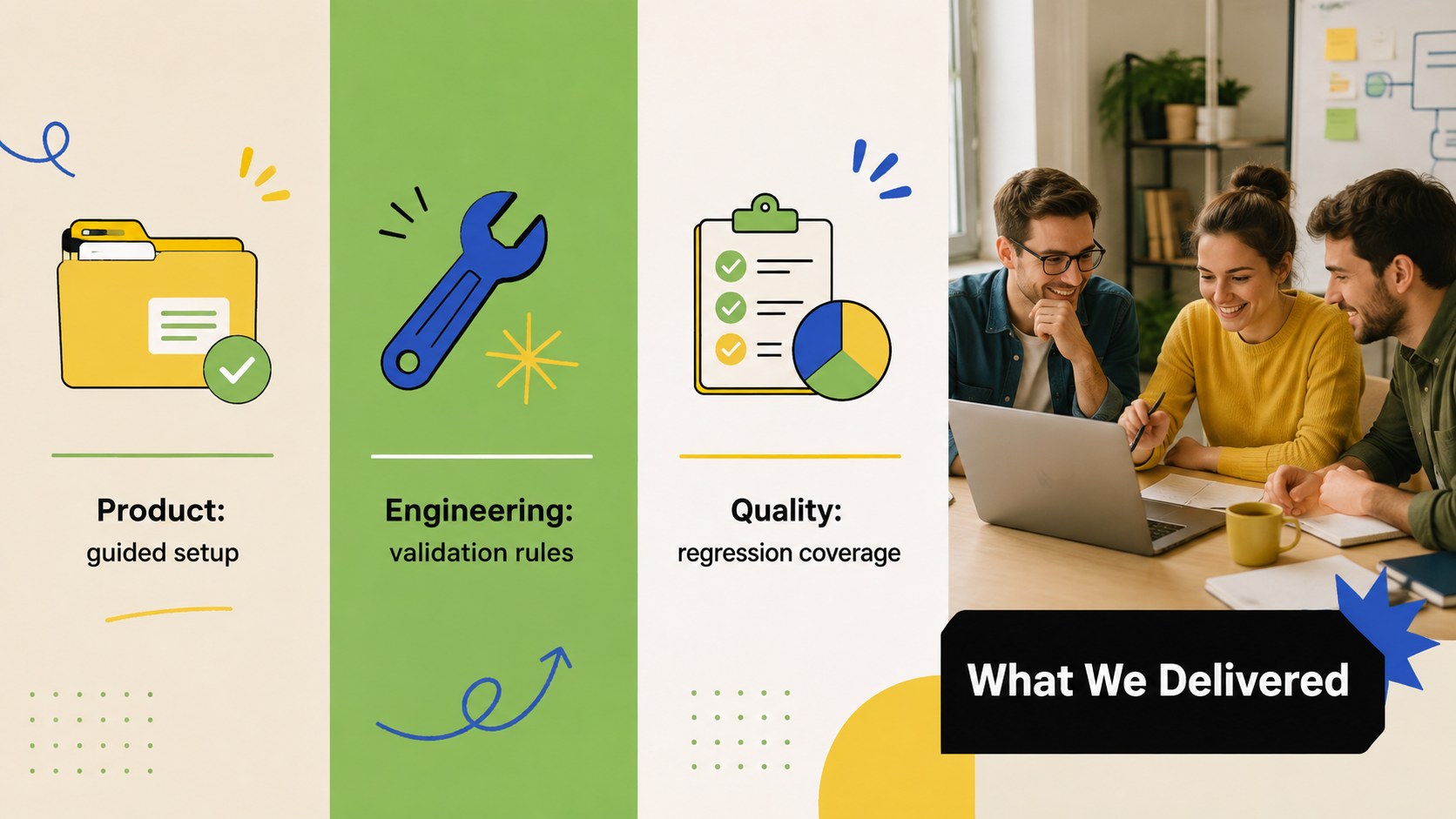
Design notes
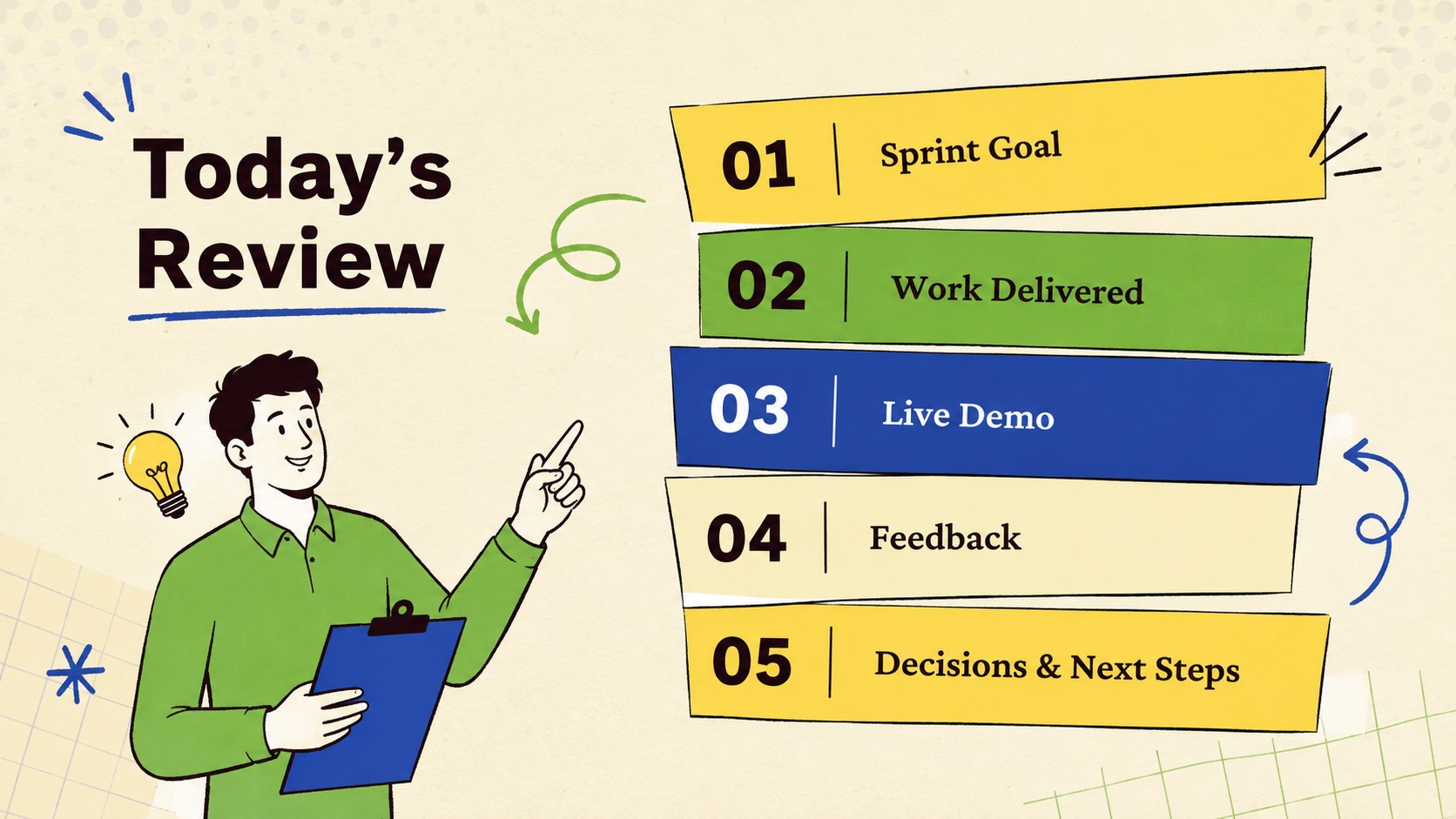
This Agile Demo & Feedback Deck helps product teams turn an end-of-iteration meeting into a crisp story about outcomes, evidence, and decisions. Built for PowerPoint and Google Slides, its playful minimalist look combines warm beige with vivid yellow, green, blue, and black accents. Clean typography, lively illustrations, and flexible layouts keep attention on the work while giving the room energy.
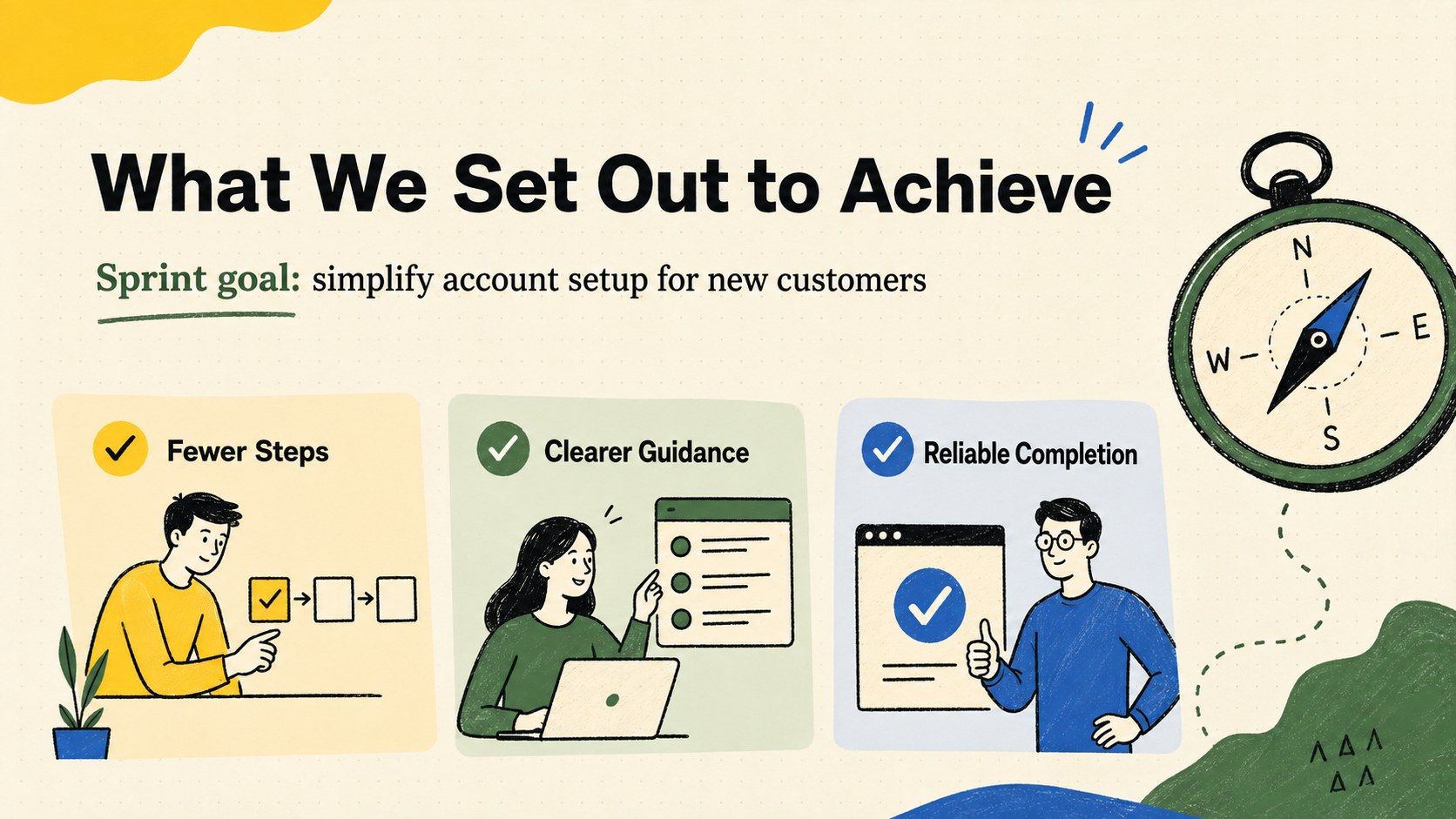
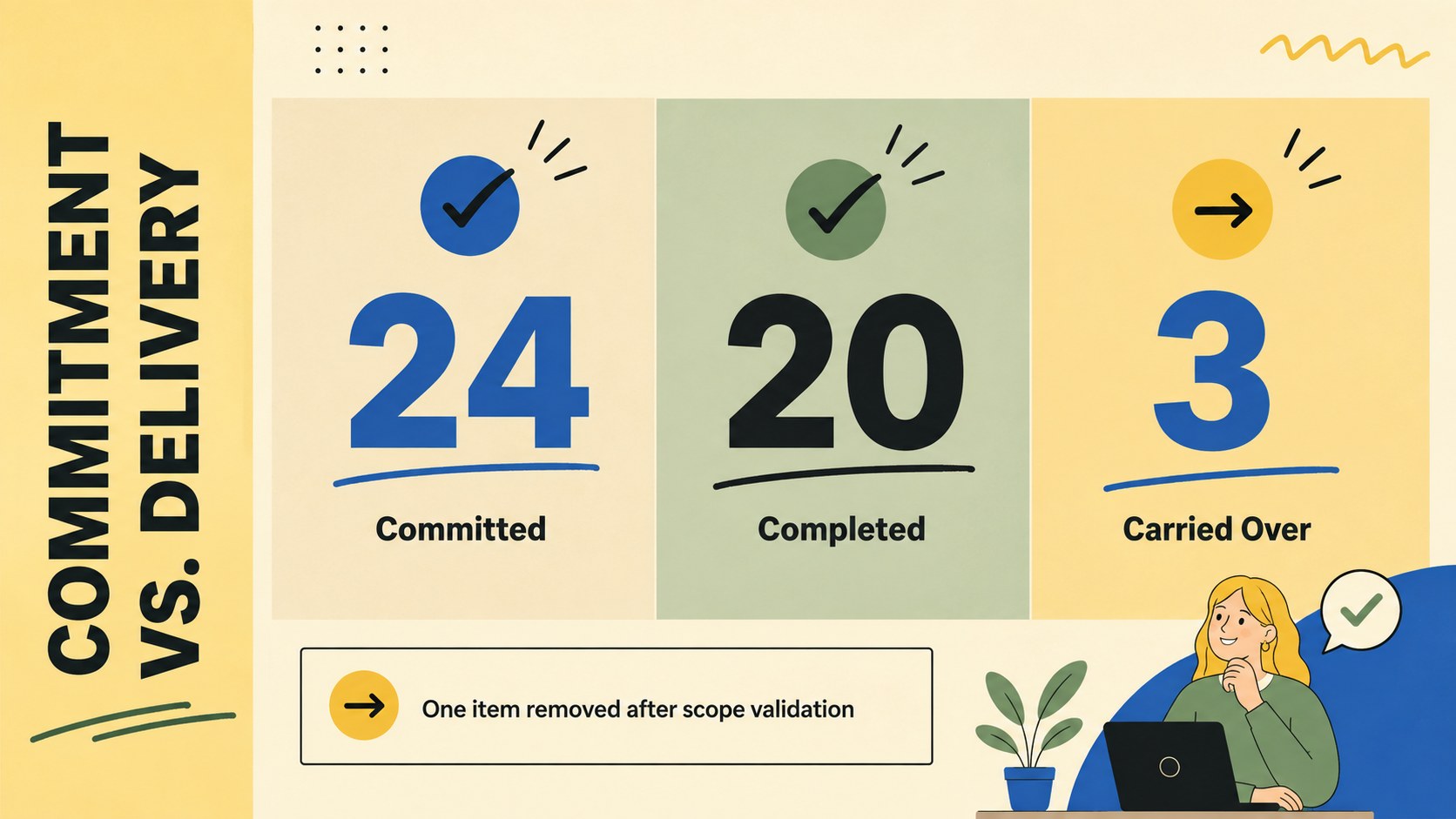
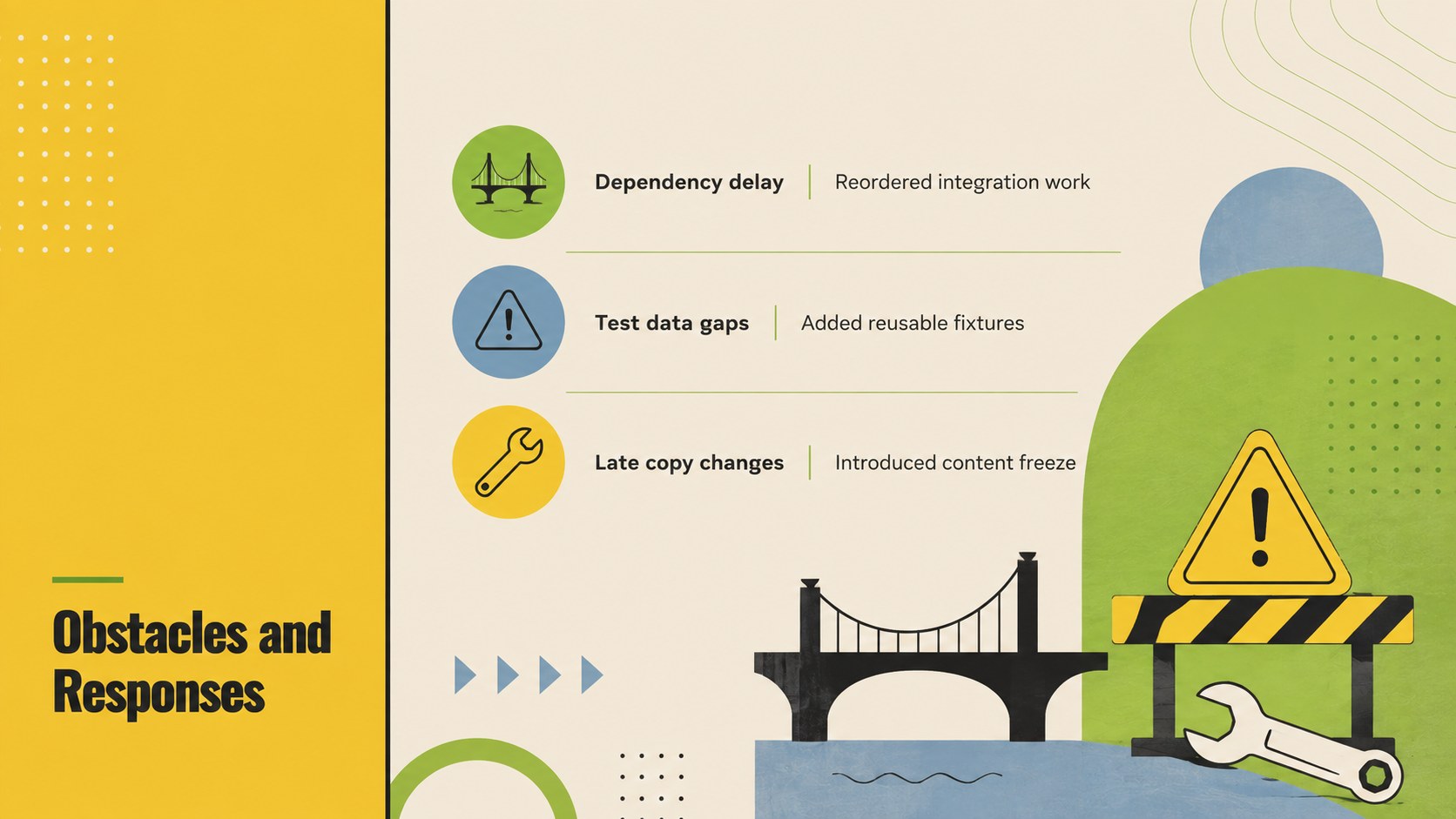
Inside, you will find layouts for sprint goals, completed items, product demonstrations, delivery metrics, milestones, obstacles, and stakeholder reactions. A product increment showcase slide makes new functionality easy to explain, while a dedicated stakeholder feedback presentation layout helps teams record questions and requested changes. Timeline, decision, and next-step pages connect the review directly to upcoming priorities.
The deck is designed for Scrum masters, product owners, developers, designers, project leads, and cross-functional teams. Use it as an agile sprint demo presentation for internal reviews, client updates, leadership briefings, or remote planning sessions. All 15 widescreen slides can be customized with your own text, colors, charts, screenshots, and project data. Edit the layouts in either supported platform, then present live or export the finished deck for distribution.
Perfect for: end-of-sprint product demo; stakeholder feedback session; client iteration review; leadership delivery update; remote Scrum review.
Frequently asked questions
Can I edit this deck in PowerPoint and Google Slides? Yes. Every slide is designed for editing in PowerPoint and Google Slides, including text, colors, shapes, charts, and image placeholders. Some fonts may be substituted automatically depending on what is installed.
Practical details
Yes. Every slide is designed for editing in PowerPoint and Google Slides, including text, colors, shapes, charts, and image placeholders. Some fonts may be substituted automatically depending on what is installed.
Replace the sample copy with your sprint goal, completed stories, metrics, screenshots, and stakeholder questions. You can also recolor the accent elements or rearrange sections without changing the overall visual system.
Yes. Several layouts provide clear areas for interface screenshots, feature previews, and short supporting notes. Crop each image consistently and add brief captions so the audience can follow the demonstration.
Yes. Duplicate the file for each iteration and update the results, feedback, and next-step sections. Keeping the same structure across reviews also makes progress easier to compare over time.
Keep exploring
15Shape your publishing concept with an indie magazine startup pitch deck featuring pastel gradients, bold collage layouts, and editable planning slides.
 16
16Build clear project stories with the Icon Grid Teamwork Theme, a flexible blue illustrated deck for proposals, strategy updates, and team meetings.
 3
3Turn priorities into an actionable plan with an annual goals roadmap infographic, featuring editable orange and teal layouts for PowerPoint and Google Slides.
 15
15Create an Annual Achievement Report Presentation with colorful geometric layouts for milestones, results, lessons, and priorities in PowerPoint or Google Slides.
 15
15Turn results into a focused annual performance evaluation report with dark 3D slides for KPIs, achievements, feedback, and next-step goals for teams.
 15
15Guide a focused annual recap with Business Results Retrospective Slides, a muted brown-and-blue template for PowerPoint and Google Slides.
 6
6Turn complex plans into clear visual stories with Color-Coded Workflow Path Slides, an editable set for project updates, roadmaps, and team briefings.
 6
6Compare regional performance at a glance with Global Data Heatmap Slides, a clean multicolor deck designed for editable PowerPoint and Google Slides.