
 15
15presentation
Indie Magazine Startup Pitch Deck
Shape your publishing concept with an indie magazine startup pitch deck featuring pastel gradients, bold collage layouts, and editable planning slides.
Google SlidesPowerPoint
presentation · English
Build a bold investor story with acid brutalist AI startup slides in black and yellow, featuring editable layouts for PowerPoint and Google Slides.

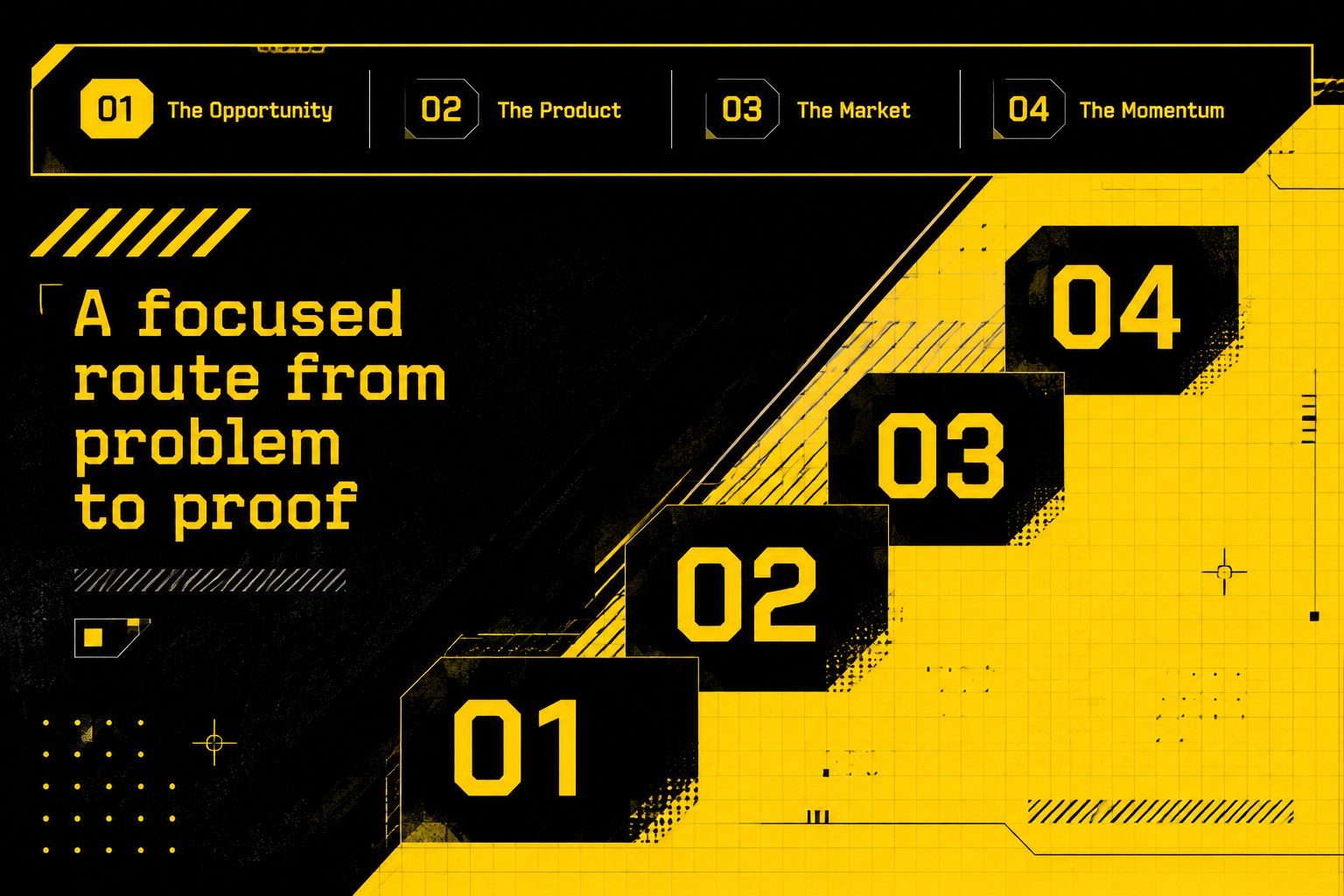




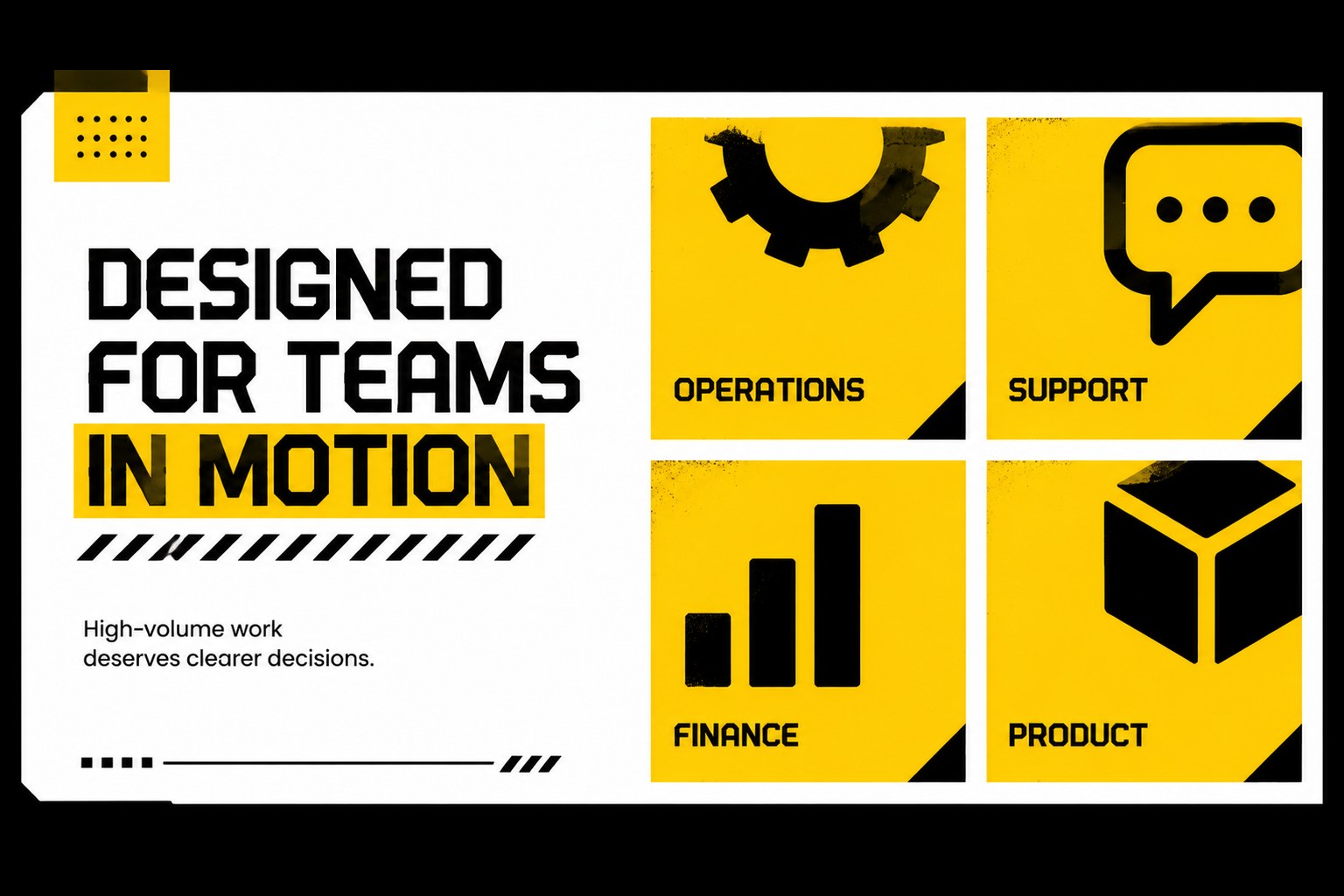
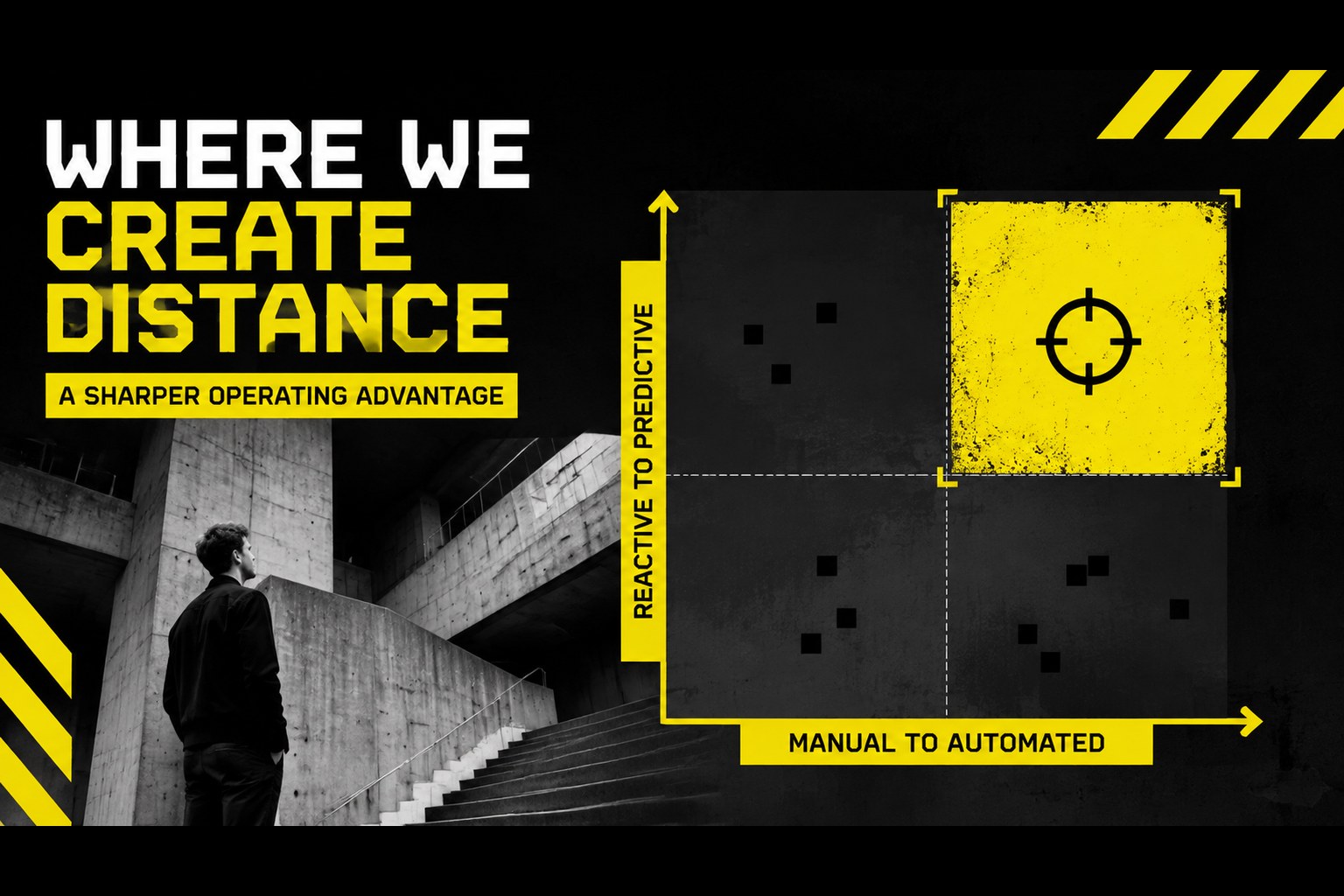
Design notes
Acid brutalist AI startup slides give emerging technology companies a visually forceful way to explain ambitious products. The black-and-yellow palette, oversized type, hard-edged geometry, and energetic visual contrasts help technical ideas stay memorable without losing a professional business focus. Use the deck to frame an artificial intelligence product, communicate a clear market opportunity, and guide investors through the company story.
Inside, you’ll find more than 25 editable layouts for a startup investor pitch, including cover pages, agenda slides, problem and solution statements, product showcases, market sizing, competitive positioning, business models, team profiles, milestones, financial highlights, and closing pages. Charts, diagrams, image frames, lines, and bold text treatments can be rearranged to match your narrative. The presentation works well for AI founders, product teams, consultants, accelerators, and creative technology agencies preparing a funding conversation or strategic proposal.
Edit the files in PowerPoint or Google Slides, replace the sample copy with your own evidence, and adapt the layouts for demos, partner meetings, or internal product reviews. The visual language remains intentionally maximalist, making this AI product launch presentation especially useful when a conventional corporate deck would feel too restrained.
Perfect for: startup investor pitch; AI product launch; venture capital meeting; technology partnership proposal; accelerator demo day; internal product strategy review.
Frequently asked questions
Can I edit these slides in PowerPoint? Yes. The presentation is designed for PowerPoint editing, including text, colors, charts, image placeholders, and layout elements. Replace the sample content with your own company information before presenting.
Practical details
Yes. The presentation is designed for PowerPoint editing, including text, colors, charts, image placeholders, and layout elements. Replace the sample content with your own company information before presenting.
Yes, you can open and customize the presentation in Google Slides. Check fonts, animations, and chart formatting after importing, since some effects may render differently between platforms.
The layouts suit machine learning products, automation platforms, analytics tools, robotics companies, and other emerging technology ventures. The flexible structure also works for consulting proposals and product strategy reviews.
Yes. Update the theme colors, typography, imagery, and decorative shapes to match your brand. Keeping one bright accent color can preserve the deck’s strong visual rhythm while making it more consistent with your identity.
Keep exploring
15Shape your publishing concept with an indie magazine startup pitch deck featuring pastel gradients, bold collage layouts, and editable planning slides.
 16
16Build clear project stories with the Icon Grid Teamwork Theme, a flexible blue illustrated deck for proposals, strategy updates, and team meetings.
 3
3Turn priorities into an actionable plan with an annual goals roadmap infographic, featuring editable orange and teal layouts for PowerPoint and Google Slides.
 15
15Create an Annual Achievement Report Presentation with colorful geometric layouts for milestones, results, lessons, and priorities in PowerPoint or Google Slides.
 15
15Turn results into a focused annual performance evaluation report with dark 3D slides for KPIs, achievements, feedback, and next-step goals for teams.
 15
15Guide a focused annual recap with Business Results Retrospective Slides, a muted brown-and-blue template for PowerPoint and Google Slides.
 6
6Turn complex plans into clear visual stories with Color-Coded Workflow Path Slides, an editable set for project updates, roadmaps, and team briefings.
 6
6Compare regional performance at a glance with Global Data Heatmap Slides, a clean multicolor deck designed for editable PowerPoint and Google Slides.