
 15
15presentation
Indie Magazine Startup Pitch Deck
Shape your publishing concept with an indie magazine startup pitch deck featuring pastel gradients, bold collage layouts, and editable planning slides.
Google SlidesPowerPoint
presentation · English
Build an accounting practice launch plan with editable gray and orange slides for services, pricing, forecasts, client growth, and team goals.




Design notes
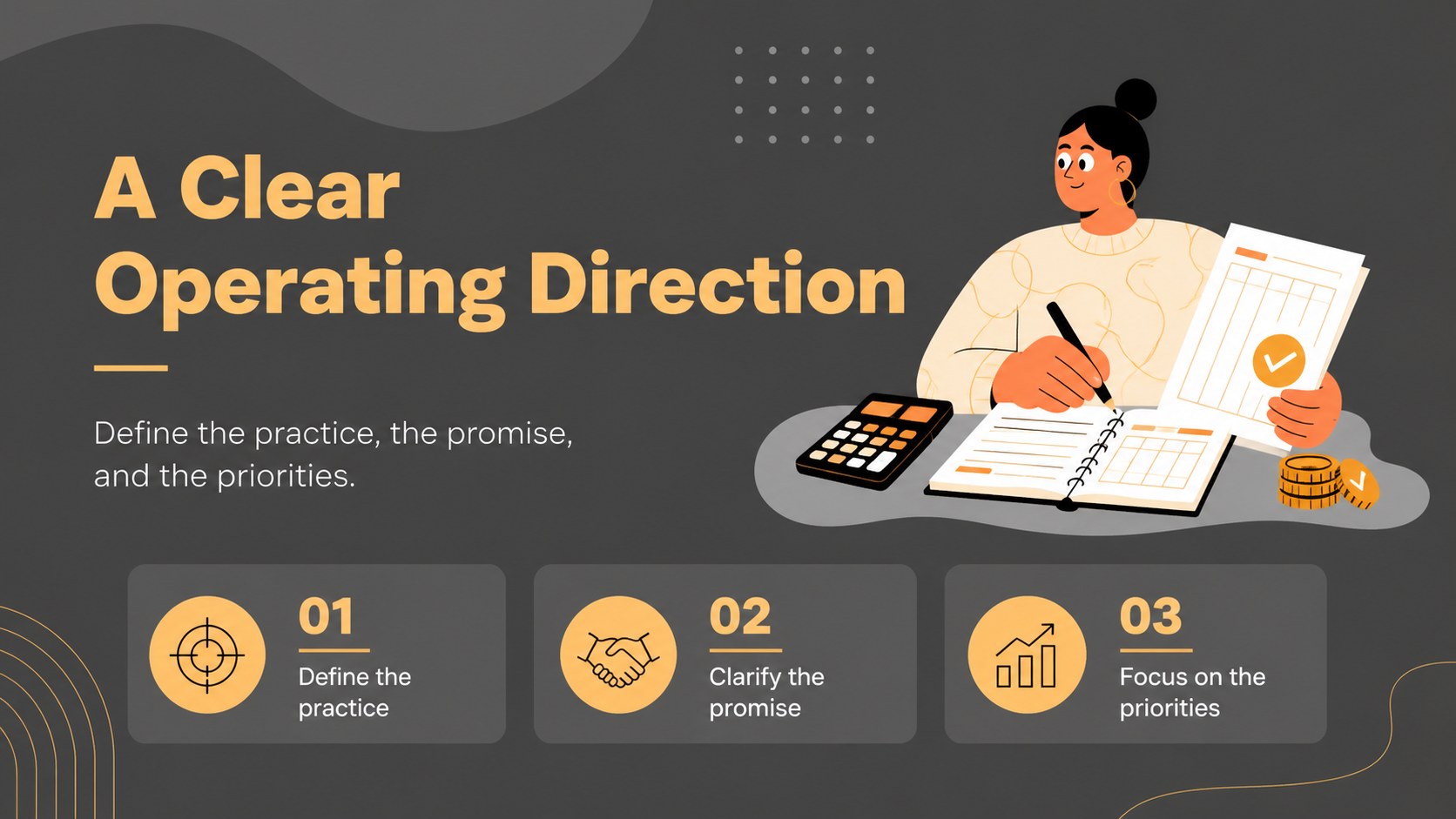
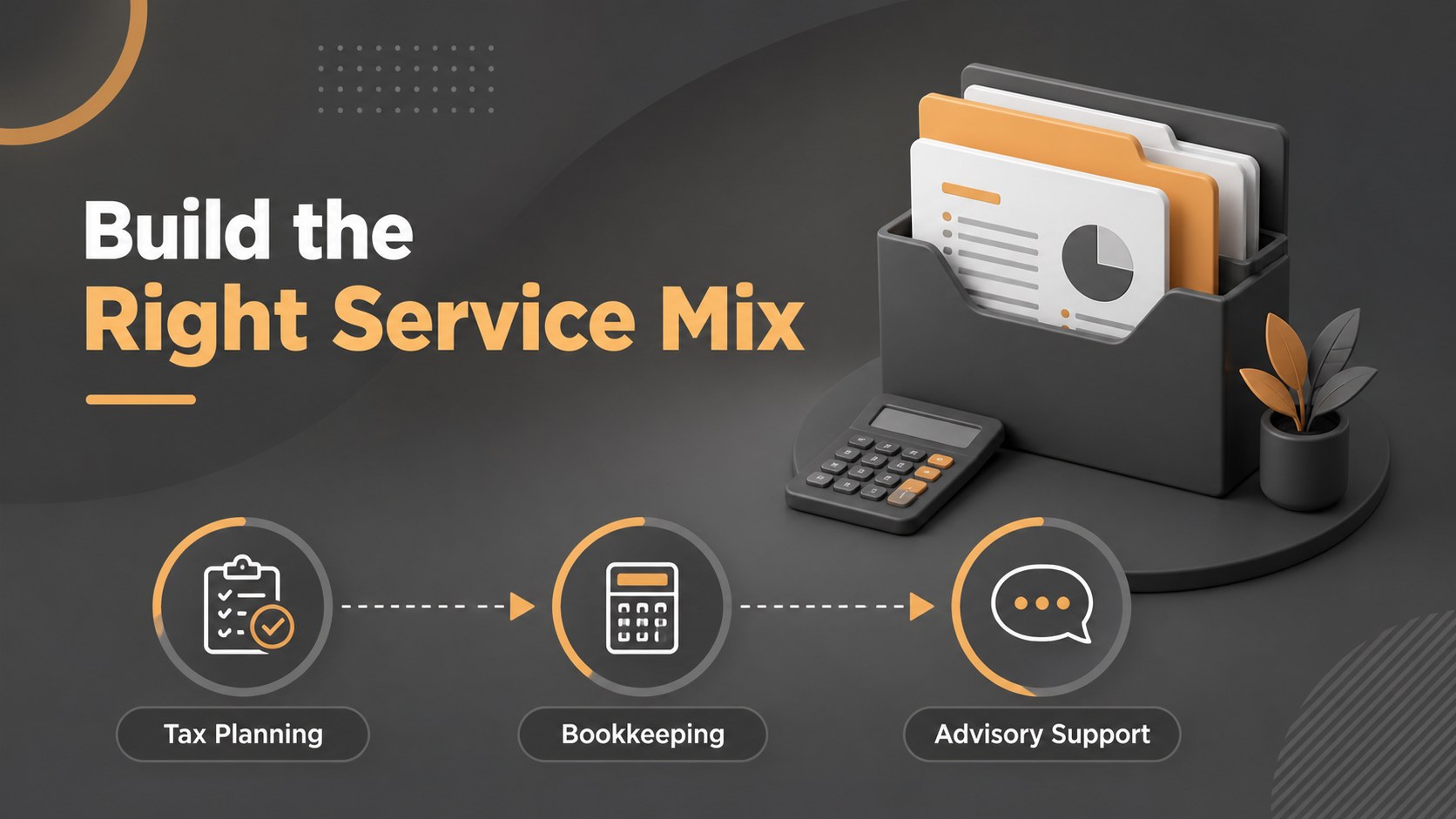
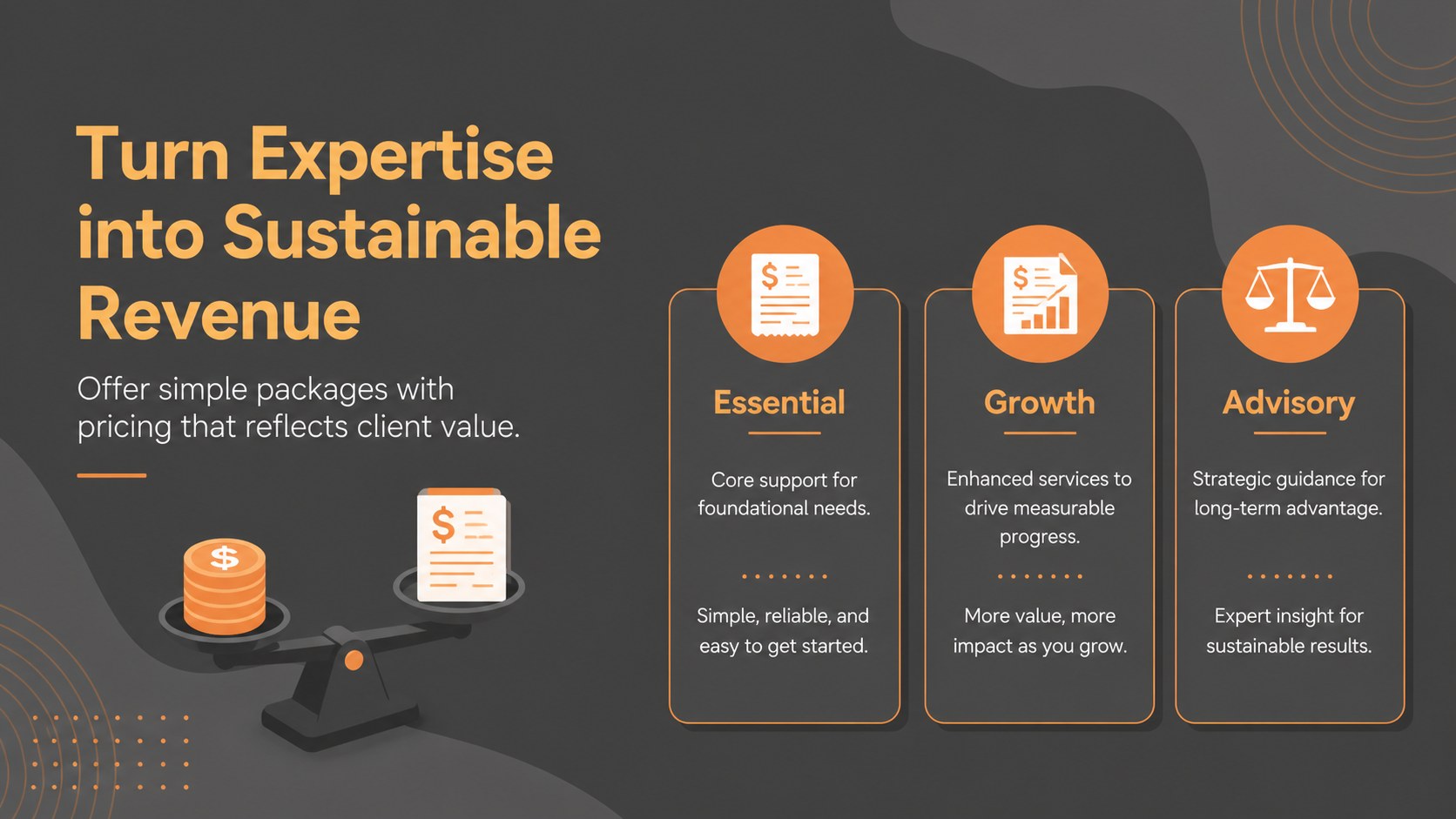
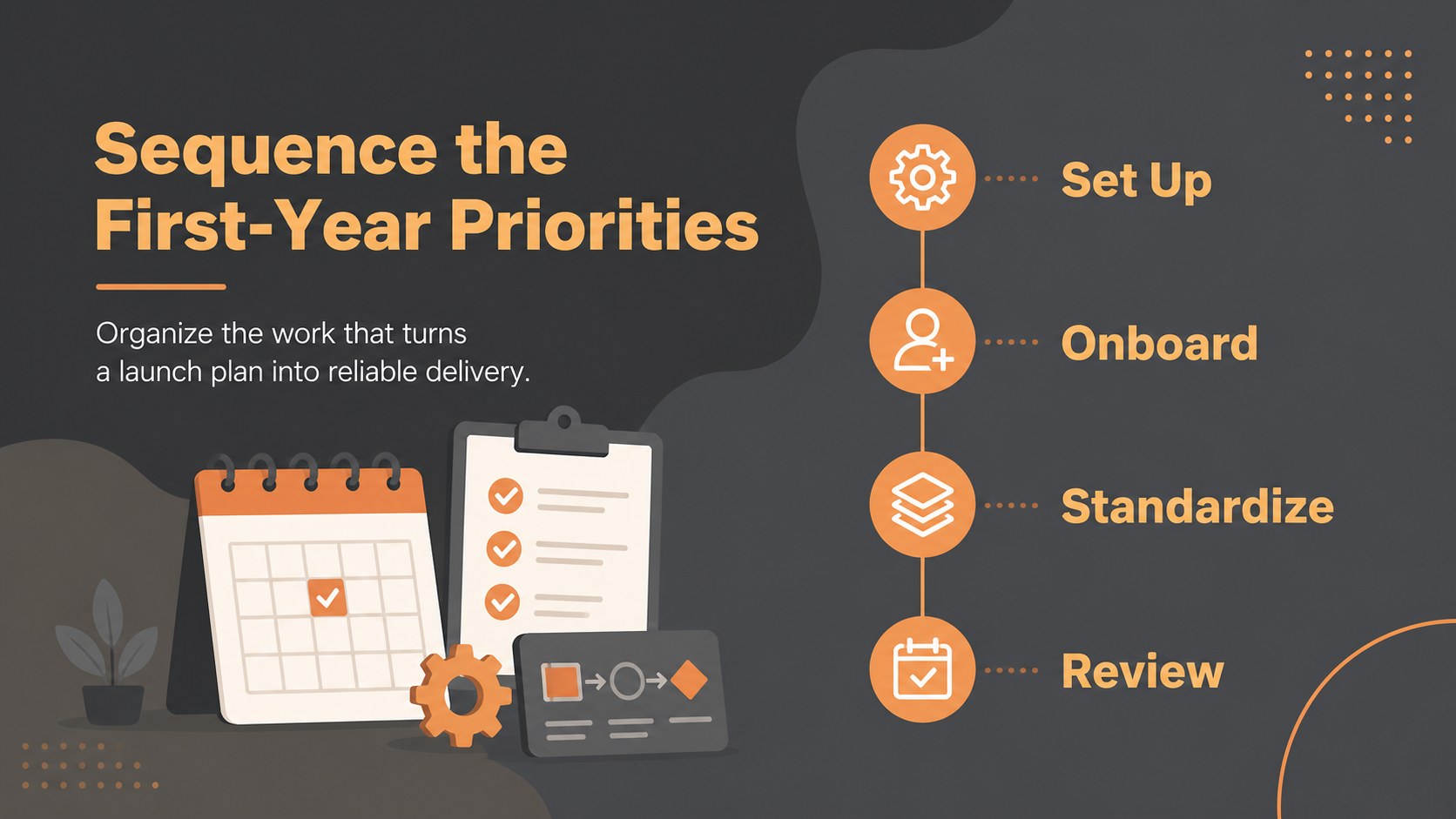
Accounting Practice Launch Plan Slides is an editable presentation template for finance professionals building, expanding, or repositioning an accounting firm. The gray and orange palette, flat illustrations, and clean visual hierarchy give your financial story a confident look while keeping key decisions easy to scan. Use the deck to explain your accounting practice launch plan to partners, prospective clients, lenders, or internal teams.
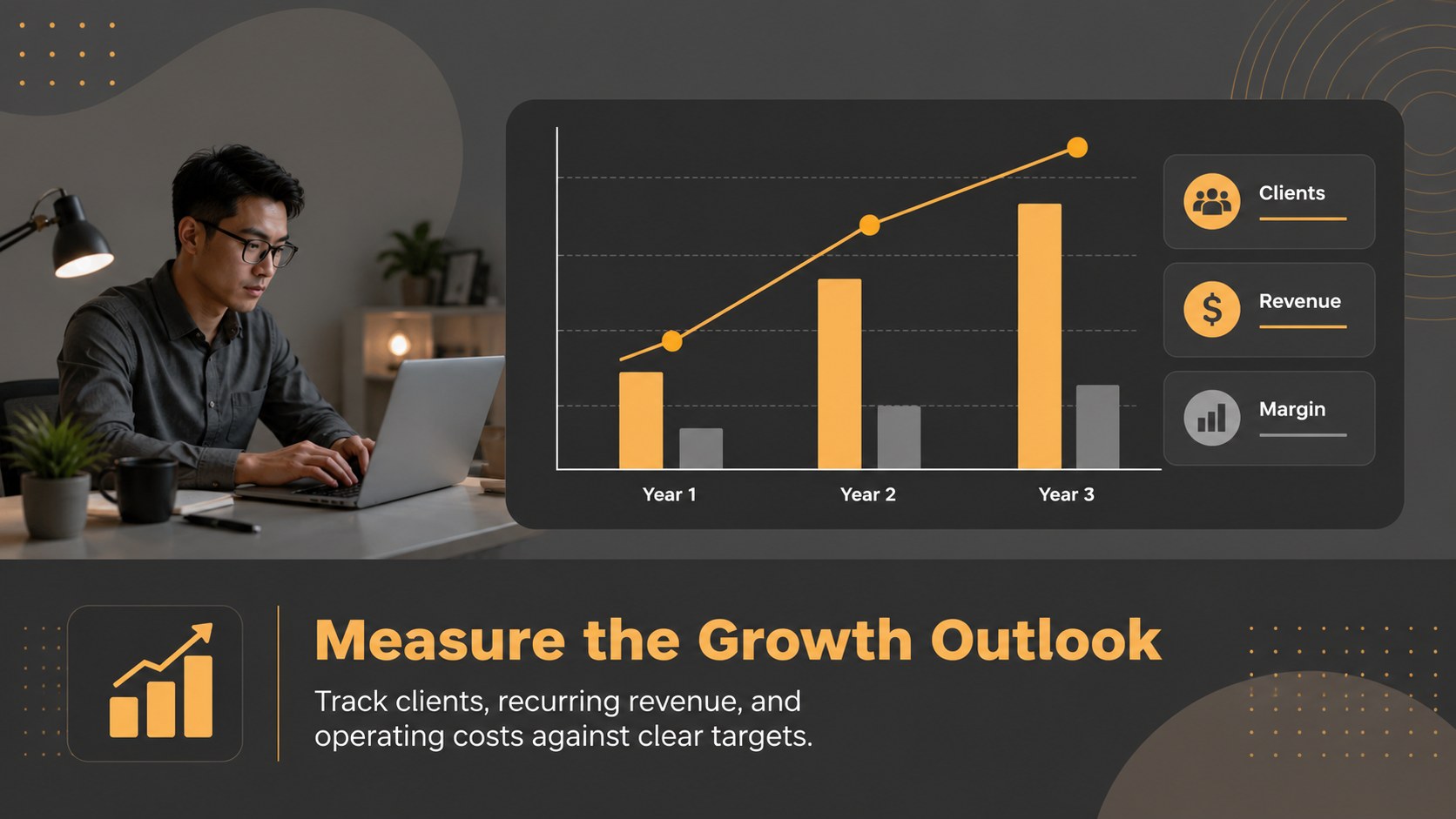
Inside, you will find layouts for a firm overview, service portfolio, market opportunity, ideal client profile, competitive positioning, pricing model, marketing priorities, operating milestones, revenue projections, and next steps. Charts, icons, comparison blocks, and objective-setting diagrams help turn business details into a persuasive narrative. The slides also work well for a bookkeeping firm growth strategy or a CPA business model presentation when you need to communicate the logic behind your offer and targets.
The template includes 10 ready-to-edit 16:9 slides for PowerPoint and Google Slides. Adjust the text, colors, charts, illustrations, and typography to match your practice. It suits independent accountants, CPA partners, bookkeeping agencies, financial consultants, and business advisors preparing a financial services startup deck, annual planning session, or funding discussion.
Perfect for: new CPA practice launch; bookkeeping agency planning; partner strategy meeting; lender business review; annual firm planning; client acquisition workshop.
Frequently asked questions
Can I edit the accounting practice launch plan in PowerPoint? Yes. The layouts are designed for PowerPoint and can be edited by replacing text, charts, icons, illustrations, and colors. You can also export the finished deck to PDF for sharing.
Practical details
Yes. The layouts are designed for PowerPoint and can be edited by replacing text, charts, icons, illustrations, and colors. You can also export the finished deck to PDF for sharing.
Yes. The template is suitable for Google Slides and PowerPoint workflows. Import or open the presentation in your preferred platform, then adjust the content using that platform's editing tools.
Yes. Change the theme colors and individual design elements to match your accounting practice brand. The original gray and orange combination can also remain in place for a modern finance-focused presentation.
Add service revenue, pricing assumptions, operating expenses, client targets, and milestone dates that support your plan. Keep the figures current and label assumptions clearly so partners or lenders can understand the forecast.
Keep exploring
15Shape your publishing concept with an indie magazine startup pitch deck featuring pastel gradients, bold collage layouts, and editable planning slides.
 16
16Build clear project stories with the Icon Grid Teamwork Theme, a flexible blue illustrated deck for proposals, strategy updates, and team meetings.
 3
3Turn priorities into an actionable plan with an annual goals roadmap infographic, featuring editable orange and teal layouts for PowerPoint and Google Slides.
 15
15Create an Annual Achievement Report Presentation with colorful geometric layouts for milestones, results, lessons, and priorities in PowerPoint or Google Slides.
 15
15Turn results into a focused annual performance evaluation report with dark 3D slides for KPIs, achievements, feedback, and next-step goals for teams.
 15
15Guide a focused annual recap with Business Results Retrospective Slides, a muted brown-and-blue template for PowerPoint and Google Slides.
 6
6Turn complex plans into clear visual stories with Color-Coded Workflow Path Slides, an editable set for project updates, roadmaps, and team briefings.
 6
6Compare regional performance at a glance with Global Data Heatmap Slides, a clean multicolor deck designed for editable PowerPoint and Google Slides.