
 15
15presentation
Indie Magazine Startup Pitch Deck
Shape your publishing concept with an indie magazine startup pitch deck featuring pastel gradients, bold collage layouts, and editable planning slides.
Google SlidesPowerPoint
presentation · English
Teach core finance concepts with an accounting fundamentals training deck featuring clear red-and-white layouts, editable charts, and practical lesson slides.

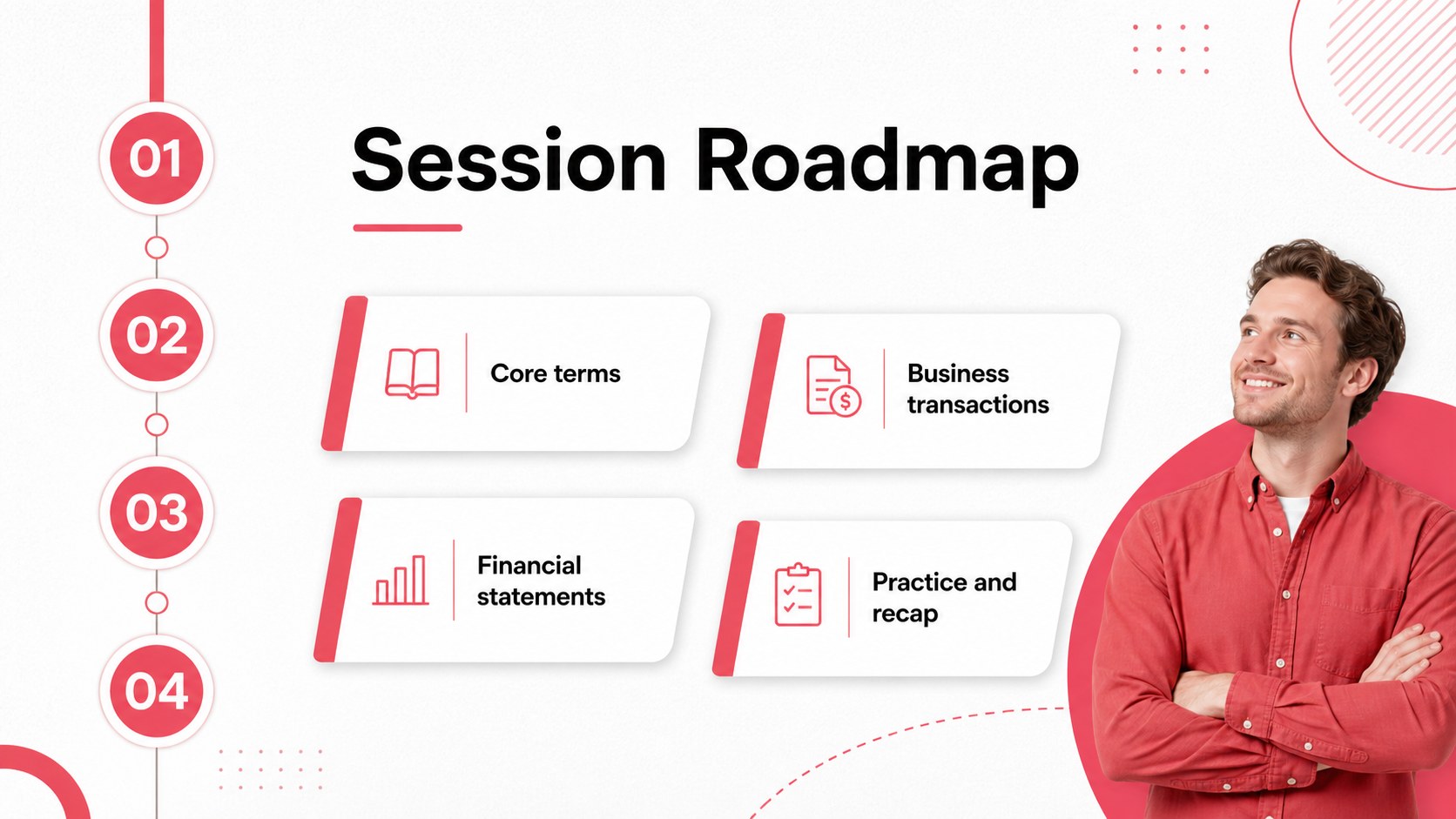
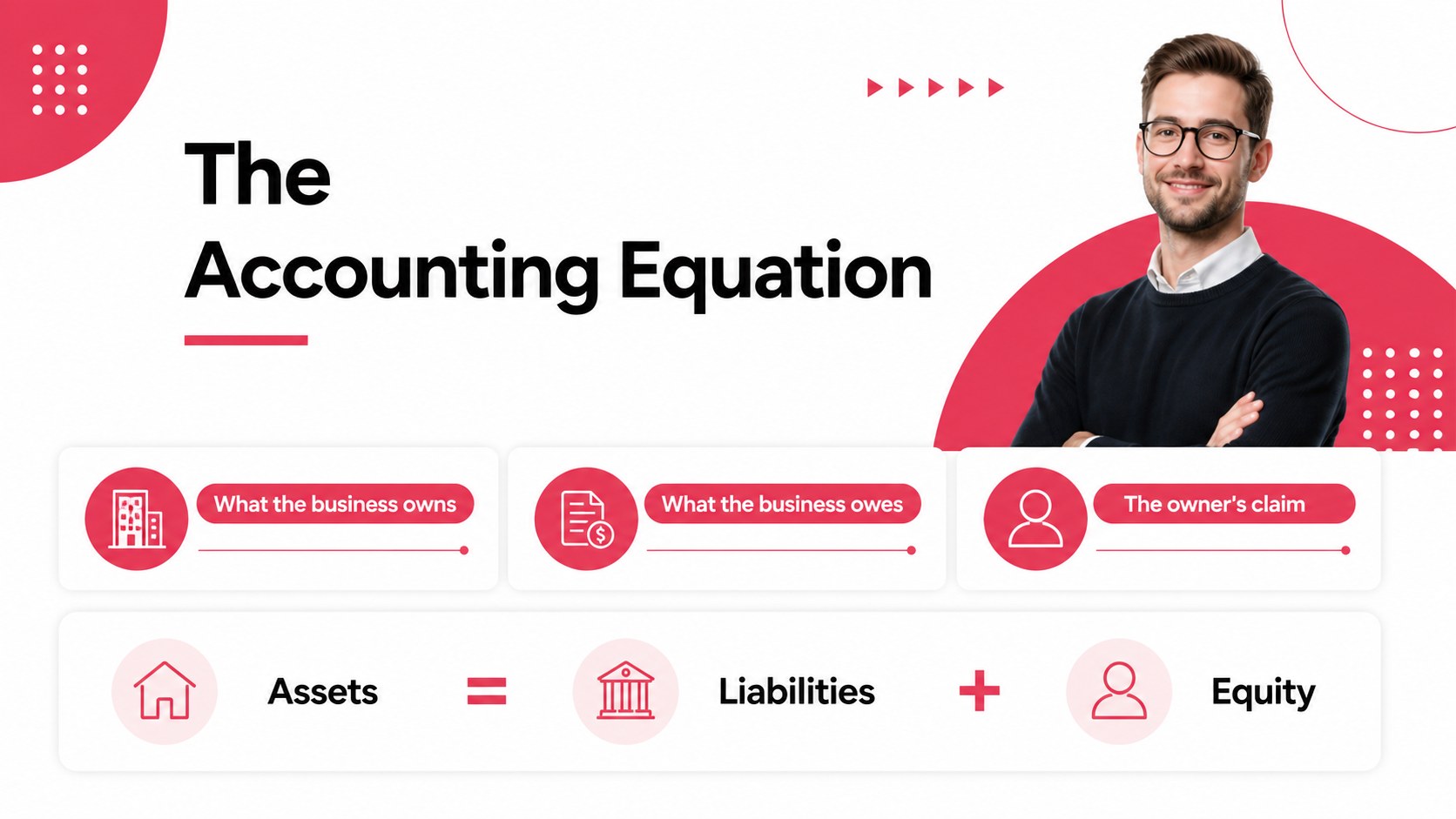
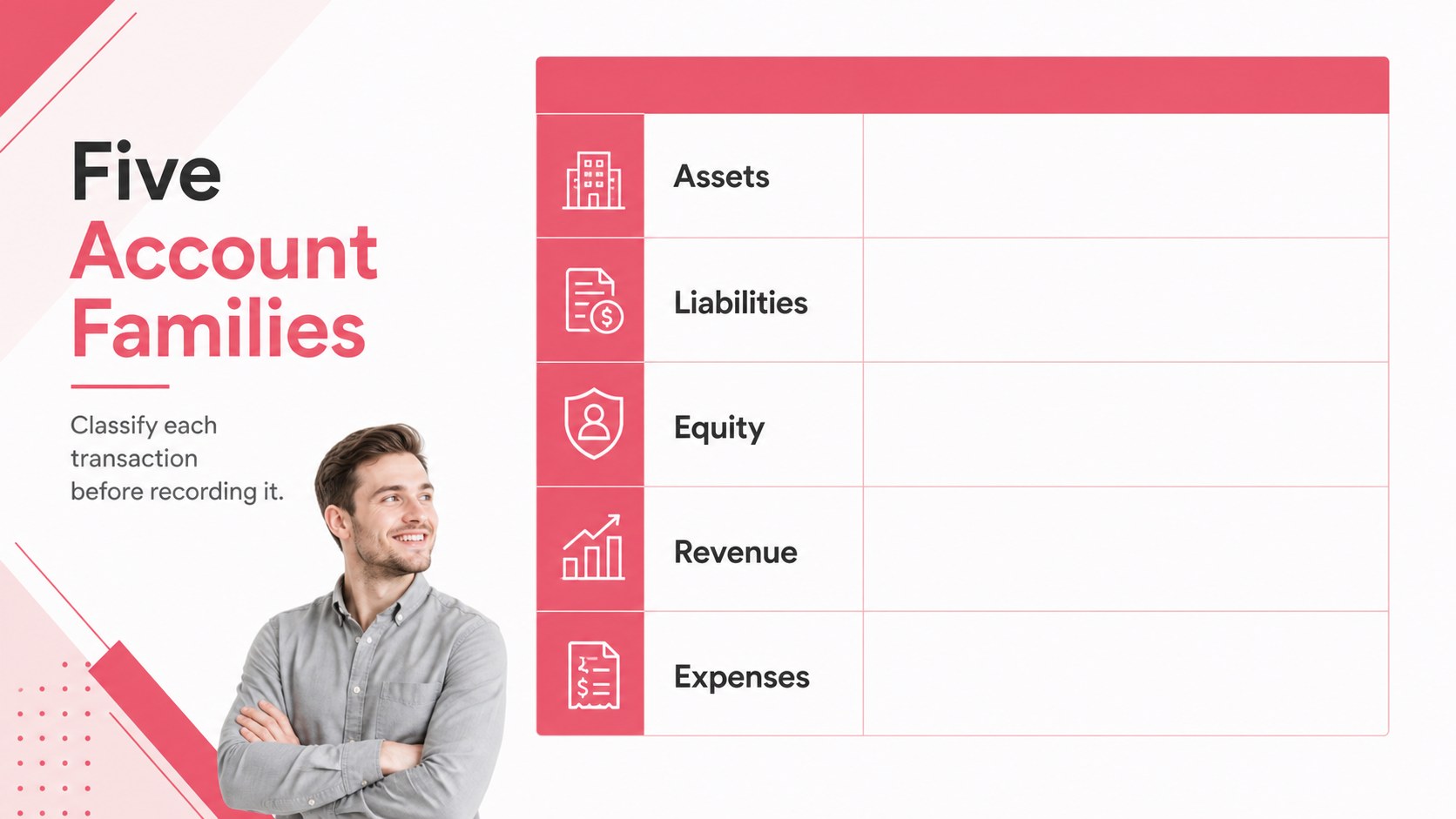
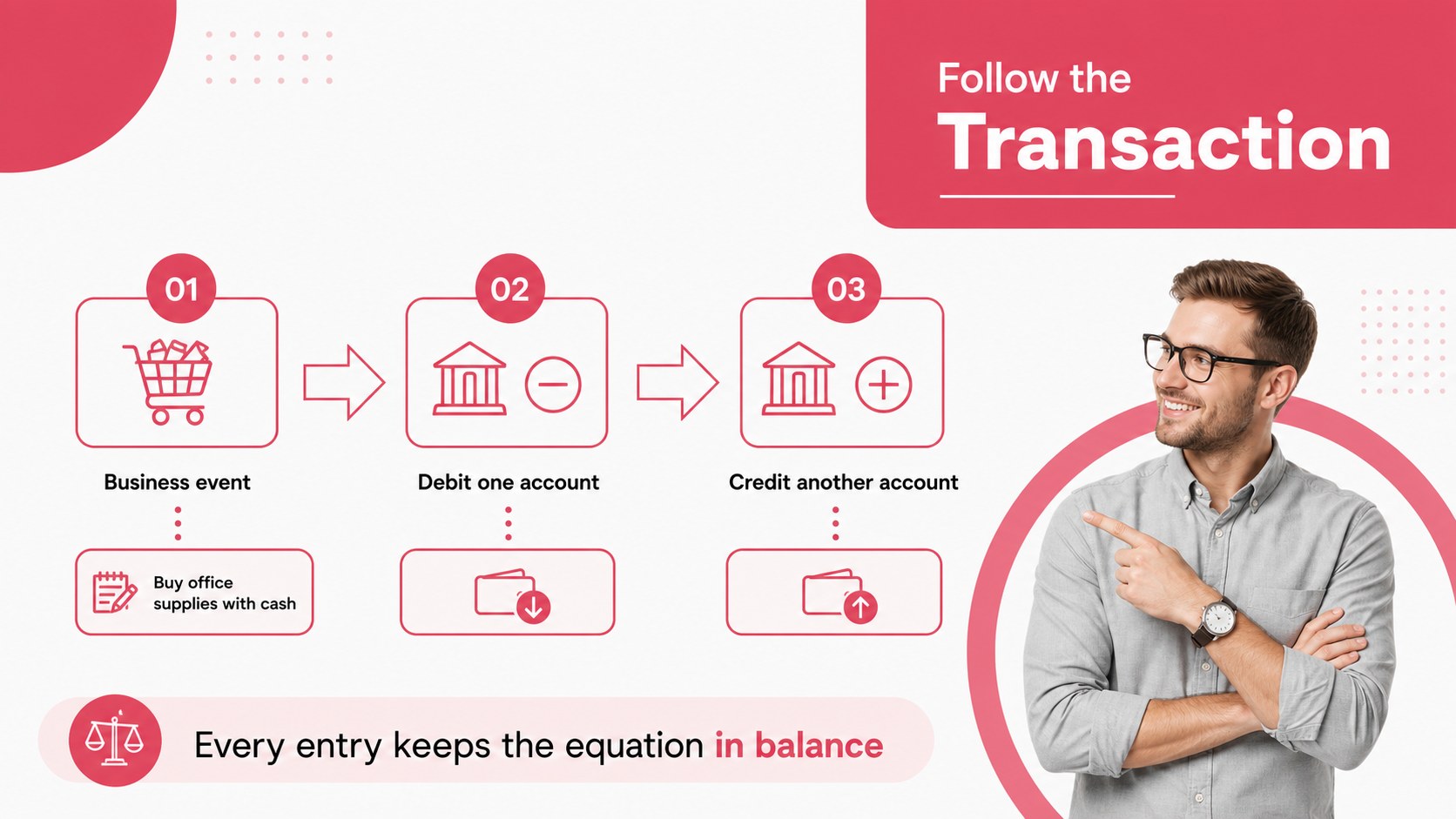
Design notes
Make finance training easier to follow with an accounting fundamentals training deck built for clear explanations and practical discussion. The crisp white canvas, red accents, geometric details, and structured typography create a polished setting for introducing accounting vocabulary without overwhelming new learners. Use it for internal education, client workshops, or professional development sessions where every example needs to be easy to scan.
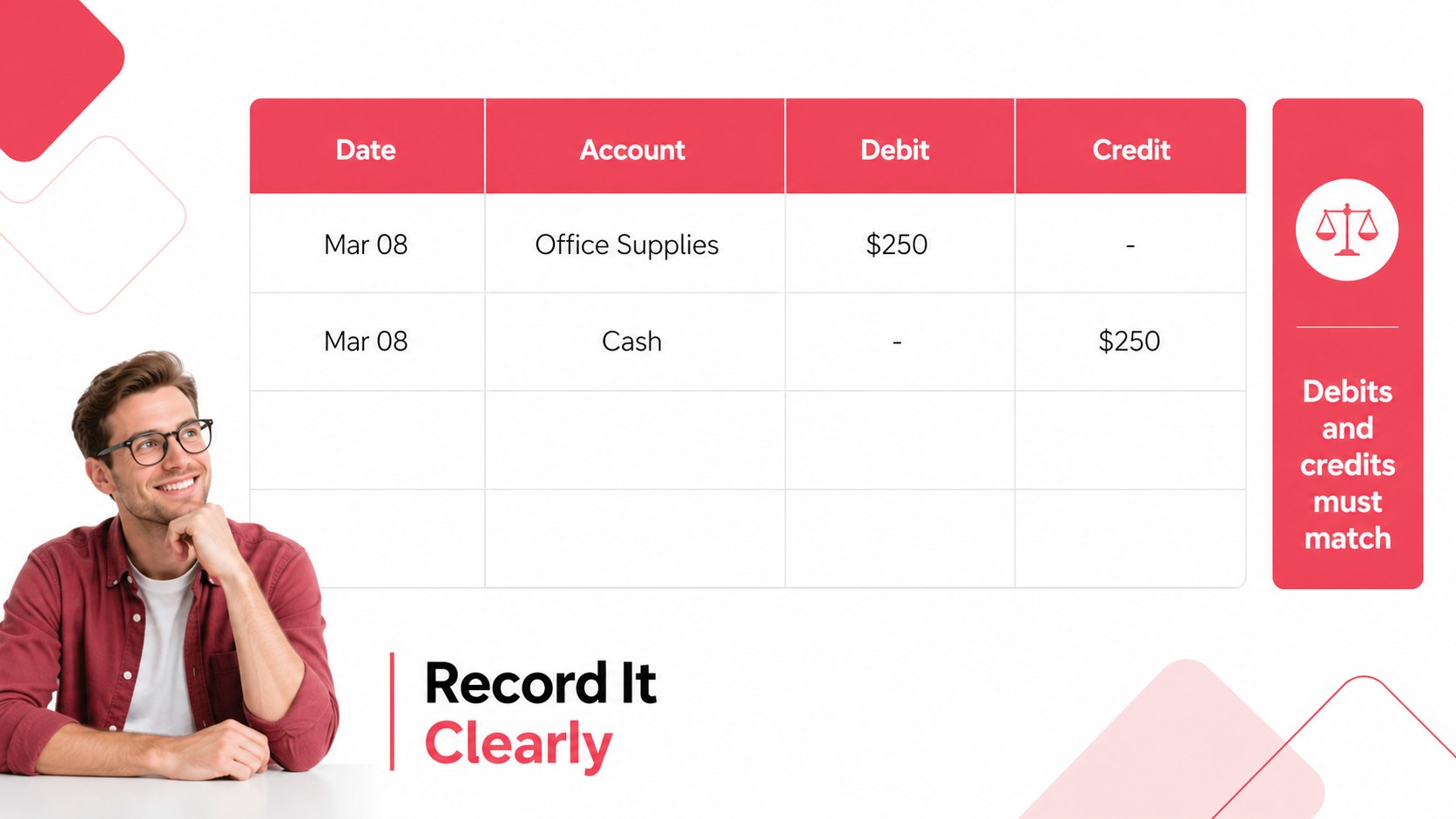
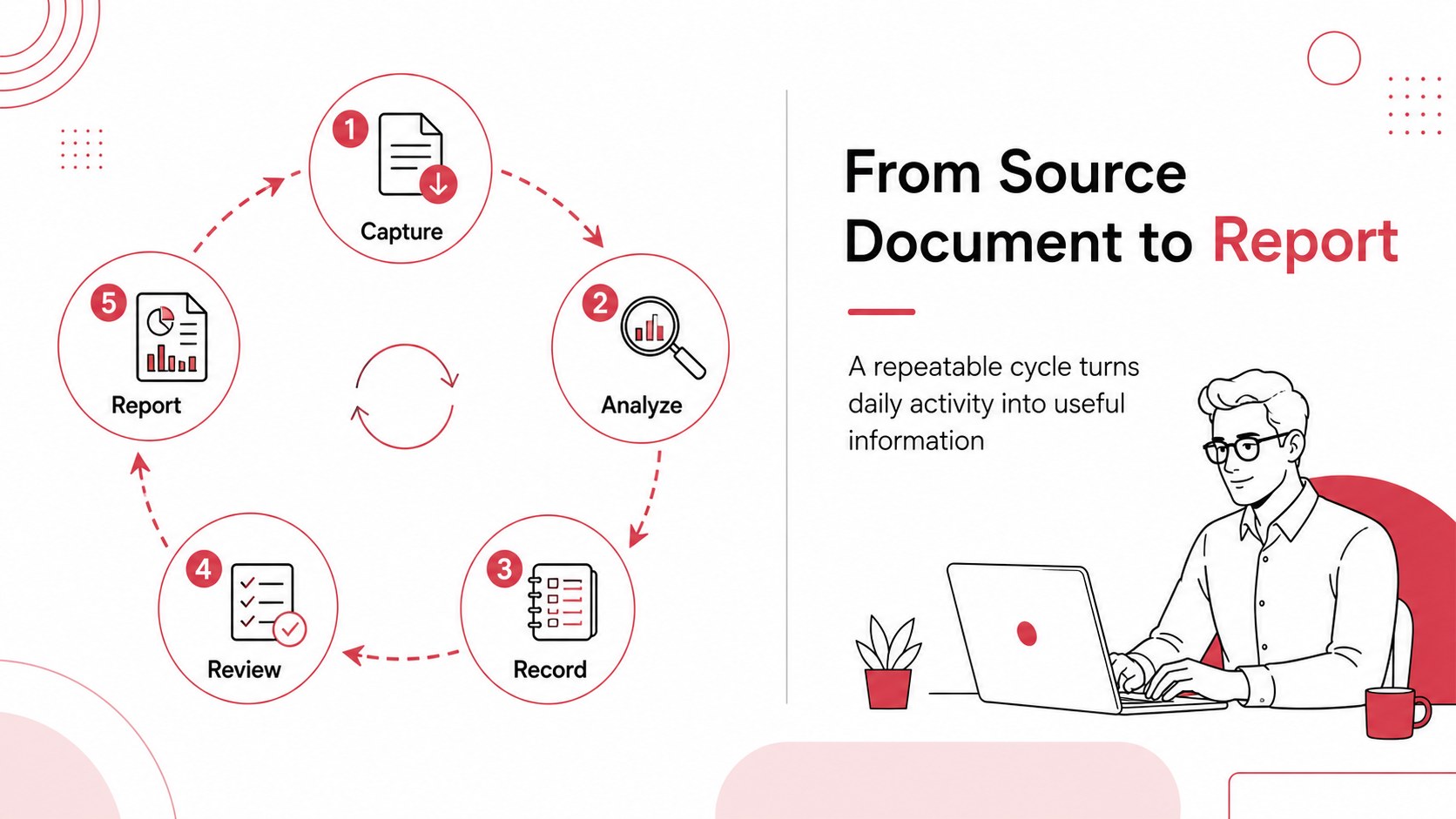
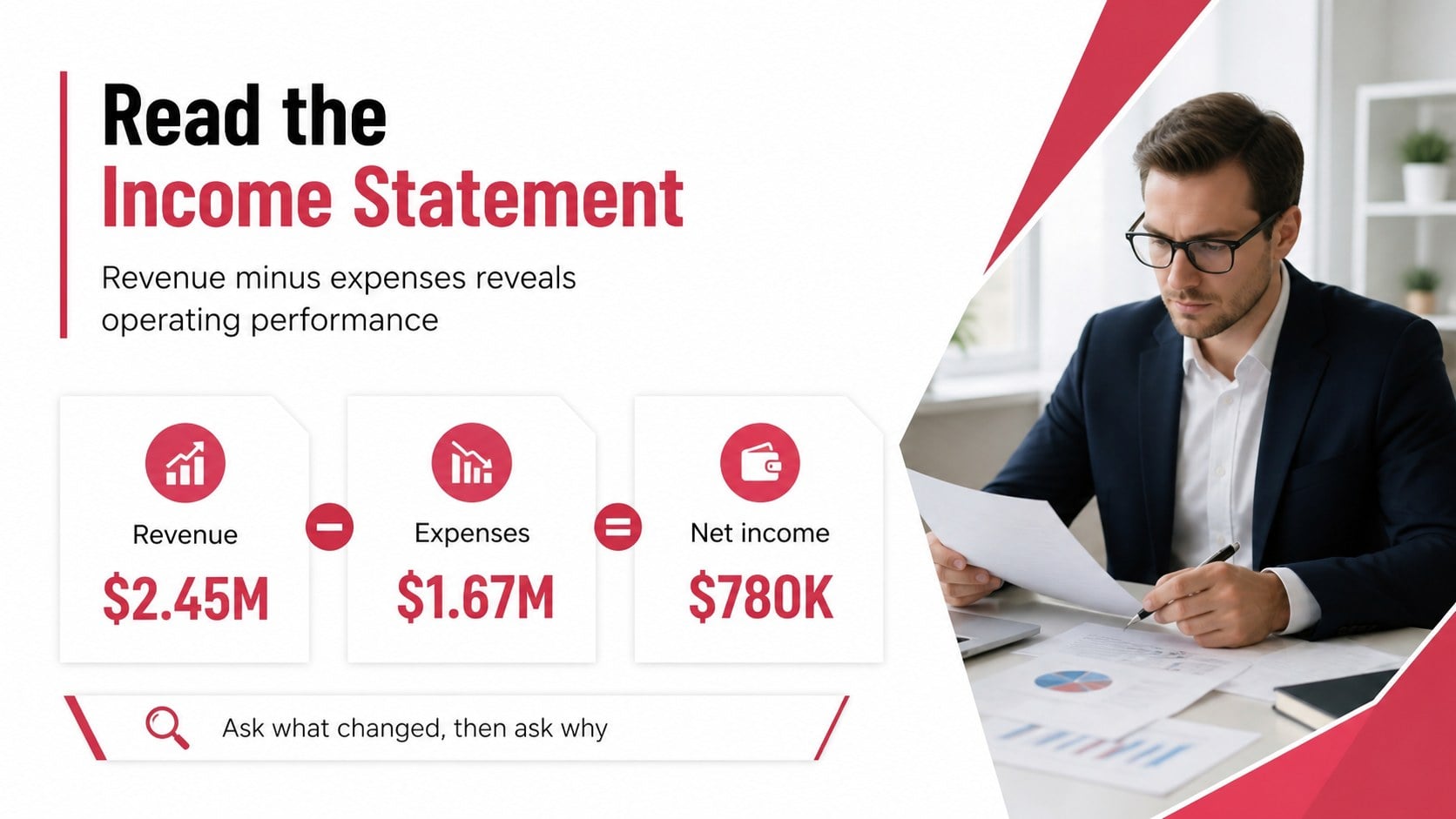
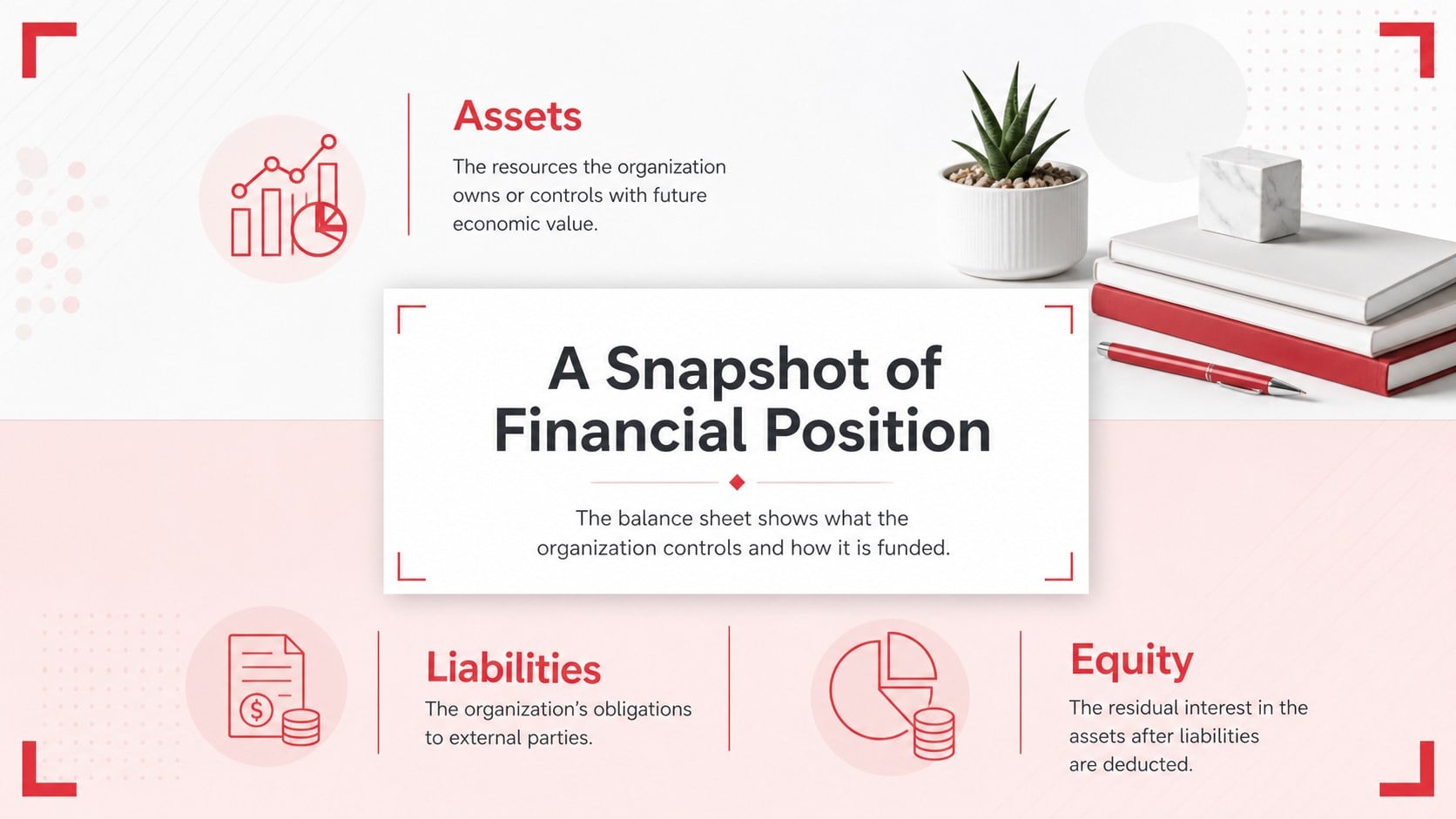
Inside, you will find a logical sequence for defining assets, liabilities, equity, revenue, expenses, journal entries, and financial statements. Add your own examples to the debit credit workshop slides, adapt the comparison layouts for common business scenarios, and use the editable chart pages to explain performance trends. The deck also includes agenda, recap, exercise, and discussion formats so you can build a complete lesson rather than a collection of disconnected pages.
This template suits finance managers, accounting instructors, business consultants, HR learning teams, and startup operators training colleagues who do not work in finance. It includes 15 customizable 16:9 slides, editable shapes, charts, lines, and frames, plus animation and transition options. The design uses DM Sans and Montserrat with a red-and-white palette, and it can support a financial literacy presentation for employees, a classroom session, or a client-facing overview.
Perfect for: employee finance onboarding; accounting classroom lesson; client bookkeeping workshop; startup team training; business finance seminar.
Frequently asked questions
Can I edit the accounting fundamentals training deck? Yes. Open the template to change text, colors, charts, images, and slide order with the drag-and-drop editor. You can also add speaker notes and adjust animations for your session.
Practical details
Yes. Open the template to change text, colors, charts, images, and slide order with the drag-and-drop editor. You can also add speaker notes and adjust animations for your session.
Yes. After opening the design, use the Share menu to export a PPTX file or save an editable copy to Google Drive. Some -specific animations or elements may need adjustment after export.
It works for instructors, finance managers, consultants, HR teams, and business owners introducing accounting concepts to beginners. The layouts can support workshops, onboarding sessions, and client education.
You can replace all wording, examples, charts, icons, and visual elements to match your lesson or organization. The red-and-white palette and DM Sans and Montserrat font pairing can also be adapted while preserving the original visual structure.
Keep exploring
15Shape your publishing concept with an indie magazine startup pitch deck featuring pastel gradients, bold collage layouts, and editable planning slides.
 16
16Build clear project stories with the Icon Grid Teamwork Theme, a flexible blue illustrated deck for proposals, strategy updates, and team meetings.
 3
3Turn priorities into an actionable plan with an annual goals roadmap infographic, featuring editable orange and teal layouts for PowerPoint and Google Slides.
 15
15Create an Annual Achievement Report Presentation with colorful geometric layouts for milestones, results, lessons, and priorities in PowerPoint or Google Slides.
 15
15Turn results into a focused annual performance evaluation report with dark 3D slides for KPIs, achievements, feedback, and next-step goals for teams.
 15
15Guide a focused annual recap with Business Results Retrospective Slides, a muted brown-and-blue template for PowerPoint and Google Slides.
 6
6Turn complex plans into clear visual stories with Color-Coded Workflow Path Slides, an editable set for project updates, roadmaps, and team briefings.
 6
6Compare regional performance at a glance with Global Data Heatmap Slides, a clean multicolor deck designed for editable PowerPoint and Google Slides.