
 6
6spreadsheet
Orange Year-End Recognition Certificate Set
Honor teams and individuals with an Orange Year-End Recognition Certificate Set featuring six editable designs for PowerPoint and Google Slides.
Google SlidesPowerPointExcel
spreadsheet · English
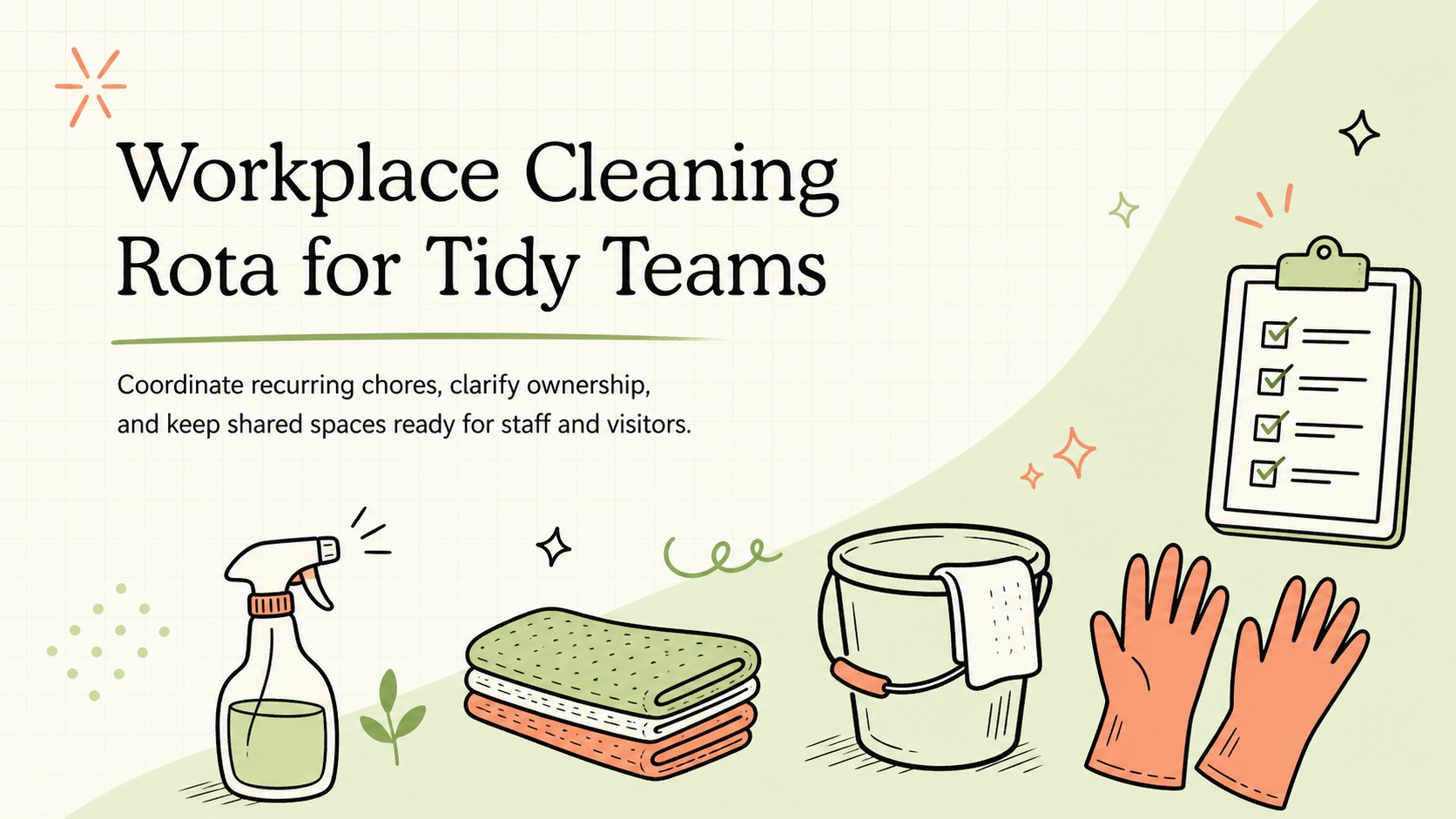
Keep every room inspection-ready with a workplace cleaning rota that assigns recurring duties, deadlines, owners, and completion status in one clear view.
Design notes
Workplace Cleaning Rota for Tidy Teams gives managers and staff a simple way to organize recurring chores without relying on scattered notes or verbal reminders. Its light orange and green palette, playful doodle accents, and approachable layout make routine upkeep feel clear and manageable while preserving a professional look.
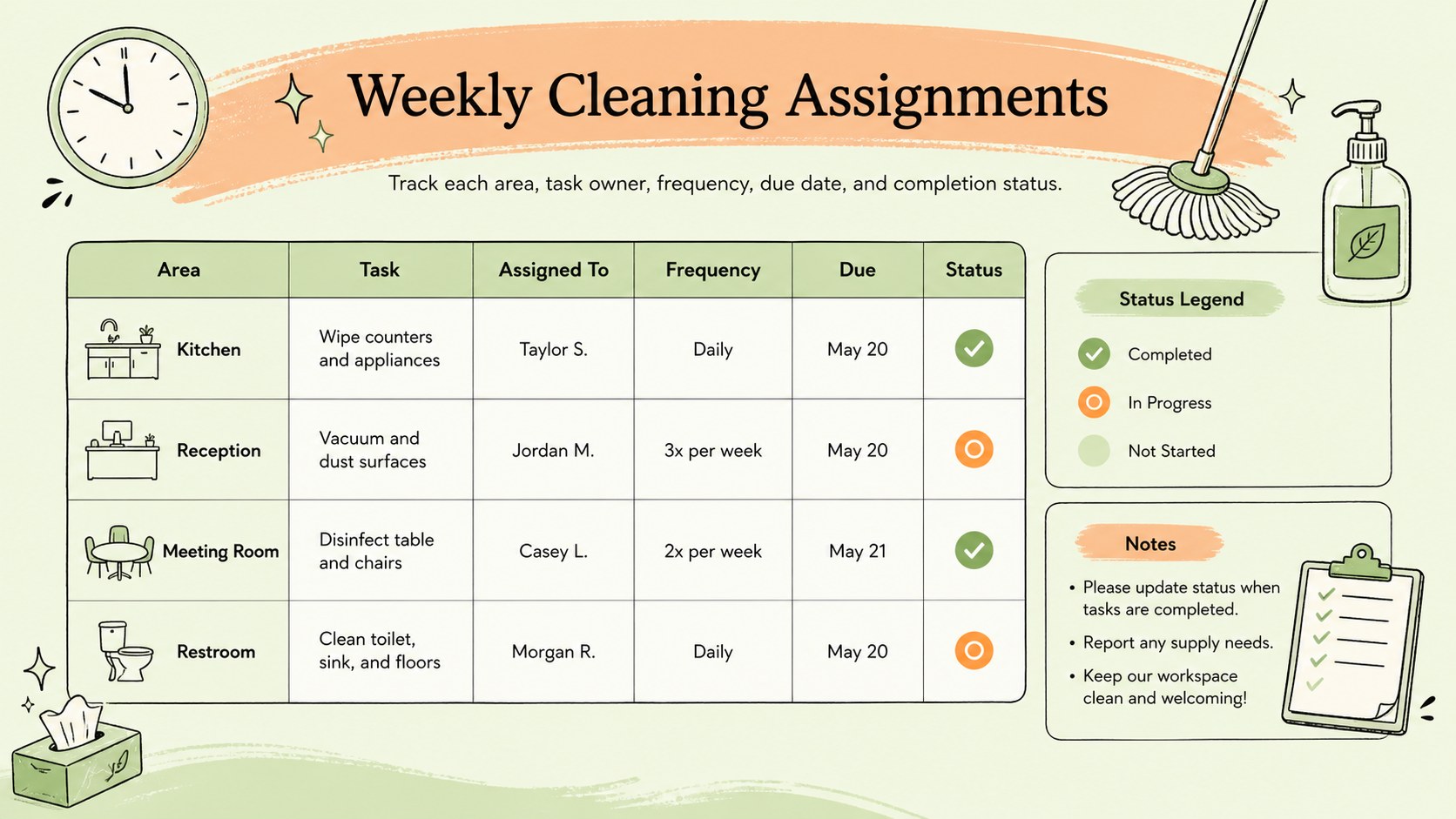
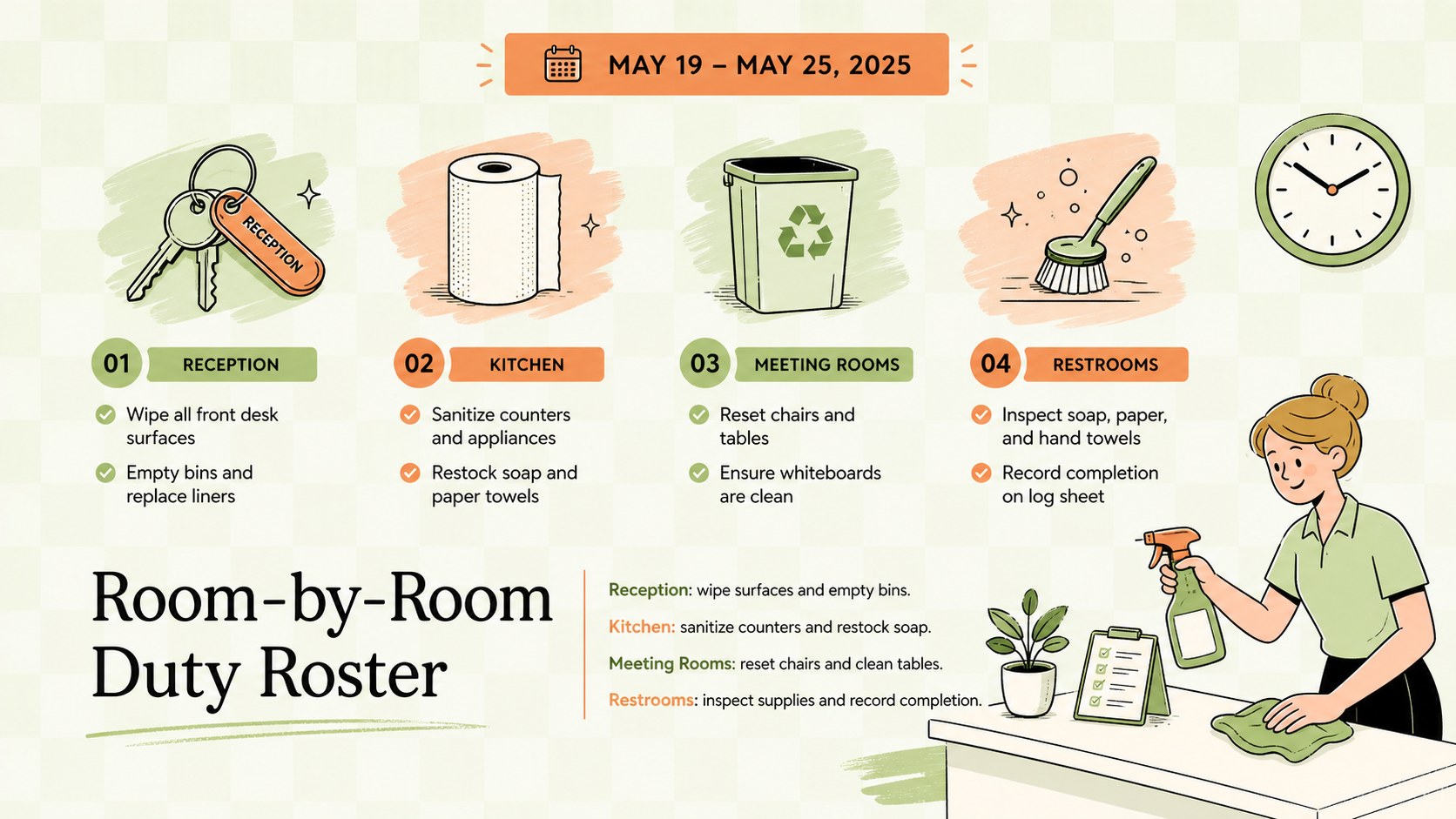
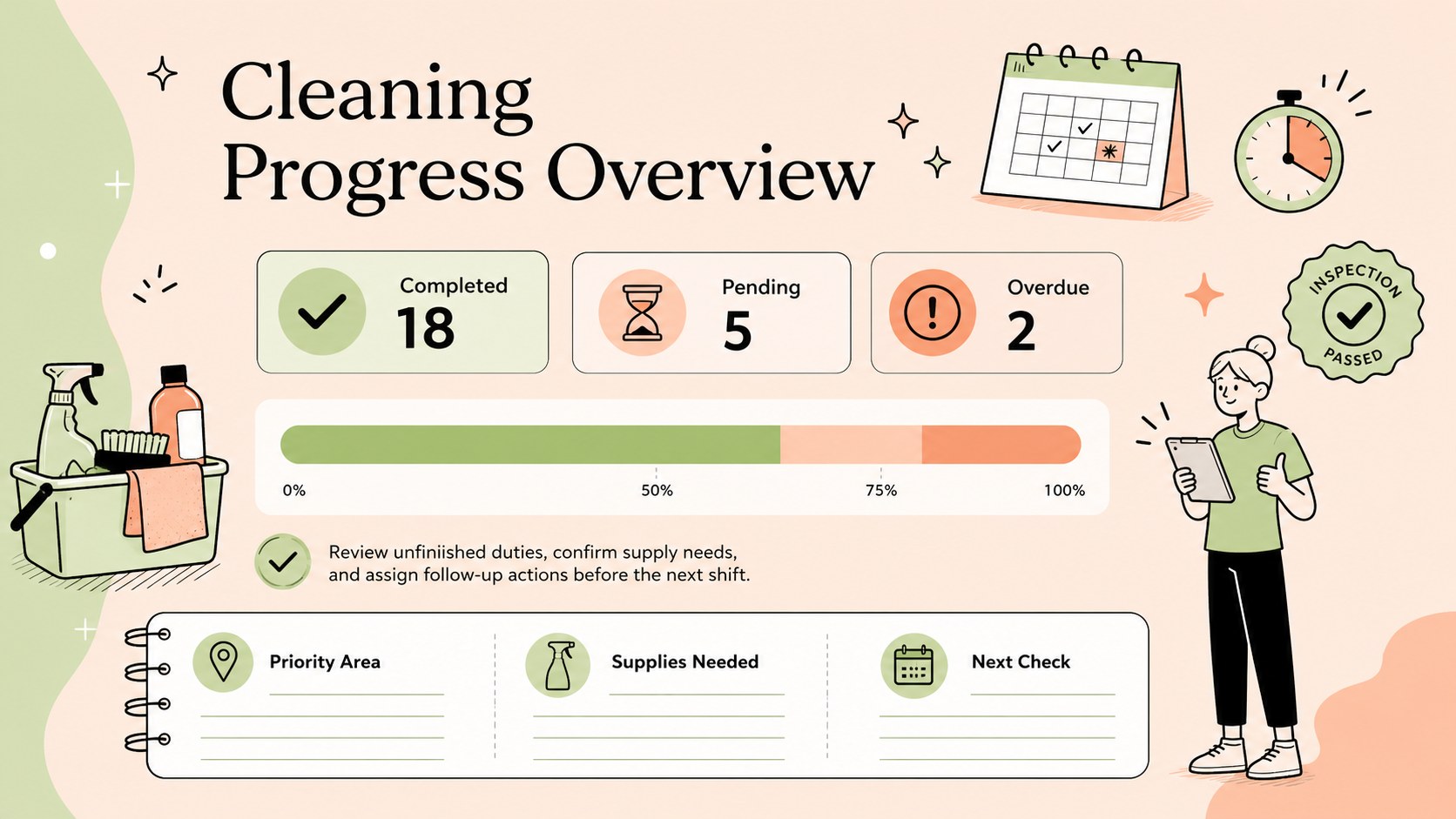
Inside, you will find structured areas for task names, locations, assigned team members, frequency, due dates, and completion status. Use the weekly overview as an office cleaning duty roster, adapt the room-by-room section into a shared workspace chore schedule, or add sanitation checks for customer-facing environments. Color-coded status fields make unfinished work easy to spot, while notes columns provide room for supplies, special instructions, and follow-up details.
The template is suited to offices, shops, cafes, restaurants, clinics, studios, community venues, and shared residential spaces. Supervisors can customize task categories and shift assignments in Google Sheets or Excel, then duplicate the layout for different weeks, departments, or locations. It can also support a restaurant sanitation checklist template when teams need to document front-of-house and back-of-house responsibilities separately. Whether duties rotate daily or repeat monthly, the format helps everyone understand what needs attention, who owns it, and when it should be completed.
Perfect for: weekly office cleaning assignments; restaurant sanitation checks; retail opening and closing duties; shared studio chore rotation; multi-location housekeeping tracking.
Frequently asked questions
Can I edit the cleaning tasks and schedule frequency? Yes. You can replace every task, location, assignee, frequency, and status label to match your workplace. Rows and columns can also be duplicated for additional rooms, shifts, or teams.
Practical details
Yes. You can replace every task, location, assignee, frequency, and status label to match your workplace. Rows and columns can also be duplicated for additional rooms, shifts, or teams.
The rota can be edited in Google Sheets and Microsoft Excel. It can also be presented through Google Slides or PowerPoint when you need to review responsibilities with a team.
Yes. Duplicate the completed sheet, update the dates, and clear the status fields to create a fresh weekly cycle. Separate copies can be maintained for departments or locations.
Change cell fills, fonts, and dropdown values using the standard formatting controls in your chosen platform. Keep the existing orange and green palette or add status colors that match your internal workflow.
Keep exploring
6Honor teams and individuals with an Orange Year-End Recognition Certificate Set featuring six editable designs for PowerPoint and Google Slides.
 4
4Keep inspections, repairs, priorities, and follow-up dates organized in a weekly equipment service log designed for facilities and operations teams.
 4
4Keep weekly ownership visible with a Weekly Team Workflow Tracker for assignments, deadlines, priorities, logged hours, blockers, and status updates.
 4
4Turn weekly results into quick decisions with a colorful sales pulse tracker for comparing targets, revenue, wins, and trends in Excel or Google Sheets.
 4
4Turn a busy workload into a clear action plan with the Illustrated Task Priority Organizer, an editable green-and-purple template for focused days.
 4
4Organize classes, meetings, and personal tasks with a vibrant weekly schedule planner, editable in Excel and Google Sheets for fast, flexible updates.
 4
4Coordinate absences with an employee leave calendar spreadsheet built for clear approvals, reliable team coverage, and easy editing in Excel or Google Sheets.
 4
4Plan bills, savings, and daily costs with a colorful weekly spending planner for Excel or Google Sheets, with clear categories and automatic totals.