
 6
6spreadsheet
Orange Year-End Recognition Certificate Set
Honor teams and individuals with an Orange Year-End Recognition Certificate Set featuring six editable designs for PowerPoint and Google Slides.
Google SlidesPowerPointExcel
spreadsheet · English
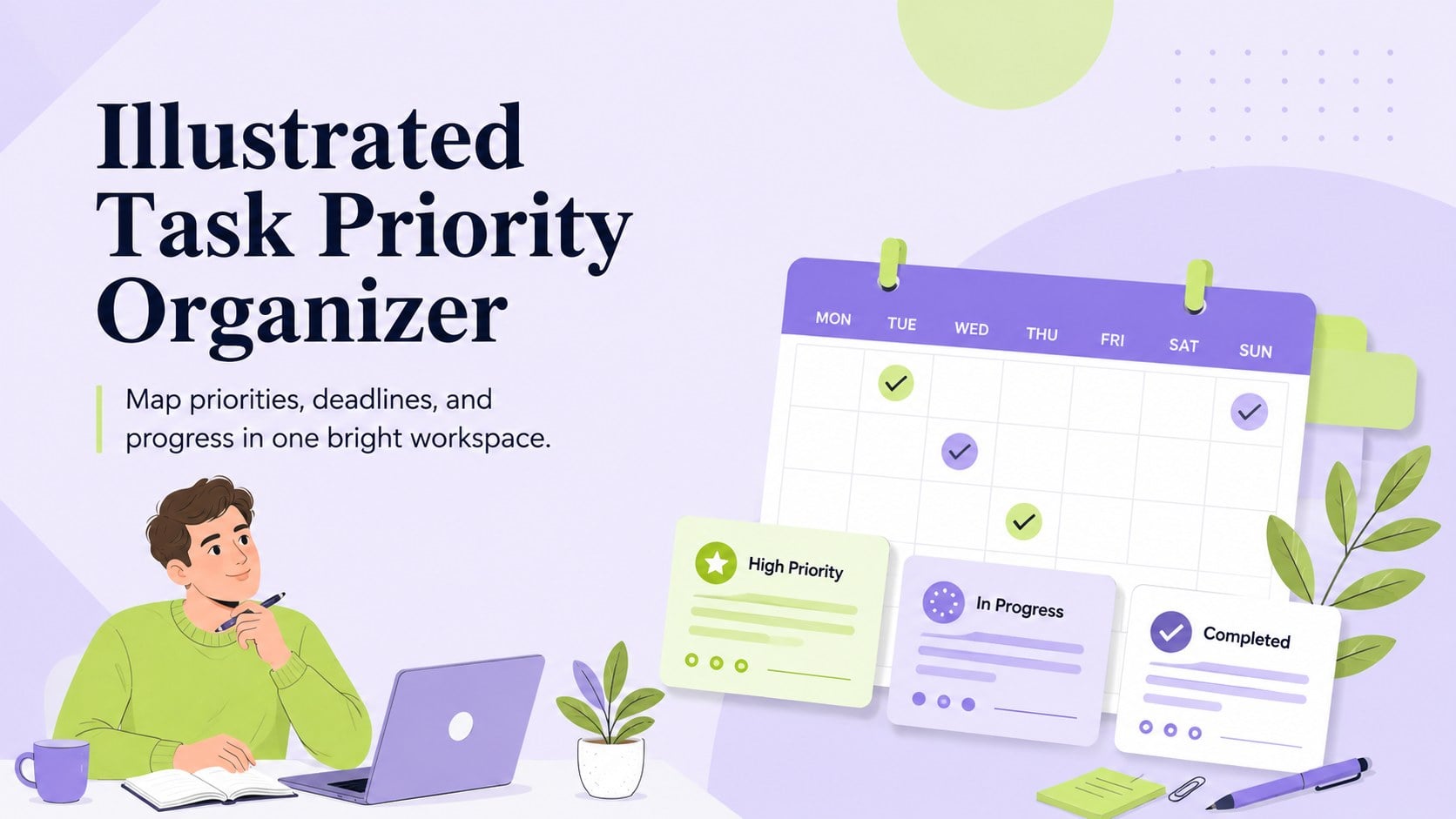
Turn a busy workload into a clear action plan with the Illustrated Task Priority Organizer, an editable green-and-purple template for focused days.
Design notes
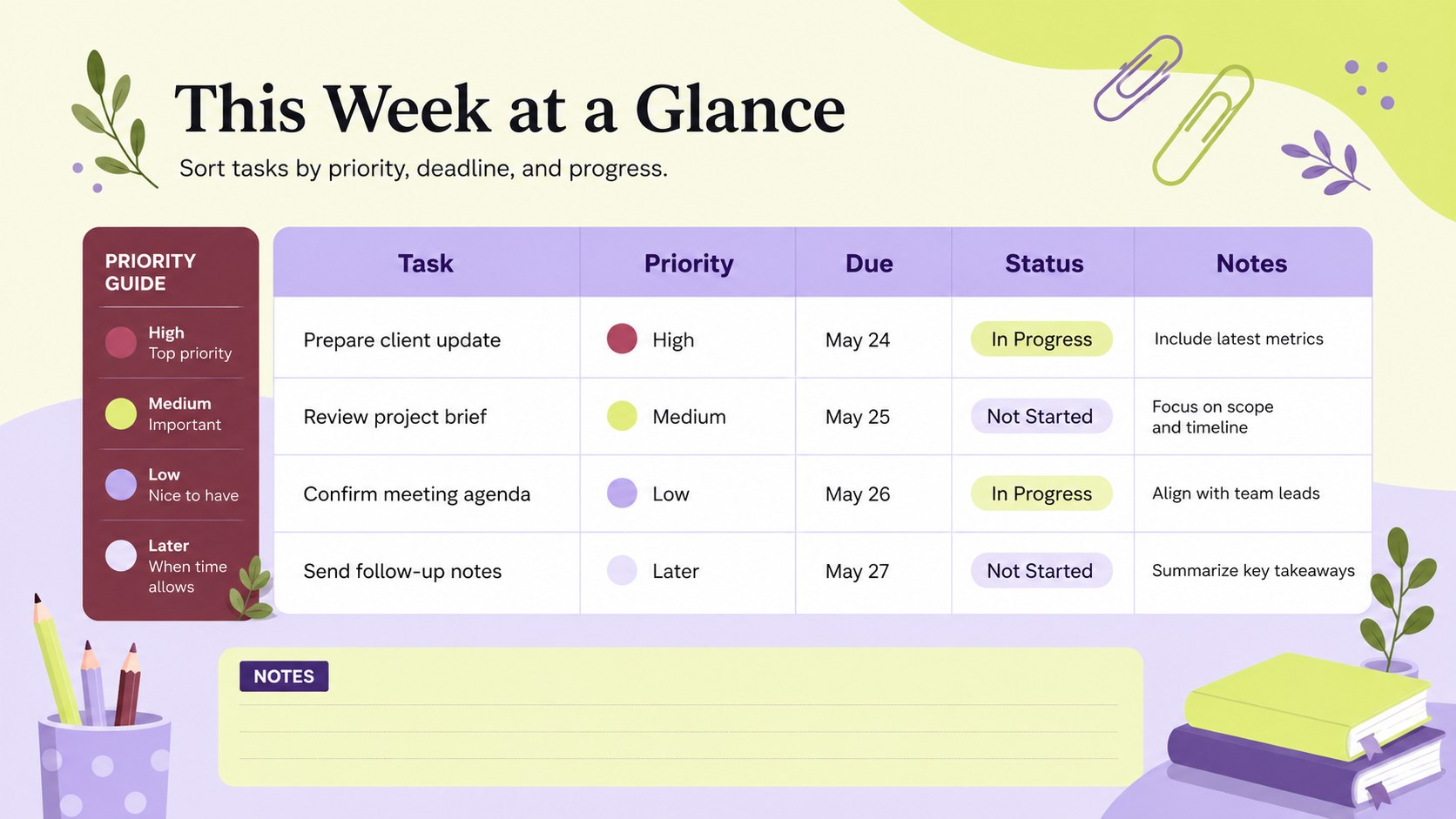
Bring structure to demanding days with the Illustrated Task Priority Organizer. Designed as an editable task priority spreadsheet, it helps you decide what needs attention first, schedule important work, and monitor progress without clutter. The fresh green and purple palette adds energy while preserving a simple, professional layout that is easy to scan.
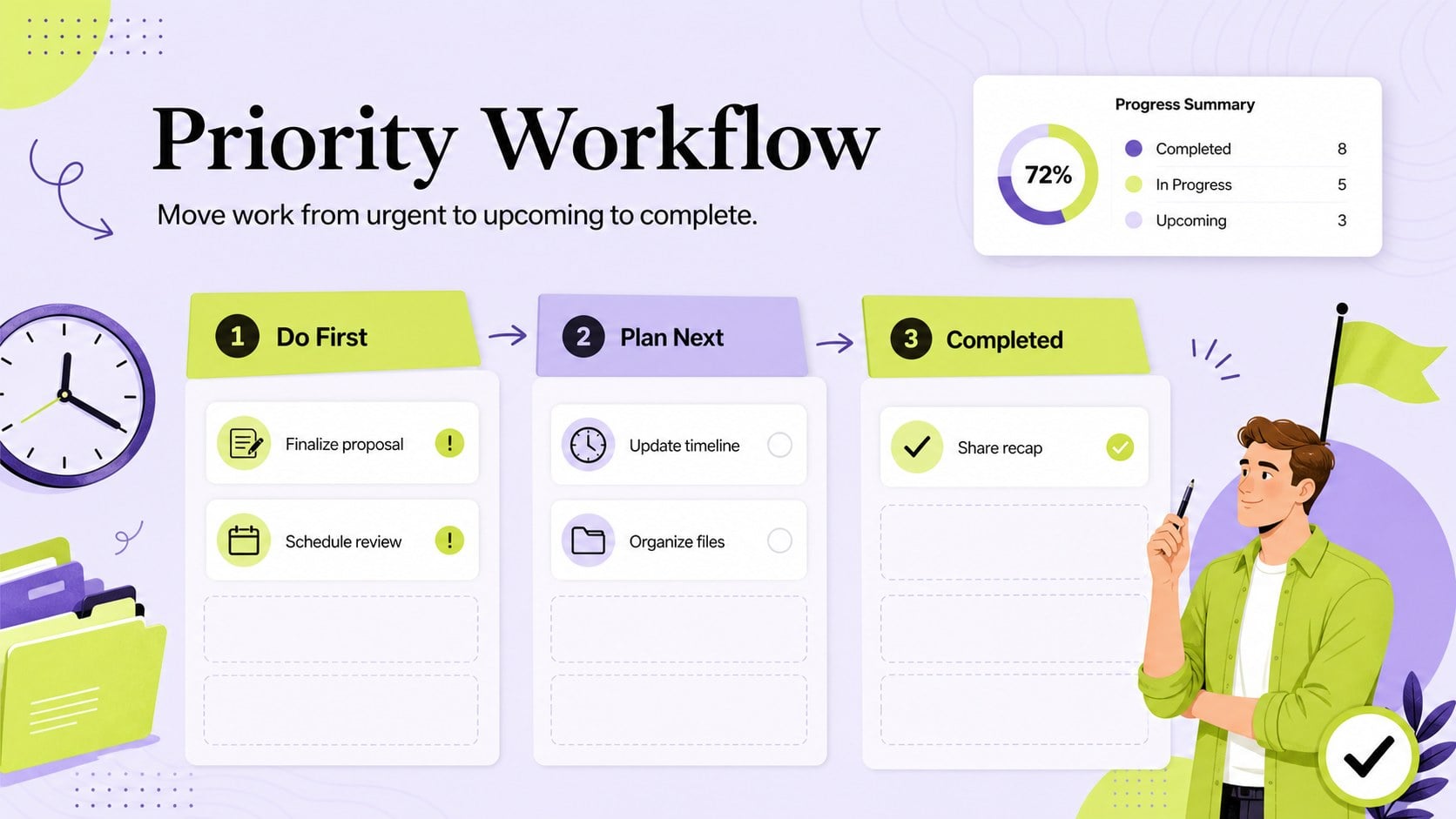
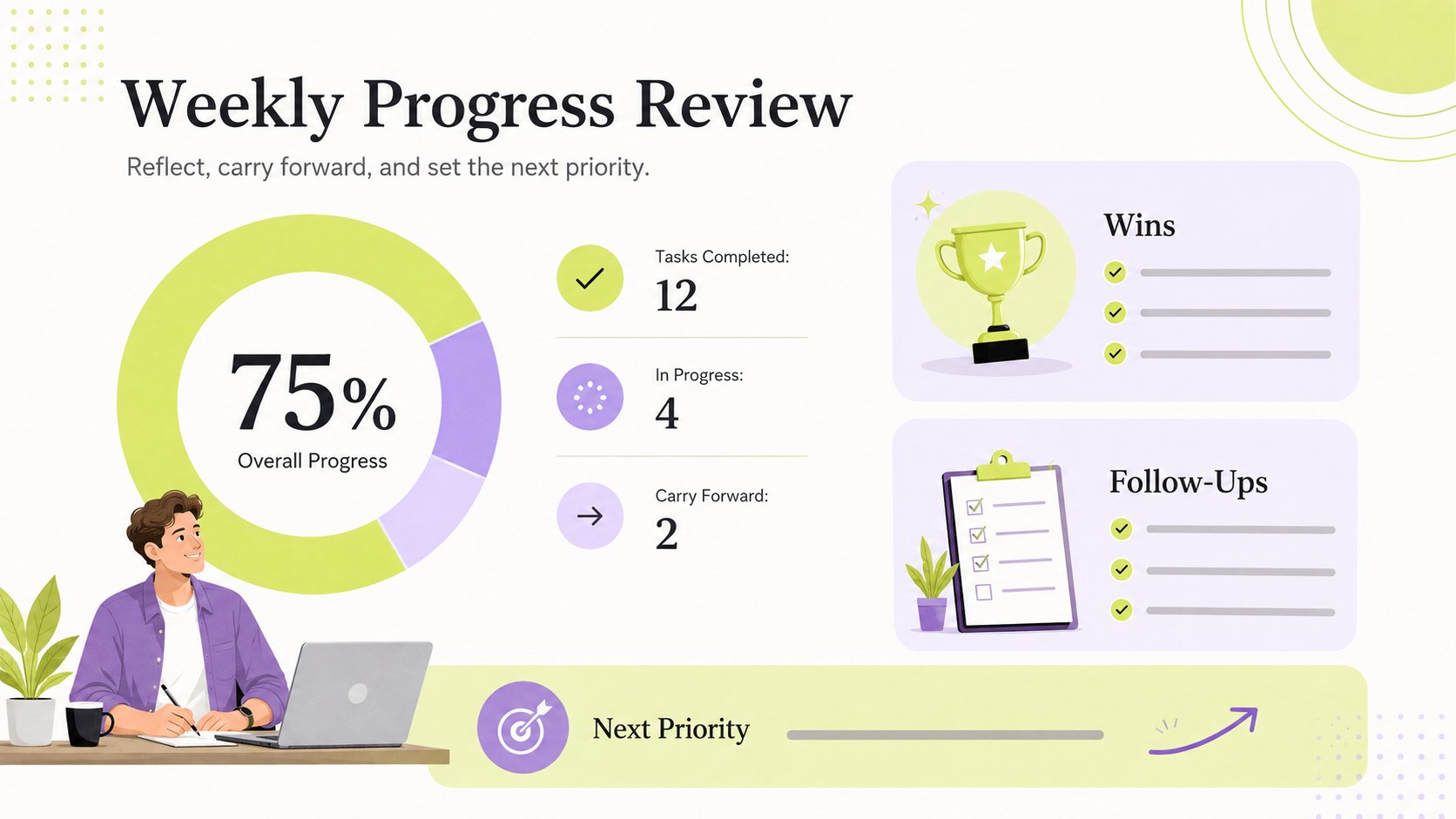
Inside, you will find dedicated areas for top priorities, scheduled tasks, due dates, status updates, notes, and follow-up actions. Use the visual priority markers to separate urgent work from items that can wait, then update completion fields as the day or week moves forward. The design can also function as a simple weekly productivity tracker when you need a broader view of assignments and deadlines.
This professional task planning worksheet suits office professionals, freelancers, project coordinators, students, and small teams managing varied responsibilities. It can support personal workload planning, meeting preparation, project check-ins, or recurring administrative routines. Edit labels, colors, sections, and task categories in Excel or Google Sheets to match your workflow. PowerPoint and Google Slides versions are also useful for presenting priorities during team briefings or progress reviews. Whether you are planning independently or sharing responsibilities with colleagues, the organizer provides a practical system for turning an overloaded task list into a focused plan of action.
Perfect for: daily task prioritization; weekly workload planning; project deadline tracking; team progress check-in; freelance assignment management.
Frequently asked questions
Can I change the task categories and priority levels? Yes. You can rename categories, adjust priority labels, add rows, and remove sections that do not fit your workflow. The green and purple colors can also be replaced with your preferred palette.
Practical details
Yes. You can rename categories, adjust priority labels, add rows, and remove sections that do not fit your workflow. The green and purple colors can also be replaced with your preferred palette.
The planning sheet can be edited in Excel and Google Sheets. PowerPoint and Google Slides versions can be used to present priorities, schedules, and progress during meetings.
Yes. Duplicate or relabel the scheduling sections for each weekday, then assign deadlines and status updates to individual tasks. You can also add filters or formulas in the spreadsheet versions for a more detailed weekly view.
Add an owner column, create department-specific categories, and apply consistent status labels for shared tasks. Team members can then update responsibilities and progress in a common Excel or Google Sheets file.
Keep exploring
6Honor teams and individuals with an Orange Year-End Recognition Certificate Set featuring six editable designs for PowerPoint and Google Slides.
 4
4Keep inspections, repairs, priorities, and follow-up dates organized in a weekly equipment service log designed for facilities and operations teams.
 4
4Keep weekly ownership visible with a Weekly Team Workflow Tracker for assignments, deadlines, priorities, logged hours, blockers, and status updates.
 4
4Turn weekly results into quick decisions with a colorful sales pulse tracker for comparing targets, revenue, wins, and trends in Excel or Google Sheets.
 4
4Organize classes, meetings, and personal tasks with a vibrant weekly schedule planner, editable in Excel and Google Sheets for fast, flexible updates.
 4
4Coordinate absences with an employee leave calendar spreadsheet built for clear approvals, reliable team coverage, and easy editing in Excel or Google Sheets.
 4
4Plan bills, savings, and daily costs with a colorful weekly spending planner for Excel or Google Sheets, with clear categories and automatic totals.
 16
16Build a cheerful community winter celebration presentation for event plans, schedules, activities, and recaps in PowerPoint or Google Slides with ease.