
 15
15presentation
Flying Saucer History Lesson Deck
Build an engaging World UFO Day session with this flying saucer history lesson deck, featuring retro green-and-brown slides for PowerPoint and Google Slides.
Google SlidesPowerPoint
spreadsheet · English
Organize classes, meetings, and personal tasks with a vibrant weekly schedule planner, editable in Excel and Google Sheets for fast, flexible updates.
Design notes
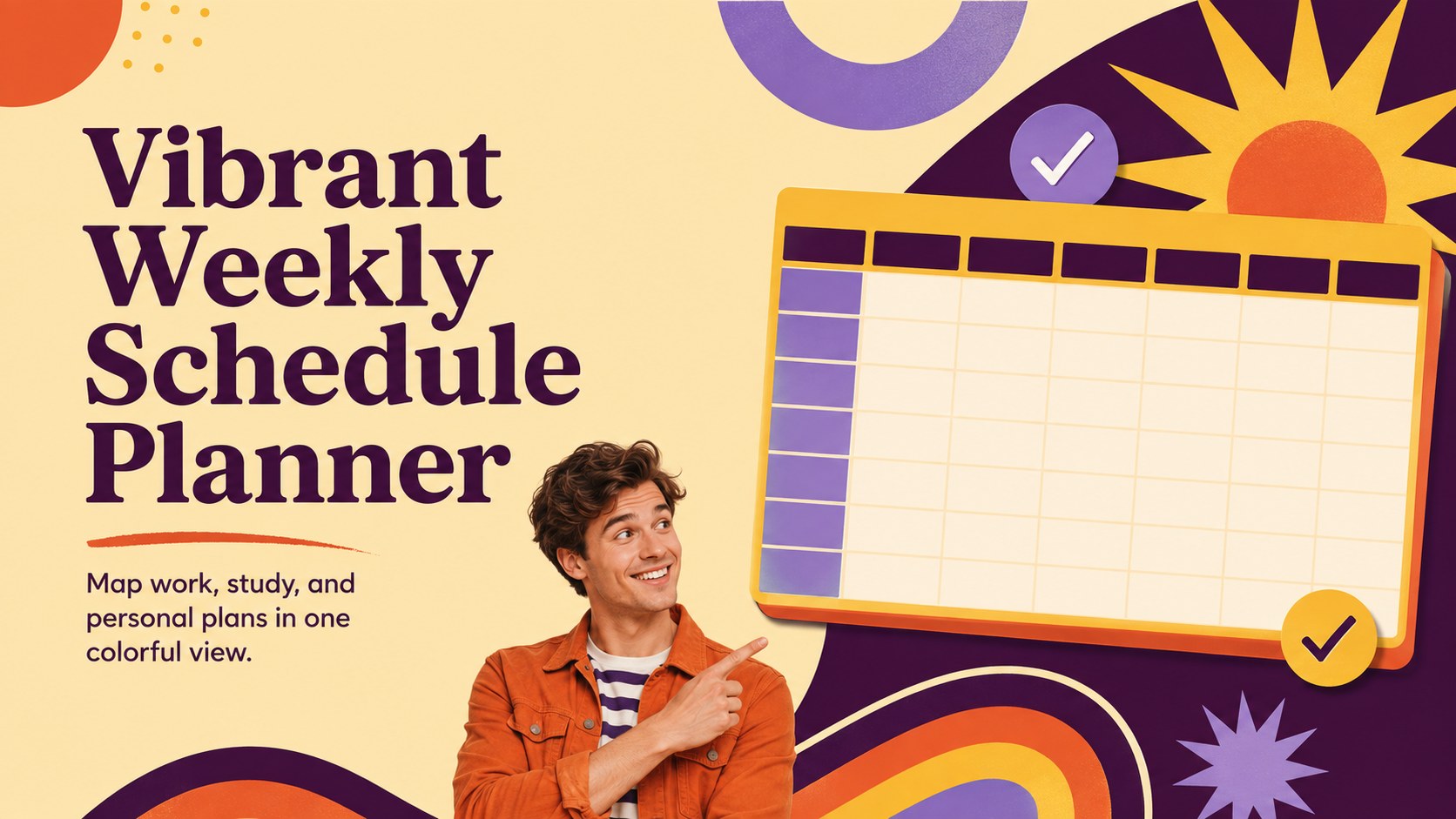
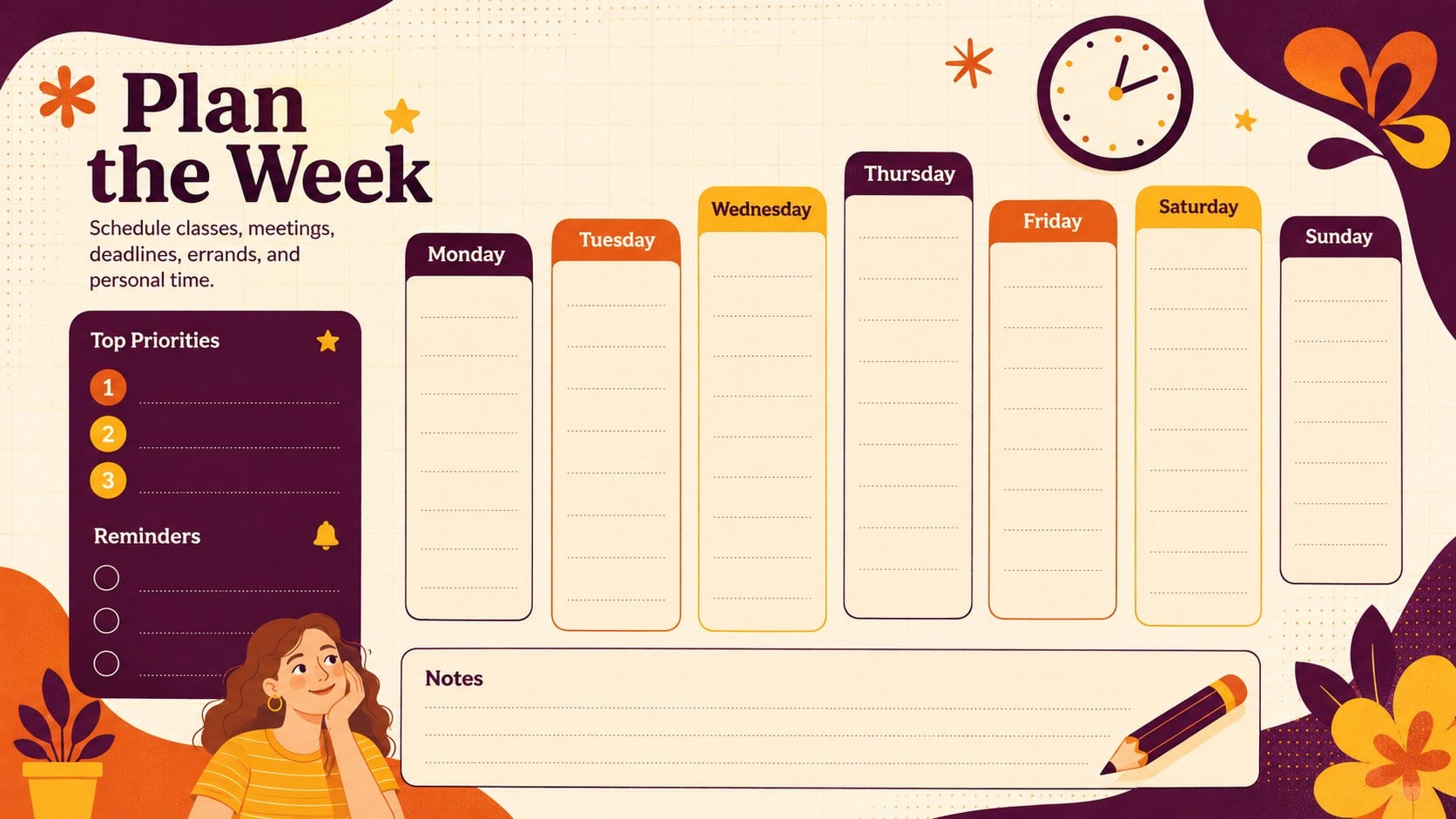
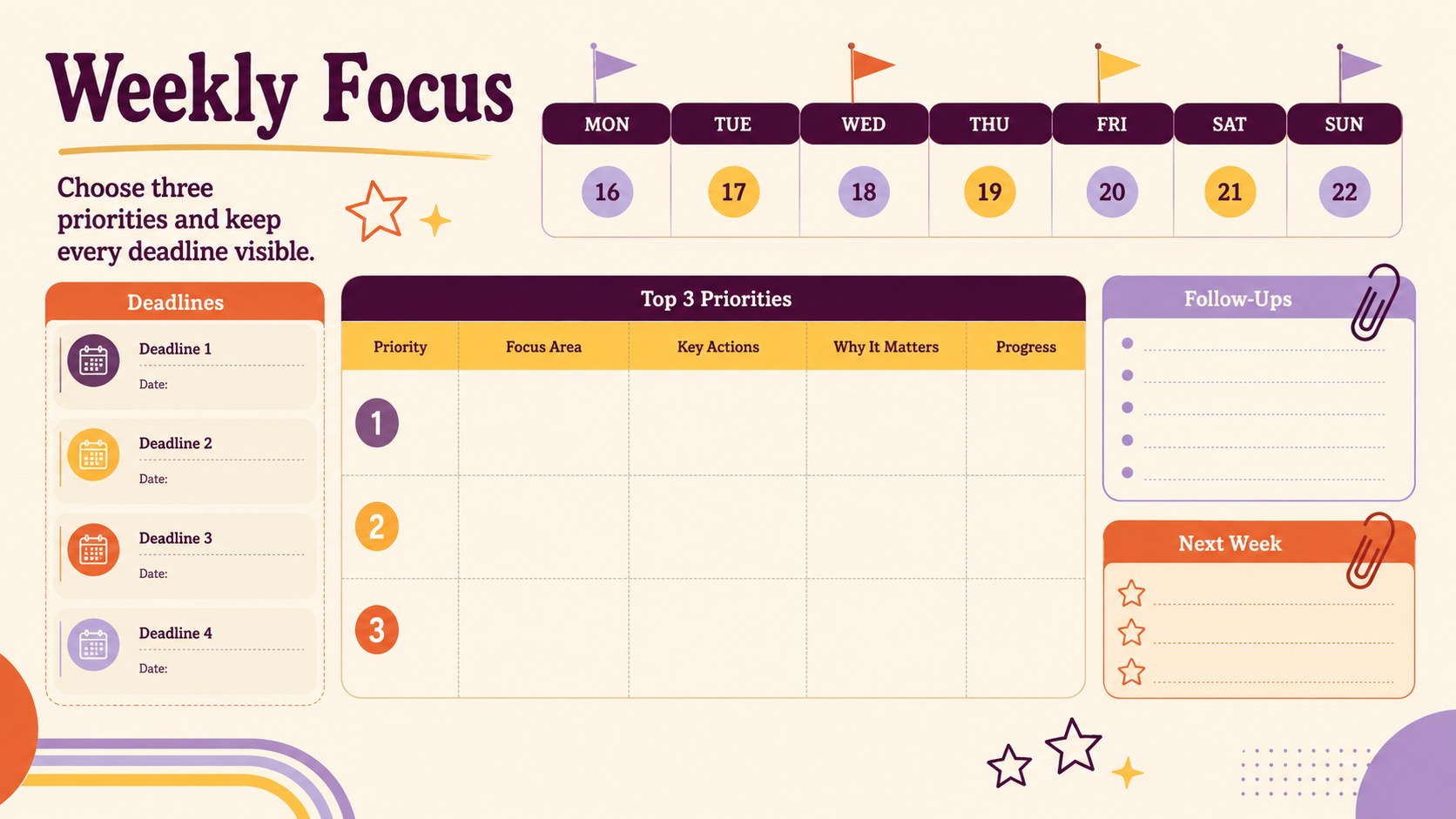
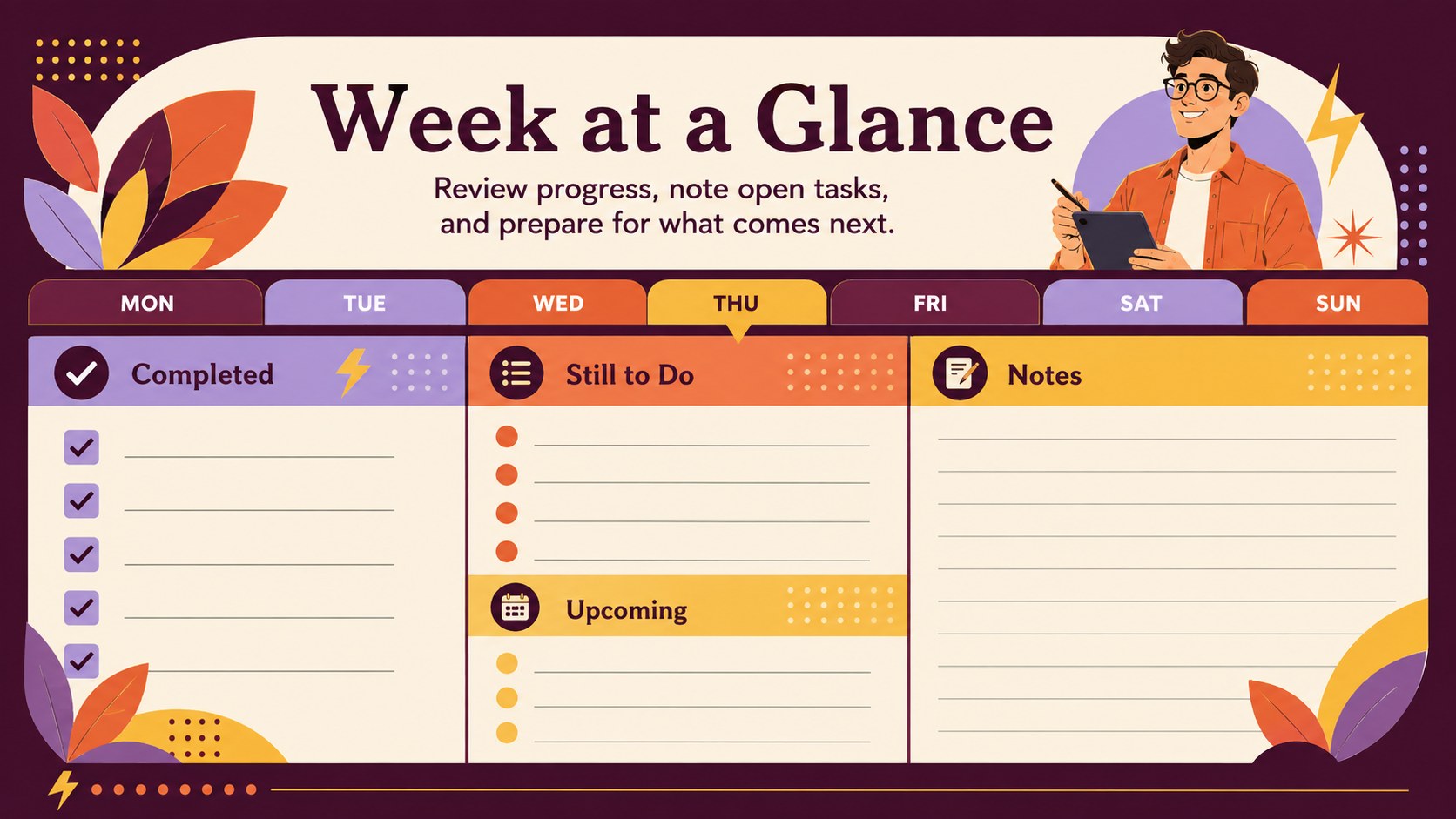
The Vibrant Weekly Schedule Planner turns a busy week into a clear, practical overview. Its energetic mix of purple, orange, yellow, and beige brings a retro-inspired feel to everyday organization without sacrificing readability. Use the structured daily sections to coordinate appointments, lessons, deadlines, errands, and personal commitments from Monday through Sunday.
Inside, you will find an editable weekly planner spreadsheet with dedicated areas for priorities, reminders, and notes. The layout is designed for quick scanning, while flexible cells make it easy to adjust time blocks, rename categories, or add recurring activities. This colorful weekly schedule template can be updated digitally in Excel or Google Sheets, then printed when you need a physical copy for a desk, noticeboard, or study space.
The planner suits students balancing coursework, professionals coordinating meetings, families organizing shared routines, and freelancers managing changing project demands. It also works as a weekly timetable for students who want assignments, classes, and revision sessions gathered in one place. Whether you plan every hour or record only major commitments, the simple format helps you see open time, identify conflicts, and keep important tasks visible throughout the week.
Perfect for: weekly class planning; employee meeting schedules; freelance project coordination; family routine organization; study and assignment tracking.
Frequently asked questions
Can I edit the weekly schedule layout? Yes. You can rename sections, change time blocks, adjust colors, and add or remove rows to match your routine.
Practical details
Yes. You can rename sections, change time blocks, adjust colors, and add or remove rows to match your routine.
The spreadsheet is designed for Microsoft Excel and Google Sheets. Formatting may vary slightly between platforms, so review the layout before printing.
Yes. Duplicate the original worksheet before entering new dates, then keep separate tabs for each week or clear completed entries and start again.
Yes. Select landscape orientation and fit the worksheet to a single page for the clearest result. You can also print only the schedule area if you do not need the notes sections.
Keep exploring
15Build an engaging World UFO Day session with this flying saucer history lesson deck, featuring retro green-and-brown slides for PowerPoint and Google Slides.
 15
15Plan a lively animal-learning journey with this jungle zoo adventure lesson deck, ready to customize in PowerPoint and Google Slides for young learners.
 16
16Turn environmental research into a clear story with a Watercolor Ecology Presentation Theme for PowerPoint and Google Slides in calming green and blue.
 16
16Build focused fashion, literature, and humanities presentations with the Red Triangle Editorial Theme, editable in PowerPoint and Google Slides.
 15
15Turn streaming stats, favorite tracks, and concert highlights into a bold annual listening recap slide deck for PowerPoint and Google Slides.
 15
15Turn highlights, milestones, and favorite moments into a colorful year in review slide deck with bold 3D graphics for PowerPoint and Google Slides.
 3
3Build a credible endorsement with Standout Colleague Recommendation Letter Slides, featuring colorful prompts for skills, achievements, and team impact.
 4
4Build clear beginner sessions with an ice hockey fundamentals training deck for coaches, PE teachers, and clubs, ready for PowerPoint and Google Slides.