
 6
6spreadsheet
Orange Year-End Recognition Certificate Set
Honor teams and individuals with an Orange Year-End Recognition Certificate Set featuring six editable designs for PowerPoint and Google Slides.
Google SlidesPowerPointExcel
spreadsheet · English
Keep service records ready for school reviews and nonprofit reporting with a volunteer activity log spreadsheet built for Excel and Google Sheets.
Design notes
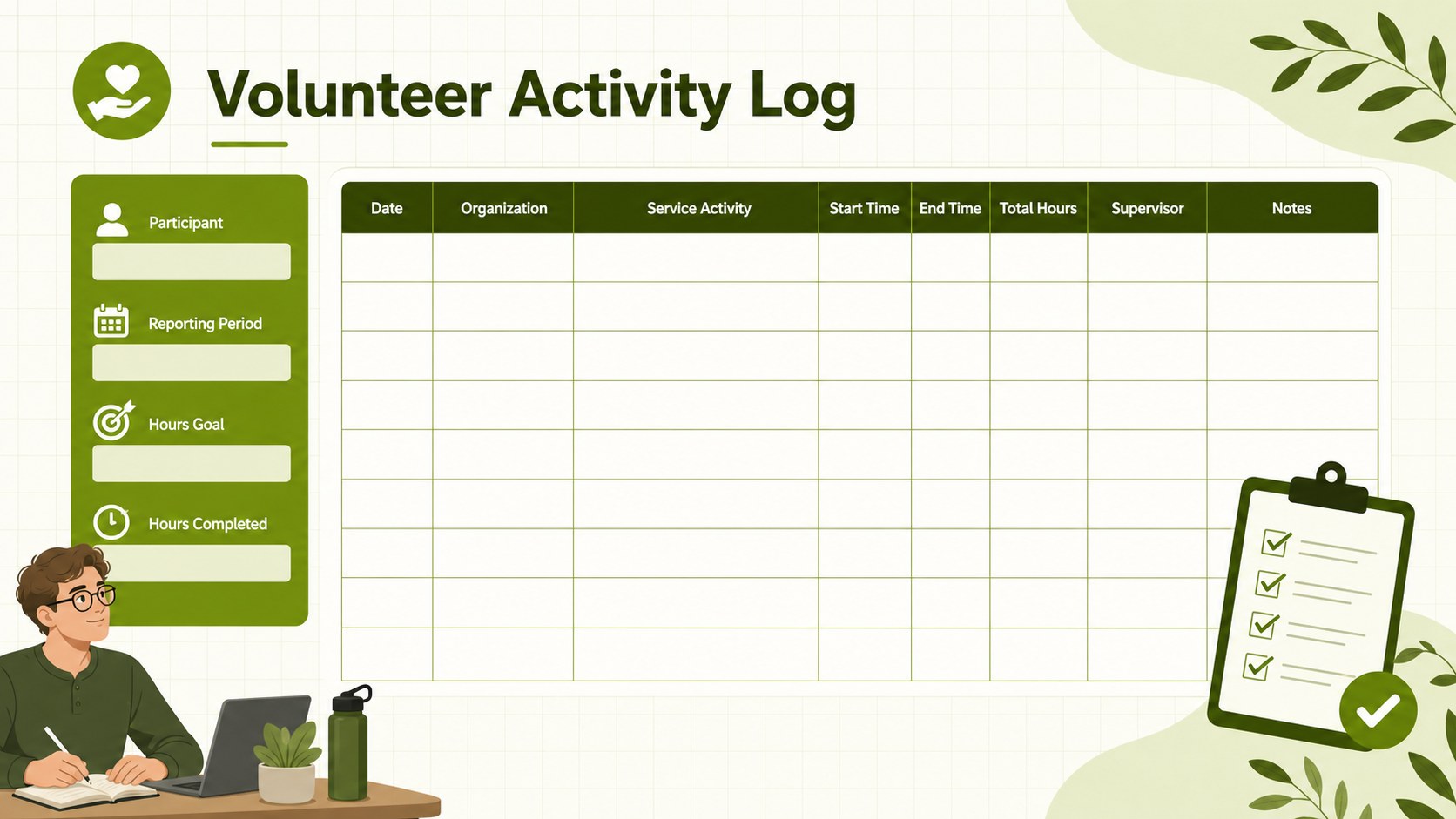
Designed for reliable recordkeeping, this volunteer activity log spreadsheet gives students, coordinators, and community groups a clear place to document service contributions. Its fresh green palette, illustrated accents, and uncluttered landscape layout make detailed entries easy to scan without feeling overly formal.
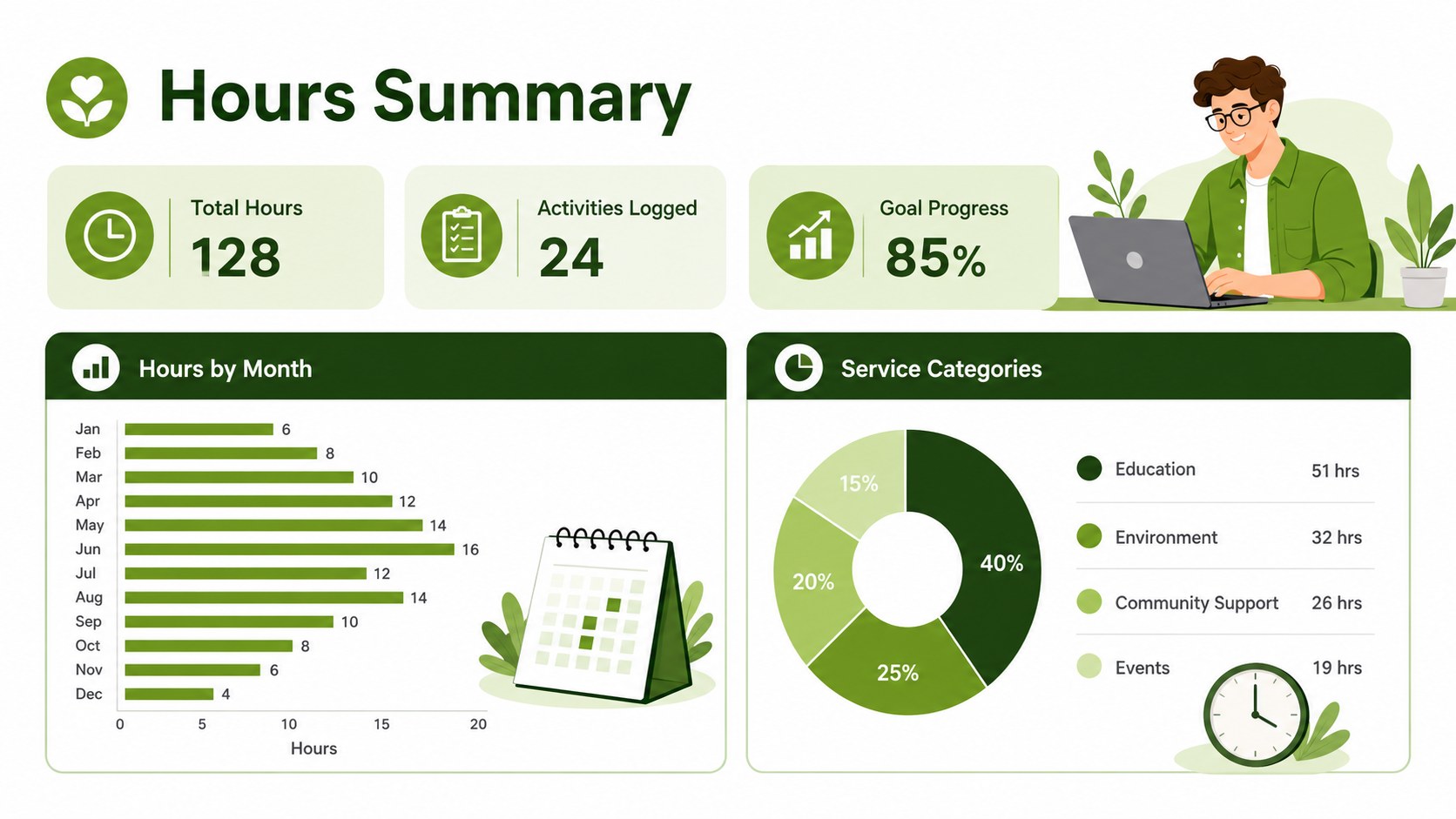
The spreadsheet includes fields for service dates, organizations, activity descriptions, start and end times, total hours, supervisor details, and notes. A summary area helps users monitor completed hours and compare progress with a target. It can serve as a student service hour record template, a nonprofit volunteer participation log, or a community outreach activity tracker. Every section can be renamed, expanded, or adjusted to match local reporting requirements.
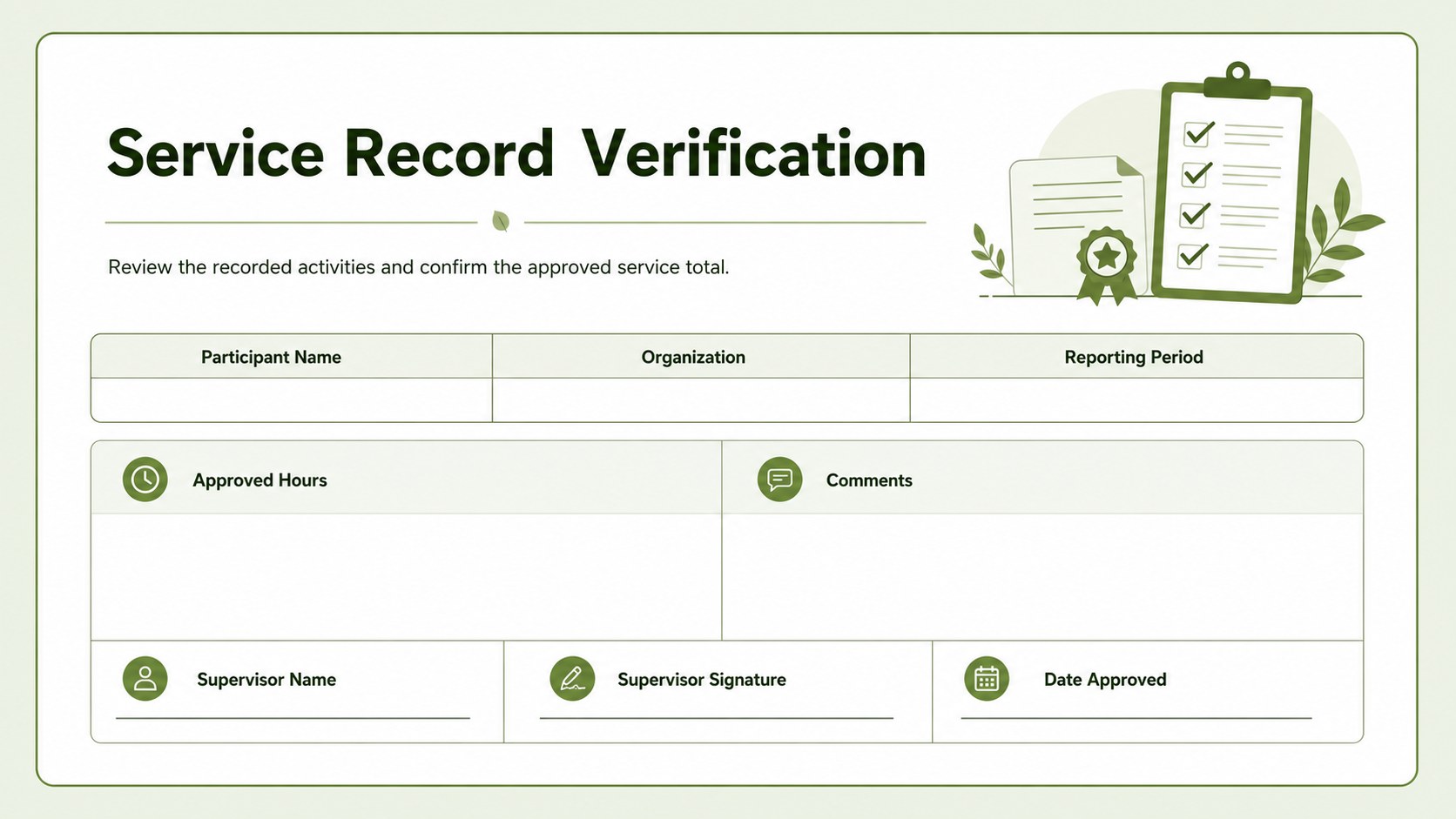
Use the template for graduation documentation, service-learning programs, nonprofit administration, employee volunteering initiatives, or personal contribution records. It works in Excel and Google Sheets, making it practical for individual entry, shared team updates, or printed verification. Coordinators can filter activities by date or organization, while participants can maintain a consistent history for reviews, applications, and recognition programs. The structured format reduces missing details and keeps important service information together from the first shift through final approval.
Perfect for: student graduation service records; nonprofit volunteer coordination; service-learning hour verification; employee volunteering programs; community outreach reporting.
Frequently asked questions
Can I edit the activity fields and hour categories? Yes. You can rename columns, add activity categories, change hour targets, and expand the entry area to fit your reporting process.
Practical details
Yes. You can rename columns, add activity categories, change hour targets, and expand the entry area to fit your reporting process.
The template is designed for Microsoft Excel and Google Sheets. Formulas and standard table fields can be adjusted in either platform.
Yes. The log includes space for supervisor information, approval details, and notes. You can also add a signature field before printing or exporting the completed record.
Yes. Duplicate the log tab for separate participants or add a volunteer name column to maintain a shared roster. Filters can then organize entries by participant, date, or organization.
Keep exploring
6Honor teams and individuals with an Orange Year-End Recognition Certificate Set featuring six editable designs for PowerPoint and Google Slides.
 4
4Keep inspections, repairs, priorities, and follow-up dates organized in a weekly equipment service log designed for facilities and operations teams.
 4
4Keep weekly ownership visible with a Weekly Team Workflow Tracker for assignments, deadlines, priorities, logged hours, blockers, and status updates.
 4
4Turn weekly results into quick decisions with a colorful sales pulse tracker for comparing targets, revenue, wins, and trends in Excel or Google Sheets.
 4
4Turn a busy workload into a clear action plan with the Illustrated Task Priority Organizer, an editable green-and-purple template for focused days.
 4
4Organize classes, meetings, and personal tasks with a vibrant weekly schedule planner, editable in Excel and Google Sheets for fast, flexible updates.
 4
4Coordinate absences with an employee leave calendar spreadsheet built for clear approvals, reliable team coverage, and easy editing in Excel or Google Sheets.
 4
4Plan bills, savings, and daily costs with a colorful weekly spending planner for Excel or Google Sheets, with clear categories and automatic totals.