
 6
6spreadsheet
Orange Year-End Recognition Certificate Set
Honor teams and individuals with an Orange Year-End Recognition Certificate Set featuring six editable designs for PowerPoint and Google Slides.
Google SlidesPowerPointExcel
spreadsheet · English
Organize monthly spending with a smart money allocation planner for needs, wants, and savings. Edit it in Excel or Google Sheets.
Design notes
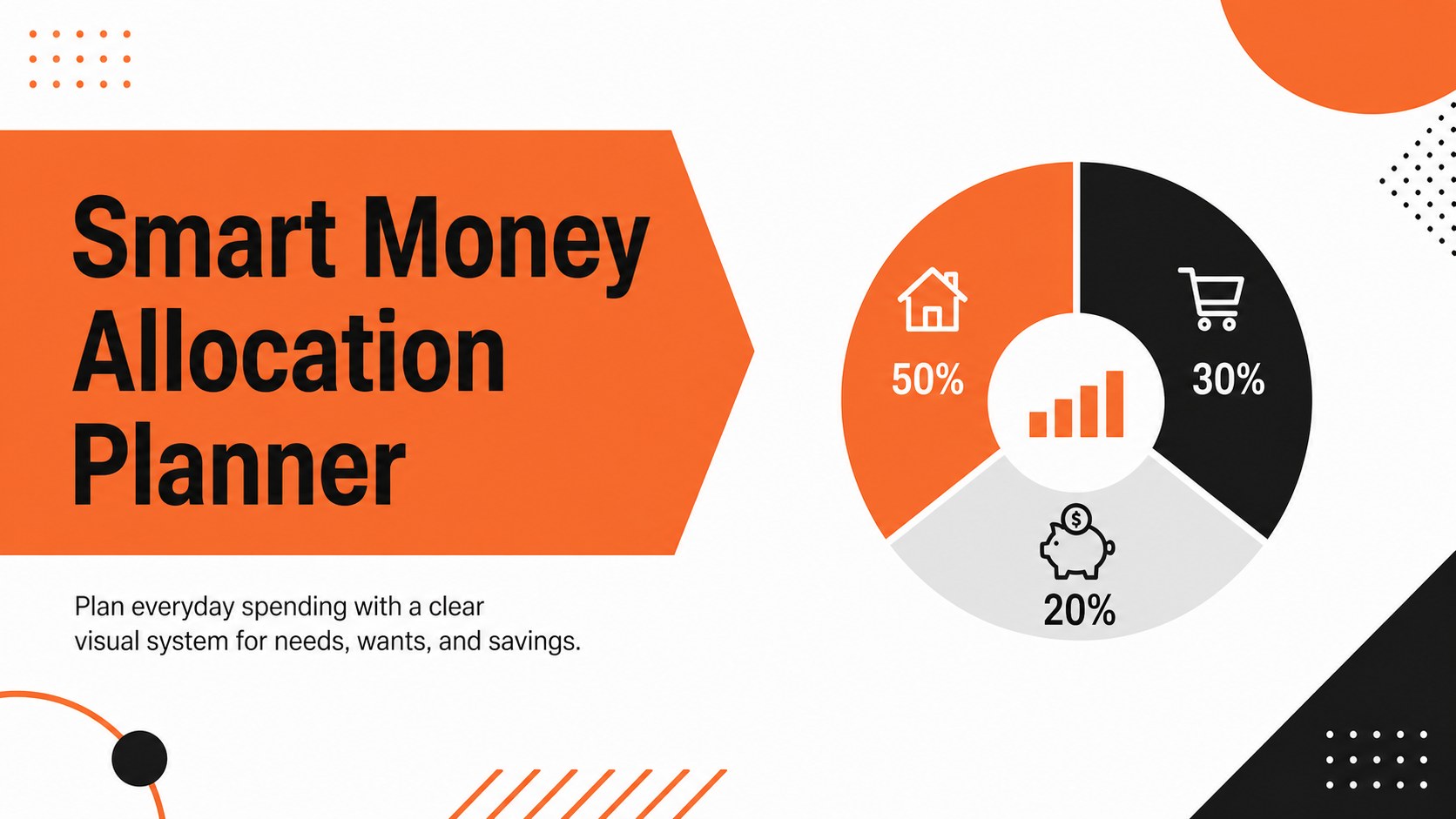
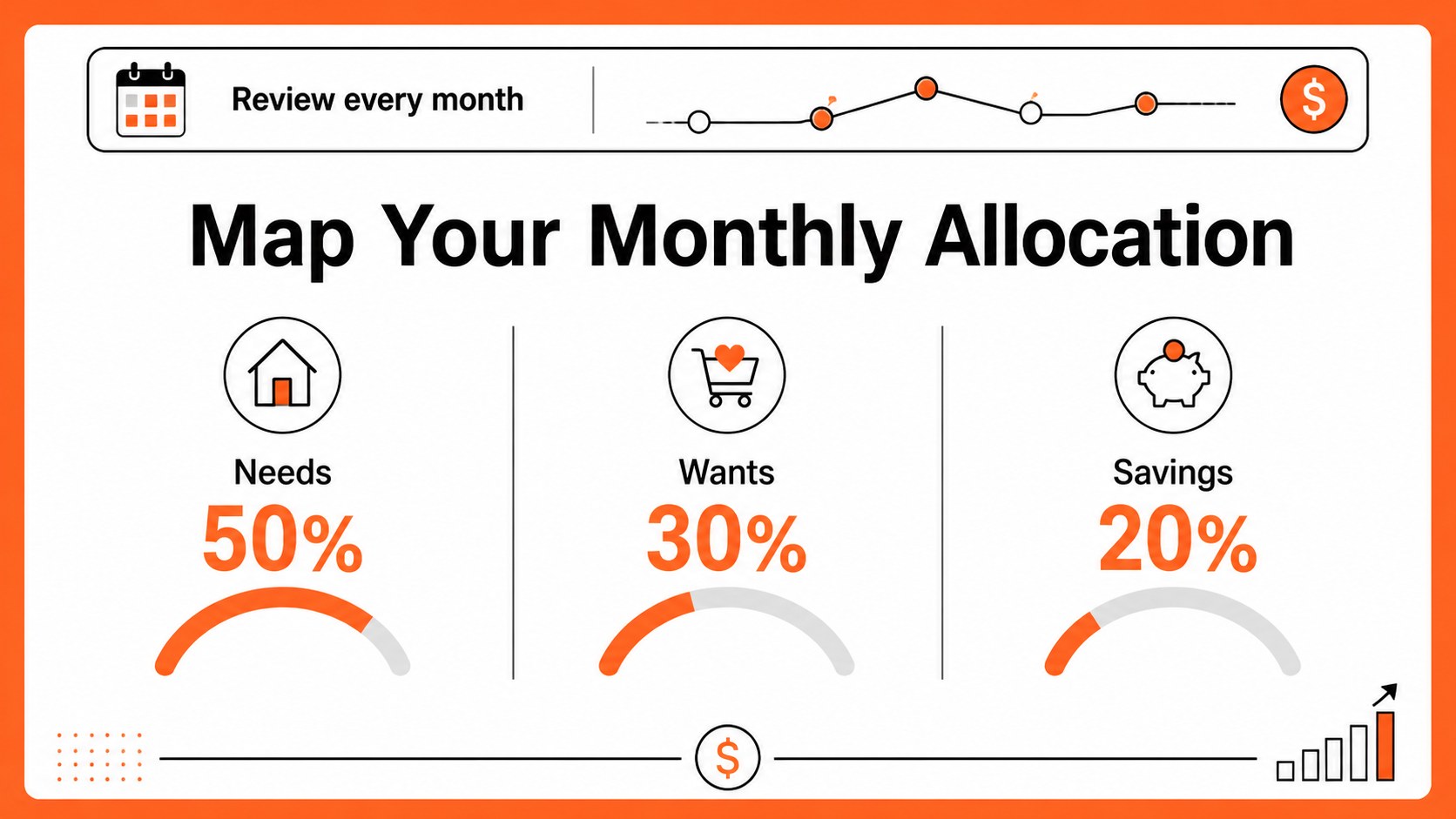
A smart money allocation planner gives everyday budgeting a clear, approachable structure. Divide income between essential needs, flexible wants, and future savings, then use the visual layout to understand where your money is going. The clean black, white, and orange palette brings energy to a practical finance tool without making it feel crowded.
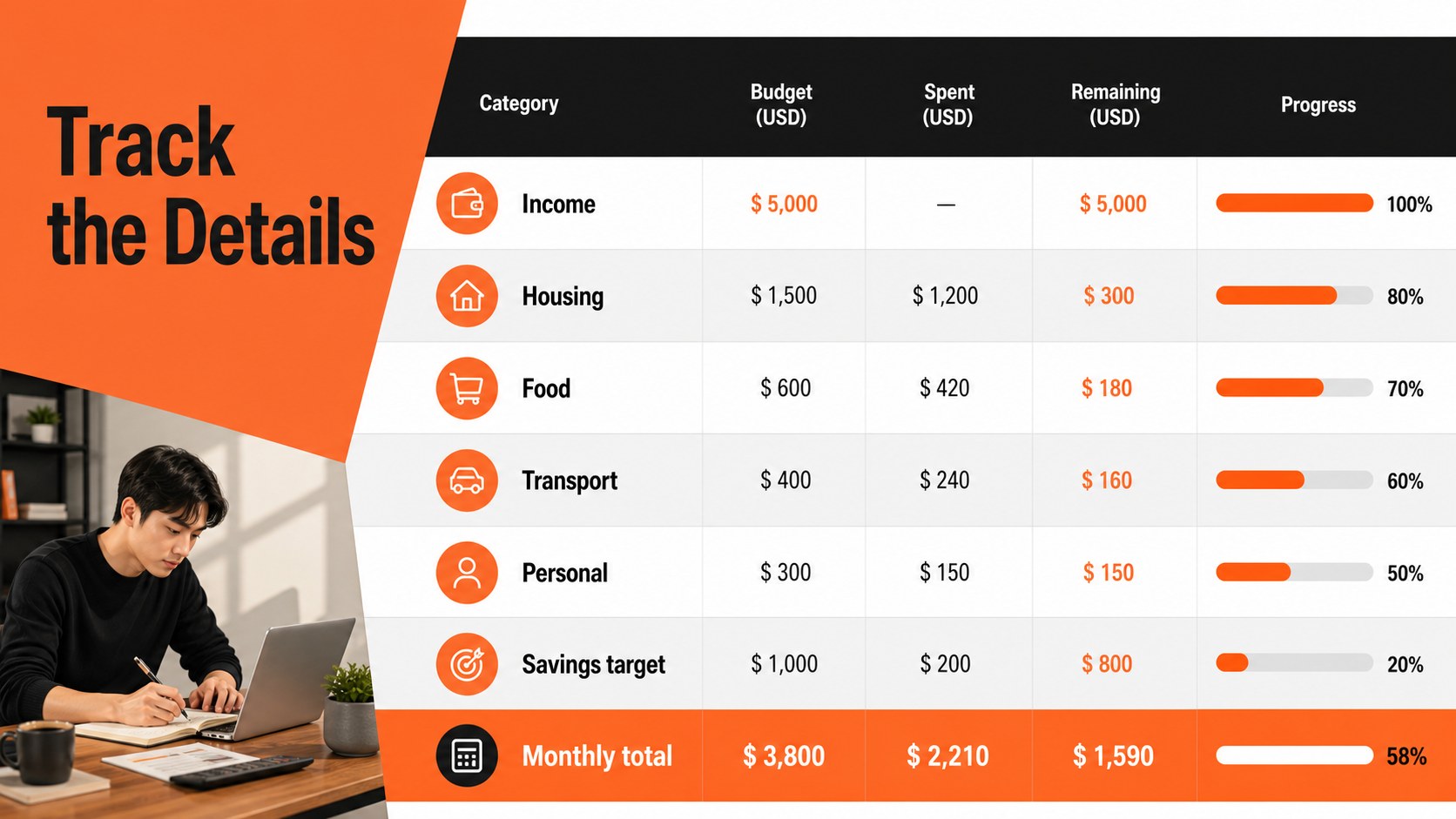
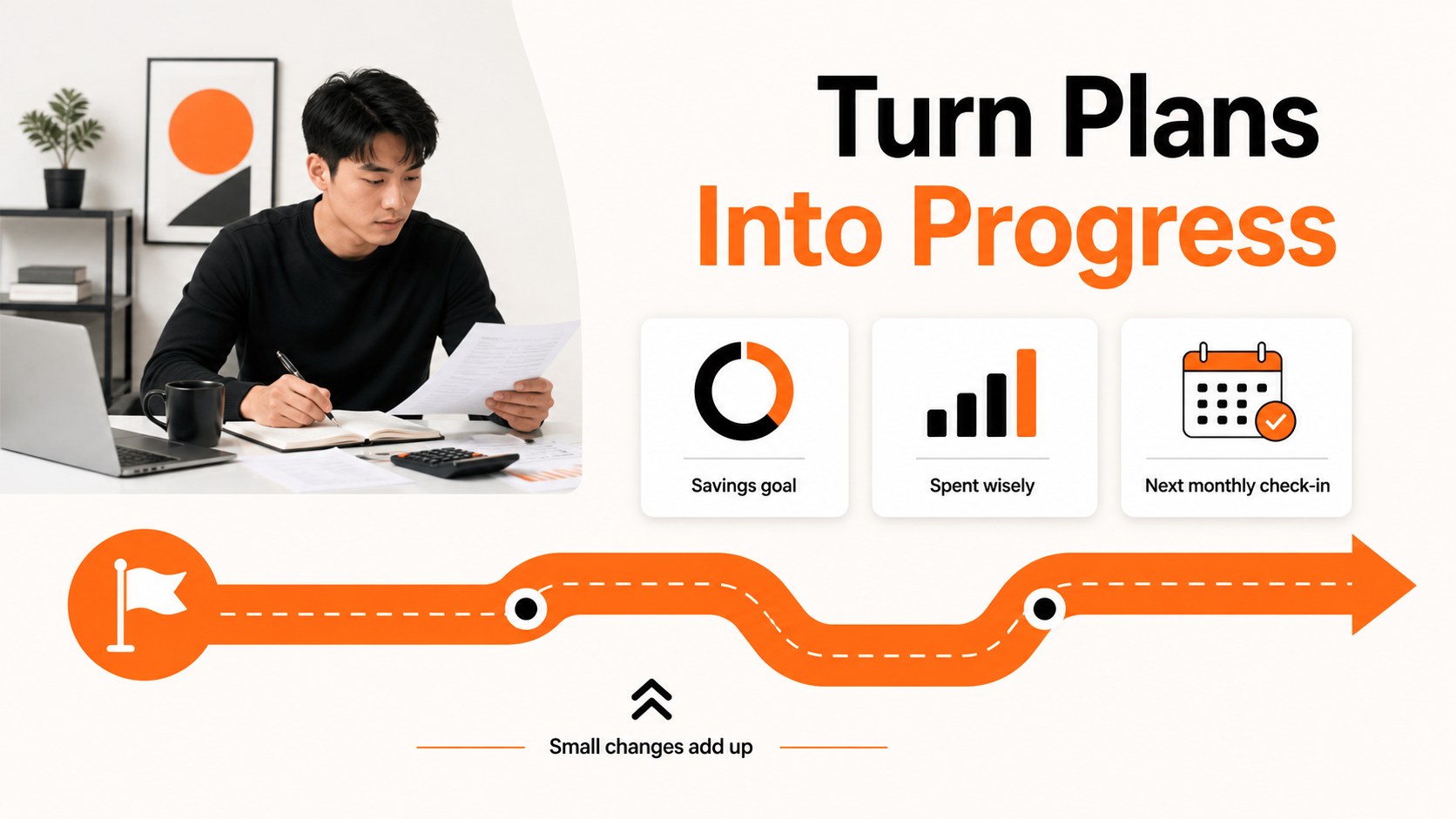
Inside, you’ll find a monthly allocation overview, space for spending categories, savings targets, and progress notes. Use it as a monthly needs wants savings planner, a personal finance allocation spreadsheet, or a 50 30 20 spending tracker for beginners. Every area can be adjusted for different income levels, household priorities, and financial goals.
This template suits students, families, freelancers, first-time budgeters, and anyone who wants a simpler way to review spending. Edit the layouts in Excel or Google Sheets, add your own categories, and update figures as your plans change. Use the finished sheet for personal check-ins, household planning sessions, coaching conversations, or financial habit reviews.
Perfect for: monthly household budget review; student spending plan; freelancer income allocation; personal savings goal tracking; financial coaching session.
Frequently asked questions
Can I edit the planner in Google Sheets? Yes. The layout can be adapted in Google Sheets by changing category names, amounts, formulas, and labels. It also works in Excel and can be visually customized.
Practical details
Yes. The layout can be adapted in Google Sheets by changing category names, amounts, formulas, and labels. It also works in Excel and can be visually customized.
No. The three-part structure is a starting point for separating needs, wants, and savings. You can rename sections or change the proportions to match your income and priorities.
Yes. Replace the sample categories with your own expenses, goals, or household groups. The black, white, and orange palette can also be adjusted to fit your preferred style.
It is useful for students, families, freelancers, and anyone building stronger spending habits. It can support monthly reviews, savings planning, and financial coaching conversations.
Keep exploring
6Honor teams and individuals with an Orange Year-End Recognition Certificate Set featuring six editable designs for PowerPoint and Google Slides.
 4
4Keep inspections, repairs, priorities, and follow-up dates organized in a weekly equipment service log designed for facilities and operations teams.
 4
4Keep weekly ownership visible with a Weekly Team Workflow Tracker for assignments, deadlines, priorities, logged hours, blockers, and status updates.
 4
4Turn weekly results into quick decisions with a colorful sales pulse tracker for comparing targets, revenue, wins, and trends in Excel or Google Sheets.
 4
4Turn a busy workload into a clear action plan with the Illustrated Task Priority Organizer, an editable green-and-purple template for focused days.
 4
4Organize classes, meetings, and personal tasks with a vibrant weekly schedule planner, editable in Excel and Google Sheets for fast, flexible updates.
 4
4Coordinate absences with an employee leave calendar spreadsheet built for clear approvals, reliable team coverage, and easy editing in Excel or Google Sheets.
 4
4Plan bills, savings, and daily costs with a colorful weekly spending planner for Excel or Google Sheets, with clear categories and automatic totals.