
 6
6spreadsheet
Orange Year-End Recognition Certificate Set
Honor teams and individuals with an Orange Year-End Recognition Certificate Set featuring six editable designs for PowerPoint and Google Slides.
Google SlidesPowerPointExcel
spreadsheet · English
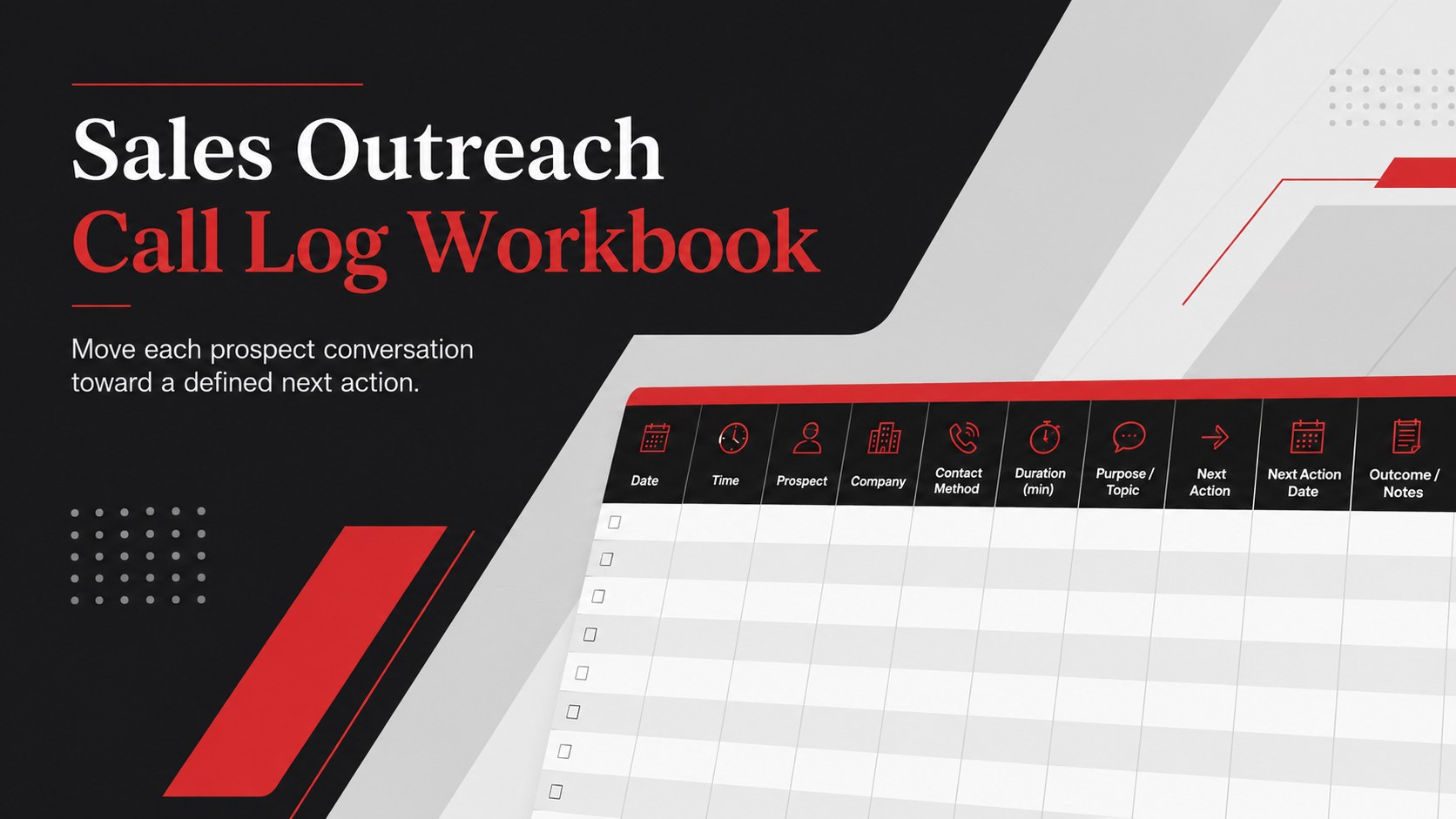
Turn every prospect conversation into a clear next step with this Sales Outreach Call Log Workbook for organized follow-ups in Excel or Google Sheets.
Design notes
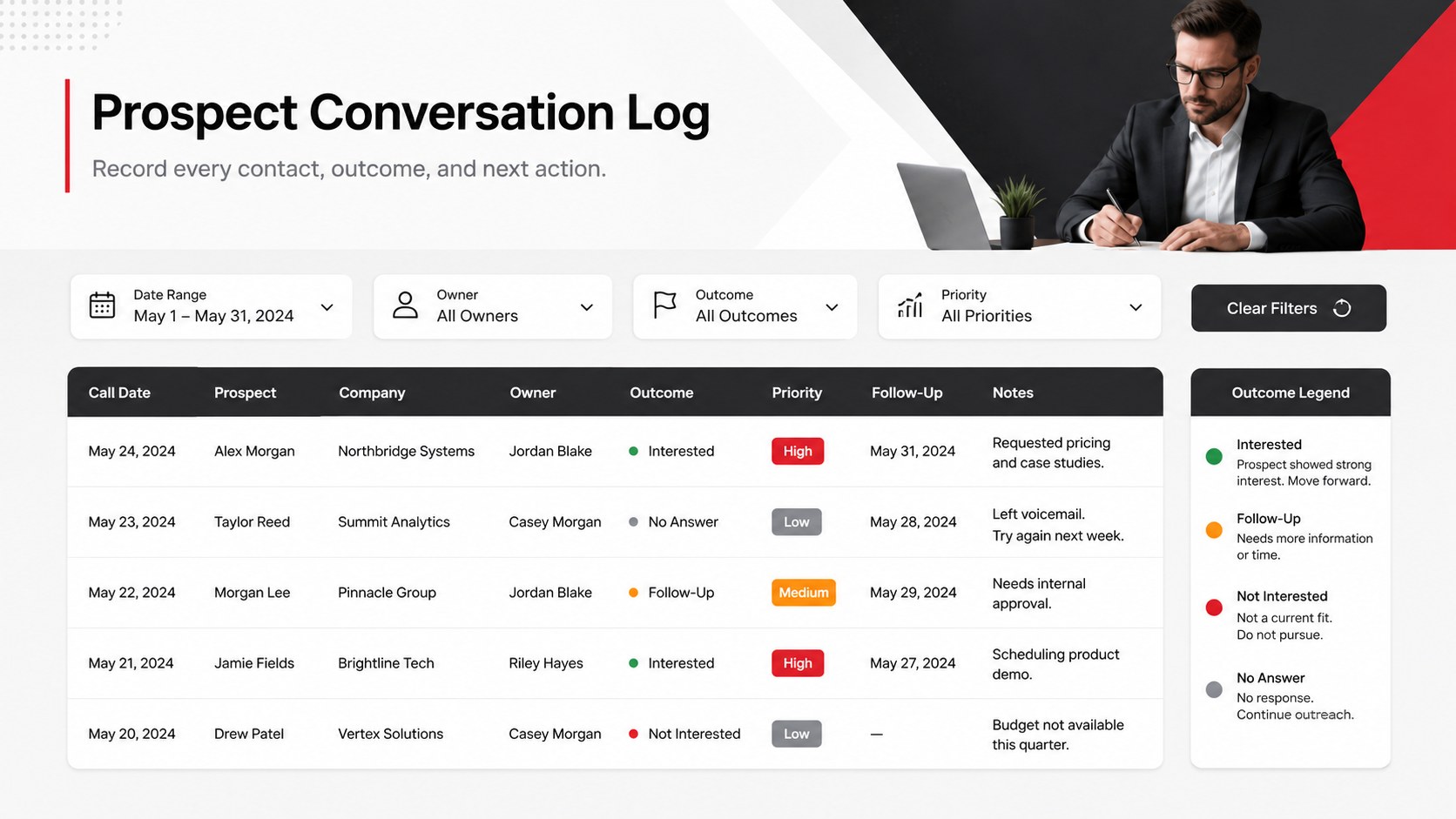
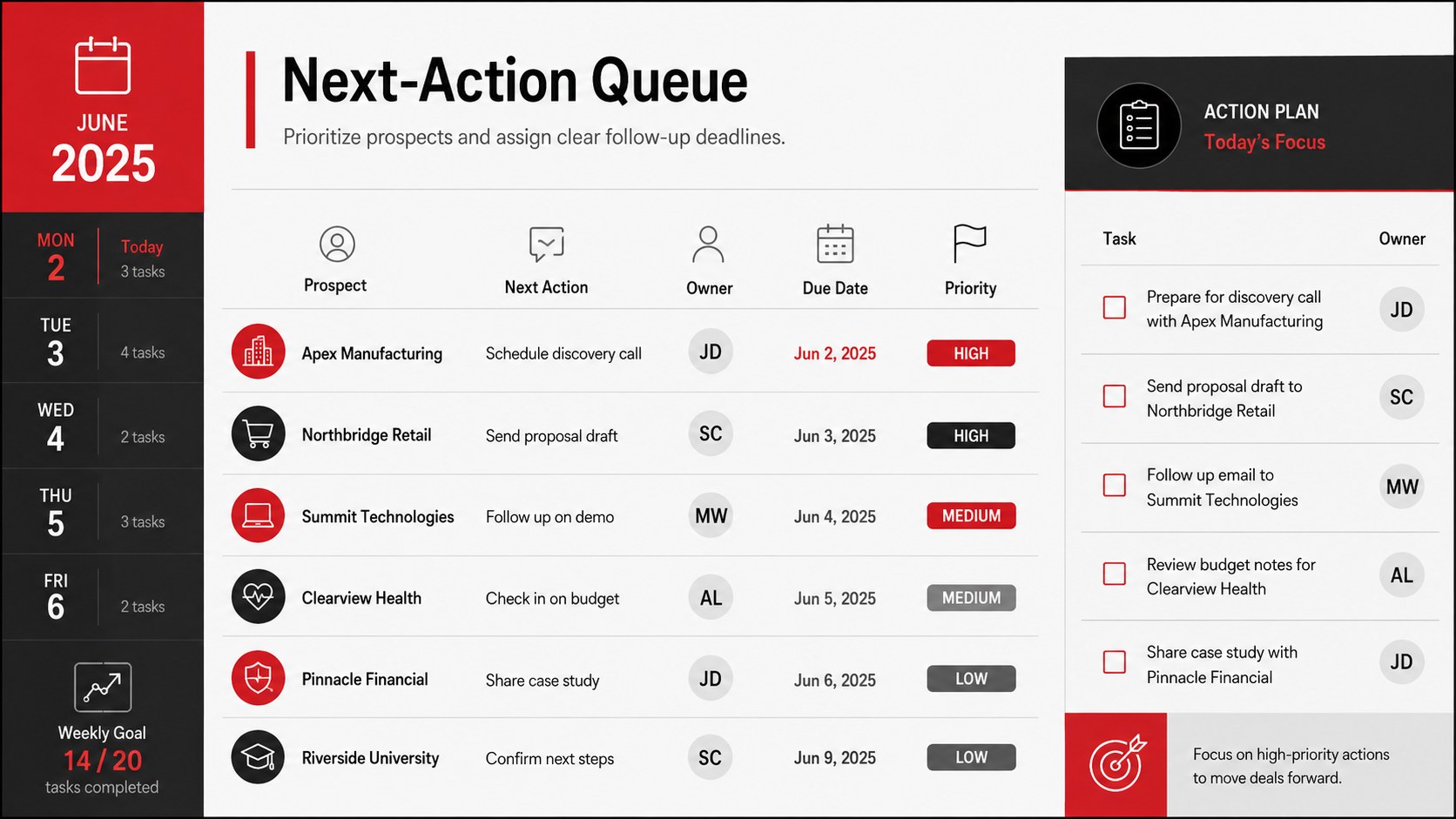
The Sales Outreach Call Log Workbook gives sales representatives a focused place to record conversations, document prospect needs, and schedule the next action. Its structured format replaces scattered notes with a practical view of outreach activity, helping teams maintain momentum without relying on memory.
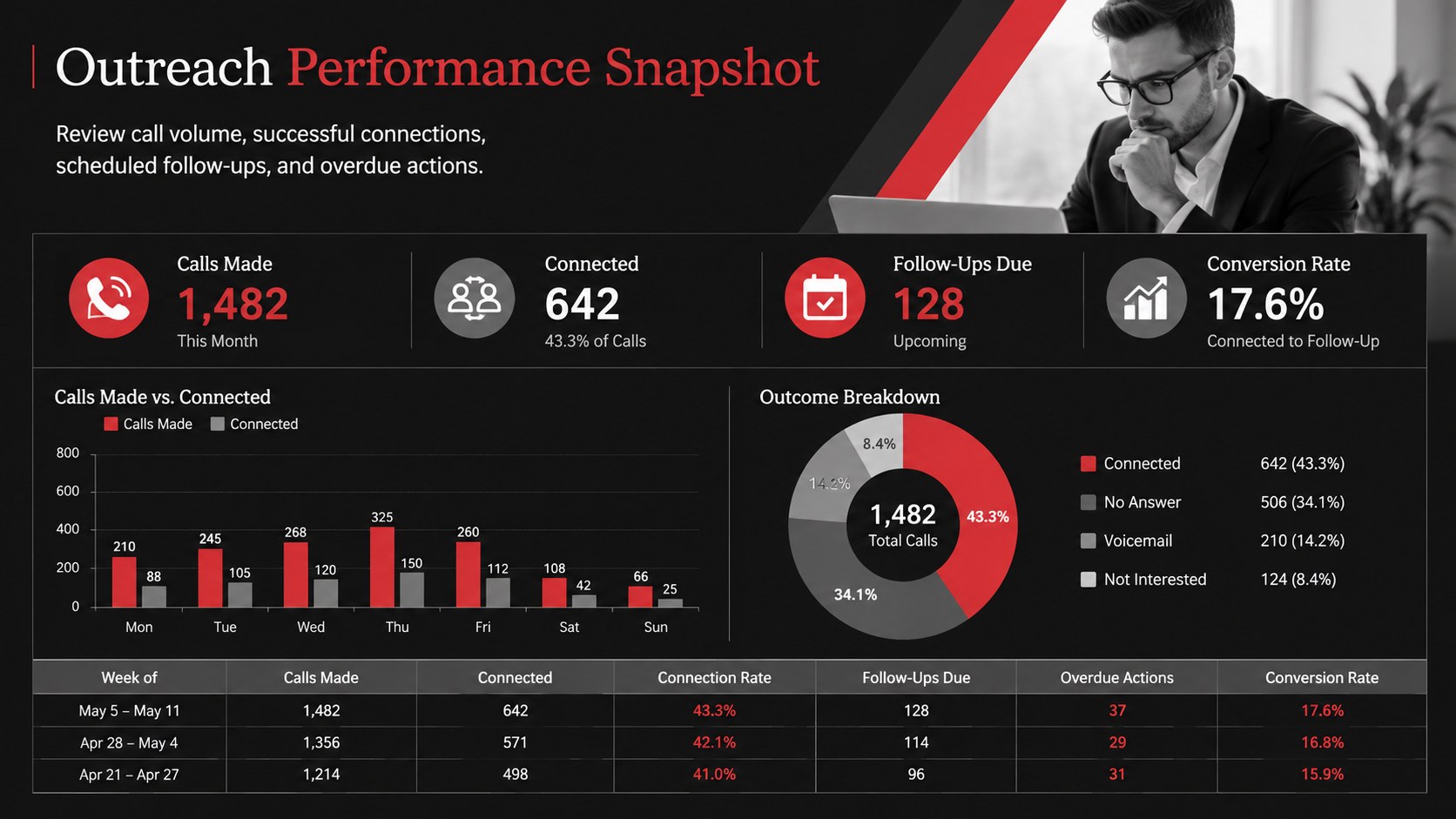
Inside, you will find organized fields for contact details, call dates, representatives, conversation outcomes, lead status, priority, notes, and follow-up deadlines. The layout can support a prospect call tracking workbook for individual pipelines or serve as a shared Google Sheets lead contact log for a growing team. Summary areas make it easier to compare outreach volume, identify overdue actions, and review common results. The modern black, grey, and red palette creates a confident business look while keeping important information visually distinct.
This workbook is designed for sales representatives, account executives, business development teams, founders, and managers who need a repeatable outreach process. Use it as an Excel sales call follow up tracker during weekly reviews, prospecting campaigns, product launches, or territory planning. Every section is customizable, so you can rename statuses, add qualification criteria, adjust ownership fields, and tailor reporting columns to your workflow. The template works in Microsoft Excel and Google Sheets, making it suitable for both independent sellers and collaborative revenue teams.
Perfect for: weekly sales pipeline review; outbound prospecting campaign; lead follow-up scheduling; business development reporting; territory call management.
Frequently asked questions
Can I edit the call stages and outcome labels? Yes. You can replace the included labels with stages, priorities, qualification criteria, and outcomes that match your sales process. Columns may also be added, removed, or reordered.
Practical details
Yes. You can replace the included labels with stages, priorities, qualification criteria, and outcomes that match your sales process. Columns may also be added, removed, or reordered.
The spreadsheet can be edited in Microsoft Excel and Google Sheets. Preview or reporting pages may also be presented through PowerPoint or Google Slides when needed.
Yes. Add an owner or representative column, then filter the log by team member, territory, or account. Google Sheets is useful when multiple colleagues need to update the workbook together.
Adjust the status choices, follow-up intervals, colors, and reporting fields to reflect your workflow. You can also add formulas, filters, conditional formatting, or charts for deeper activity analysis.
Keep exploring
6Honor teams and individuals with an Orange Year-End Recognition Certificate Set featuring six editable designs for PowerPoint and Google Slides.
 4
4Keep inspections, repairs, priorities, and follow-up dates organized in a weekly equipment service log designed for facilities and operations teams.
 4
4Keep weekly ownership visible with a Weekly Team Workflow Tracker for assignments, deadlines, priorities, logged hours, blockers, and status updates.
 4
4Turn weekly results into quick decisions with a colorful sales pulse tracker for comparing targets, revenue, wins, and trends in Excel or Google Sheets.
 4
4Turn a busy workload into a clear action plan with the Illustrated Task Priority Organizer, an editable green-and-purple template for focused days.
 4
4Organize classes, meetings, and personal tasks with a vibrant weekly schedule planner, editable in Excel and Google Sheets for fast, flexible updates.
 4
4Coordinate absences with an employee leave calendar spreadsheet built for clear approvals, reliable team coverage, and easy editing in Excel or Google Sheets.
 4
4Plan bills, savings, and daily costs with a colorful weekly spending planner for Excel or Google Sheets, with clear categories and automatic totals.