
 6
6spreadsheet
Orange Year-End Recognition Certificate Set
Honor teams and individuals with an Orange Year-End Recognition Certificate Set featuring six editable designs for PowerPoint and Google Slides.
Google SlidesPowerPointExcel
spreadsheet · English
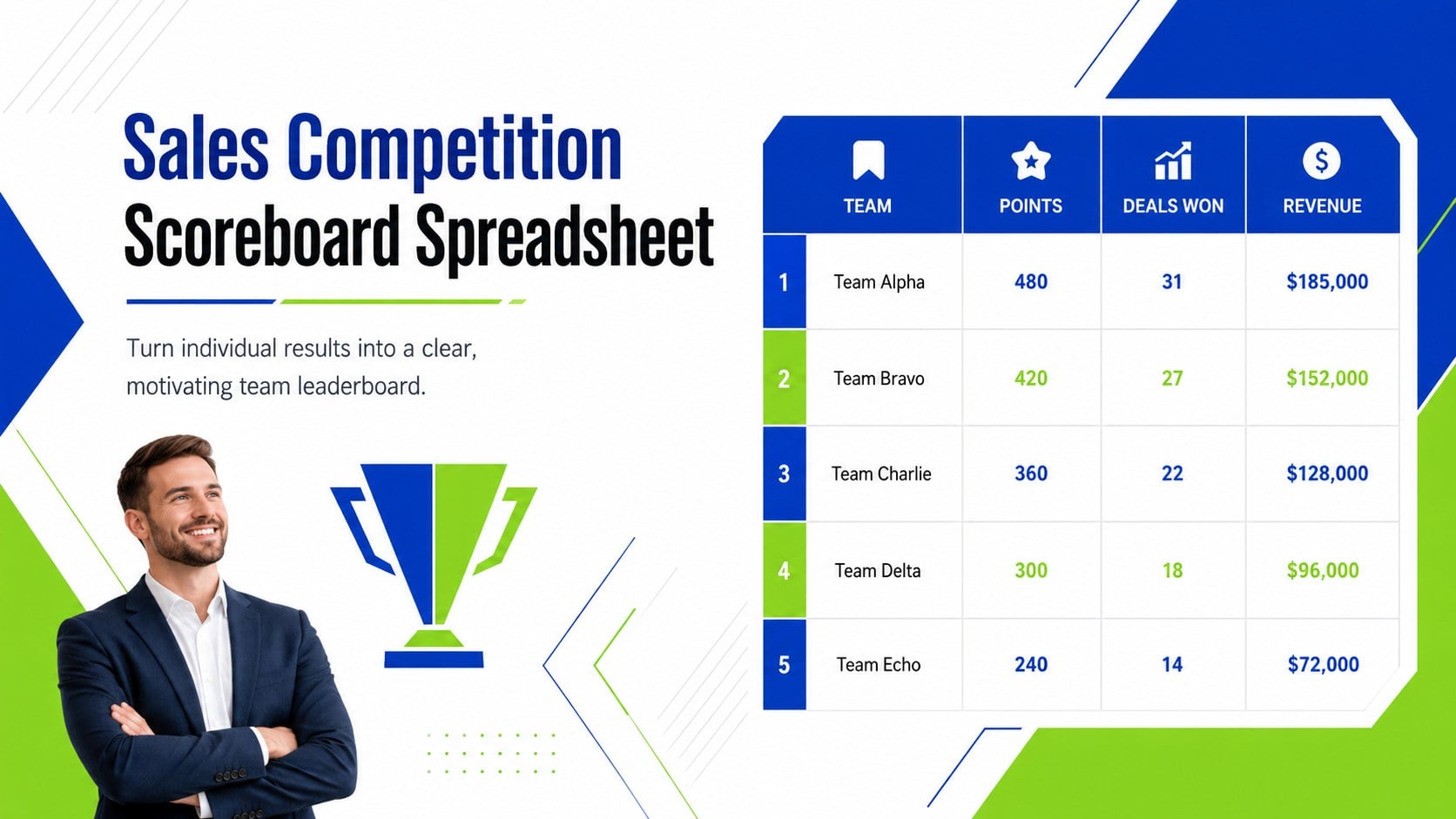
Build momentum with a Sales Competition Scoreboard Spreadsheet that tracks goals, rankings, rewards, and results in Excel or Google Sheets.
Design notes
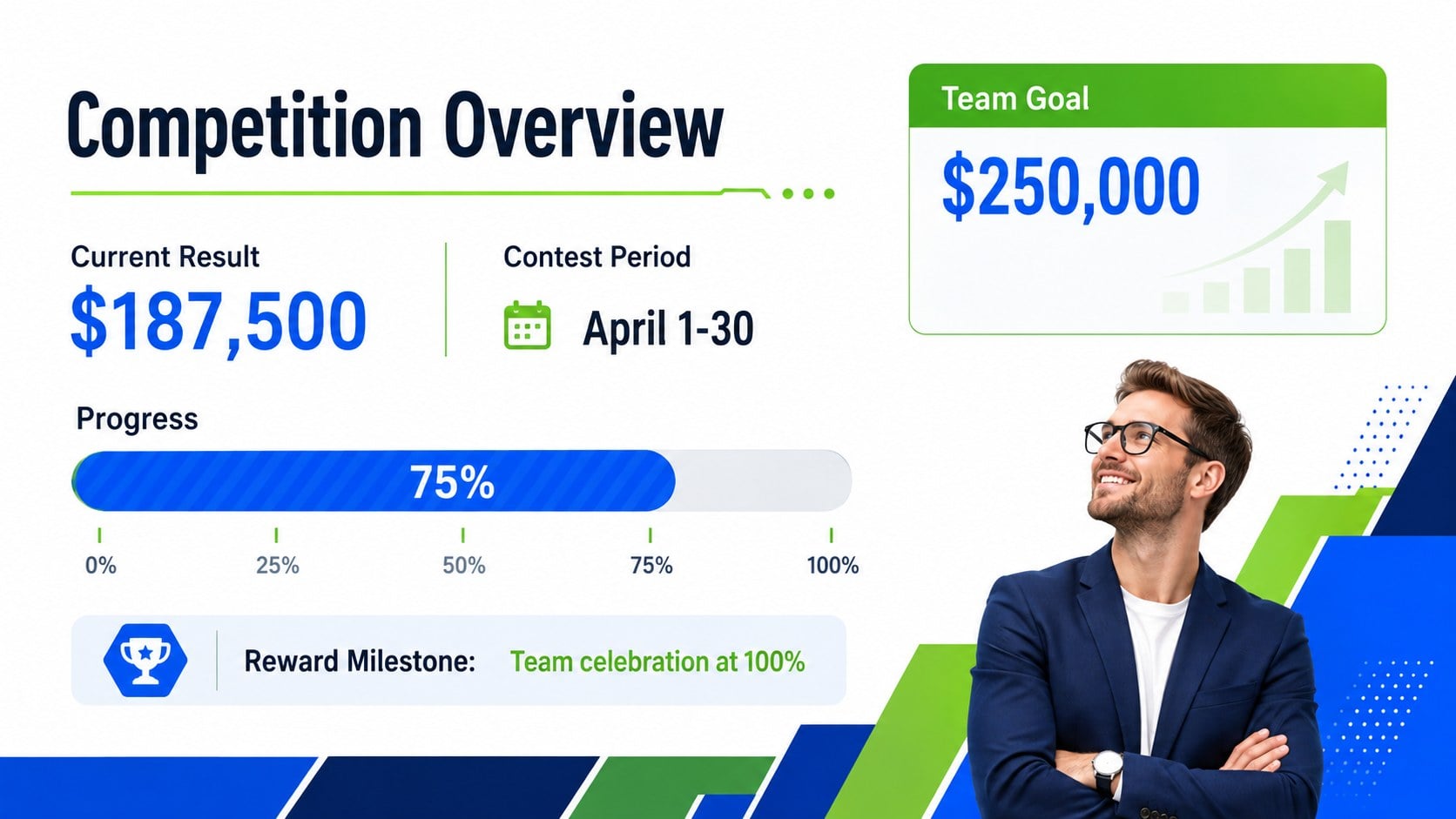
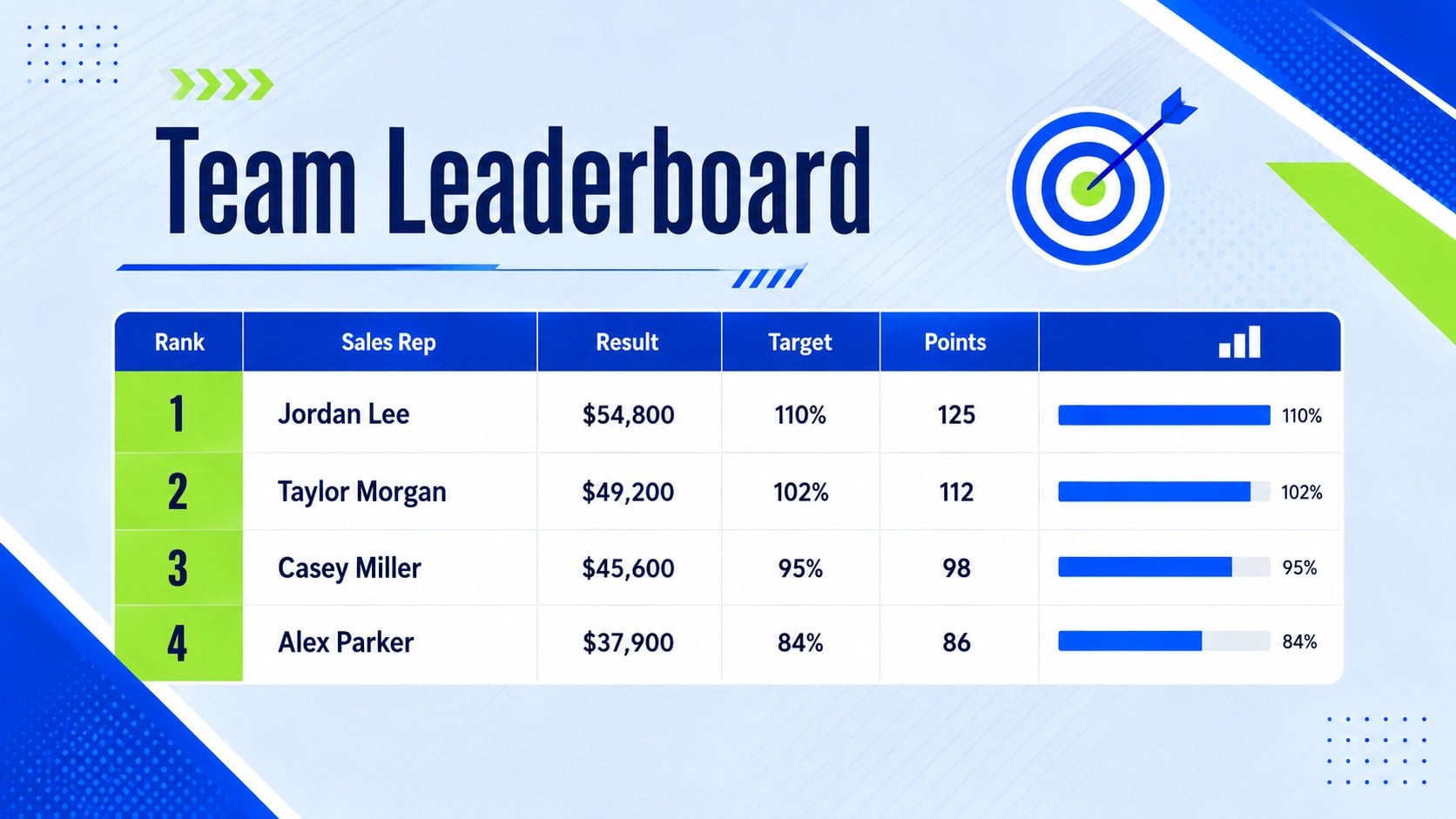
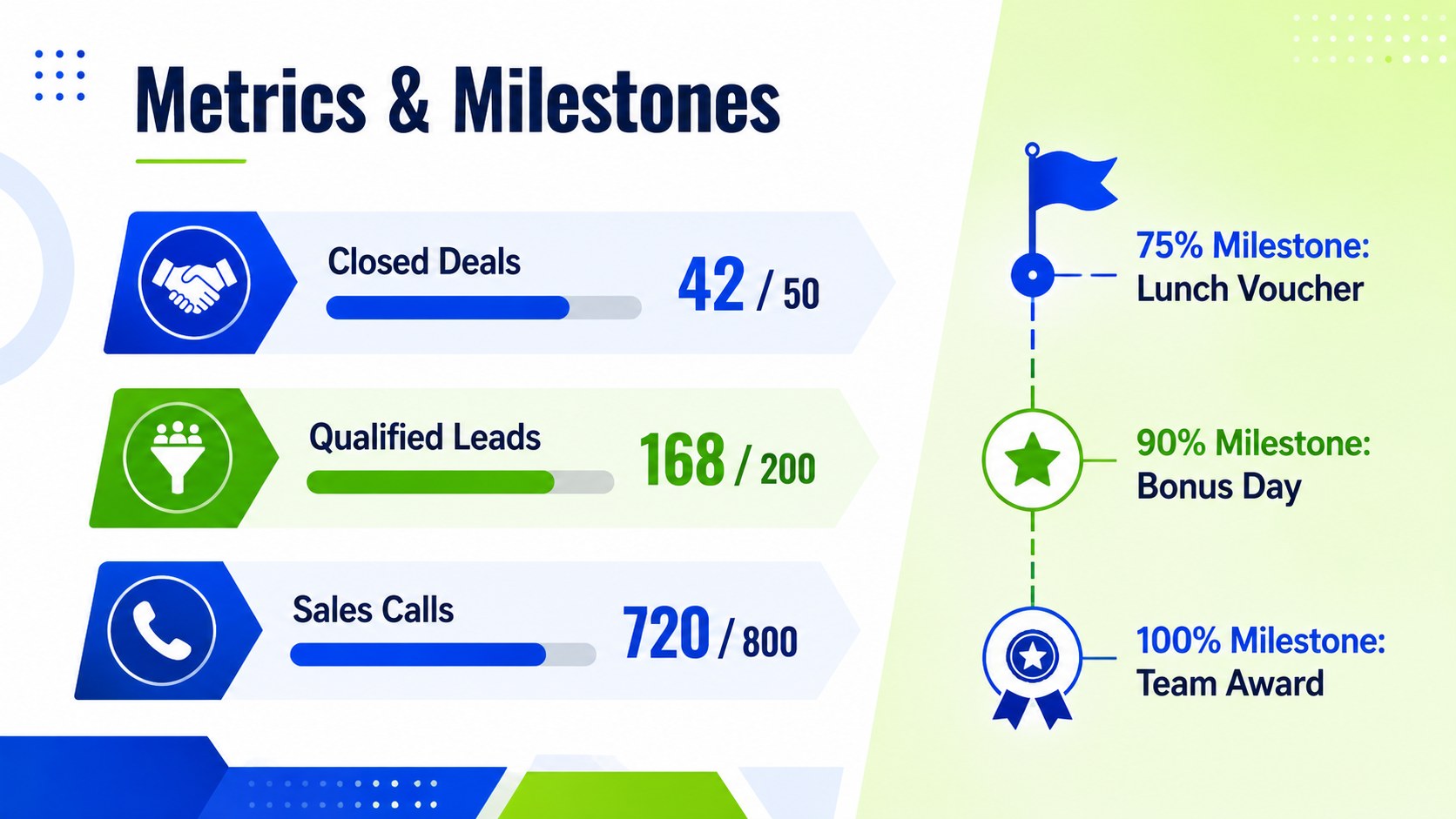
Make progress visible and keep friendly competition focused with the Sales Competition Scoreboard Spreadsheet. Designed for Excel and Google Sheets, this editable workspace brings targets, current results, rankings, and incentives together in a format that managers and representatives can scan quickly. Its modern geometric styling combines blue, white, and green for a polished, energetic dashboard that remains easy to read.
The template includes areas for participant names, individual or team goals, reporting periods, performance totals, leaderboard positions, milestone status, and reward details. Adapt the scoring model to revenue, closed deals, qualified leads, calls, meetings, or another measurable activity. Use it as an Excel sales leaderboard template, a team sales challenge scoring sheet, or a monthly revenue competition worksheet without rebuilding calculations and layouts from scratch.
This resource is suited to sales managers, revenue operations teams, small-business owners, branch leaders, and account executives running short-term contests or recurring incentive programs. It works especially well during weekly reviews, campaign sprints, quarterly pushes, and team meetings where current standings need to be understood at a glance. Update names, metrics, goals, time frames, and prizes to match your program, then share the file or present the dashboard during check-ins. The structured layout supports consistent reporting while giving teams a straightforward way to acknowledge achievements and maintain accountability.
Perfect for: monthly sales contest; quarterly revenue challenge; call volume competition; lead generation sprint; branch performance leaderboard.
Frequently asked questions
Can I change the scoring method for my sales contest? Yes. Edit the metric labels, targets, point values, and ranking criteria to reflect revenue, deals, leads, calls, meetings, or a weighted scoring system. You can also create separate sections for individual and team results.
Practical details
Yes. Edit the metric labels, targets, point values, and ranking criteria to reflect revenue, deals, leads, calls, meetings, or a weighted scoring system. You can also create separate sections for individual and team results.
The template is designed for Microsoft Excel and Google Sheets. Review imported formulas and formatting after opening the file, especially if your spreadsheet application uses regional number or date settings.
Yes. Replace the example names, competition periods, goals, prize details, and performance data with your own information. The blue, white, and green palette can also be adjusted to match an internal team or company style.
Yes. Duplicate the tracking area or worksheet for each week, month, campaign, or quarter. Keeping one period per copy makes historical rankings easier to compare and preserves a record of previous winners.
Keep exploring
6Honor teams and individuals with an Orange Year-End Recognition Certificate Set featuring six editable designs for PowerPoint and Google Slides.
 4
4Keep inspections, repairs, priorities, and follow-up dates organized in a weekly equipment service log designed for facilities and operations teams.
 4
4Keep weekly ownership visible with a Weekly Team Workflow Tracker for assignments, deadlines, priorities, logged hours, blockers, and status updates.
 4
4Turn weekly results into quick decisions with a colorful sales pulse tracker for comparing targets, revenue, wins, and trends in Excel or Google Sheets.
 4
4Turn a busy workload into a clear action plan with the Illustrated Task Priority Organizer, an editable green-and-purple template for focused days.
 4
4Organize classes, meetings, and personal tasks with a vibrant weekly schedule planner, editable in Excel and Google Sheets for fast, flexible updates.
 4
4Coordinate absences with an employee leave calendar spreadsheet built for clear approvals, reliable team coverage, and easy editing in Excel or Google Sheets.
 4
4Plan bills, savings, and daily costs with a colorful weekly spending planner for Excel or Google Sheets, with clear categories and automatic totals.