
 6
6spreadsheet
Orange Year-End Recognition Certificate Set
Honor teams and individuals with an Orange Year-End Recognition Certificate Set featuring six editable designs for PowerPoint and Google Slides.
Google SlidesPowerPointExcel
spreadsheet · English
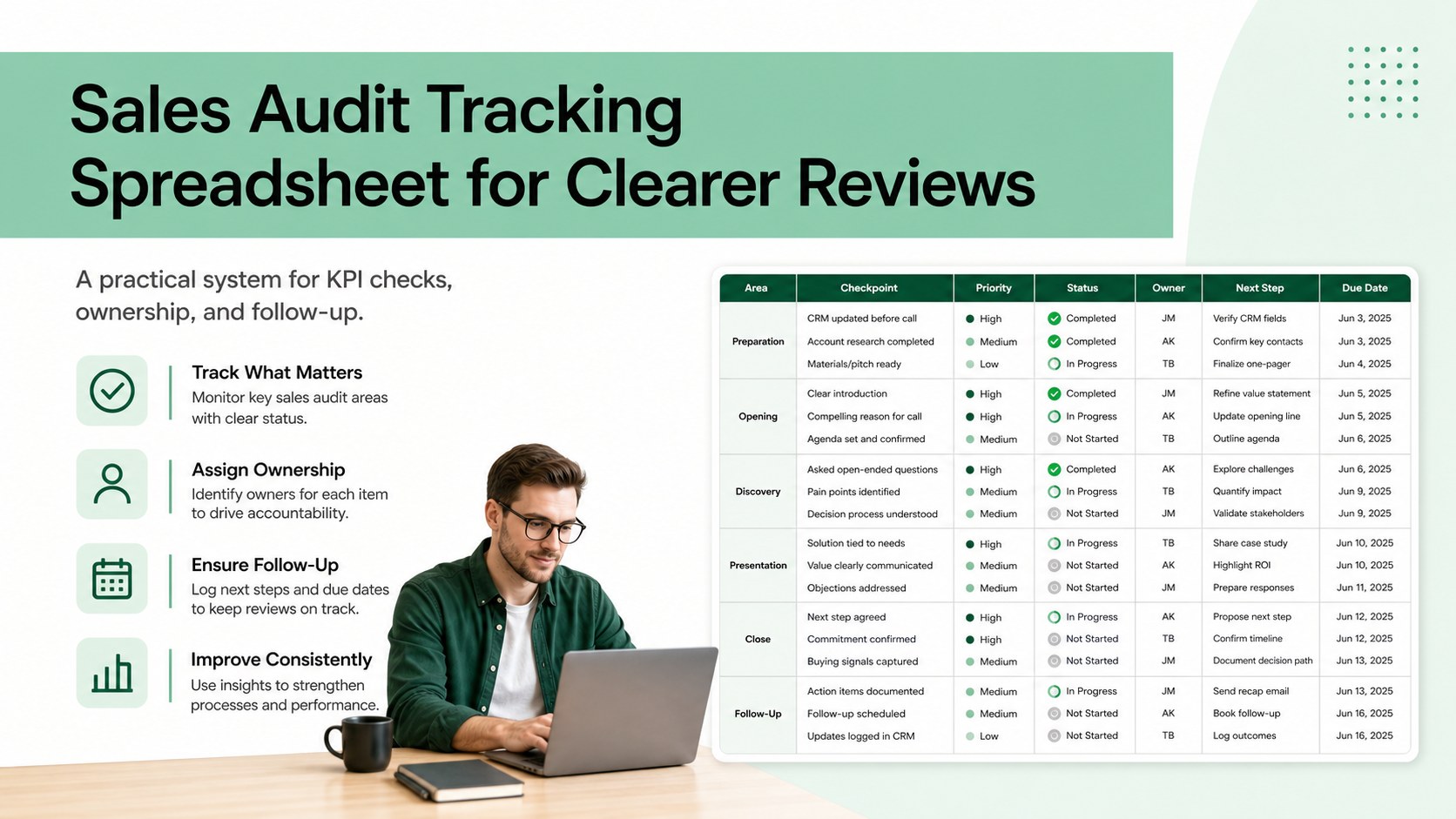
Build a consistent sales audit tracking spreadsheet for weekly reviews, KPI checks, pipeline follow-up, and team accountability in Excel or Google Sheets.
Design notes
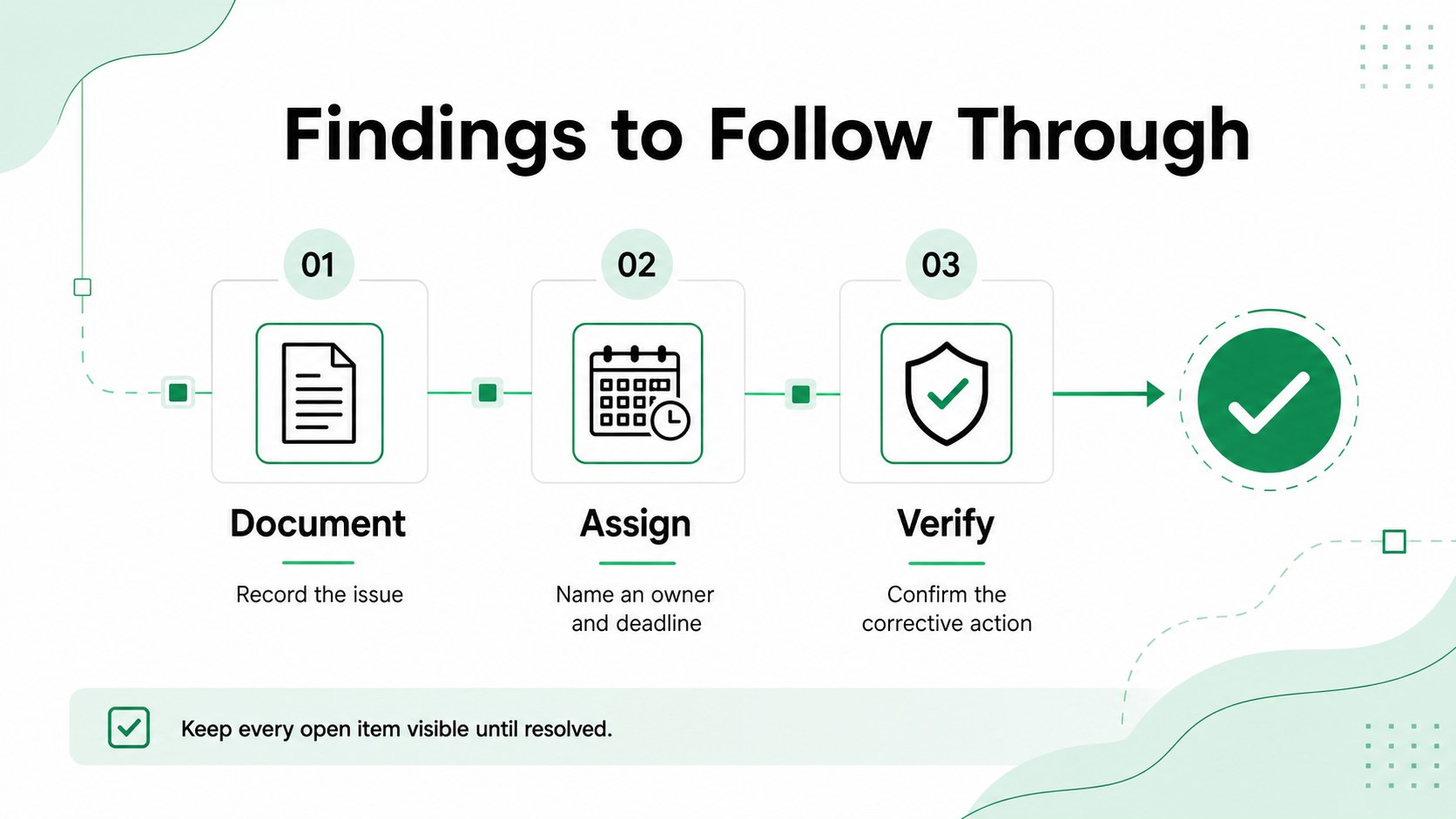
A reliable sales audit tracking spreadsheet gives revenue teams a repeatable way to inspect performance, document findings, and keep corrective actions moving. Use this clean white, black, and green template to organize weekly reviews, month-end checks, quarterly audits, and one-to-one performance discussions without losing important details.
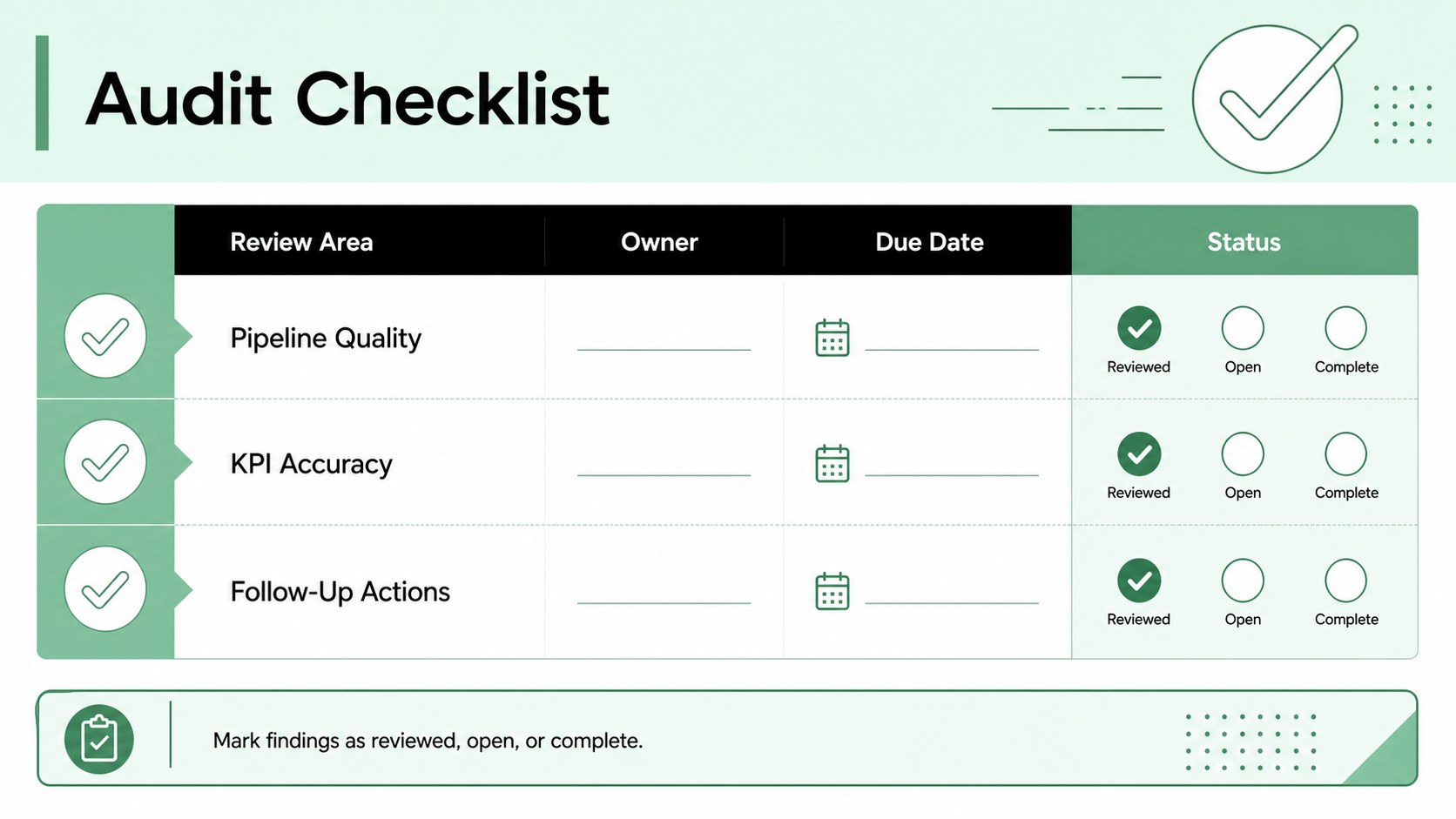
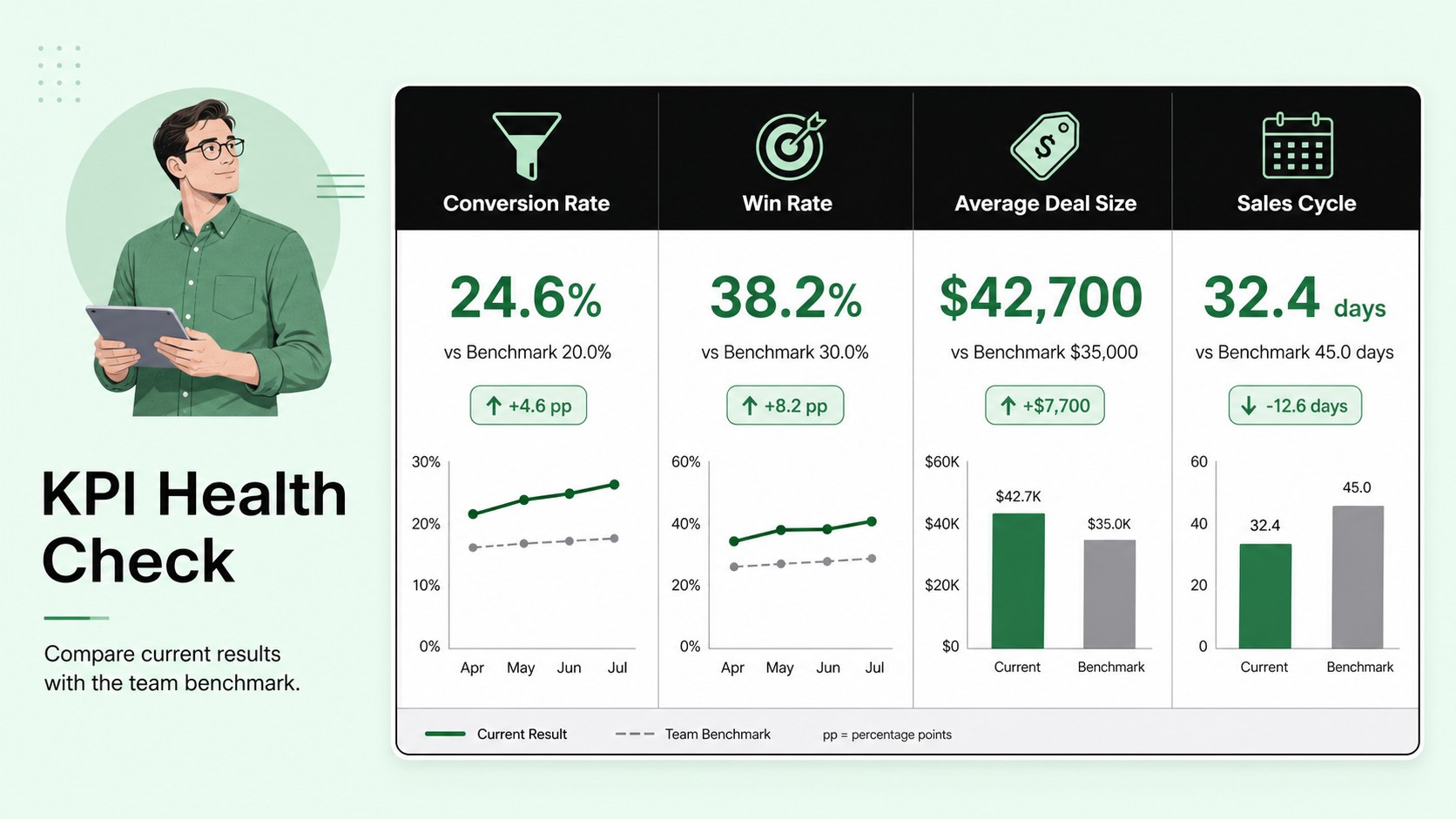
The workbook includes a ready-to-edit audit checklist, status fields, owner and due-date columns, KPI review areas, and space for notes or evidence. Add measures such as conversion rate, average deal size, sales cycle length, win rate, and pipeline coverage. The layout can also support a monthly sales compliance spreadsheet workflow, helping managers compare completed checks and unresolved items across periods. For broader planning, adapt the sections into a pipeline review checklist template for team meetings or territory reviews.
This resource is designed for sales managers, operations specialists, account executives, quality teams, and business leaders who need a practical sales control system. Edit the labels, reorder audit steps, apply your own metrics, and highlight overdue actions with simple formatting. The template works with Excel and Google Sheets, and its visual structure can also be recreated for PowerPoint or Google Slides when presenting audit results to stakeholders.
Perfect for: weekly sales pipeline review; month-end KPI validation; quarterly sales process audit; sales manager one-to-one review; revenue operations compliance check.
Frequently asked questions
Can I edit the checklist and KPI fields? Yes. Replace the sample audit steps, rename columns, and add metrics that match your sales process. You can also adjust owners, deadlines, statuses, and notes for different teams.
Practical details
Yes. Replace the sample audit steps, rename columns, and add metrics that match your sales process. You can also adjust owners, deadlines, statuses, and notes for different teams.
The spreadsheet layout is suitable for Excel and Google Sheets. You can also adapt the visual structure for PowerPoint or Google Slides when sharing audit summaries.
Yes. Duplicate the worksheet for weekly, monthly, or quarterly reviews, then compare completed checks and open actions across periods. A consistent naming system makes historical records easier to find.
Keep the white, black, and green palette or replace it with your team colors. Update headings, borders, status highlights, and typography while preserving the clear audit flow.
Keep exploring
6Honor teams and individuals with an Orange Year-End Recognition Certificate Set featuring six editable designs for PowerPoint and Google Slides.
 4
4Keep inspections, repairs, priorities, and follow-up dates organized in a weekly equipment service log designed for facilities and operations teams.
 4
4Keep weekly ownership visible with a Weekly Team Workflow Tracker for assignments, deadlines, priorities, logged hours, blockers, and status updates.
 4
4Turn weekly results into quick decisions with a colorful sales pulse tracker for comparing targets, revenue, wins, and trends in Excel or Google Sheets.
 4
4Turn a busy workload into a clear action plan with the Illustrated Task Priority Organizer, an editable green-and-purple template for focused days.
 4
4Organize classes, meetings, and personal tasks with a vibrant weekly schedule planner, editable in Excel and Google Sheets for fast, flexible updates.
 4
4Coordinate absences with an employee leave calendar spreadsheet built for clear approvals, reliable team coverage, and easy editing in Excel or Google Sheets.
 4
4Plan bills, savings, and daily costs with a colorful weekly spending planner for Excel or Google Sheets, with clear categories and automatic totals.