
 6
6spreadsheet
Orange Year-End Recognition Certificate Set
Honor teams and individuals with an Orange Year-End Recognition Certificate Set featuring six editable designs for PowerPoint and Google Slides.
Google SlidesPowerPointExcel
spreadsheet · English
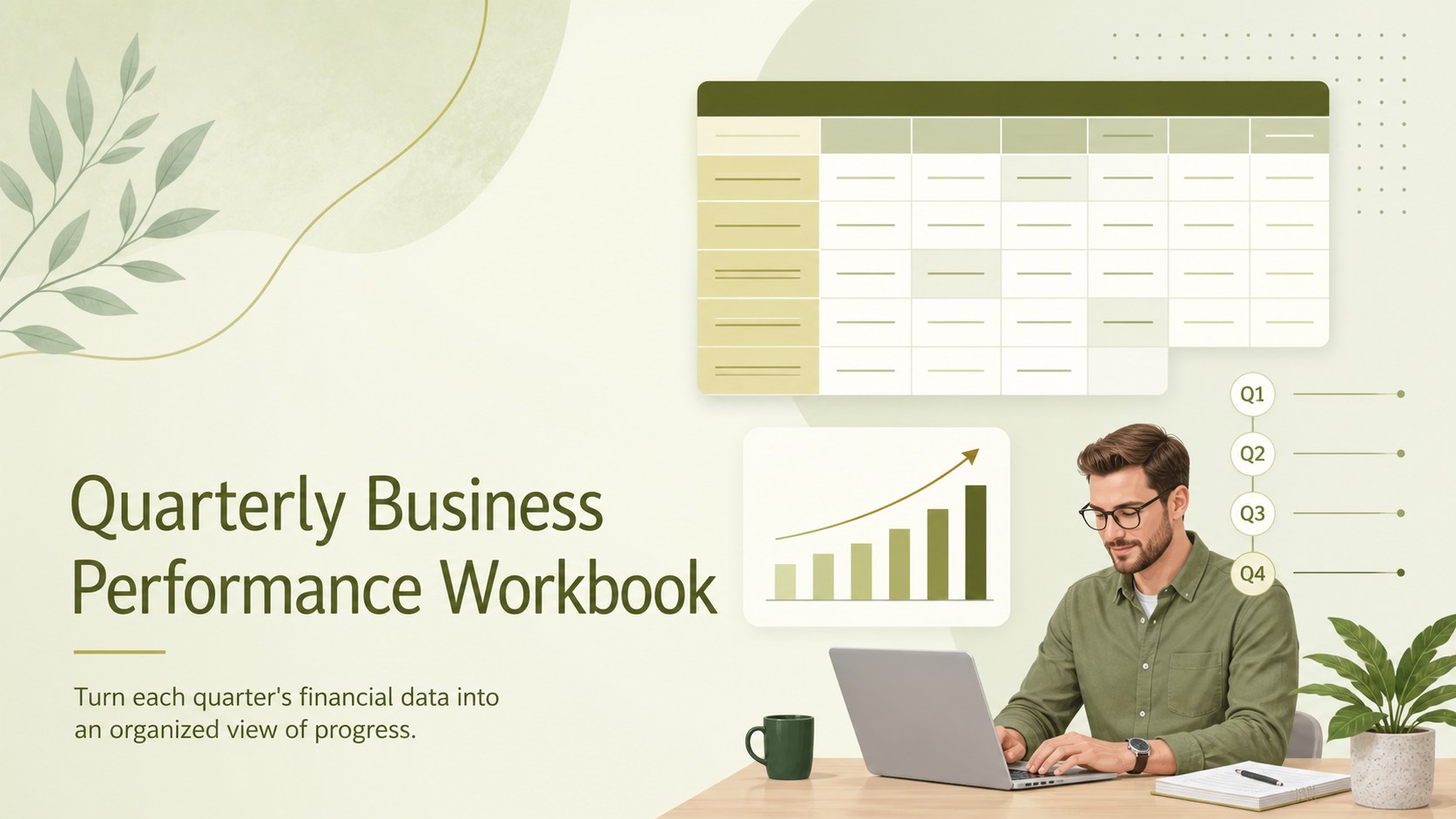
Turn three months of figures into clear decisions with this quarterly business performance workbook for tracking revenue, expenses, profit, and key trends.
Design notes
The Quarterly Business Performance Workbook brings revenue, expenses, profit, and operational indicators together in a clear green reporting system. Designed as a small business quarterly finance tracker, it helps owners and managers see what changed during the period, identify emerging patterns, and prepare for more focused review meetings.
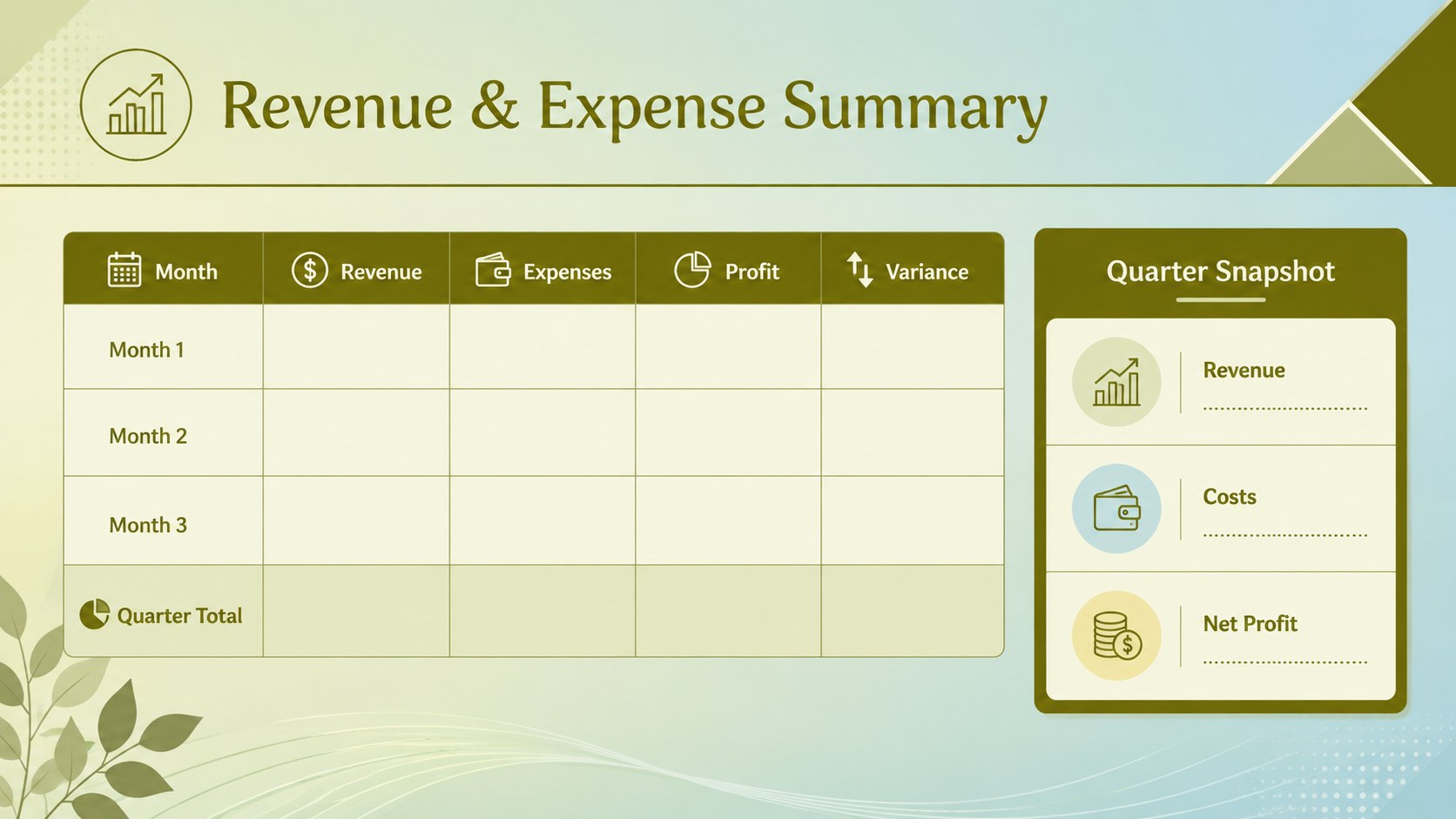
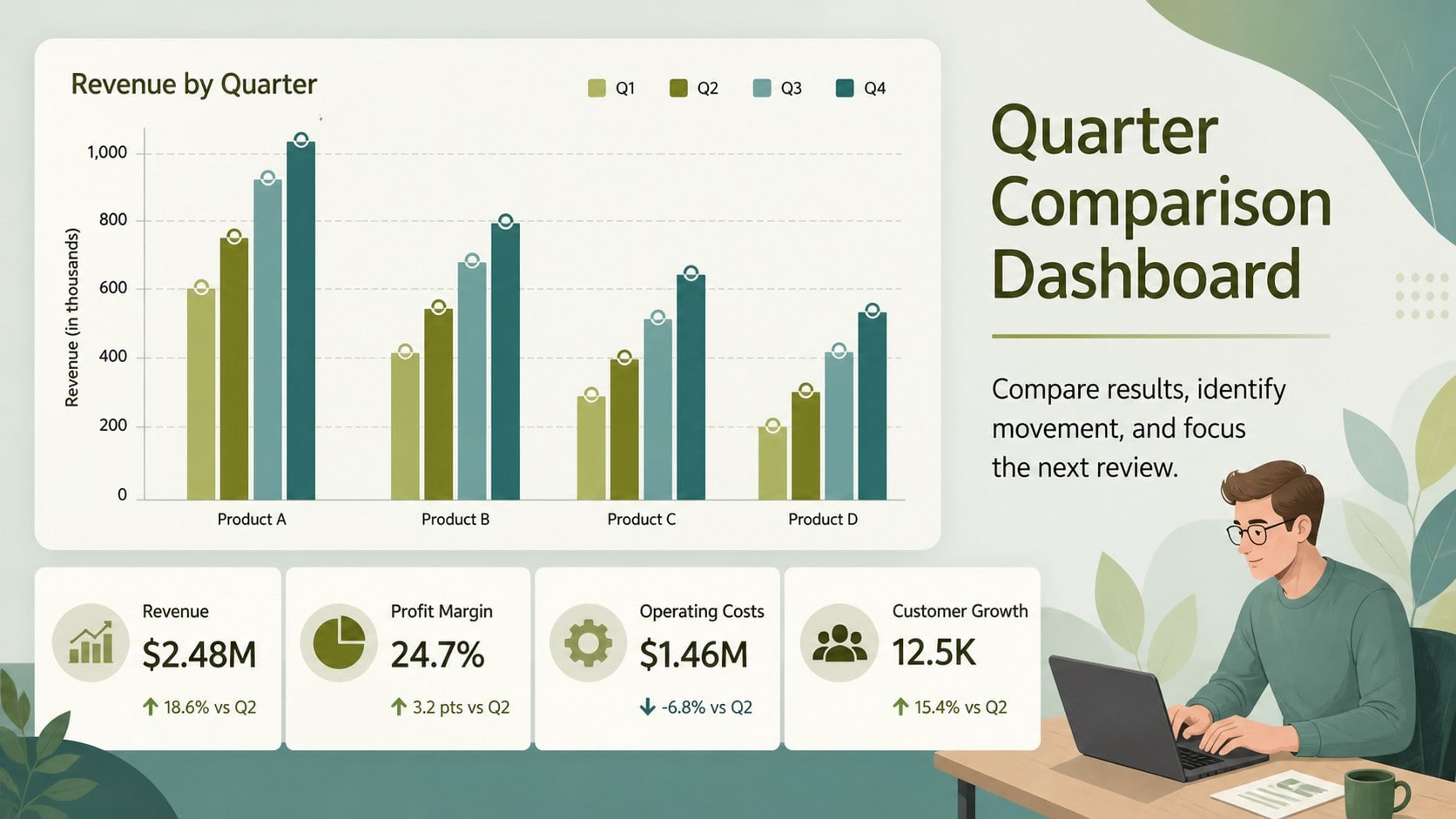
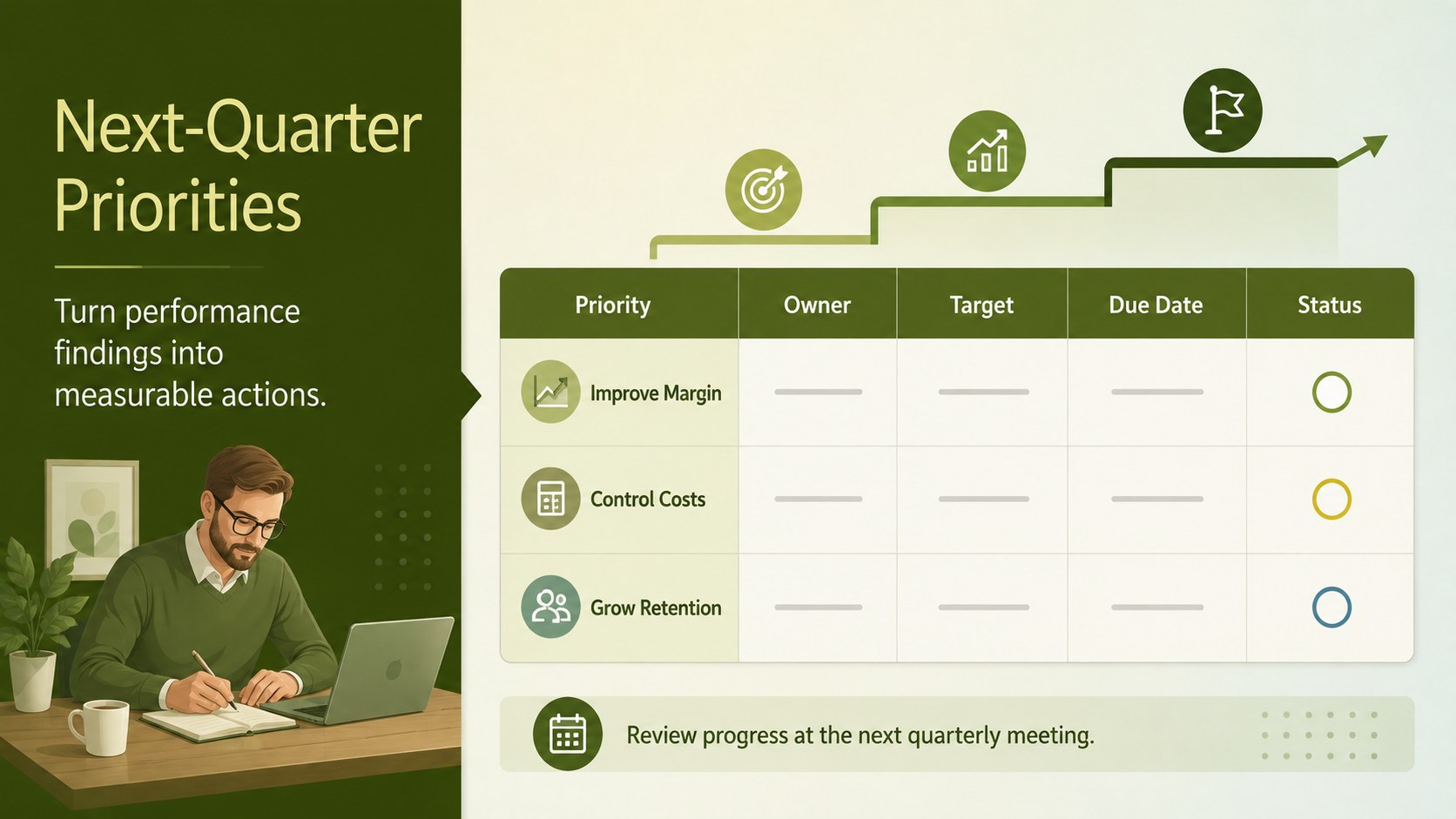
Inside, you will find structured areas for entering monthly figures, summarizing quarter totals, comparing results, and recording observations. The quarterly revenue and expense template supports side-by-side analysis without crowding the page, while the business quarter comparison dashboard turns core figures into readable charts and concise KPI summaries. Dedicated spaces for notes, variances, and next-quarter priorities connect financial results with practical decisions.
Use the workbook in Excel or Google Sheets and adapt the categories, formulas, labels, and reporting periods to match your operation. Its polished green gradient, restrained typography, and landscape layout suit independent retailers, consultancies, service firms, startups, and growing teams. It works well for internal QBR meetings, accountant check-ins, leadership updates, and recurring performance reviews. Whether you are reviewing margins, monitoring spending, or setting the next quarter's targets, this workbook keeps the information consistent, approachable, and ready to share.
Perfect for: quarterly leadership review; small business finance check-in; revenue and expense comparison; KPI reporting meeting; next-quarter target planning.
Frequently asked questions
Can I edit the workbook in Excel and Google Sheets? Yes. The tables, labels, values, and reporting categories can be edited in Excel or Google Sheets to reflect your business structure.
Practical details
Yes. The tables, labels, values, and reporting categories can be edited in Excel or Google Sheets to reflect your business structure.
Yes. Rename the months, quarter labels, and reporting period to match your fiscal calendar. You can also duplicate the reporting sections for ongoing quarterly use.
The workbook is arranged for revenue, expenses, profit, variances, and selected KPIs. Categories can be replaced or expanded for metrics such as customer growth, order volume, cash flow, or project delivery.
Yes. Update the fill colors, chart styles, typography, and table accents while keeping the underlying reporting structure. Use a consistent set of colors so quarter comparisons remain easy to scan.
Keep exploring
6Honor teams and individuals with an Orange Year-End Recognition Certificate Set featuring six editable designs for PowerPoint and Google Slides.
 4
4Keep inspections, repairs, priorities, and follow-up dates organized in a weekly equipment service log designed for facilities and operations teams.
 4
4Keep weekly ownership visible with a Weekly Team Workflow Tracker for assignments, deadlines, priorities, logged hours, blockers, and status updates.
 4
4Turn weekly results into quick decisions with a colorful sales pulse tracker for comparing targets, revenue, wins, and trends in Excel or Google Sheets.
 4
4Turn a busy workload into a clear action plan with the Illustrated Task Priority Organizer, an editable green-and-purple template for focused days.
 4
4Organize classes, meetings, and personal tasks with a vibrant weekly schedule planner, editable in Excel and Google Sheets for fast, flexible updates.
 4
4Coordinate absences with an employee leave calendar spreadsheet built for clear approvals, reliable team coverage, and easy editing in Excel or Google Sheets.
 4
4Plan bills, savings, and daily costs with a colorful weekly spending planner for Excel or Google Sheets, with clear categories and automatic totals.