
 6
6spreadsheet
Orange Year-End Recognition Certificate Set
Honor teams and individuals with an Orange Year-End Recognition Certificate Set featuring six editable designs for PowerPoint and Google Slides.
Google SlidesPowerPointExcel
spreadsheet · English
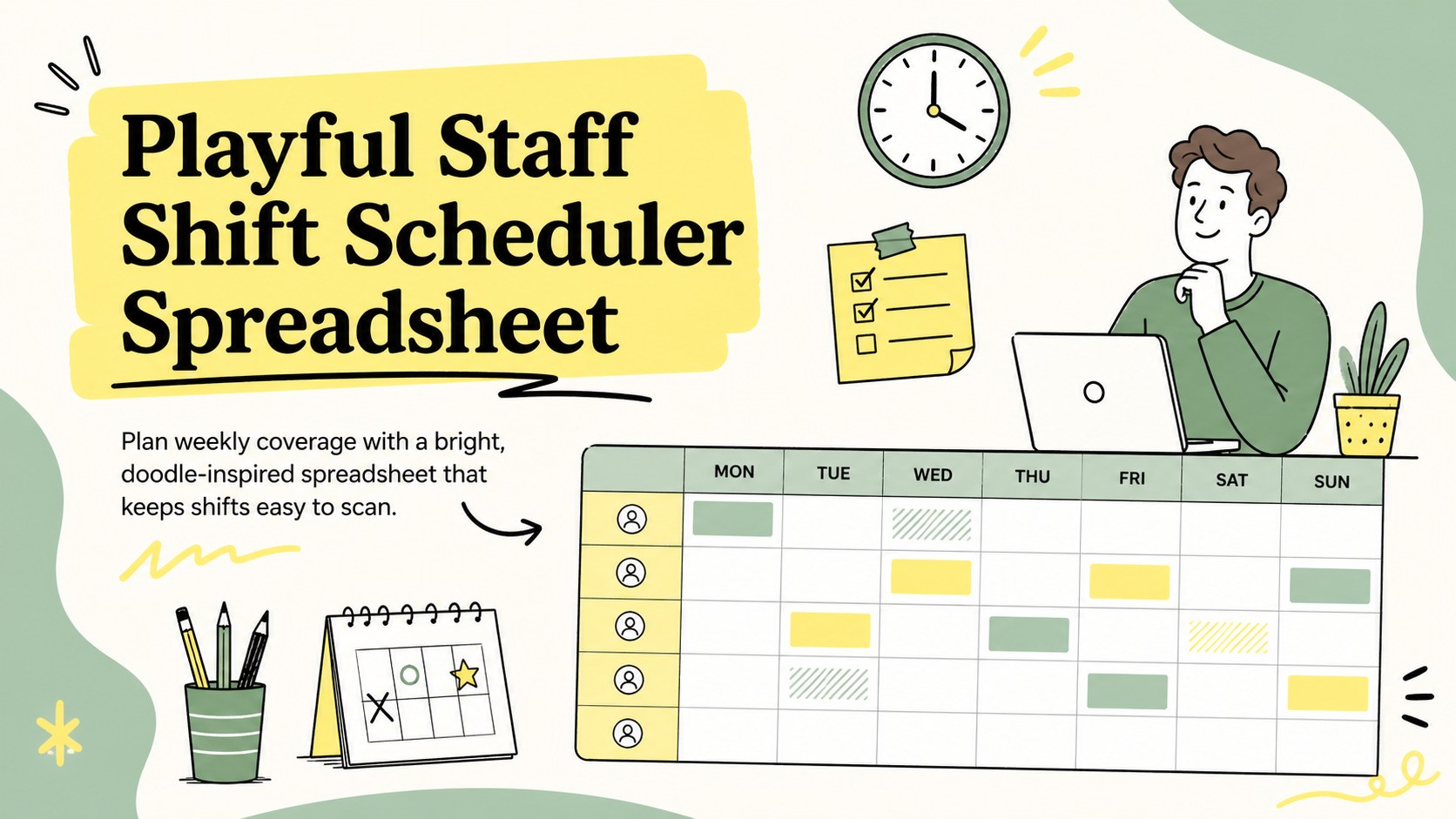
Build clear weekly rotas with a playful staff shift scheduler spreadsheet for PowerPoint, Google Slides, Excel, and Google Sheets, ready to customize.
Design notes
Bring structure and personality to workforce planning with this playful staff shift scheduler spreadsheet. Its lively yellow, green, and black palette makes assignments easy to distinguish while preserving a practical layout for day-to-day use. Update names, roles, working hours, and availability without rebuilding your schedule whenever staffing plans change.
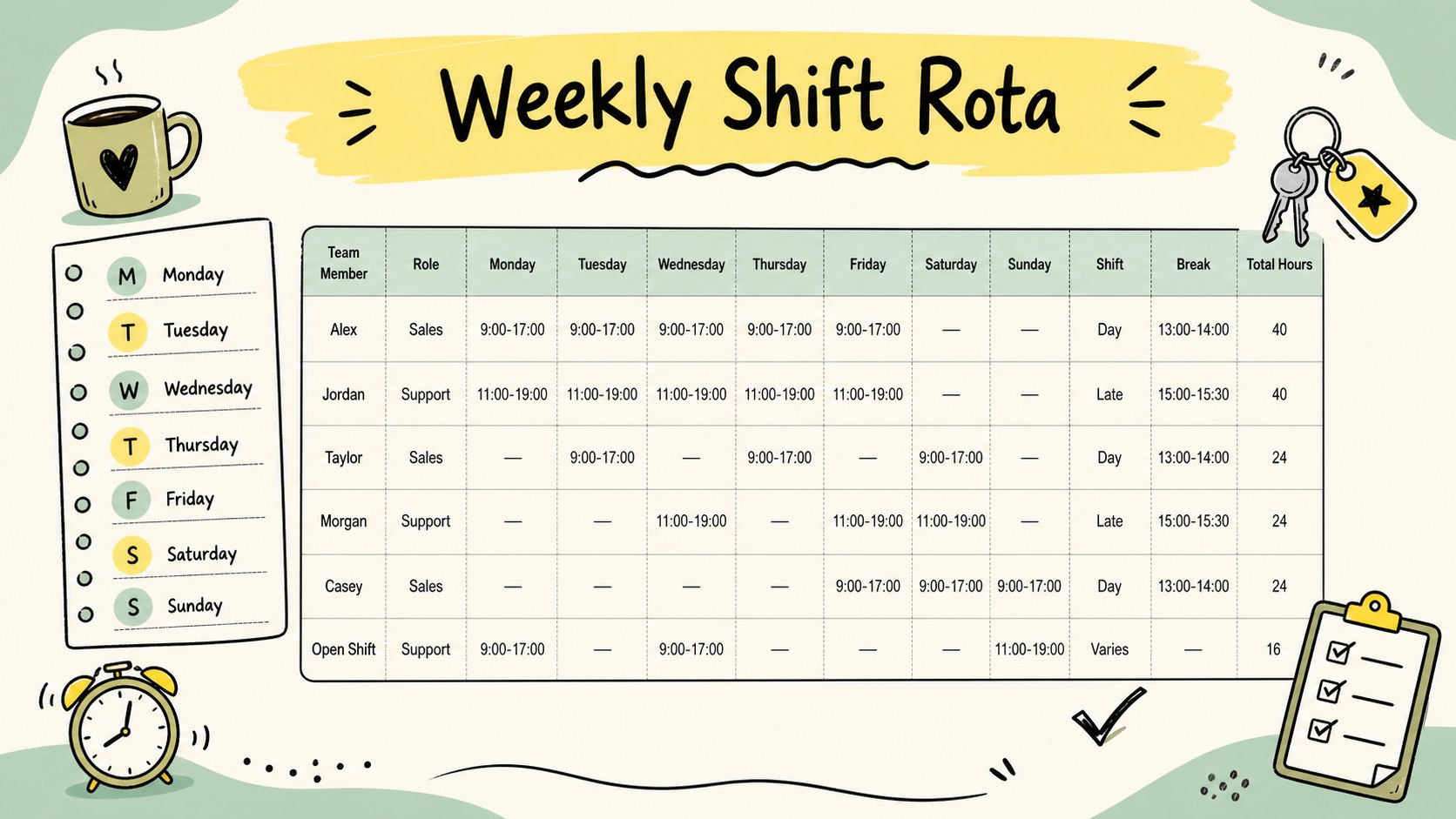
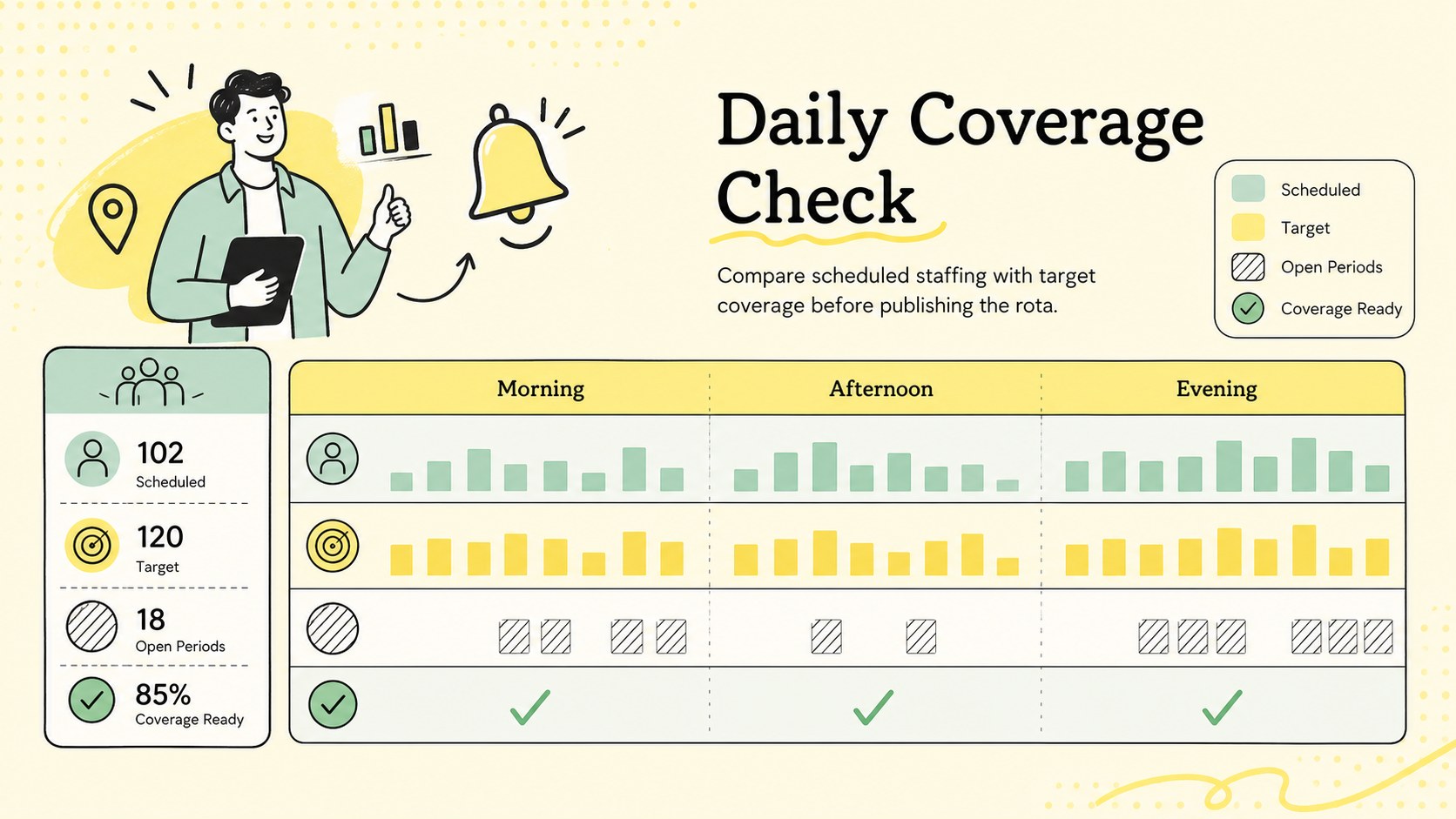
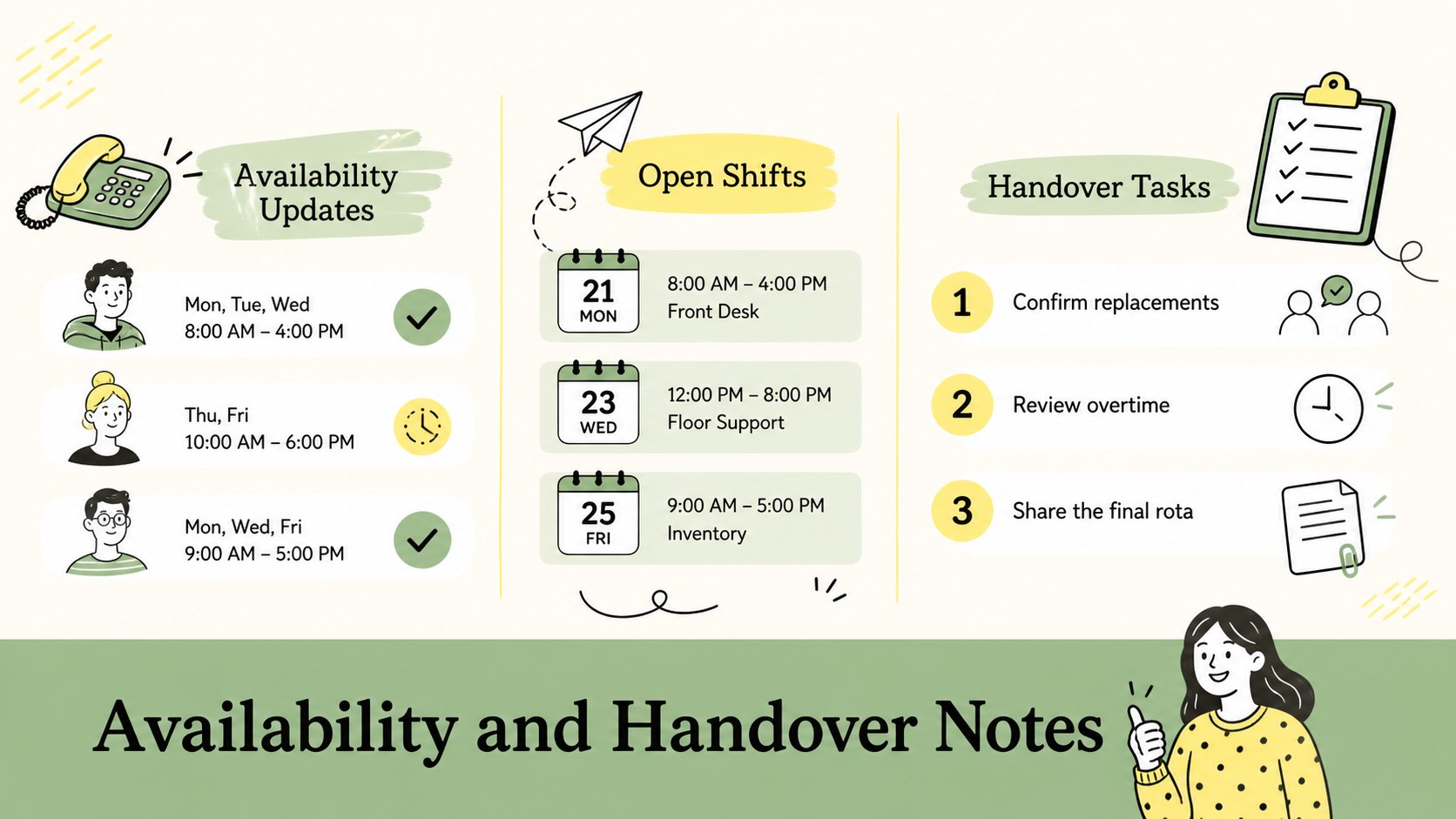
Inside, you will find a weekly rota grid, shift and break fields, coverage summaries, and a dedicated area for handover notes or scheduling reminders. The printable staff rota spreadsheet can be adapted for different departments, locations, or rotating work patterns. Use color coding to separate early, late, and overnight shifts, then add totals to monitor scheduled hours across the team. A companion coverage view helps managers identify open periods before publishing the rota.
Designed for HR coordinators, operations managers, supervisors, and small business owners, this editable employee rota for Excel also works smoothly in Google Sheets. The visual layouts can be presented or discussed through PowerPoint and Google Slides when teams need a clear scheduling overview. Whether you are preparing a retail roster, coordinating hospitality employees, or creating an HR weekly coverage planner, the flexible format keeps essential staffing information organized, readable, and quick to revise.
Perfect for: retail weekly rota; restaurant shift planning; office team scheduling; hospitality staff coverage; department schedule review.
Frequently asked questions
Can I change the shift times and employee roles? Yes. Edit the time fields, staff names, role labels, and color categories to match your workplace. You can also duplicate rows or columns when additional employees or scheduling periods are needed.
Practical details
Yes. Edit the time fields, staff names, role labels, and color categories to match your workplace. You can also duplicate rows or columns when additional employees or scheduling periods are needed.
The spreadsheet layouts can be edited in Microsoft Excel and Google Sheets. PowerPoint and Google Slides are supported for presenting the schedule and coverage overview.
Yes. Replace the example shift labels with your own time ranges and use separate colors for early, late, overnight, or split shifts. Notes can be added for rotations that continue into the following day.
Change the colors, fonts, doodle accents, borders, and department labels using the editing tools in the supported platform. Keep strong contrast between shift categories so the completed rota remains easy to scan.
Keep exploring
6Honor teams and individuals with an Orange Year-End Recognition Certificate Set featuring six editable designs for PowerPoint and Google Slides.
 4
4Keep inspections, repairs, priorities, and follow-up dates organized in a weekly equipment service log designed for facilities and operations teams.
 4
4Keep weekly ownership visible with a Weekly Team Workflow Tracker for assignments, deadlines, priorities, logged hours, blockers, and status updates.
 4
4Turn weekly results into quick decisions with a colorful sales pulse tracker for comparing targets, revenue, wins, and trends in Excel or Google Sheets.
 4
4Turn a busy workload into a clear action plan with the Illustrated Task Priority Organizer, an editable green-and-purple template for focused days.
 4
4Organize classes, meetings, and personal tasks with a vibrant weekly schedule planner, editable in Excel and Google Sheets for fast, flexible updates.
 4
4Coordinate absences with an employee leave calendar spreadsheet built for clear approvals, reliable team coverage, and easy editing in Excel or Google Sheets.
 4
4Plan bills, savings, and daily costs with a colorful weekly spending planner for Excel or Google Sheets, with clear categories and automatic totals.