
 15
15presentation
Indie Magazine Startup Pitch Deck
Shape your publishing concept with an indie magazine startup pitch deck featuring pastel gradients, bold collage layouts, and editable planning slides.
Google SlidesPowerPoint
presentation · English
Build polished updates with a photo-led corporate report deck featuring bold imagery, rounded layouts, editable charts, and flexible red accents.







Design notes
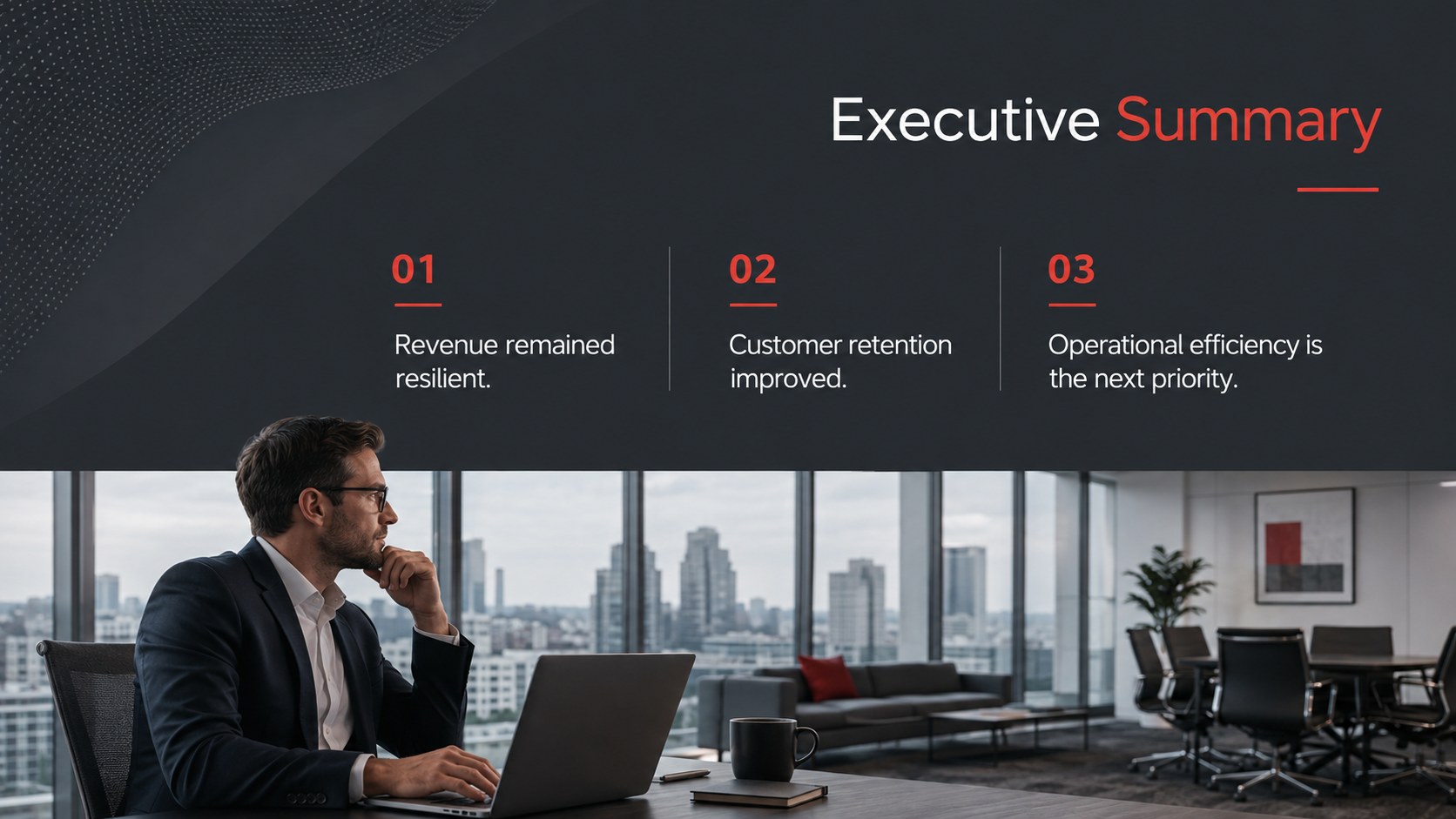
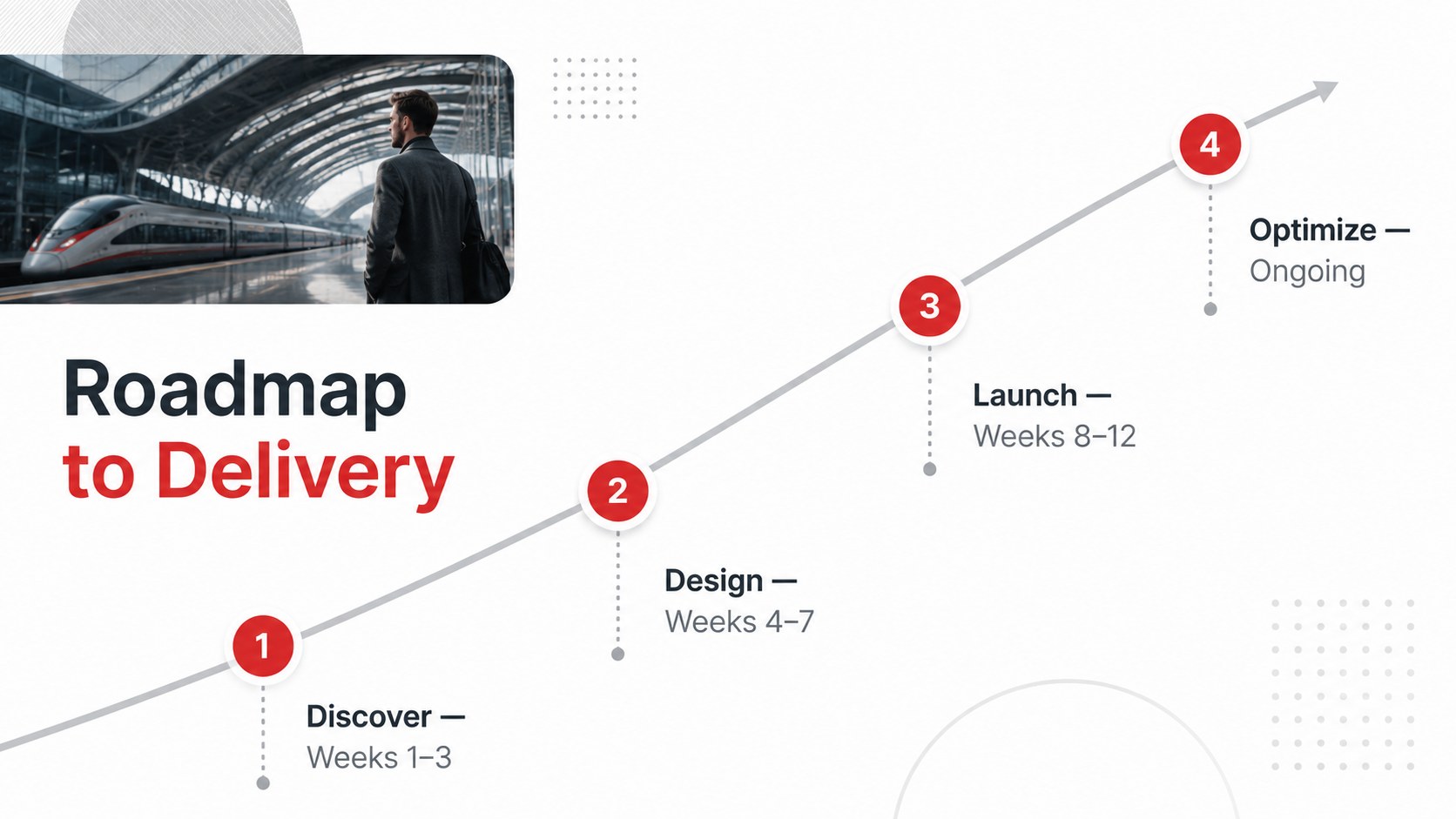
Bring business updates to life with a photo-led corporate report deck designed for clear, confident communication. Full-width imagery adds context and energy, while crisp typography, restrained red accents, and rounded graphic details maintain a credible professional tone. Replace the photographs and adjust the accent color to align every page with your organization’s visual identity.
The deck includes 25 editable layouts for executive summaries, company profiles, strategic priorities, project milestones, key metrics, comparisons, maps, charts, tables, and closing recommendations. Use the professional photo background slides to balance concise messages with relevant workplace, architecture, or city imagery. Editable business charts in PowerPoint and Google Slides make it straightforward to present performance data without disrupting the visual system. The widescreen 16:9 format uses Raleway and Red Hat Display for a modern, highly readable finish.
This photo-led corporate report deck works especially well for consultancy findings, quarterly reviews, leadership briefings, transformation plans, and internal proposals. Teams can select only the layouts they need, reorder sections, recolor icons, and export the finished presentation as a PDF or image set. It is a practical choice for managers, consultants, analysts, and project leads who need an adaptable corporate results presentation template with a strong photographic presence.
Perfect for: quarterly performance review; consulting findings presentation; executive strategy briefing; internal project proposal; company profile presentation; business transformation update.
Frequently asked questions
Can I replace the photographs with company images? Yes. Replace each image placeholder with workplace, product, team, architecture, or city photography that supports your message. Cropping controls in PowerPoint and Google Slides help preserve the intended full-bleed composition.
Practical details
Yes. Replace each image placeholder with workplace, product, team, architecture, or city photography that supports your message. Cropping controls in PowerPoint and Google Slides help preserve the intended full-bleed composition.
The template is designed for Microsoft PowerPoint and Google Slides. You can also export the completed presentation to PDF or common image formats for sharing.
Yes. Update the theme colors to apply your preferred accent consistently across shapes, charts, tables, and icons. For the clearest results, choose a color with strong contrast against the dark photographic backgrounds.
Yes. Chart values, table content, icon colors, text, and graphic elements can be customized. Layouts may also be duplicated, removed, or reordered to fit the structure of your report.
Keep exploring
15Shape your publishing concept with an indie magazine startup pitch deck featuring pastel gradients, bold collage layouts, and editable planning slides.
 16
16Build clear project stories with the Icon Grid Teamwork Theme, a flexible blue illustrated deck for proposals, strategy updates, and team meetings.
 3
3Turn priorities into an actionable plan with an annual goals roadmap infographic, featuring editable orange and teal layouts for PowerPoint and Google Slides.
 15
15Create an Annual Achievement Report Presentation with colorful geometric layouts for milestones, results, lessons, and priorities in PowerPoint or Google Slides.
 15
15Turn results into a focused annual performance evaluation report with dark 3D slides for KPIs, achievements, feedback, and next-step goals for teams.
 15
15Guide a focused annual recap with Business Results Retrospective Slides, a muted brown-and-blue template for PowerPoint and Google Slides.
 6
6Turn complex plans into clear visual stories with Color-Coded Workflow Path Slides, an editable set for project updates, roadmaps, and team briefings.