
 6
6spreadsheet
Orange Year-End Recognition Certificate Set
Honor teams and individuals with an Orange Year-End Recognition Certificate Set featuring six editable designs for PowerPoint and Google Slides.
Google SlidesPowerPointExcel
spreadsheet · English
Celebrate classroom wins with Penguin Achievement Certificate Slides, an editable blue, teal, and orange award set for PowerPoint and Google Slides.


Design notes
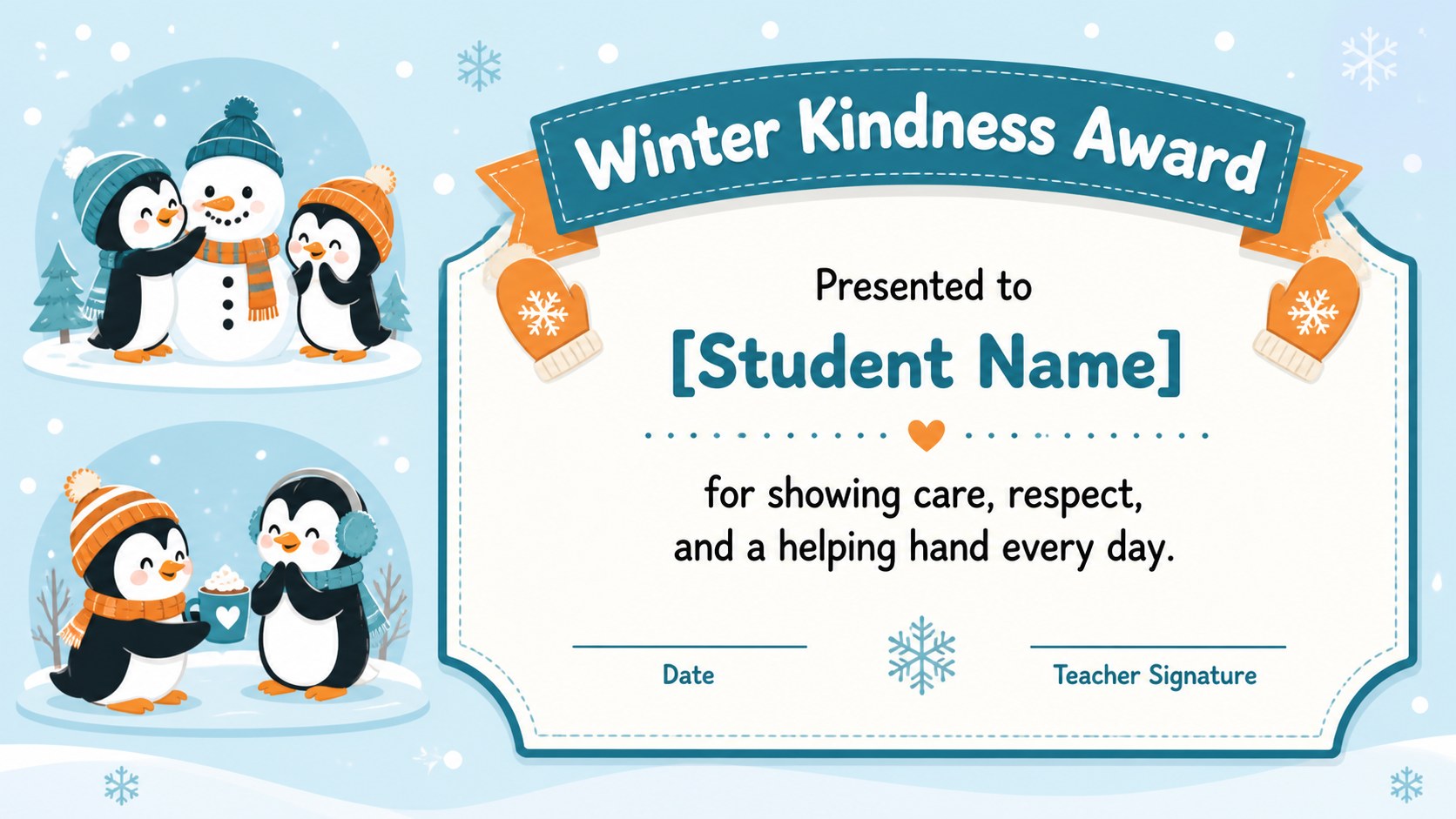
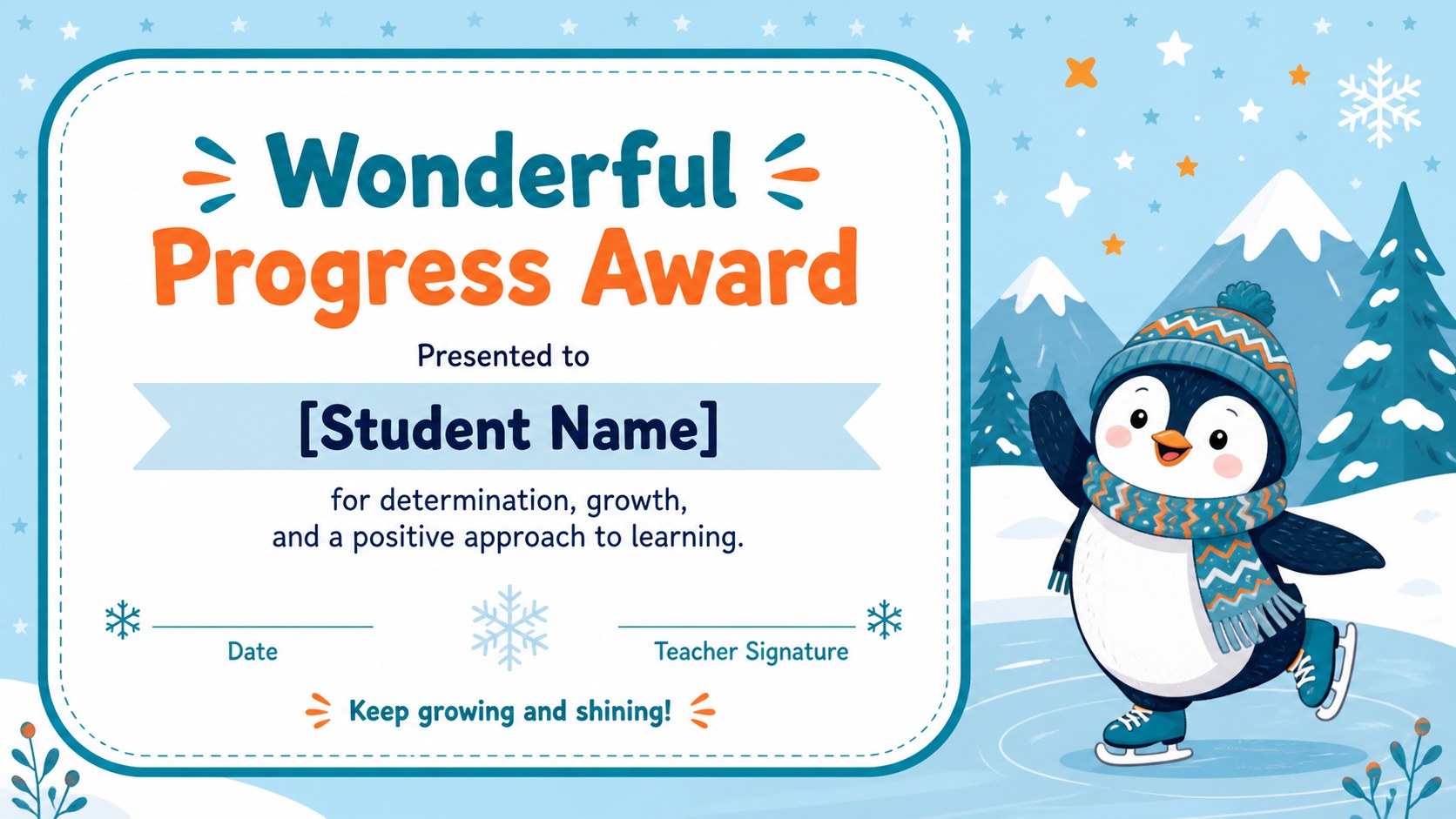
Penguin Achievement Certificate Slides give teachers a cheerful way to recognize student success throughout the winter season. The playful blue, teal, and orange palette combines friendly illustrated details with clear award wording, creating certificates that feel special without becoming difficult to read. This editable winter classroom certificate set works for academic accomplishments, positive behavior, consistent effort, attendance, and personal growth.
Inside are four ready-to-personalize certificate designs with spaces for the recipient's name, achievement, date, and teacher signature. Use the coordinated layouts as a penguin student award template, then adjust the wording, colors, fonts, and decorative elements to suit your class or event. The designs use a warm, child-friendly visual style while maintaining enough structure for names and award details to stand out clearly.
Created for preschool, elementary, and early middle school educators, this set is useful for classroom celebrations, winter assemblies, end-of-unit recognition, and seasonal learning events. Each printable school achievement award can be edited in PowerPoint or Google Slides, duplicated for multiple recipients, and prepared for digital sharing or printing. Whether you are honoring kindness, improvement, creativity, reading progress, or excellent work, these coordinated certificates make recognition personal, upbeat, and memorable.
Perfect for: winter classroom awards; student achievement recognition; positive behavior certificates; elementary school assemblies; end-of-unit celebrations.
Frequently asked questions
Can I edit the student names and award wording? Yes. Replace the sample text with each student's name, achievement, date, and teacher signature. You can also duplicate a certificate to prepare awards for an entire class.
Practical details
Yes. Replace the sample text with each student's name, achievement, date, and teacher signature. You can also duplicate a certificate to prepare awards for an entire class.
The template is designed for PowerPoint and Google Slides. Text, colors, fonts, and illustrated elements can be adjusted in either platform.
Yes. After personalizing an award, export or print it using the quality settings available in PowerPoint or Google Slides. Check the print preview first to confirm margins and scaling.
The wording can be adapted for academic progress, kindness, creativity, attendance, reading milestones, effort, or positive behavior. Each layout includes flexible text areas for creating a specific award.
Keep exploring
6Honor teams and individuals with an Orange Year-End Recognition Certificate Set featuring six editable designs for PowerPoint and Google Slides.
 4
4Keep inspections, repairs, priorities, and follow-up dates organized in a weekly equipment service log designed for facilities and operations teams.
 4
4Keep weekly ownership visible with a Weekly Team Workflow Tracker for assignments, deadlines, priorities, logged hours, blockers, and status updates.
 4
4Turn weekly results into quick decisions with a colorful sales pulse tracker for comparing targets, revenue, wins, and trends in Excel or Google Sheets.
 4
4Turn a busy workload into a clear action plan with the Illustrated Task Priority Organizer, an editable green-and-purple template for focused days.
 4
4Organize classes, meetings, and personal tasks with a vibrant weekly schedule planner, editable in Excel and Google Sheets for fast, flexible updates.
 4
4Coordinate absences with an employee leave calendar spreadsheet built for clear approvals, reliable team coverage, and easy editing in Excel or Google Sheets.
 4
4Plan bills, savings, and daily costs with a colorful weekly spending planner for Excel or Google Sheets, with clear categories and automatic totals.