
 6
6spreadsheet
Orange Year-End Recognition Certificate Set
Honor teams and individuals with an Orange Year-End Recognition Certificate Set featuring six editable designs for PowerPoint and Google Slides.
Google SlidesPowerPointExcel
spreadsheet · English
Use this monthly revenue goal dashboard to compare targets with actual sales, spot performance gaps, and report progress in Excel or Google Sheets.

Design notes
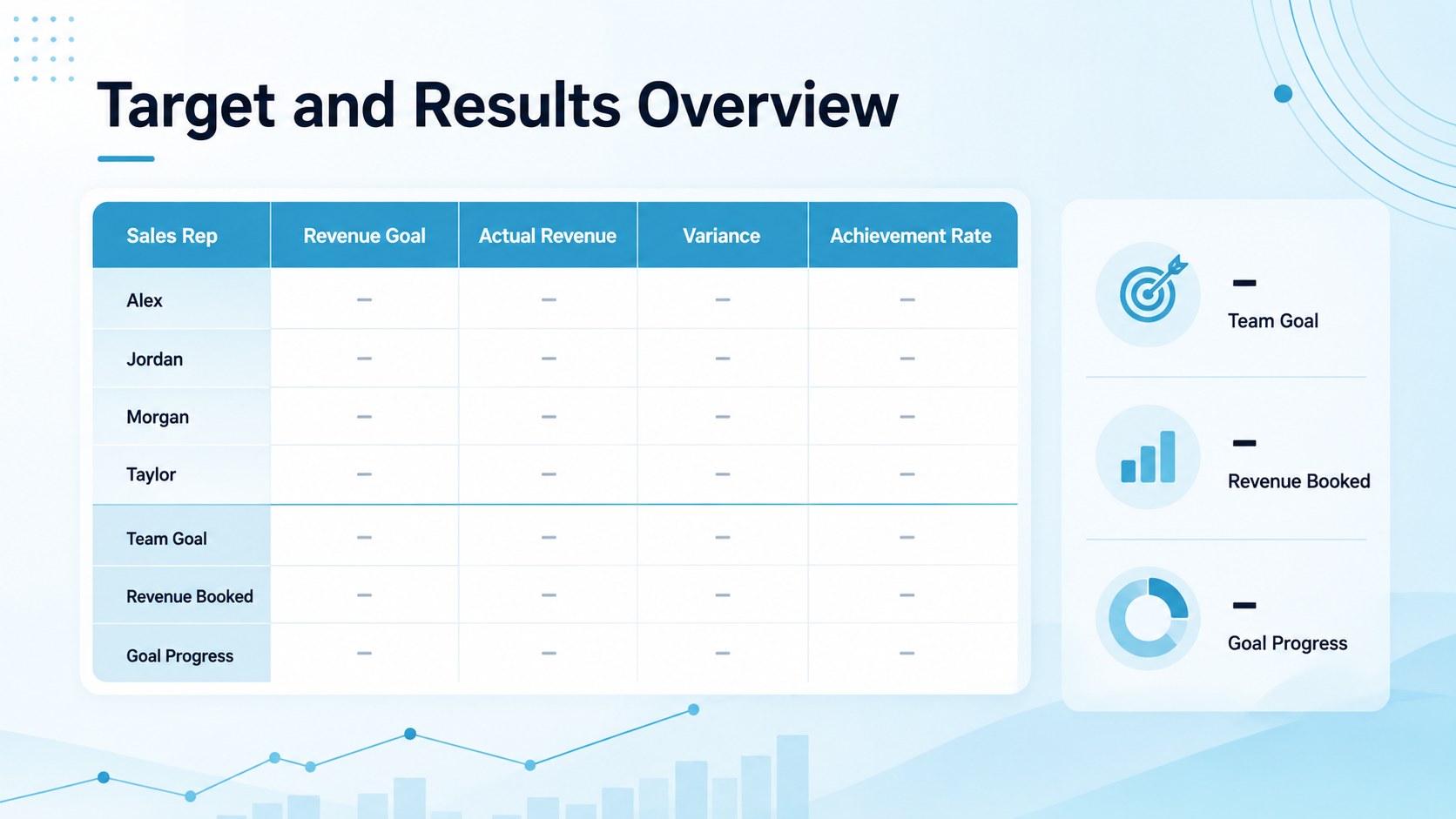
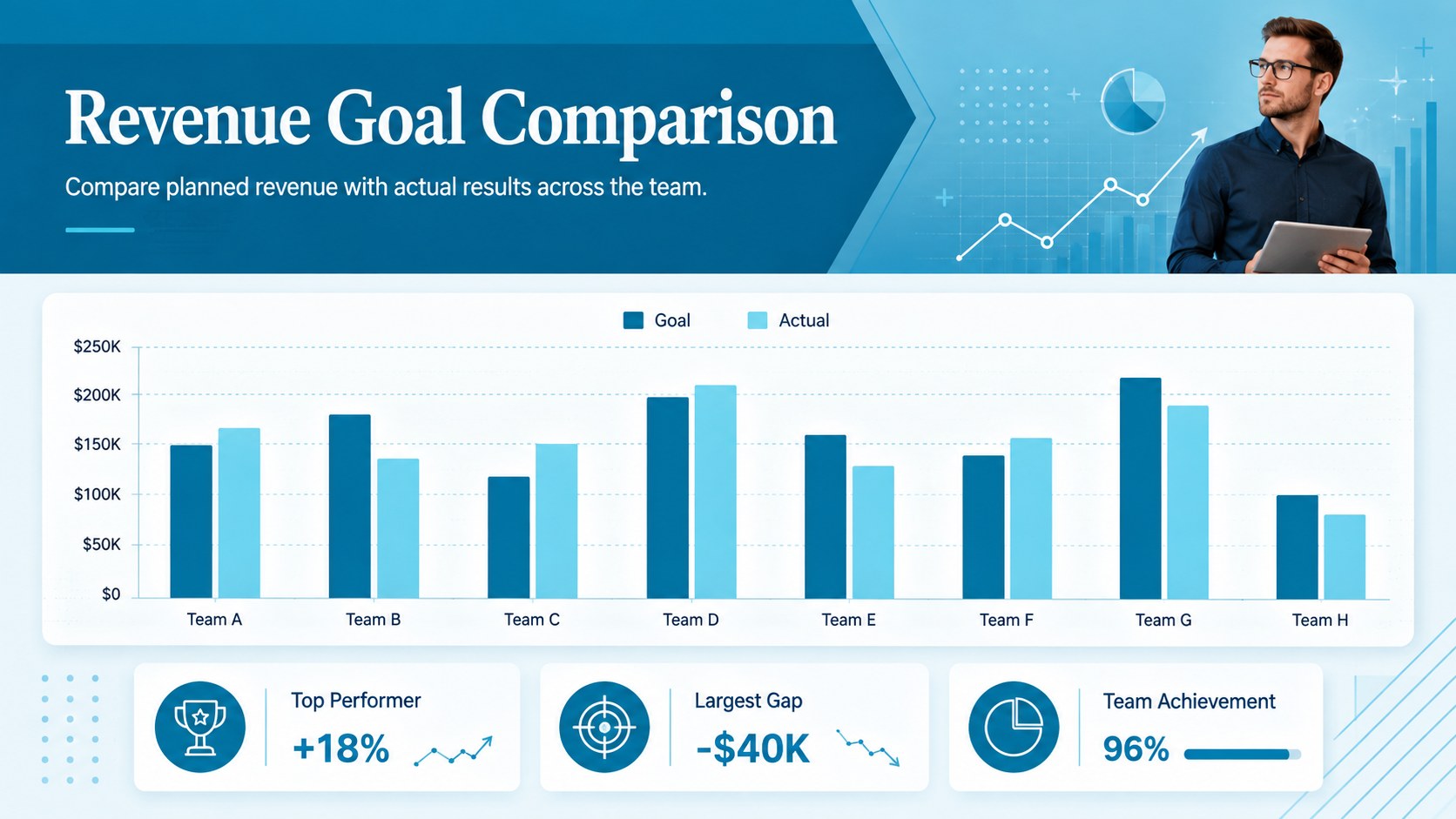
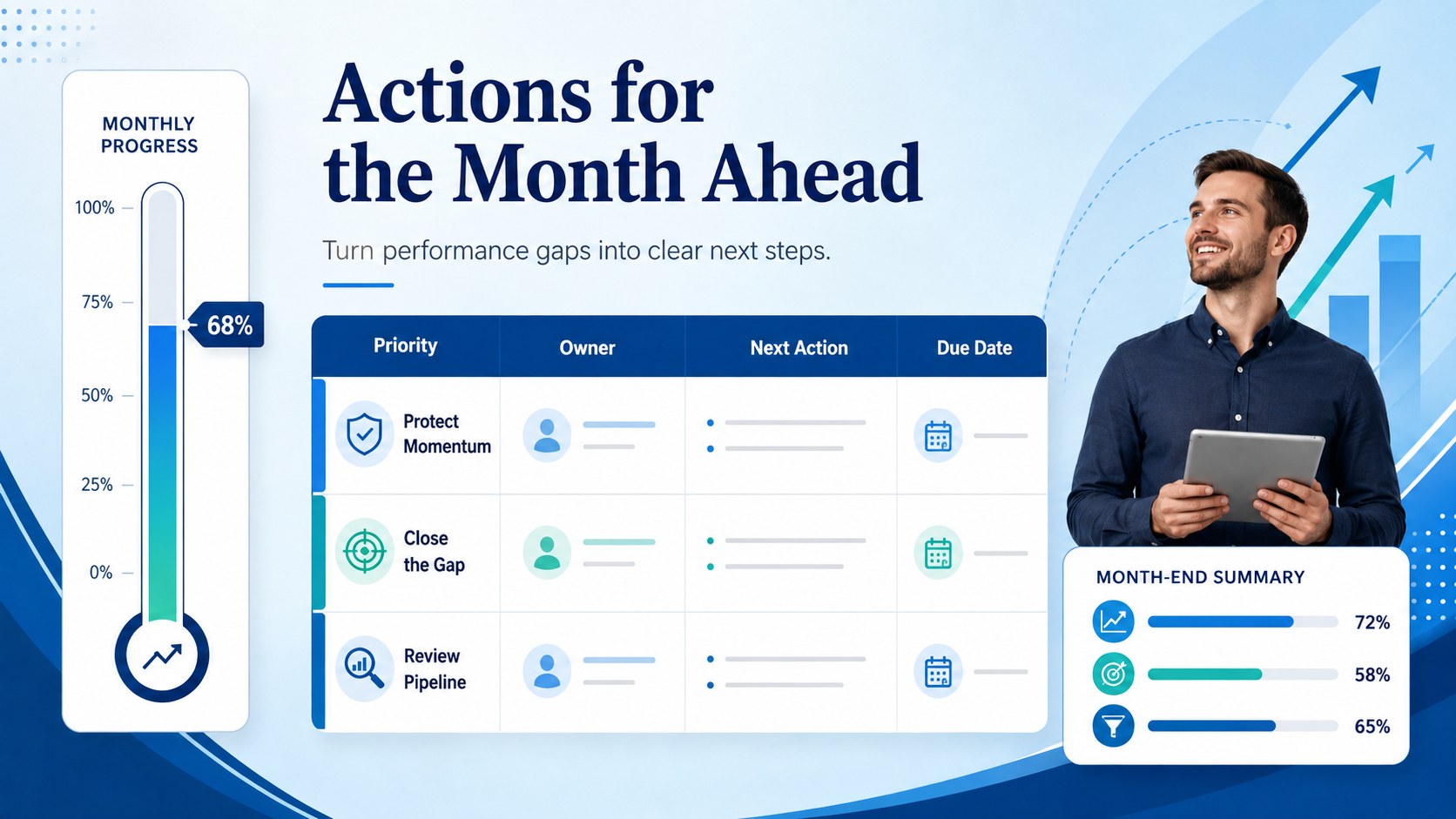
Turn raw sales figures into an actionable performance overview with this monthly revenue goal dashboard. Designed for Excel and Google Sheets, the workbook gives managers a focused place to compare planned revenue with actual results, calculate achievement rates, and recognize gaps before the reporting period closes. Its sleek blue gradient palette keeps the monthly sales goal spreadsheet professional, readable, and ready for team reviews.
Inside, you will find a monthly summary dashboard, individual target and result fields, variance calculations, progress indicators, and space for concise performance notes. Use the sales target vs actual tracker to review team totals, compare representative performance, or identify accounts that need attention. Editable labels, values, formulas, colors, and chart ranges make it straightforward to adapt the workbook to different products, territories, currencies, or reporting cycles.
This template is built for sales managers, revenue operations teams, department leads, account executives, and small business owners who need a repeatable monthly revenue tracking template. Update it during weekly check-ins, share it for end-of-month reporting, or use it to prepare concise leadership summaries. The structured layout supports fast scanning without sacrificing the detail needed for informed decisions. Open the file in Excel or Google Sheets, enter your goals and results, and customize the dashboard to match your organization’s sales process.
Perfect for: monthly sales performance review; team quota progress meeting; revenue forecast check-in; territory target comparison; leadership KPI reporting.
Frequently asked questions
Can I edit the targets, formulas, and categories? Yes. You can replace the sample values, rename categories, adjust formulas, and change chart ranges to reflect your sales structure. Colors and labels can also be customized for internal reporting.
Practical details
Yes. You can replace the sample values, rename categories, adjust formulas, and change chart ranges to reflect your sales structure. Colors and labels can also be customized for internal reporting.
The template is designed for Microsoft Excel and Google Sheets. Some fonts or chart styling may vary slightly between platforms, but the core tables and calculations remain editable.
Yes. Duplicate or rename the representative rows, then enter each person’s target and actual revenue. You can also adapt the same structure for products, regions, branches, or customer segments.
Update actual revenue weekly when active monitoring is required, then finalize the data at month-end. This provides enough visibility to address performance gaps before the reporting period closes.
Keep exploring
6Honor teams and individuals with an Orange Year-End Recognition Certificate Set featuring six editable designs for PowerPoint and Google Slides.
 4
4Keep inspections, repairs, priorities, and follow-up dates organized in a weekly equipment service log designed for facilities and operations teams.
 4
4Keep weekly ownership visible with a Weekly Team Workflow Tracker for assignments, deadlines, priorities, logged hours, blockers, and status updates.
 4
4Turn weekly results into quick decisions with a colorful sales pulse tracker for comparing targets, revenue, wins, and trends in Excel or Google Sheets.
 4
4Turn a busy workload into a clear action plan with the Illustrated Task Priority Organizer, an editable green-and-purple template for focused days.
 4
4Organize classes, meetings, and personal tasks with a vibrant weekly schedule planner, editable in Excel and Google Sheets for fast, flexible updates.
 4
4Coordinate absences with an employee leave calendar spreadsheet built for clear approvals, reliable team coverage, and easy editing in Excel or Google Sheets.
 4
4Plan bills, savings, and daily costs with a colorful weekly spending planner for Excel or Google Sheets, with clear categories and automatic totals.