
 14
14presentation
2036 Dragon Year Celebration Theme
Plan a memorable Lunar New Year campaign with the 2036 Dragon Year Celebration Theme, featuring bold red-and-yellow slides for lessons and events.
Google SlidesPowerPoint
spreadsheet · English
Build a cheerful community winter celebration presentation for event plans, schedules, activities, and recaps in PowerPoint or Google Slides with ease.



Design notes
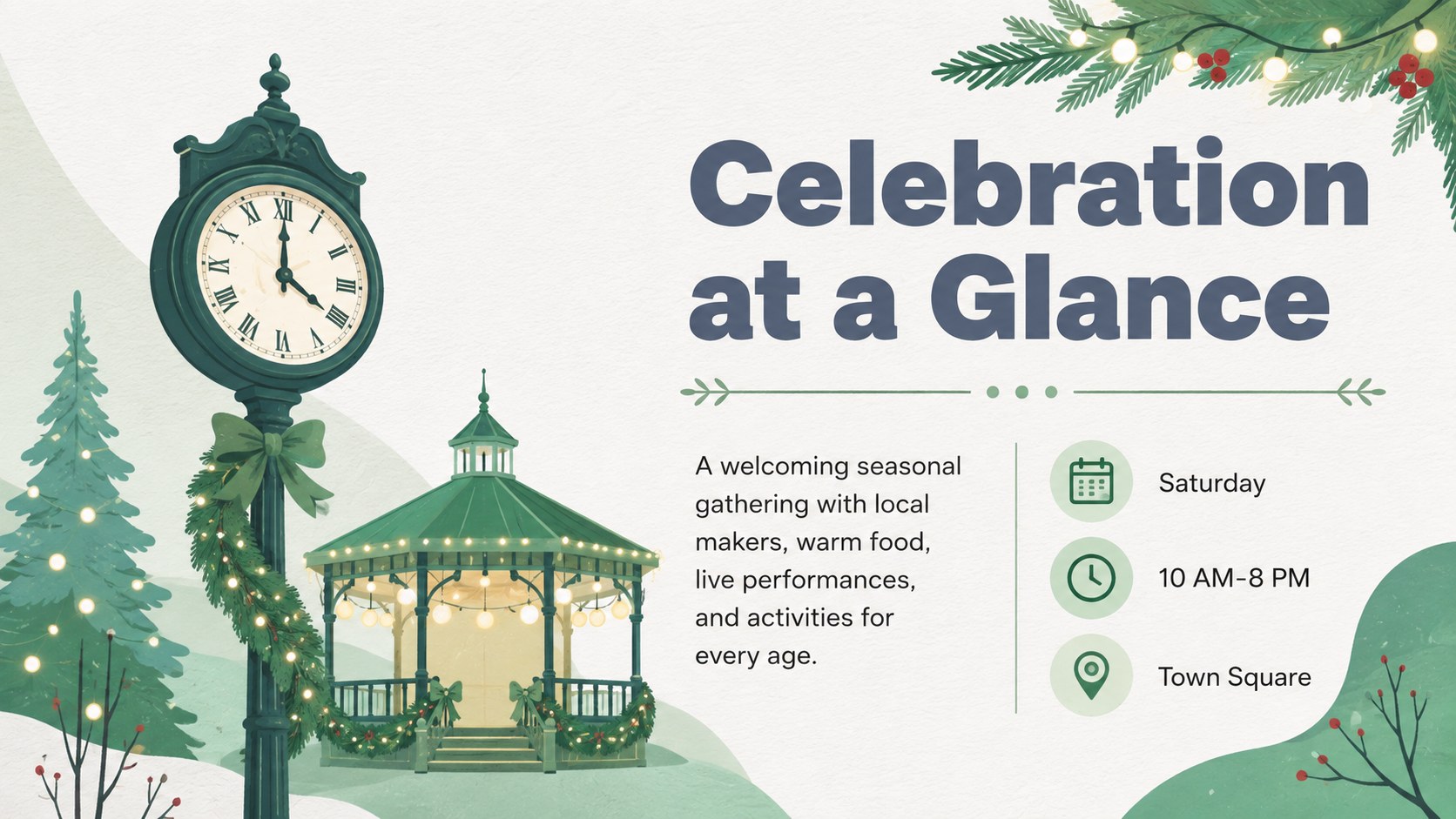
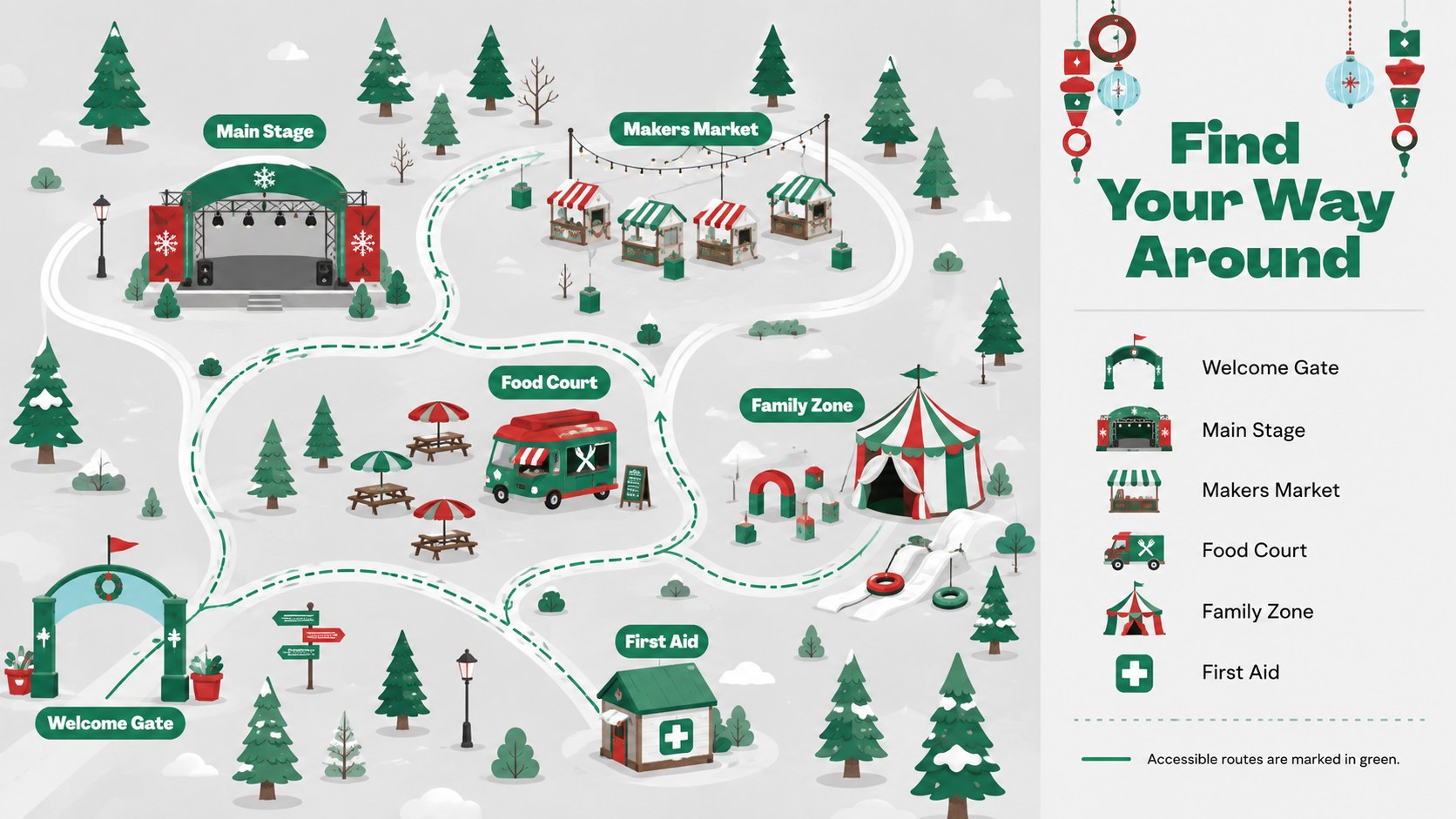
Bring organizers, volunteers, vendors, and guests onto the same page with a community winter celebration presentation designed for clear seasonal storytelling. Its cheerful illustrated style combines crisp white space, evergreen accents, soft grey backgrounds, and lively multicolor details. Every layout can be edited in PowerPoint or Google Slides to match a local event, school gathering, neighborhood program, or nonprofit celebration.
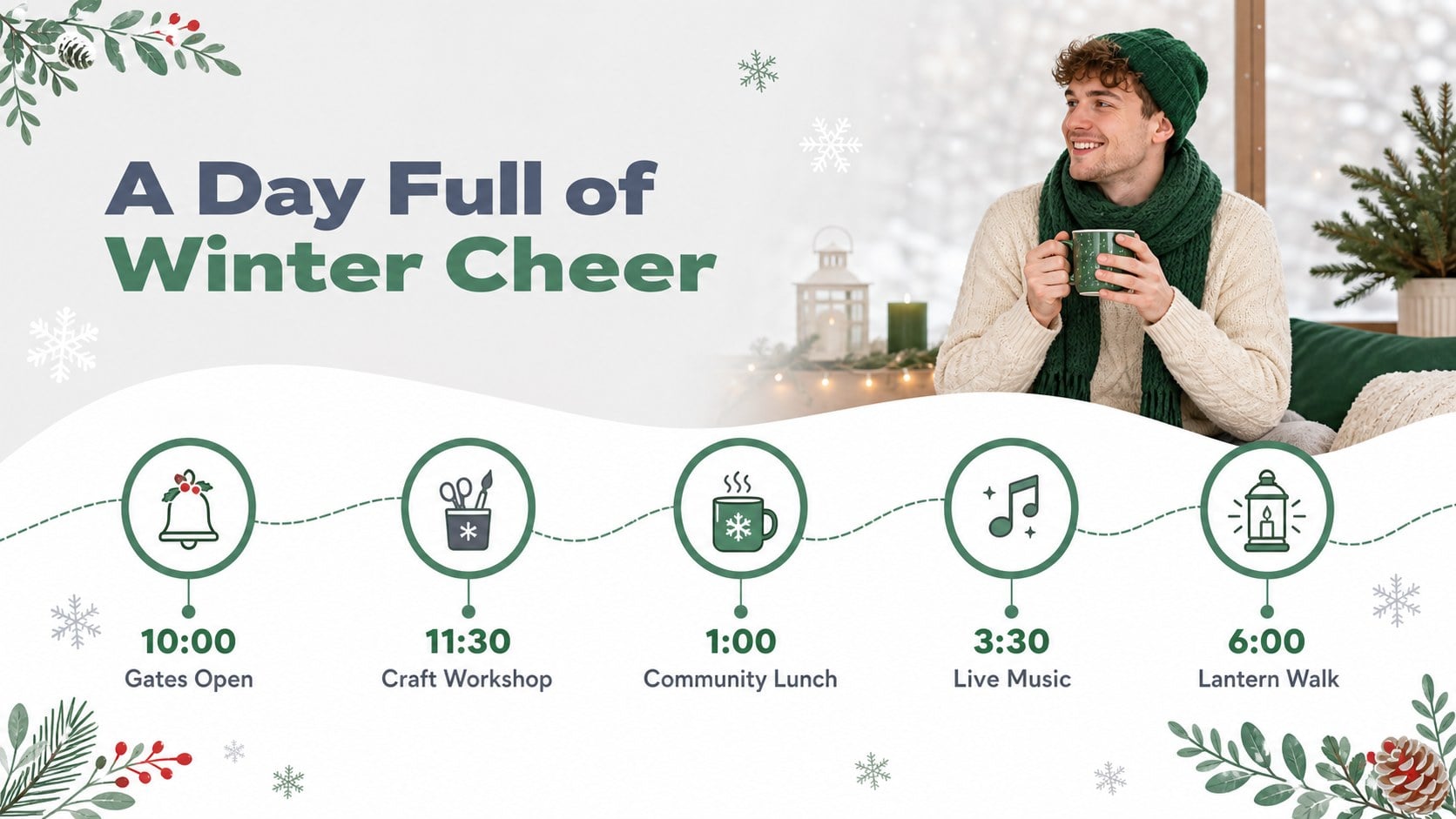
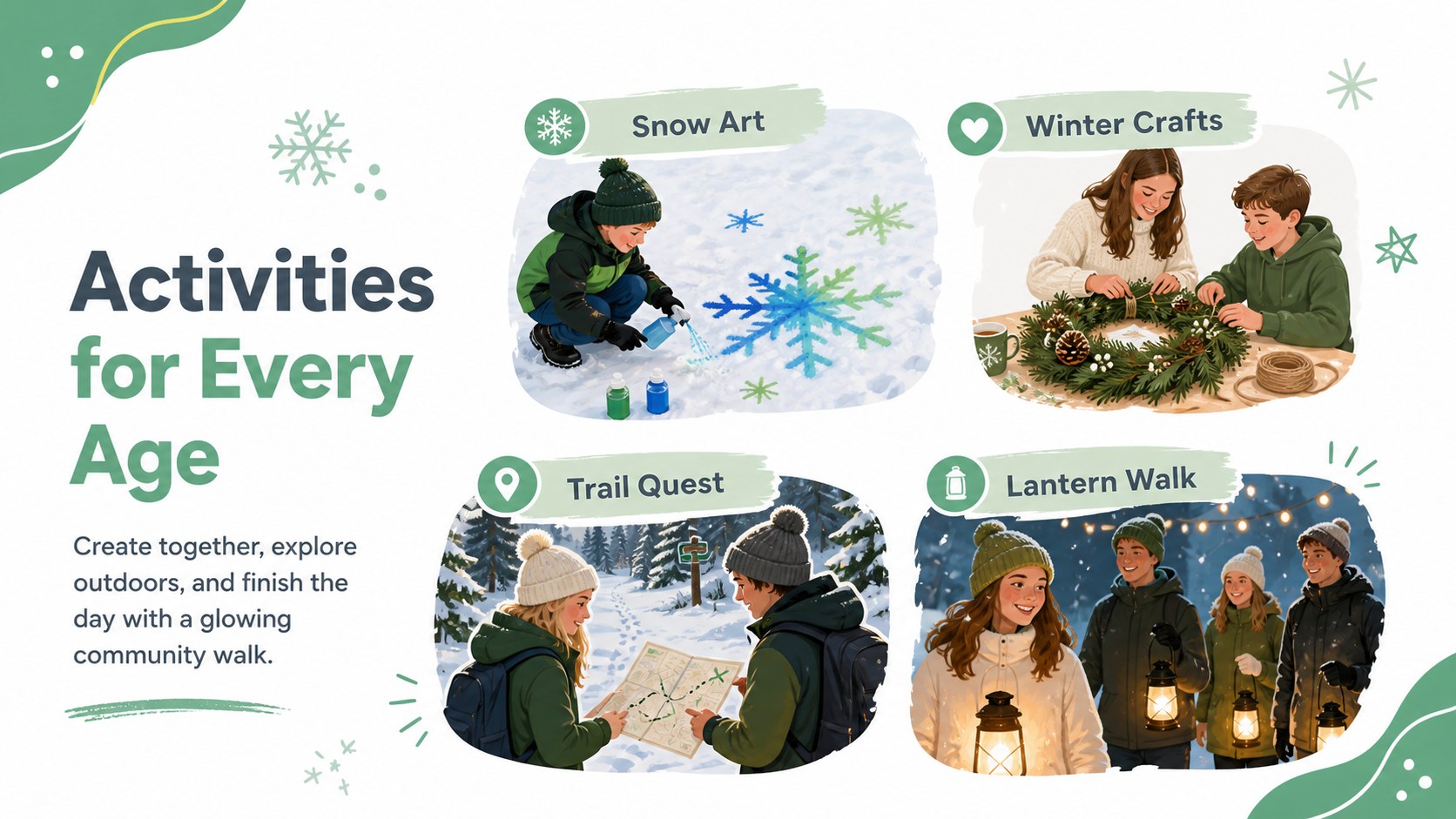
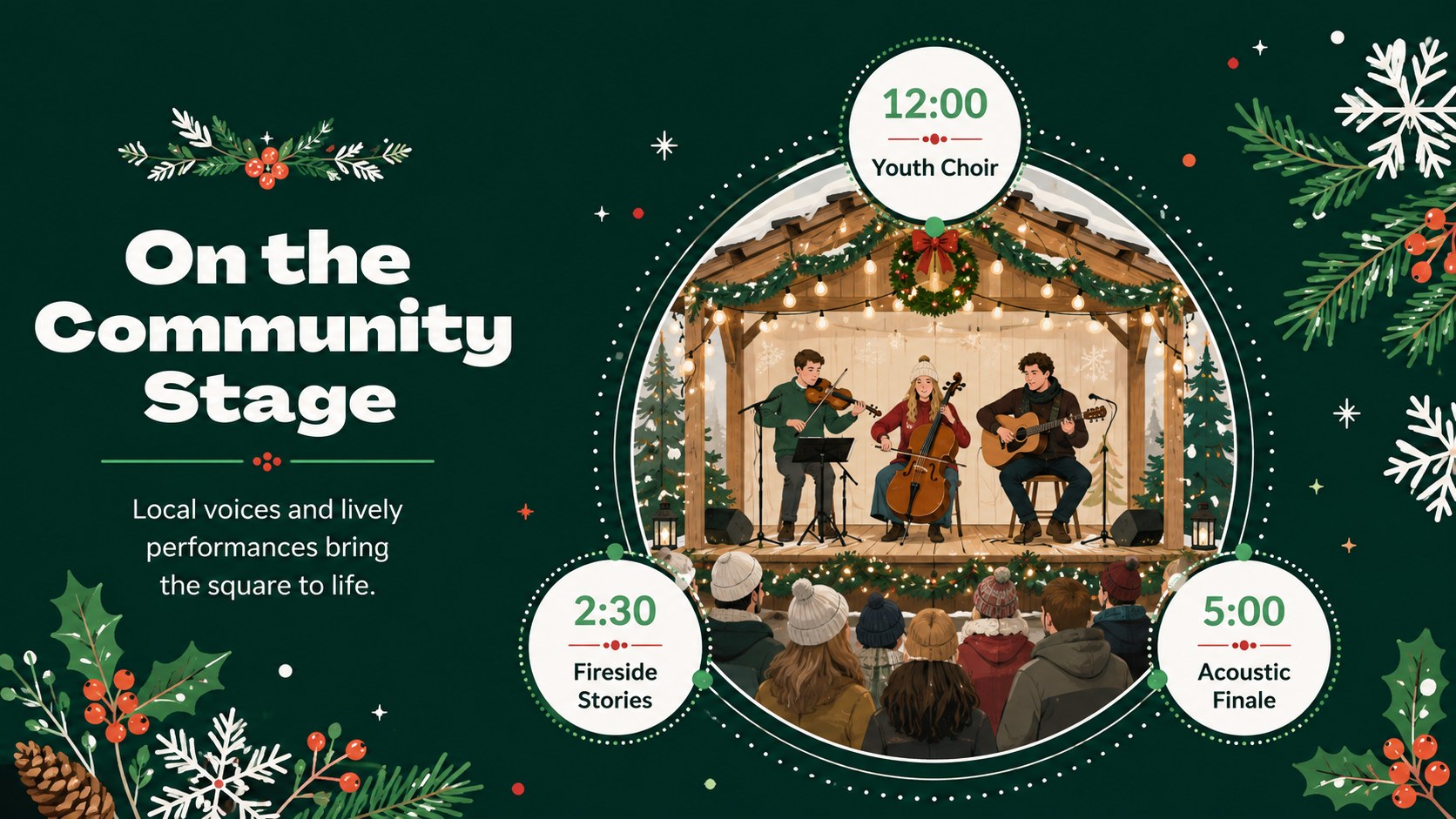
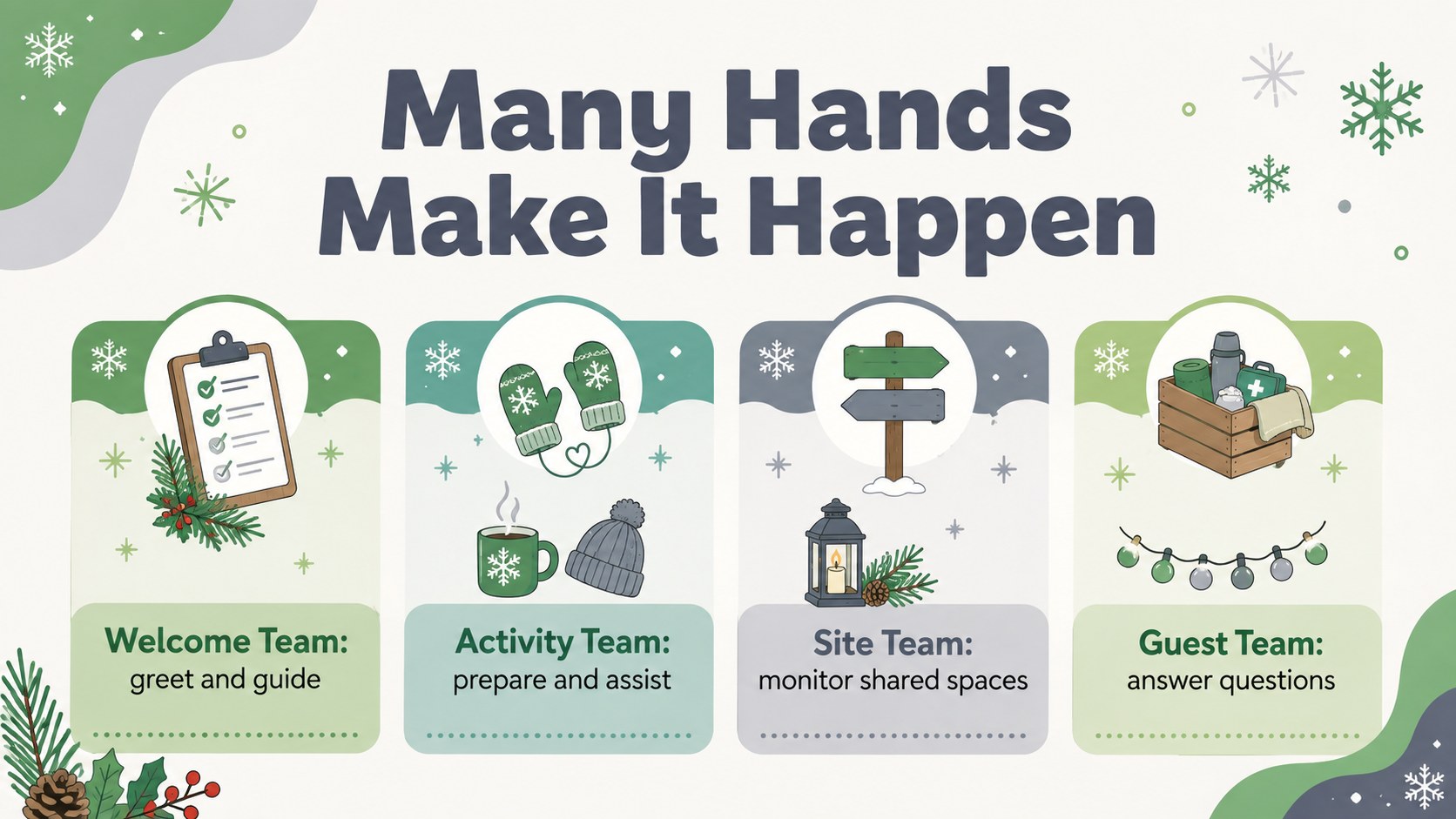
Inside, you will find practical formats for an opening announcement, event overview, daily schedule, featured activities, food and drink highlights, market stalls, entertainment, venue guidance, volunteer roles, safety notes, sponsor recognition, and a closing recap. Use the deck as a holiday market planning slide deck, or adapt its timetable into seasonal festival agenda Google Slides for easy online collaboration. Photo spaces, icons, tables, timelines, and concise text blocks help presenters balance useful information with festive visual energy.
This template suits community coordinators, municipal teams, educators, venue managers, tourism groups, and families preparing a public or private seasonal gathering. It also works as a family winter celebration PowerPoint theme for sharing games, menus, traditions, and photographs. Replace the sample wording, adjust colors, add event images, and rearrange sections without rebuilding the design. The result is a polished presentation for planning meetings, participant briefings, public announcements, sponsor updates, or post-event highlights.
Perfect for: community festival planning meeting; holiday market vendor briefing; school winter celebration; municipal event announcement; volunteer orientation; seasonal event recap.
Frequently asked questions
Can I edit this presentation in PowerPoint and Google Slides? Yes. All text, colors, images, shapes, and layout elements can be customized in PowerPoint or Google Slides. Some animations or font spacing may vary slightly between the two platforms.
Practical details
Yes. All text, colors, images, shapes, and layout elements can be customized in PowerPoint or Google Slides. Some animations or font spacing may vary slightly between the two platforms.
Replace the sample schedule, activities, venue details, and sponsor information with your event content. You can also duplicate, remove, or reorder slides to fit a one-day gathering or a longer seasonal program.
Yes. Insert your own venue, activity, food, or community photographs into the image areas, then apply your logo and brand colors where appropriate. Keep adequate contrast between text and imagery for readability.
Yes. The schedules, role assignments, and logistics layouts support internal planning, while activity highlights and event information can be used for public presentations. The recap layouts are also useful for sharing outcomes with sponsors and stakeholders.
Keep exploring
14Plan a memorable Lunar New Year campaign with the 2036 Dragon Year Celebration Theme, featuring bold red-and-yellow slides for lessons and events.
 15
15Build playful lessons and party stories with a kid-friendly zombie celebration theme in purple, green and pastel blue for PowerPoint and Google Slides.
 15
15Build eerie lessons, campaigns, and story pitches with an undead survival scenario theme featuring editable slides for PowerPoint and Google Slides.
 3
3Share festive messages with a Lunar Horse New Year Wishes Theme, featuring bold red-and-yellow layouts for PowerPoint and Google Slides celebrations.
 15
15Bring zodiac traditions to life with a Lunar Snake Festival Presentation featuring 15 cheerful red illustrated slides for PowerPoint and Google Slides.
 6
6Honor teams and individuals with an Orange Year-End Recognition Certificate Set featuring six editable designs for PowerPoint and Google Slides.
 14
14Honor the people behind the headlines with a World Sports Press Appreciation Deck for PowerPoint and Google Slides, styled in crisp, modern green.
 15
15Teach, inspire, and celebrate with our Plant-Powered Vegetarian Day Lesson Deck, featuring cheerful editable visuals for PowerPoint and Google Slides.