
 6
6spreadsheet
Orange Year-End Recognition Certificate Set
Honor teams and individuals with an Orange Year-End Recognition Certificate Set featuring six editable designs for PowerPoint and Google Slides.
Google SlidesPowerPointExcel
spreadsheet · English
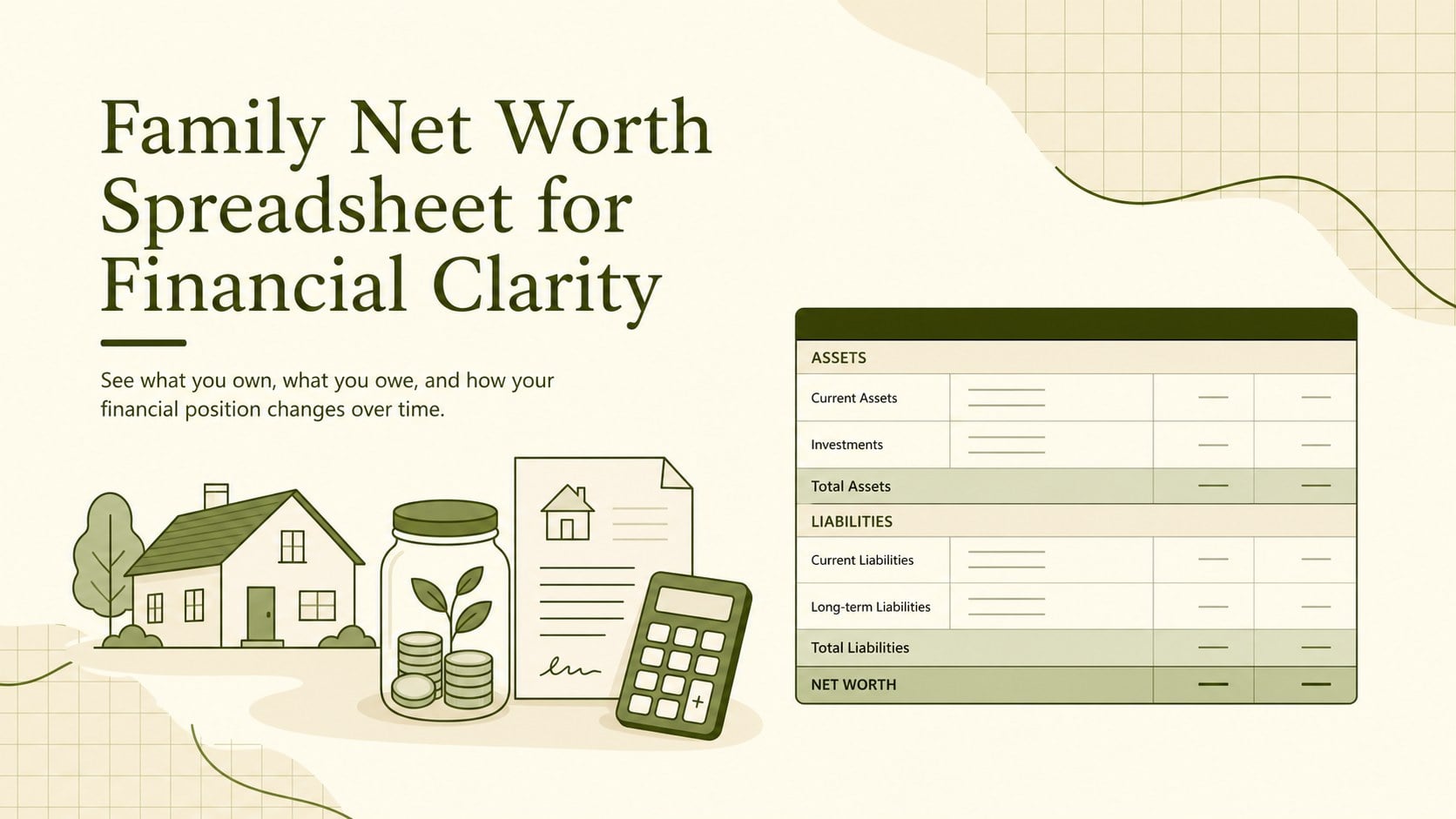
Build a clearer picture of assets, debts, and equity with a family net worth spreadsheet designed for practical reviews in Excel or Google Sheets.

Design notes
The Family Net Worth Spreadsheet for Financial Clarity gives households a practical way to understand their complete financial position. Instead of checking disconnected accounts and statements, you can record assets, debts, and ownership equity in one coordinated workbook. Its calm beige and green design keeps figures easy to scan while making routine financial reviews feel more approachable.
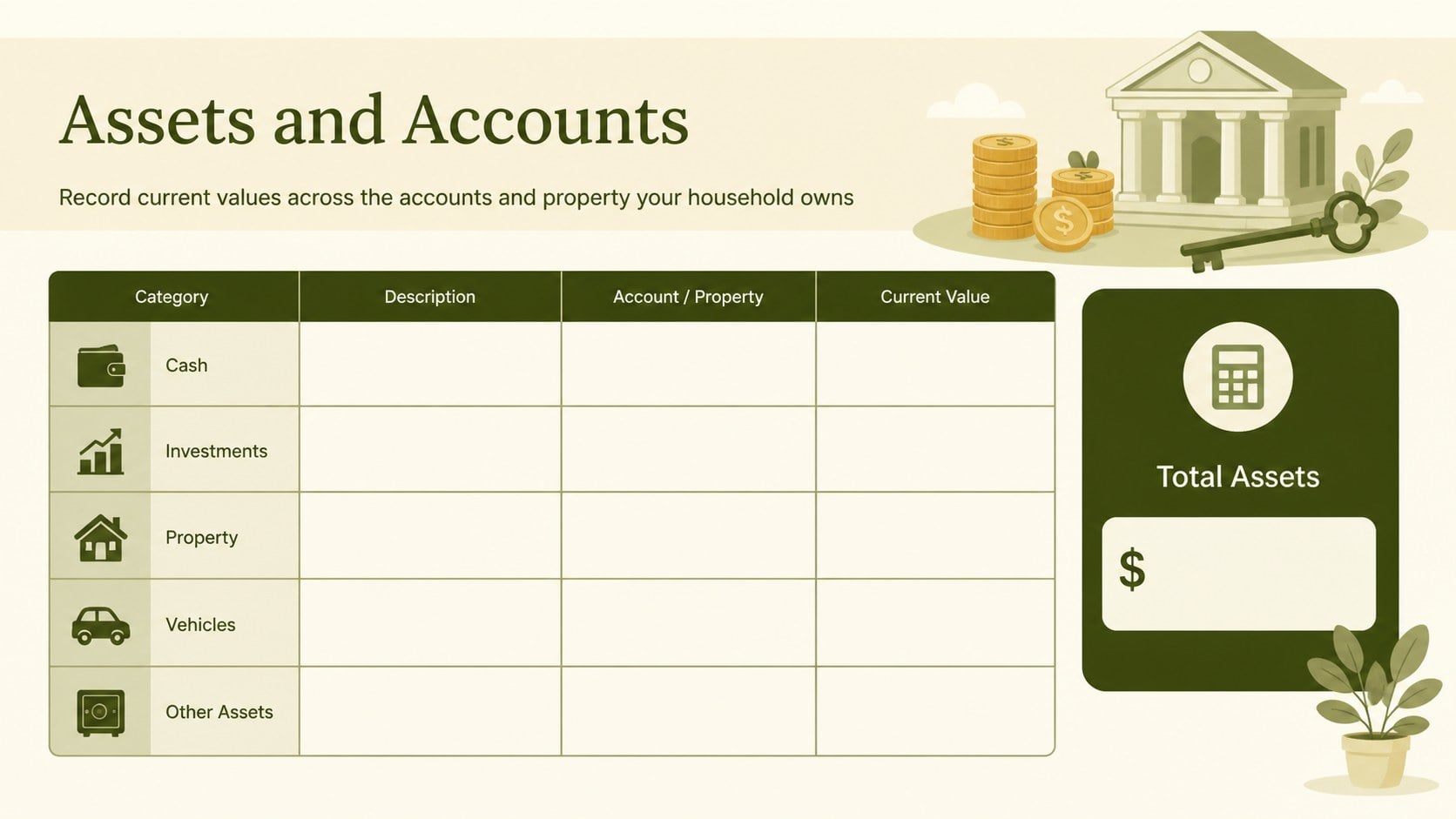
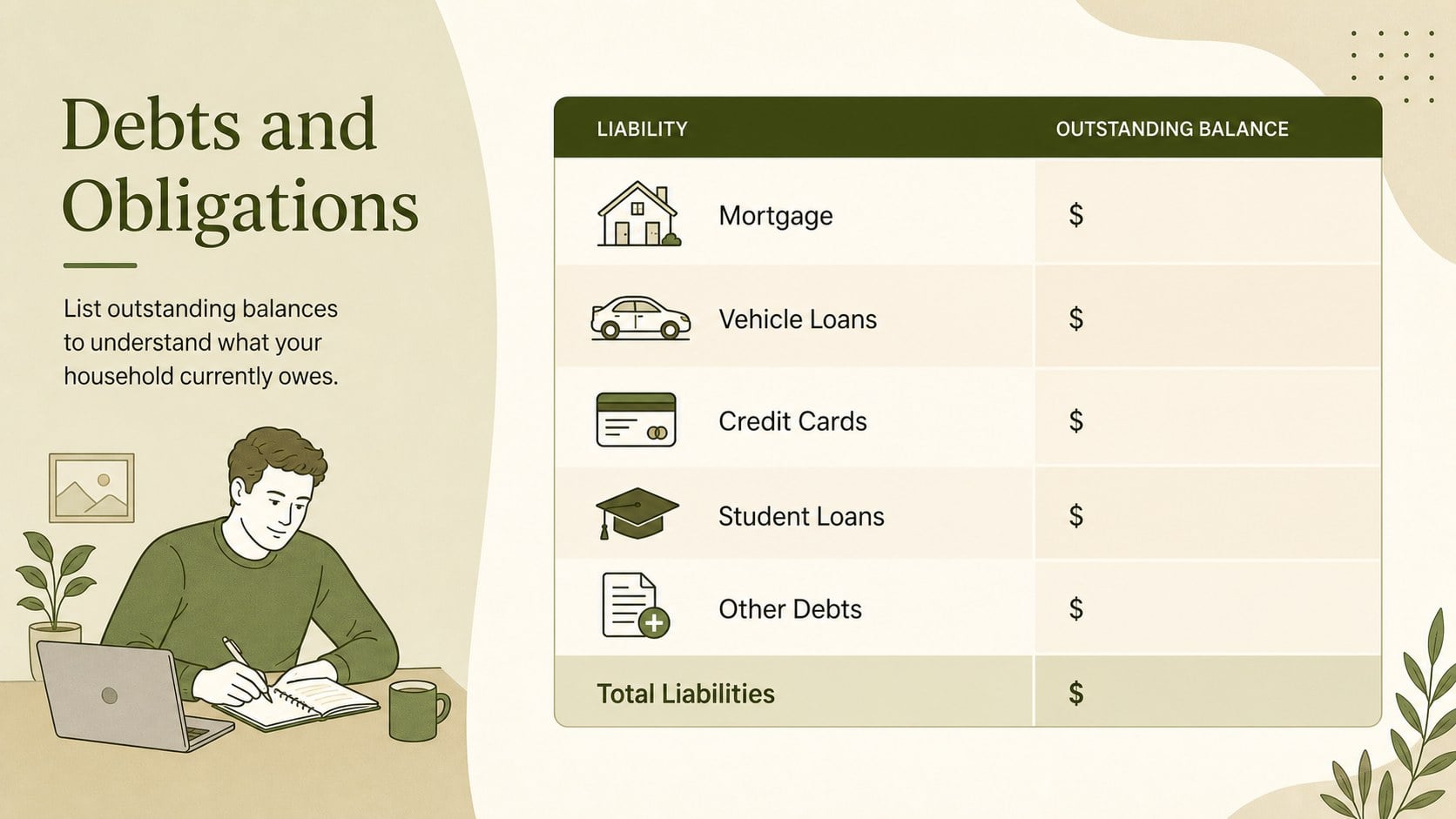
Inside, you will find organized areas for cash accounts, investments, property, vehicles, loans, credit balances, and other obligations. Automatic totals help this home assets and liabilities tracker calculate the difference between what your family owns and owes. A concise summary view supports month-to-month comparisons, while flexible categories let you adapt the workbook to your specific accounts. Use it as a household debt and asset spreadsheet for regular check-ins or as a personal net worth worksheet for couples planning shared priorities.
This template is suited to individuals, couples, and families preparing for a major purchase, reviewing debt reduction, organizing financial records, or measuring long-term progress. It can also support productive conversations with a financial planner by placing essential figures in a consistent format. Edit the labels, values, colors, and categories in Excel or Google Sheets, then duplicate the workbook whenever you need a fresh reporting period. The result is a reusable system for tracking financial standing without turning a household review into a complicated accounting exercise.
Perfect for: monthly household finance review; couples net worth planning; debt reduction tracking; major purchase preparation; financial adviser meeting.
Frequently asked questions
Can I edit this workbook in Excel and Google Sheets? Yes. The spreadsheet is designed for editing in both Excel and Google Sheets, including its labels, categories, values, and formatting.
Practical details
Yes. The spreadsheet is designed for editing in both Excel and Google Sheets, including its labels, categories, values, and formatting.
Yes. Insert or duplicate rows to include additional bank accounts, investments, properties, loans, or other financial items. Check copied formulas after expanding a section to ensure every new row is included in the totals.
The workbook uses formulas to total recorded assets and liabilities, then calculates the difference. Enter current balances accurately and avoid overwriting formula cells when updating your figures.
Monthly or quarterly updates work well for most households. Use the same schedule each time so changes in debt, savings, investments, and property value remain easier to compare.
Keep exploring
6Honor teams and individuals with an Orange Year-End Recognition Certificate Set featuring six editable designs for PowerPoint and Google Slides.
 4
4Keep inspections, repairs, priorities, and follow-up dates organized in a weekly equipment service log designed for facilities and operations teams.
 4
4Keep weekly ownership visible with a Weekly Team Workflow Tracker for assignments, deadlines, priorities, logged hours, blockers, and status updates.
 4
4Turn weekly results into quick decisions with a colorful sales pulse tracker for comparing targets, revenue, wins, and trends in Excel or Google Sheets.
 4
4Turn a busy workload into a clear action plan with the Illustrated Task Priority Organizer, an editable green-and-purple template for focused days.
 4
4Organize classes, meetings, and personal tasks with a vibrant weekly schedule planner, editable in Excel and Google Sheets for fast, flexible updates.
 4
4Coordinate absences with an employee leave calendar spreadsheet built for clear approvals, reliable team coverage, and easy editing in Excel or Google Sheets.
 4
4Plan bills, savings, and daily costs with a colorful weekly spending planner for Excel or Google Sheets, with clear categories and automatic totals.