
 6
6spreadsheet
Orange Year-End Recognition Certificate Set
Honor teams and individuals with an Orange Year-End Recognition Certificate Set featuring six editable designs for PowerPoint and Google Slides.
Google SlidesPowerPointExcel
spreadsheet · English
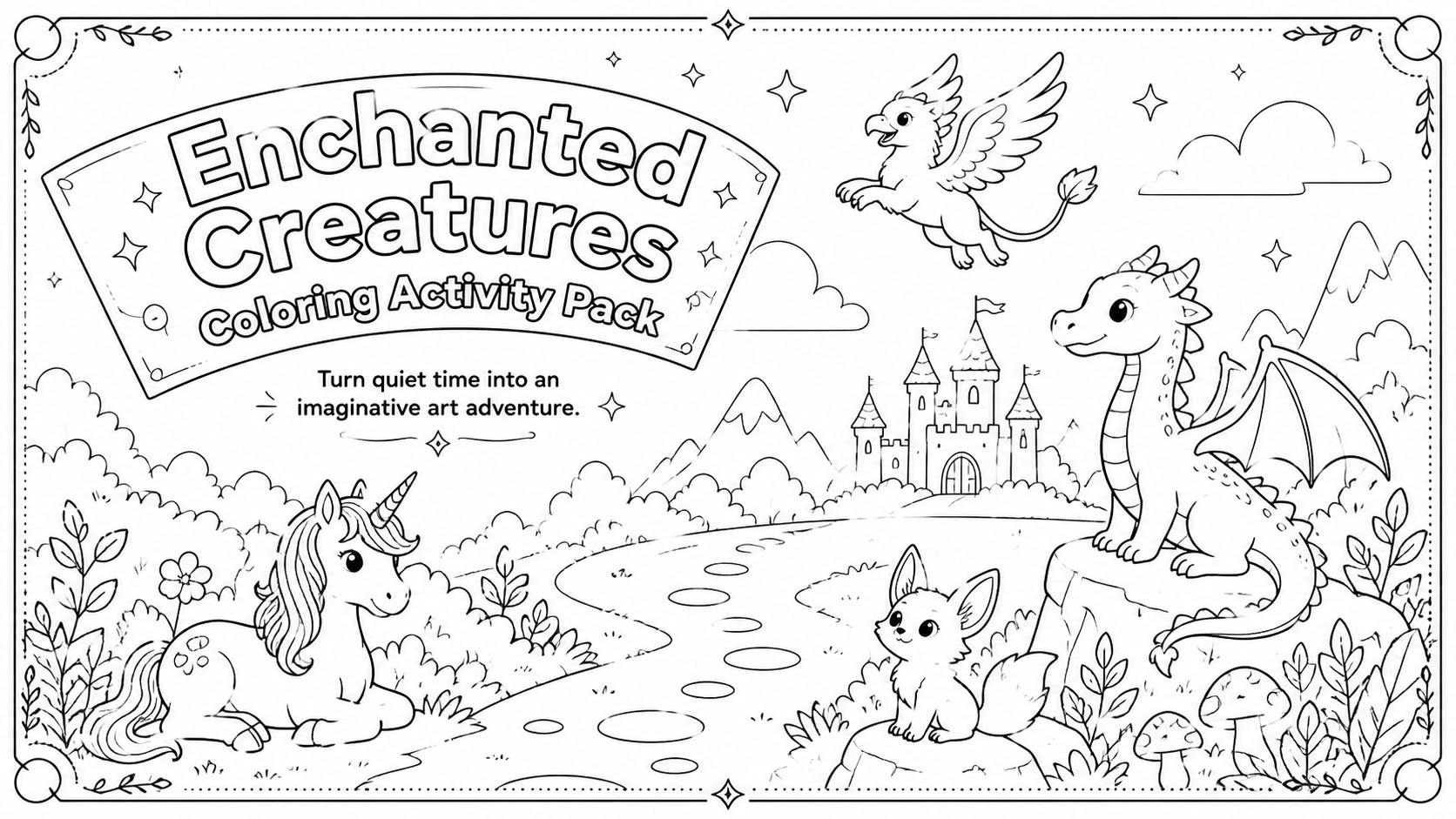
Bring storybook imagination to class with Enchanted Creatures Coloring Activity Pack, featuring editable black-and-white pages for PowerPoint and Google…


Design notes
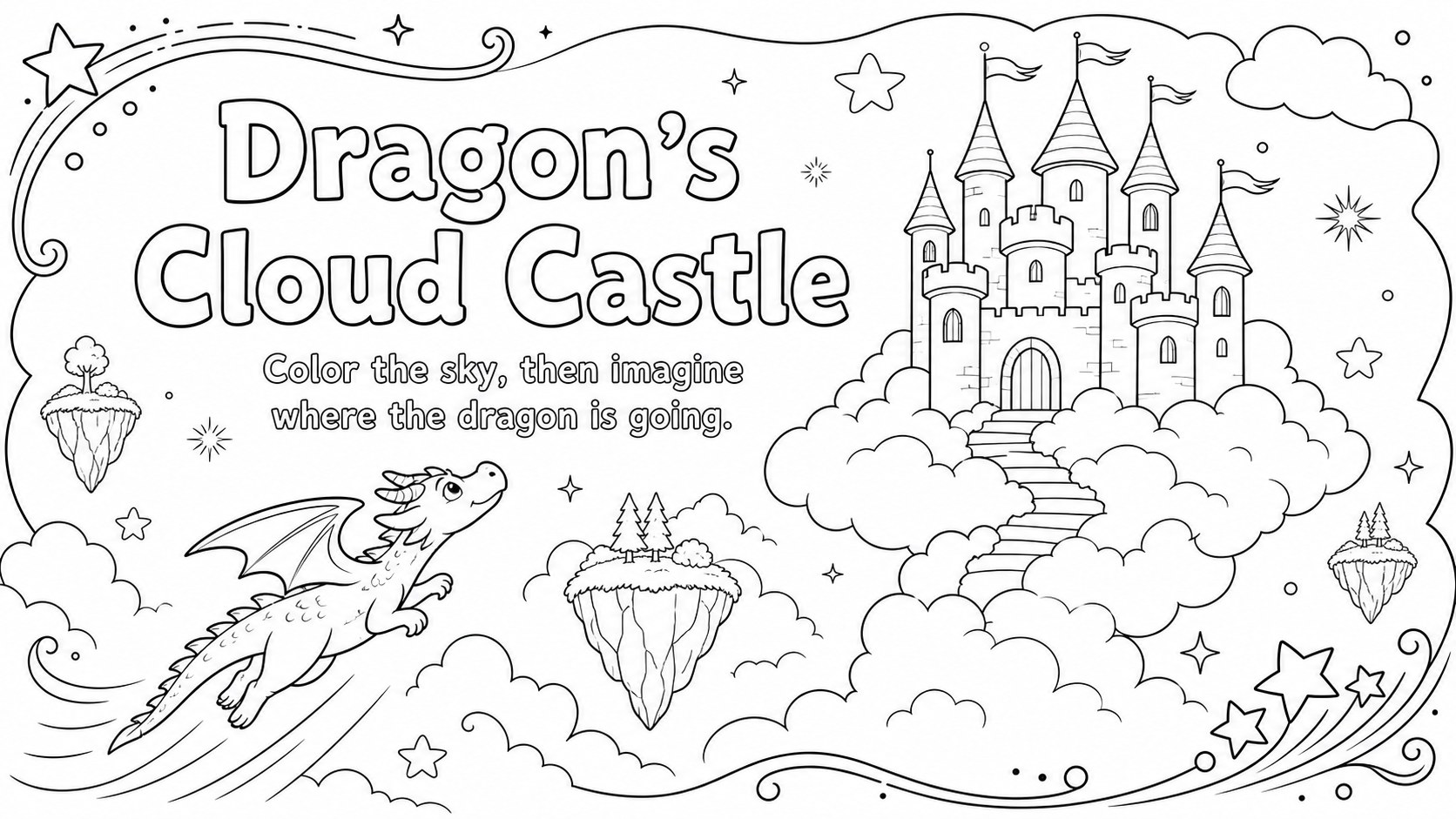
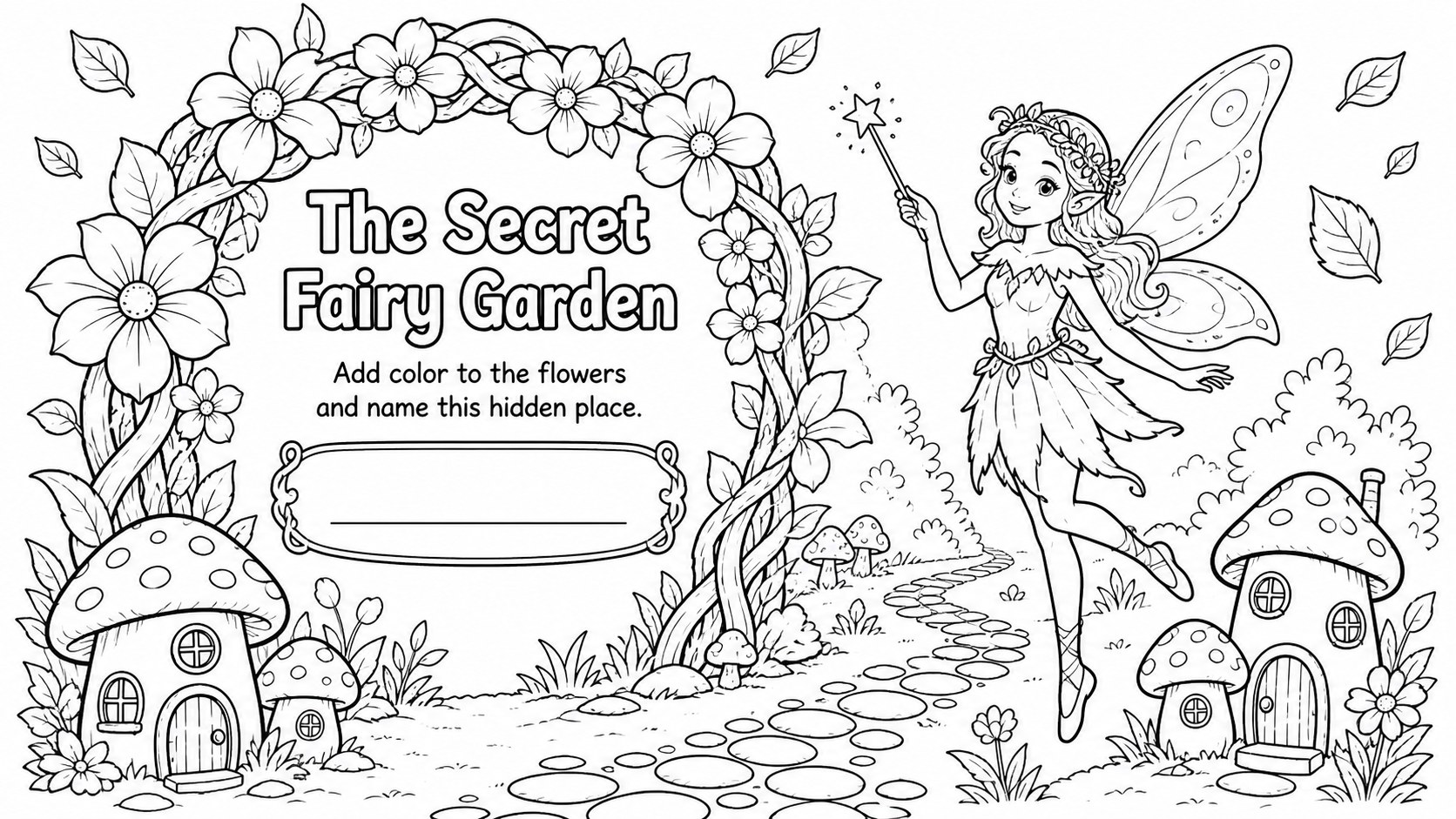
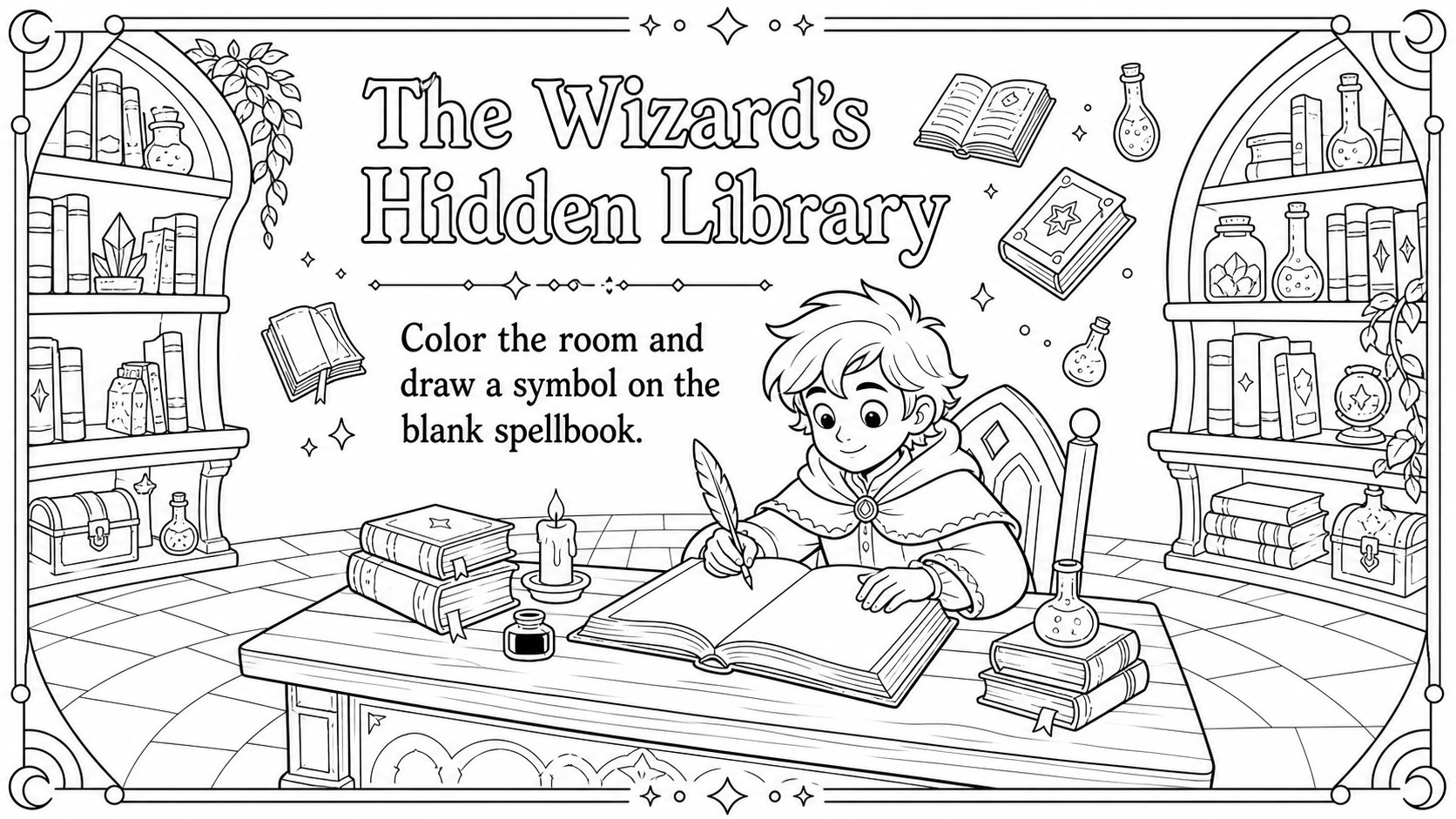
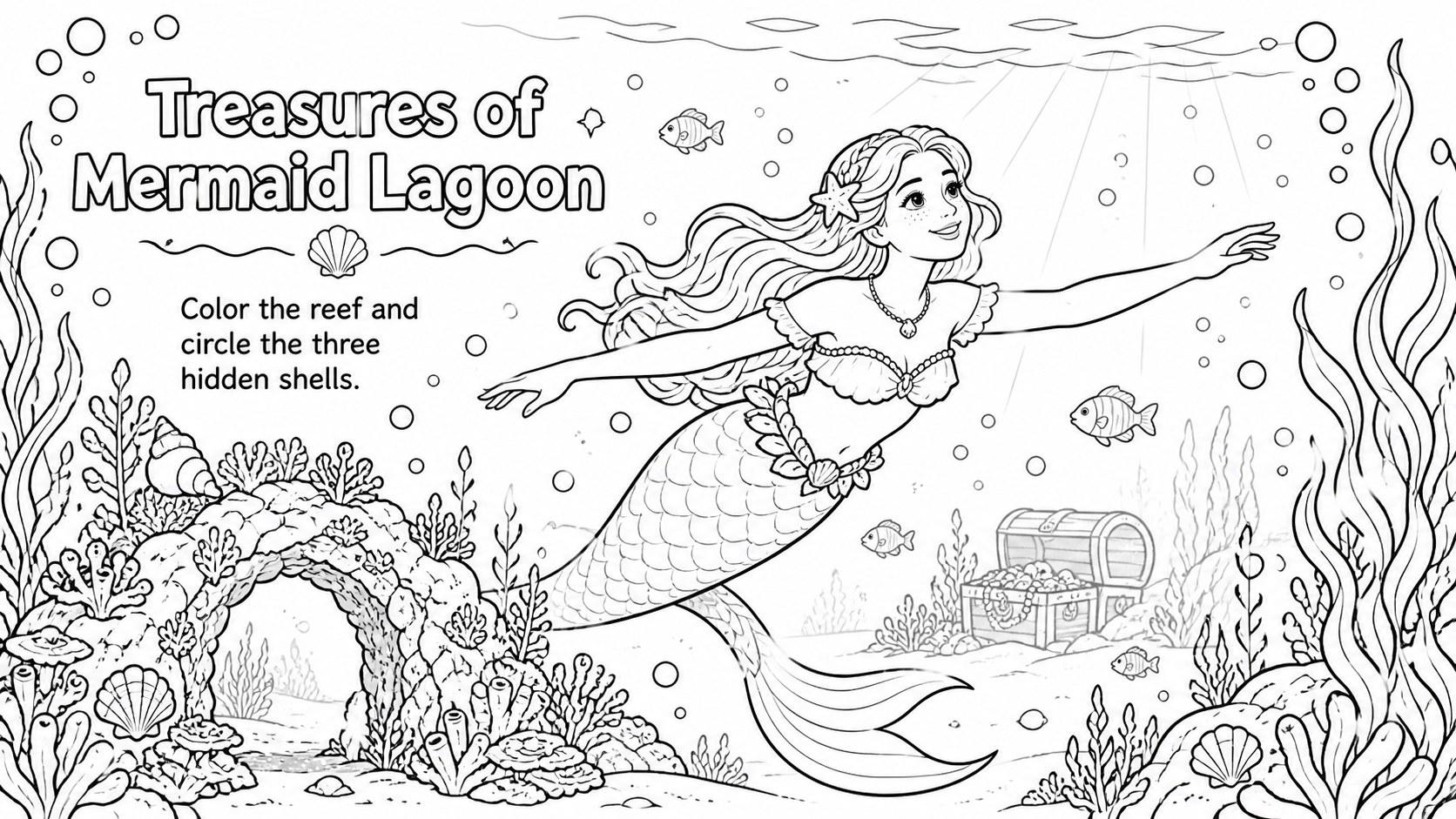
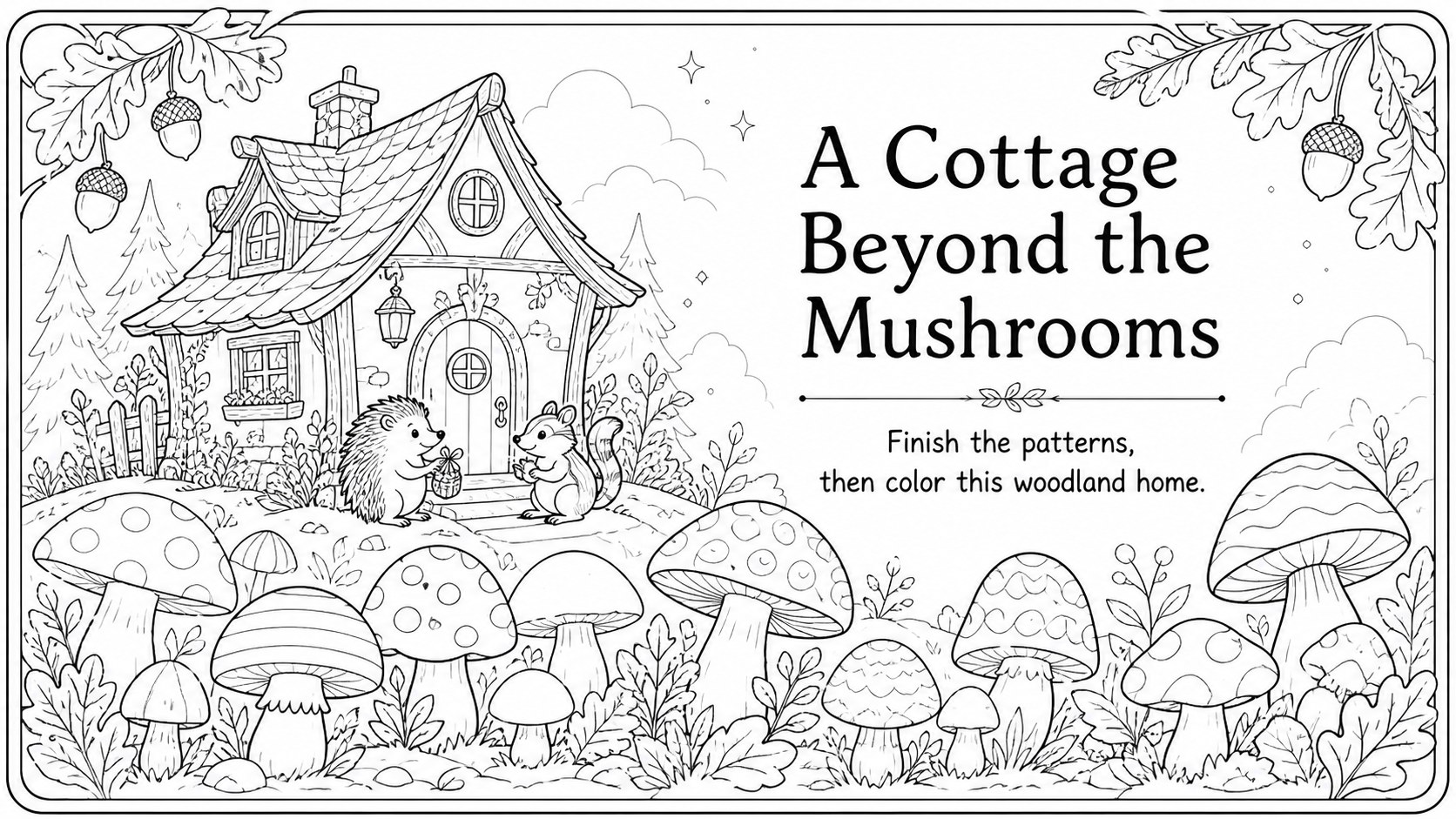
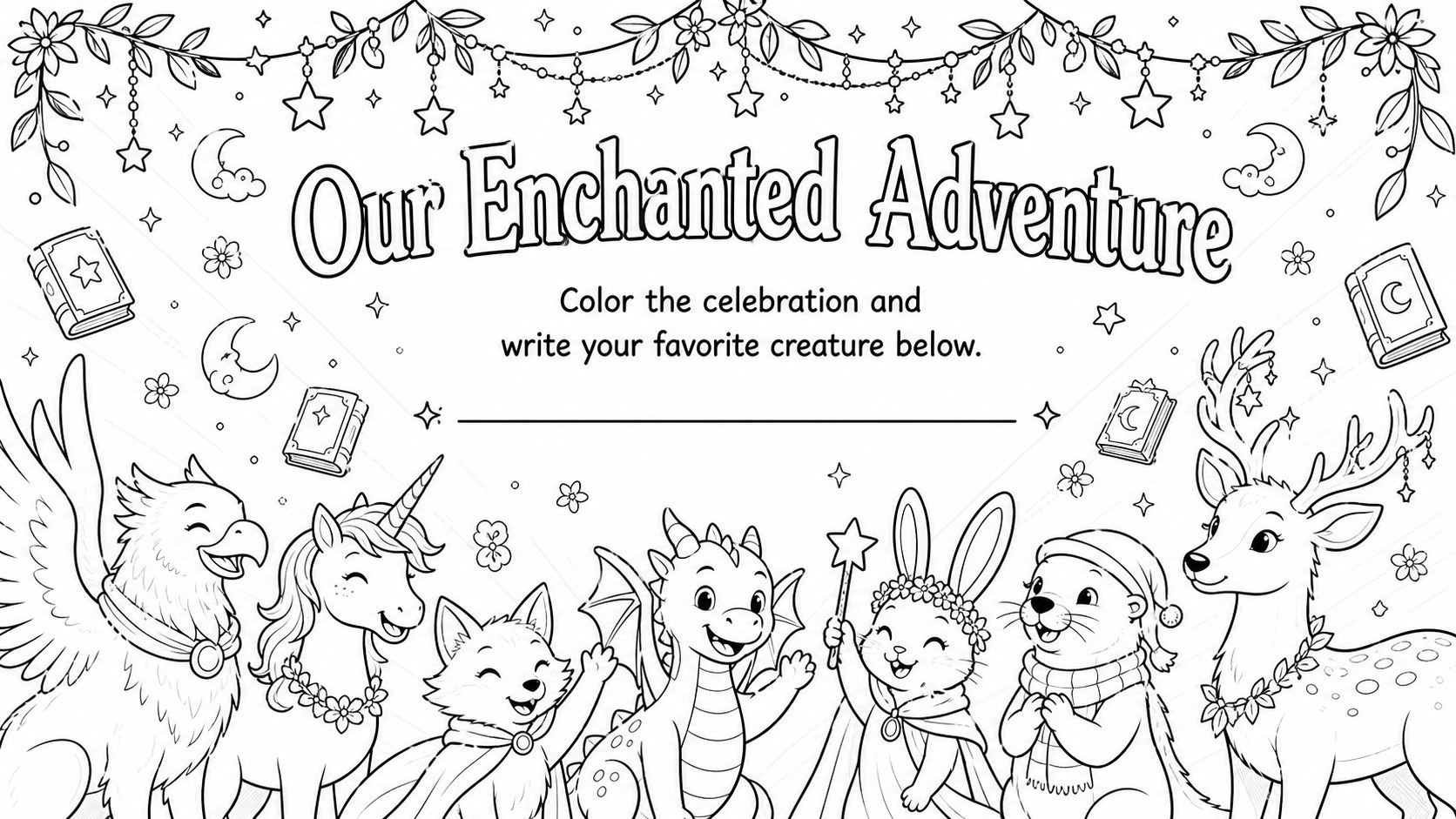
Enchanted Creatures Coloring Activity Pack gives teachers and families a flexible collection of storybook-inspired art pages for creative breaks, indoor activities, and themed lessons. The crisp black-and-white illustration style leaves plenty of open space for crayons, pencils, or markers while encouraging children to invent stories about every scene.
Inside are nine coordinated slides, including a cover and eight printable enchanted creature coloring pages. Children can explore an airborne dragon castle, a fairy garden, a moonlit unicorn meadow, a wizard's library, a friendly forest guardian, a mermaid lagoon, a woodland cottage, and a celebratory fantasy gathering. These black and white classroom art activities can be printed as individual handouts or displayed during guided drawing and storytelling sessions. Text boxes, headings, and page details remain editable, making it easy to add student names, short writing prompts, or classroom instructions.
Designed for elementary teachers, homeschool educators, librarians, activity leaders, and parents, the pack works especially well for early-finisher tasks, rainy-day stations, fantasy reading units, and calm art time. Use the editable coloring worksheets for kids in PowerPoint or Google Slides to adjust wording, resize elements, or create a coordinated classroom booklet. The monochrome palette keeps printing simple, while the playful illustrated style supports fine motor practice, visual expression, and imaginative thinking.
Perfect for: elementary early-finisher activity; fantasy reading unit; library story hour; homeschool art lesson; rainy-day classroom station; creative writing warm-up.
Frequently asked questions
Can I edit the coloring pages before printing? Yes. Open the pack in PowerPoint or Google Slides to change headings, add student names, insert writing prompts, or reposition editable elements before printing.
Practical details
Yes. Open the pack in PowerPoint or Google Slides to change headings, add student names, insert writing prompts, or reposition editable elements before printing.
The template is designed for Microsoft PowerPoint and Google Slides. You can present the pages digitally or export selected slides for classroom printing.
The scenes are best suited to elementary-age children, although older learners can use them for relaxation or story-building exercises. Teachers can adapt the instructions and writing prompts to different ability levels.
Yes. Select the pages you need and print each slide as a full-page handout, adjusting printer scaling and orientation as necessary for your paper size.
Keep exploring
6Honor teams and individuals with an Orange Year-End Recognition Certificate Set featuring six editable designs for PowerPoint and Google Slides.
 4
4Keep inspections, repairs, priorities, and follow-up dates organized in a weekly equipment service log designed for facilities and operations teams.
 4
4Keep weekly ownership visible with a Weekly Team Workflow Tracker for assignments, deadlines, priorities, logged hours, blockers, and status updates.
 4
4Turn weekly results into quick decisions with a colorful sales pulse tracker for comparing targets, revenue, wins, and trends in Excel or Google Sheets.
 4
4Turn a busy workload into a clear action plan with the Illustrated Task Priority Organizer, an editable green-and-purple template for focused days.
 4
4Organize classes, meetings, and personal tasks with a vibrant weekly schedule planner, editable in Excel and Google Sheets for fast, flexible updates.
 4
4Coordinate absences with an employee leave calendar spreadsheet built for clear approvals, reliable team coverage, and easy editing in Excel or Google Sheets.
 4
4Plan bills, savings, and daily costs with a colorful weekly spending planner for Excel or Google Sheets, with clear categories and automatic totals.