
 6
6spreadsheet
Orange Year-End Recognition Certificate Set
Honor teams and individuals with an Orange Year-End Recognition Certificate Set featuring six editable designs for PowerPoint and Google Slides.
Google SlidesPowerPointExcel
spreadsheet · English
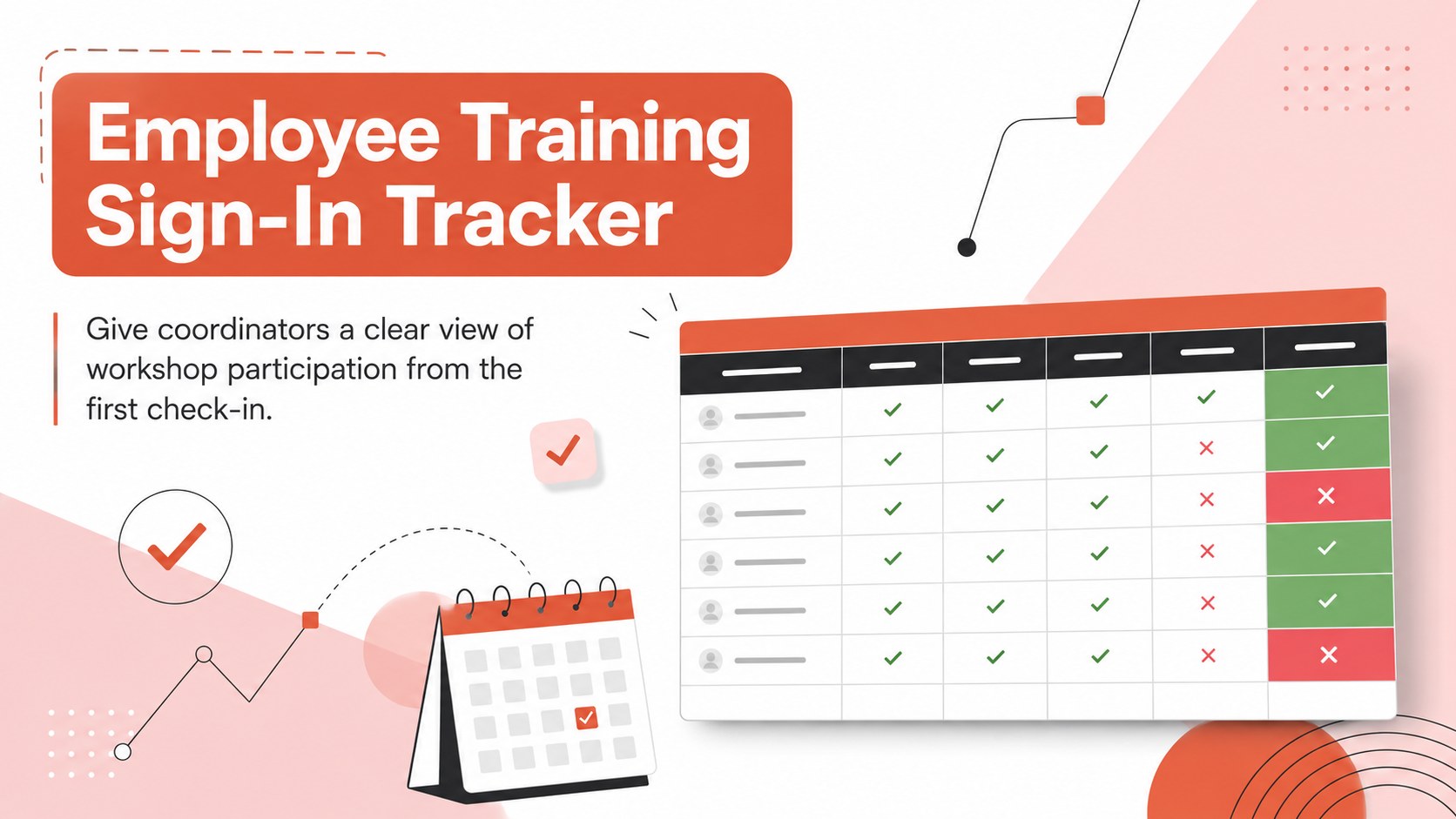
Keep every workshop roster accurate with an employee training sign-in tracker for Excel and Google Sheets, designed for quick updates and clear follow-up.
Design notes
The employee training sign-in tracker gives HR teams, instructors, and office administrators a practical way to document participation without cluttered paperwork. Its bright orange, pink, red, grey, white, and black palette makes key fields easy to scan while preserving a polished, professional appearance.
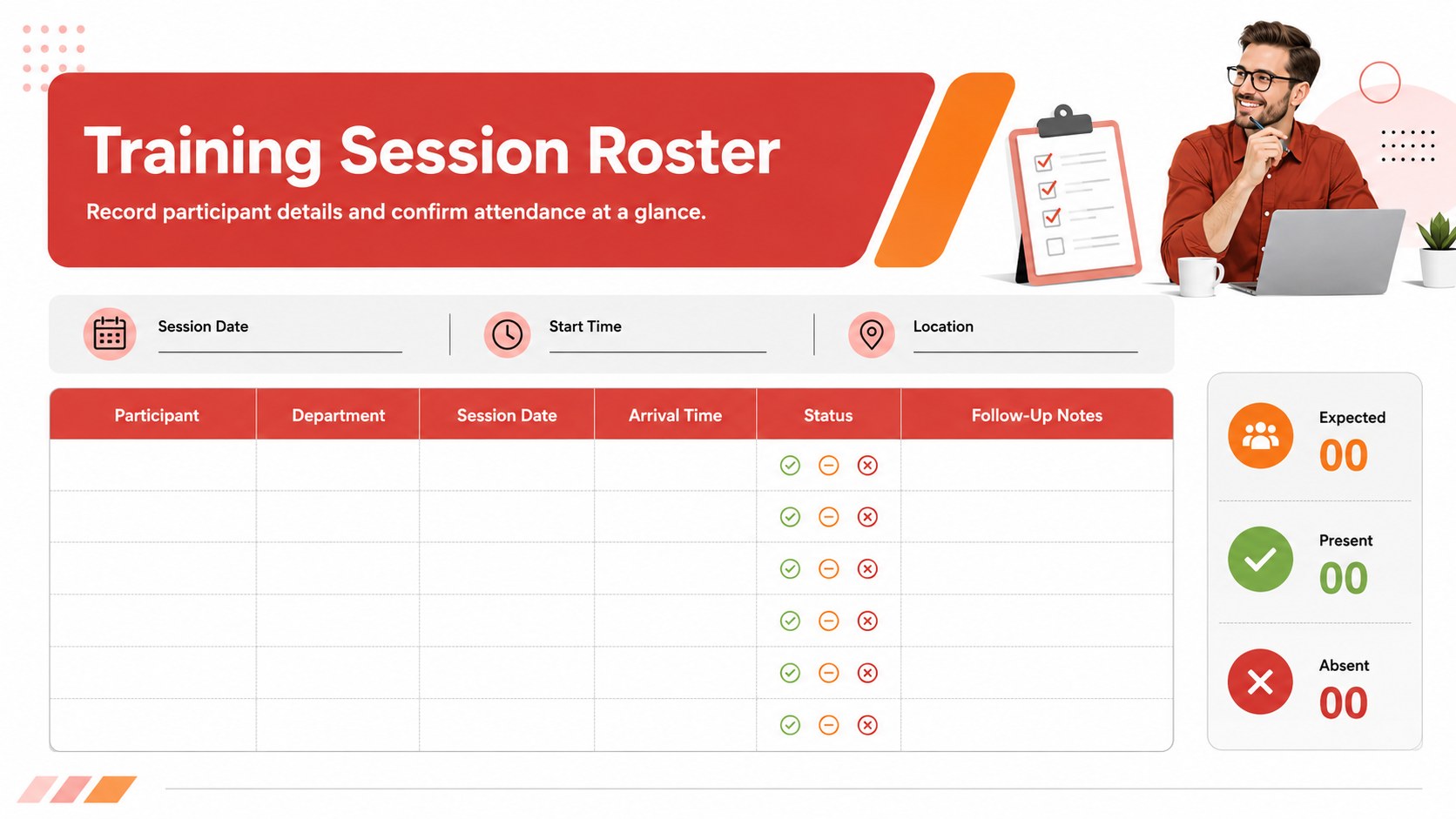
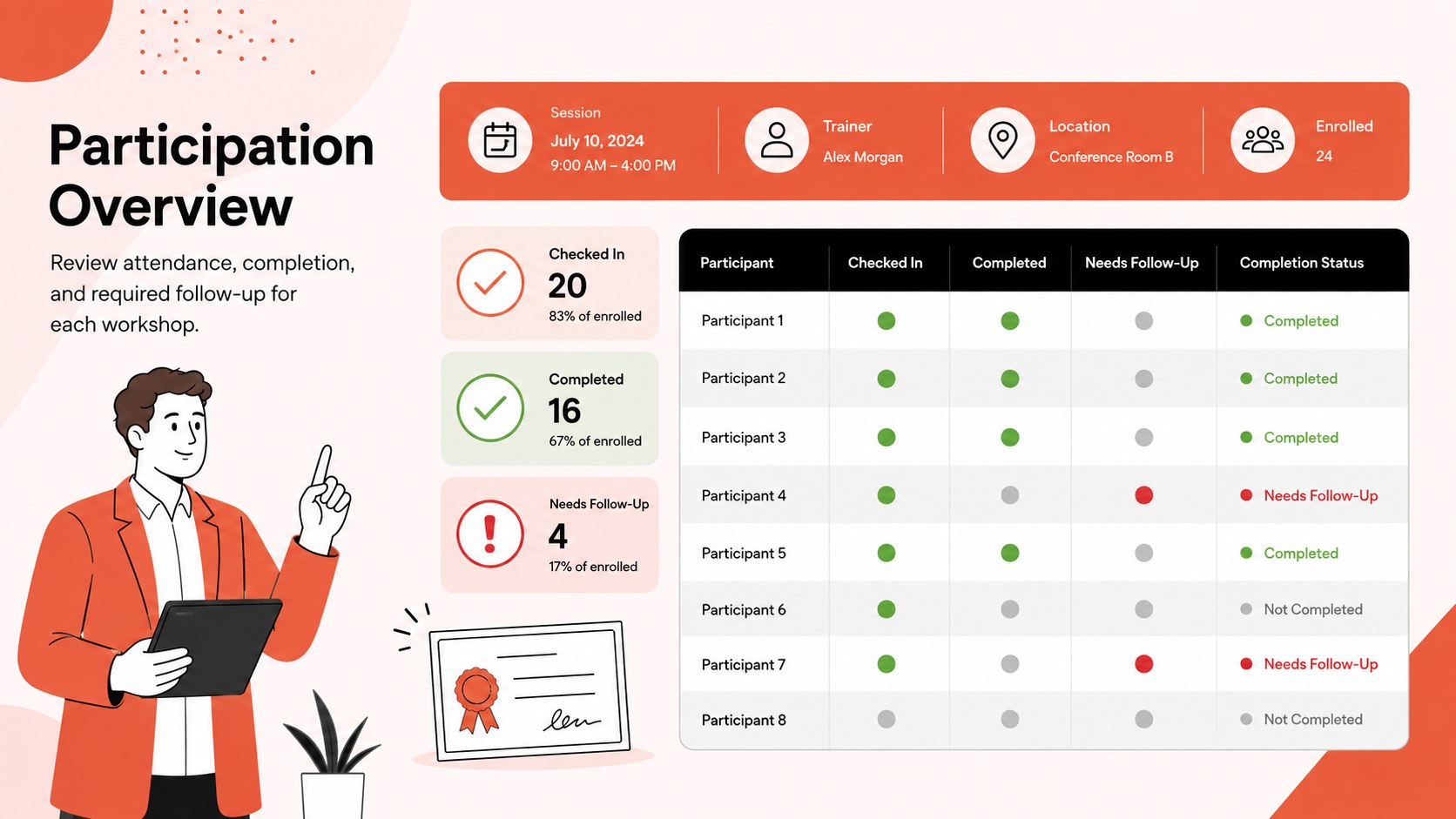
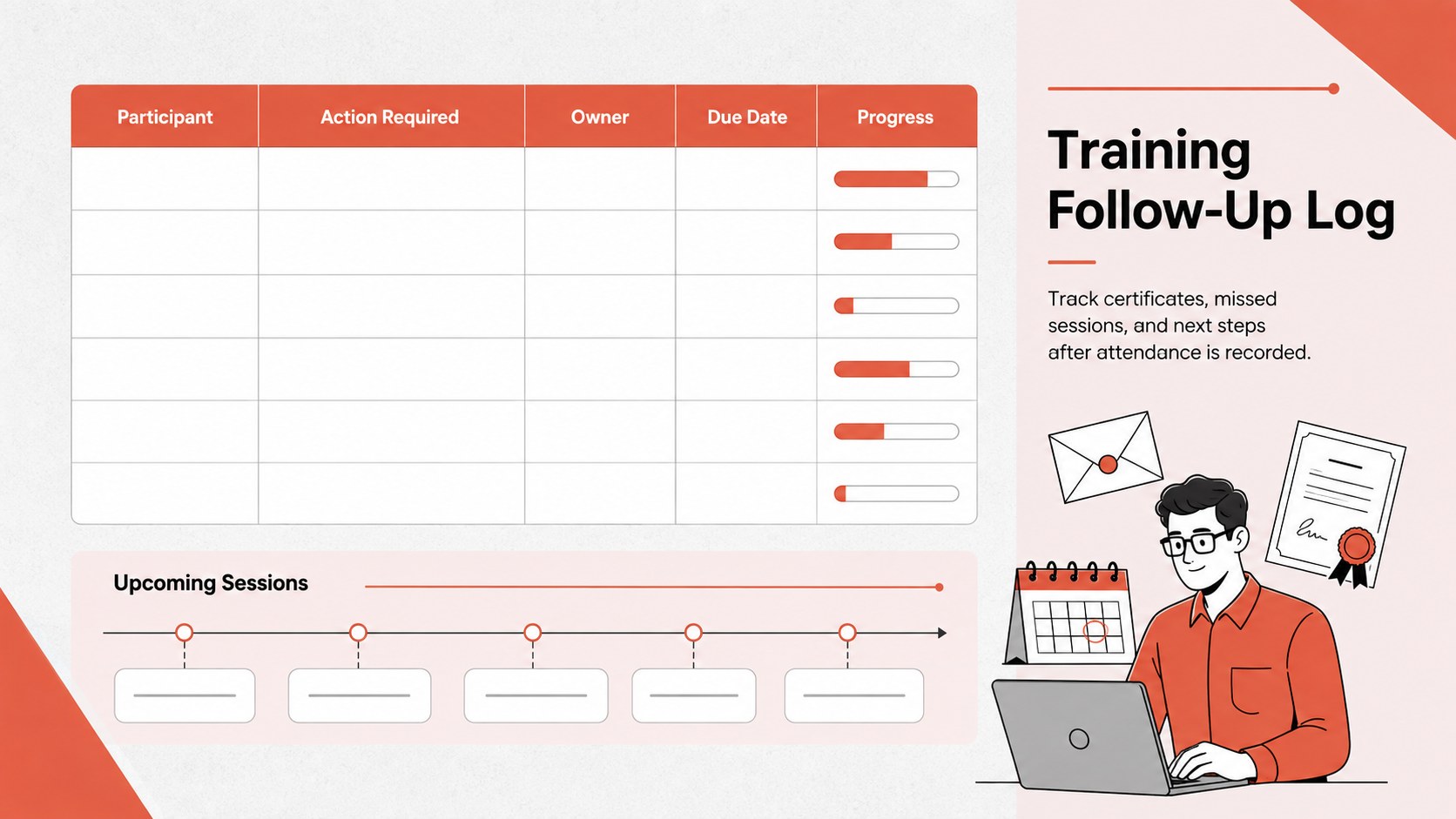
Inside, you will find a structured training session roster spreadsheet with space for participant names, departments, session dates, arrival details, attendance status, and follow-up notes. Clearly separated columns support fast data entry during busy workshops, while summary areas help coordinators review expected and confirmed attendance. The layout can also serve as a professional development attendance log for recurring courses, onboarding programs, safety briefings, or compliance training.
Use the workbook in Excel or Google Sheets to rename fields, adjust colors, add participants, or duplicate the roster for another date. The flexible format works equally well as a workshop attendance spreadsheet template for a single event or as an ongoing record for a broader learning program. It is especially useful for HR departments, training providers, team leaders, schools, nonprofit coordinators, and small businesses that need dependable participation records. With essential session information gathered in one place, organizers can spend less time reconciling lists and more time supporting employee development.
Perfect for: employee onboarding sessions; workplace safety workshops; compliance training records; professional development courses; department skills seminars.
Frequently asked questions
Can I edit the tracker in Excel and Google Sheets? Yes. You can update participant details, rename columns, add rows, and duplicate the worksheet in either Excel or Google Sheets.
Practical details
Yes. You can update participant details, rename columns, add rows, and duplicate the worksheet in either Excel or Google Sheets.
Yes. Replace the default status options with labels such as Present, Late, Excused, or Completed, and add fields for departments, signatures, or certification results.
Yes. Duplicate the roster for each date or course, then keep the worksheets together as a consistent employee training record.
Yes. The orange, pink, red, grey, white, and black styling can be adjusted to match your organization while retaining the structured layout.
Keep exploring
6Honor teams and individuals with an Orange Year-End Recognition Certificate Set featuring six editable designs for PowerPoint and Google Slides.
 4
4Keep inspections, repairs, priorities, and follow-up dates organized in a weekly equipment service log designed for facilities and operations teams.
 4
4Keep weekly ownership visible with a Weekly Team Workflow Tracker for assignments, deadlines, priorities, logged hours, blockers, and status updates.
 4
4Turn weekly results into quick decisions with a colorful sales pulse tracker for comparing targets, revenue, wins, and trends in Excel or Google Sheets.
 4
4Turn a busy workload into a clear action plan with the Illustrated Task Priority Organizer, an editable green-and-purple template for focused days.
 4
4Organize classes, meetings, and personal tasks with a vibrant weekly schedule planner, editable in Excel and Google Sheets for fast, flexible updates.
 4
4Coordinate absences with an employee leave calendar spreadsheet built for clear approvals, reliable team coverage, and easy editing in Excel or Google Sheets.
 4
4Plan bills, savings, and daily costs with a colorful weekly spending planner for Excel or Google Sheets, with clear categories and automatic totals.