
 6
6spreadsheet
Orange Year-End Recognition Certificate Set
Honor teams and individuals with an Orange Year-End Recognition Certificate Set featuring six editable designs for PowerPoint and Google Slides.
Google SlidesPowerPointExcel
spreadsheet · English
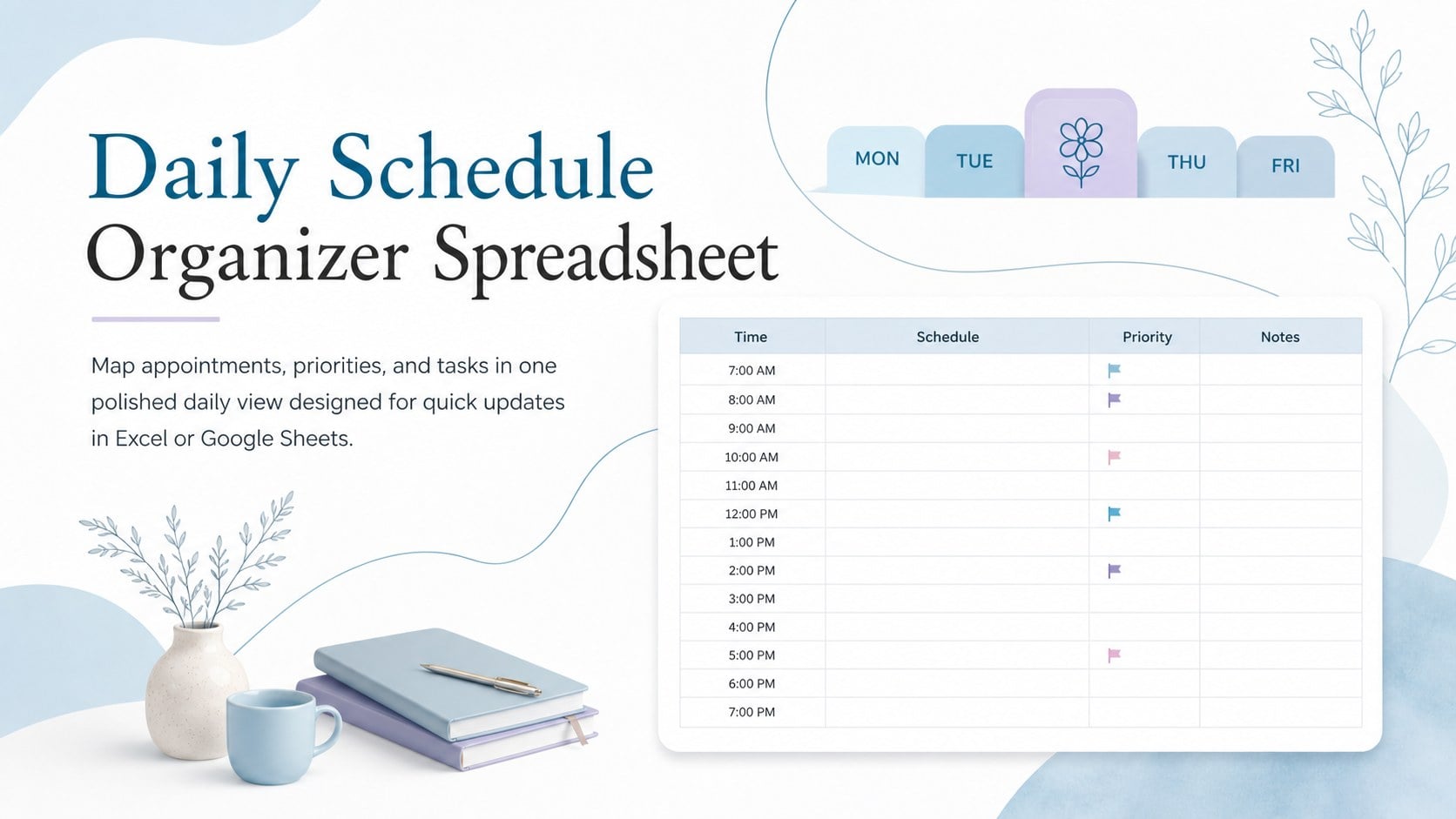
Plan appointments, priorities, and tasks in one clear view with this daily schedule organizer spreadsheet for Excel and Google Sheets. Easy to edit and reuse.
Design notes
Bring structure to busy days with the Daily Schedule Organizer Spreadsheet, a practical workspace for arranging time-sensitive commitments without losing sight of essential tasks. Its elegant, modern design combines pastel blue and violet accents with crisp white areas and restrained black text, creating a schedule that is easy to scan throughout the day.
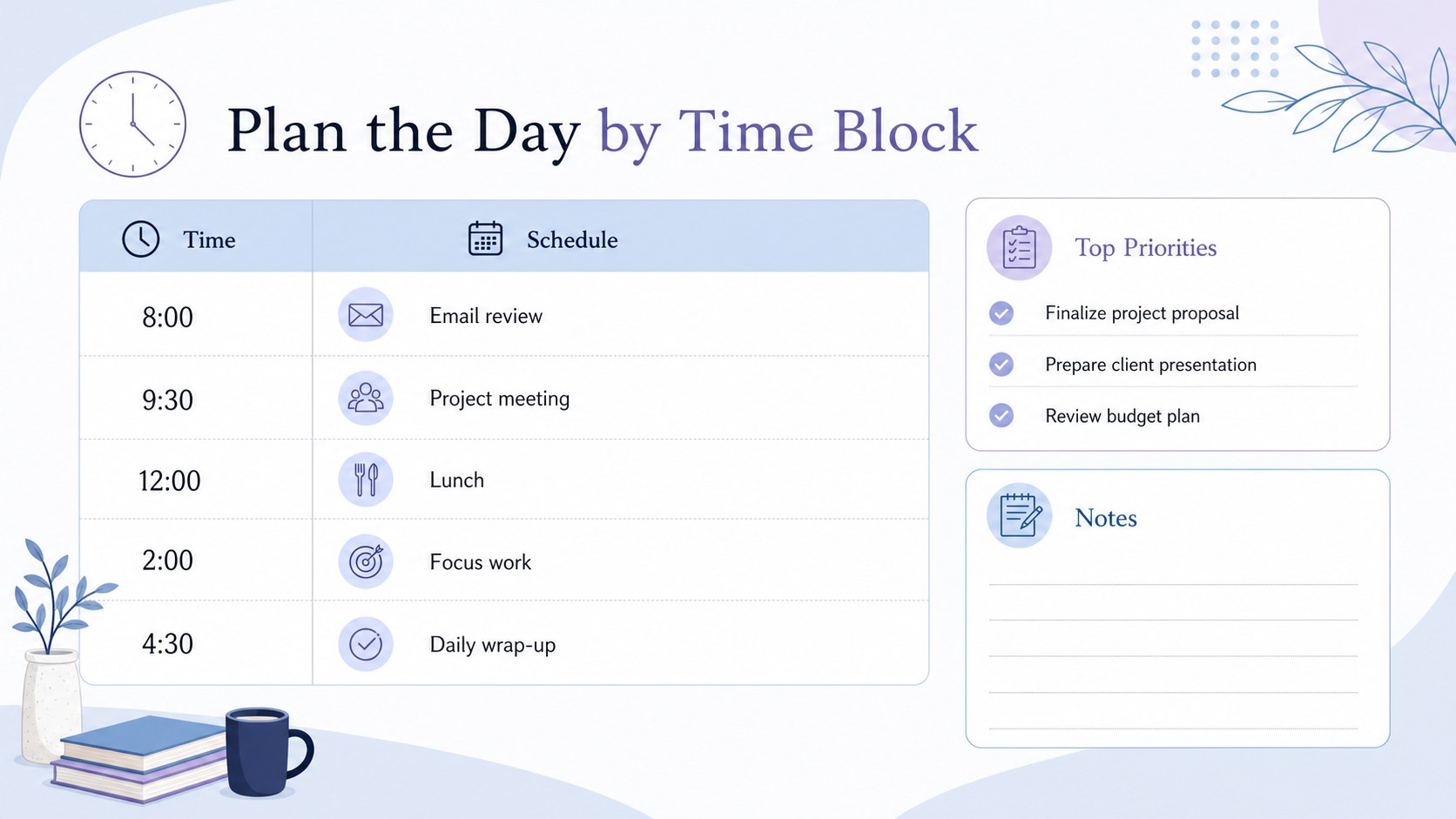
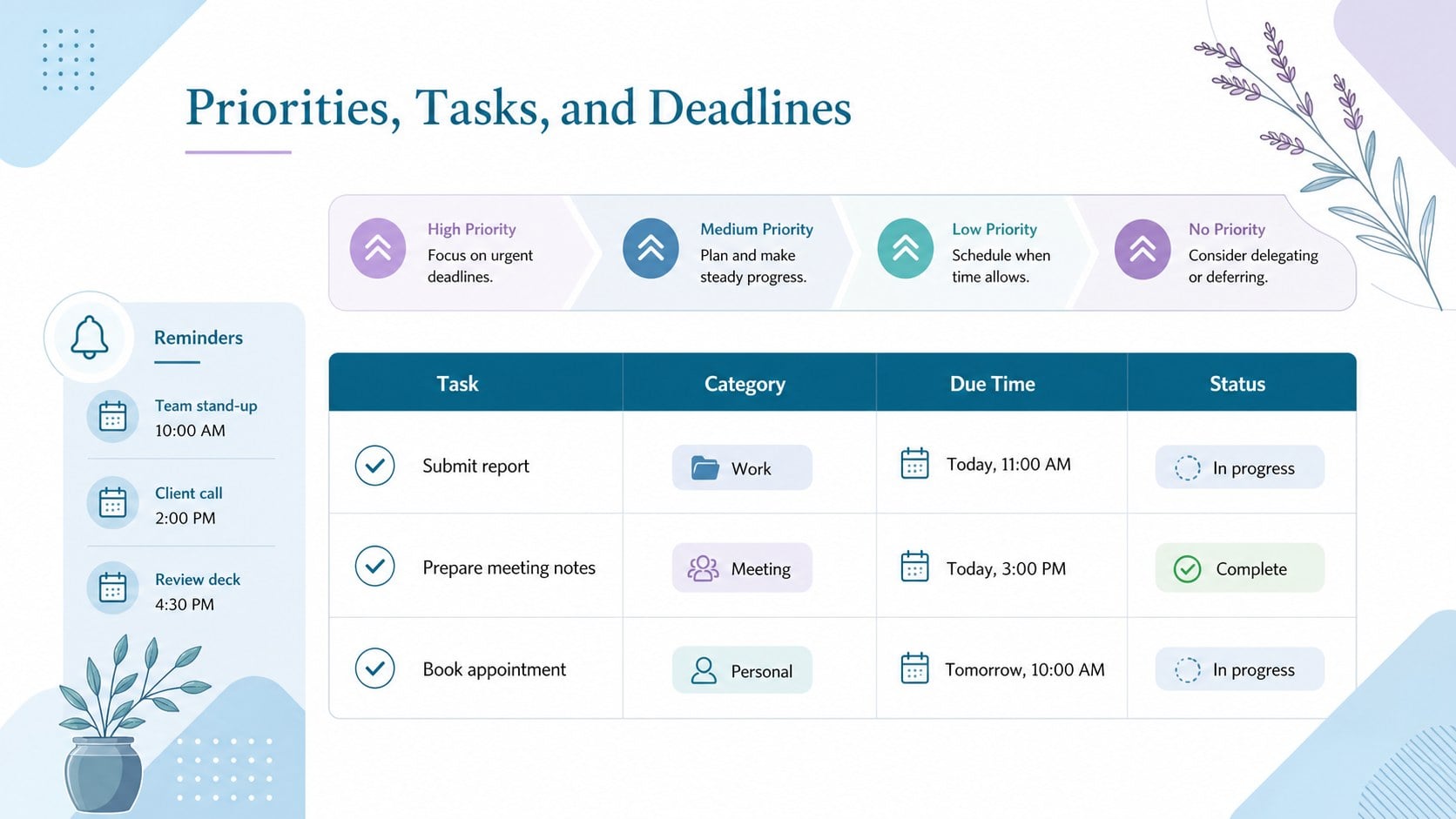
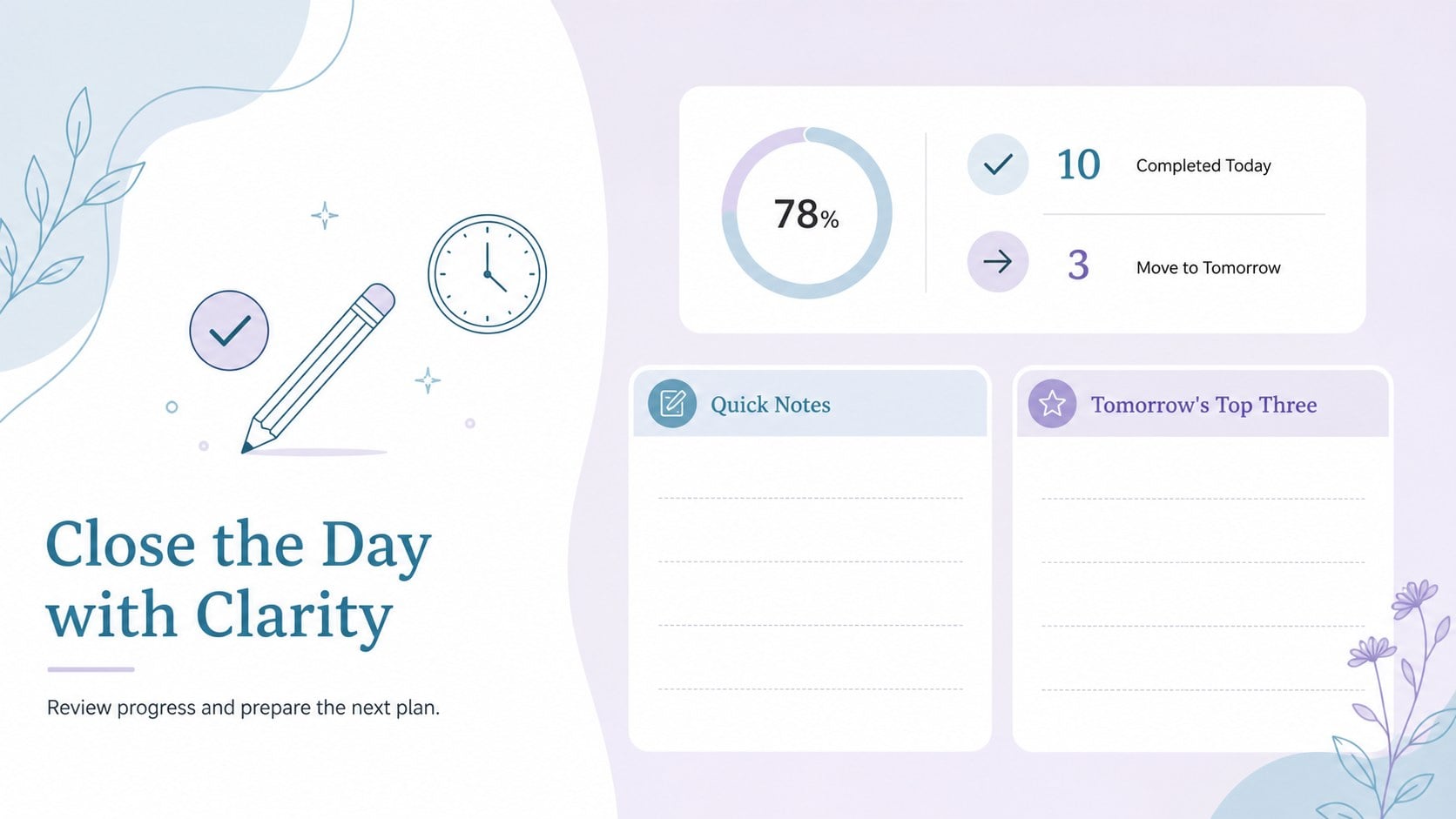
The layout includes dedicated space for hourly plans, priority tasks, appointments, deadlines, reminders, and brief notes. Clear sections help you separate fixed events from flexible work, while editable fields make the template suitable as an hourly day planner spreadsheet or a reusable daily appointment tracker. You can adjust time intervals, rename categories, apply your own colors, and duplicate the sheet for each workday. The organized structure also supports a time blocking spreadsheet for professionals who prefer to assign focused periods to specific activities.
This daily schedule organizer spreadsheet works well for office staff, freelancers, students, educators, parents, and anyone balancing several responsibilities. Use it to prepare a focused workday, coordinate meetings, plan study sessions, organize errands, or monitor important due dates. The template is ready to customize in Microsoft Excel and Google Sheets, making it straightforward to update from your preferred spreadsheet platform, print for desk use, or share with colleagues and family members.
Perfect for: hourly workday planning; student study scheduling; freelance project organization; appointment and deadline tracking; family errand coordination.
Frequently asked questions
Can I edit the schedule in Excel and Google Sheets? Yes. The spreadsheet is designed for Microsoft Excel and Google Sheets, with editable text, time slots, labels, and colors. Formatting may vary slightly between platforms, so review the layout before printing.
Practical details
Yes. The spreadsheet is designed for Microsoft Excel and Google Sheets, with editable text, time slots, labels, and colors. Formatting may vary slightly between platforms, so review the layout before printing.
Rename the planning sections, change the starting and ending times, and adjust the interval between schedule rows. You can also recolor categories or add rows for meals, travel, exercise, and other recurring activities.
Yes. Duplicate the worksheet tab for each new date and keep an untouched master tab for future use. This also makes it easy to maintain a simple archive of completed daily plans.
Yes. The clean landscape layout can be printed as a desk planner after you confirm the page scaling and margins in Excel or Google Sheets. For the clearest result, use a color printer or select a high-contrast grayscale setting.
Keep exploring
6Honor teams and individuals with an Orange Year-End Recognition Certificate Set featuring six editable designs for PowerPoint and Google Slides.
 4
4Keep inspections, repairs, priorities, and follow-up dates organized in a weekly equipment service log designed for facilities and operations teams.
 4
4Keep weekly ownership visible with a Weekly Team Workflow Tracker for assignments, deadlines, priorities, logged hours, blockers, and status updates.
 4
4Turn weekly results into quick decisions with a colorful sales pulse tracker for comparing targets, revenue, wins, and trends in Excel or Google Sheets.
 4
4Turn a busy workload into a clear action plan with the Illustrated Task Priority Organizer, an editable green-and-purple template for focused days.
 4
4Organize classes, meetings, and personal tasks with a vibrant weekly schedule planner, editable in Excel and Google Sheets for fast, flexible updates.
 4
4Coordinate absences with an employee leave calendar spreadsheet built for clear approvals, reliable team coverage, and easy editing in Excel or Google Sheets.
 4
4Plan bills, savings, and daily costs with a colorful weekly spending planner for Excel or Google Sheets, with clear categories and automatic totals.