
 6
6spreadsheet
Orange Year-End Recognition Certificate Set
Honor teams and individuals with an Orange Year-End Recognition Certificate Set featuring six editable designs for PowerPoint and Google Slides.
Google SlidesPowerPointExcel
spreadsheet · English
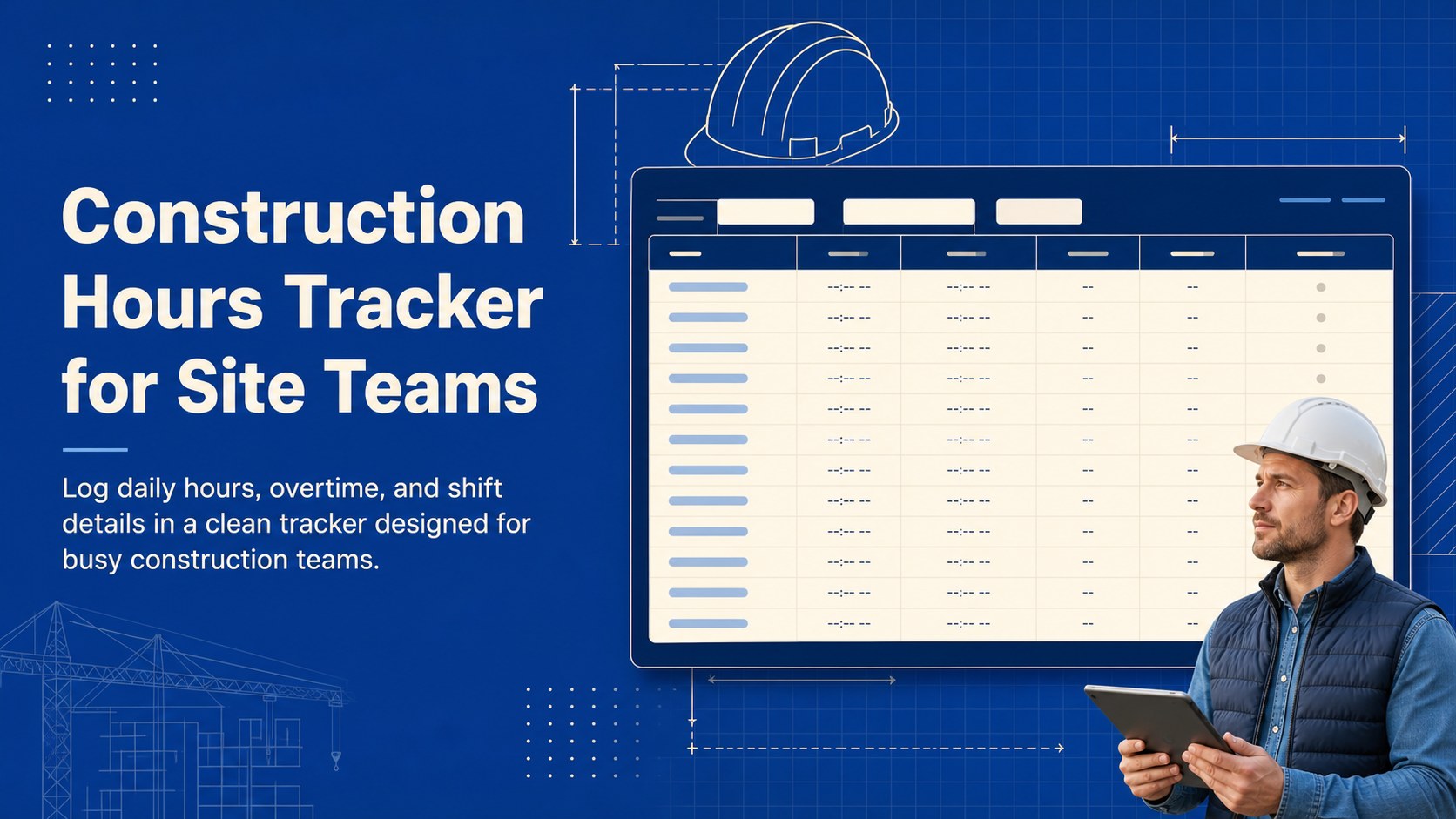
Track crew hours, overtime, and shift details with a construction hours tracker for site teams. Edit in Google Sheets, Excel, PowerPoint, or Google Slides.
Design notes
Keep job-site time records clear and consistent with this construction hours tracker for site teams. Its practical blue and beige design gives supervisors, coordinators, and individual workers a straightforward place to record daily hours, overtime, shifts, and related notes. The organized layout helps reduce paperwork while supporting more reliable labor reporting.
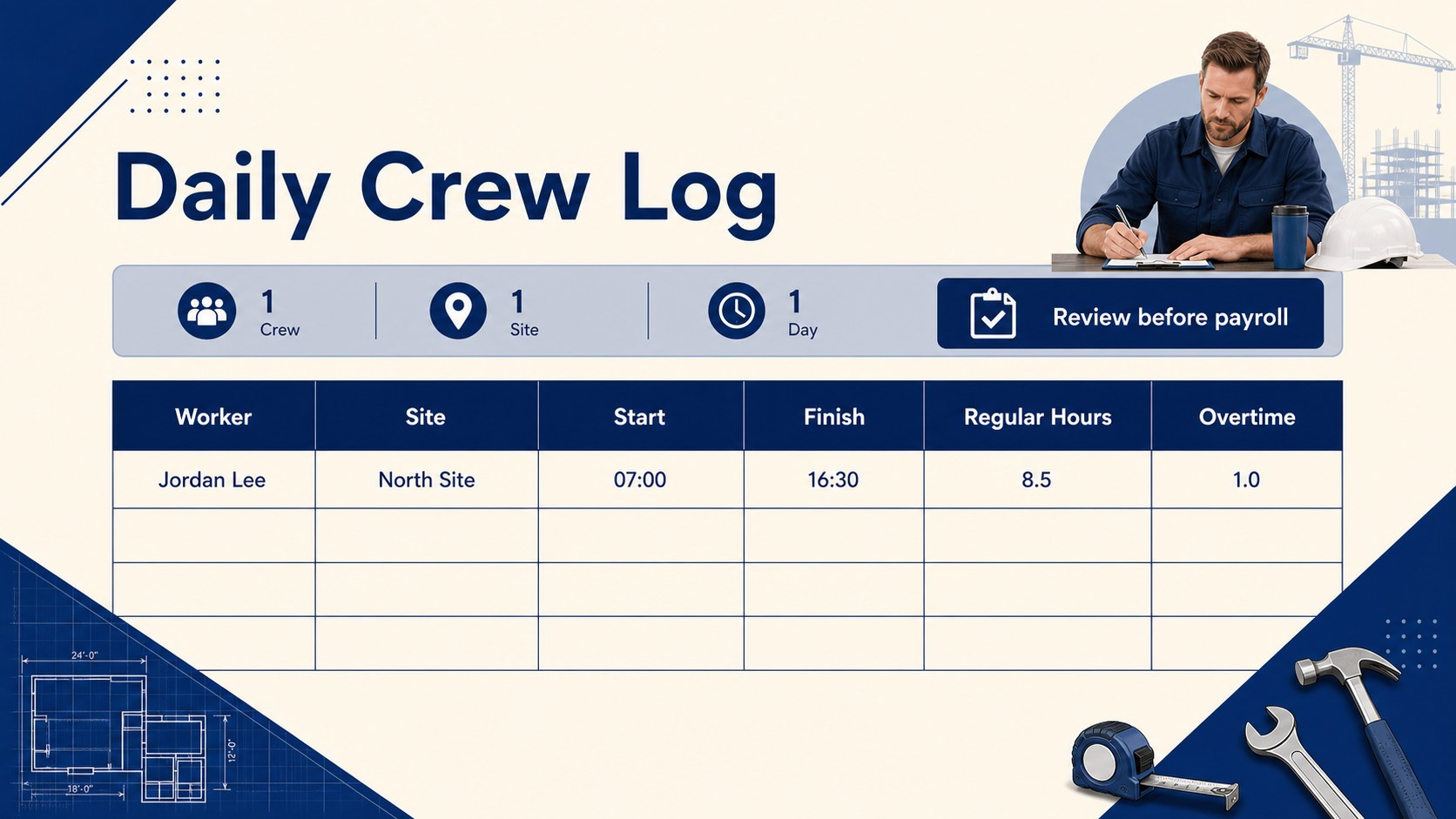
What’s inside: a daily work-hours table, overtime fields, shift details, worker information, summary areas, and space for project or site notes. Use it as a construction crew hours spreadsheet, a weekly construction labor log, or a quick reference for reviewing attendance and labor totals. The structure is flexible enough for small contractors, subcontractor teams, and larger site operations.
Edit the template in Google Sheets or Excel for spreadsheet-based tracking, or adapt the layout in PowerPoint and Google Slides for team briefings, reporting packs, and printable records. Replace labels, add project details, adjust colors, and tailor the fields to your internal process. The fully editable format supports job-site overtime tracking while keeping the visual presentation polished, professional, and easy to scan.
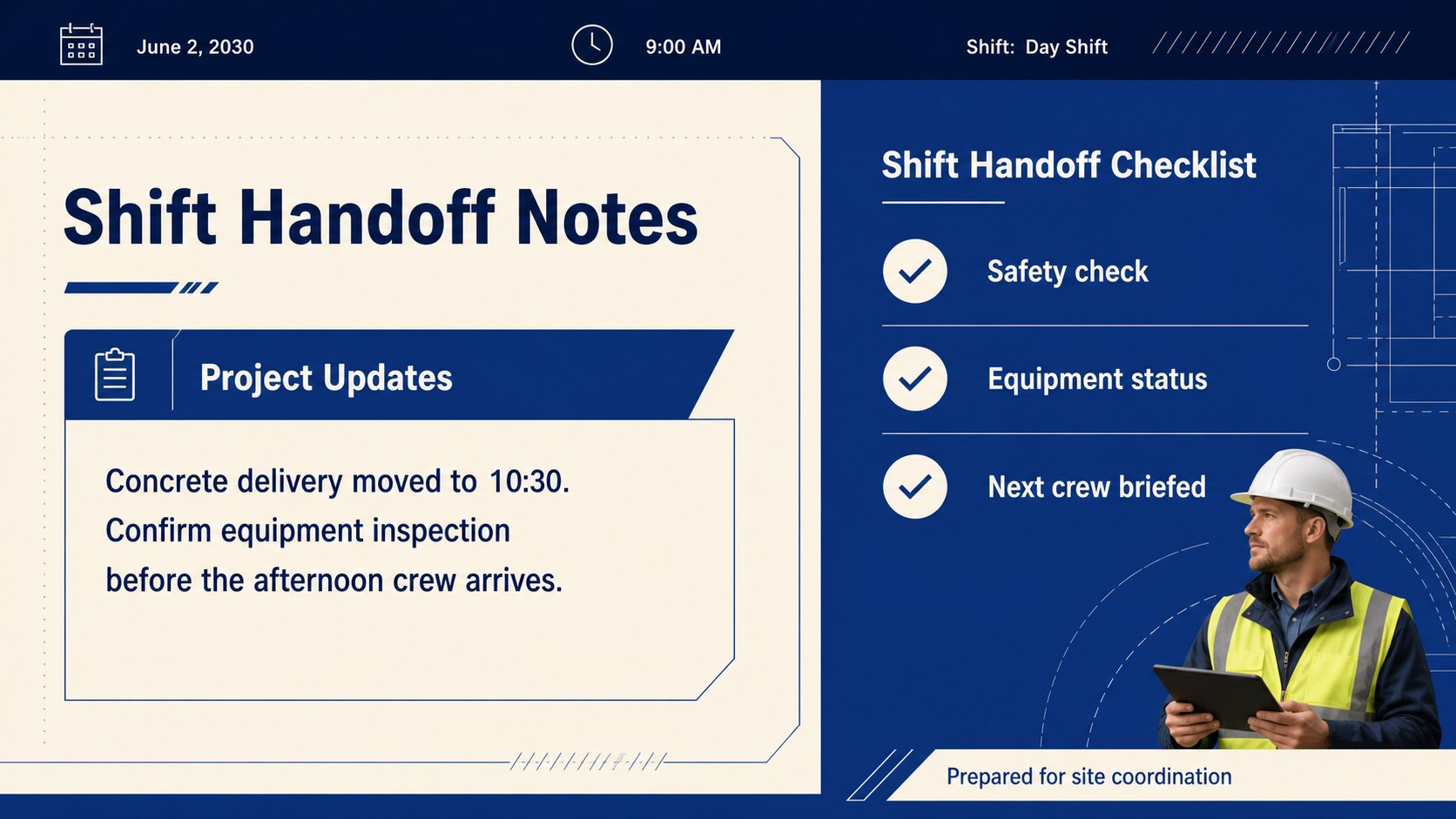
Perfect for: Daily crew hour recording; Subcontractor labor tracking; Job-site overtime review; Weekly project reporting; Construction shift handoffs.
Frequently asked questions
Can I edit the construction hours tracker in Google Sheets? Yes. The tracker can be opened and customized in Google Sheets, including worker names, project fields, formulas, and notes. You can also download or share the updated sheet with your team.
Practical details
Yes. The tracker can be opened and customized in Google Sheets, including worker names, project fields, formulas, and notes. You can also download or share the updated sheet with your team.
Yes. Use the Excel version to record hours, overtime, shifts, and project details. You can modify the table structure and labels to match your company’s timekeeping process.
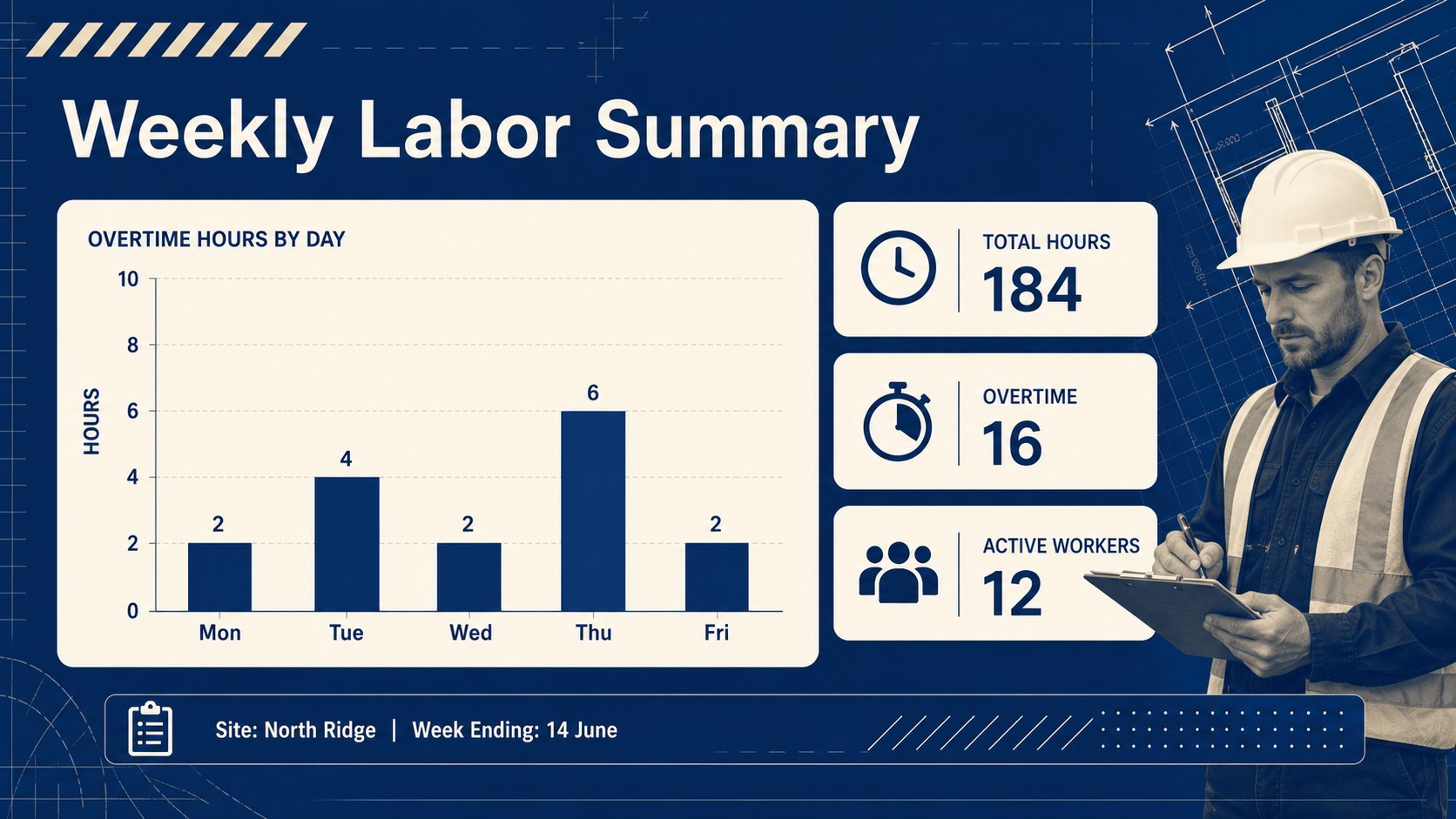
Yes. The layout can be adapted in PowerPoint or Google Slides for weekly labor summaries, supervisor meetings, and project updates. Add charts, branding, or summary figures while keeping the blue and beige design system.
It is designed for construction supervisors, contractors, subcontractors, HR teams, and individual workers who need organized site-hour records. The fields can support both small crews and multi-project operations.
Keep exploring
6Honor teams and individuals with an Orange Year-End Recognition Certificate Set featuring six editable designs for PowerPoint and Google Slides.
 4
4Keep inspections, repairs, priorities, and follow-up dates organized in a weekly equipment service log designed for facilities and operations teams.
 4
4Keep weekly ownership visible with a Weekly Team Workflow Tracker for assignments, deadlines, priorities, logged hours, blockers, and status updates.
 4
4Turn weekly results into quick decisions with a colorful sales pulse tracker for comparing targets, revenue, wins, and trends in Excel or Google Sheets.
 4
4Turn a busy workload into a clear action plan with the Illustrated Task Priority Organizer, an editable green-and-purple template for focused days.
 4
4Organize classes, meetings, and personal tasks with a vibrant weekly schedule planner, editable in Excel and Google Sheets for fast, flexible updates.
 4
4Coordinate absences with an employee leave calendar spreadsheet built for clear approvals, reliable team coverage, and easy editing in Excel or Google Sheets.
 4
4Plan bills, savings, and daily costs with a colorful weekly spending planner for Excel or Google Sheets, with clear categories and automatic totals.