
 6
6spreadsheet
Orange Year-End Recognition Certificate Set
Honor teams and individuals with an Orange Year-End Recognition Certificate Set featuring six editable designs for PowerPoint and Google Slides.
Google SlidesPowerPointExcel
spreadsheet · English
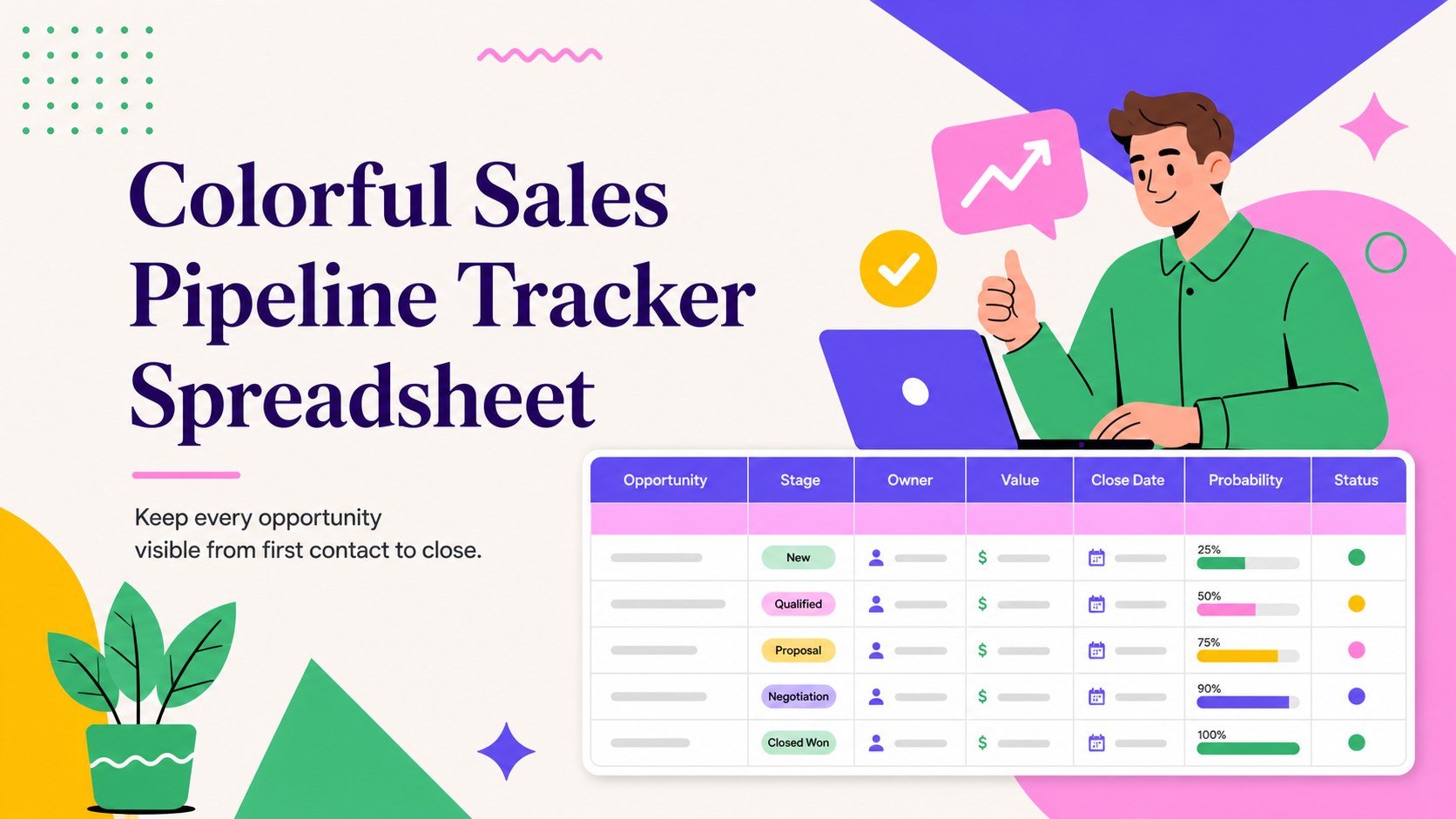
Turn scattered prospects into clear next steps with this colorful sales pipeline tracker for Excel and Google Sheets, built for teams and freelancers.
Design notes
Bring clarity to your outreach with a colorful sales pipeline tracker designed to keep prospects, conversations, and next actions in one organized view. Its bold illustrated style combines purple, pink, yellow, and green accents, making key statuses and urgent tasks easy to recognize without creating visual clutter.
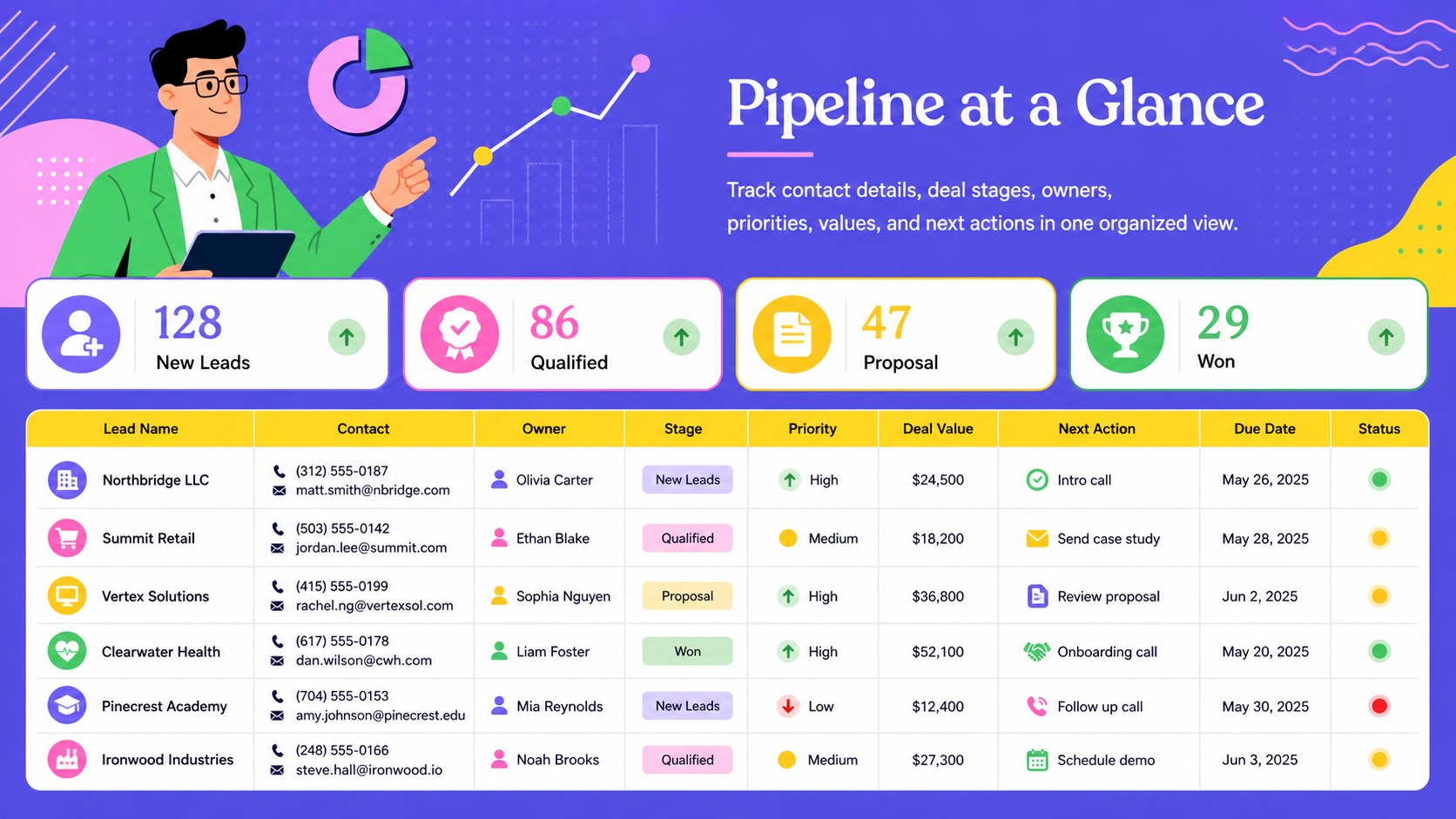
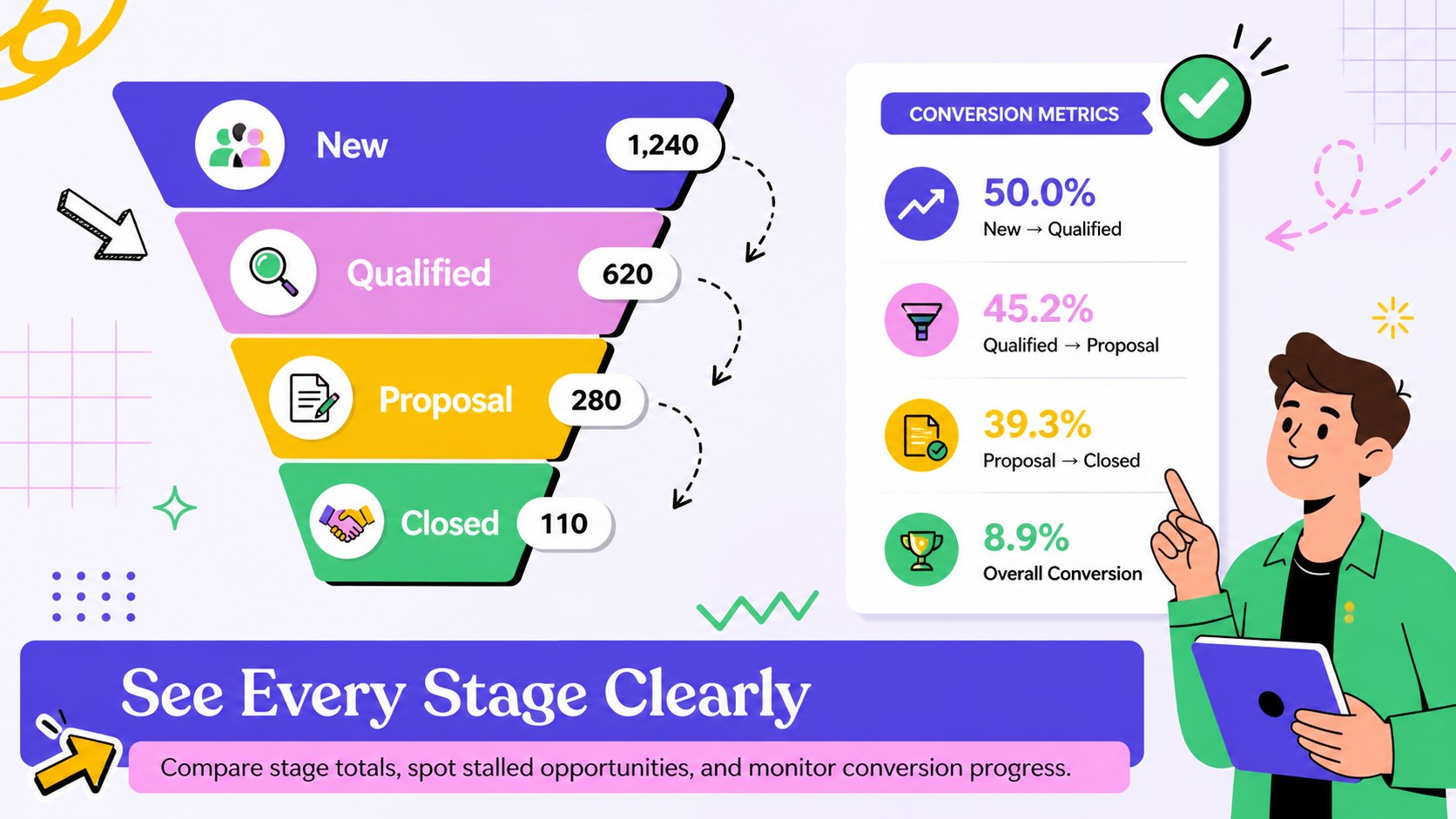
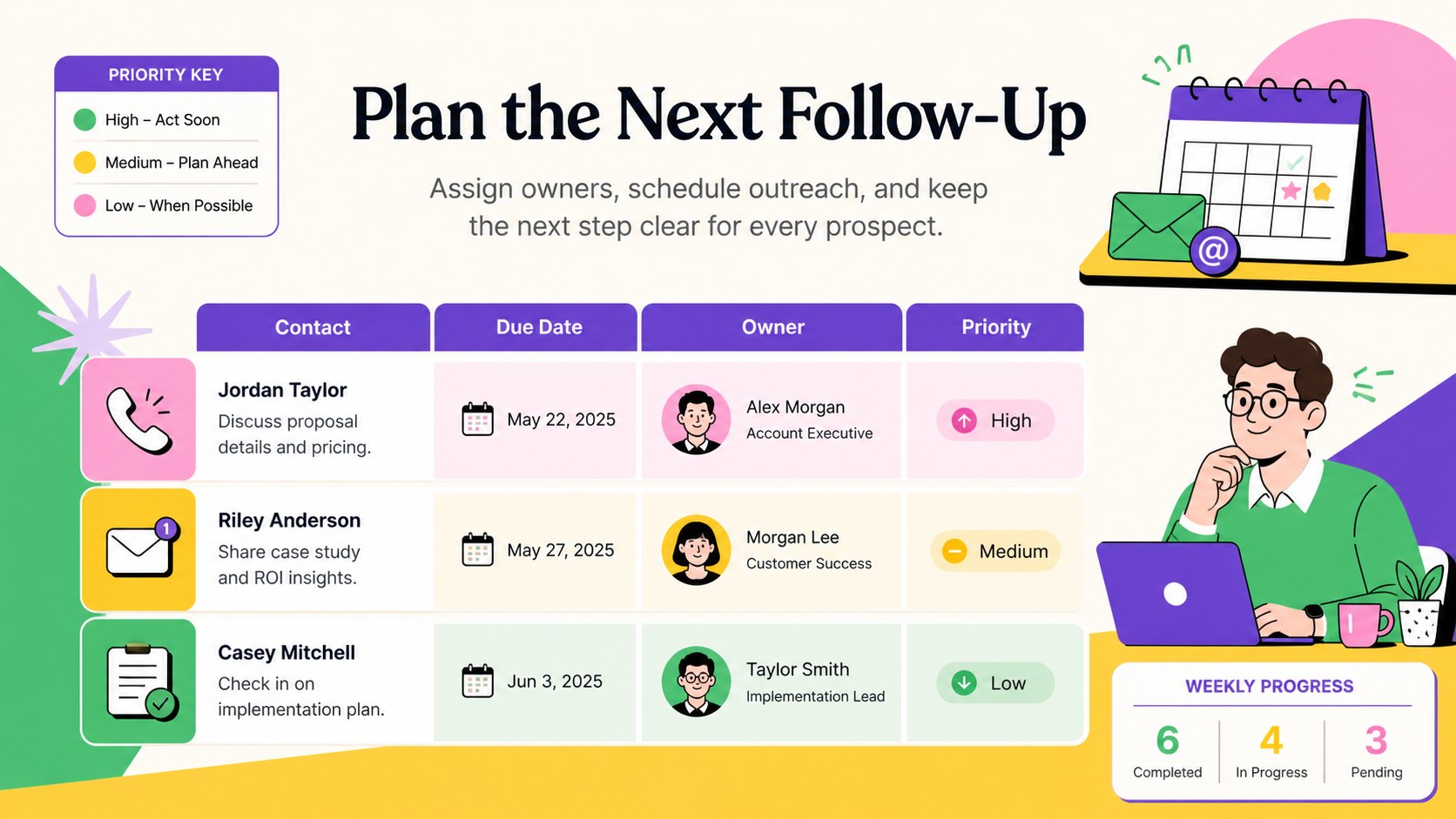
The workbook includes space for contact details, deal stages, lead sources, estimated values, priorities, owners, follow-up dates, and notes. Use it as a sales prospect tracking spreadsheet for daily pipeline reviews, or adapt it into a lead follow up tracker for small business teams that need a straightforward shared system. A visual sales funnel spreadsheet section helps you compare stage totals, identify stalled opportunities, and monitor conversion progress at a glance.
This template is suited to sales teams, startup founders, consultants, agencies, and independent professionals managing multiple conversations at once. Customize the columns, status labels, color coding, formulas, and reporting fields to reflect your own sales process. The landscape layout also works well for presenting pipeline updates during meetings or exporting clean summaries for stakeholders.
Edit the tracker in Microsoft Excel or Google Sheets, then share it with collaborators or maintain a private working copy. Whether you are qualifying new inquiries, planning weekly outreach, or reviewing forecast values, the structured layout keeps the next step for every lead clear.
Perfect for: weekly sales pipeline review; freelance client follow-up; startup prospect management; agency lead qualification; sales forecast reporting.
Frequently asked questions
Practical details
The tracker is designed for Microsoft Excel and Google Sheets. Core tables, editable fields, and color-coded statuses can be used on either platform.
Yes. Rename, add, or remove stages to match your sales process, then update the associated colors and formulas where needed.
Add team member names to the owner field and adjust priority, source, and follow-up options to fit your workflow. In Google Sheets, you can share the workbook and manage access permissions for collaborators.
Yes. Filter records by owner, stage, source, or date, and use the summary areas to review pipeline totals and conversion progress. You can also export selected views for meetings or stakeholder updates.
Keep exploring
6Honor teams and individuals with an Orange Year-End Recognition Certificate Set featuring six editable designs for PowerPoint and Google Slides.
 4
4Keep inspections, repairs, priorities, and follow-up dates organized in a weekly equipment service log designed for facilities and operations teams.
 4
4Keep weekly ownership visible with a Weekly Team Workflow Tracker for assignments, deadlines, priorities, logged hours, blockers, and status updates.
 4
4Turn weekly results into quick decisions with a colorful sales pulse tracker for comparing targets, revenue, wins, and trends in Excel or Google Sheets.
 4
4Turn a busy workload into a clear action plan with the Illustrated Task Priority Organizer, an editable green-and-purple template for focused days.
 4
4Organize classes, meetings, and personal tasks with a vibrant weekly schedule planner, editable in Excel and Google Sheets for fast, flexible updates.
 4
4Coordinate absences with an employee leave calendar spreadsheet built for clear approvals, reliable team coverage, and easy editing in Excel or Google Sheets.
 4
4Plan bills, savings, and daily costs with a colorful weekly spending planner for Excel or Google Sheets, with clear categories and automatic totals.