
 6
6spreadsheet
Orange Year-End Recognition Certificate Set
Honor teams and individuals with an Orange Year-End Recognition Certificate Set featuring six editable designs for PowerPoint and Google Slides.
Google SlidesPowerPointExcel
spreadsheet · English
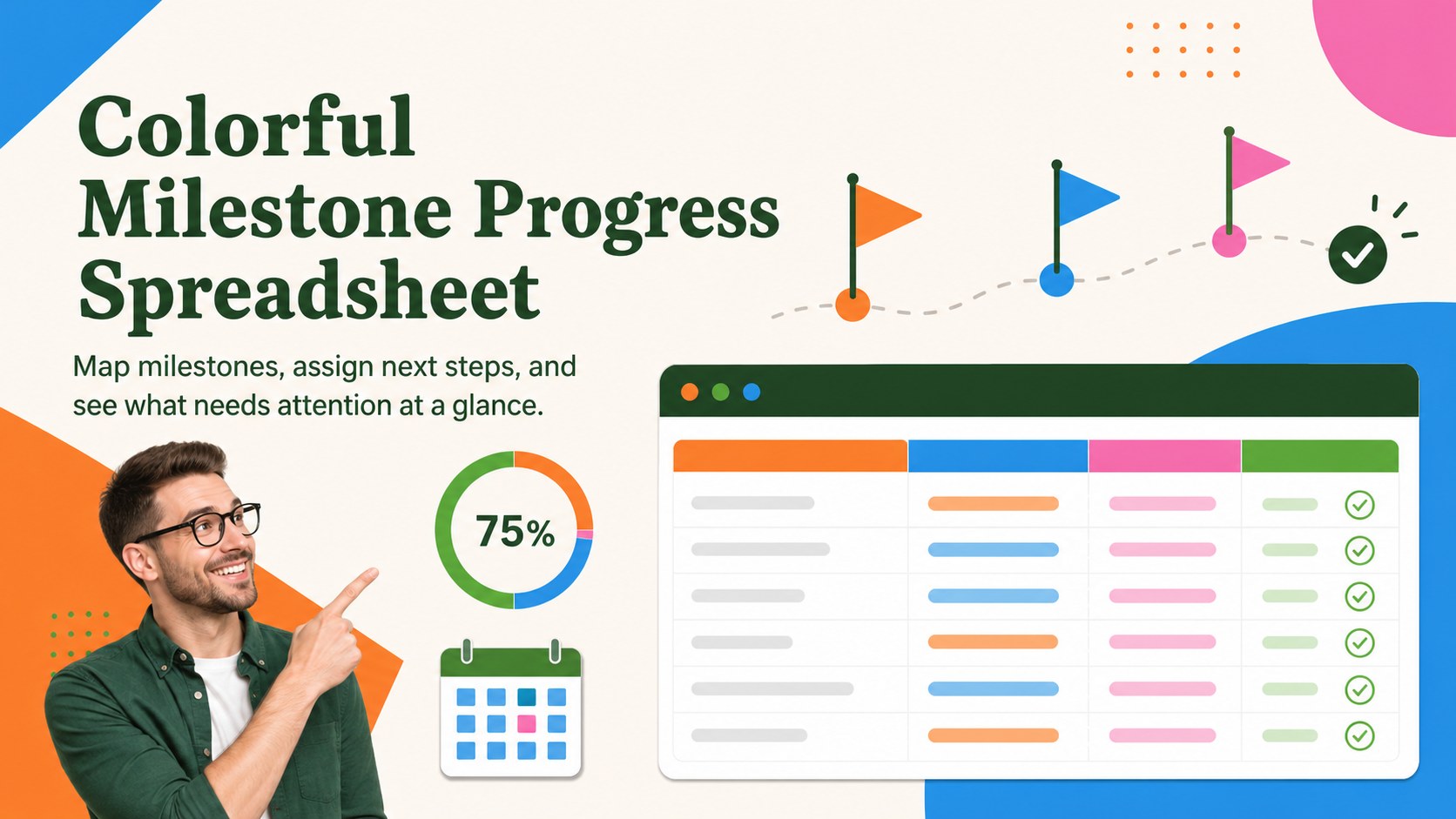
Turn ambitions into clear next steps with a Colorful Milestone Progress Spreadsheet for Excel and Google Sheets, designed for easy visual updates.
Design notes
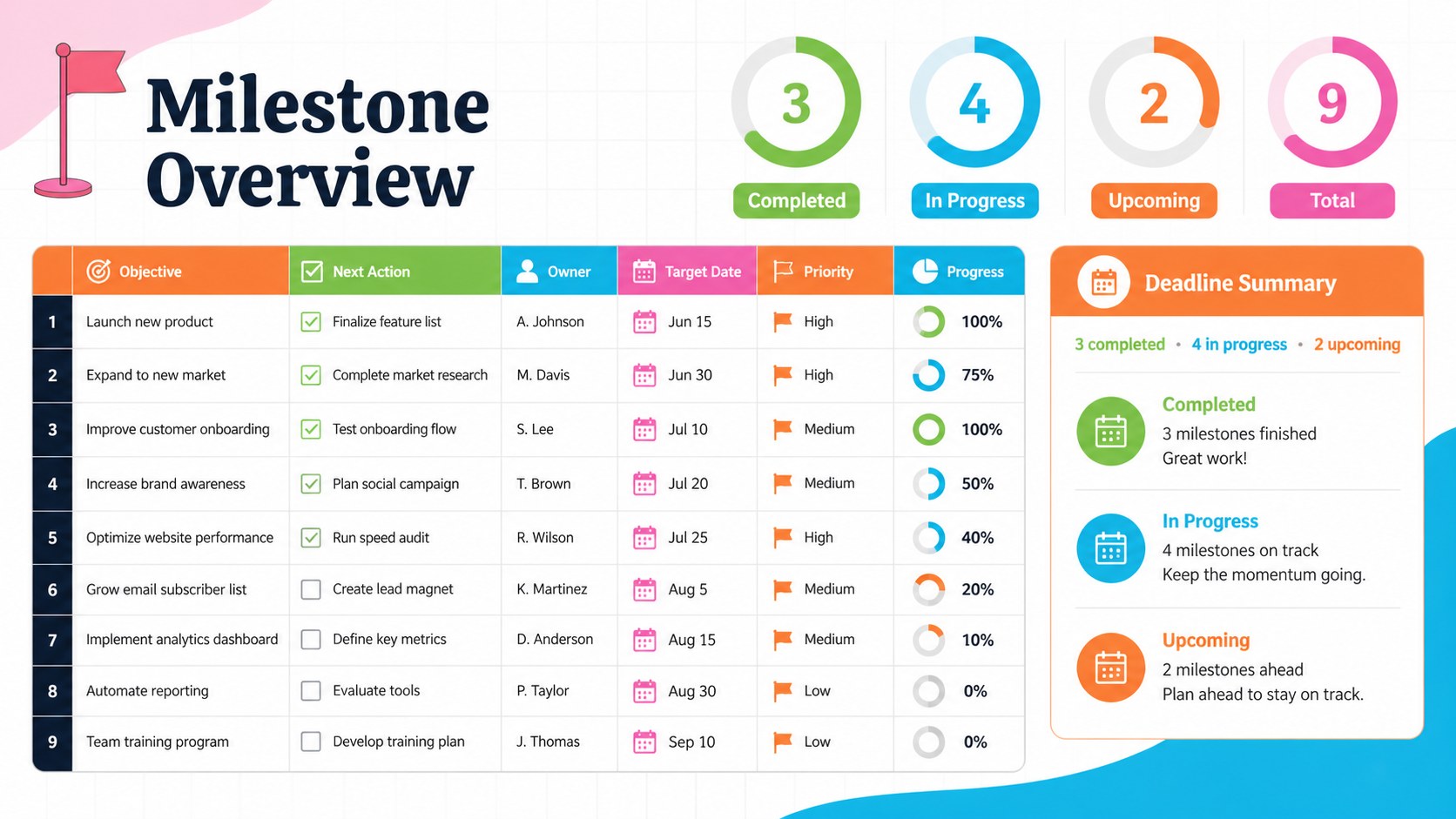
Bring structure and energy to your plans with the Colorful Milestone Progress Spreadsheet. Designed for Excel and Google Sheets, this editable workbook turns broad ambitions into practical milestones, tasks, deadlines, and measurable outcomes. Its lively orange, green, blue, and pink palette creates clear visual signals without making the workspace difficult to scan.
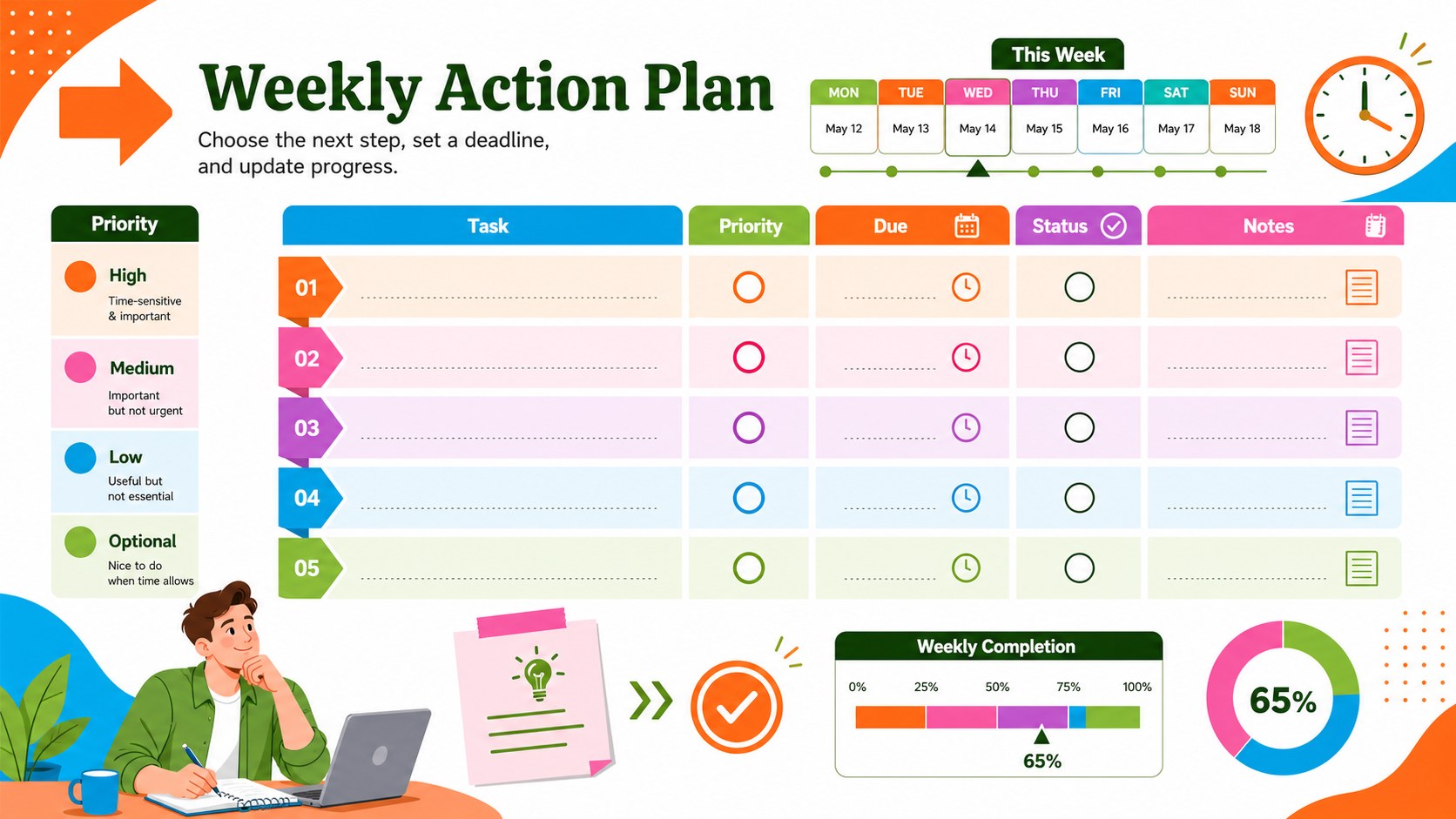
Inside, you will find dedicated areas for defining objectives, recording action steps, setting target dates, assigning priorities, and updating completion status. Summary indicators help you identify finished work, upcoming deadlines, and items that need attention. Use it as a personal milestone tracking spreadsheet, a project objective progress dashboard, or a Google Sheets milestone planner shared with colleagues. Every label, color, formula, and tracking category can be adjusted to fit your workflow.
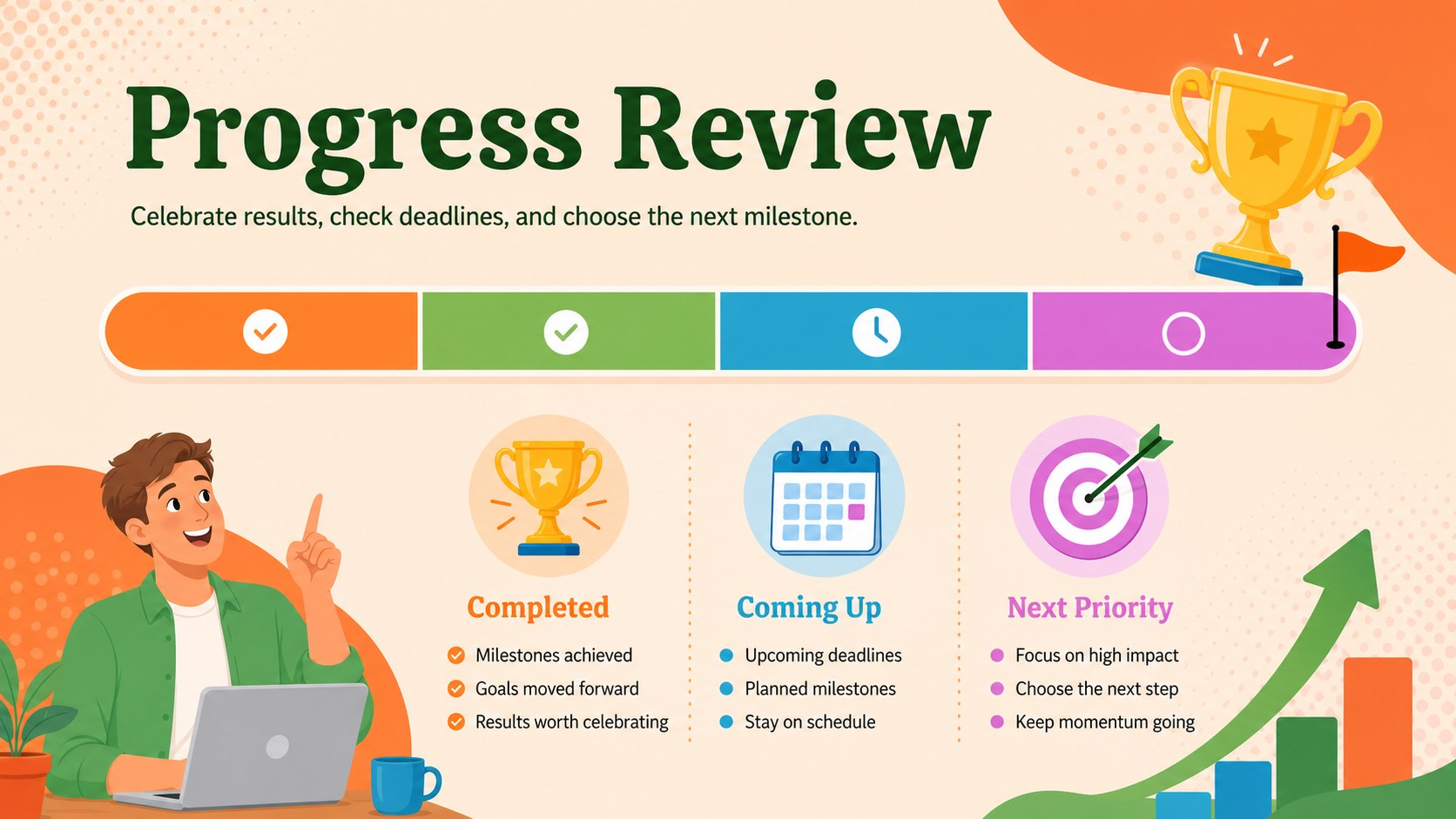
This spreadsheet suits students organizing academic targets, professionals planning career development, managers monitoring team objectives, and individuals working toward fitness, financial, or creative milestones. It also supports weekly reviews, quarterly planning sessions, and project check-ins. Whether you are coordinating several priorities or focusing on one major outcome, the structured layout keeps the next action visible while providing a motivating record of how far you have progressed.
Perfect for: quarterly career milestone review; team project objective monitoring; student achievement planning; fitness milestone tracking; personal development check-in.
Frequently asked questions
Can I edit the milestone categories and status labels? Yes. You can rename objectives, statuses, priorities, dates, and action fields to match your planning method. Colors and formulas can also be adjusted for a more tailored workflow.
Practical details
Yes. You can rename objectives, statuses, priorities, dates, and action fields to match your planning method. Colors and formulas can also be adjusted for a more tailored workflow.
The workbook is designed for Microsoft Excel and Google Sheets. Core planning fields and visual progress sections can be edited in either platform.
Yes. Add owner names, departments, deadlines, and review notes to coordinate shared milestones. In Google Sheets, collaborators can update progress and comments in the same file.
Replace the sample objectives with areas such as health, learning, finances, or creative projects. Set realistic milestones and use the status fields during weekly or monthly reviews.
Keep exploring
6Honor teams and individuals with an Orange Year-End Recognition Certificate Set featuring six editable designs for PowerPoint and Google Slides.
 4
4Keep inspections, repairs, priorities, and follow-up dates organized in a weekly equipment service log designed for facilities and operations teams.
 4
4Keep weekly ownership visible with a Weekly Team Workflow Tracker for assignments, deadlines, priorities, logged hours, blockers, and status updates.
 4
4Turn weekly results into quick decisions with a colorful sales pulse tracker for comparing targets, revenue, wins, and trends in Excel or Google Sheets.
 4
4Turn a busy workload into a clear action plan with the Illustrated Task Priority Organizer, an editable green-and-purple template for focused days.
 4
4Organize classes, meetings, and personal tasks with a vibrant weekly schedule planner, editable in Excel and Google Sheets for fast, flexible updates.
 4
4Coordinate absences with an employee leave calendar spreadsheet built for clear approvals, reliable team coverage, and easy editing in Excel or Google Sheets.
 4
4Plan bills, savings, and daily costs with a colorful weekly spending planner for Excel or Google Sheets, with clear categories and automatic totals.