
 15
15presentation
Flying Saucer History Lesson Deck
Build an engaging World UFO Day session with this flying saucer history lesson deck, featuring retro green-and-brown slides for PowerPoint and Google Slides.
Google SlidesPowerPoint
presentation · English
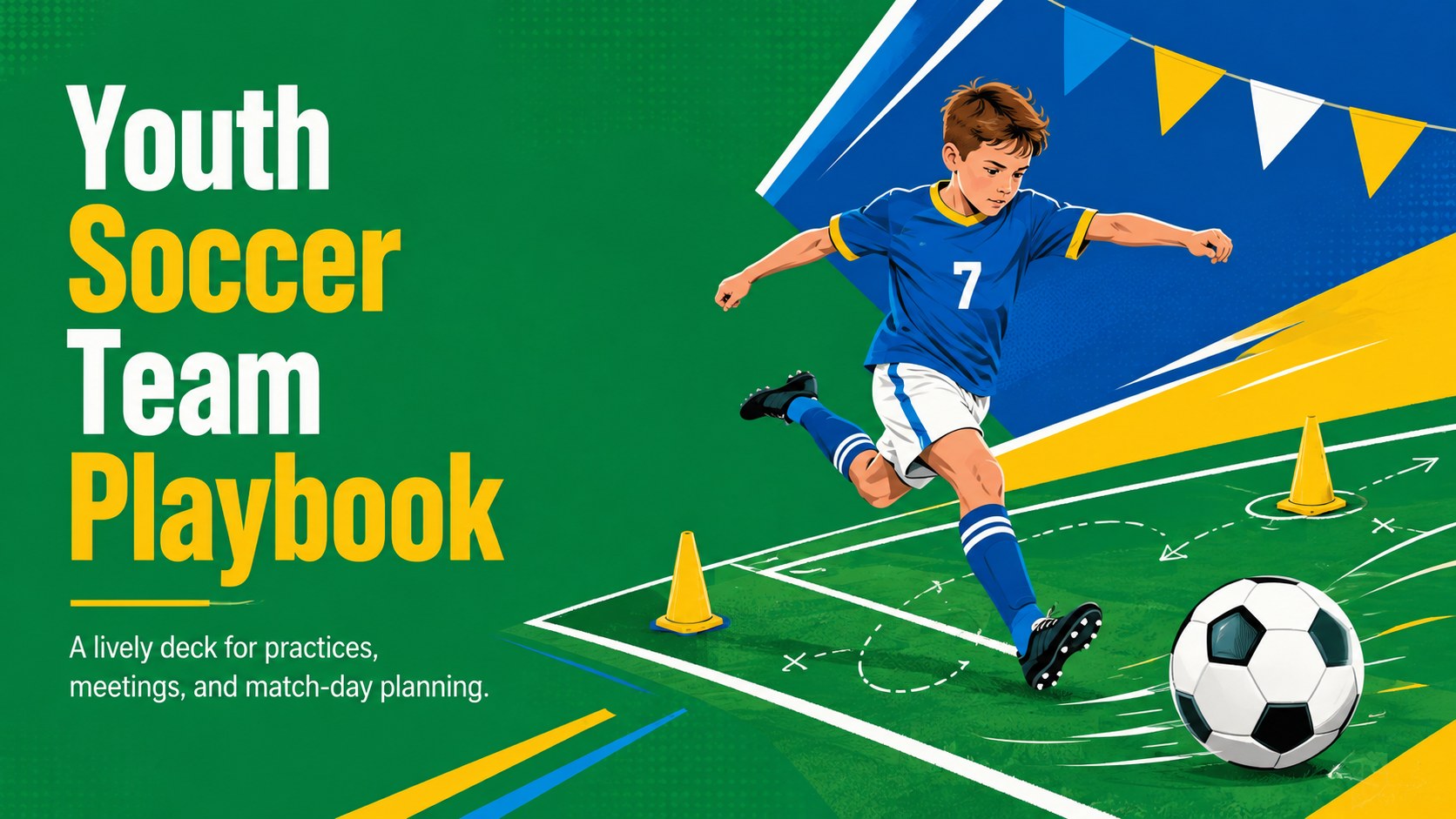
Organize practices, team goals, and club updates with a youth soccer team playbook in lively green, blue, and yellow for PowerPoint and Google Slides.
Design notes
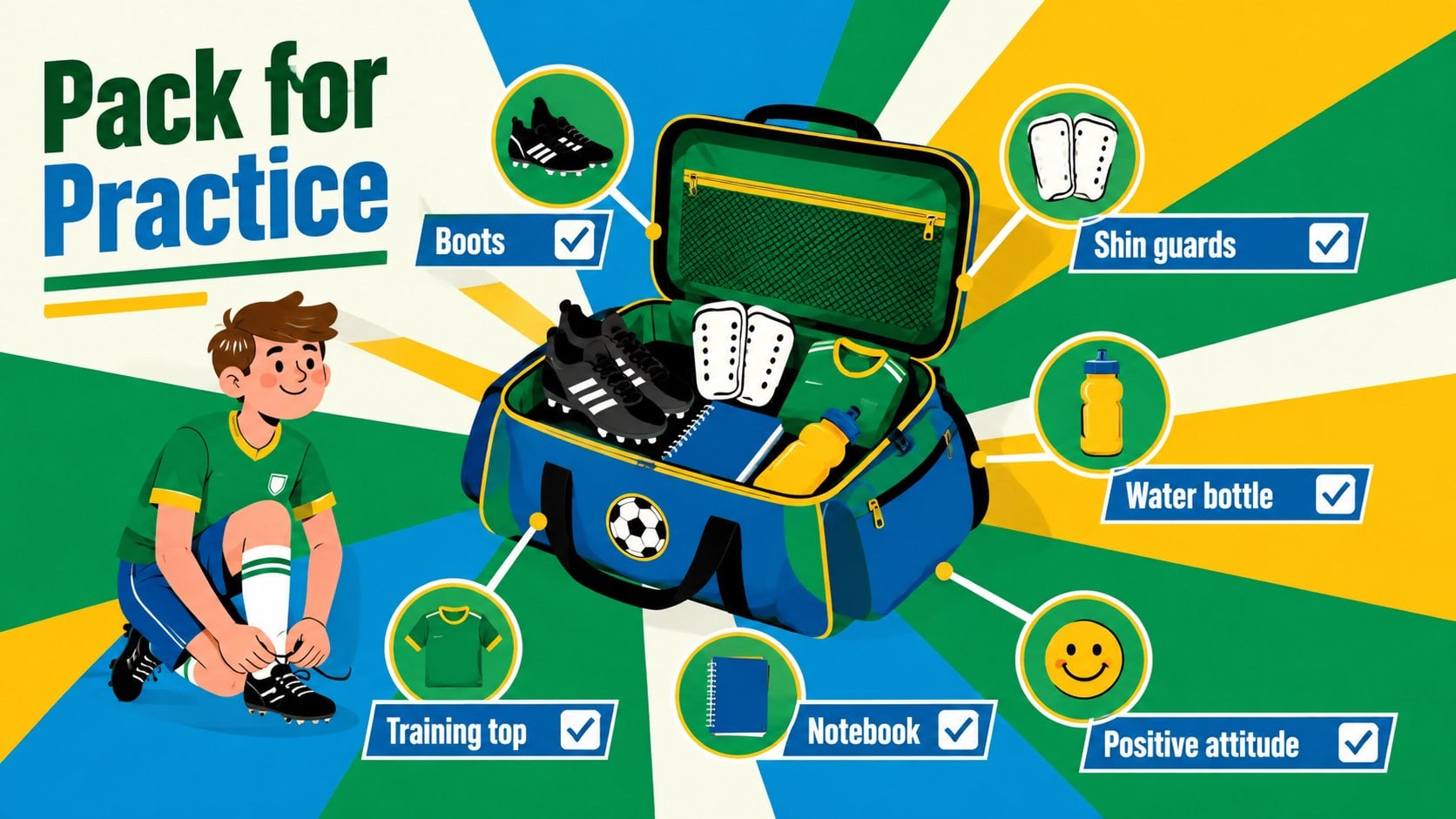
Turn practices, meetings, and season planning into engaging team sessions with this youth soccer team playbook. Designed for school coaches, activity leaders, teachers, and student captains, the deck combines an upbeat sports atmosphere with crisp geometric illustrations. Its green, blue, and yellow palette feels energetic and approachable without sacrificing clarity.
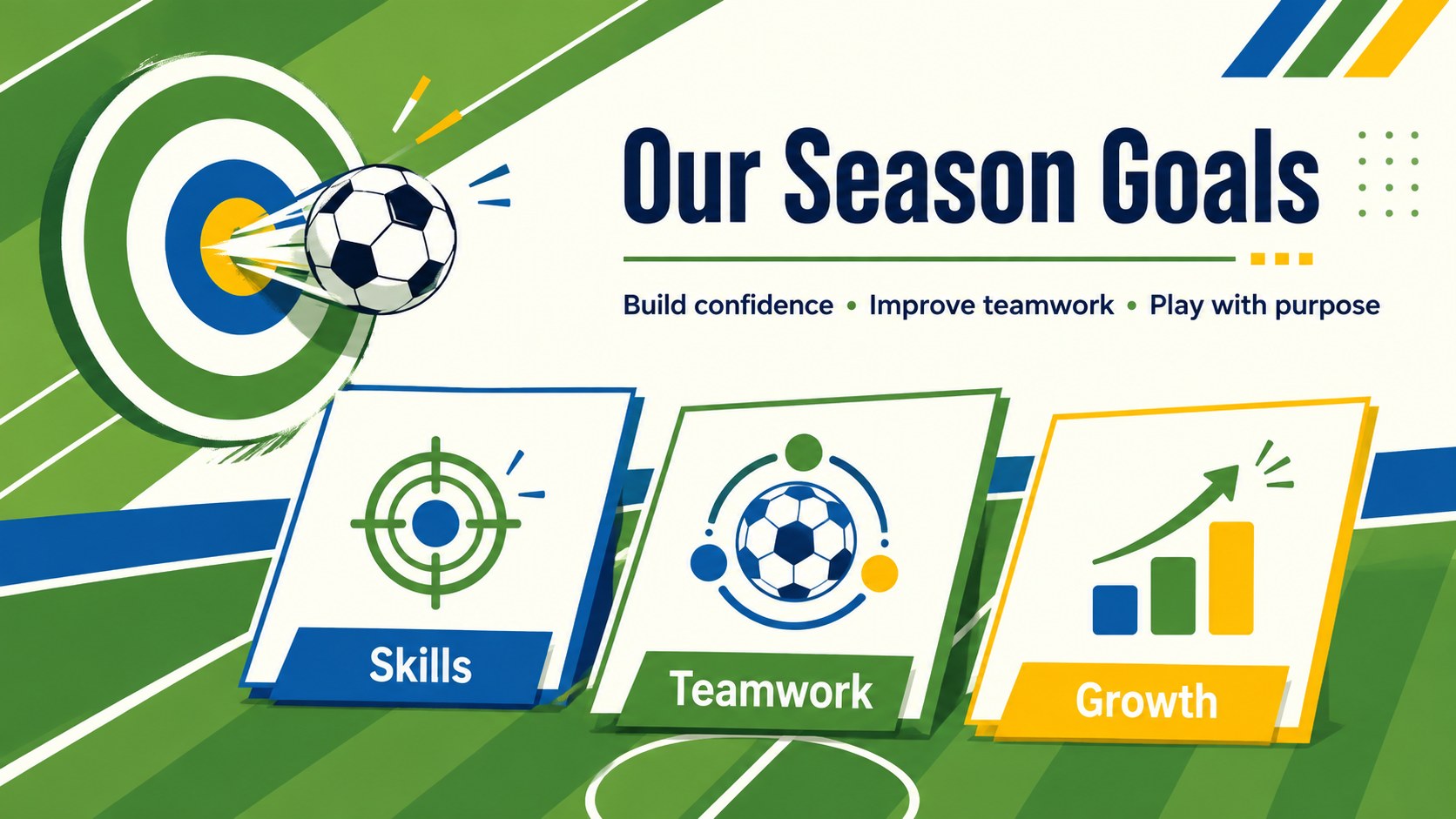
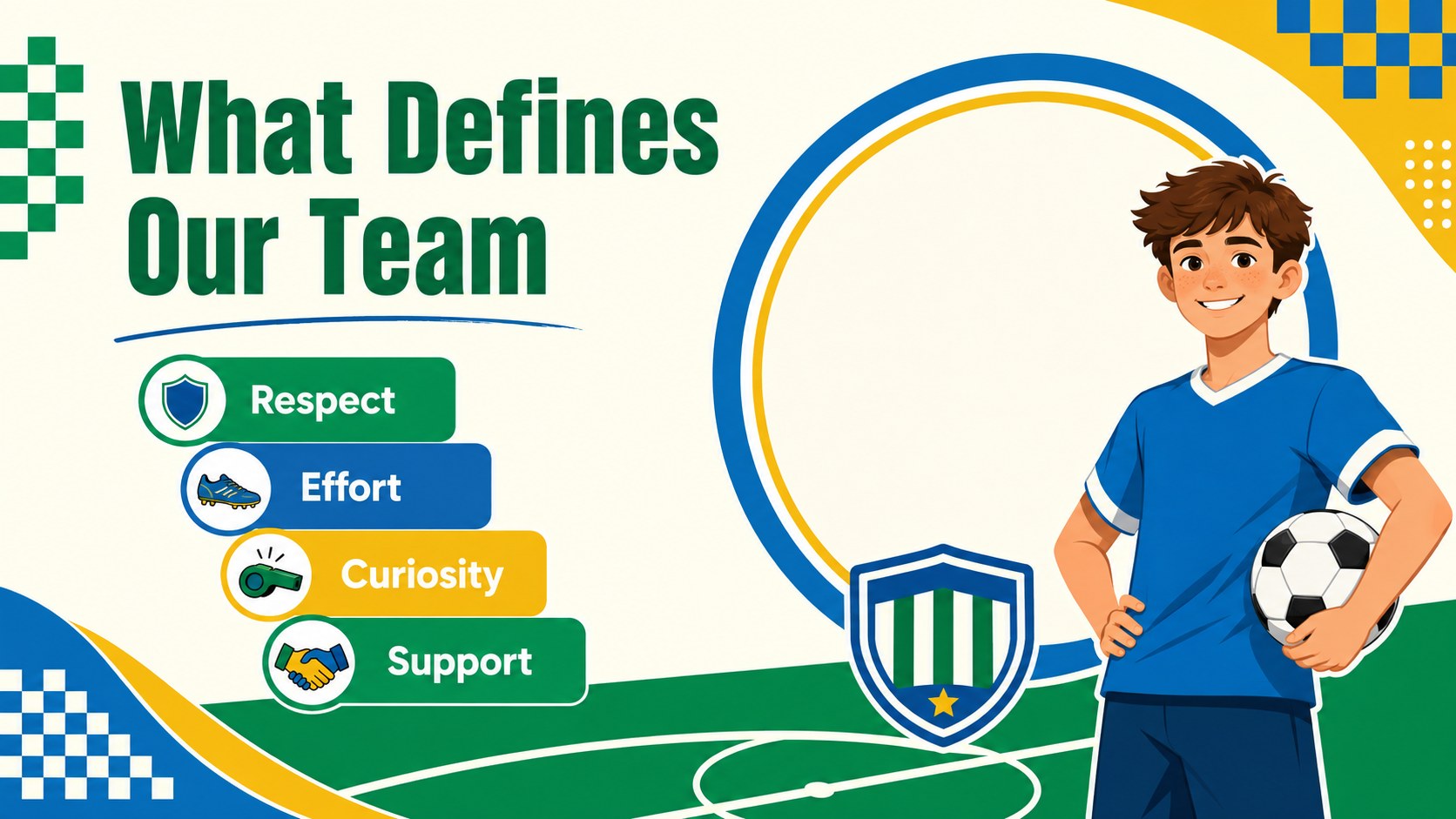
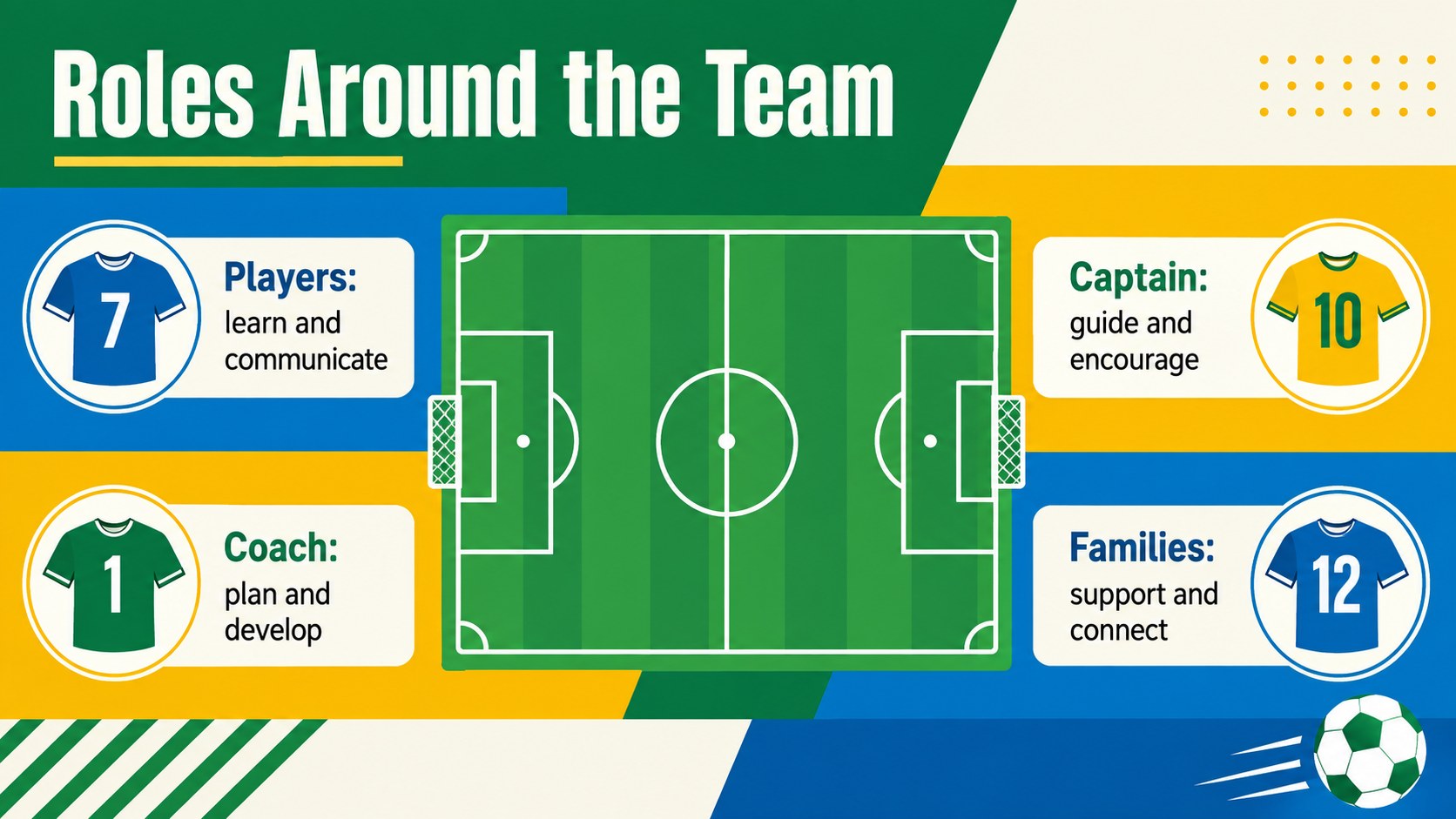
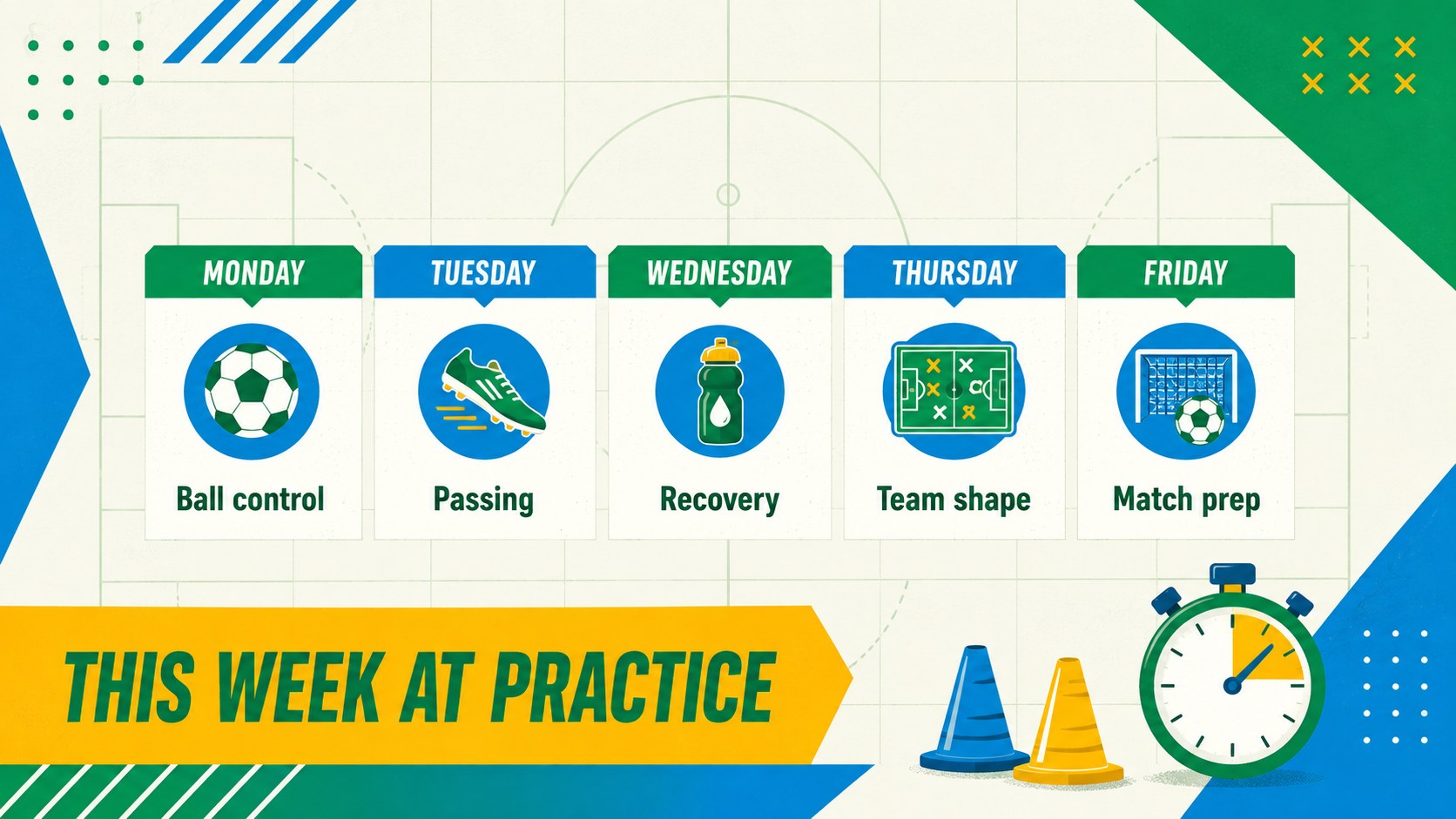
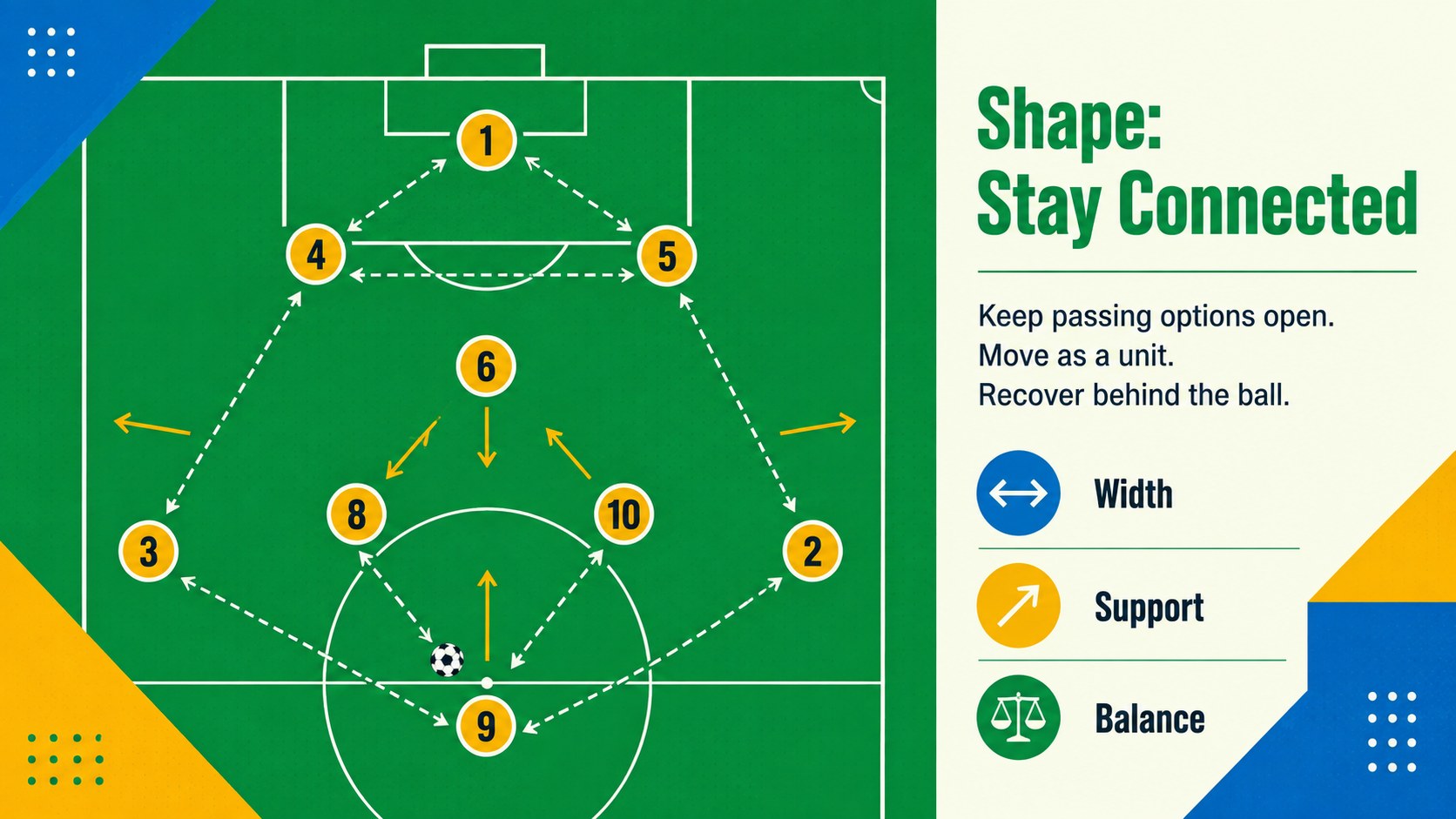
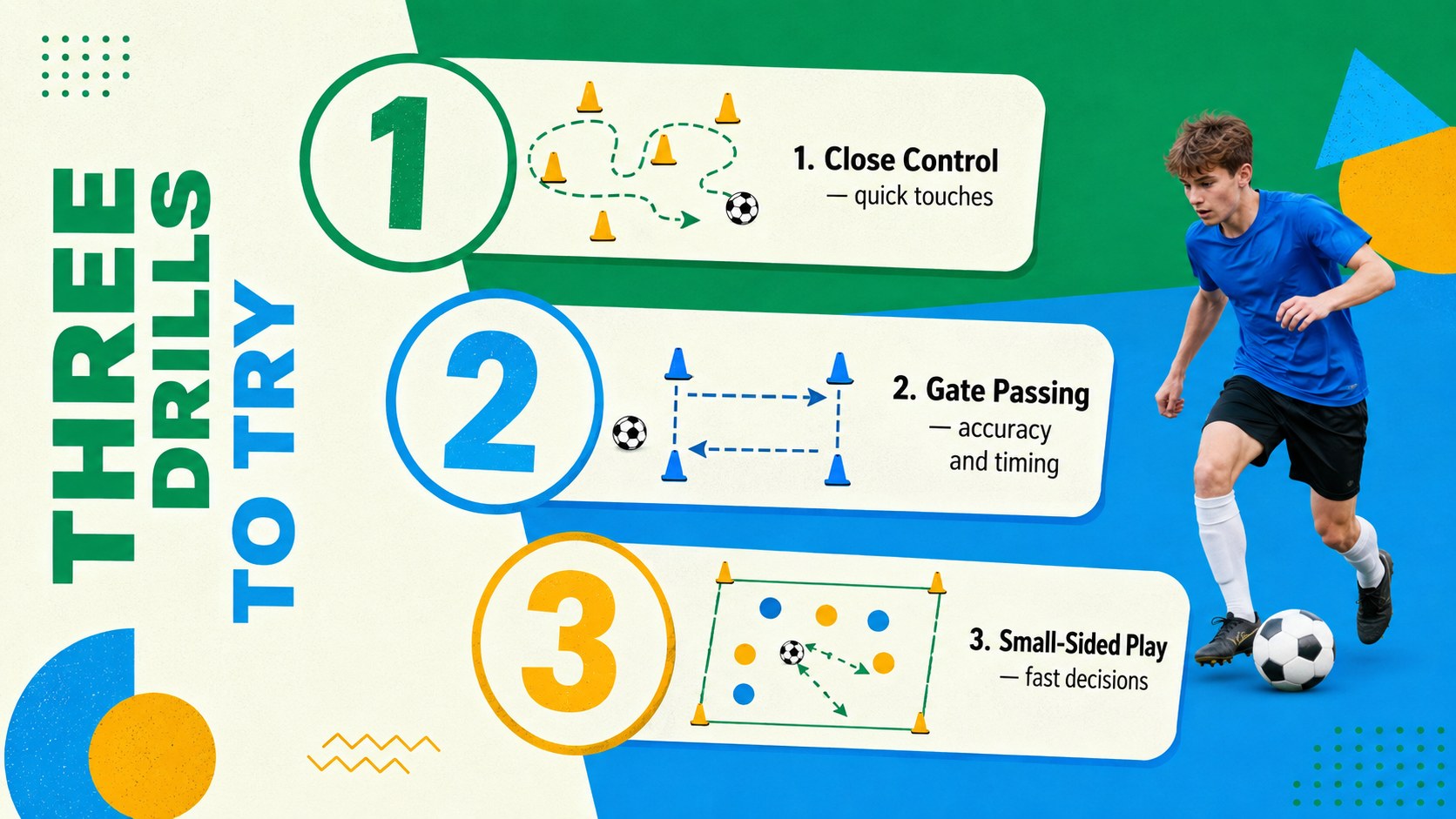
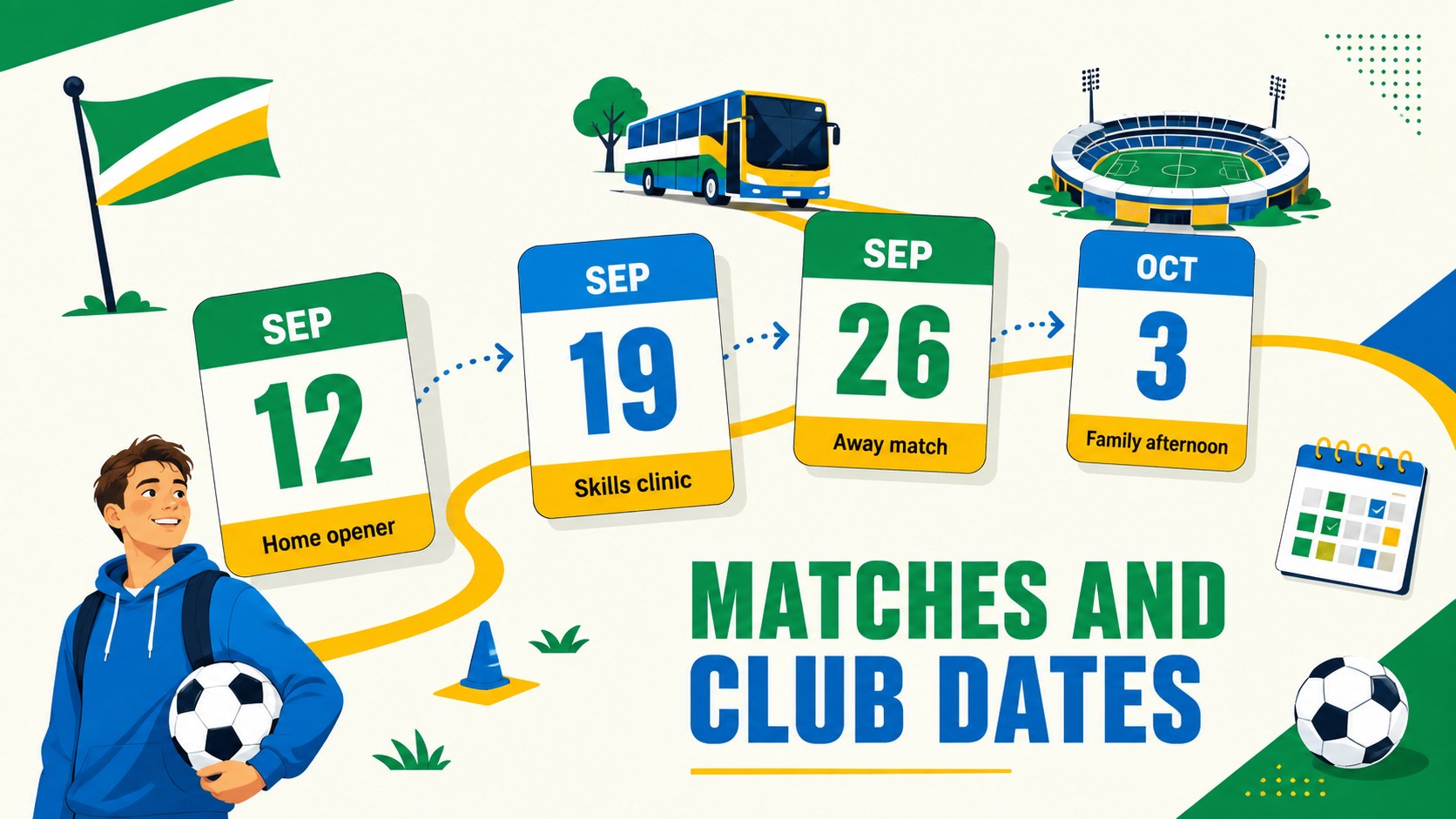
The layout collection covers season goals, player roles, practice schedules, formations, drills, match calendars, equipment lists, fair-play expectations, community outreach, and progress reviews. Use it as a school soccer club presentation for welcoming new players, organizing weekly activities, or sharing updates with families. Visual timelines, diagrams, tables, and stat panels make detailed information easy to scan.
Every slide can be adapted in PowerPoint or Google Slides. Change the wording, rearrange sections, add team photos, and apply your school identity while preserving the lively illustrated style. The flexible designs also work as a youth football coaching deck or an after-school sports program template. Whether you are preparing a preseason orientation, a tactical lesson, or an end-of-season recap, this collection provides a consistent visual system for keeping players informed, involved, and ready for the next match.
Perfect for: preseason player orientation; weekly practice planning; match strategy briefing; school club recruitment; parent information meeting; season progress review.
Frequently asked questions
Can I edit the team colors and school information? Yes. Replace the sample wording, colors, photos, and team details with your own content. PowerPoint and Google Slides both support the core customization needed for this deck.
Practical details
Yes. Replace the sample wording, colors, photos, and team details with your own content. PowerPoint and Google Slides both support the core customization needed for this deck.
The template is designed for PowerPoint and Google Slides. Some font rendering, transitions, or spacing may vary slightly between the two platforms.
Yes. Update the formation graphics, equipment labels, and activity text to suit another school sport. The schedules, goal-setting pages, and team-role layouts are broadly reusable.
Replace the image placeholders with your own photos and enter statistics in the editable tables or chart areas. Use consistent image cropping and short labels to preserve the clean geometric layout.
Keep exploring
15Build an engaging World UFO Day session with this flying saucer history lesson deck, featuring retro green-and-brown slides for PowerPoint and Google Slides.
 15
15Plan a lively animal-learning journey with this jungle zoo adventure lesson deck, ready to customize in PowerPoint and Google Slides for young learners.
 16
16Turn environmental research into a clear story with a Watercolor Ecology Presentation Theme for PowerPoint and Google Slides in calming green and blue.
 16
16Build focused fashion, literature, and humanities presentations with the Red Triangle Editorial Theme, editable in PowerPoint and Google Slides.
 15
15Turn streaming stats, favorite tracks, and concert highlights into a bold annual listening recap slide deck for PowerPoint and Google Slides.
 15
15Turn highlights, milestones, and favorite moments into a colorful year in review slide deck with bold 3D graphics for PowerPoint and Google Slides.
 3
3Build a credible endorsement with Standout Colleague Recommendation Letter Slides, featuring colorful prompts for skills, achievements, and team impact.
 4
4Build clear beginner sessions with an ice hockey fundamentals training deck for coaches, PE teachers, and clubs, ready for PowerPoint and Google Slides.