
 15
15presentation
Flying Saucer History Lesson Deck
Build an engaging World UFO Day session with this flying saucer history lesson deck, featuring retro green-and-brown slides for PowerPoint and Google Slides.
Google SlidesPowerPoint
presentation · English
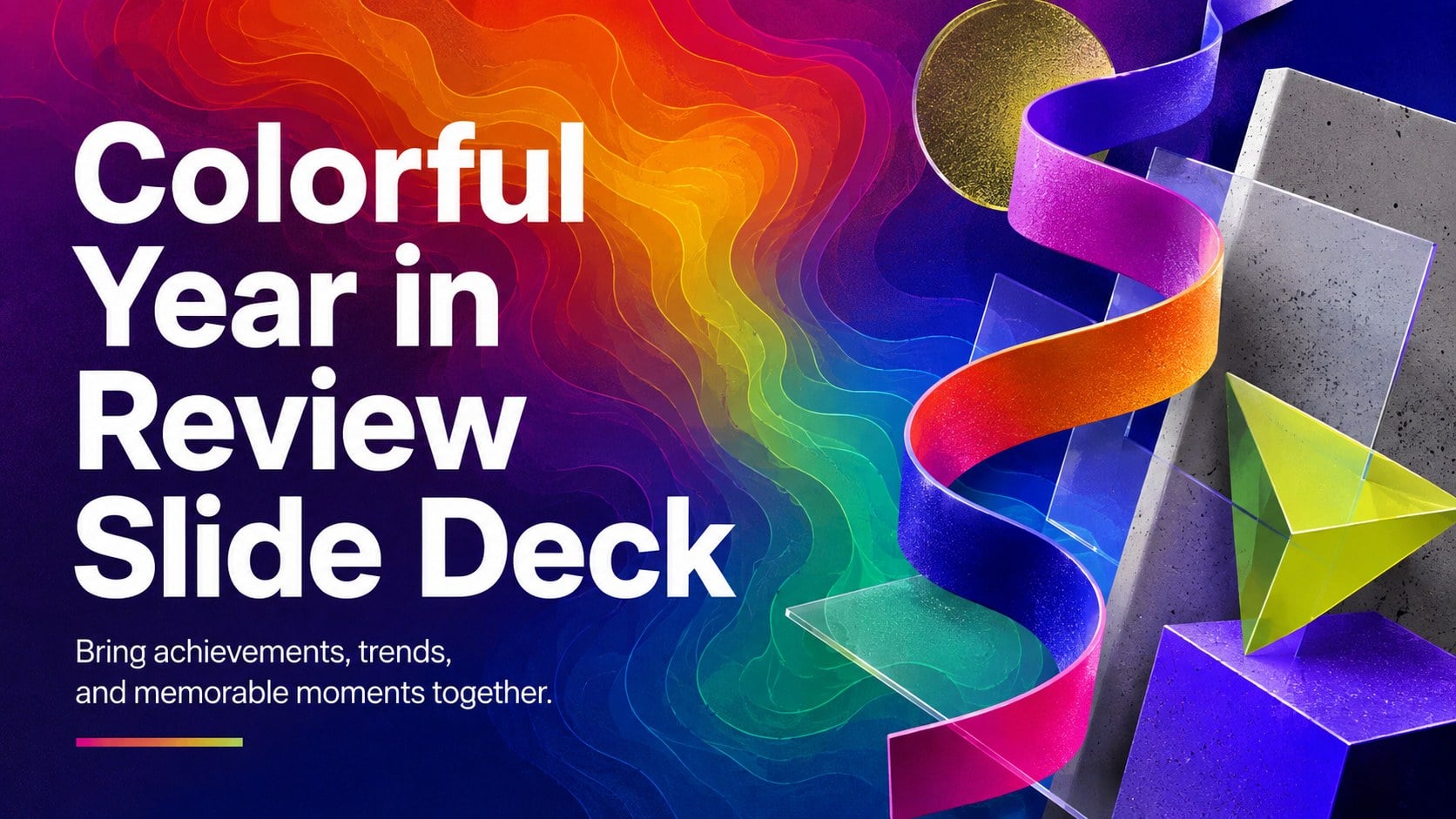
Turn highlights, milestones, and favorite moments into a colorful year in review slide deck with bold 3D graphics for PowerPoint and Google Slides.



Design notes
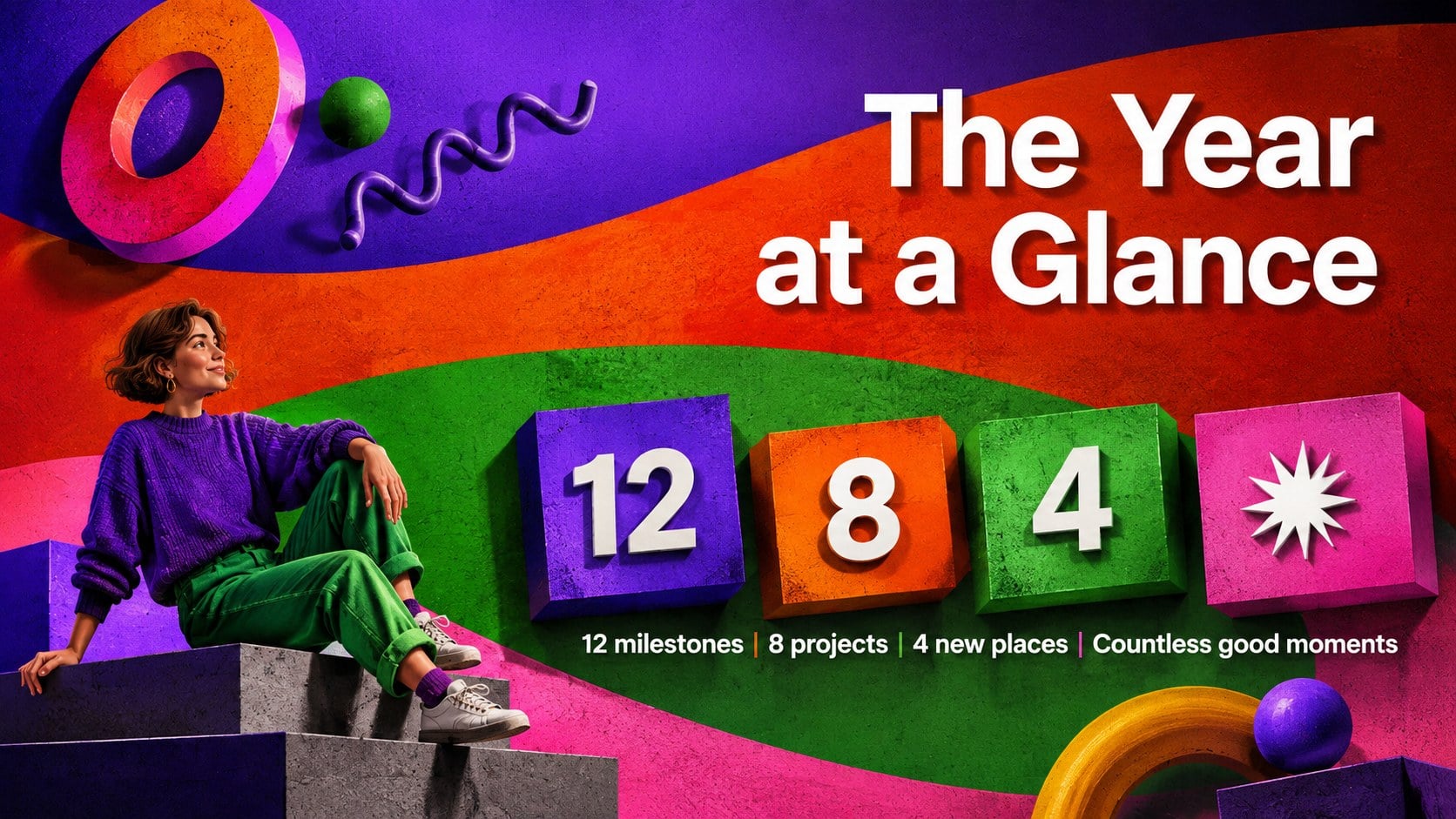
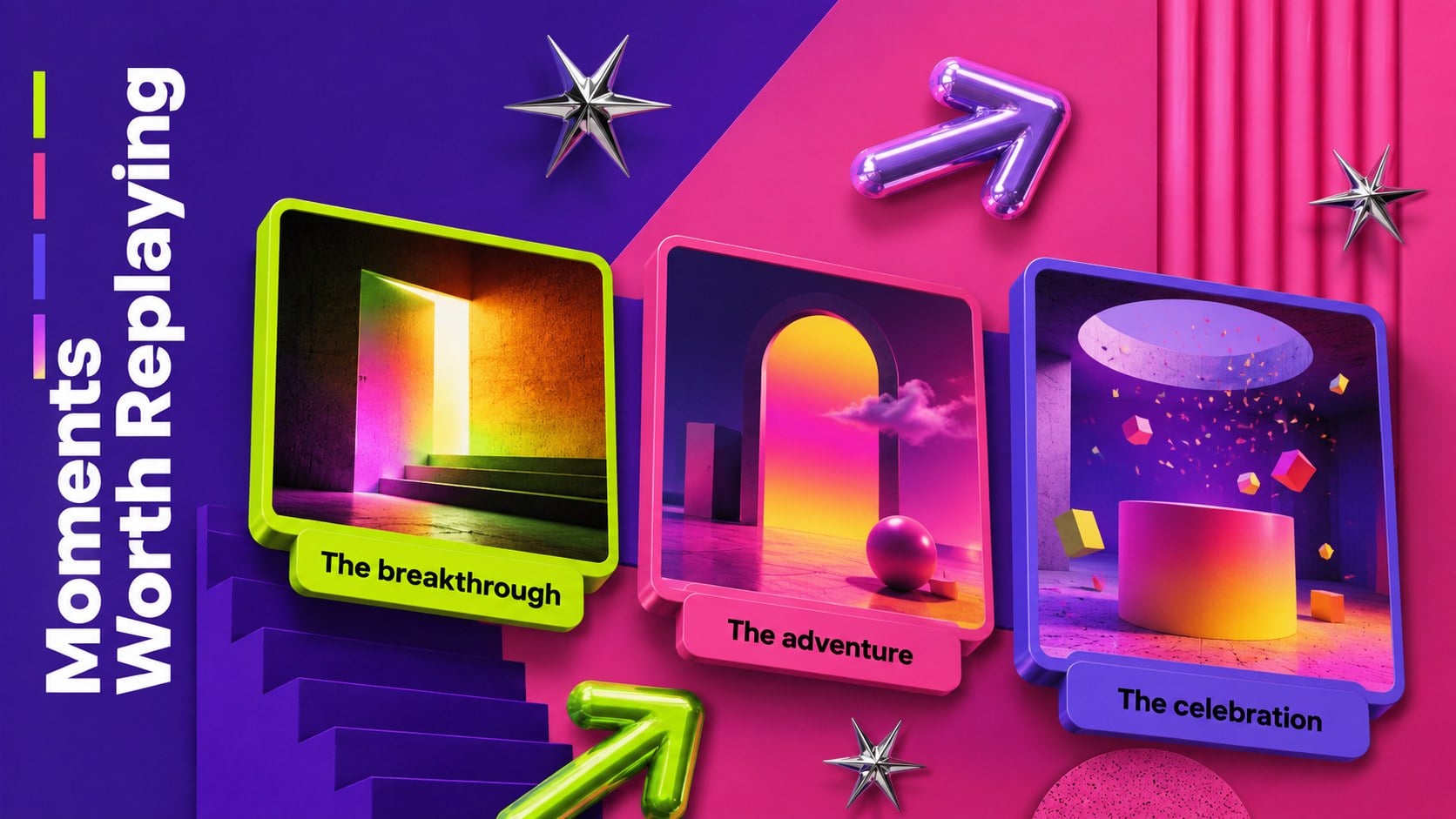
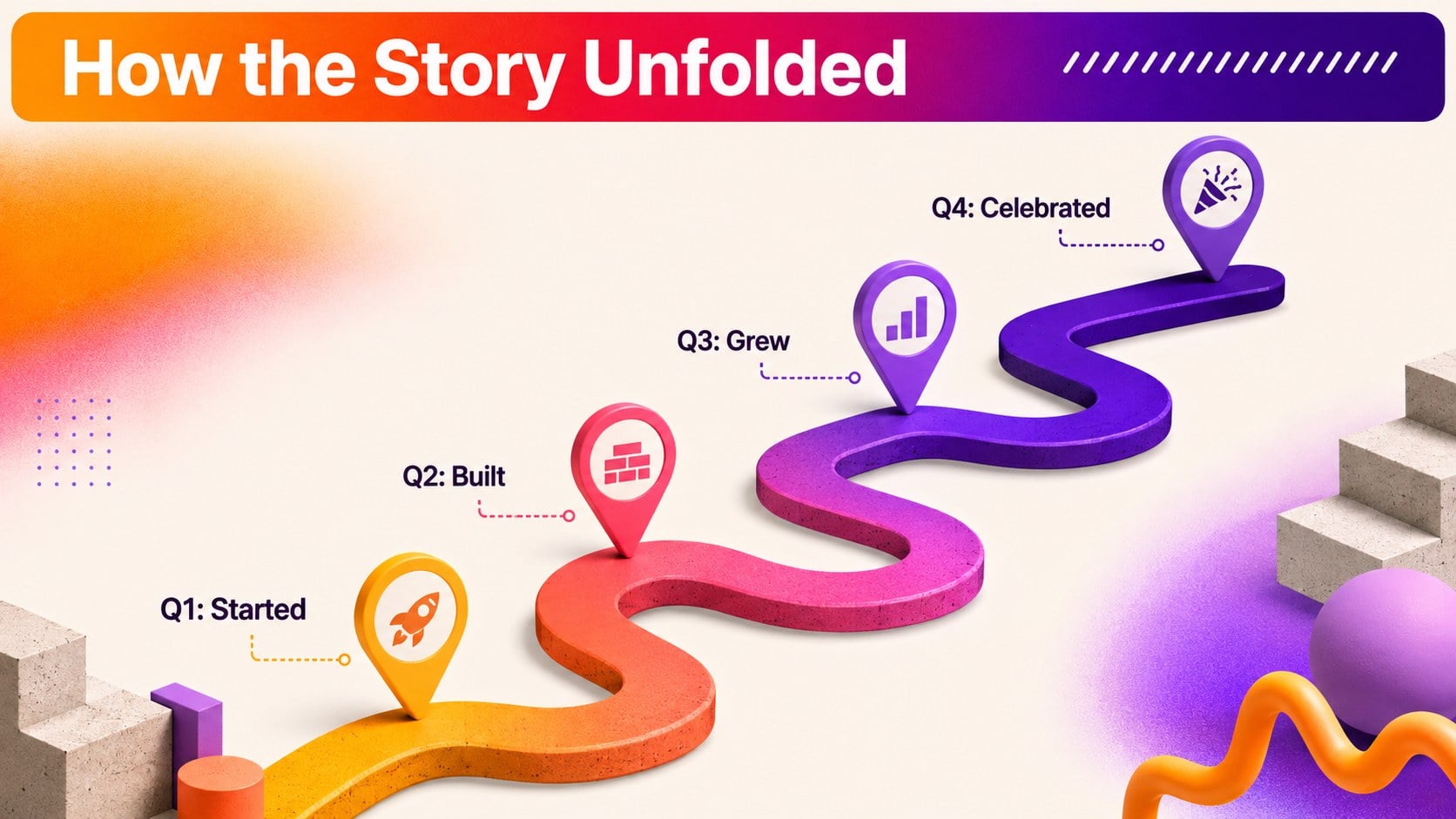
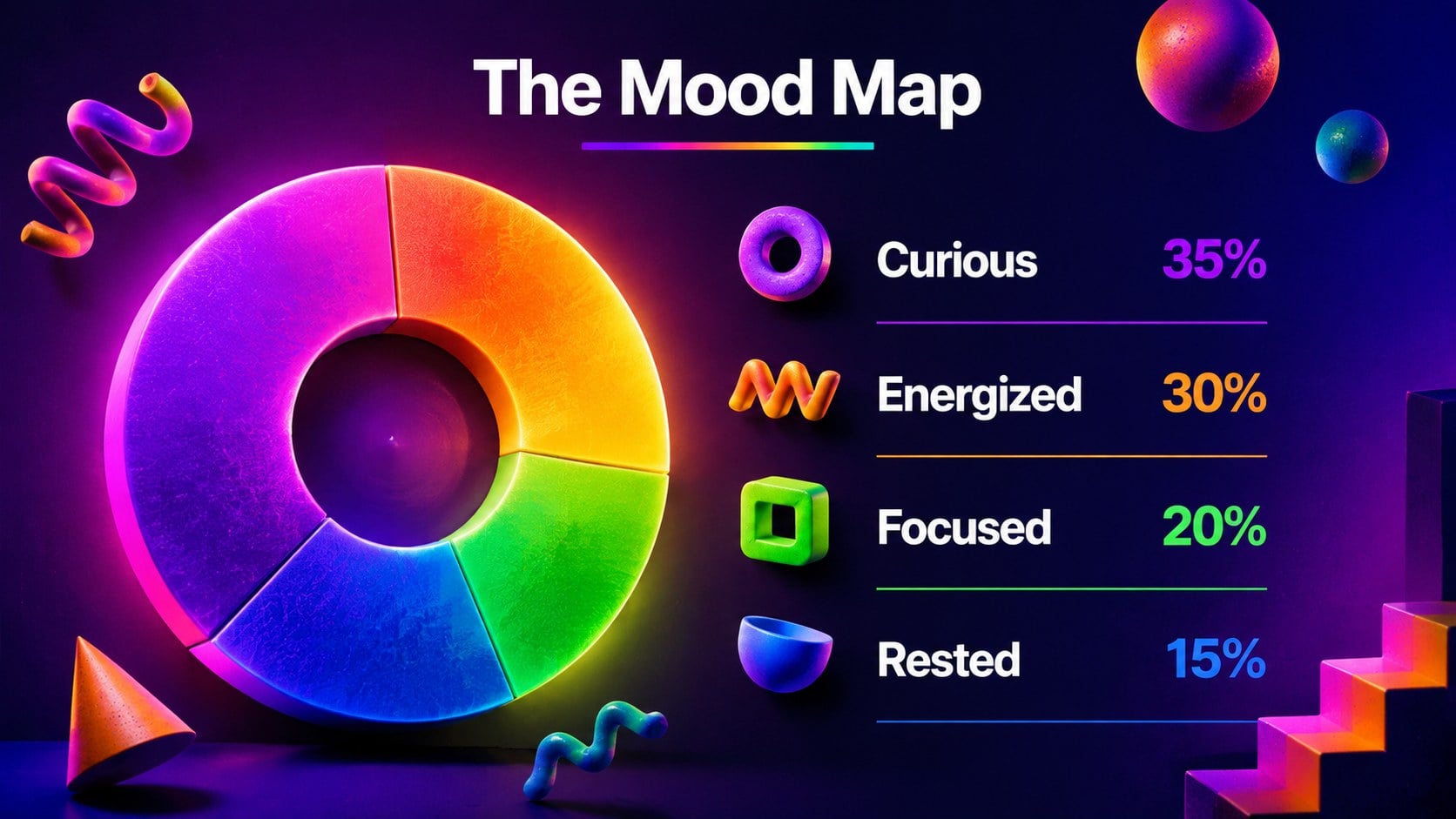
Shape a lively recap of the moments that mattered with this colorful year in review slide deck. Bright gradients, chunky 3D elements, bold typography, and a playful brutalist edge create an energetic setting for personal stories, team results, classroom reflections, or creative highlights. Every layout is designed to make key takeaways easy to scan while giving photos, quotes, and numbers plenty of visual impact.
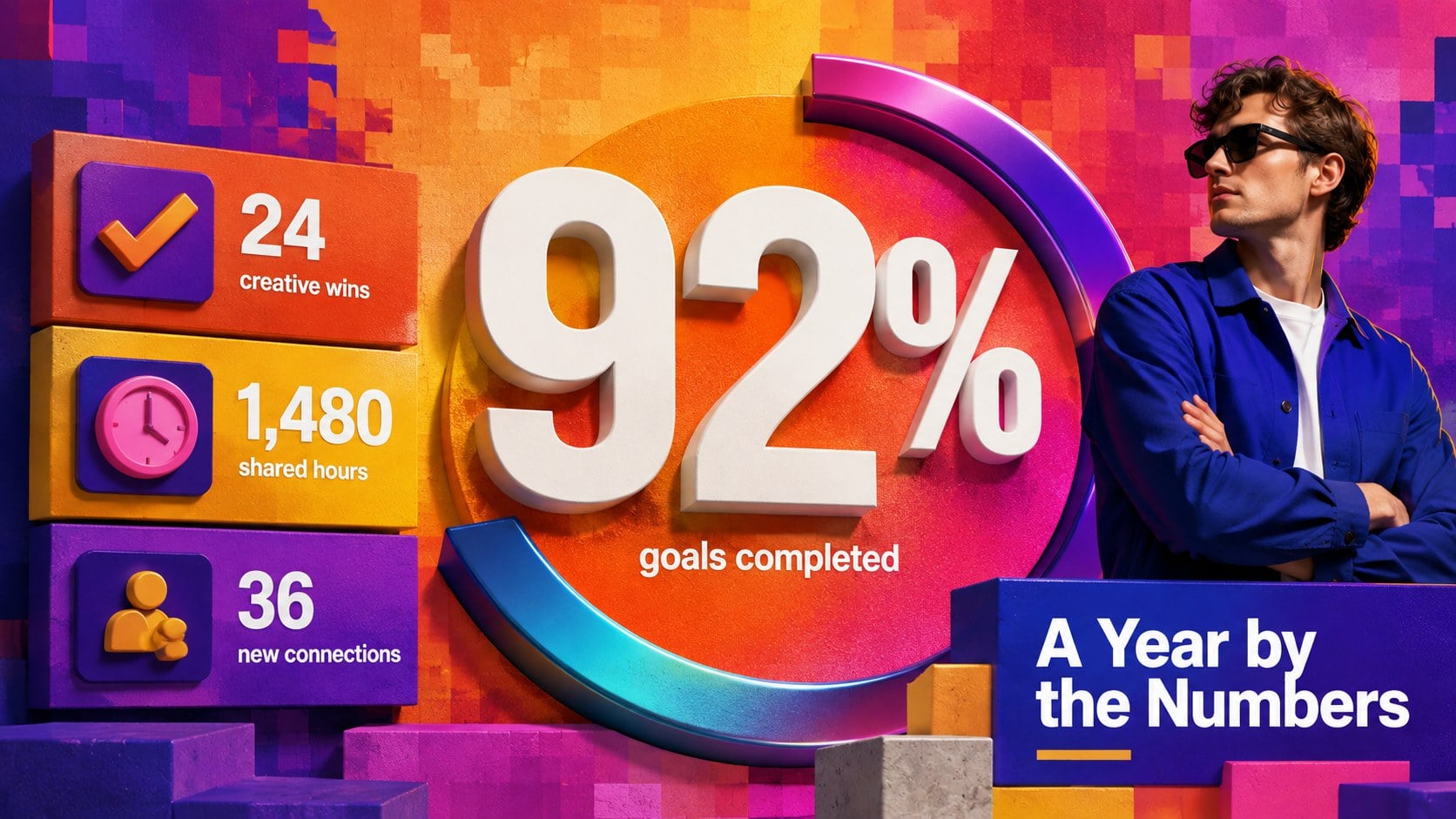
The deck includes 15 ready-to-edit 16:9 layouts covering an opening statement, annual overview, favorite moments, statistics, milestones, audience picks, project highlights, lessons learned, and plans for the next chapter. Use it as an annual recap presentation template, adapt the data-focused pages into business achievements recap slides, or fill the visual layouts with music, travel, study, and lifestyle memories. Charts, timelines, image frames, text blocks, and decorative shapes can be adjusted to match your story.
Built for PowerPoint and Google Slides, this flexible presentation suits professionals, students, creators, educators, clubs, and project teams. It also works as a personal highlights presentation template for portfolios, celebrations, social updates, and end-of-year gatherings. Replace the sample text, add your own imagery, update the colors, and reorder the slides to create a polished recap with a distinctive, contemporary personality.
Perfect for: company annual achievements recap; personal year highlights; student reflection presentation; creative portfolio summary; team milestone celebration.
Frequently asked questions
Which presentation platforms support this template? The deck is designed for PowerPoint and Google Slides. Its standard 16:9 format works well for live presentations, shared screens, and exported files.
Practical details
The deck is designed for PowerPoint and Google Slides. Its standard 16:9 format works well for live presentations, shared screens, and exported files.
Yes. You can update the gradient palette, typography, backgrounds, and decorative shapes using the editing tools in either supported platform.
Replace the sample headlines, numbers, quotes, and images with your own highlights. Slides can also be duplicated, removed, or reordered to fit a personal, academic, or professional story.
Yes. The template provides layouts for key figures, timelines, rankings, milestone summaries, and visual comparisons alongside photo-led storytelling pages.
Keep exploring
15Build an engaging World UFO Day session with this flying saucer history lesson deck, featuring retro green-and-brown slides for PowerPoint and Google Slides.
 15
15Plan a lively animal-learning journey with this jungle zoo adventure lesson deck, ready to customize in PowerPoint and Google Slides for young learners.
 16
16Turn environmental research into a clear story with a Watercolor Ecology Presentation Theme for PowerPoint and Google Slides in calming green and blue.
 16
16Build focused fashion, literature, and humanities presentations with the Red Triangle Editorial Theme, editable in PowerPoint and Google Slides.
 15
15Turn streaming stats, favorite tracks, and concert highlights into a bold annual listening recap slide deck for PowerPoint and Google Slides.
 3
3Build a credible endorsement with Standout Colleague Recommendation Letter Slides, featuring colorful prompts for skills, achievements, and team impact.
 4
4Build clear beginner sessions with an ice hockey fundamentals training deck for coaches, PE teachers, and clubs, ready for PowerPoint and Google Slides.
 14
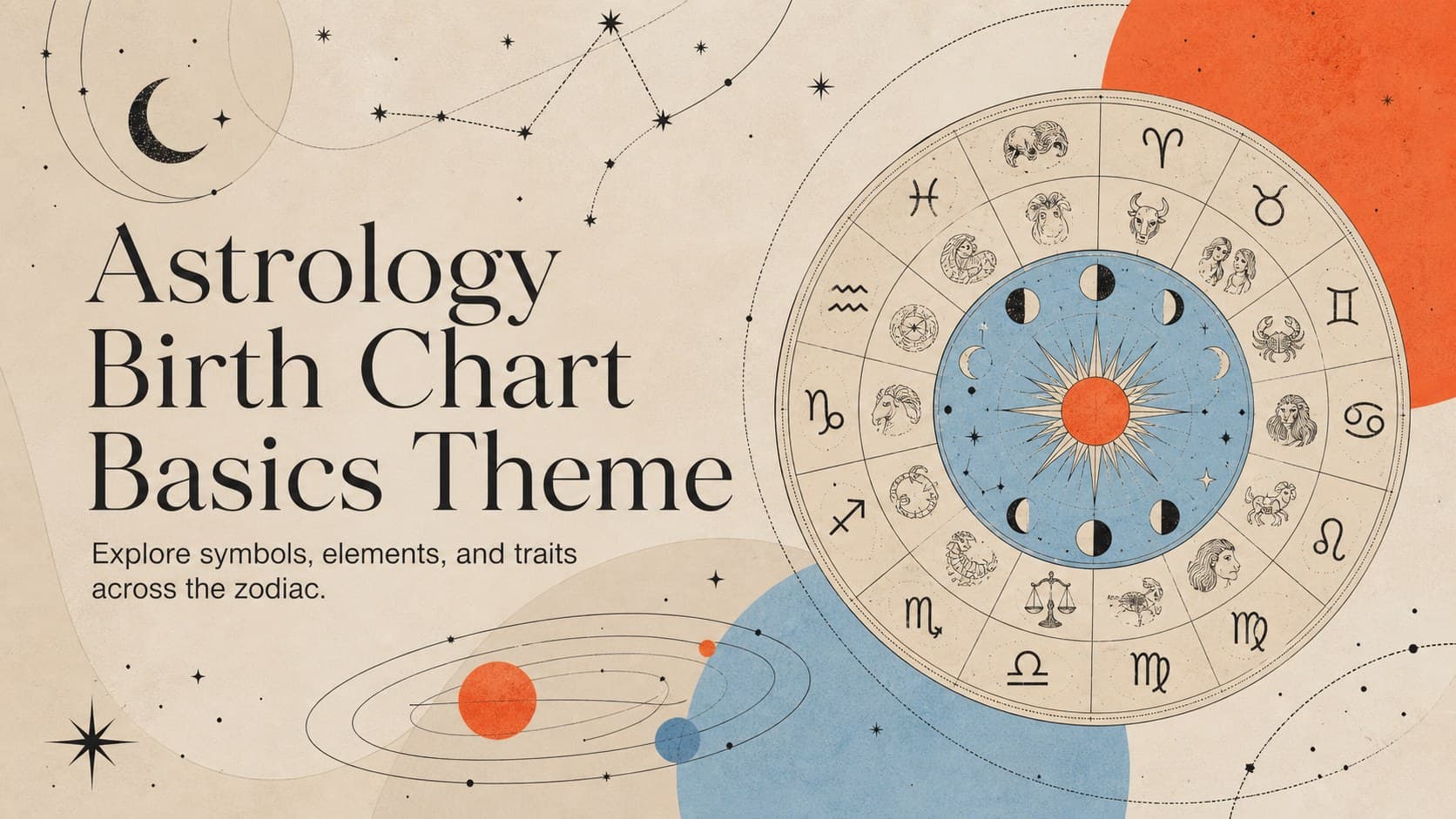
14Teach the zodiac with an astrology birth chart basics theme featuring 14 editable, illustrated slides for PowerPoint and Google Slides in cosmic colors.