
 15
15presentation
Flying Saucer History Lesson Deck
Build an engaging World UFO Day session with this flying saucer history lesson deck, featuring retro green-and-brown slides for PowerPoint and Google Slides.
Google SlidesPowerPoint
presentation · English
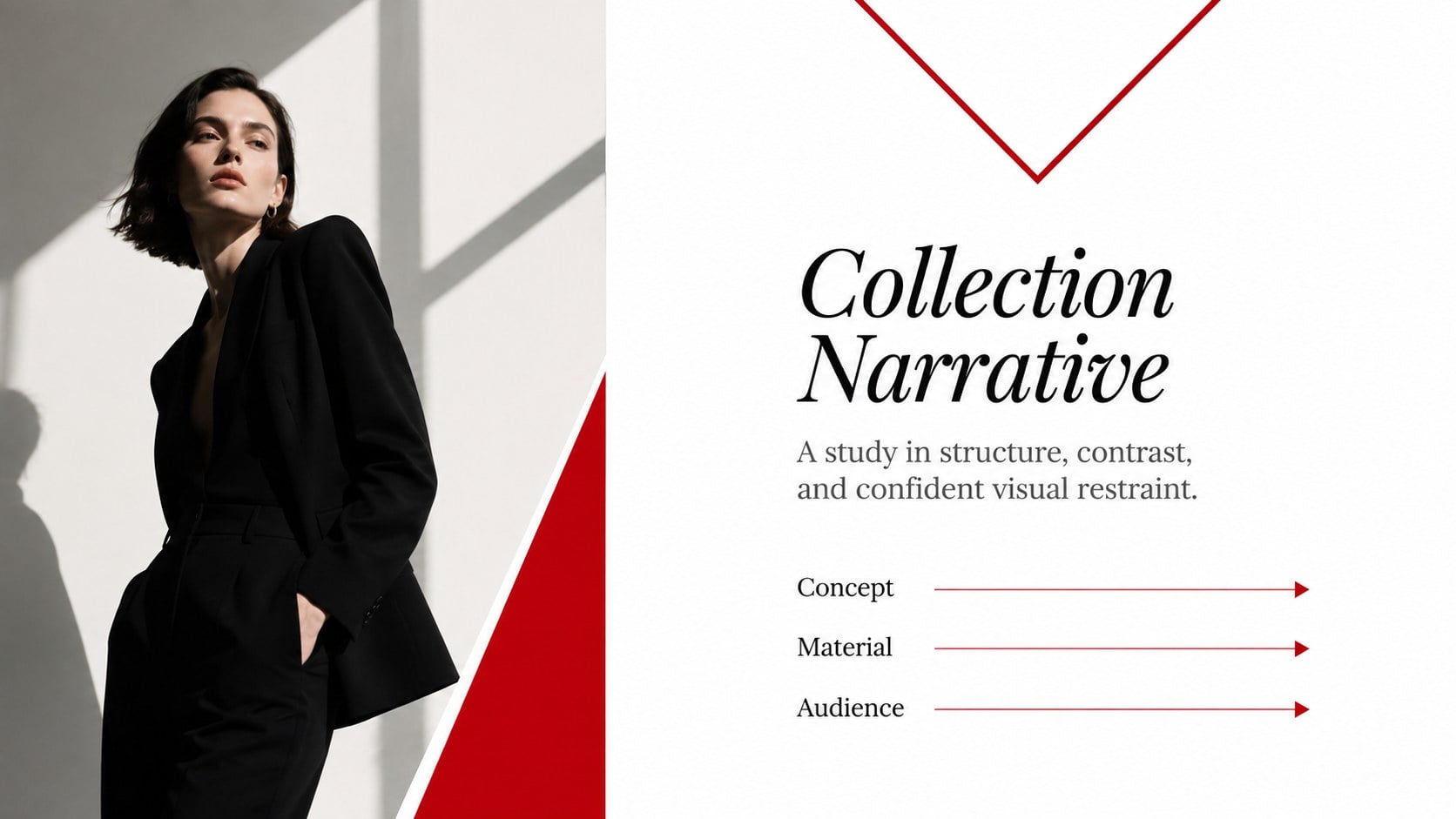
Build focused fashion, literature, and humanities presentations with the Red Triangle Editorial Theme, editable in PowerPoint and Google Slides.
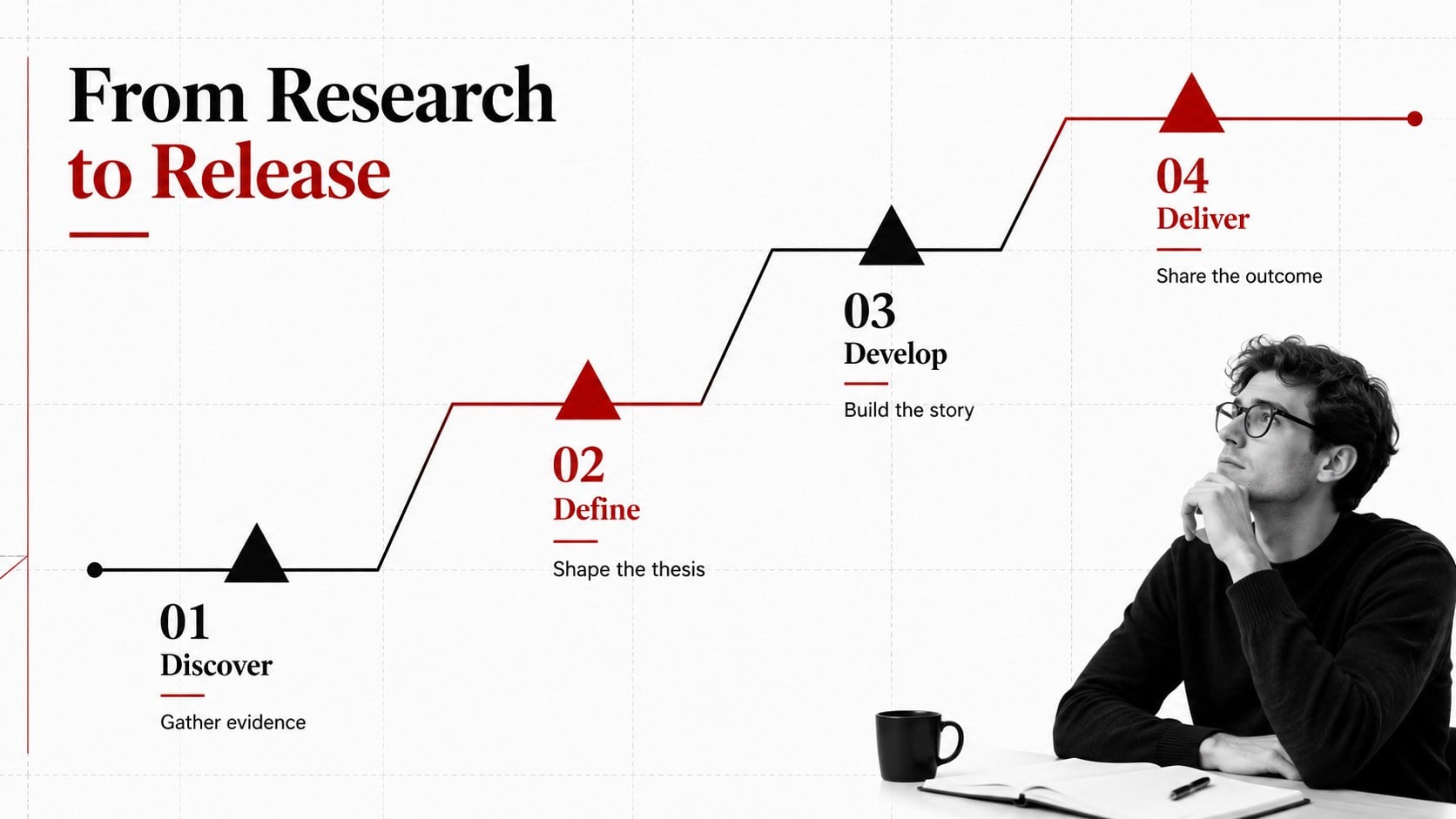
Design notes
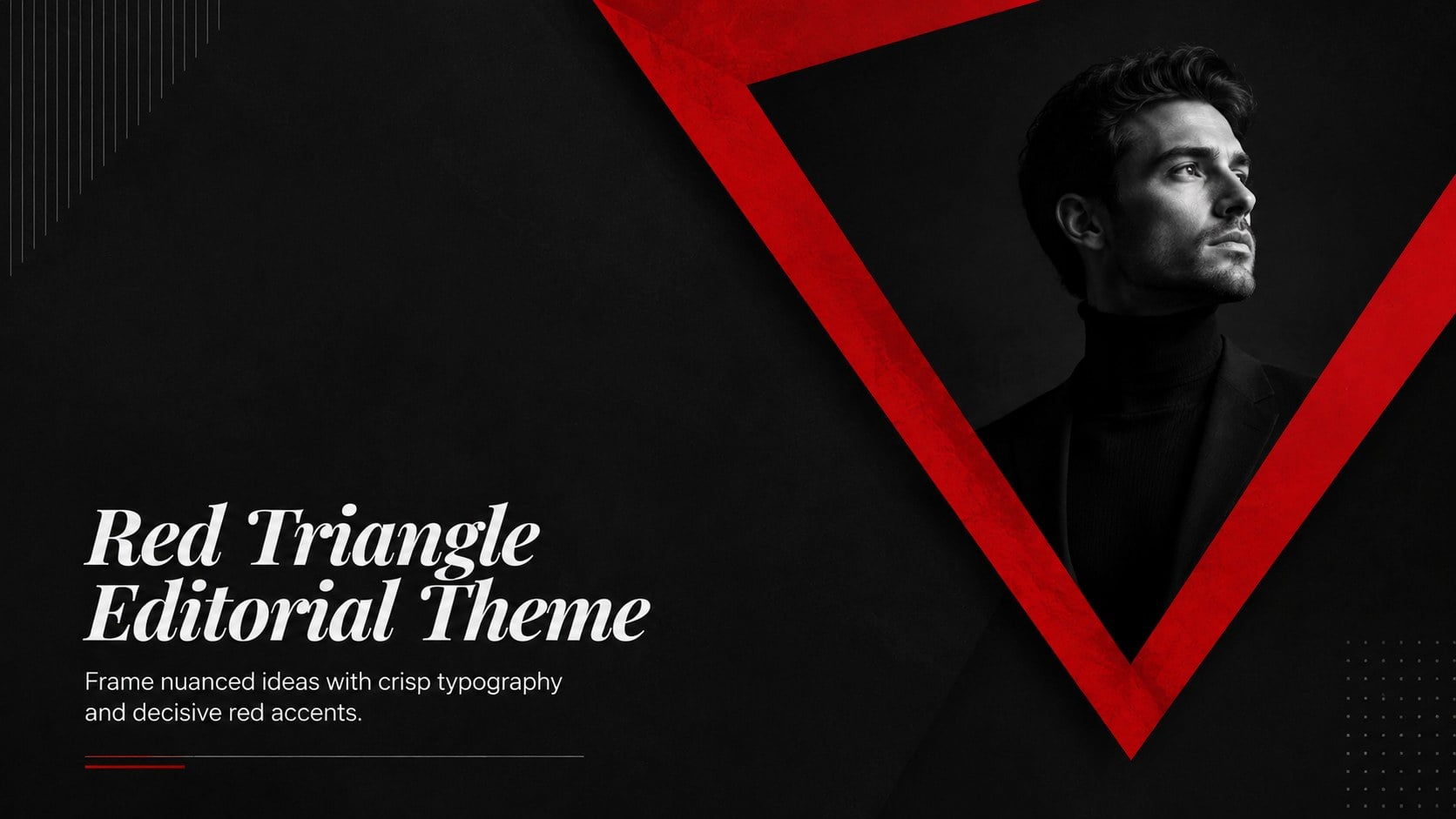
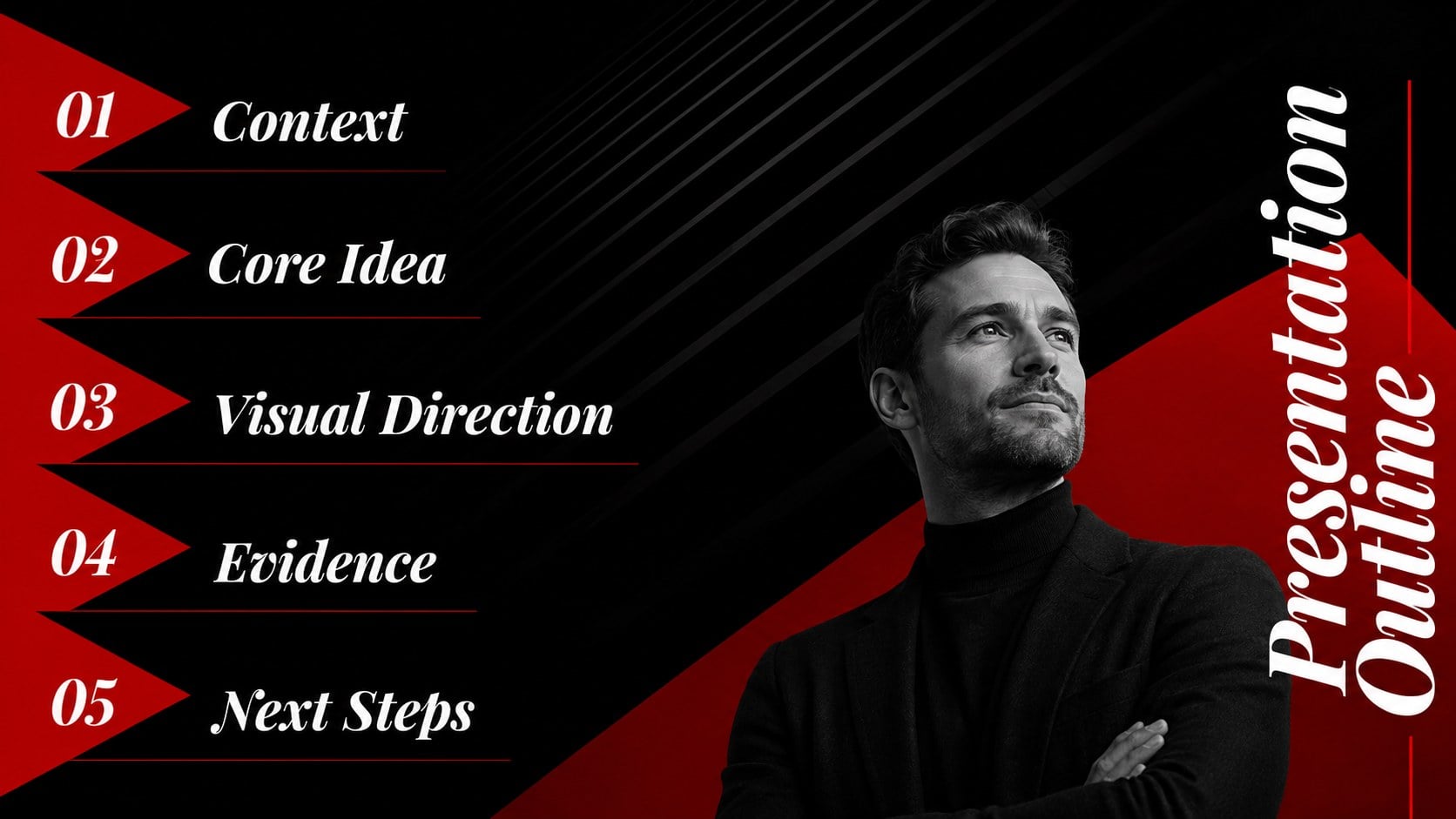
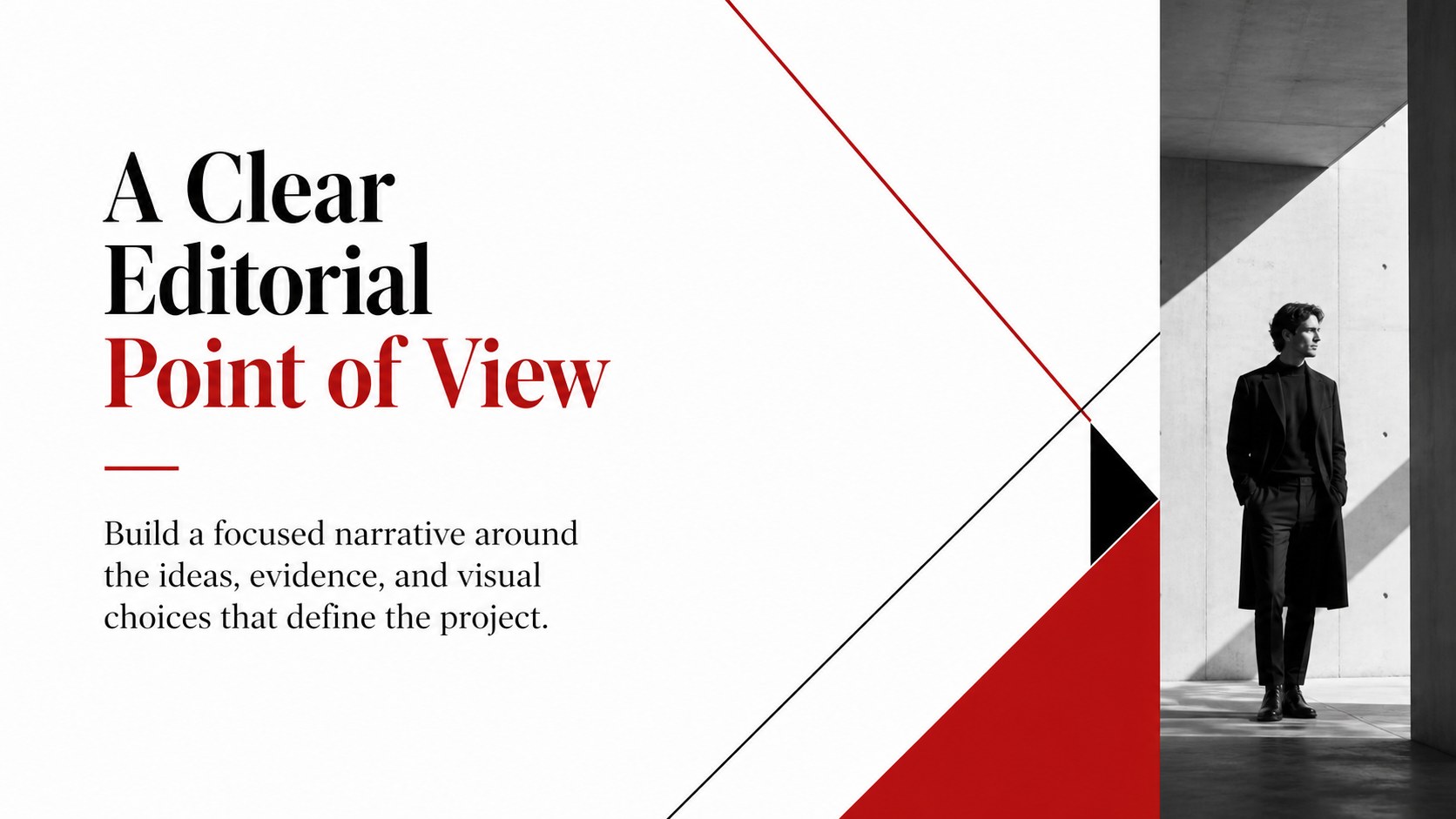
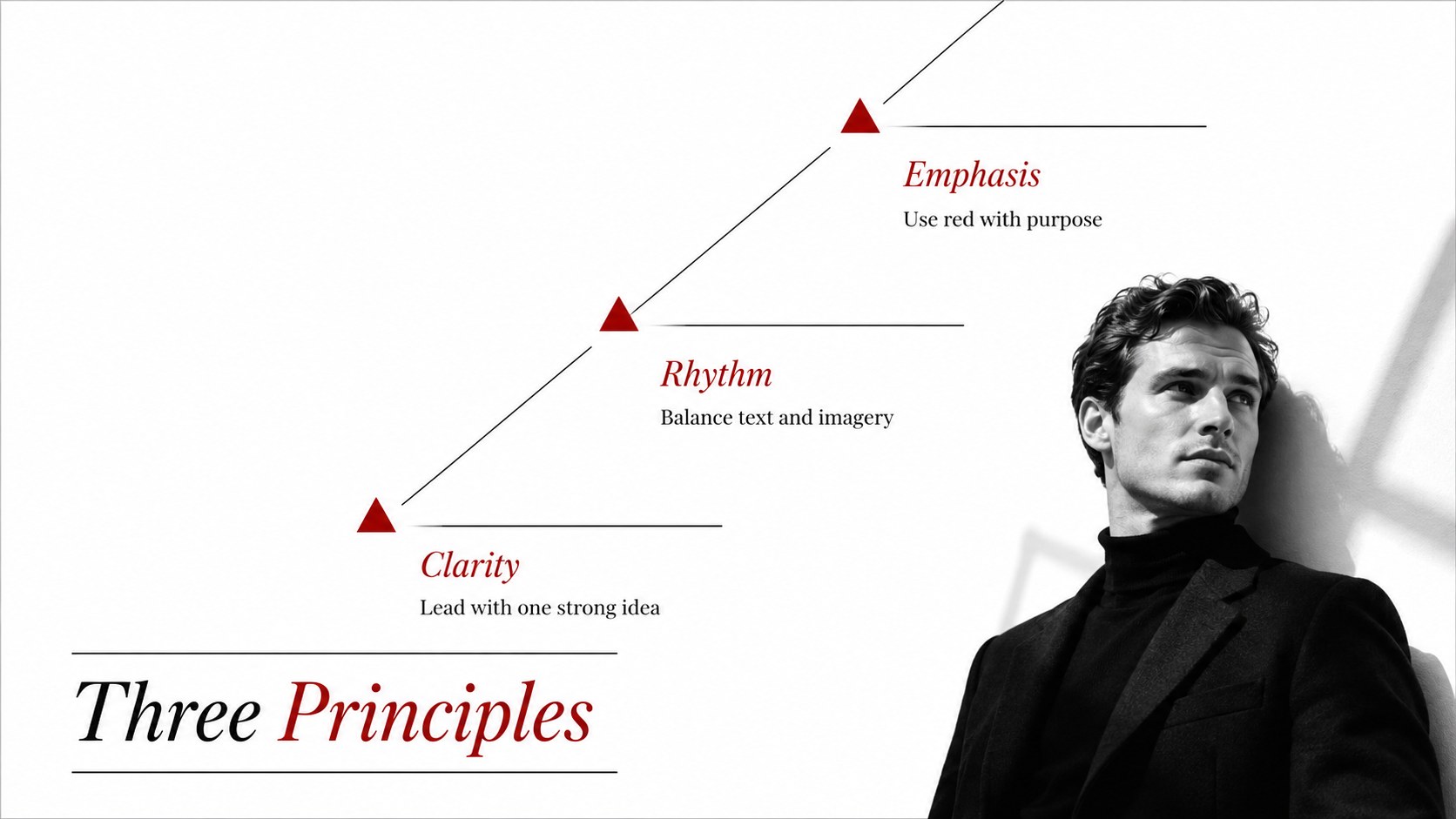
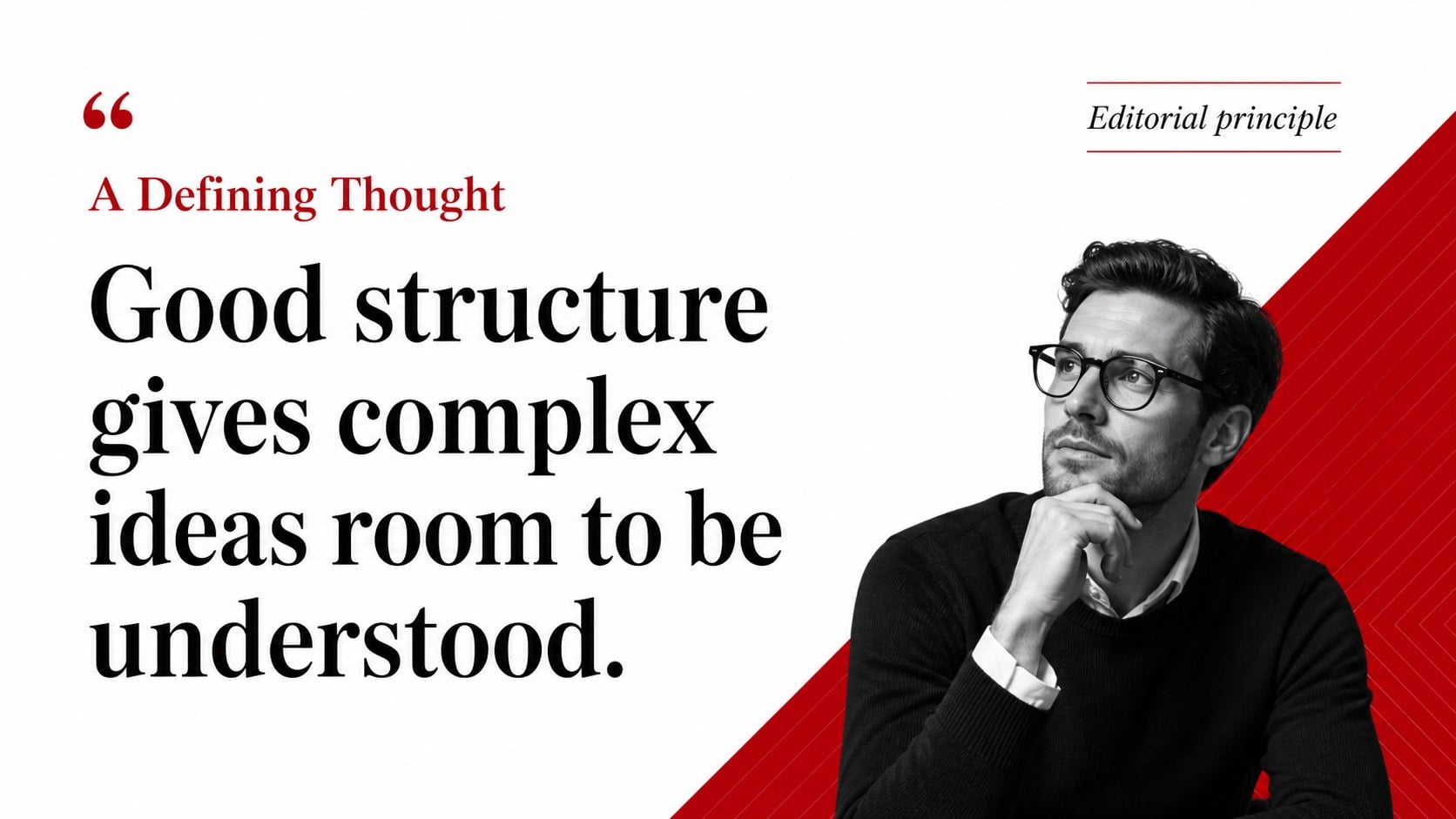
The Red Triangle Editorial Theme gives ideas a refined stage through strong serif typography, open white space, black text, and carefully placed red geometry. Designed as a red and white editorial presentation template, it offers a polished visual structure without overwhelming the information that matters. A single accent color can be adjusted quickly to align the deck with a publication, organization, course, or personal identity.
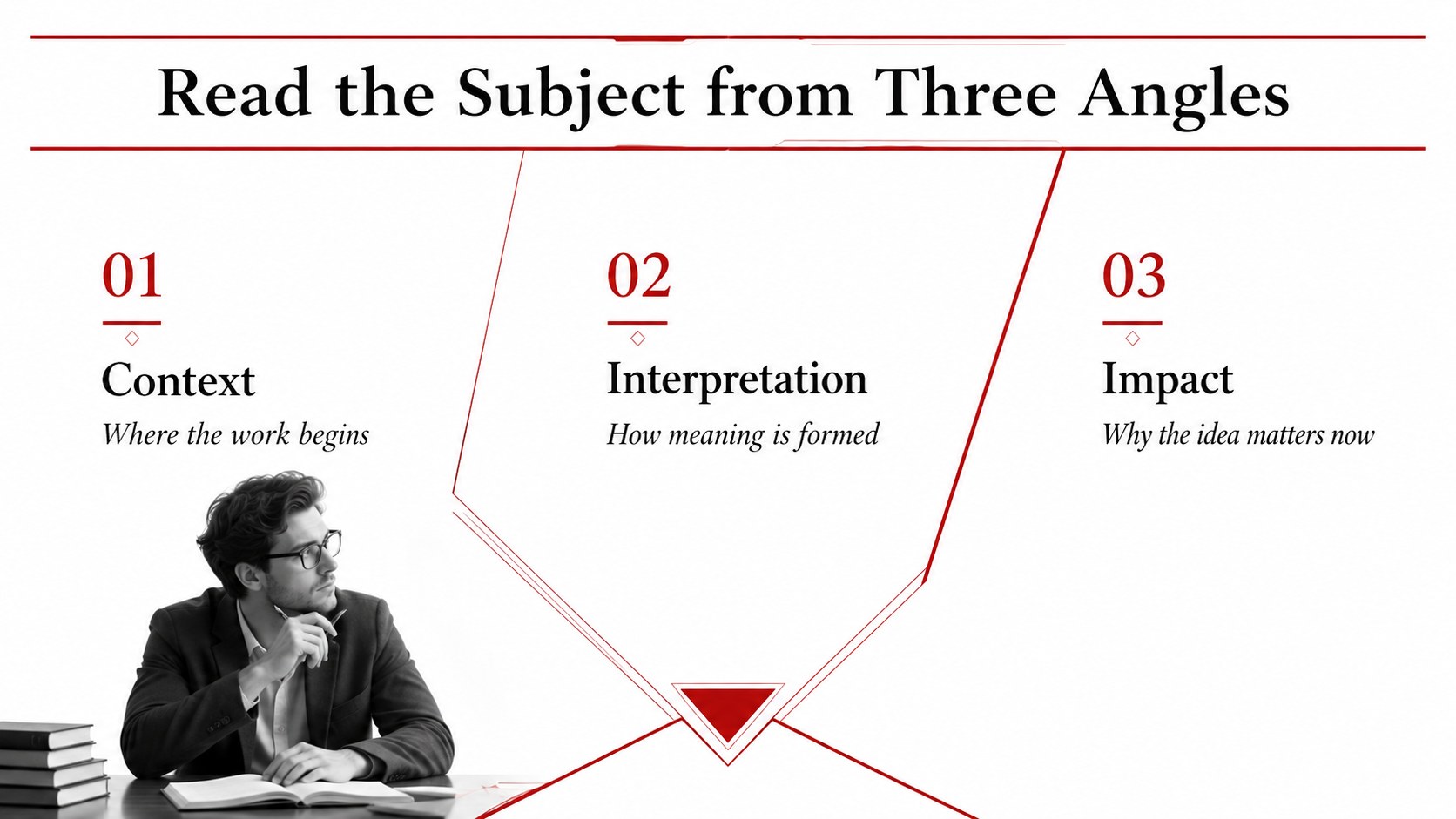
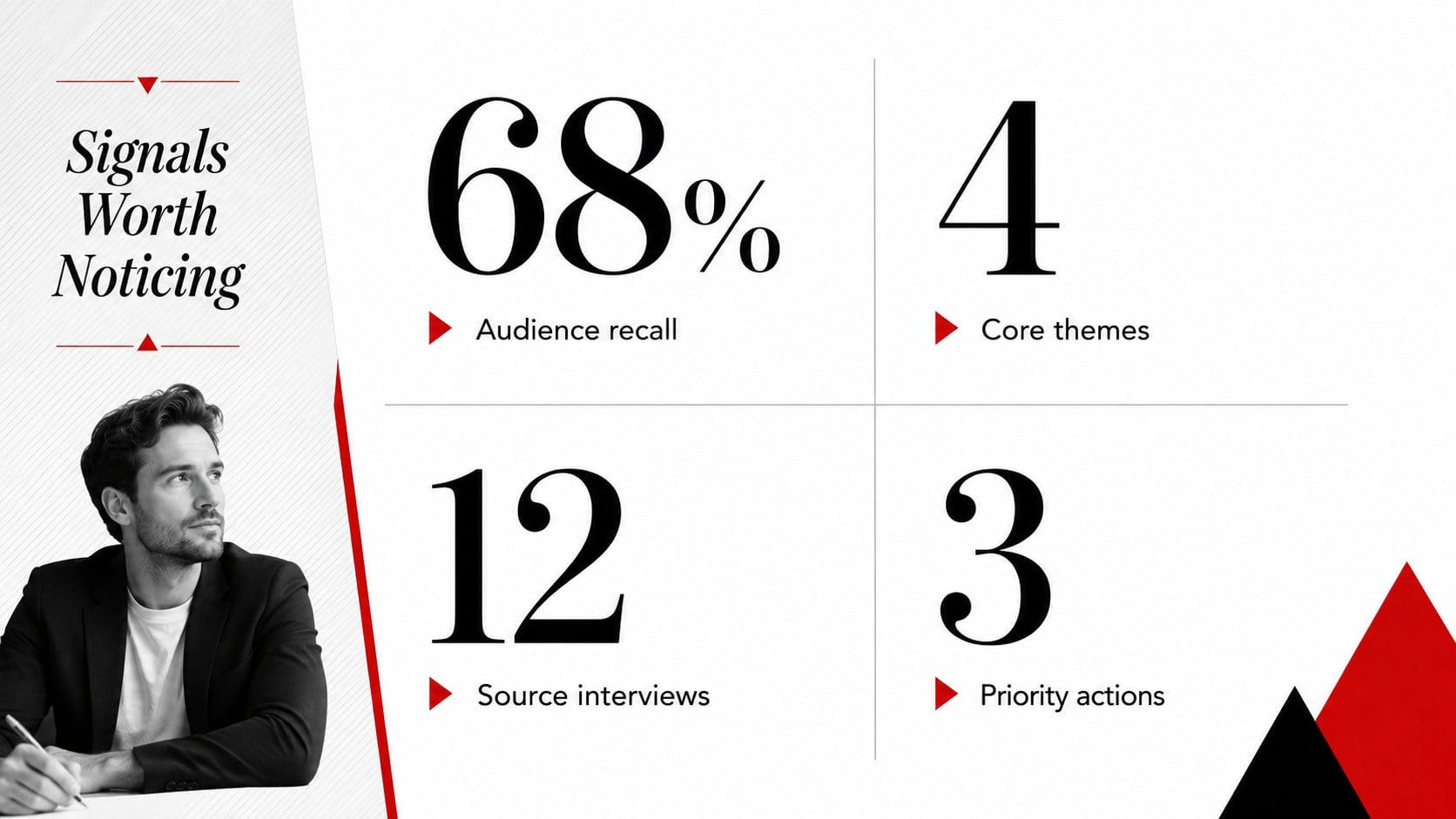
Inside, you will find flexible layouts for opening statements, section dividers, quotations, image features, timelines, comparisons, charts, tables, maps, and final takeaways. The minimal triangle PowerPoint theme also includes editable icons and modular content arrangements, making it easy to add, remove, duplicate, or reorder pages. Lora and Playfair Display reinforce the literary character, while the widescreen format provides generous room for both text and photography.
Use this fashion portfolio Google Slides template for collection narratives, creative direction proposals, author talks, editorial reports, cultural lectures, humanities seminars, and brand stories. Every element can be edited in PowerPoint or Google Slides, including colors, wording, images, diagrams, and data. The restrained design works especially well for presenters who need a professional deck with an artistic edge and a clear reading hierarchy.
Perfect for: fashion collection presentation; literature seminar; editorial project proposal; humanities lecture; creative portfolio review; cultural research report.
Frequently asked questions
Can I change the red accent color? Yes. The accent shapes, lines, icons, and chart colors are editable, so you can replace red with a color that suits your project or organization.
Practical details
Yes. The accent shapes, lines, icons, and chart colors are editable, so you can replace red with a color that suits your project or organization.
The theme works with Microsoft PowerPoint and Google Slides. You can also export the finished presentation as a PDF or a set of image files.
Yes. All text and image placeholders can be customized, and the serif fonts can be exchanged for other typefaces available on your chosen platform.
Yes. It includes editable chart, table, comparison, timeline, and map layouts for presenting evidence clearly while maintaining the editorial design.
Keep exploring
15Build an engaging World UFO Day session with this flying saucer history lesson deck, featuring retro green-and-brown slides for PowerPoint and Google Slides.
 15
15Plan a lively animal-learning journey with this jungle zoo adventure lesson deck, ready to customize in PowerPoint and Google Slides for young learners.
 16
16Turn environmental research into a clear story with a Watercolor Ecology Presentation Theme for PowerPoint and Google Slides in calming green and blue.
 15
15Turn streaming stats, favorite tracks, and concert highlights into a bold annual listening recap slide deck for PowerPoint and Google Slides.
 15
15Turn highlights, milestones, and favorite moments into a colorful year in review slide deck with bold 3D graphics for PowerPoint and Google Slides.
 3
3Build a credible endorsement with Standout Colleague Recommendation Letter Slides, featuring colorful prompts for skills, achievements, and team impact.
 4
4Build clear beginner sessions with an ice hockey fundamentals training deck for coaches, PE teachers, and clubs, ready for PowerPoint and Google Slides.
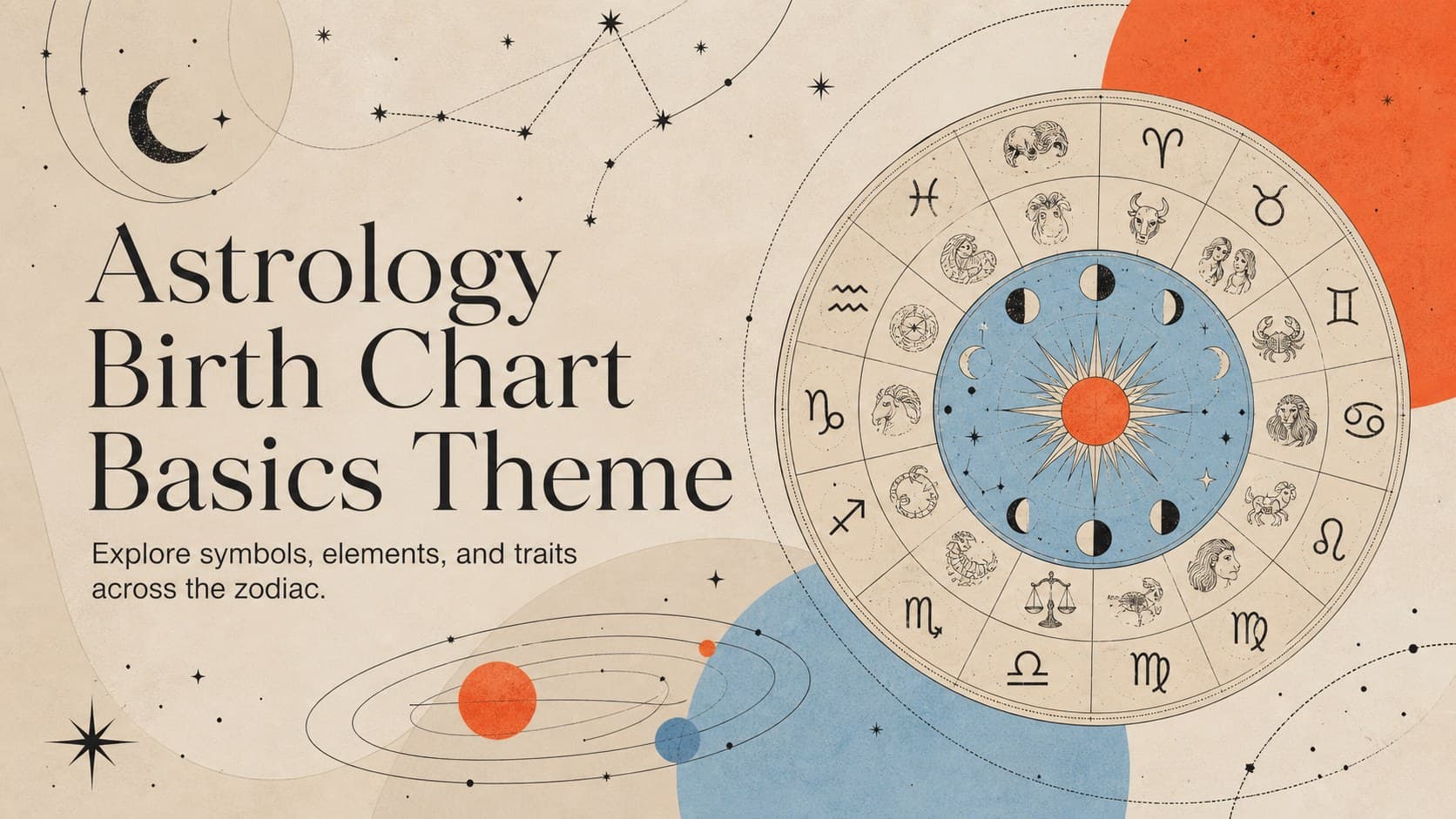 14
14Teach the zodiac with an astrology birth chart basics theme featuring 14 editable, illustrated slides for PowerPoint and Google Slides in cosmic colors.