
 15
15presentation
Flying Saucer History Lesson Deck
Build an engaging World UFO Day session with this flying saucer history lesson deck, featuring retro green-and-brown slides for PowerPoint and Google Slides.
Google SlidesPowerPoint
presentation · English
Build clear beginner sessions with an ice hockey fundamentals training deck for coaches, PE teachers, and clubs, ready for PowerPoint and Google Slides.
Design notes
Create a clear introduction to the sport with this ice hockey fundamentals training deck. Its crisp white-and-blue palette, energetic line graphics, and modern minimalist layouts make technical information easy to scan. Coaches and educators can guide newcomers through essential concepts without overwhelming them with dense explanations.
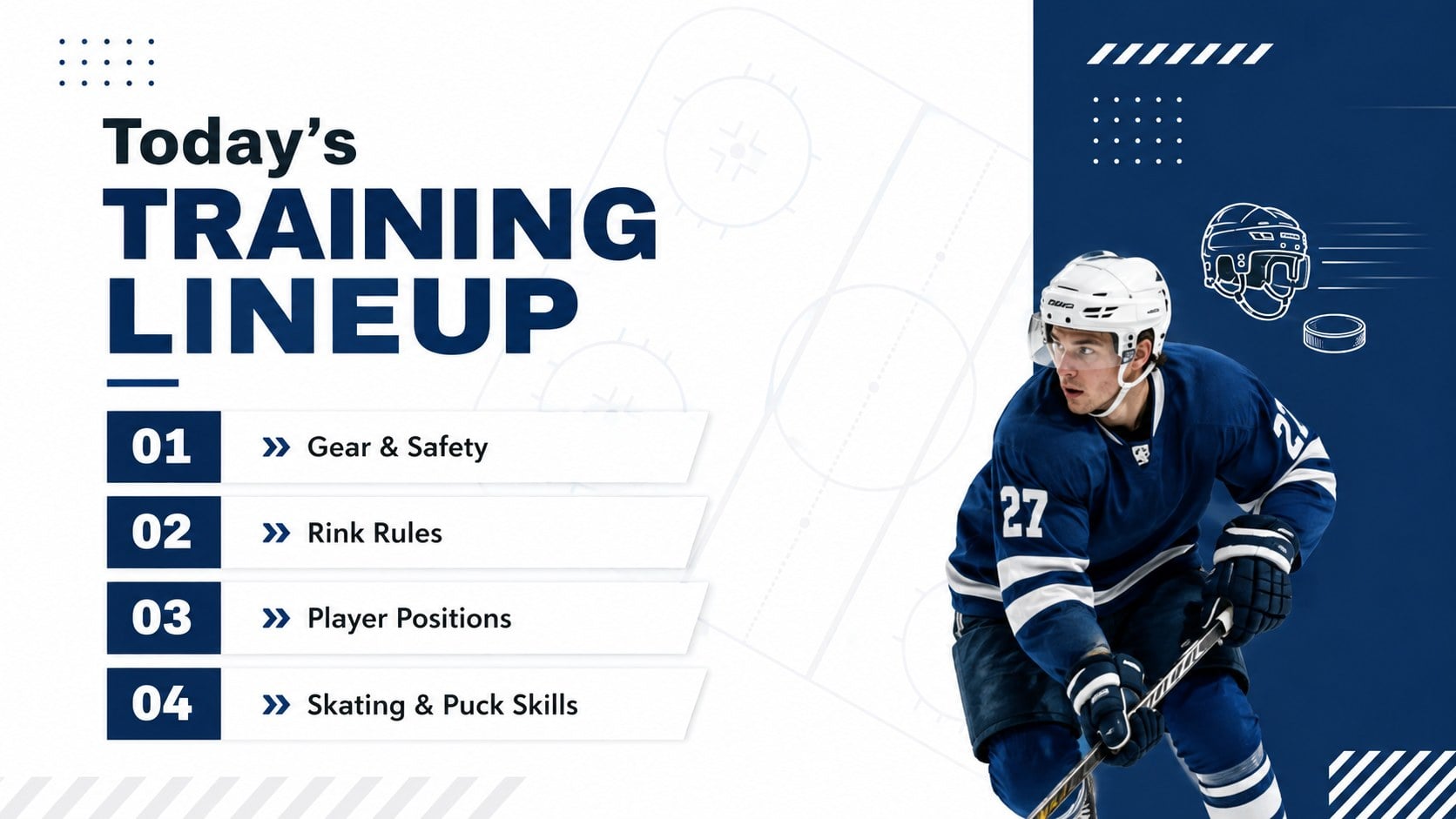
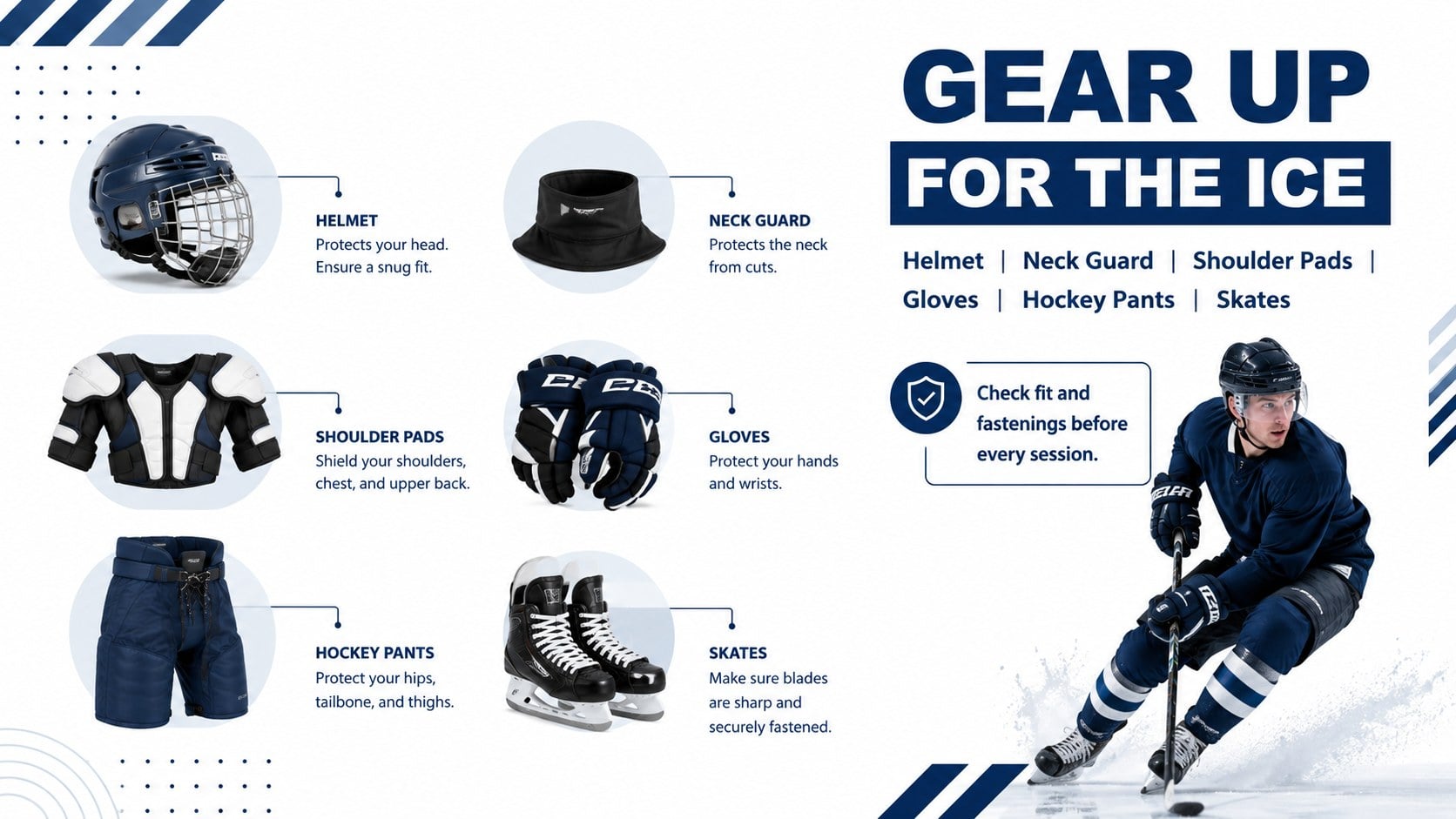
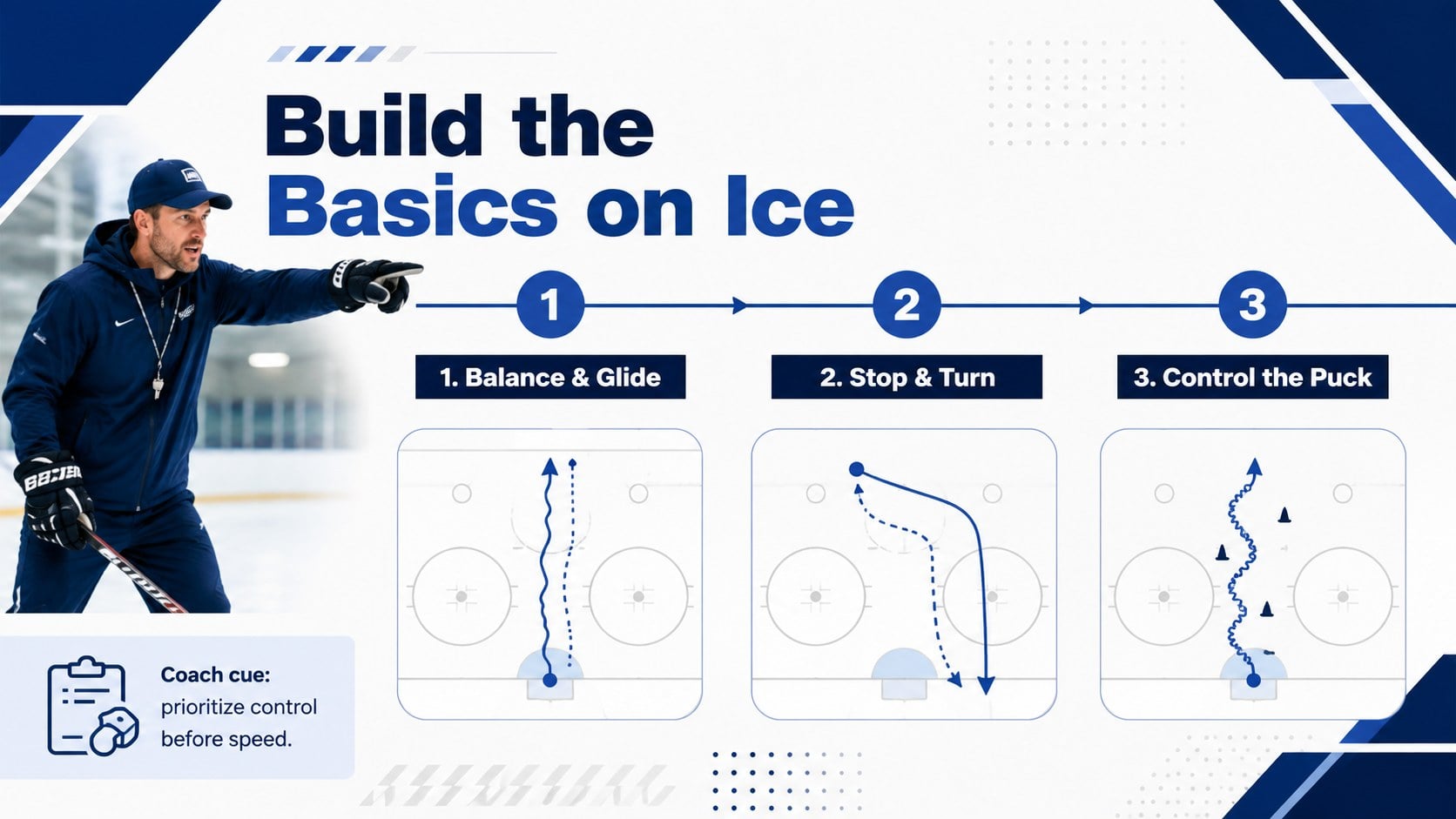
The deck includes space for a session agenda, rink rules, player positions, protective gear, skating technique, puck control, safety reminders, practice drills, and next steps. Use the beginner ice hockey coaching presentation as a complete workshop or select individual layouts for shorter team briefings. The ice hockey safety and equipment slides also provide an organized way to explain gear checks and responsible rink behavior before players step onto the ice.
Designed for youth coaches, PE teachers, community clubs, sports camps, and recreational leagues, this youth hockey skills lesson template supports both classroom instruction and rink-side preparation. Replace the sample wording, add team colors or a club logo, insert practice photos, and adjust the drill sequence to suit different experience levels. All 20 widescreen layouts are editable in PowerPoint and Google Slides, with reusable charts, timelines, image frames, icons, and diagrams for building a polished training session.
Perfect for: beginner player orientation; youth hockey coaching clinic; PE class sports lesson; pre-practice team briefing; community rink workshop.
Frequently asked questions
Can I edit the training content for different skill levels? Yes. Every text block, diagram, color, and image area can be adjusted to match youth, adult beginner, or recreational training sessions. You can also reorder slides to create shorter lessons or multi-part workshops.
Practical details
Yes. Every text block, diagram, color, and image area can be adjusted to match youth, adult beginner, or recreational training sessions. You can also reorder slides to create shorter lessons or multi-part workshops.
The deck is designed for Microsoft PowerPoint and Google Slides. After opening it in either platform, you can edit the layouts, present directly, or export the finished lesson as a PDF.
Yes. Replace the sample images, apply your team colors, and add a club logo wherever appropriate. The white-and-blue design provides a neutral base that is easy to adapt without reducing readability.
The layouts accommodate equipment, safety, rink markings, player positions, basic rules, skating technique, puck control, and practice drills. Coaches can replace these sections with their own terminology and training sequence.
Keep exploring
15Build an engaging World UFO Day session with this flying saucer history lesson deck, featuring retro green-and-brown slides for PowerPoint and Google Slides.
 15
15Plan a lively animal-learning journey with this jungle zoo adventure lesson deck, ready to customize in PowerPoint and Google Slides for young learners.
 16
16Turn environmental research into a clear story with a Watercolor Ecology Presentation Theme for PowerPoint and Google Slides in calming green and blue.
 16
16Build focused fashion, literature, and humanities presentations with the Red Triangle Editorial Theme, editable in PowerPoint and Google Slides.
 15
15Turn streaming stats, favorite tracks, and concert highlights into a bold annual listening recap slide deck for PowerPoint and Google Slides.
 15
15Turn highlights, milestones, and favorite moments into a colorful year in review slide deck with bold 3D graphics for PowerPoint and Google Slides.
 3
3Build a credible endorsement with Standout Colleague Recommendation Letter Slides, featuring colorful prompts for skills, achievements, and team impact.
 14
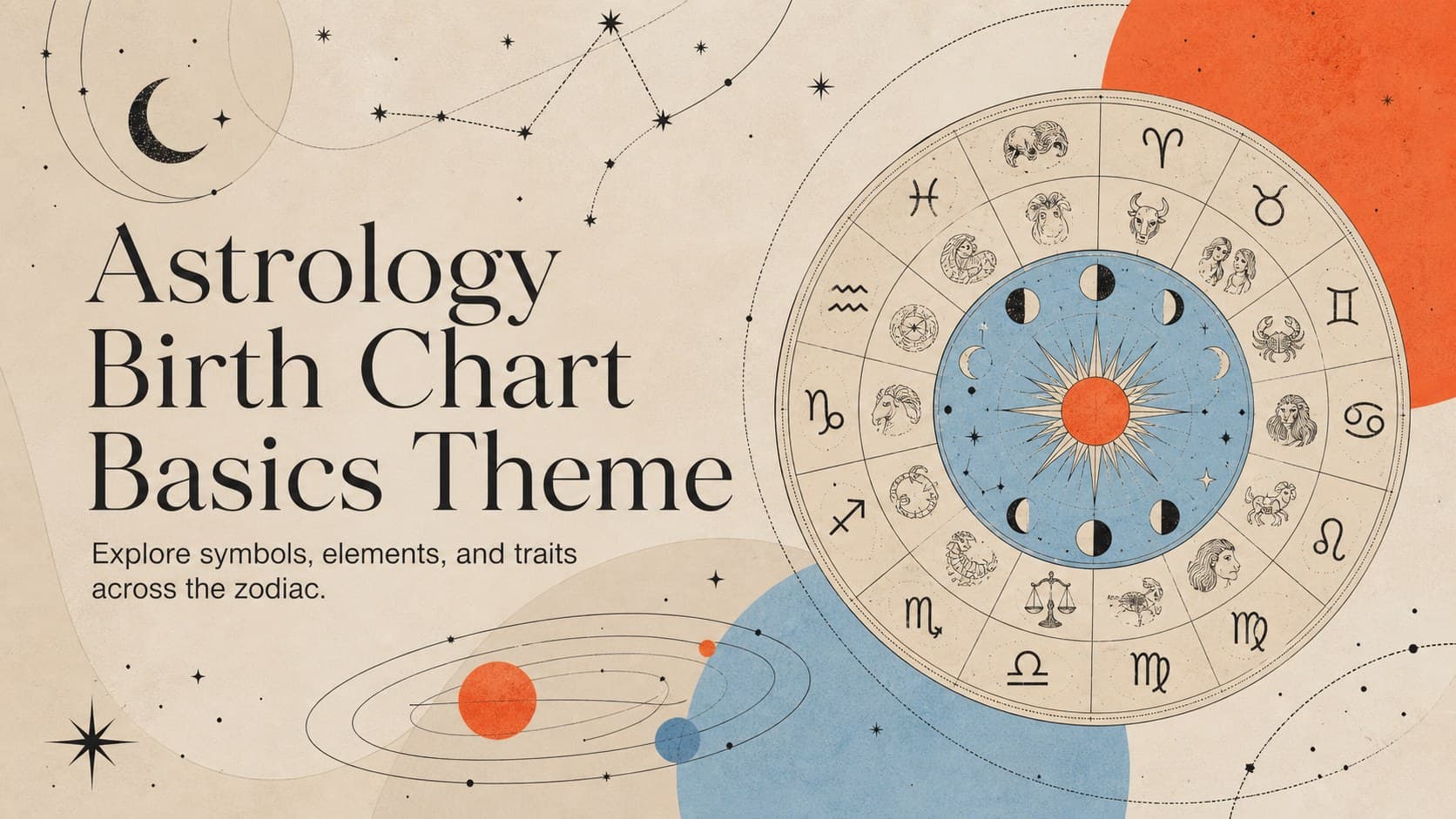
14Teach the zodiac with an astrology birth chart basics theme featuring 14 editable, illustrated slides for PowerPoint and Google Slides in cosmic colors.