
 15
15presentation
Flying Saucer History Lesson Deck
Build an engaging World UFO Day session with this flying saucer history lesson deck, featuring retro green-and-brown slides for PowerPoint and Google Slides.
Google SlidesPowerPoint
presentation · English
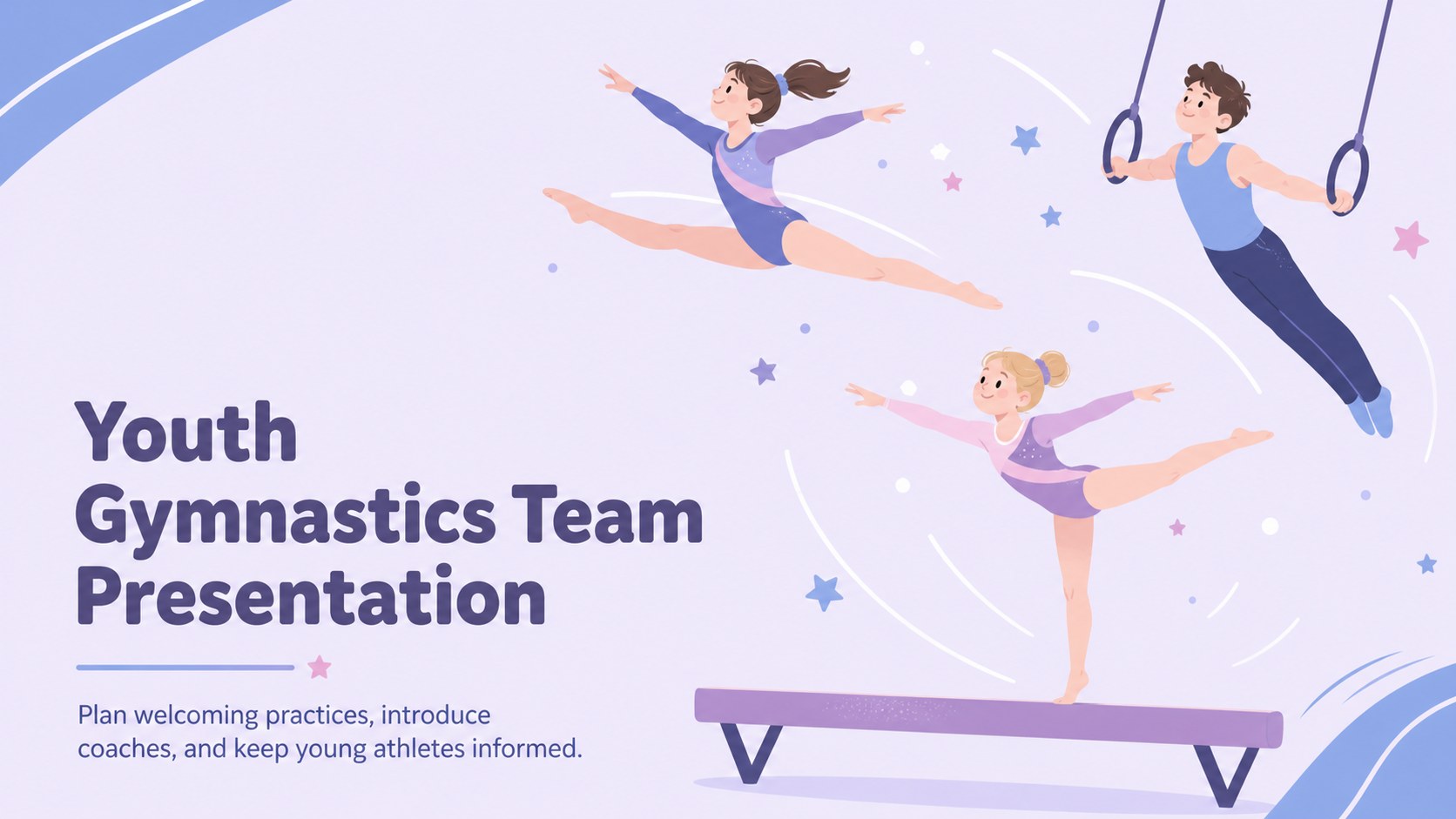
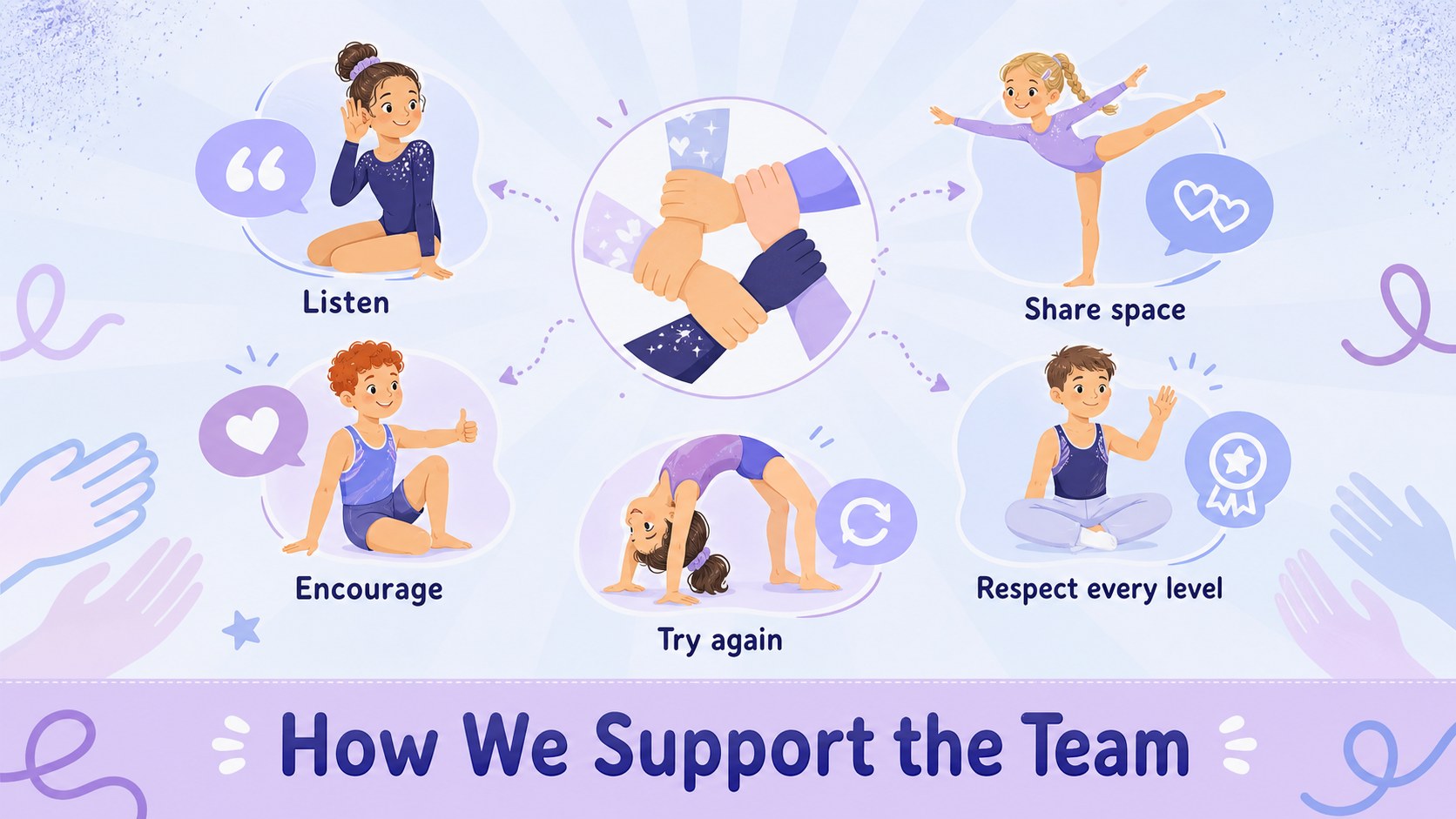
Build an upbeat club welcome with this youth gymnastics team presentation, featuring pastel blue-purple illustrations for PowerPoint and Google Slides.
Design notes
Bring structure and enthusiasm to your next club gathering with this youth gymnastics team presentation. Soft blue and purple tones, lively original athlete illustrations, and approachable layouts create a welcoming setting for students, families, coaches, and school staff. Use it as a school gymnastics presentation template for recruitment events, parent orientations, or the first practice of a new term.
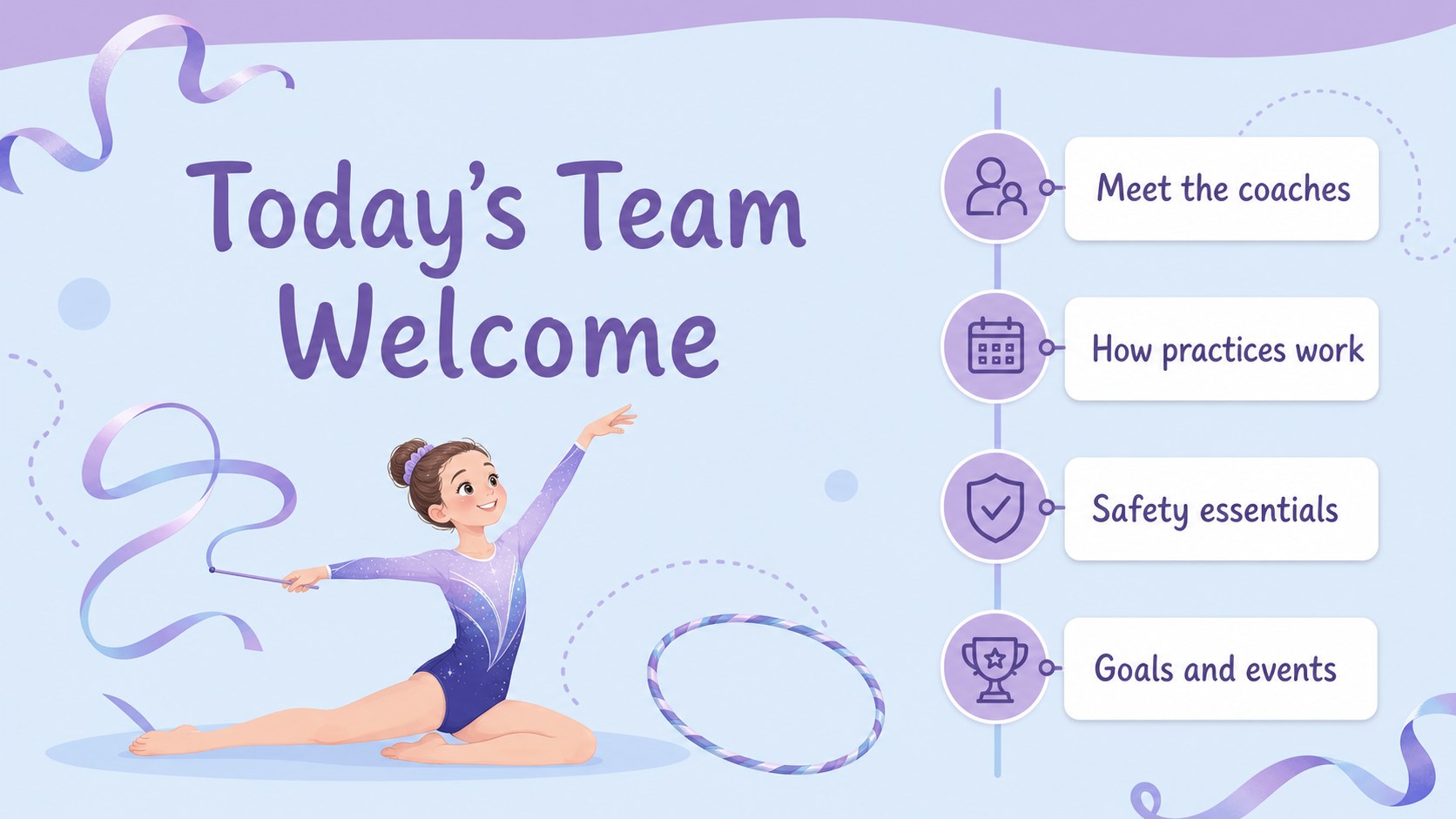
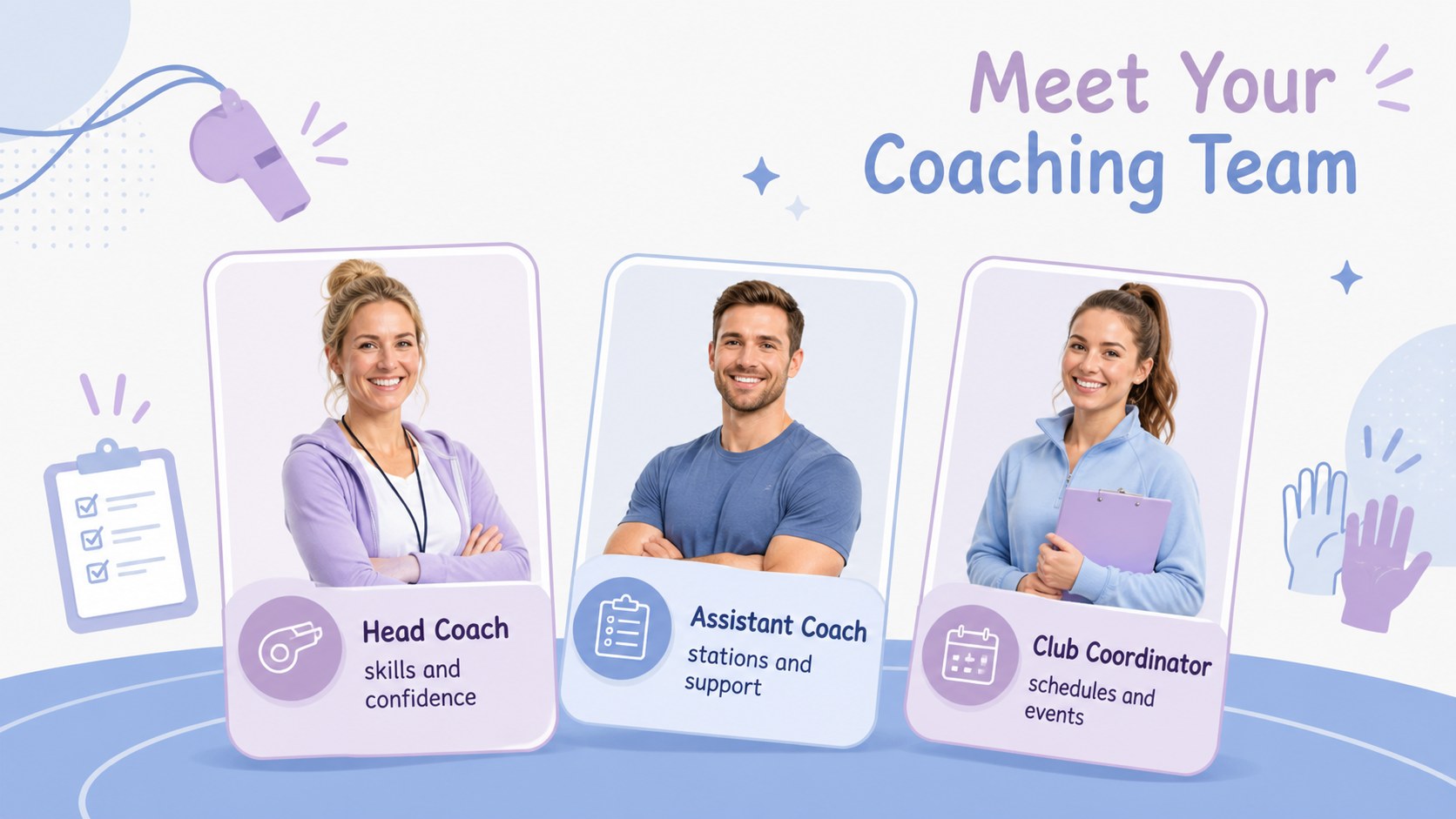
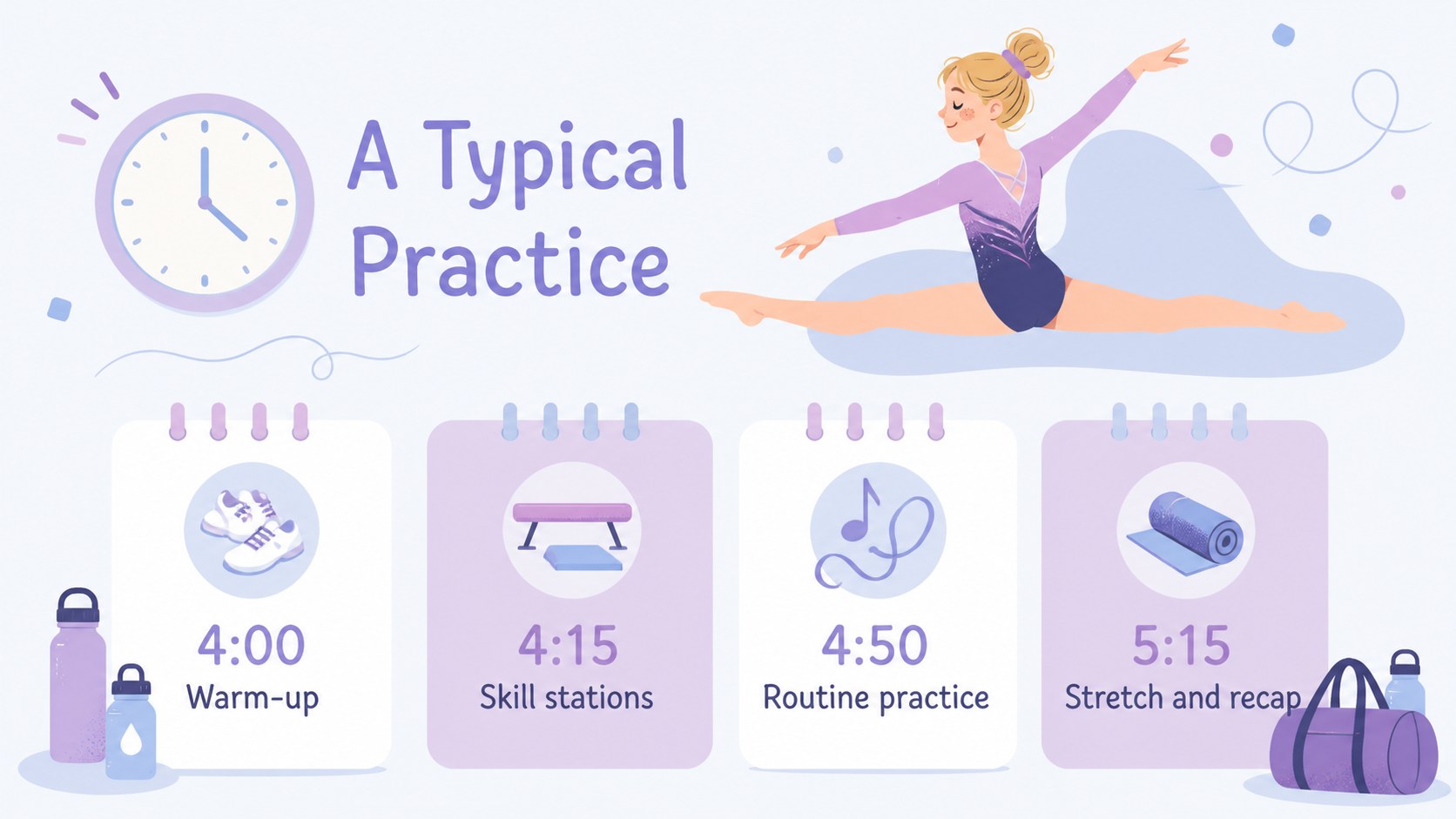
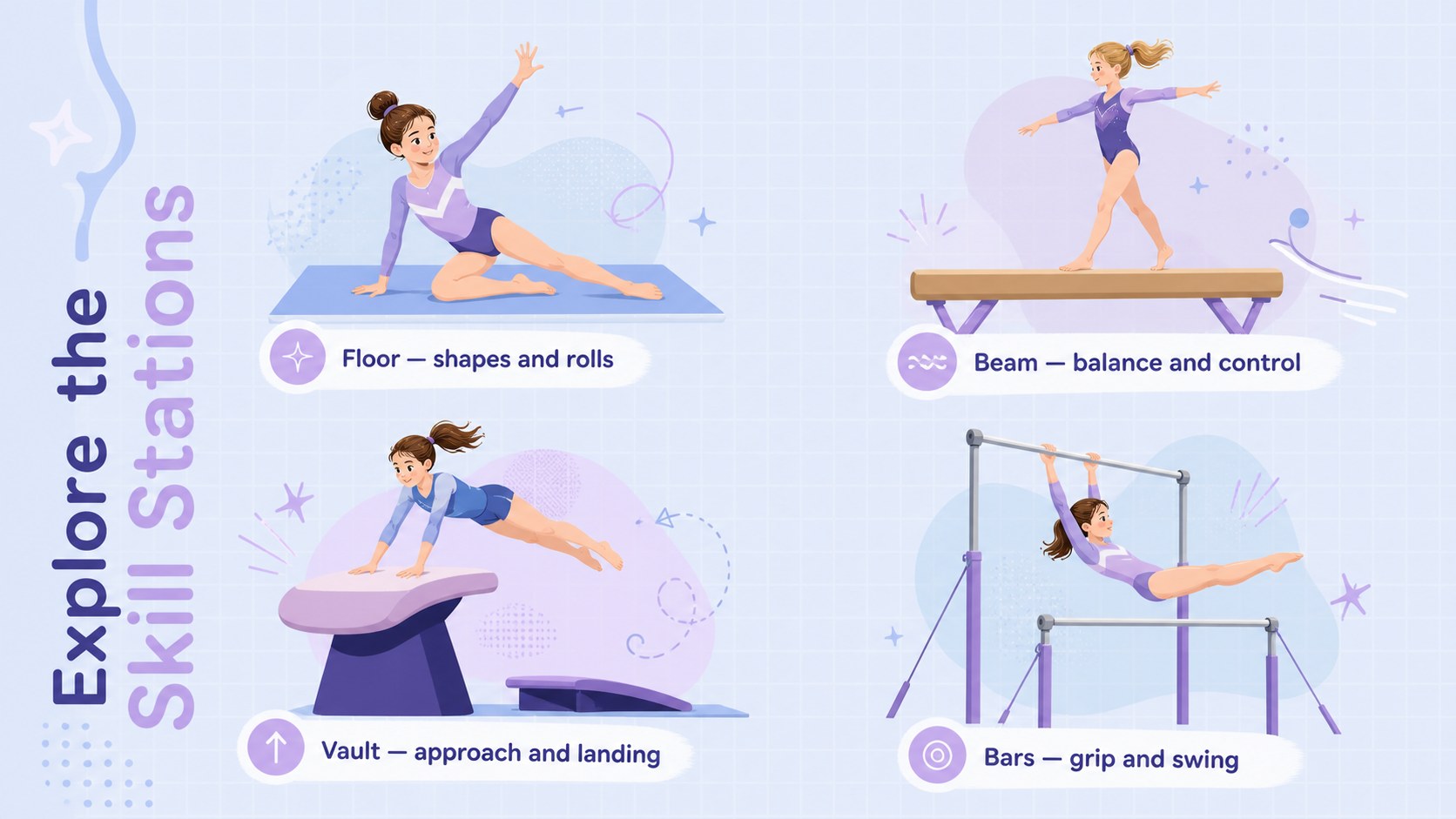
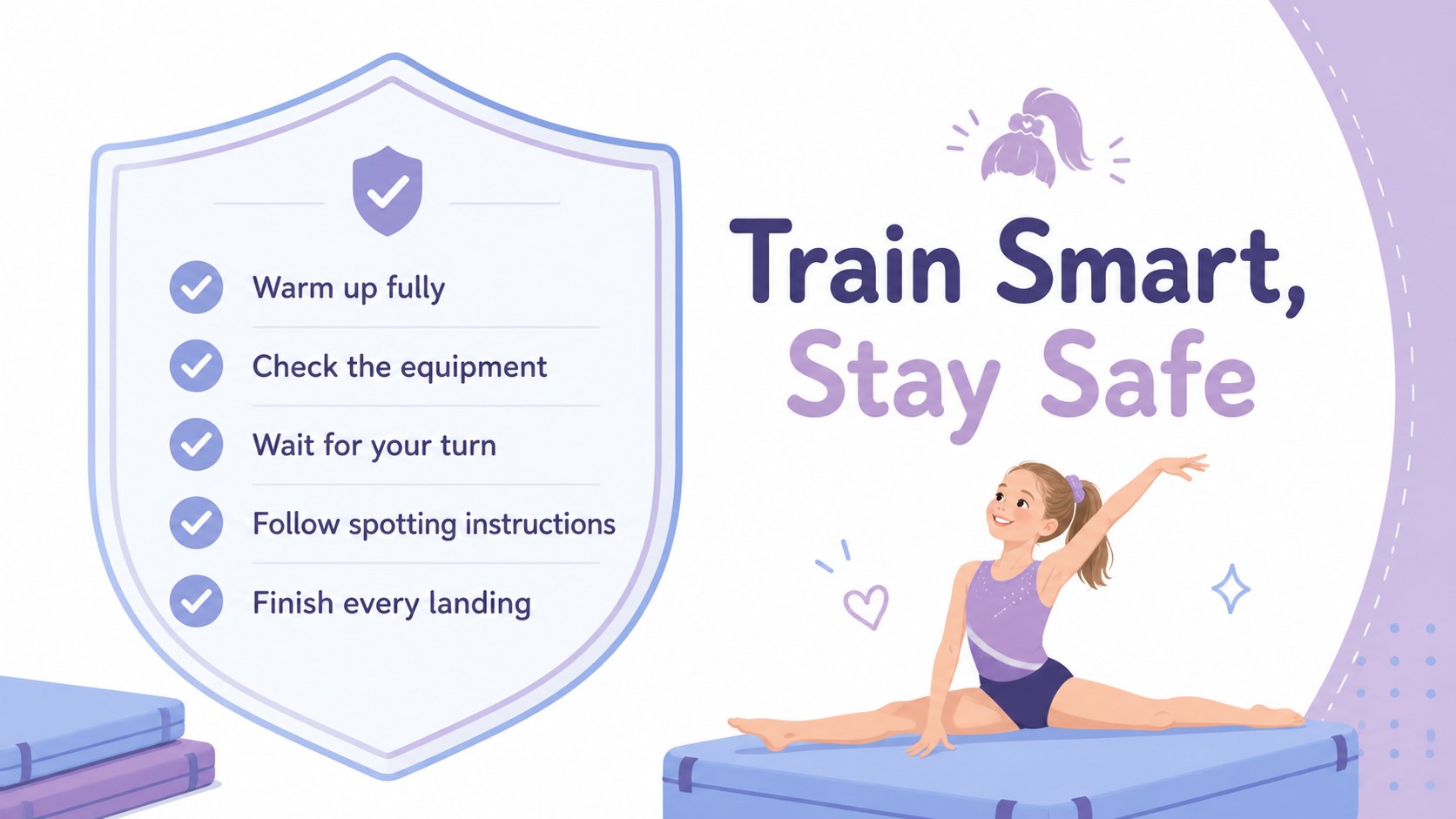
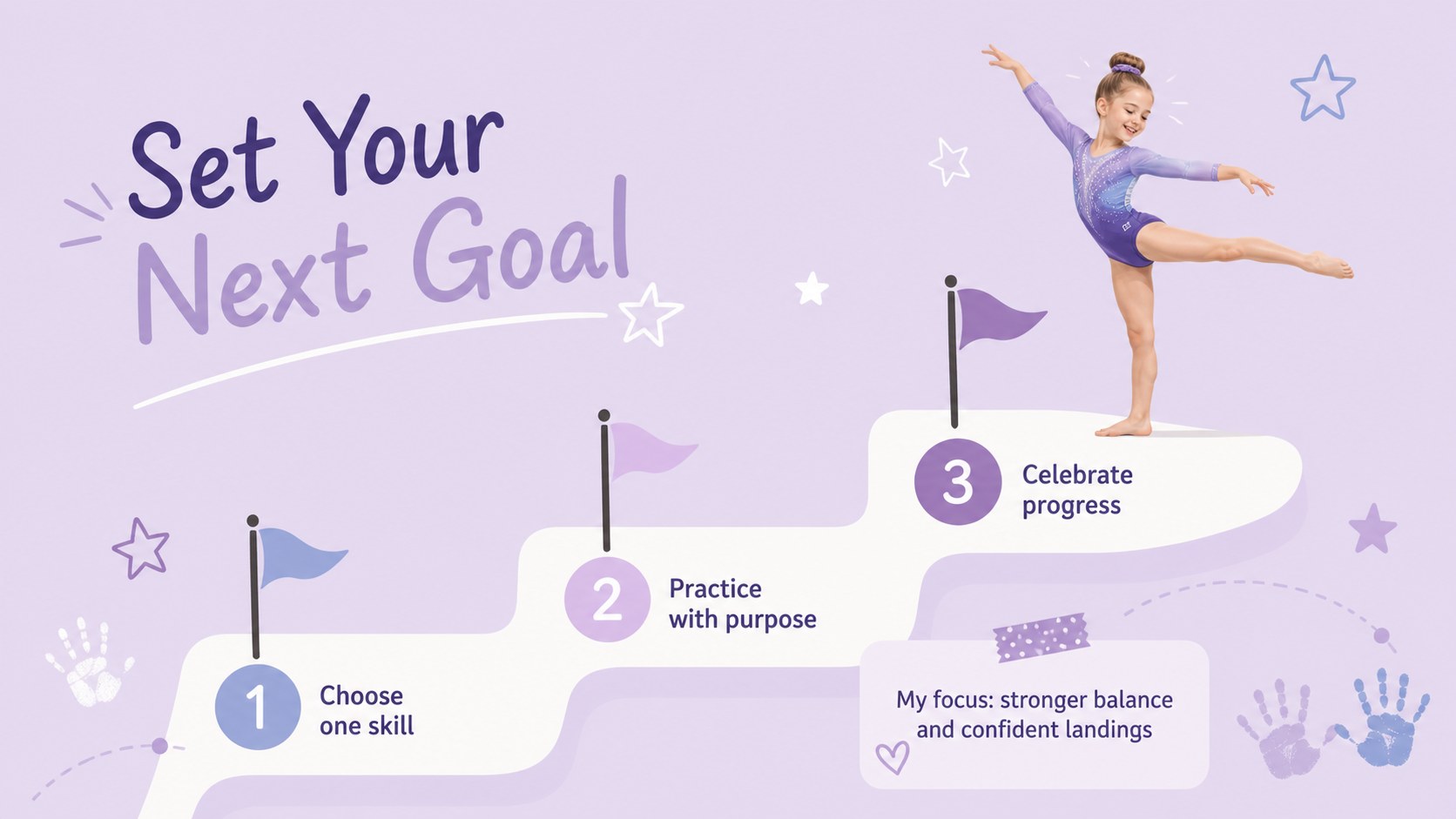
The deck includes layouts for introductions, coaching staff, practice expectations, weekly schedules, apparatus stations, safety reminders, athlete goals, event preparation, progress highlights, and questions. Flexible text areas and visual planning pages make these gymnastics club meeting slides easy to adapt for different age groups and skill levels. Charts, timelines, checklists, and photo placeholders help turn important information into clear, memorable takeaways.
Designed for PowerPoint and Google Slides, this youth fitness presentation deck can be customized with your team name, session dates, photographs, colors, and activity details. It suits school activity coordinators, physical education teachers, community coaches, and youth program leaders who need a cheerful but organized way to communicate. Whether you are welcoming beginners, outlining a training cycle, or preparing families for a showcase, the slides keep the focus on confidence, movement, safety, and teamwork.
Perfect for: new member club orientation; parent information evening; weekly practice briefing; gymnastics safety lesson; school activity recruitment; team showcase preparation.
Frequently asked questions
Can I edit the team name and practice information? Yes. Replace the sample wording with your club name, coach details, session times, safety rules, and event dates using the standard editing tools in the supported presentation software.
Practical details
Yes. Replace the sample wording with your club name, coach details, session times, safety rules, and event dates using the standard editing tools in the supported presentation software.
The deck is designed for Microsoft PowerPoint and Google Slides. Layouts, text, colors, and illustrations can be adjusted in either platform.
Yes. Customize the apparatus, goals, practice plans, and terminology for beginners, recreational groups, or developing competitive athletes. You can also duplicate or remove layouts to fit the length of your session.
Update the theme colors while keeping enough contrast between text and backgrounds. Photographs, logos owned by your organization, and team-specific graphics can also be added to the designated visual areas.
Keep exploring
15Build an engaging World UFO Day session with this flying saucer history lesson deck, featuring retro green-and-brown slides for PowerPoint and Google Slides.
 15
15Plan a lively animal-learning journey with this jungle zoo adventure lesson deck, ready to customize in PowerPoint and Google Slides for young learners.
 16
16Turn environmental research into a clear story with a Watercolor Ecology Presentation Theme for PowerPoint and Google Slides in calming green and blue.
 16
16Build focused fashion, literature, and humanities presentations with the Red Triangle Editorial Theme, editable in PowerPoint and Google Slides.
 15
15Turn streaming stats, favorite tracks, and concert highlights into a bold annual listening recap slide deck for PowerPoint and Google Slides.
 15
15Turn highlights, milestones, and favorite moments into a colorful year in review slide deck with bold 3D graphics for PowerPoint and Google Slides.
 3
3Build a credible endorsement with Standout Colleague Recommendation Letter Slides, featuring colorful prompts for skills, achievements, and team impact.
 4
4Build clear beginner sessions with an ice hockey fundamentals training deck for coaches, PE teachers, and clubs, ready for PowerPoint and Google Slides.